

PhotoGPT AI
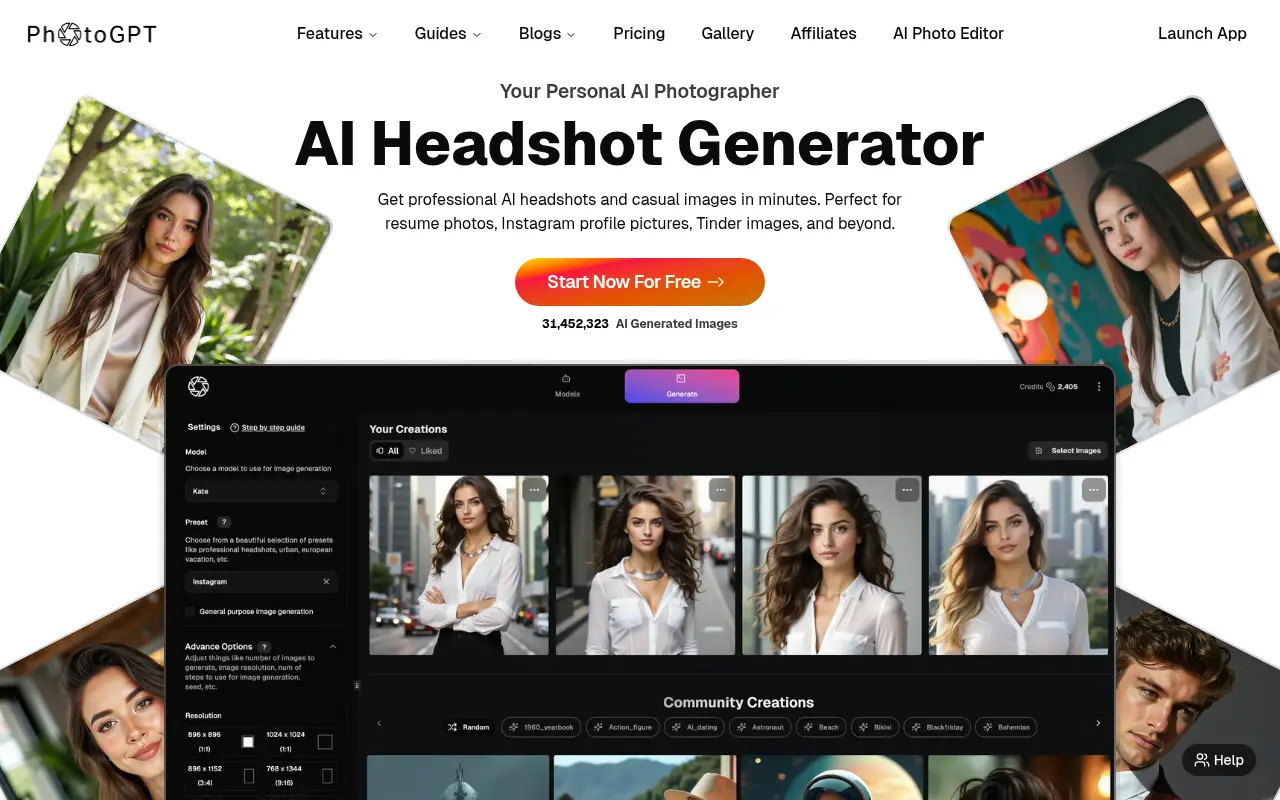
What is PhotoGPT AI?
PhotoGPT AI is an innovative AI-powered platform designed to generate highly realistic and personalized visuals. By uploading a small batch of selfies, users can train a custom AI model that understands their unique facial features, angles, and personal style. The tool is primarily geared towards professionals, content creators, and businesses looking to produce studio-quality images without the logistical hassles of a traditional photoshoot. Beyond personal avatar creation, it offers a robust suite of image editing tools, upscaling, and prompt assistance to bring varied creative concepts to life. Ultimately, it empowers users to maintain a professional digital presence while saving both time and financial resources.
How to use PhotoGPT AI?
To get started with PhotoGPT AI, users first upload 12-15 high-quality selfies or product photos to train their personal AI model. Once the training is complete, users can either select from over 100 expert-curated presets or use the Groq-powered AI Prompt Assistant to accurately describe their desired scene. Finally, by clicking generate, the AI produces realistic images that can be further refined, retouched, or upscaled using the built-in photo editing tools.
PhotoGPT AI's Core Features
Personal AI Model: Train a custom AI photographer with your selfies to generate consistent and realistic character images.
AI Prompt Assistant: Get context-aware prompt suggestions powered by Groq to shape your ideas into stronger visual results.
Advanced Photo Editor: Remove objects, fix shadows, adjust lighting, and blur backgrounds seamlessly in a single click.
Image Upscaler: Enhance and upscale standard resolution images into detail-rich, professional-quality visuals.
Text-in-Image: Add and customize text layers, fonts, and 3D effects directly within your generated images.
Style Transfer & Image Guidance: Upload a reference photo to precisely replicate specific styles, poses, or attires.
Virtual Try-On: Act as a personal AI wardrobe to easily visualize different clothing items and styles on your custom model.
PhotoGPT AI's Use Cases
- #1
Generating high-quality professional headshots for LinkedIn, resumes, and corporate profiles.
- #2
Creating cohesive and dynamic product photography with varied backgrounds and lighting.
- #3
Designing engaging social media posts and YouTube thumbnails with integrated text.
- #4
Producing personalized lifestyle, fitness, and glamour portraits for influencers and branding.
- #5
Digitally trying on outfits using the virtual wardrobe and style transfer features.
- #6
Enhancing and upscaling standard resolution images into high-quality visuals for print or digital media.
Frequently Asked Questions
Analytics of PhotoGPT AI
Monthly Visits Trend: Jun 2025 - Aug 2026
Traffic Sources
AI Channel Traffic Trends
Top Regions
| Region | Traffic Share |
|---|---|
| India | 22.27% |
| United States | 18.39% |
| Germany | 4.23% |
| Indonesia | 4.01% |
| United Kingdom | 3.58% |
Top Keywords
| Keyword | Traffic | CPC |
|---|---|---|
| photogpt | 1.7K | $0.19 |
| ai bikini generator | 1.9K | $0.47 |
| cy-borg character image generator | 430 | -- |
| ai prompts for dating app photos | 240 | -- |
| ai picture of me | 310 | $1.50 |
Alternative of PhotoGPT AI
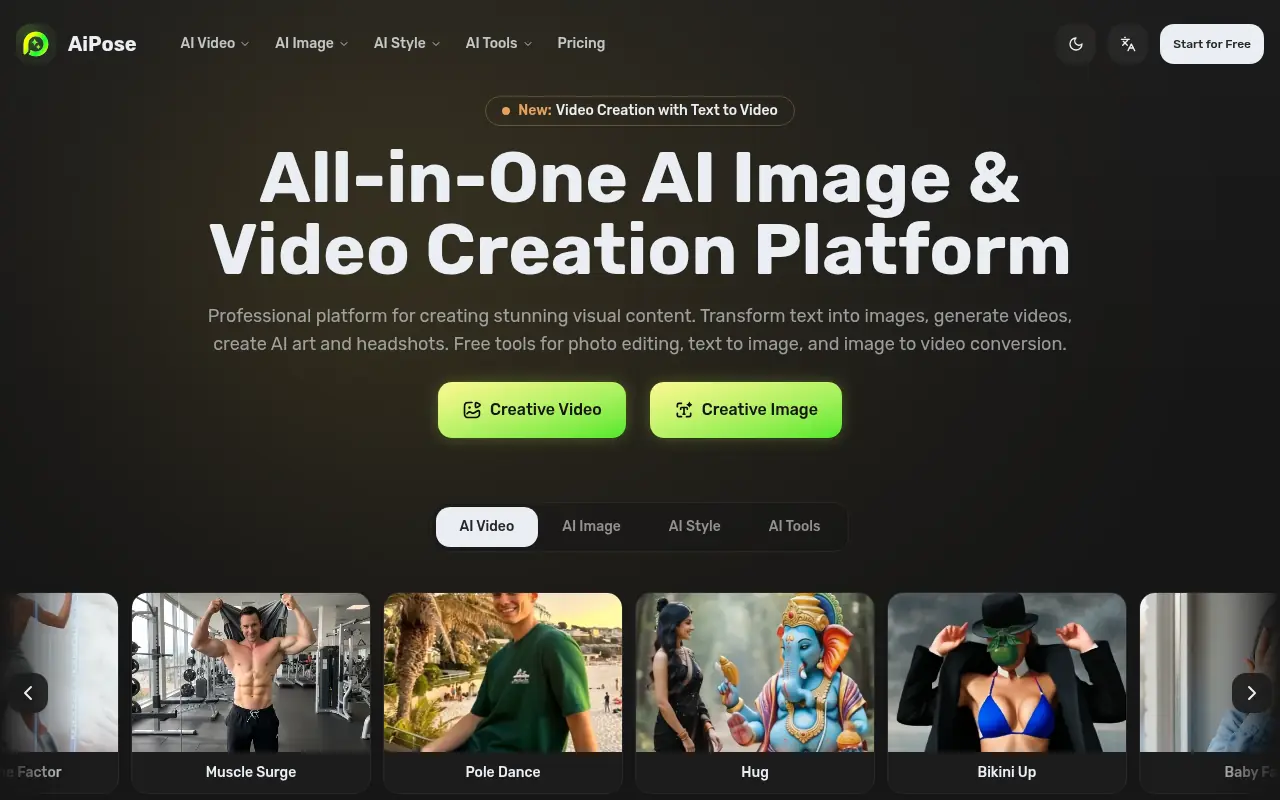

AiPose
An all-in-one AI platform for generating and editing images and videos, featuring tools for text-to-video, body modifications, and artistic style transfers.
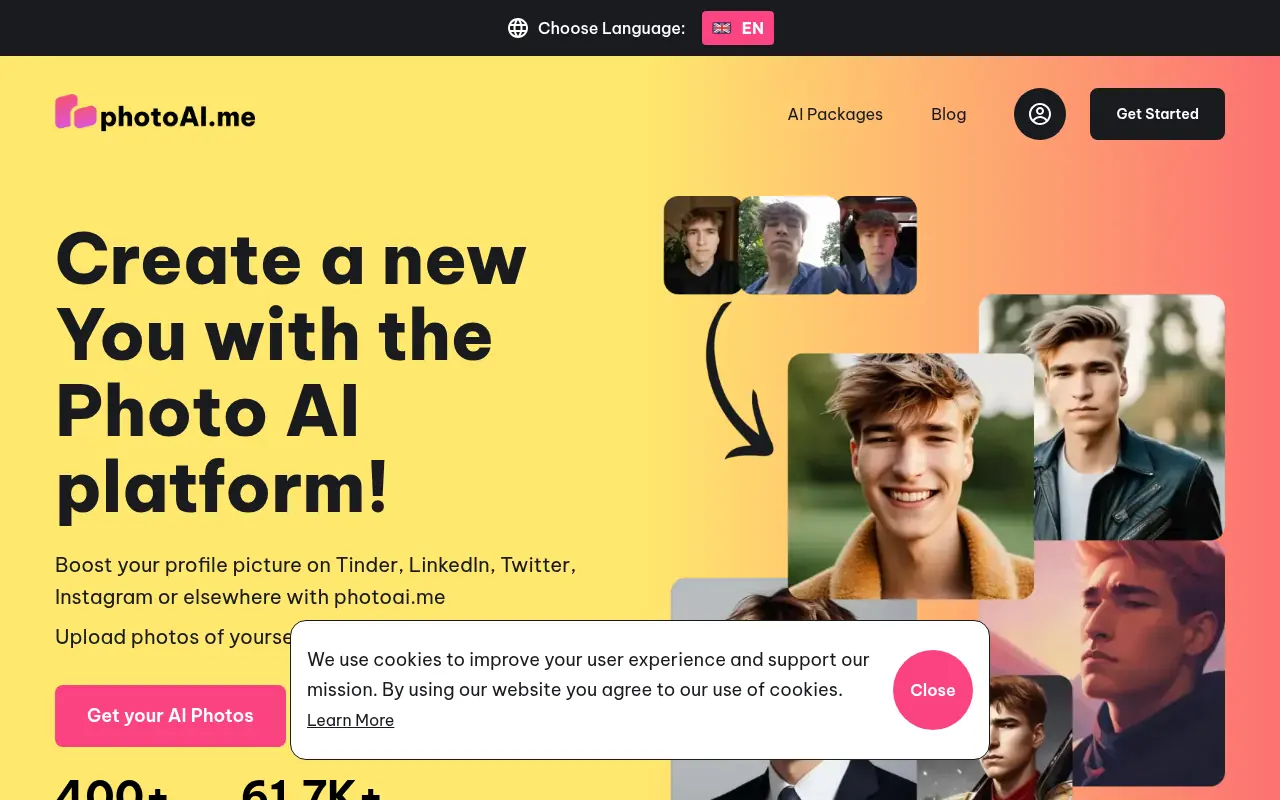

PhotoAI
PhotoAI generates personalized AI-powered photos and headshots for social media and professional use.
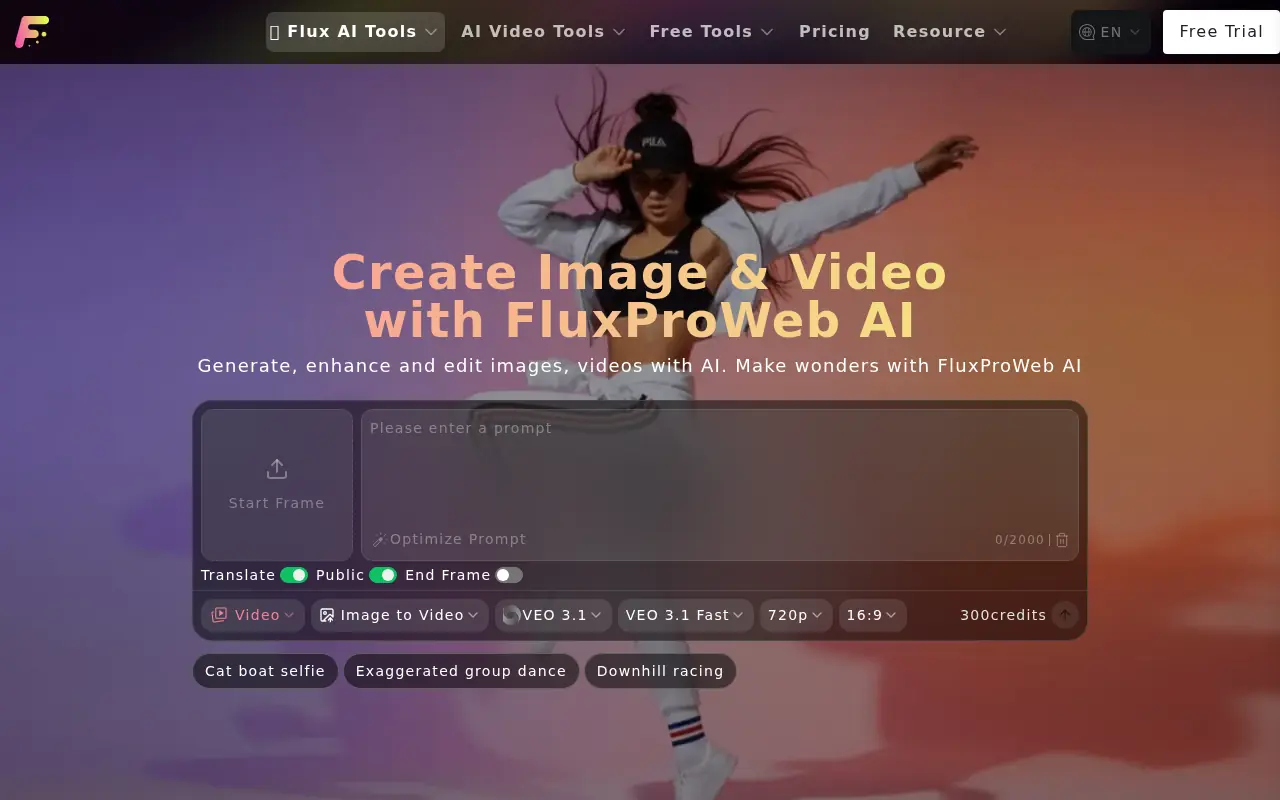

FluxProWeb
FluxProWeb is a comprehensive AI platform providing advanced text-to-image and video generation tools powered by top-tier models like Flux.1, Nano Banana, and Seedream.
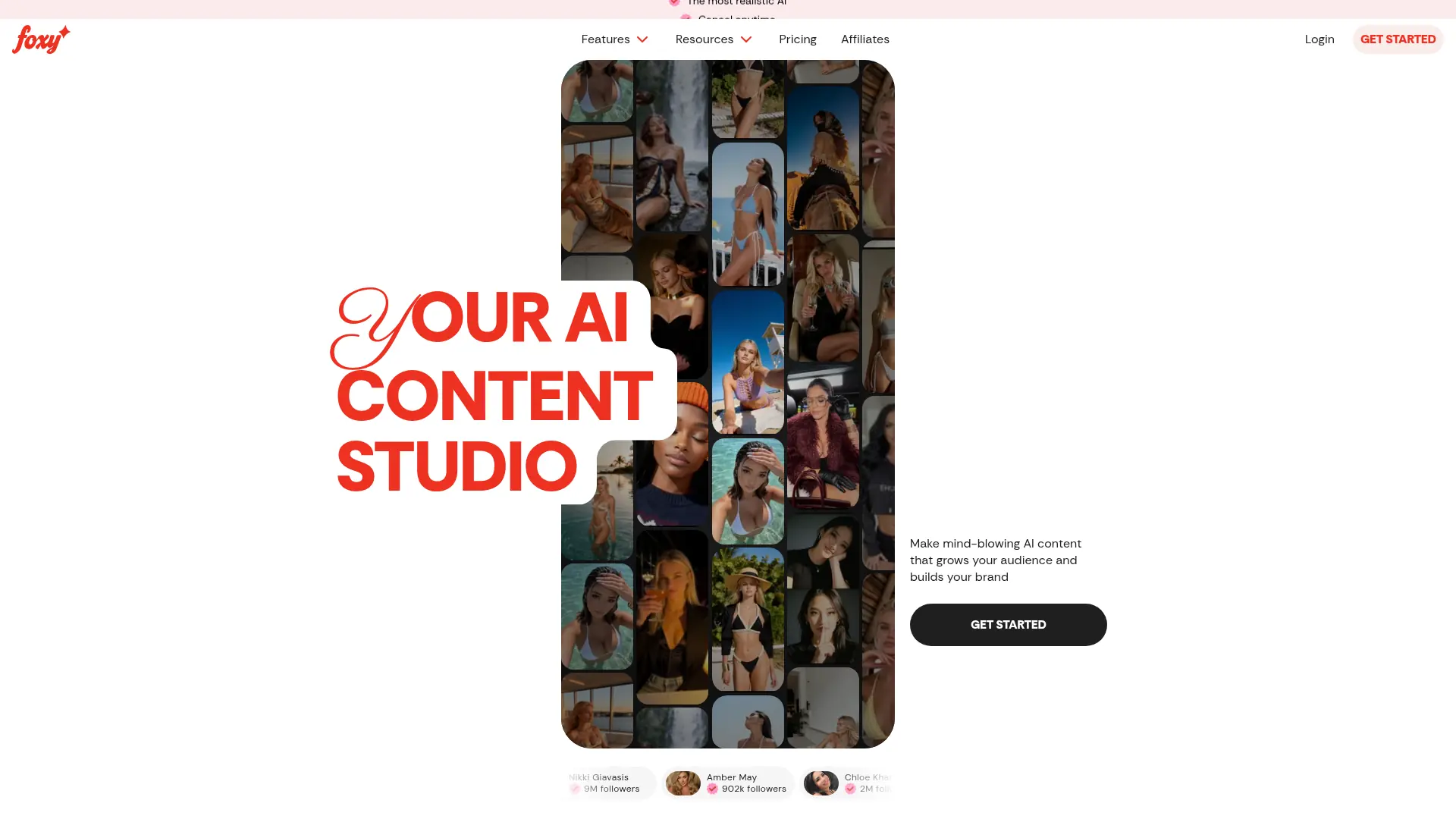

Foxy AI
Foxy AI is an AI content studio that empowers creators and brands to generate consistent, photorealistic images and videos using personalized digital doubles.
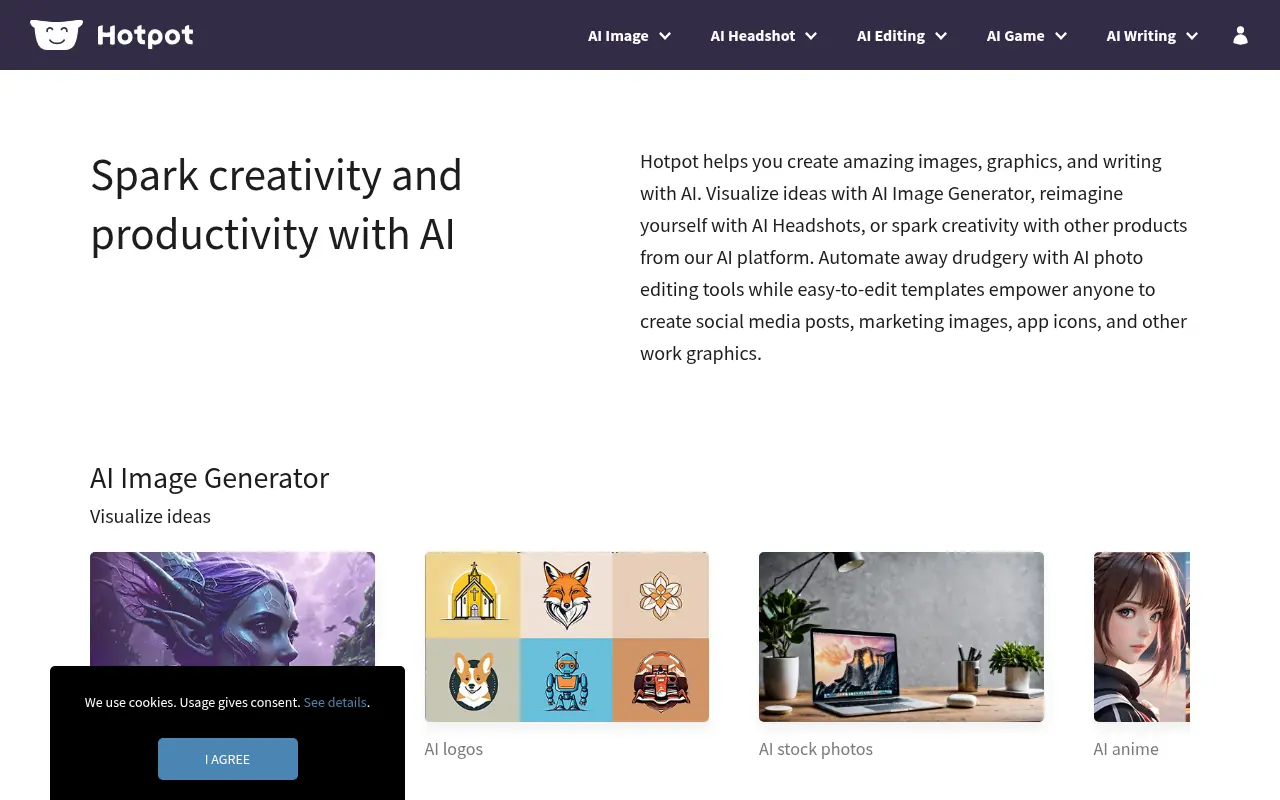

Hotpot.ai
Hotpot.ai is an AI-powered platform for creating and enhancing images, graphics, and written content to boost creativity and productivity.
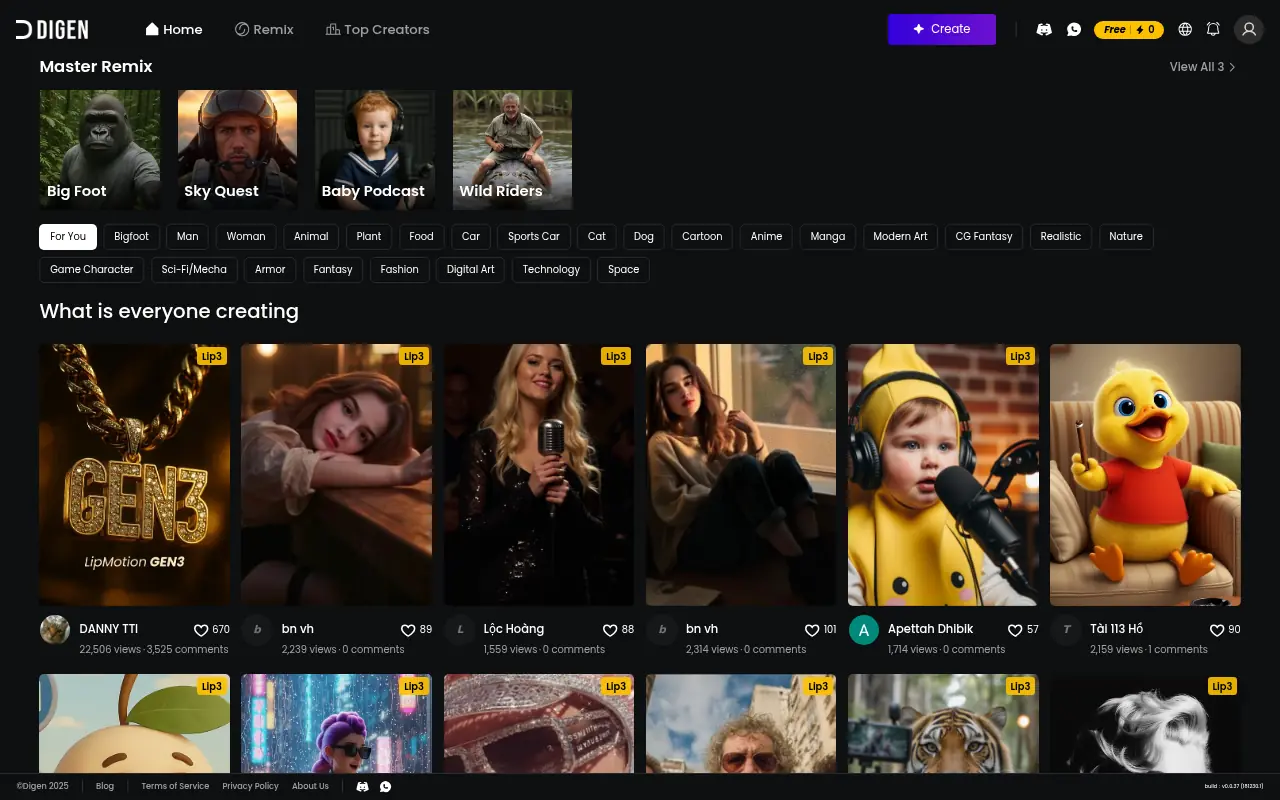

Digen AI
Digen AI is an AI-powered platform that generates professional product images for e-commerce businesses, simplifying photography needs.
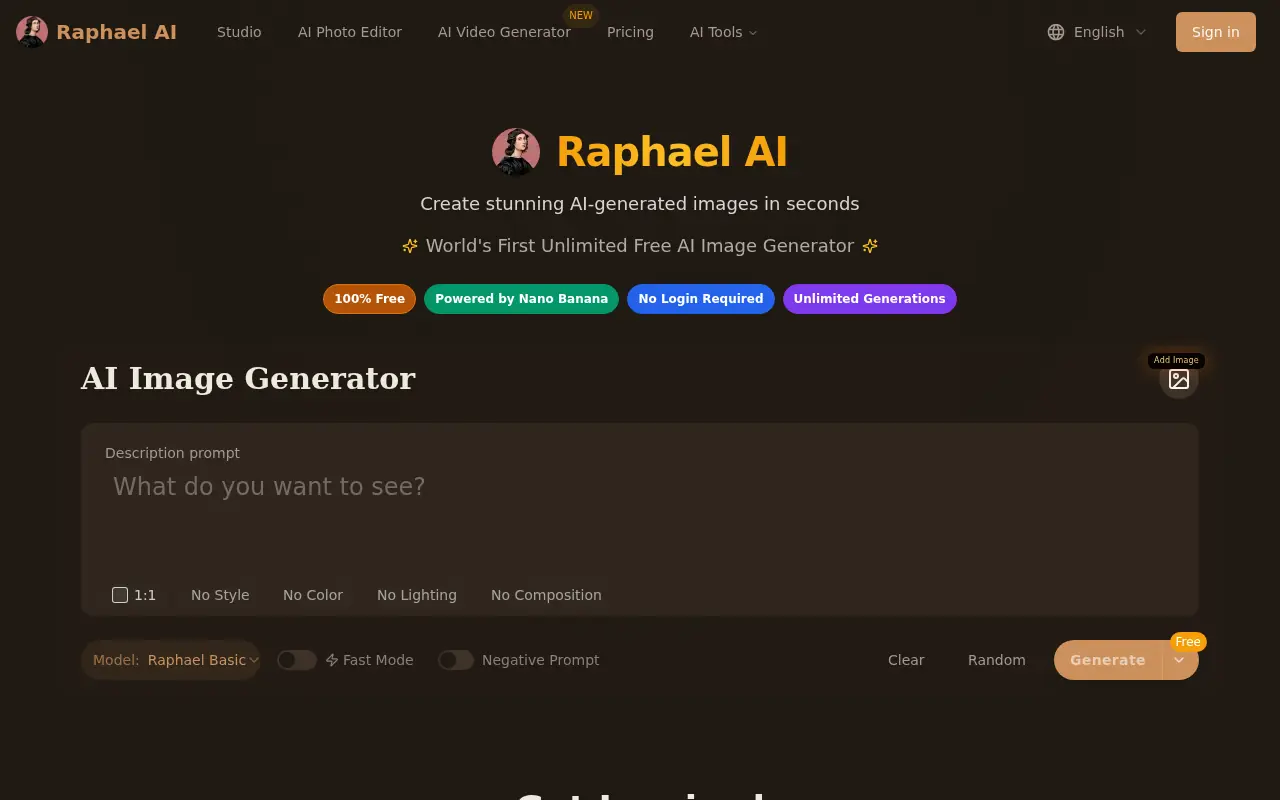

Raphael AI
A completely free and unlimited AI image generator that creates high-quality visuals from text prompts without requiring user registration.

iStock
iStock is a leading digital media platform providing high-quality, royalty-free stock photos, illustrations, videos, and AI-generated imagery for creative projects.