

Pencil
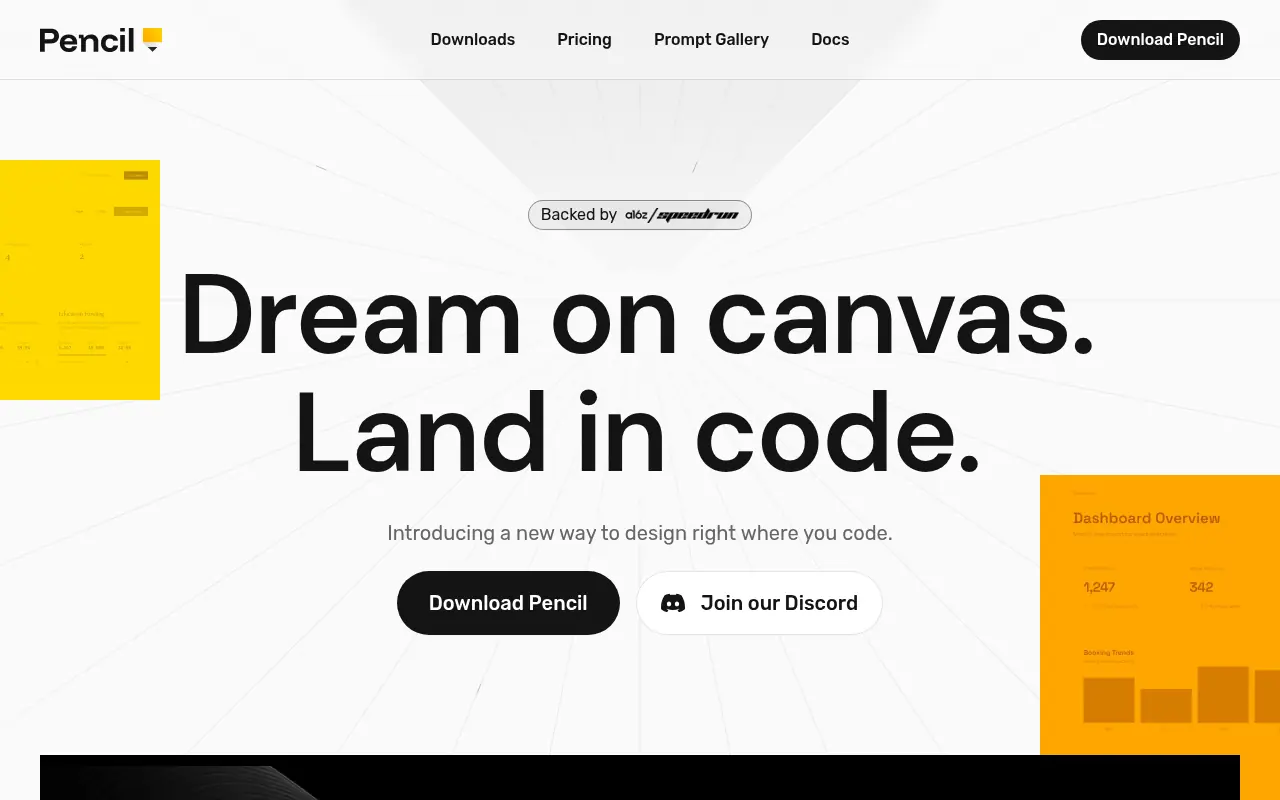
What is Pencil?
Pencil is a developer-centric design platform that integrates an infinite vector canvas directly into IDEs like VS Code and Cursor, bridging the gap between design and engineering. Its mission is to eliminate the friction of traditional design handoffs by treating design files as code artifacts that live directly in your Git repository. The platform allows users to generate pixel-perfect UI components using AI prompts, import designs from Figma, and manually edit visuals that instantly compile into clean HTML, CSS, or React code. By synchronizing design and development in a single workflow, Pencil empowers developers to build interfaces visually without leaving their coding environment. It supports the Model Context Protocol (MCP), enabling seamless integration with AI agents for 'vibe coding' and rapid prototyping.
How to use Pencil?
To use Pencil, install the extension for VS Code or Cursor, or download the macOS desktop application. After installation, authenticate with the Claude Code CLI to enable AI capabilities. Create a new file with the `.pen` extension in your project to open the infinite design canvas. You can then use natural language prompts to generate UI layouts, import existing designs from Figma via copy-paste, or manually draw elements using the vector tools, all of which automatically generate the corresponding production-ready code.
Pencil's Core Features
Embeds a full-featured infinite vector design canvas directly into your IDE.
Generates production-ready HTML, CSS, and React code in real-time.
Supports bi-directional editing where code changes update the design and vice versa.
Allows direct copy-paste of vector assets and layouts from Figma.
Integrates with the Model Context Protocol (MCP) for AI agent assistance.
Stores design files locally as `.pen` files for full Git version control.
Provides a familiar interface with layers, constraints, and property panels.
Enables AI-driven creation of complex components and screens from text prompts.
Compatible with VS Code, Cursor, and Windsurf IDEs.
Includes a standalone desktop application for macOS users.
Pencil's Use Cases
- #1
Rapidly prototyping UI components directly within VS Code or Cursor.
- #2
Converting Figma designs into clean React code by copying and pasting.
- #3
Bridging the workflow gap between designers and developers with a single source of truth.
- #4
Generating entire landing pages or component libraries using AI prompts.
- #5
Visual debugging of UI elements while maintaining code synchronization.
- #6
Implementing 'vibe coding' workflows where intent translates directly to interface.
- #7
Managing design versions alongside code using Git.
Frequently Asked Questions
Analytics of Pencil
Monthly Visits Trend: Jun 2025 - Aug 2026
Traffic Sources
AI Channel Traffic Trends
Top Regions
| Region | Traffic Share |
|---|---|
| United States | 7.13% |
| Brazil | 6.78% |
| Russia | 6.33% |
| Indonesia | 5.48% |
| Singapore | 5.26% |
Top Keywords
| Keyword | Traffic | CPC |
|---|---|---|
| pencil | 113.4K | $0.64 |
| pencil dev | 5.0K | $2.16 |
| pencil design | 2.8K | $1.07 |
| pencil mcp claude code | 690 | -- |
| pencil ai | 8.8K | $3.16 |
Alternative of Pencil
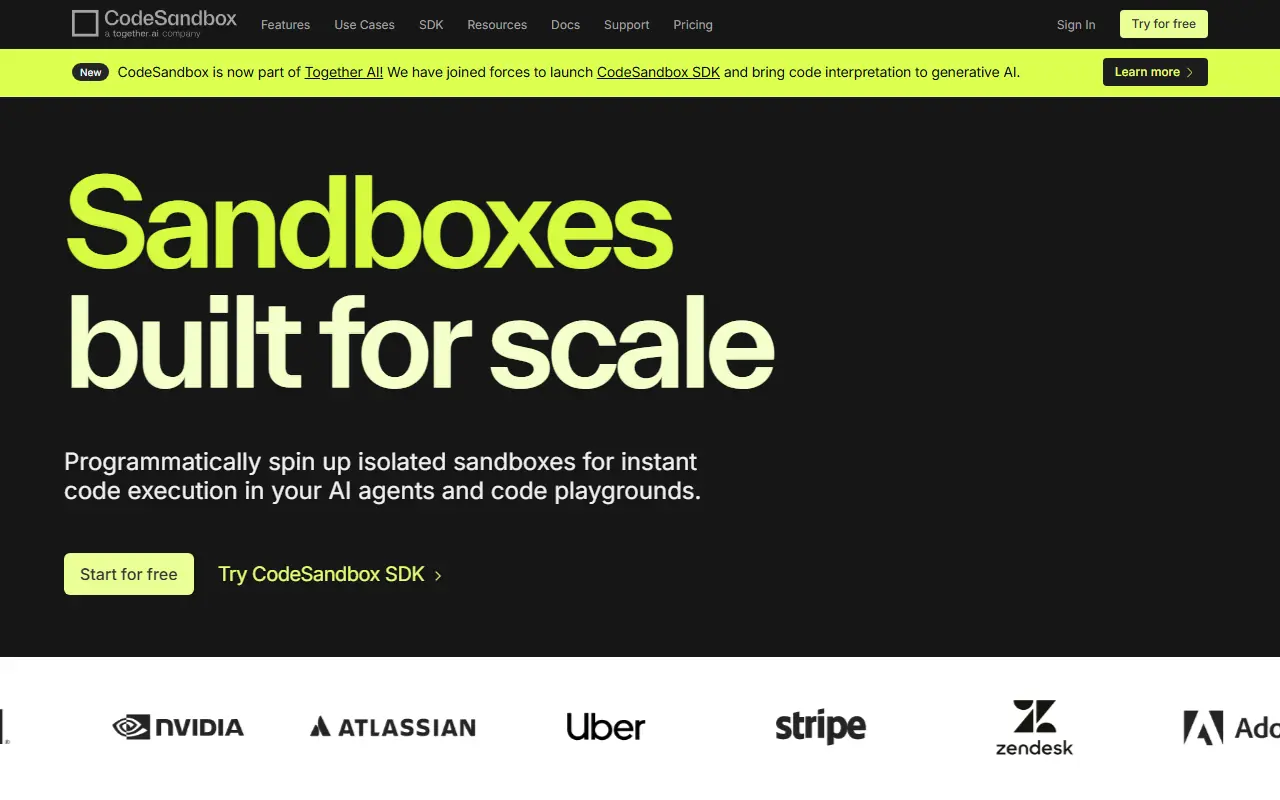

CodeSandbox
CodeSandbox is a cloud-based development platform that enables developers to code, collaborate, and ship web applications of any size from any device in record time.
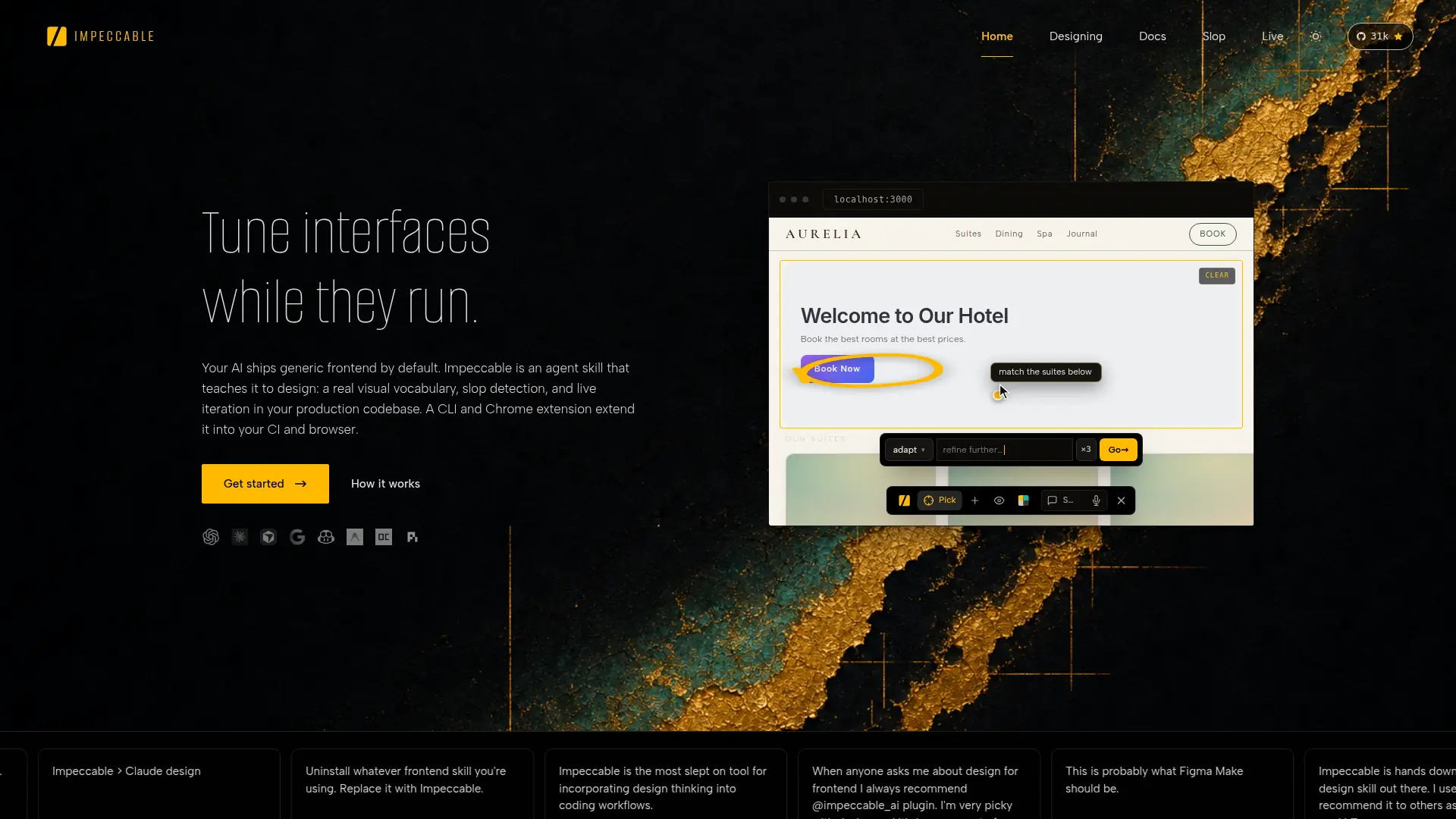

Impeccable
Impeccable bridges the design vocabulary gap for developers, transforming generic AI-generated interfaces into premium, production-ready UIs through targeted commands and strict anti-patterns.
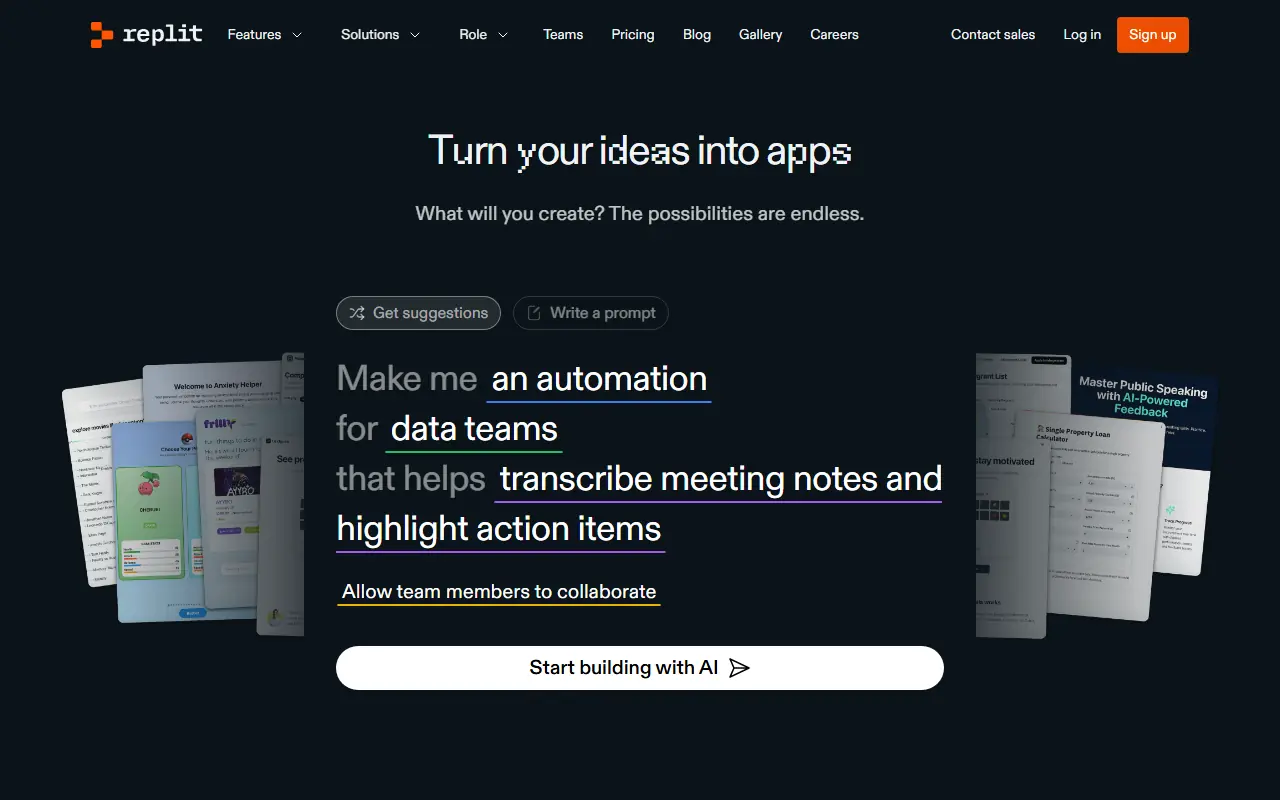

Replit
Replit is an AI-powered online platform for coding, collaborating, and deploying software in various programming languages directly from the browser.

Vercel
Vercel is a comprehensive cloud platform for developers to build, scale, and secure modern web applications and fast static websites effortlessly.

Pulumi
Pulumi is a cloud engineering platform that enables teams to define, deploy, and manage cloud infrastructure using familiar programming languages and modern software practices.

LangChain
LangChain is an open-source framework for building applications powered by large language models with modular components and comprehensive development tools.

Pi
Pi is a highly secure, terminal-first AI coding agent designed for custom workflows, local orchestration, and strict data compliance without a SaaS backend.
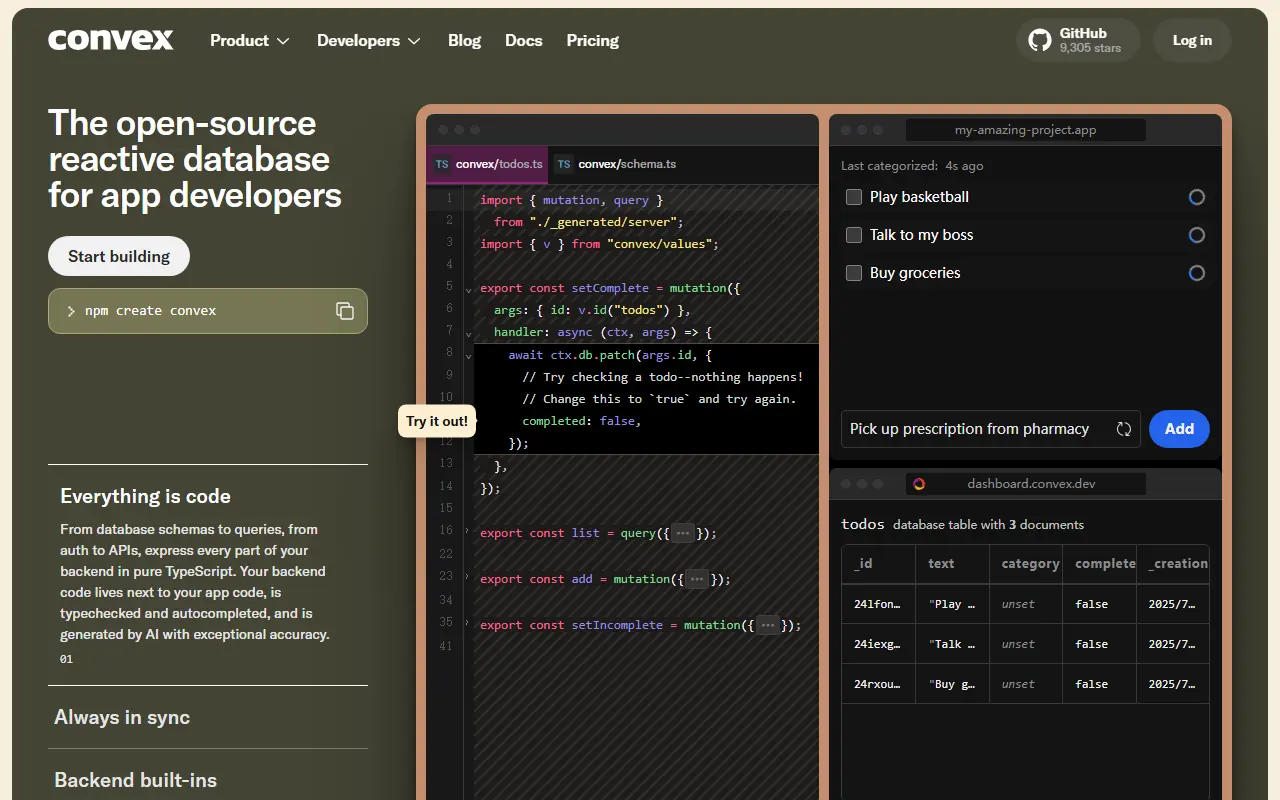

Convex
Convex is an open-source reactive database and backend platform for building real-time, full-stack web and mobile applications.