

LivePhoto.video
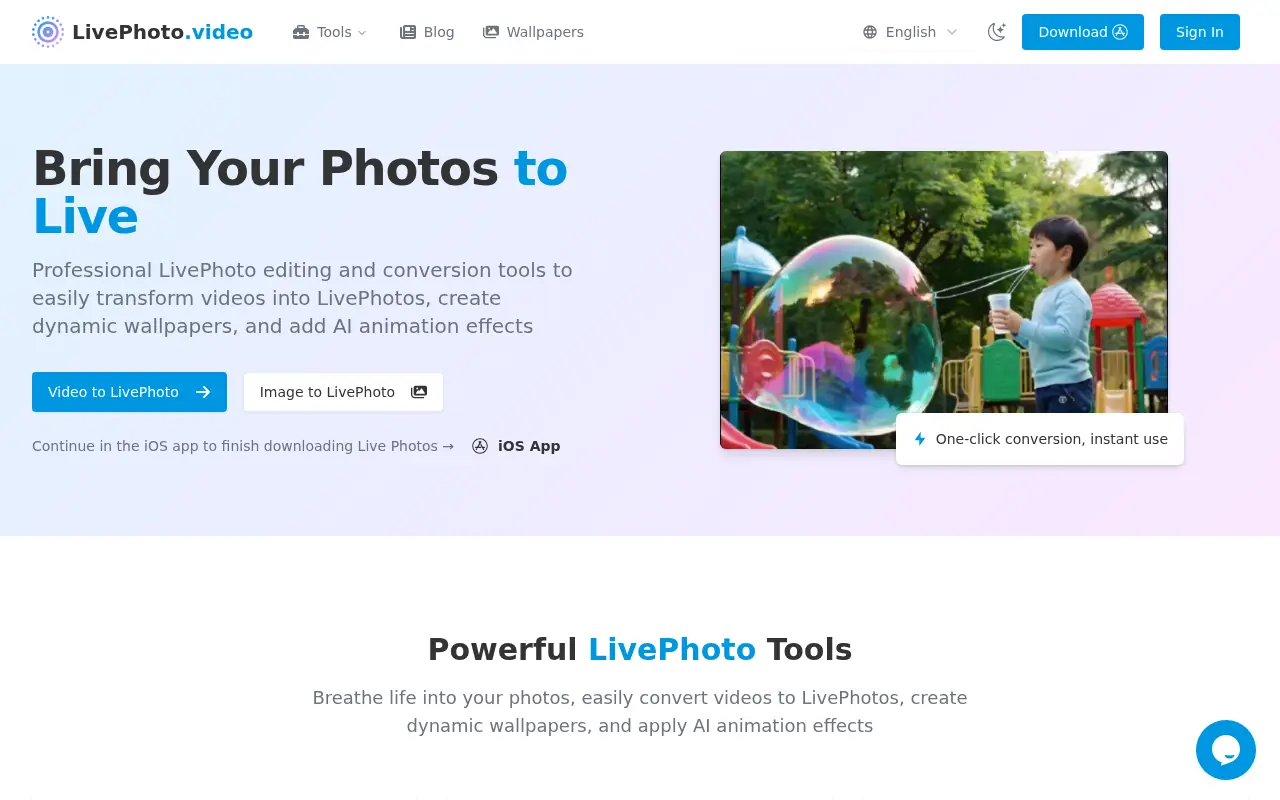
What is LivePhoto.video?
LivePhoto.video is a web-based platform that specializes in converting various media formats into Apple Live Photos and related dynamic content.The website offers professional-grade tools that allow users to transform short video clips into Live Photos—Apple's multimedia format that captures 1.5 seconds of video and audio before and after a still photo—for use as interactive lock screen wallpapers or social media content.Beyond video conversion, the platform provides complementary tools including converting Live Photos to GIFs for social sharing, transforming GIFs back into Live Photos, and using AI technology to add natural animation effects to static photographs.The service is designed for travelers, content creators, photographers, and everyday iPhone users who want to bring movement and life to their digital memories and customize their device displays with dynamic, engaging visuals.
How to use LivePhoto.video?
To use LivePhoto.video, start by accessing the Video to Live Photo converter on the platform.Upload your video file (supporting MP4, MOV, AVI, WebM formats up to 300MB) by dragging and dropping or clicking to browse.Next, trim and adjust your clip by cropping the frame, selecting your preferred aspect ratio, and choosing a background that fits your lock screen layout.Once satisfied with your edits, click 'Convert to Live Photo' and either download the exported clip directly or scan the provided QR code to open the Lively app, where you'll complete the final conversion to create a fully functional Live Photo.After importing and saving in the Lively app, you can set your new Live Photo as a lock screen wallpaper, save it to your photo library, or share it with friends.
LivePhoto.video's Core Features
One-click video to Live Photo conversion supporting multiple formats including MP4, MOV, AVI, and WebM.
Frame cropping, aspect ratio selection, and custom background adjustments for optimal lock screen display.
AI-powered static photo animation that intelligently recognizes subjects and applies natural motion effects.
Live Photo to GIF conversion for easy sharing on social media platforms with quality optimization.
GIF to Live Photo transformation enabling web-sourced animated content as interactive phone wallpapers.
Quality level selection to balance between file size and visual fidelity based on user preferences.
Direct integration with the Lively app for completing the final Live Photo export and iOS recognition.
Audio preservation in converted Live Photos when the original video contains sound.
Social media optimization with one-click sizing adjustments for different platforms and direct sharing options.
Old photo restoration combined with animation effects for revitalizing archived photographs.
LivePhoto.video's Use Cases
- #1
Convert favorite travel video clips into dynamic lock screen wallpapers featuring beaches, mountains, or cityscapes.
- #2
Transform short video moments of special occasions or memories into shareable Live Photos for friends and family.
- #3
Create engaging content by converting Live Photos to GIFs for sharing on social media platforms like Instagram and TikTok.
- #4
Use AI animation effects to bring static landscape or portrait photographs to life without needing to retake the shot.
- #5
Convert old video recordings into Live Photos to preserve and repurpose archival memories in modern format.
- #6
Generate custom animated wallpapers from personal video content like waves, sunsets, or pets for a refreshing daily lock screen experience.
Frequently Asked Questions
Analytics of LivePhoto.video
Monthly Visits Trend: Jun 2025 - Aug 2026
Traffic Sources
Top Regions
| Region | Traffic Share |
|---|---|
| United States | 28.38% |
| Vietnam | 9.06% |
| Philippines | 7.53% |
| Indonesia | 6.74% |
| Brazil | 5.77% |
Top Keywords
| Keyword | Traffic | CPC |
|---|---|---|
| video to live photo | 2.0K | $1.08 |
| 视频转live | 160 | -- |
| mp4 to live photo | 950 | -- |
| 在线转live | -- | -- |
| how to turn a video into a live photo | 540 | $1.97 |
Alternative of LivePhoto.video
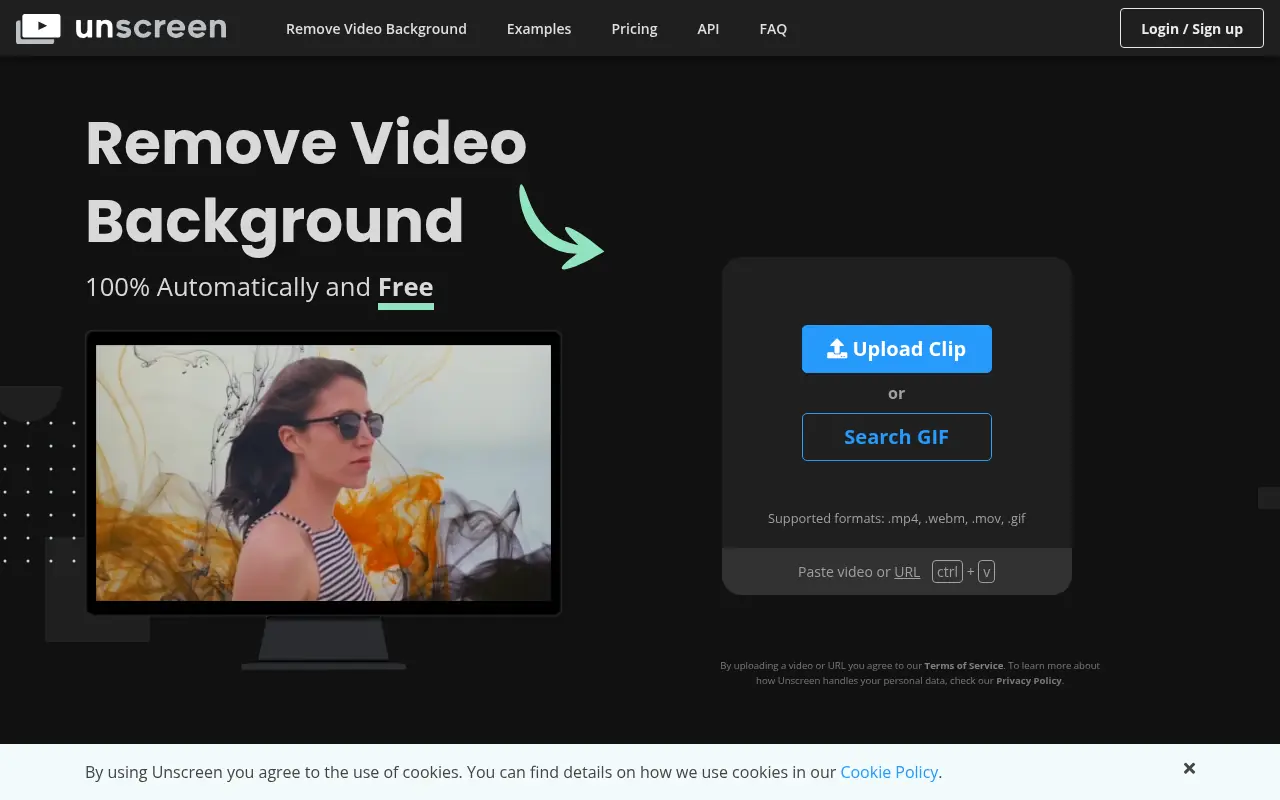

Unscreen
Unscreen is an AI-powered tool that automatically removes backgrounds from videos and GIFs for seamless editing.
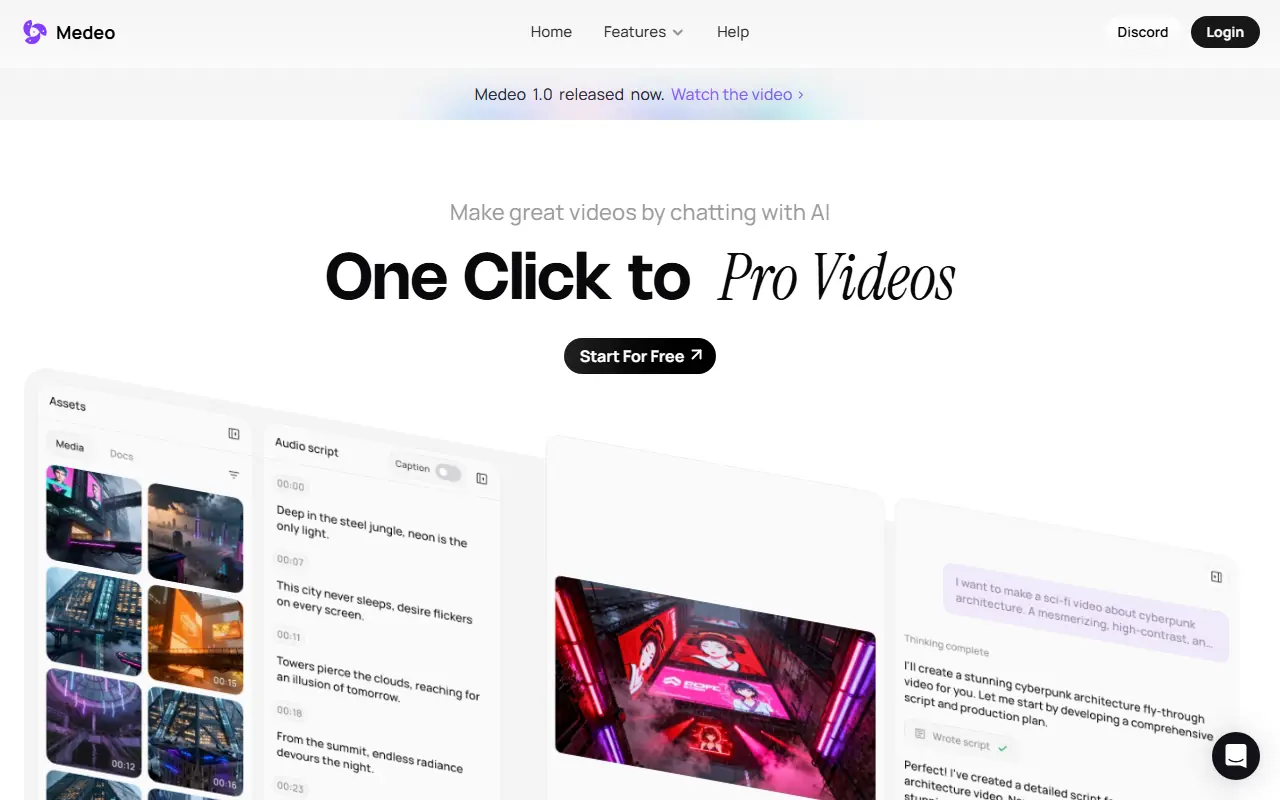

Medeo
A chat-based AI video editor that allows users to create, edit, and animate videos using simple text commands.


Media.io
Media.io is an online platform offering AI-powered tools for editing, converting, and enhancing audio, video, and image files directly in the browser.
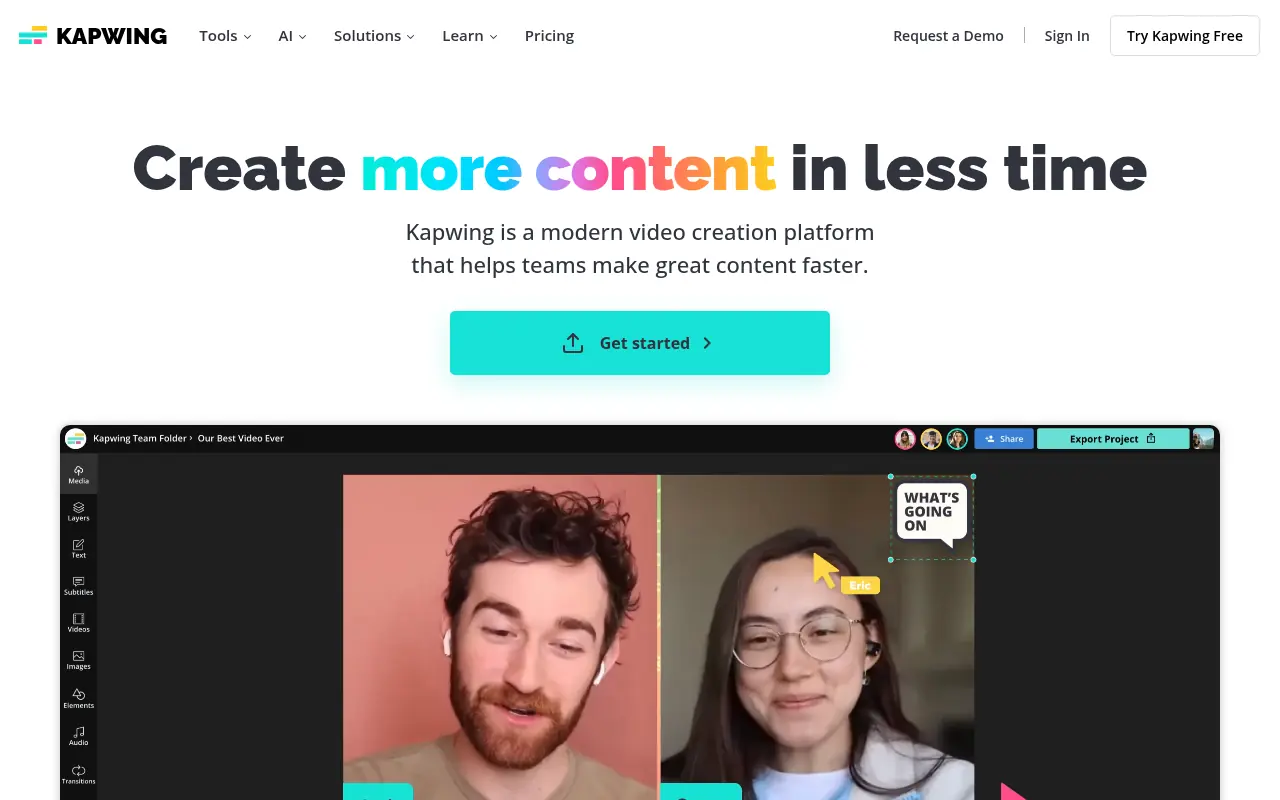

Kapwing
Kapwing is an online platform for creating and editing videos, images, and GIFs with user-friendly tools.
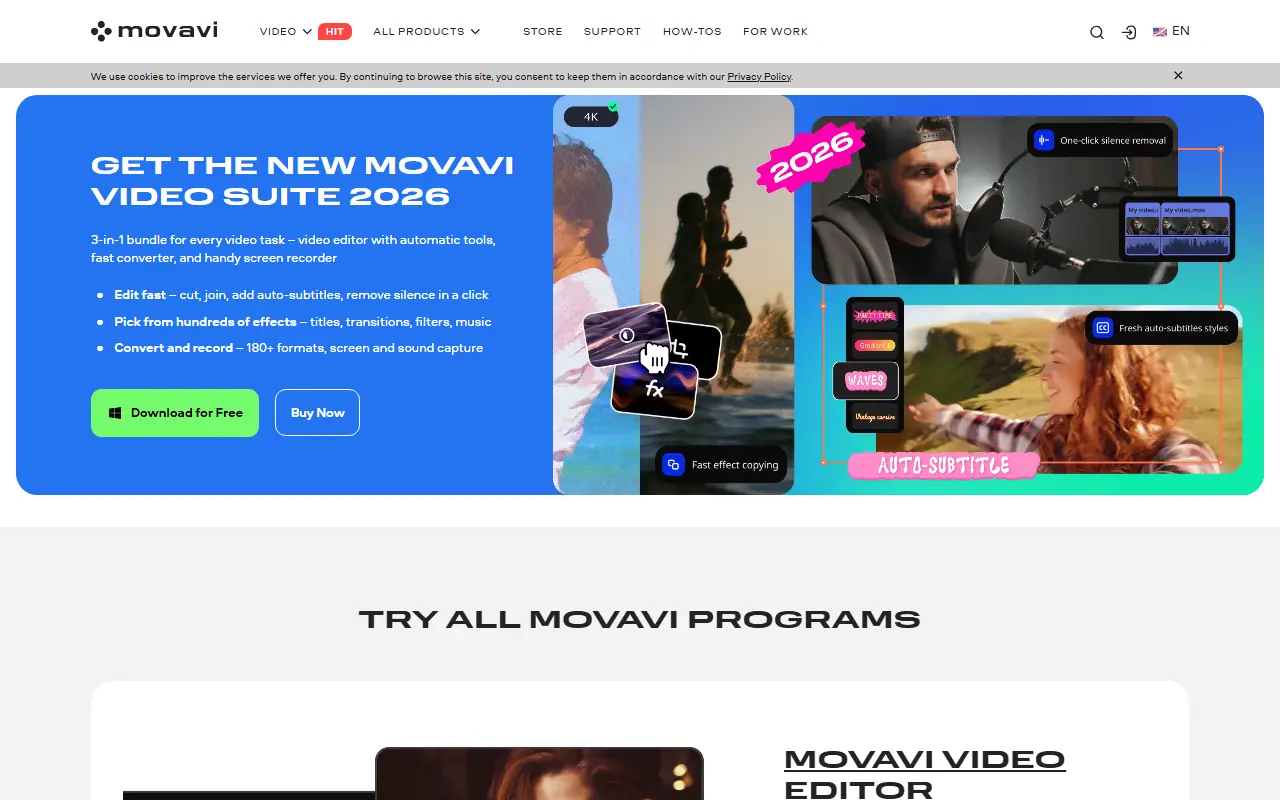

Movavi
Movavi provides a suite of user-friendly multimedia software for video editing, screen recording, photo manipulation, and media conversion, enhanced with modern AI-driven features.
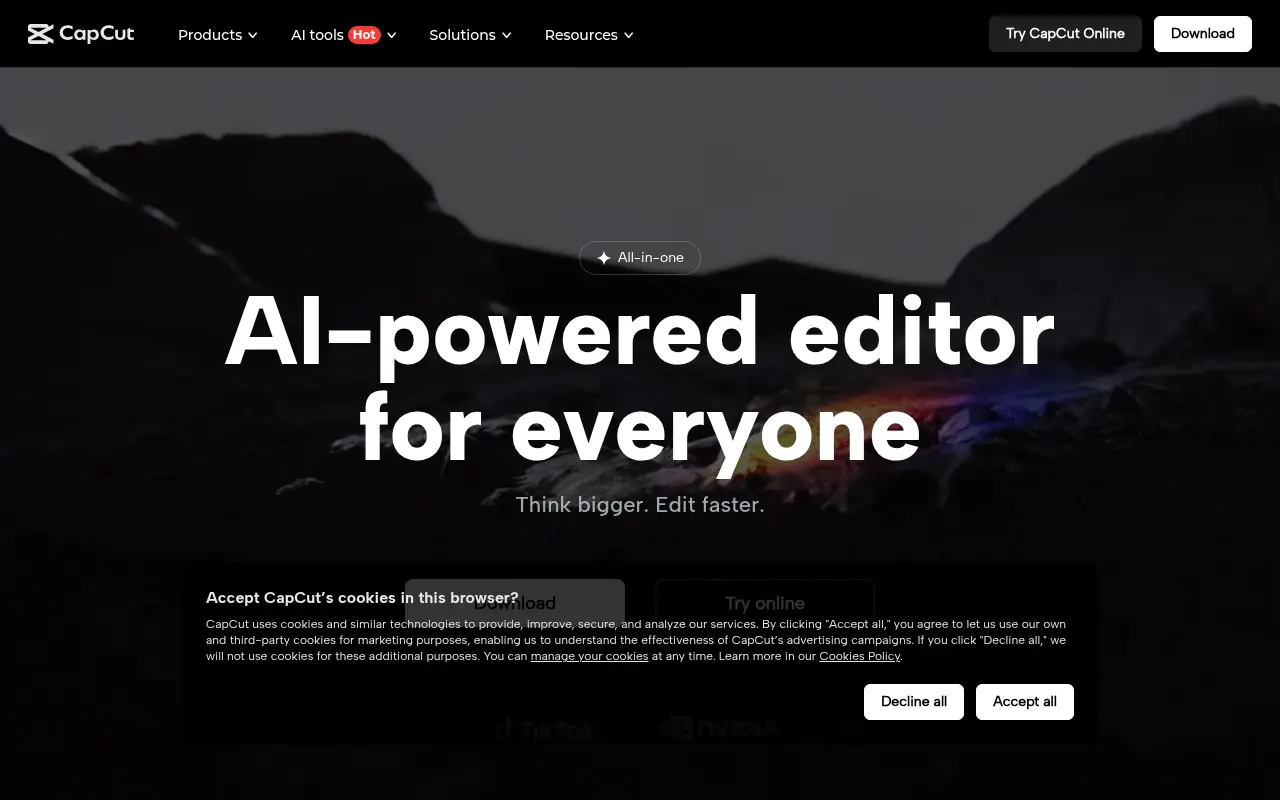

CapCut
CapCut is an AI-powered platform for easy video editing and graphic design across multiple devices.
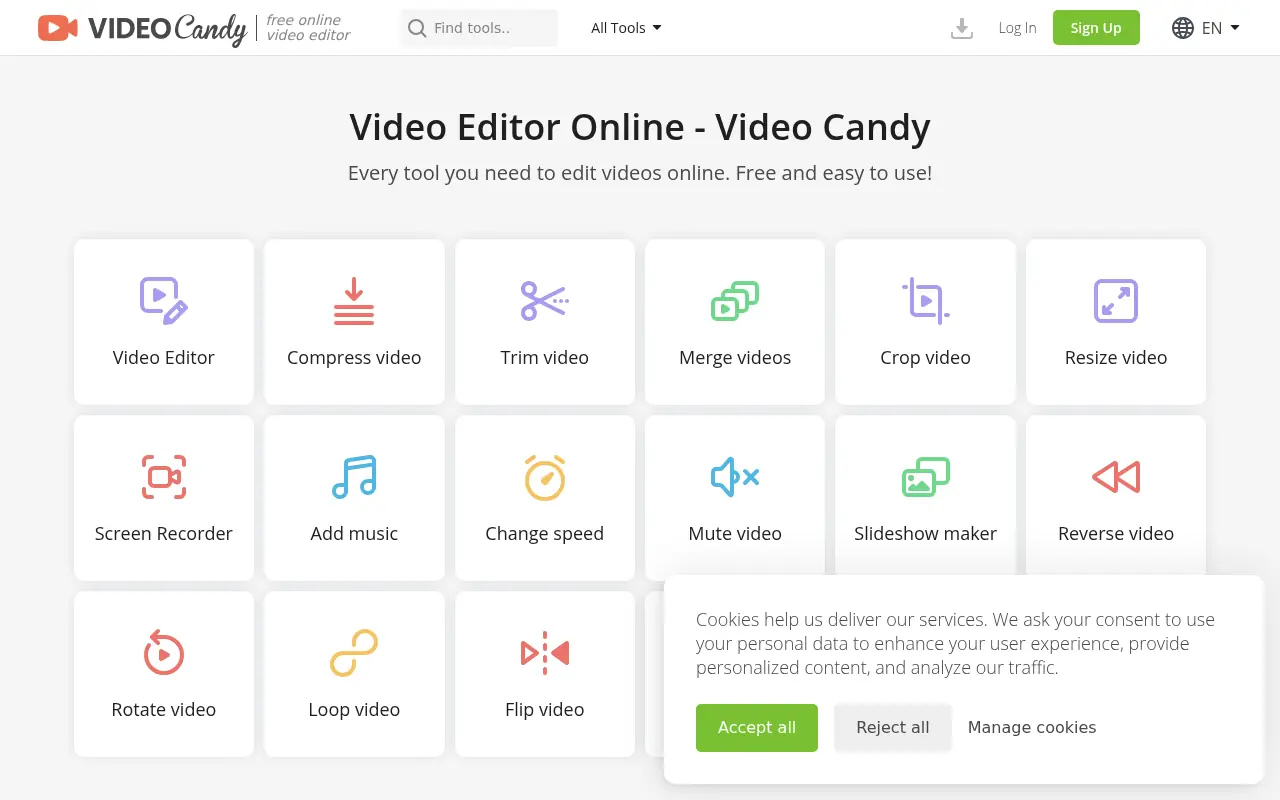

Video Candy
Video Candy is a free, browser-based video editor that offers a comprehensive suite of tools for trimming, merging, compressing, and resizing videos without any software installation.
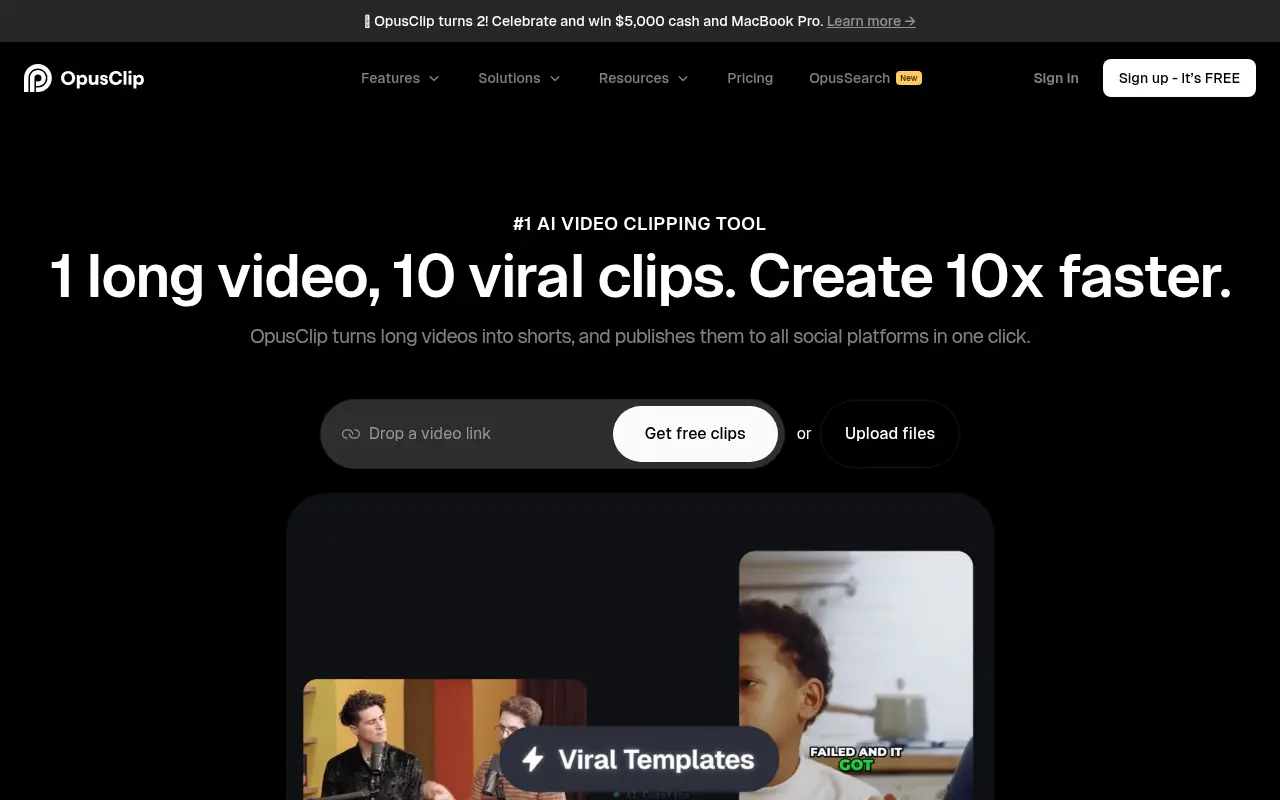

Opus Pro
Opus Pro is an AI-powered video editing platform designed to streamline content creation for creators and businesses.