

LimeWire
What is LimeWire?
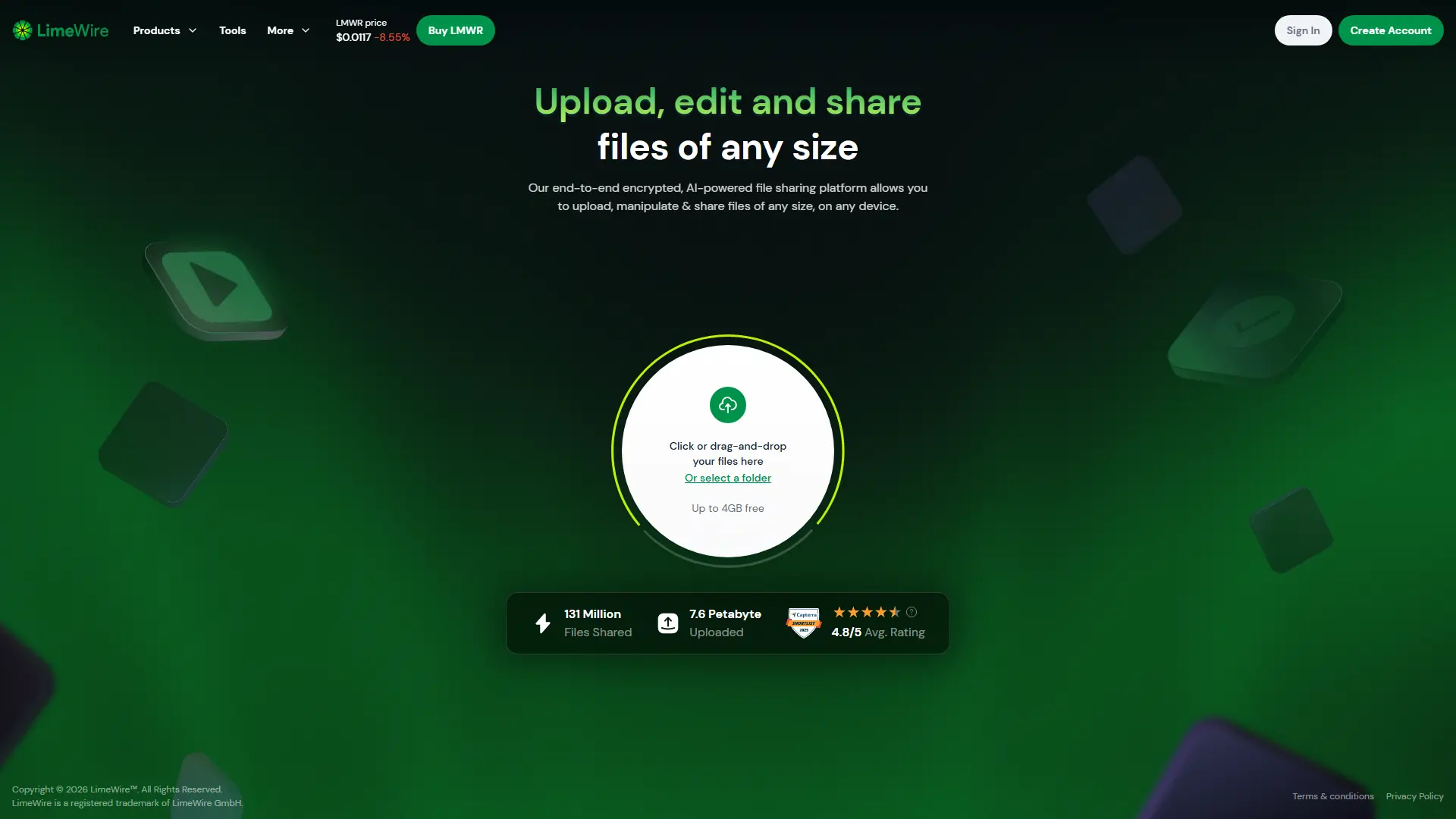
LimeWire is a browser-based file-sharing and content-manipulation platform operated by LimeWire GmbH. Its current service lets individuals and businesses securely upload, create, edit, transfer, and collaborate on files across devices, rather than functioning as the peer-to-peer music application associated with the original brand. The main upload service advertises end-to-end encryption, support for files of any size through paid options, and free uploads of up to 4 GB. LimeWire also provides AI-assisted and conventional tools for images, videos, music, and documents, including image generation, photo editing, image-to-video creation, file conversion, compression, and PDF utilities. Some tools are free or offer limited free access, while many AI functions consume credits or require LimeWire Pro, LimeWire Pro+, or separately purchased vouchers; exact availability and usage limits can vary by tool and account.
How to use LimeWire?
Open LimeWire and drag files or folders onto the upload area, review the transfer settings, and generate a shareable link for the intended recipients; free uploads can be up to 4 GB according to the current homepage. To modify content, open the Tools directory, choose an image, video, music, or document utility, upload the relevant file, configure the available options or enter an AI prompt, and process the result. Create an account when persistent storage, account management, paid AI features, higher limits, or subscription controls are needed.
LimeWire's Core Features
Encrypted file sharing supports secure browser-based uploads and transfers.
The free upload option currently supports files up to 4 GB.
Users can upload individual files or entire folders through drag and drop.
The tools directory covers image, video, music, and document workflows.
The AI image generator converts text prompts into original images.
AI photo editing modifies an uploaded image from written instructions.
The image upscaler can enlarge images by up to four times.
The image-to-video tool adds AI-generated motion to static images.
Background removal isolates subjects without requiring desktop software.
Image vectorization converts raster graphics into formats such as SVG, EPS, PDF, AI, or DXF.
Document utilities convert files among PDF, Word, Excel, PowerPoint, and image formats.
PDF tools include compression, password protection, permissions, and archival conversion.
Paid subscriptions and vouchers provide access to premium AI functionality.
LimeWire's Use Cases
- #1
Send a large project file through a shareable link.
- #2
Transfer a folder between computers or mobile devices.
- #3
Generate an image from a written prompt.
- #4
Edit or enhance an existing photo with AI.
- #5
Remove or replace an image background.
- #6
Turn a still image into a short AI-generated video.
- #7
Convert PDFs into Word, Excel, or PowerPoint files.
- #8
Compress or password-protect a PDF.
- #9
Convert common image formats into vector files.
Frequently Asked Questions
Analytics of LimeWire
Monthly Visits Trend: Jun 2025 - Aug 2026
Traffic Sources
AI Channel Traffic Trends
Top Regions
| Region | Traffic Share |
|---|---|
| United States | 17.72% |
| India | 5.68% |
| Germany | 4.53% |
| United Kingdom | 4.17% |
| France | 4.04% |
Top Keywords
| Keyword | Traffic | CPC |
|---|---|---|
| limewire | 87.6K | $1.00 |
| lime wire | 3.2K | $0.30 |
| limeware | 2.1K | -- |
| limewire software | 5.7K | $0.89 |
| limewire download | 1.5K | $1.55 |
Alternative of LimeWire

iLovePDF
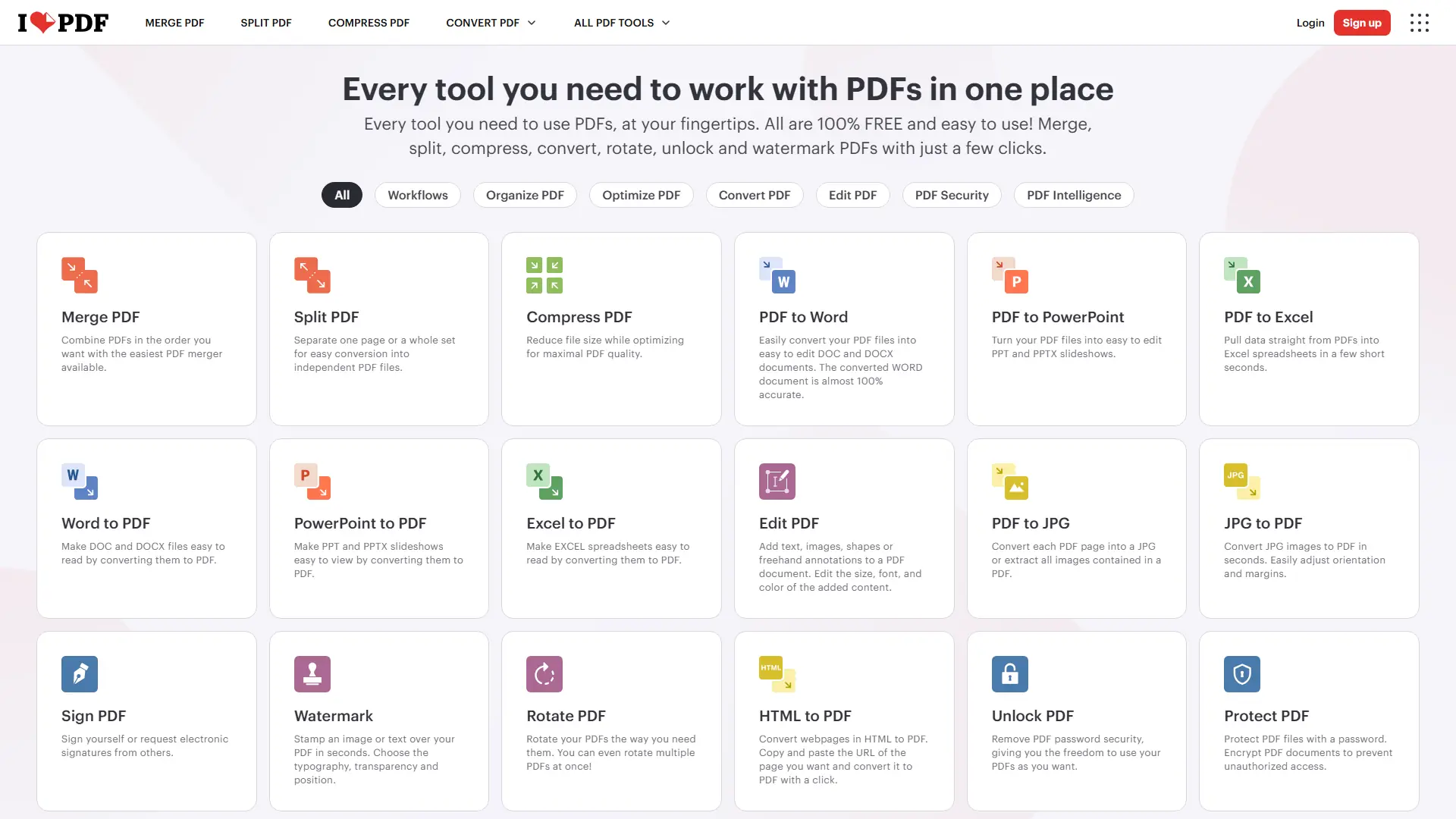
iLovePDF is an online document platform for editing, converting, compressing, organizing, signing, securing, translating, and otherwise managing PDF files.

PDF.ai
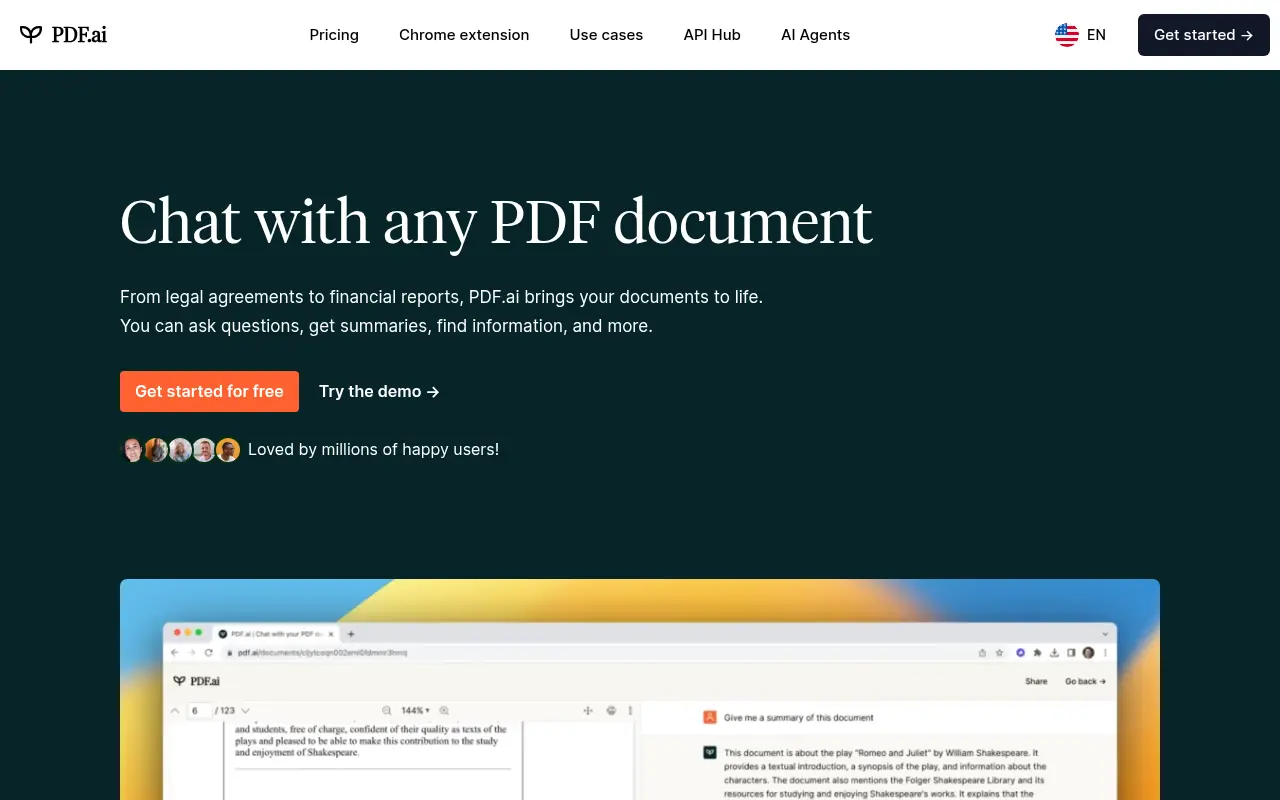
PDF.ai is an AI-powered platform that enables users to interact with PDF documents through chat, summarization, and analysis for enhanced productivity.


Box
Box is a cloud-based platform that enables secure file storage, sharing, collaboration, and content management for individuals and businesses.

TinyWow
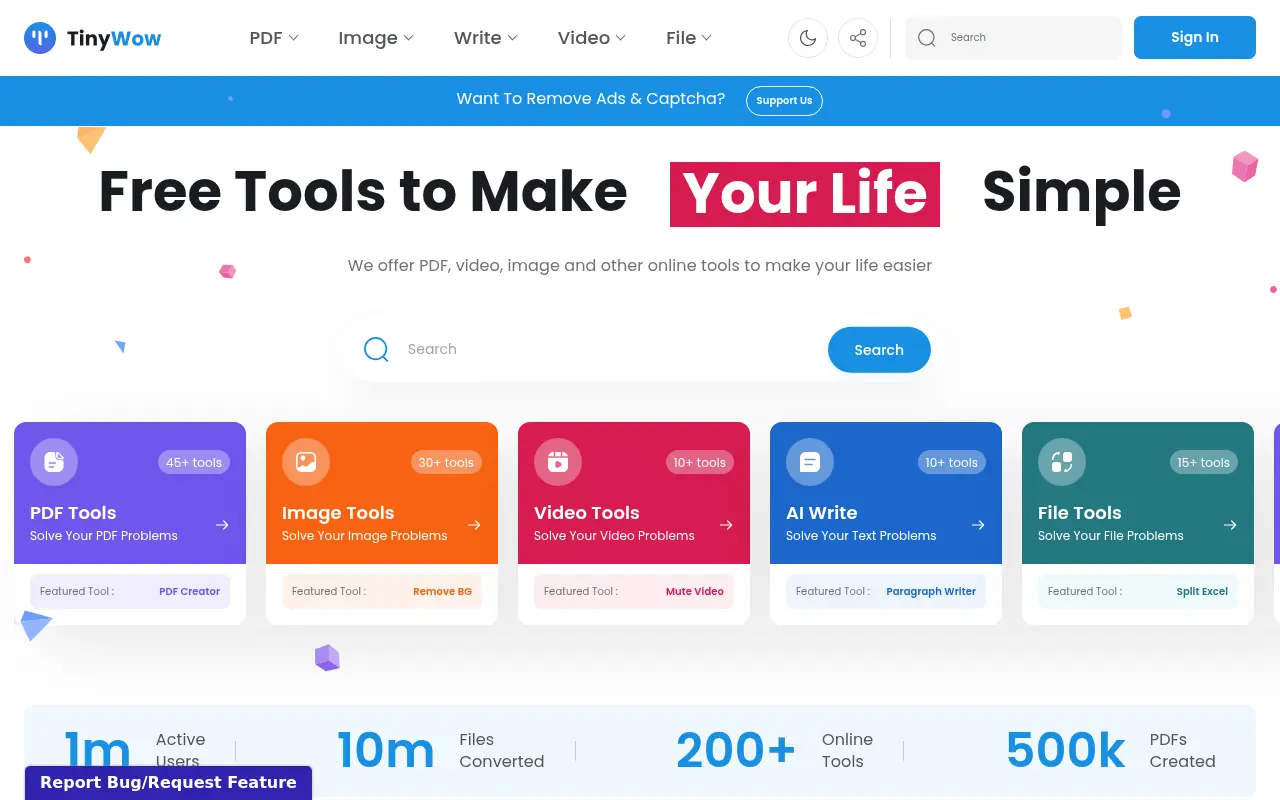
TinyWow offers a massive collection of free, browser-based tools for editing PDFs, images, videos, and generating AI content.
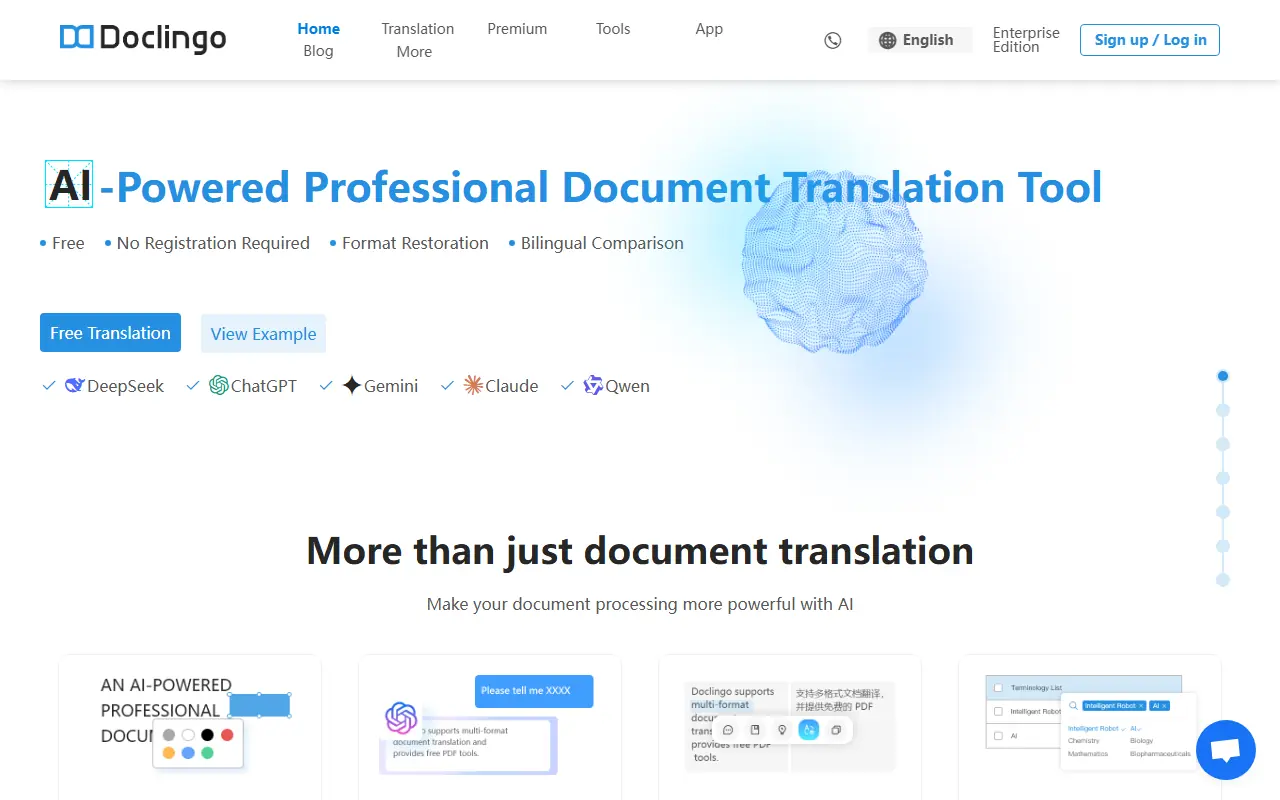

Doclingo
Doclingo is an AI-powered document translation tool that preserves original layouts while translating files into over 90 languages.
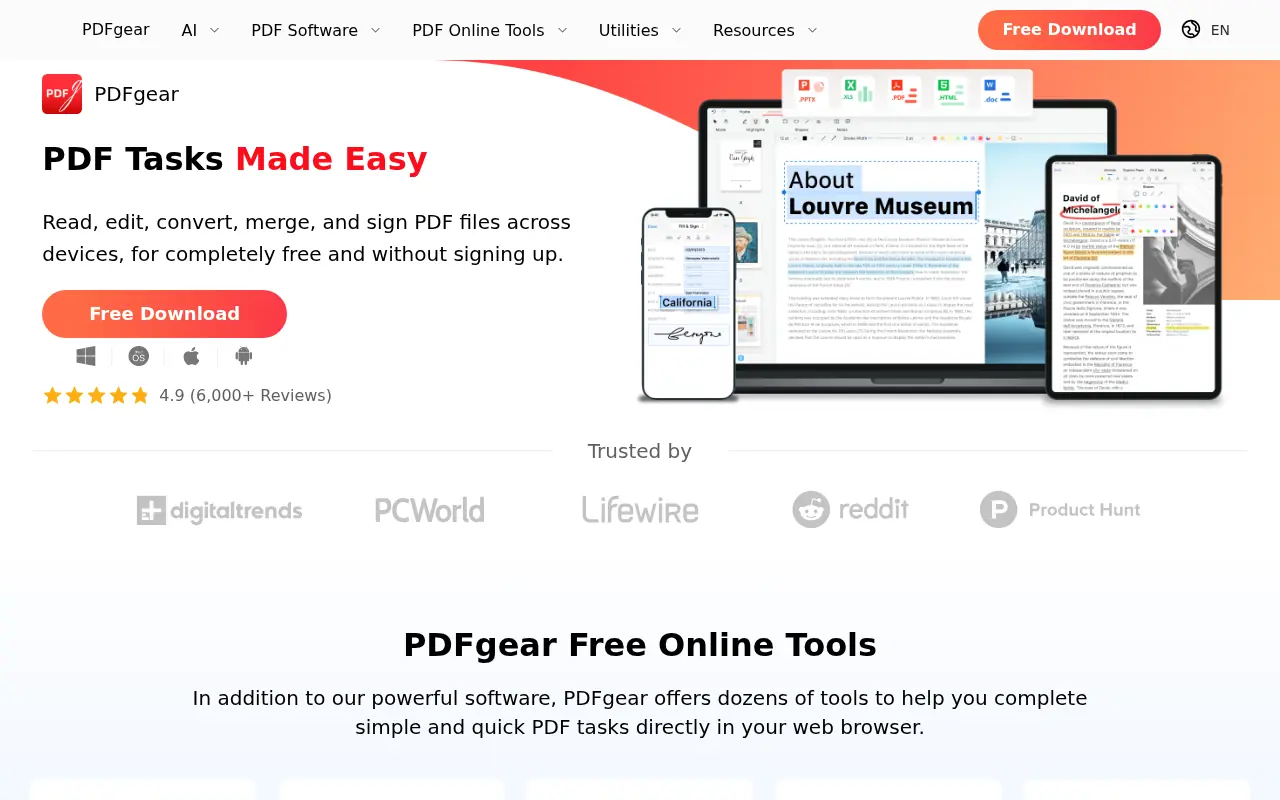

PDFgear
PDFgear is a free, AI-powered PDF editor offering tools to edit, convert, annotate, and manage PDF files across multiple platforms.


docAnalyzer.ai
An AI-powered platform that transforms documents into interactive chat conversations, enabling users to extract insights and analyze content through intelligent document interactions.
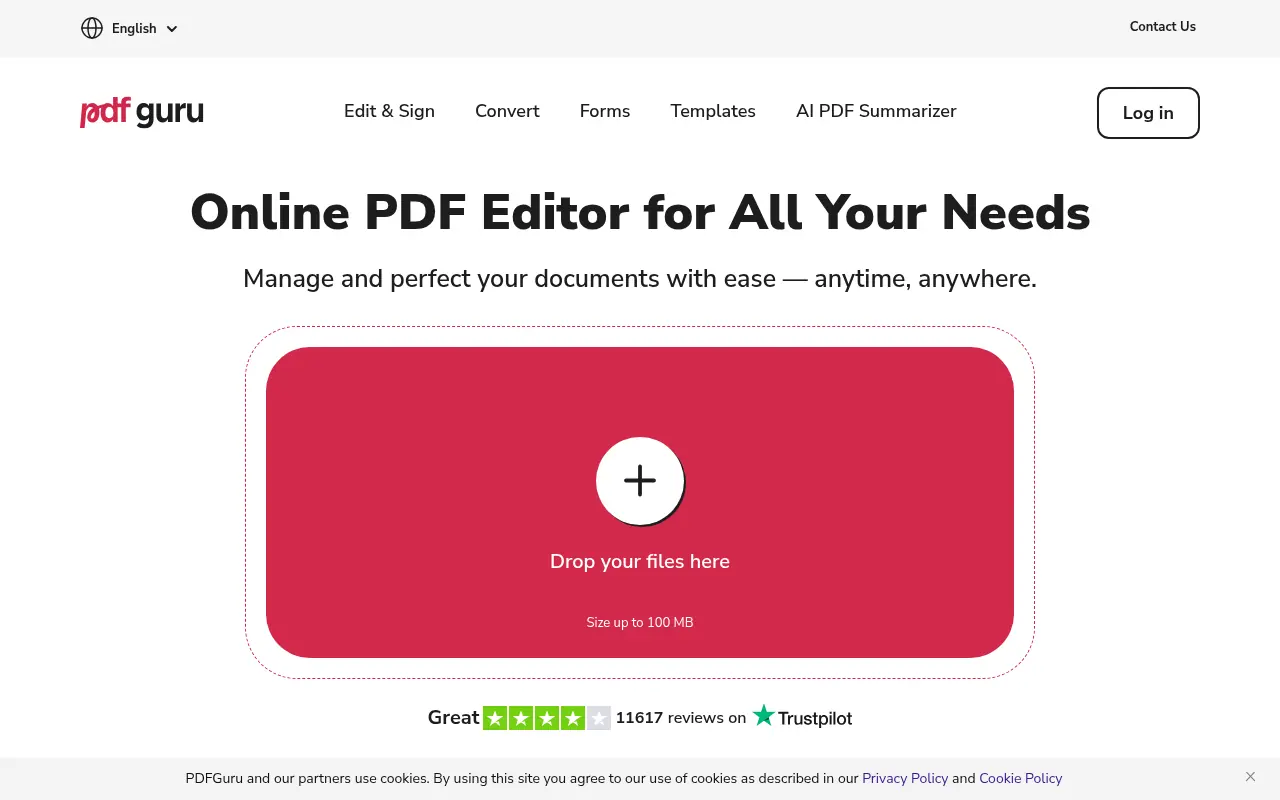

PDF Guru
PDF Guru provides tools for creating, editing, and managing PDF documents online.