

The Drive AI
What is The Drive AI?
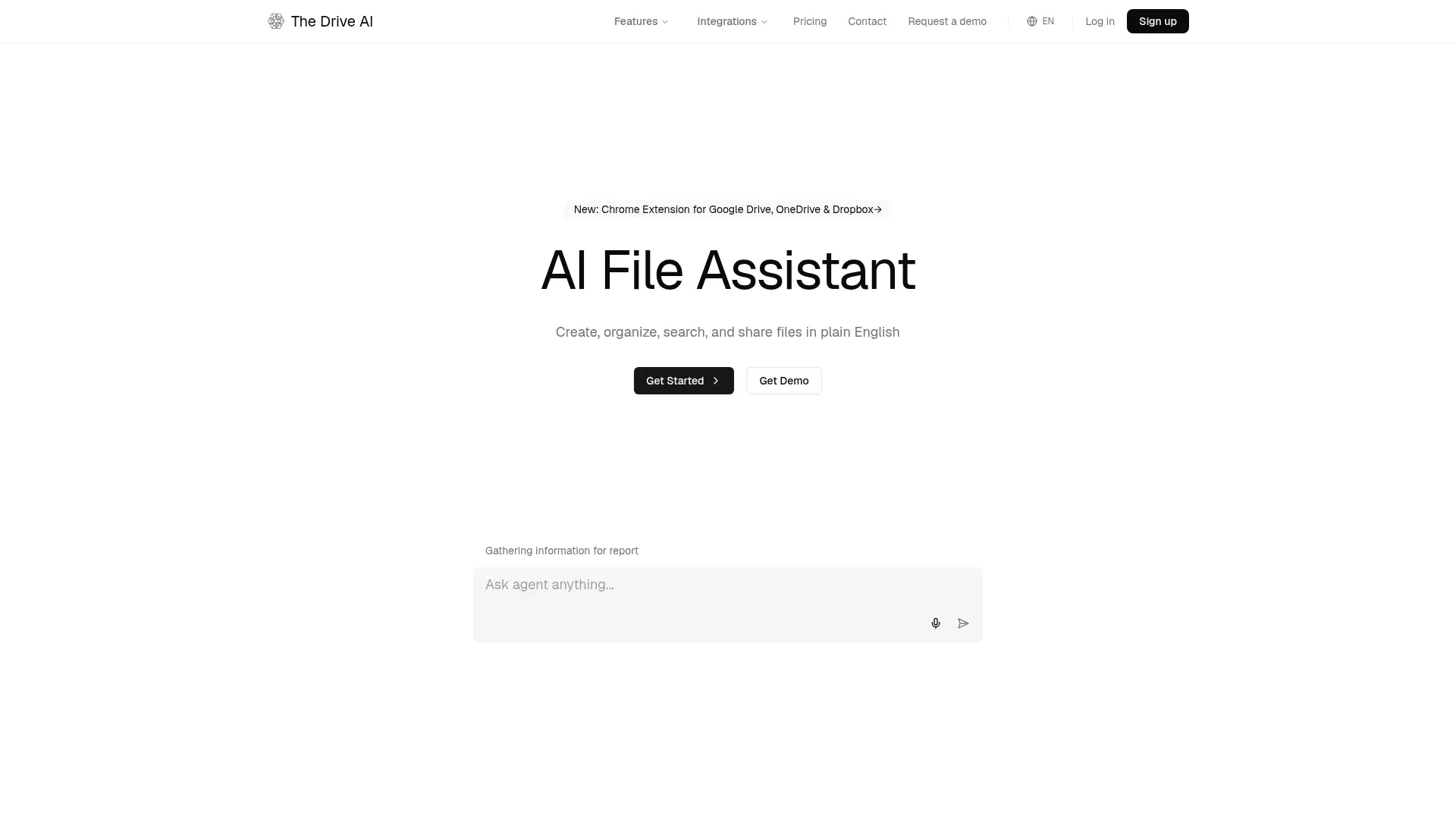
The Drive AI is an AI-powered file management workspace for organizing, searching, creating, sharing, and transforming digital files. Its AI agent interprets natural-language instructions and can work with documents, images, audio, video, and scanned files. Content-based search, OCR, transcription, and source-cited answers help users find information beyond filenames. The platform is designed for individuals, knowledge workers, teams, and businesses managing large or unstructured file collections. A separate developer platform provides APIs for document extraction, analysis, URL-to-Markdown conversion, screenshots, and file thumbnails.
How to use The Drive AI?
1. Create a free account or sign in, then upload files, connect supported sources, or drag documents into a workspace. 2. Describe the task in plain English, such as organizing invoices, finding a contract clause, or creating a PDF. 3. Review the agent's source-cited result, approve requested actions, and share or download the completed files.
The Drive AI's Core Features
AI File Agent: Create, rename, organize, share, and transform files by describing the desired action in plain English.
Automatic Organization: Analyze file content, generate consistent names, and sort documents into nested folder structures.
Content-Based Search: Find information inside PDFs, documents, images, audio, and video without relying on filenames.
Grounded Answers: Return responses with citations to the exact source file and section while identifying when information is unavailable.
Multiformat File Creation: Generate formatted PDFs, Word documents, spreadsheets, and Markdown files from natural-language instructions.
PDF Operations: Merge, split, compress, fill, watermark, and extract pages from PDF files through conversational commands.
Document Scanning: Use iOS and Android devices to scan paper documents into searchable PDFs with OCR.
Source Integrations: Connect Gmail, Outlook, Slack, Microsoft Teams, Google Drive, OneDrive, and Dropbox on eligible plans.
Developer APIs: Extract structured JSON, analyze documents, convert URLs to Markdown, capture screenshots, and generate file thumbnails.
Security Controls: Protect stored files with AES-256 encryption, malware detection, privacy controls, and CASA certification claims.
The Drive AI's Use Cases
- #1
Small businesses organizing invoices, contracts, and receipts by client, project, or year
- #2
Legal teams searching scanned agreements for specific clauses and extracting relevant details
- #3
Consultants creating formatted proposals and reports from unstructured project files
- #4
Remote teams centralizing documents from email, Slack, Microsoft Teams, and cloud storage
- #5
Researchers finding evidence across PDFs, spreadsheets, images, recordings, and downloaded web files
- #6
Operations teams collecting client documents through file requests and tracking signed paperwork
- #7
Developers extracting structured data from invoices, contracts, websites, and other documents through an API
Frequently Asked Questions
Analytics of The Drive AI
Monthly Visits Trend: Apr 2025 - Aug 2026
Traffic Sources
Top Regions
| Region | Traffic Share |
|---|---|
| United States | 26.56% |
| India | 13.42% |
| United Kingdom | 5.24% |
| Australia | 5.22% |
| Canada | 4.95% |
Top Keywords
| Keyword | Traffic | CPC |
|---|---|---|
| the drive ai | 780 | -- |
| ai that can make download files | 220 | -- |
| ai powered hard disk file organizer on market | 440 | -- |
| can ai scan my emails and automaticaly move attachments to google drive? | -- | -- |
| drive ai | 250 | $2.31 |
Alternative of The Drive AI

LimeWire
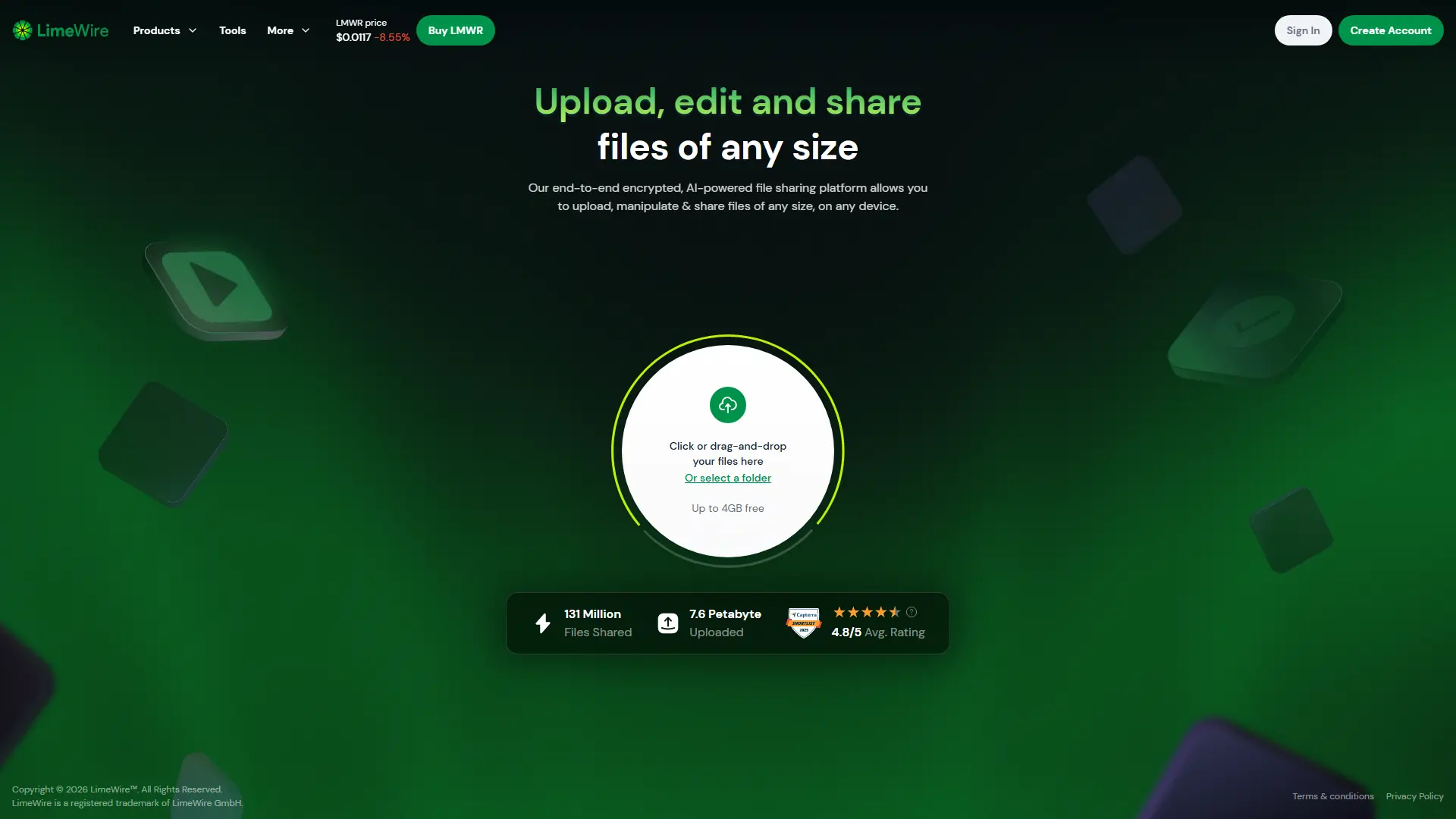
LimeWire is an AI-powered, end-to-end encrypted platform for uploading, sharing, creating, editing, and converting files online.

Recoverit
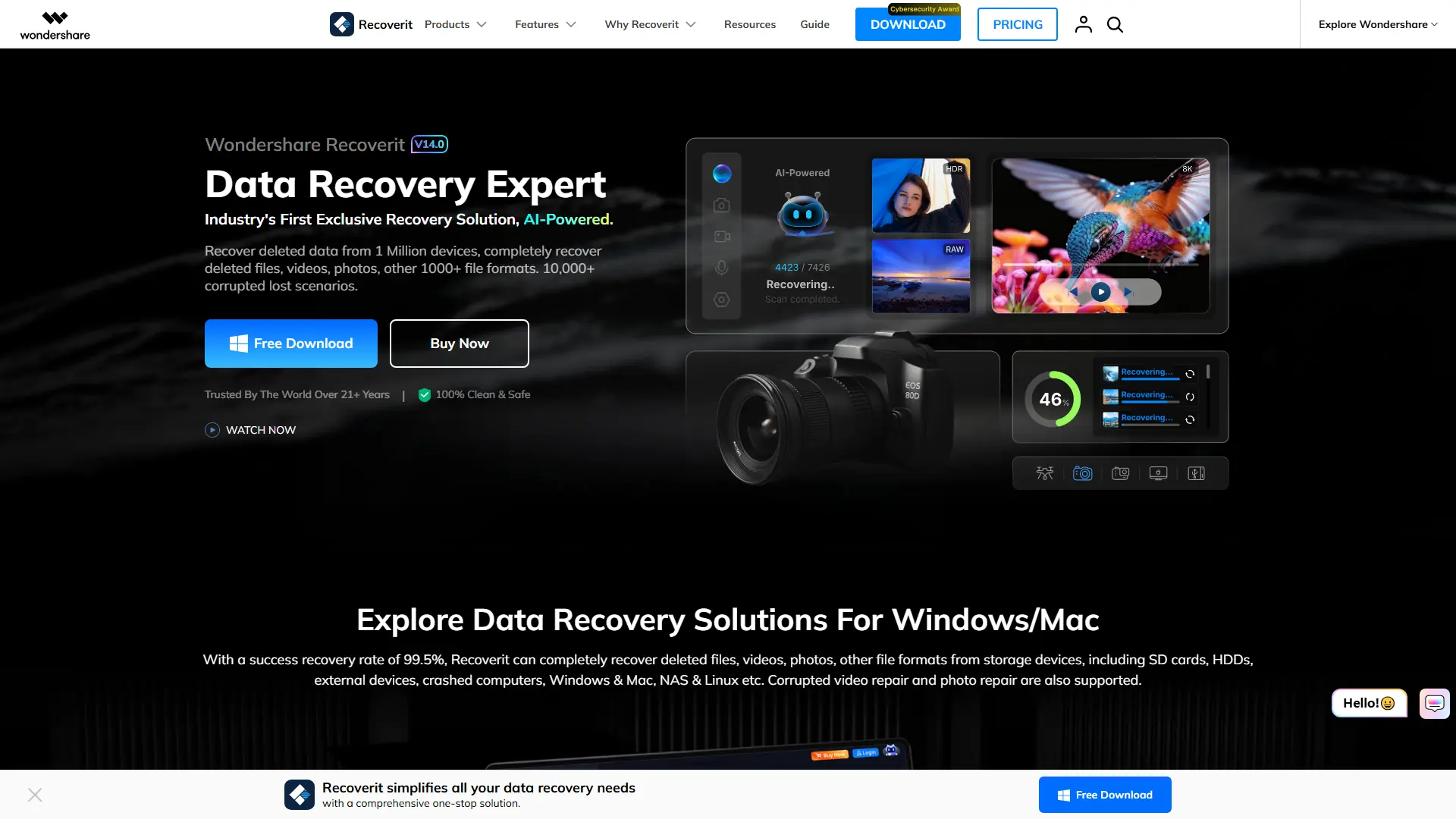
Recover deleted, formatted, corrupted, or inaccessible files from computers, drives, memory cards, NAS devices, and other storage media.

iLovePDF
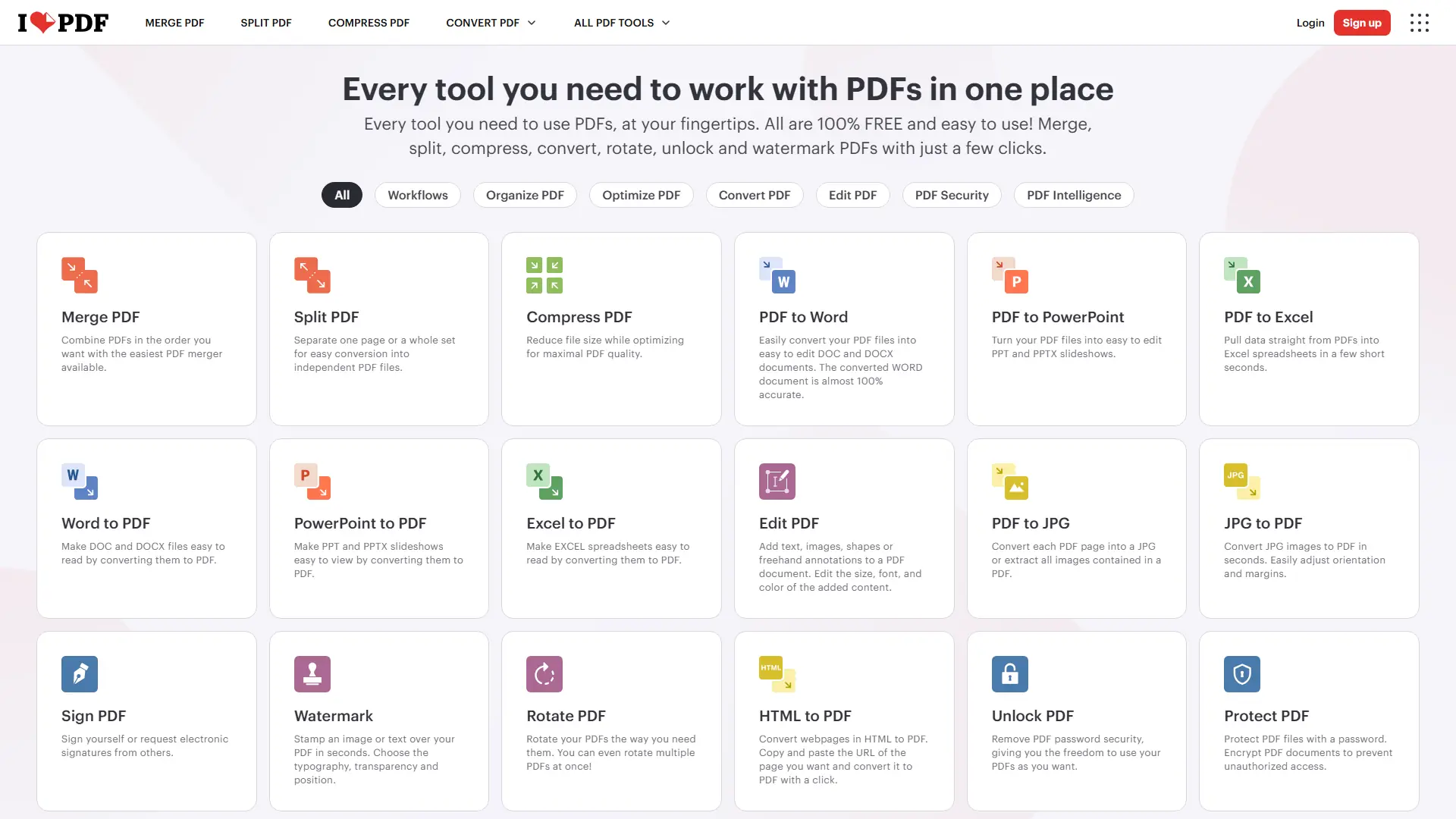
iLovePDF is an online document platform for editing, converting, compressing, organizing, signing, securing, translating, and otherwise managing PDF files.
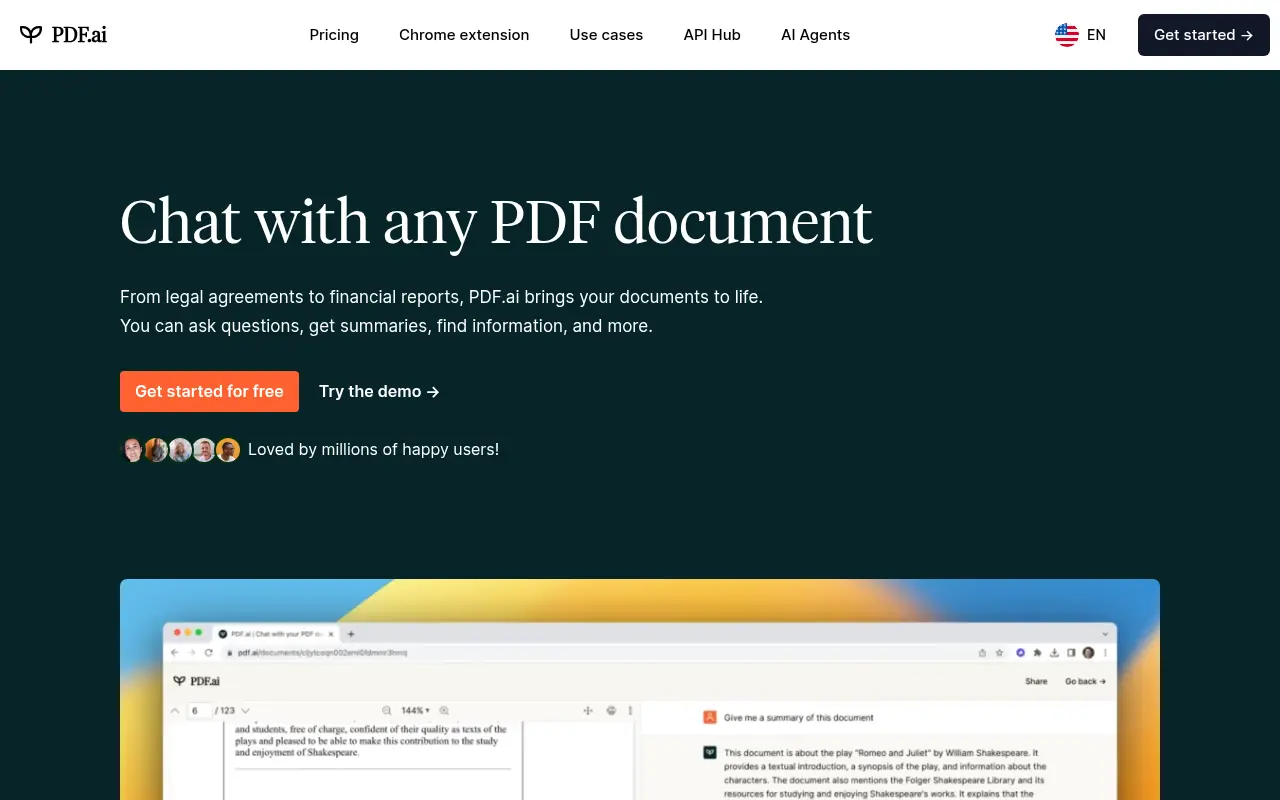

PDF.ai
PDF.ai is an AI-powered platform that enables users to interact with PDF documents through chat, summarization, and analysis for enhanced productivity.
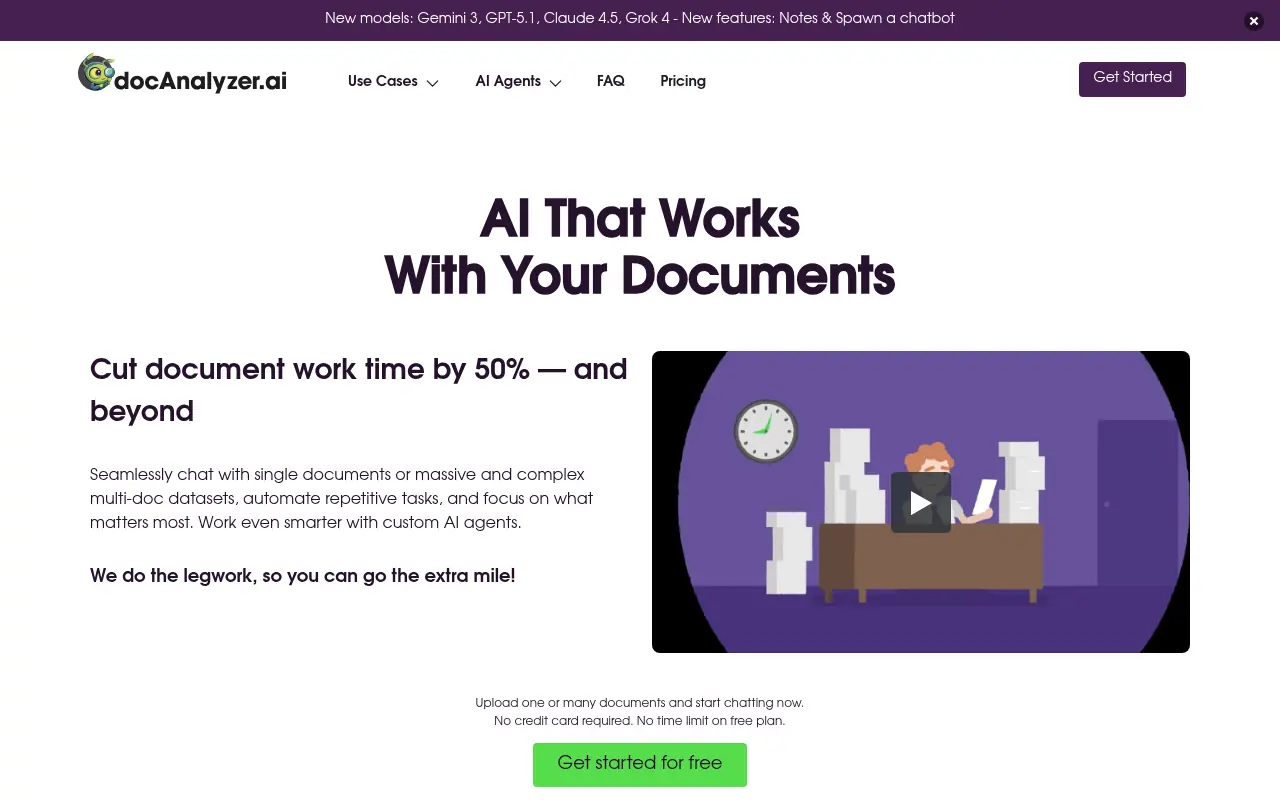

docAnalyzer.ai
An AI-powered platform that transforms documents into interactive chat conversations, enabling users to extract insights and analyze content through intelligent document interactions.
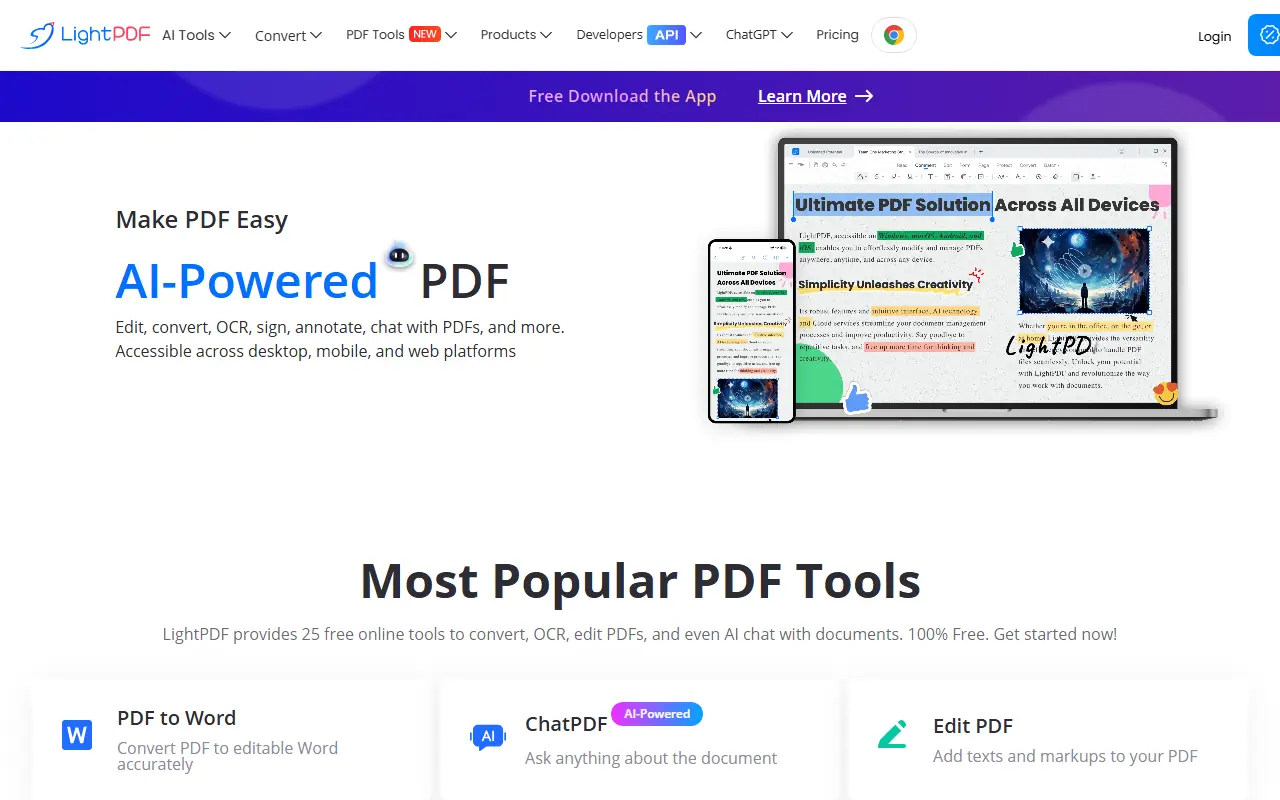

LightPDF
LightPDF provides an all-in-one platform for PDF editing, conversion, and management with AI-powered tools.
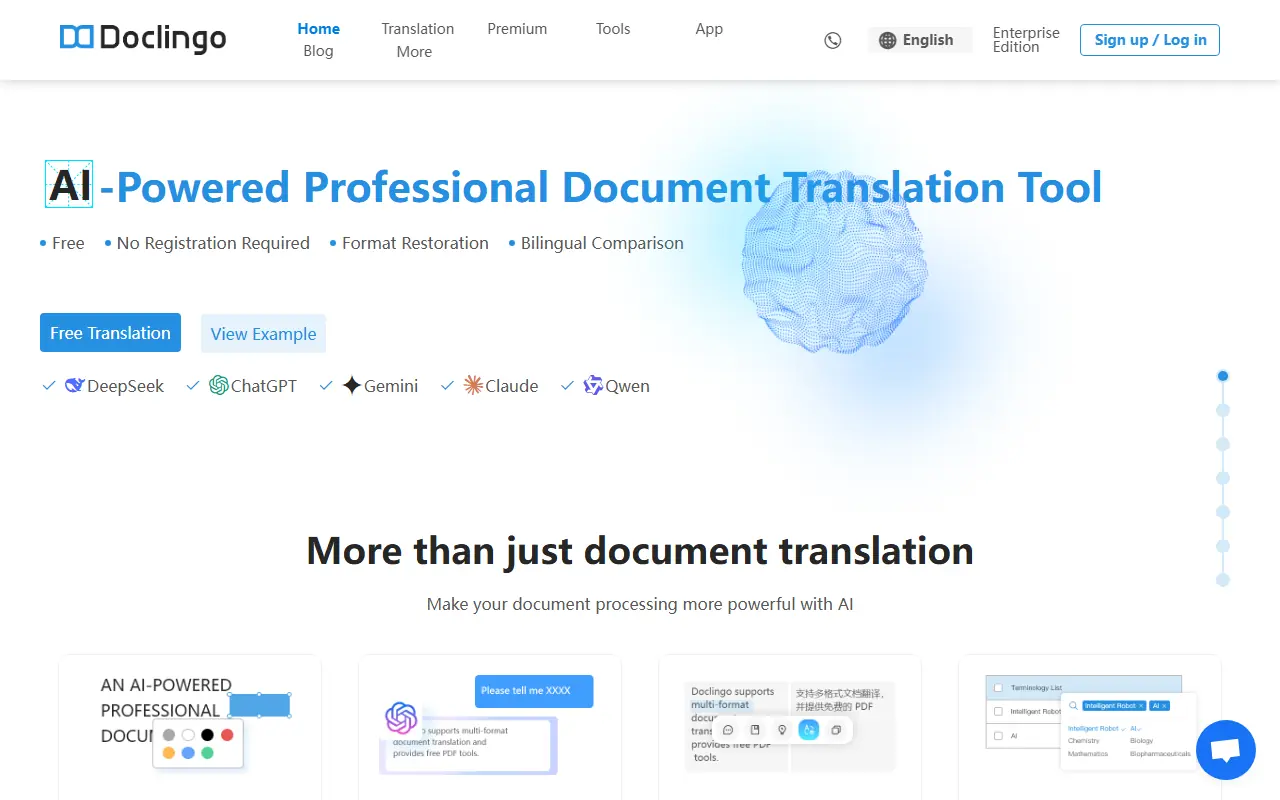

Doclingo
Doclingo is an AI-powered document translation tool that preserves original layouts while translating files into over 90 languages.
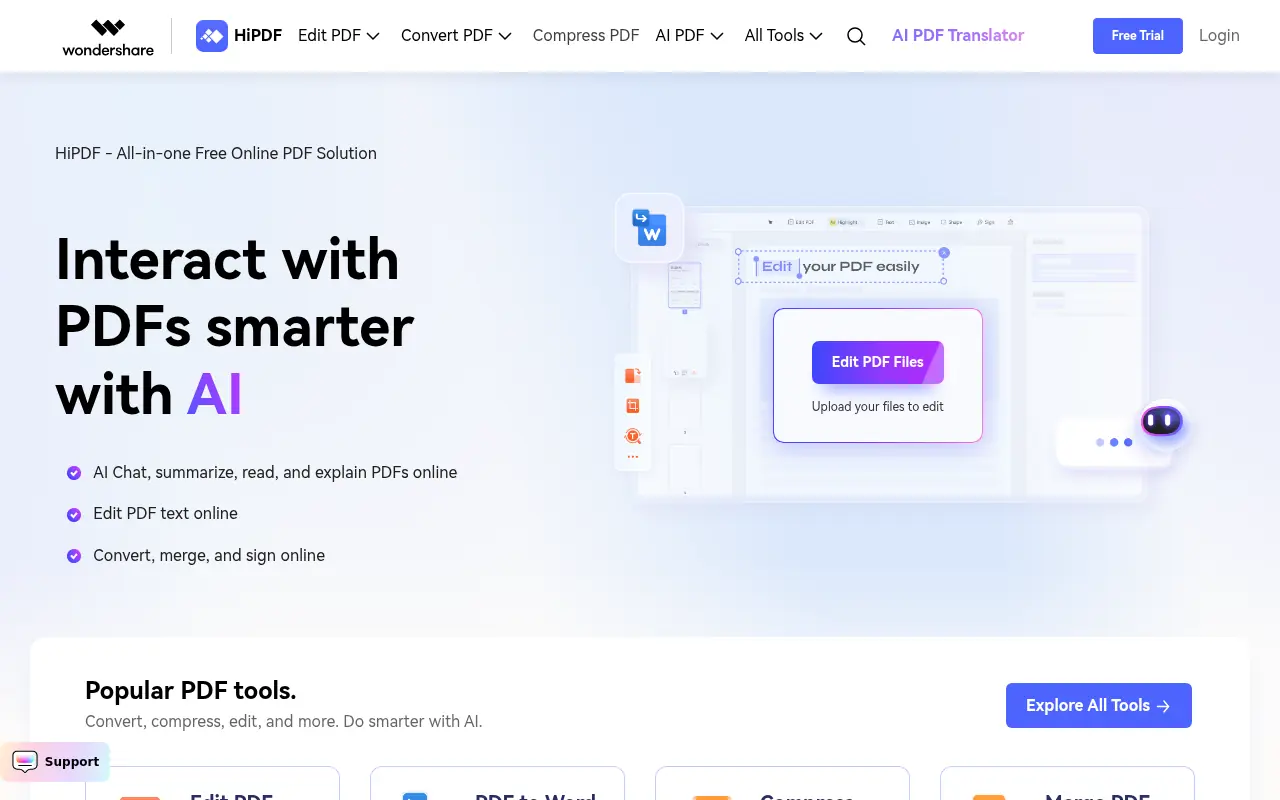

HiPDF
HiPDF is an AI-powered all-in-one online PDF solution that enables users to convert, edit, compress, merge, and manage PDF documents with advanced AI features.