

TinyWow
What is TinyWow?
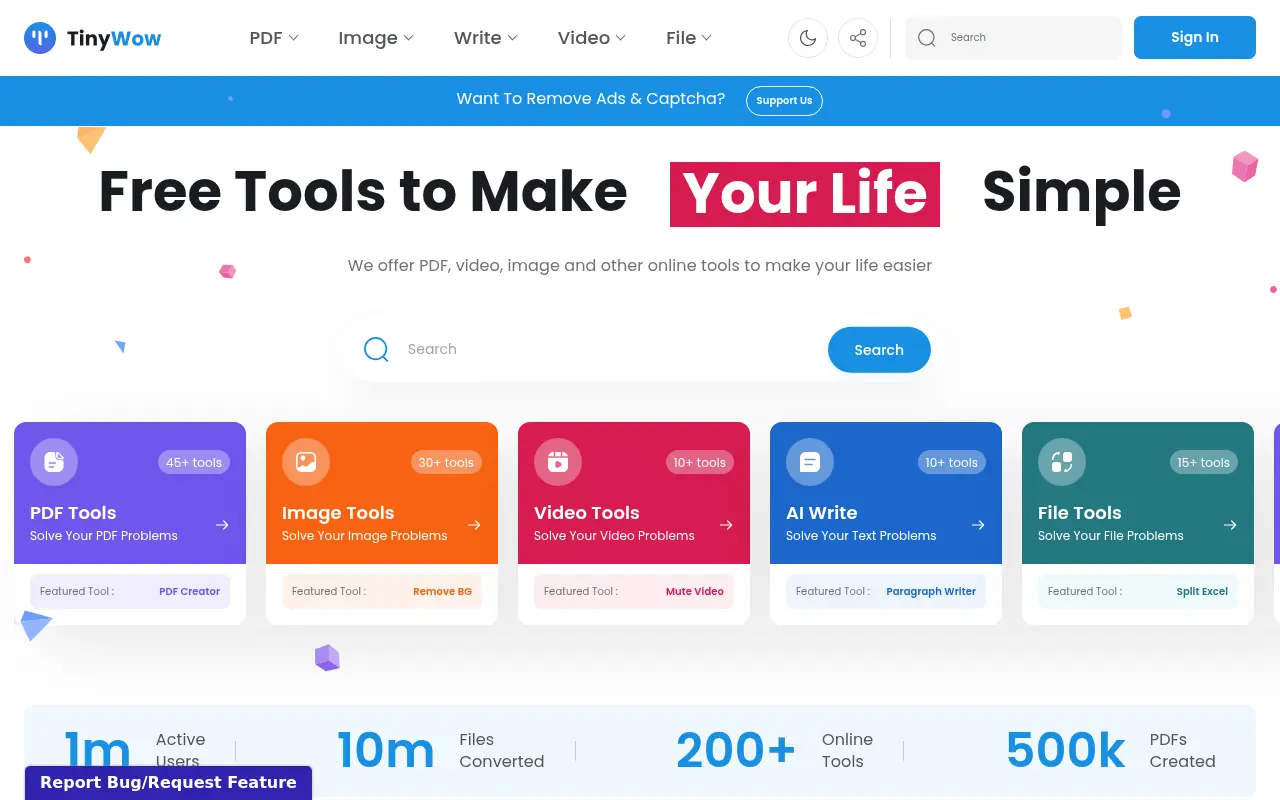
TinyWow is a comprehensive online utility platform that provides users with hundreds of free tools to solve everyday digital tasks. Its mission is to simplify file management and content creation by removing paywalls and complex software requirements. Users can manipulate PDFs, convert various file formats, edit images and videos, and even generate AI-driven text seamlessly from their browser. By offering a streamlined, all-in-one hub, TinyWow helps students, professionals, and casual users save time and avoid expensive software subscriptions. All uploaded files are securely processed and automatically deleted after a short period to ensure user privacy.
How to use TinyWow?
To use TinyWow, simply navigate to the homepage and select the specific tool you need from categories like PDF, Image, Video, File, or AI. Once you click on a tool, upload your file directly from your computer or mobile device, or enter your prompt if using an AI writing tool. The platform processes your request quickly within the browser, after which you can immediately download your edited file or generated content. No account registration is required to access the core features, making the workflow fast and frictionless.
TinyWow's Core Features
PDF Editor: Easily add text, highlight, and manipulate pages within any PDF document.
Background Remover: Instantly extract the main subject of an image and render a transparent background.
Format Converters: Seamlessly convert between hundreds of video, image, document, and audio formats.
AI Content Generator: Quickly draft paragraphs, essays, or marketing copy using advanced AI models.
Video Trimmer: Cut and adjust the length of video clips directly in your web browser.
Image Upscaler: Enhance the resolution and quality of low-quality images using AI processing.
File Compression: Reduce the file size of PDFs, images, and videos without significant quality loss.
Privacy Protection: Automatically deletes all user uploaded and processed files after one hour.
TinyWow's Use Cases
- #1
Merging, splitting, or compressing multiple PDF documents.
- #2
Removing backgrounds from images for e-commerce listings or presentations.
- #3
Converting video files into GIFs or extracting MP3 audio.
- #4
Generating essays, paragraphs, or rewritten content using AI.
- #5
Converting HEIC images to JPG format for wider device compatibility.
- #6
Trimming or resizing videos for social media platforms like Instagram or TikTok.
- #7
Unlocking or password-protecting sensitive PDF files for security.
Frequently Asked Questions
Analytics of TinyWow
Monthly Visits Trend: Apr 2025 - Sep 2026
Traffic Sources
AI Channel Traffic Trends
Top Regions
| Region | Traffic Share |
|---|---|
| United States | 20.23% |
| India | 14.02% |
| United Kingdom | 4.39% |
| Brazil | 4.23% |
| China | 3.23% |
Top Keywords
| Keyword | Traffic | CPC |
|---|---|---|
| tinywow | 60.9K | $0.53 |
| heic to png | 496.9K | $0.30 |
| tiny wow | 8.1K | $1.04 |
| png to jpg | 956.6K | $0.28 |
| epub to pdf | 639.6K | $0.55 |
Alternative of TinyWow

ToolSmart AI
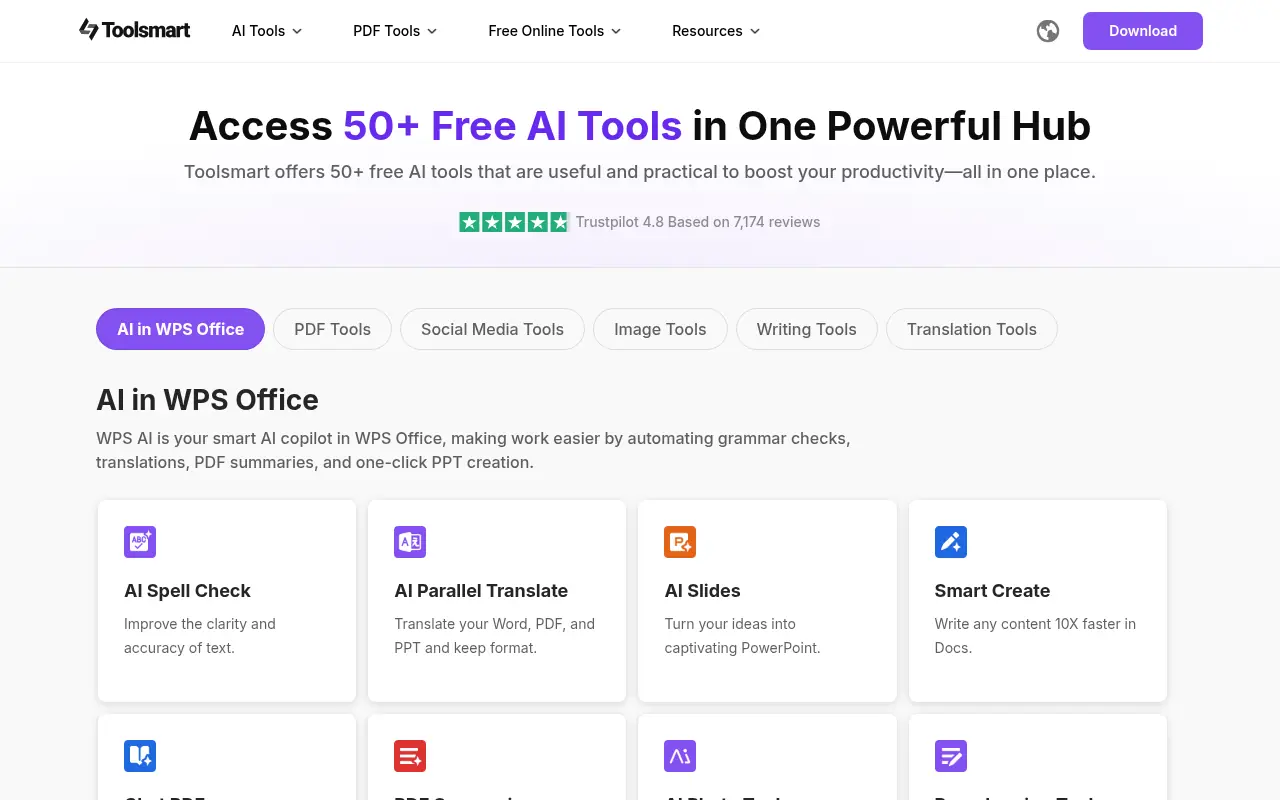
Access over 50 free AI utilities in one centralized productivity platform to streamline writing, PDF management, and image editing without restrictive paywalls.

Template.net
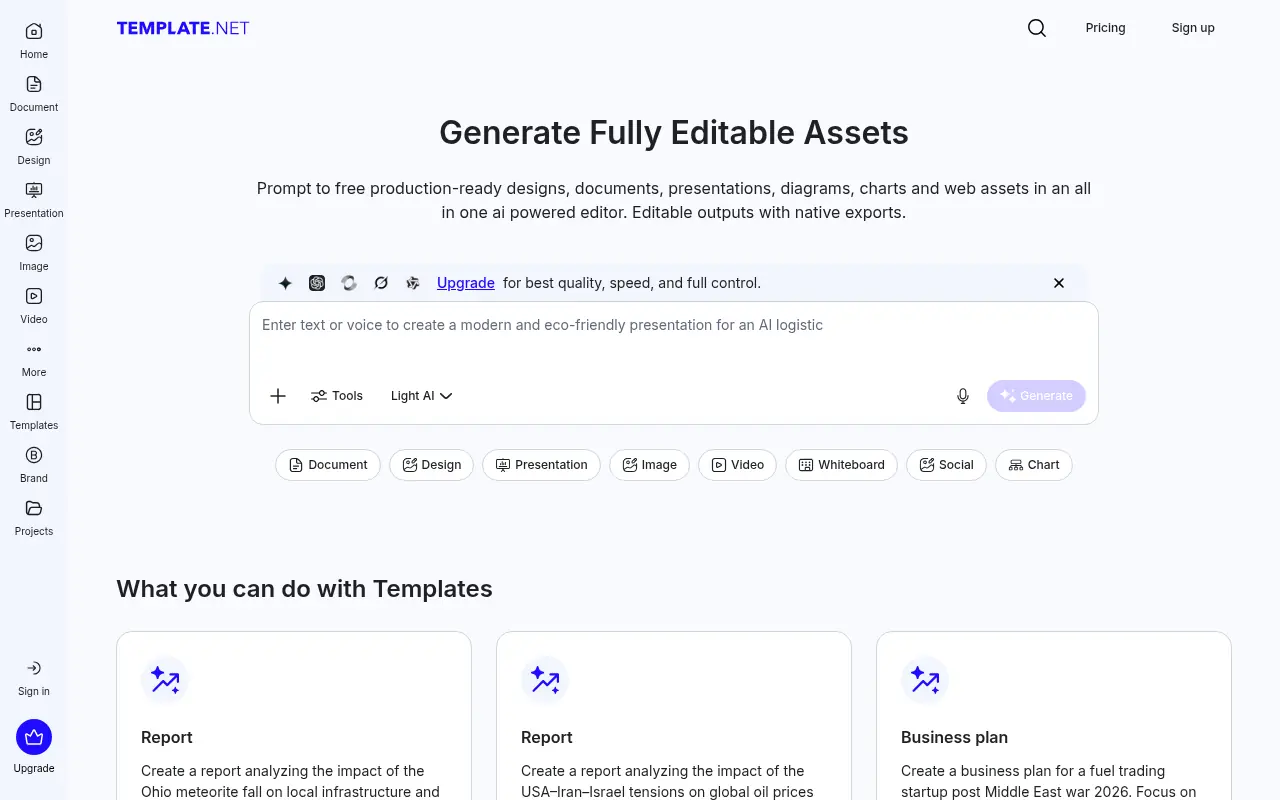
Template.net is an AI-powered production platform offering millions of customizable templates alongside generative tools for documents, designs, presentations, and videos.

RauGen
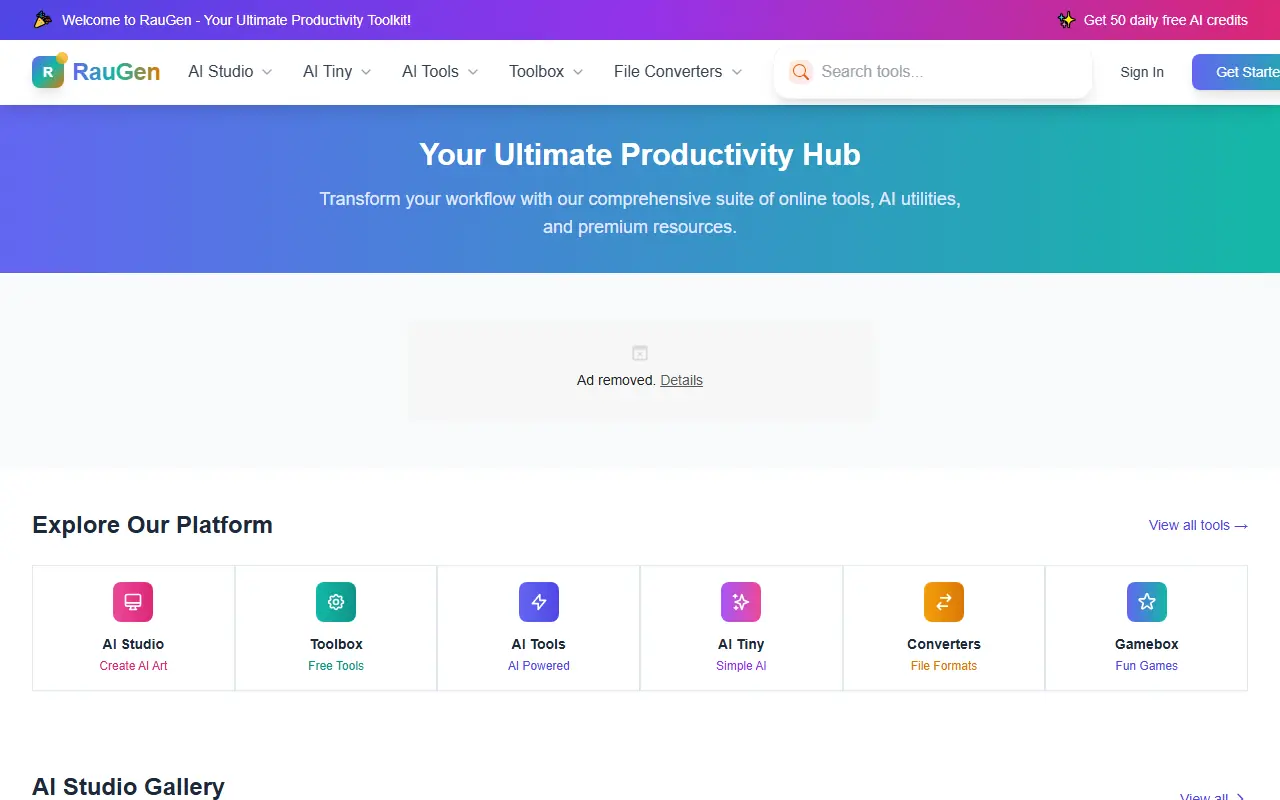
RauGen is an all-in-one online productivity platform offering over 500 free tools for file conversion, editing, and AI-powered utilities to streamline workflows for creators and professionals.
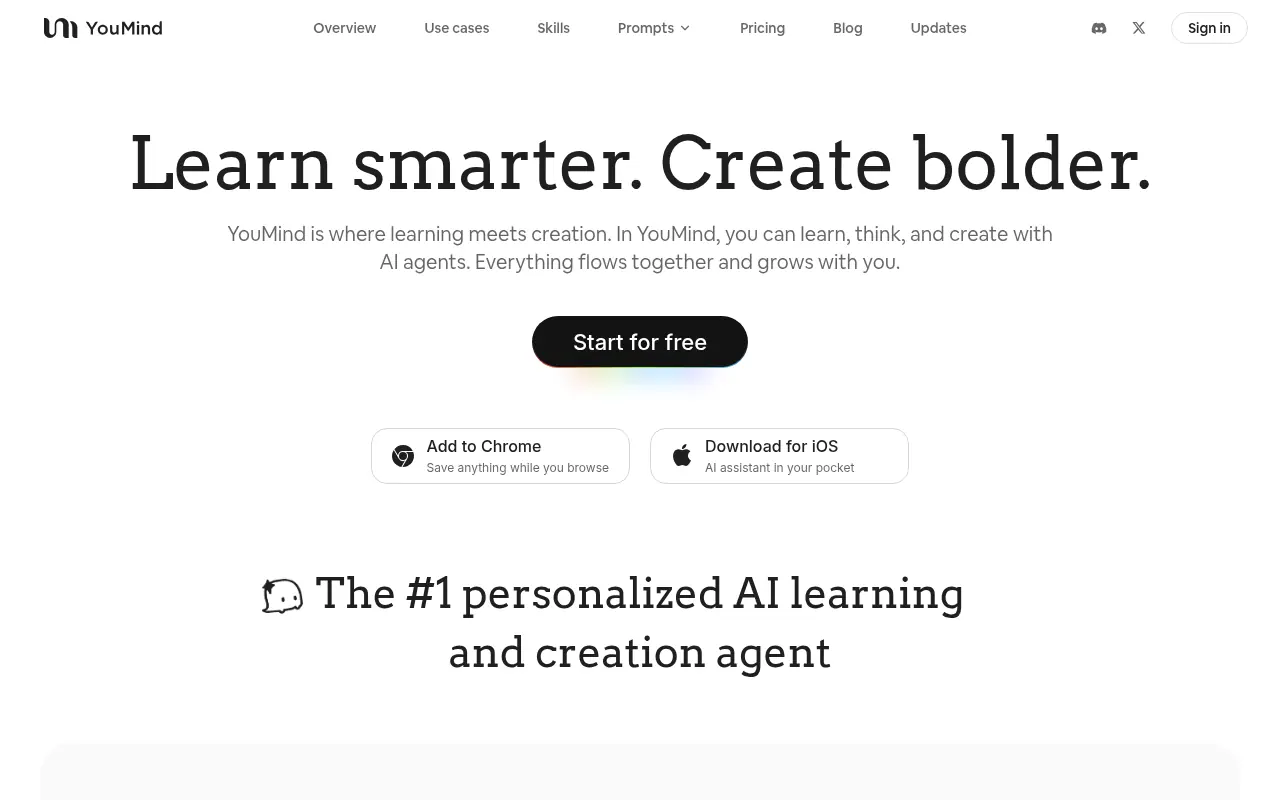

YouMind
An all-in-one AI creation studio that unifies research, note-taking, and writing into a single workflow for turning information into creative output.
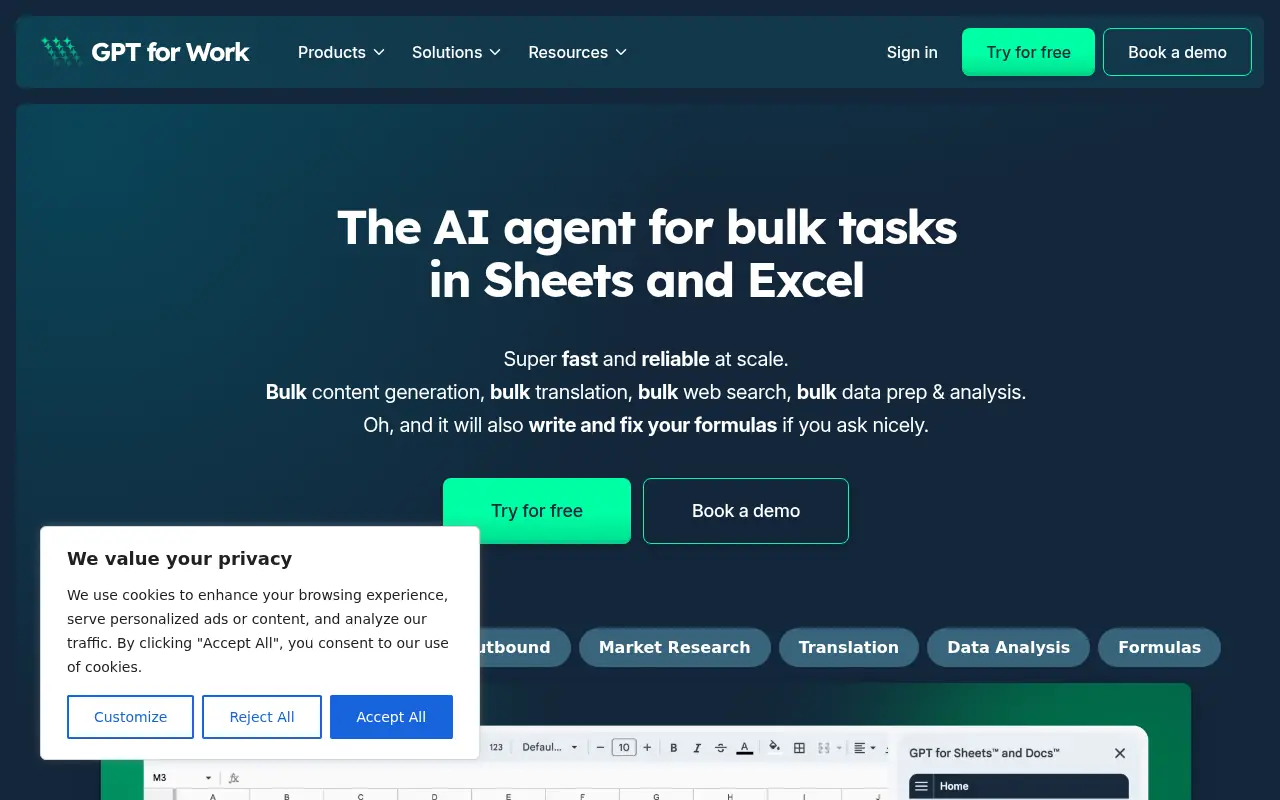

GPT for Work
GPT for Work offers fast, reliable AI-powered automation and content generation for Google Sheets, Docs, Microsoft Excel, and Word.
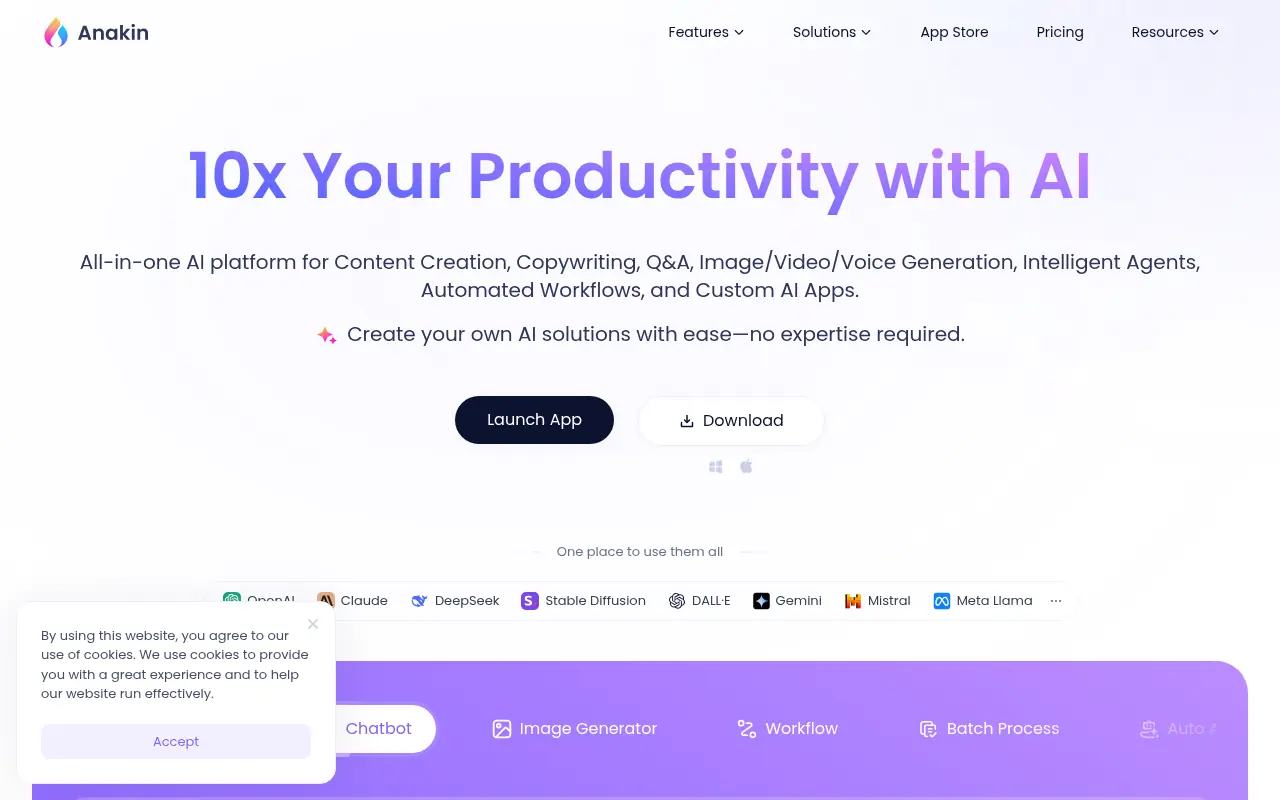

Anakin AI
Anakin AI is a no-code platform for creating and customizing AI applications to automate tasks and generate content.
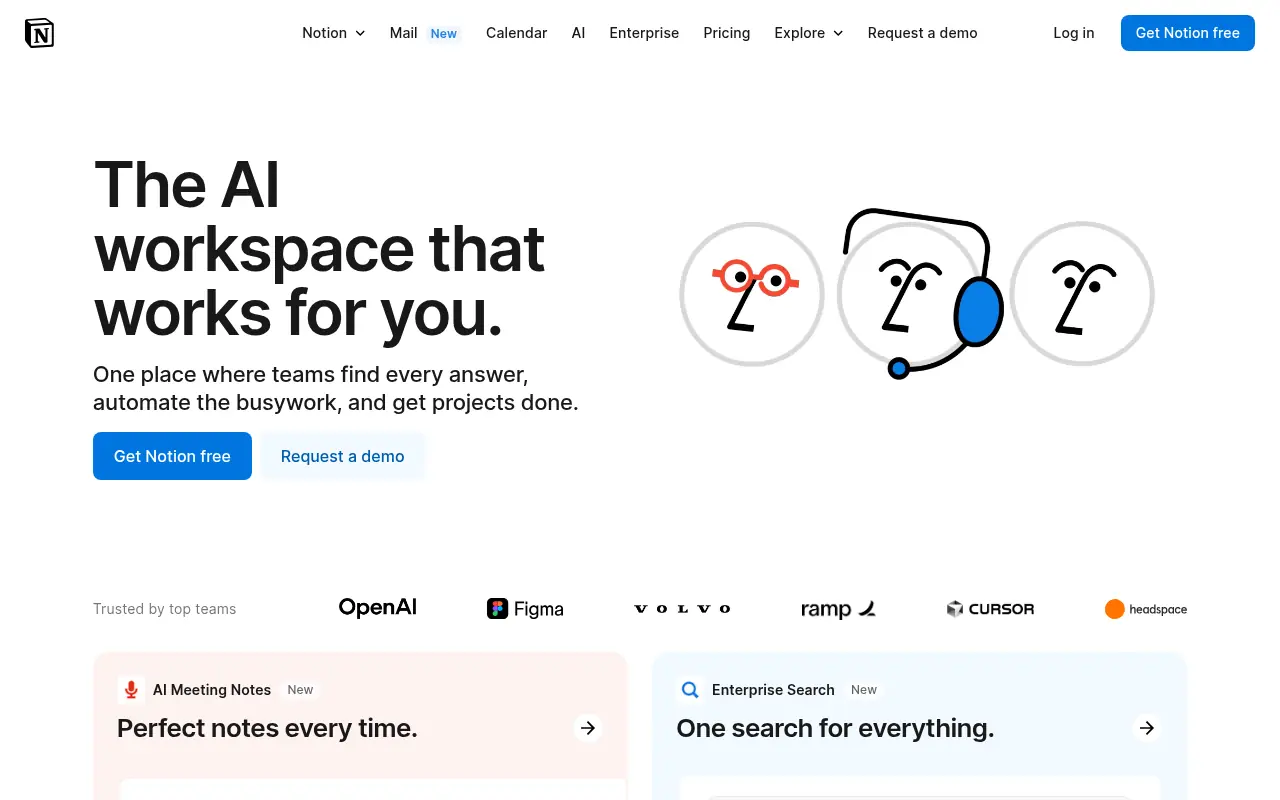

Notion
Notion is an all-in-one workspace for note-taking, project management, and team collaboration with AI-powered tools.


Box
Box is a cloud-based platform that enables secure file storage, sharing, collaboration, and content management for individuals and businesses.