

InShot
What is InShot?
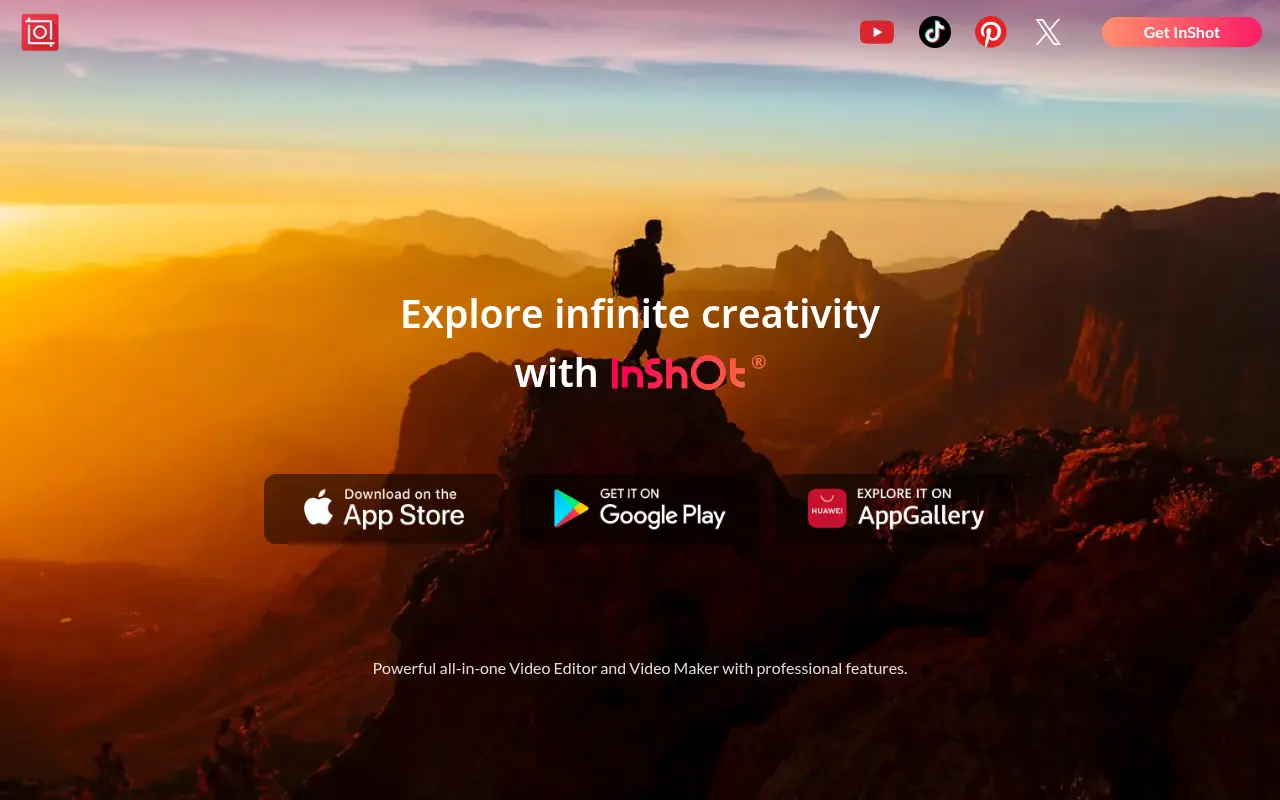
InShot is a comprehensive mobile video and photo editing application tailored for content creators, influencers, and casual users alike. Its mission is to make high-quality video editing accessible to everyone directly from their smartphones without needing complex technical skills. It serves its users by providing a suite of intuitive tools like trimming, cutting, merging, adding music, applying filters, and incorporating text or stickers. By simplifying the mobile editing workflow, it perfectly solves the problem of needing expensive desktop software to produce engaging media. Furthermore, its specialized canvas tools ensure that users can effortlessly format their creations for various social media aspect ratios. Ultimately, InShot empowers creators to craft and share professional-grade videos and photos while on the go.
How to use InShot?
To use InShot effectively, download the app from the App Store or Google Play Store and select whether you want to edit a video, photo, or create a collage from the main menu. Import your chosen media files into the editing timeline, and use the bottom toolbar to access core features like trim, canvas resizing, filters, music integration, and text overlays. Once you have customized your content to your liking, select your desired resolution and frame rate, then click export to save the final product directly to your device or share it seamlessly to your favorite social media platforms.
InShot's Core Features
Trim, cut, split, and merge video clips with pinpoint precision on a mobile timeline.
Adjust the video canvas and background to perfectly fit various social media platforms like Instagram, TikTok, and YouTube.
Add background music, dynamic sound effects, and custom voiceovers to your media projects.
Apply cinematic filters and finely adjust video properties such as brightness, contrast, and saturation.
Enhance videos and photos with customizable text overlays, animated stickers, and emojis.
Control video speed to create smooth slow-motion or fast-motion effects.
Utilize AI tools to automatically remove backgrounds and apply smart effects to photos and videos.
Create stylish photo collages using a wide variety of customizable grid templates and borders.
InShot's Use Cases
- #1
Creating engaging TikTok videos or Instagram Reels with trendy music, transitions, and effects.
- #2
Editing YouTube vlogs or long-form videos directly from a smartphone.
- #3
Resizing videos and photos to fit specific social media aspect ratios like 9:16 or 1:1 without cropping out important details.
- #4
Adding custom voiceovers and sound effects to tutorial or storytelling videos.
- #5
Designing aesthetic photo collages for personal memories or social media posts.
- #6
Adding auto-captions, subtitles, or text overlays to make videos more accessible and engaging.
- #7
Extracting audio from existing videos to repurpose into new content.
Frequently Asked Questions
Analytics of InShot
Monthly Visits Trend: Jun 2025 - Aug 2026
Traffic Sources
AI Channel Traffic Trends
Top Regions
| Region | Traffic Share |
|---|---|
| India | 32.72% |
| United States | 8.21% |
| Brazil | 4.58% |
| Pakistan | 3.74% |
| Italy | 2.81% |
Top Keywords
| Keyword | Traffic | CPC |
|---|---|---|
| inshot | 108.0K | $0.36 |
| inshot for pc | 28.7K | $0.47 |
| inshot app | 5.2K | $0.21 |
| inshot video editor | 4.4K | $0.69 |
| in shot | 5.3K | $0.34 |
Alternative of InShot

InVideo
InVideo is an AI-powered video creation platform that simplifies professional-quality video production for users of all skill levels.

Vizard
Vizard.ai is an AI-powered video editing platform that simplifies content creation for creators, marketers, and businesses.

2short.ai
2short.ai is an AI-powered platform that transforms long-form videos into engaging short clips optimized for social media and marketing.
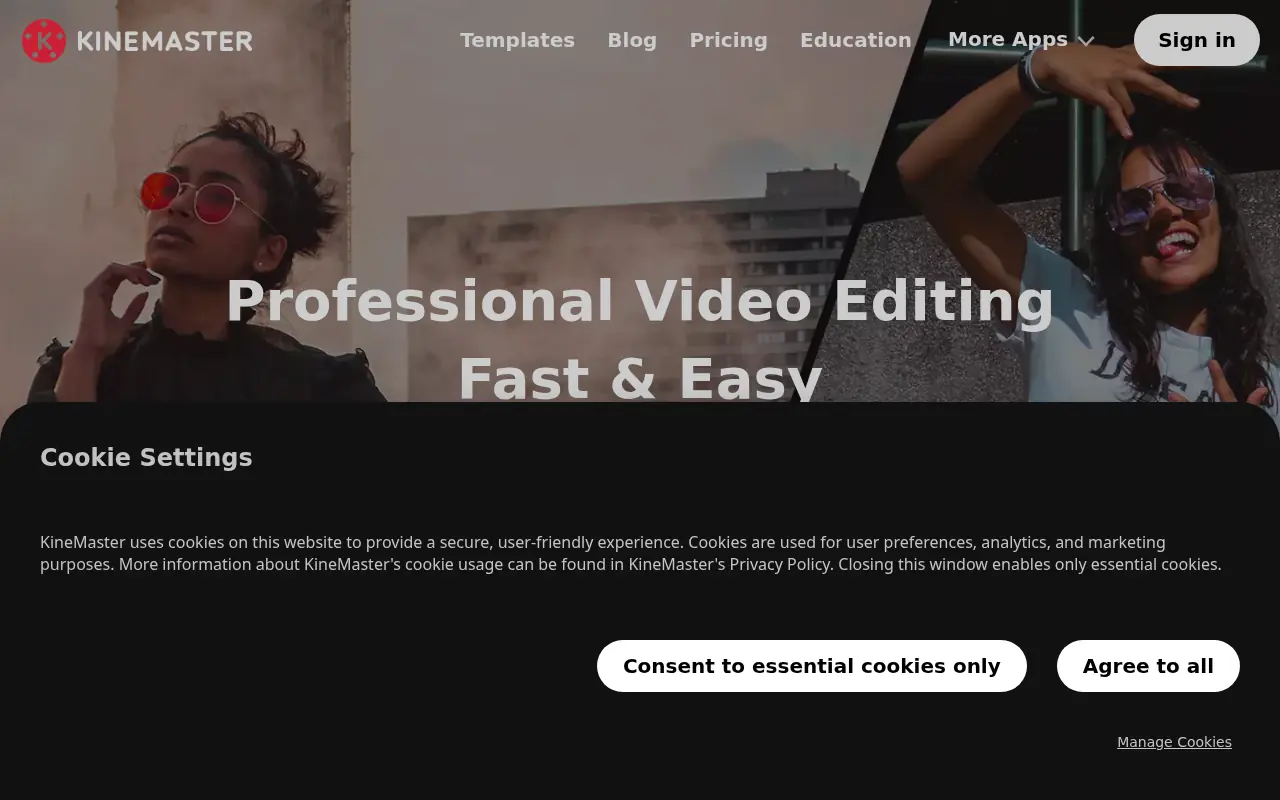

KineMaster
KineMaster is a professional, AI-powered mobile video editing application that equips creators with desktop-grade tools to easily produce high-quality 4K videos on the go.
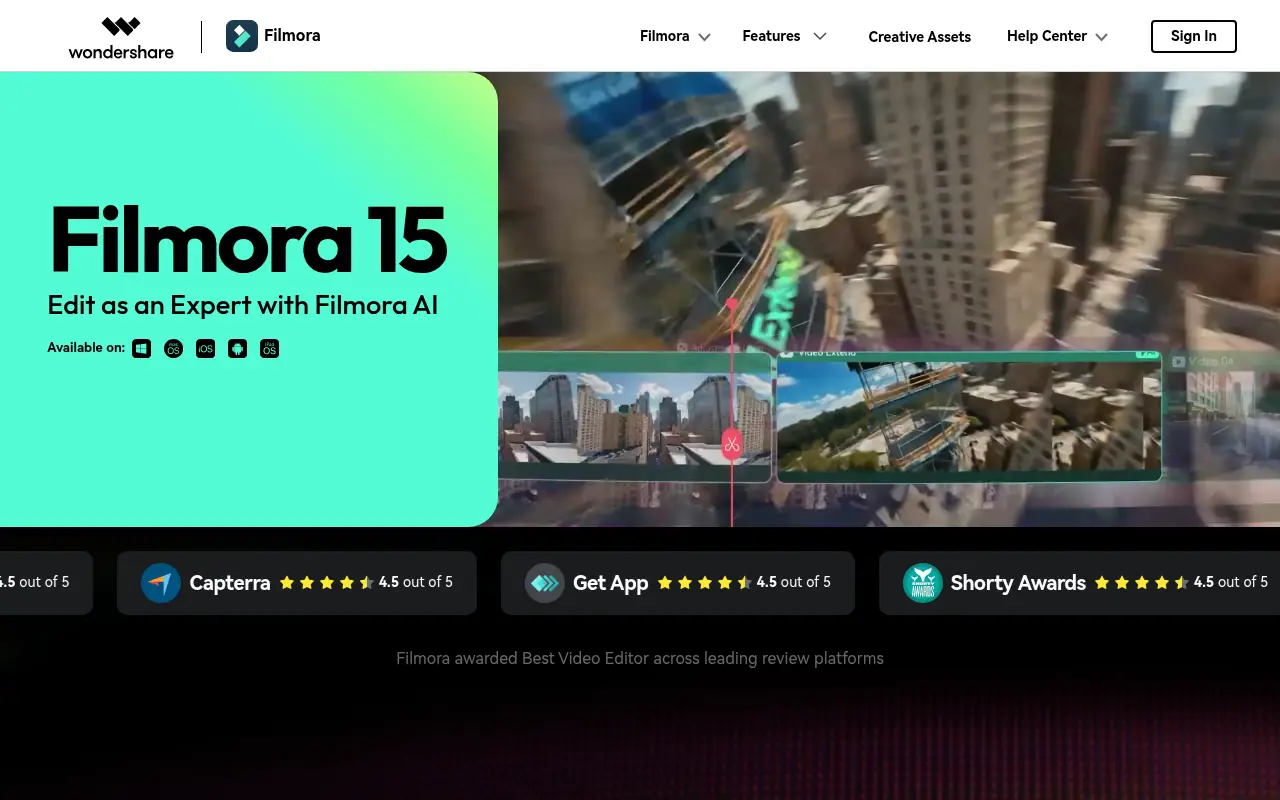

Filmora (Wondershare)
Wondershare Filmora is a powerful, user-friendly video editing software equipped with robust AI features designed for creators of all skill levels.
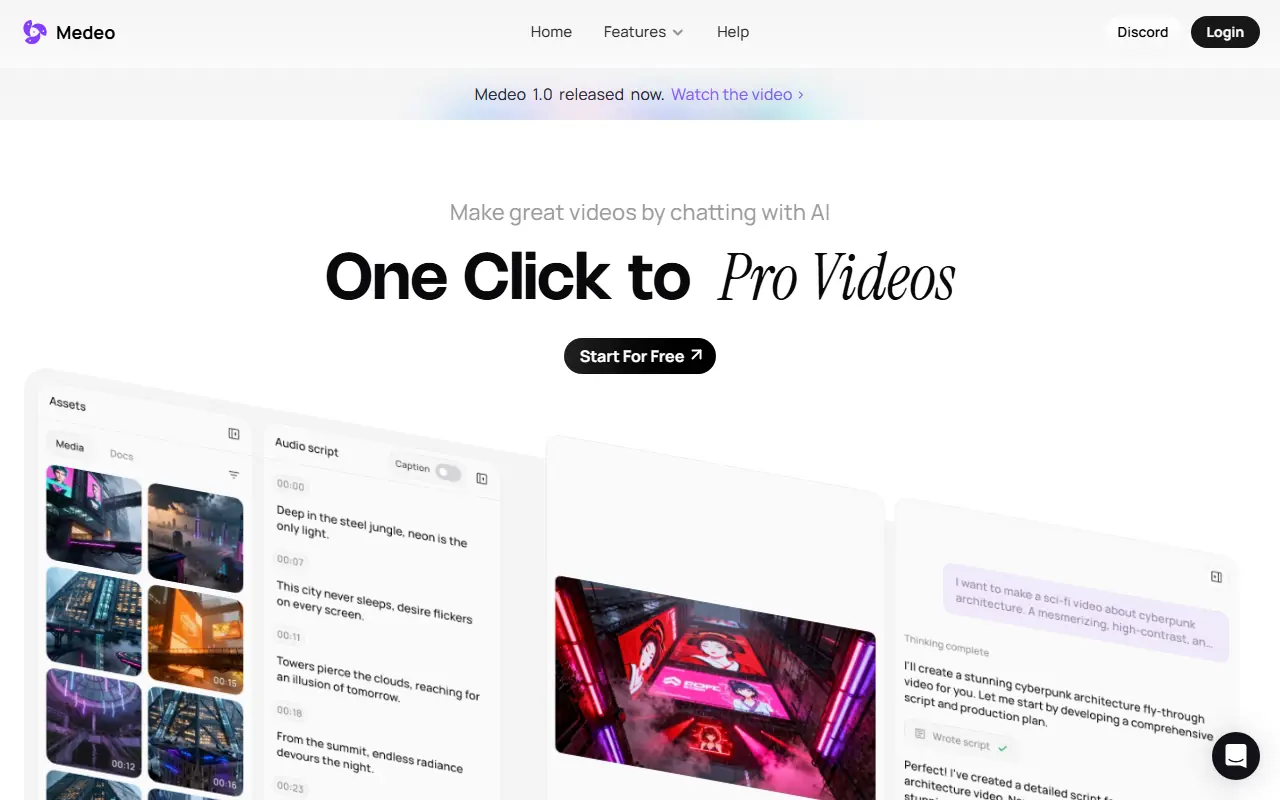

Medeo
A chat-based AI video editor that allows users to create, edit, and animate videos using simple text commands.
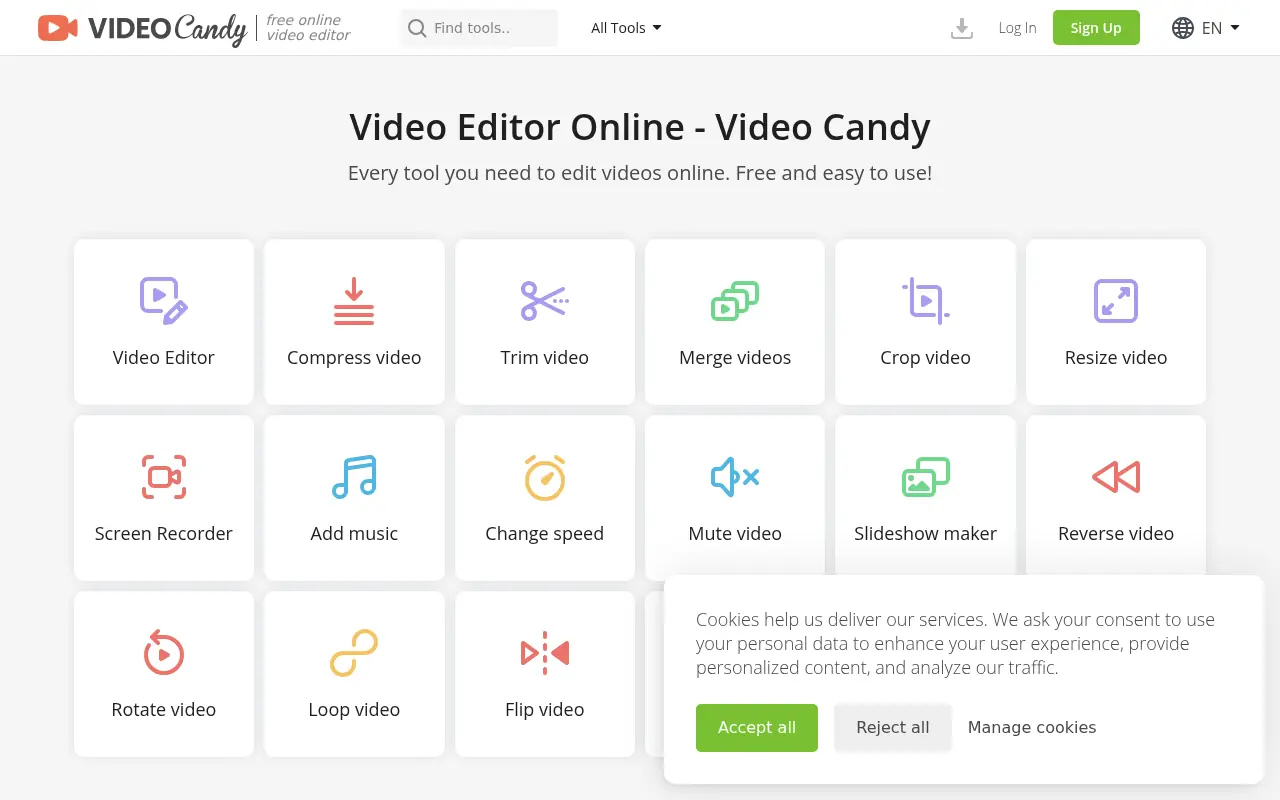

Video Candy
Video Candy is a free, browser-based video editor that offers a comprehensive suite of tools for trimming, merging, compressing, and resizing videos without any software installation.
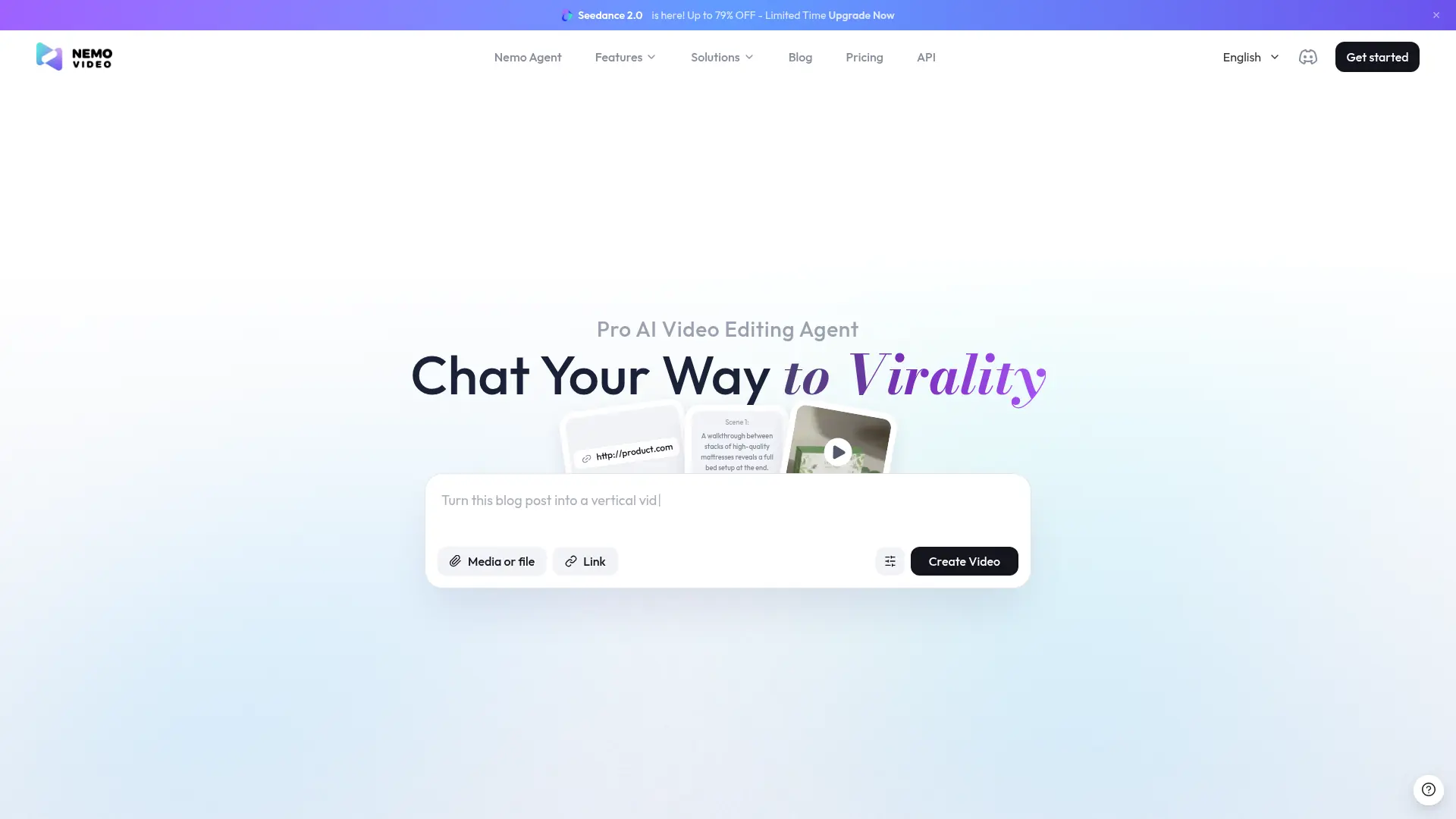

NemoVideo
NemoVideo is a pro-grade AI video editing agent that transforms text prompts and raw footage into viral-ready, short-form content in minutes.