

iFlow
What is iFlow?
iFlow is an intelligent AI platform designed to enhance creative and developmental workflows. Its core offering includes the iFlow CLI, a powerful terminal-based AI agent that helps developers analyze codebases, execute programming tasks, and manage file operations using natural language. Beyond coding, iFlow acts as a versatile knowledge assistant capable of answering questions spanning from everyday trivia to complex academic topics. The platform provides a free marketplace of cutting-edge open-source large language models, alongside an OpenAI-compatible API for custom integrations. By combining multi-agent collaboration with broad accessibility, iFlow aims to help users enter a productive 'flow state' where problem-solving becomes effortless.
How to use iFlow?
To get started with iFlow, users can register on the website to generate an API key or immediately download the iFlow CLI for macOS, Windows, or Linux. Once authenticated, developers can interact with the terminal-based assistant using natural language to execute scripts, organize files, or debug code. For a more integrated experience, users can install the provided plugins for popular IDEs like VS Code and JetBrains, or utilize the OpenAI-compatible API endpoint to connect iFlow's free open-source models directly into their own third-party applications and automated workflows.
iFlow's Core Features
Terminal-based AI assistant tailored for coding, bug fixing, and repository analysis.
Completely free marketplace providing access to mainstream open-source large language models.
OpenAI-compatible APIs enabling seamless integration into custom tools and software.
Natural language interaction capabilities that eliminate the need for complex terminal commands.
Multi-agent ecosystem supporting community-verified sub-agents for concurrent task execution.
Dedicated plugins for mainstream code editors like Visual Studio Code and JetBrains IDEs.
Built-in web search and multimodal capabilities for advanced image understanding and data extraction.
Smart execution modes, including a Yolo mode for autonomous task completion without manual confirmation.
iFlow's Use Cases
- #1
Generating, analyzing, and debugging code directly within the command-line interface.
- #2
Automating routine file management and directory organization tasks.
- #3
Integrating robust open-source AI models into third-party apps via an OpenAI-compatible API.
- #4
Executing complex, multi-step development workflows through multi-agent collaboration.
- #5
Performing web searches to extract and summarize relevant technical documentation.
- #6
Providing real-time answers for general knowledge and academic inquiries.
Frequently Asked Questions
Analytics of iFlow
Monthly Visits Trend: Jun 2025 - Aug 2026
Traffic Sources
Top Regions
| Region | Traffic Share |
|---|---|
| China | 69.78% |
| United States | 5.67% |
| Singapore | 5.23% |
| Vietnam | 4.44% |
| Hong Kong | 2.59% |
Top Keywords
| Keyword | Traffic | CPC |
|---|---|---|
| iflow | 6.8K | $0.49 |
| 卸载iflow | 290 | -- |
| i flow cn | -- | -- |
| markdown开源 表格编辑体验 | 190 | -- |
| 公益 免费 ai | 160 | -- |
Alternative of iFlow
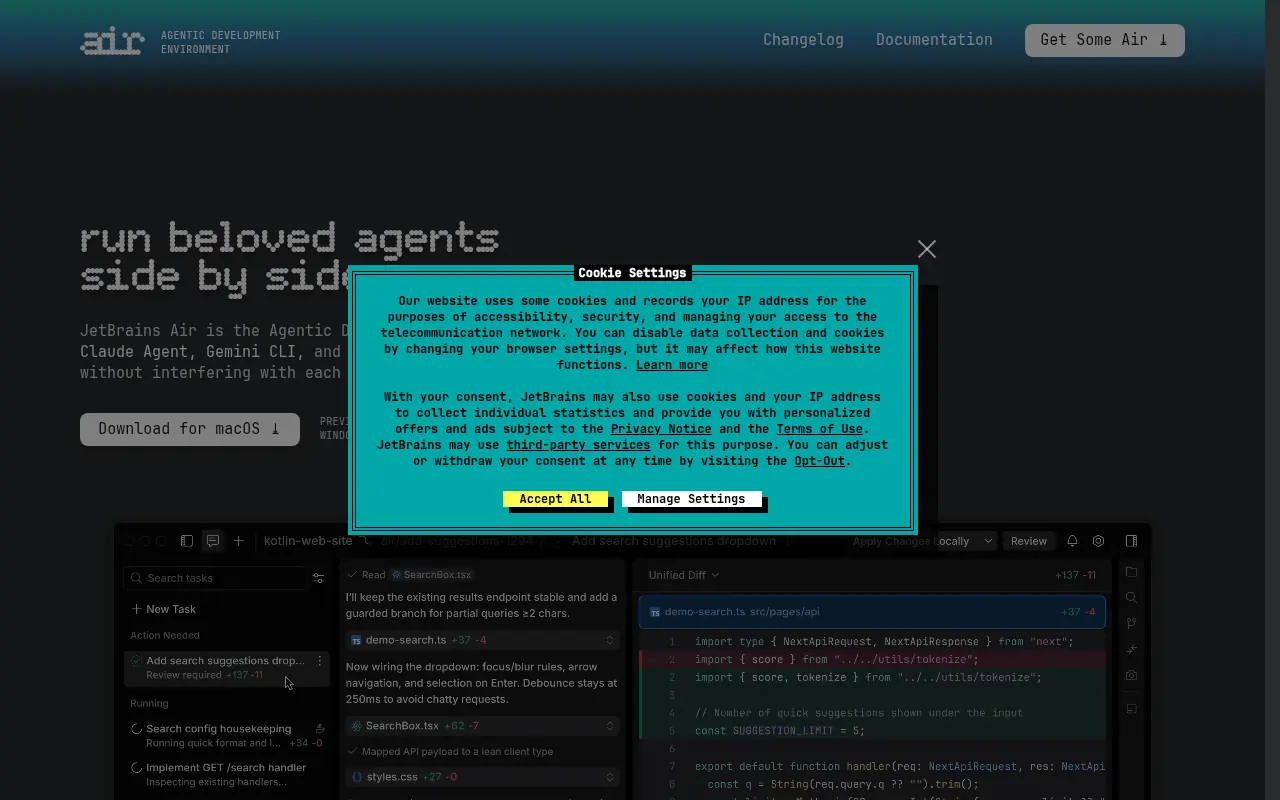

JetBrains Air
JetBrains Air is an agentic development environment that allows developers to run, manage, and orchestrate multiple AI coding agents concurrently.

Google AI
Google AI is the central hub for Google's artificial intelligence research, developer tools, open-source resources, and responsible AI principles.

LangChain
LangChain is an open-source framework for building applications powered by large language models with modular components and comprehensive development tools.
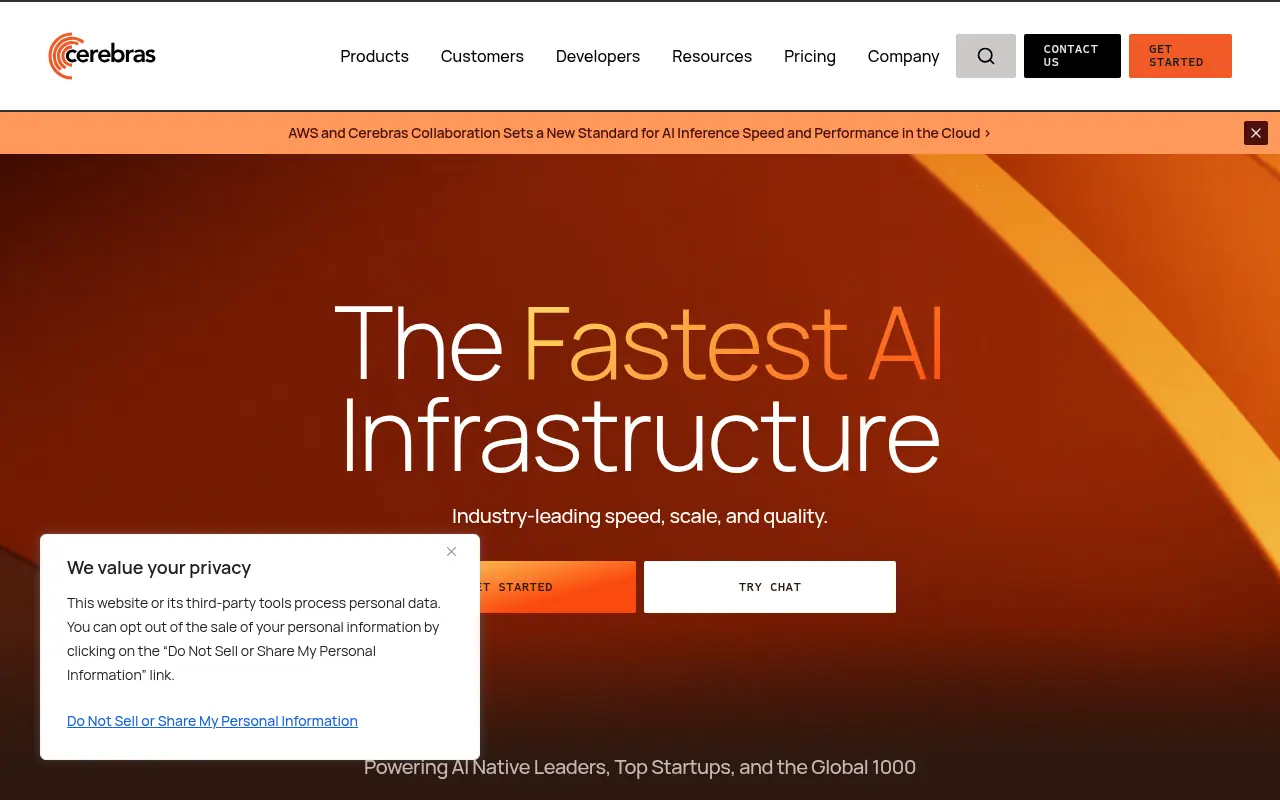

Cerebras
Cerebras Systems builds industry-leading AI hardware and supercomputers, powered by the world's largest AI chip, designed specifically to accelerate generative AI training and inference workloads.
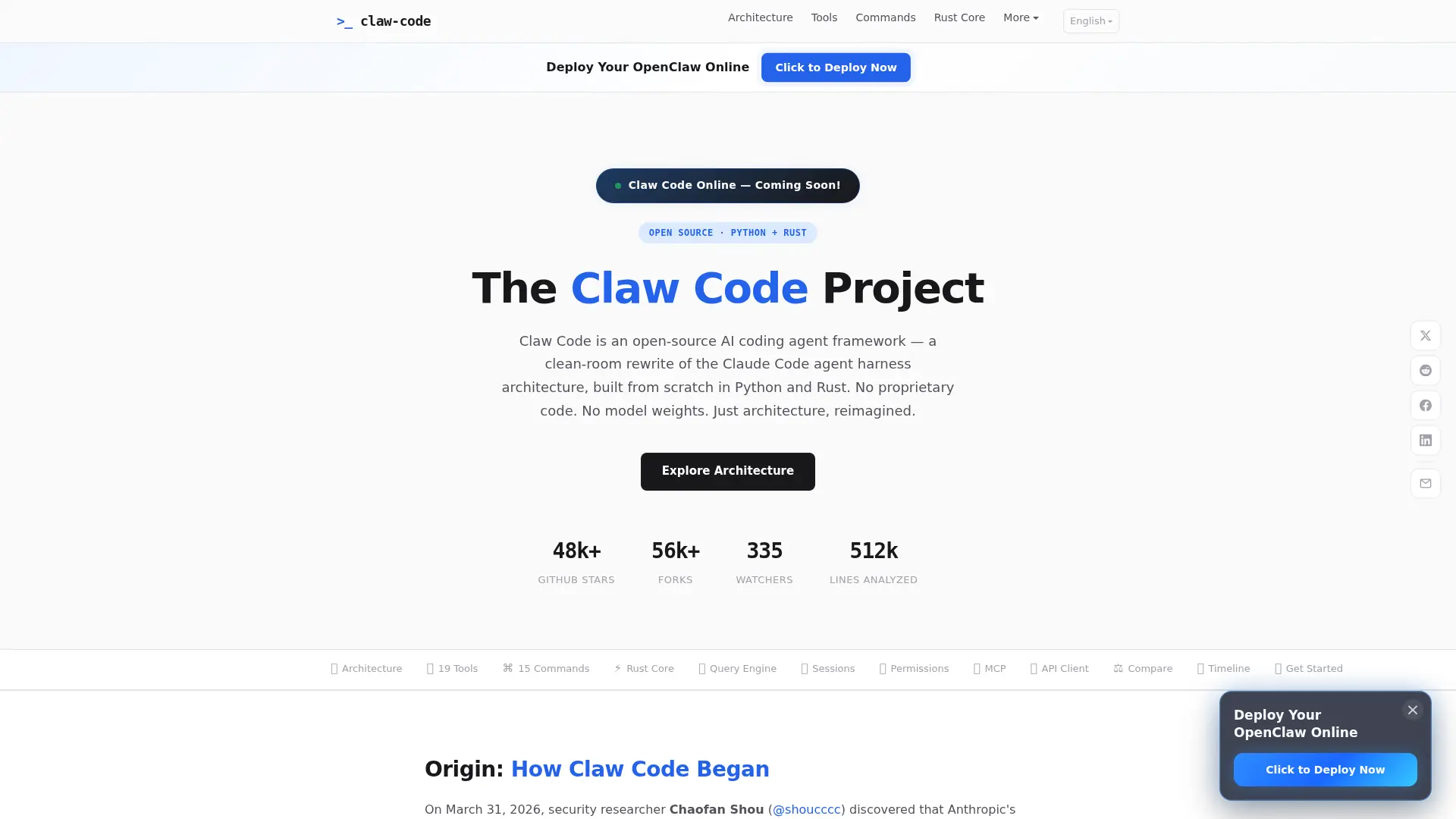

Claw Code
An open-source, provider-agnostic AI coding agent framework built in Rust and Python, offering a customizable architecture for autonomous software development and workflow automation.
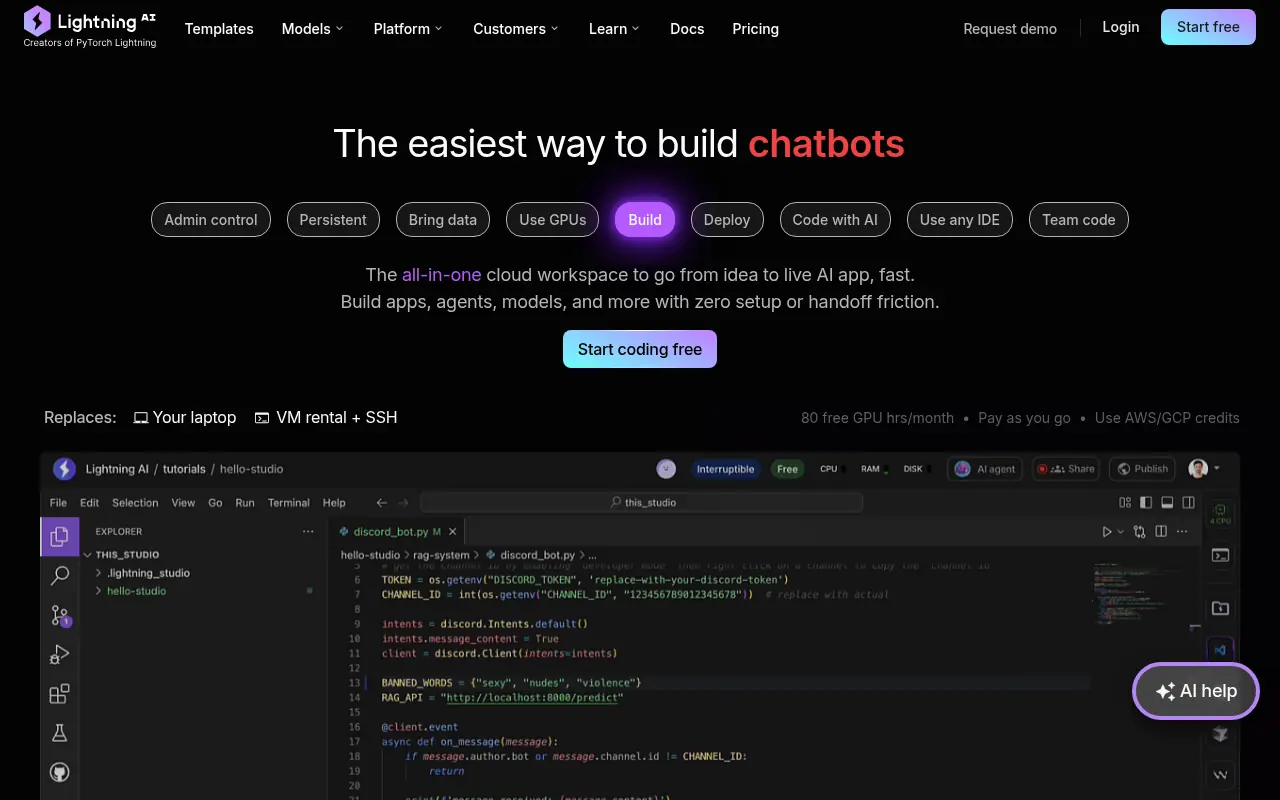

Lightning AI
Lightning AI is an all-in-one platform for building, training, and deploying AI models with minimal setup.
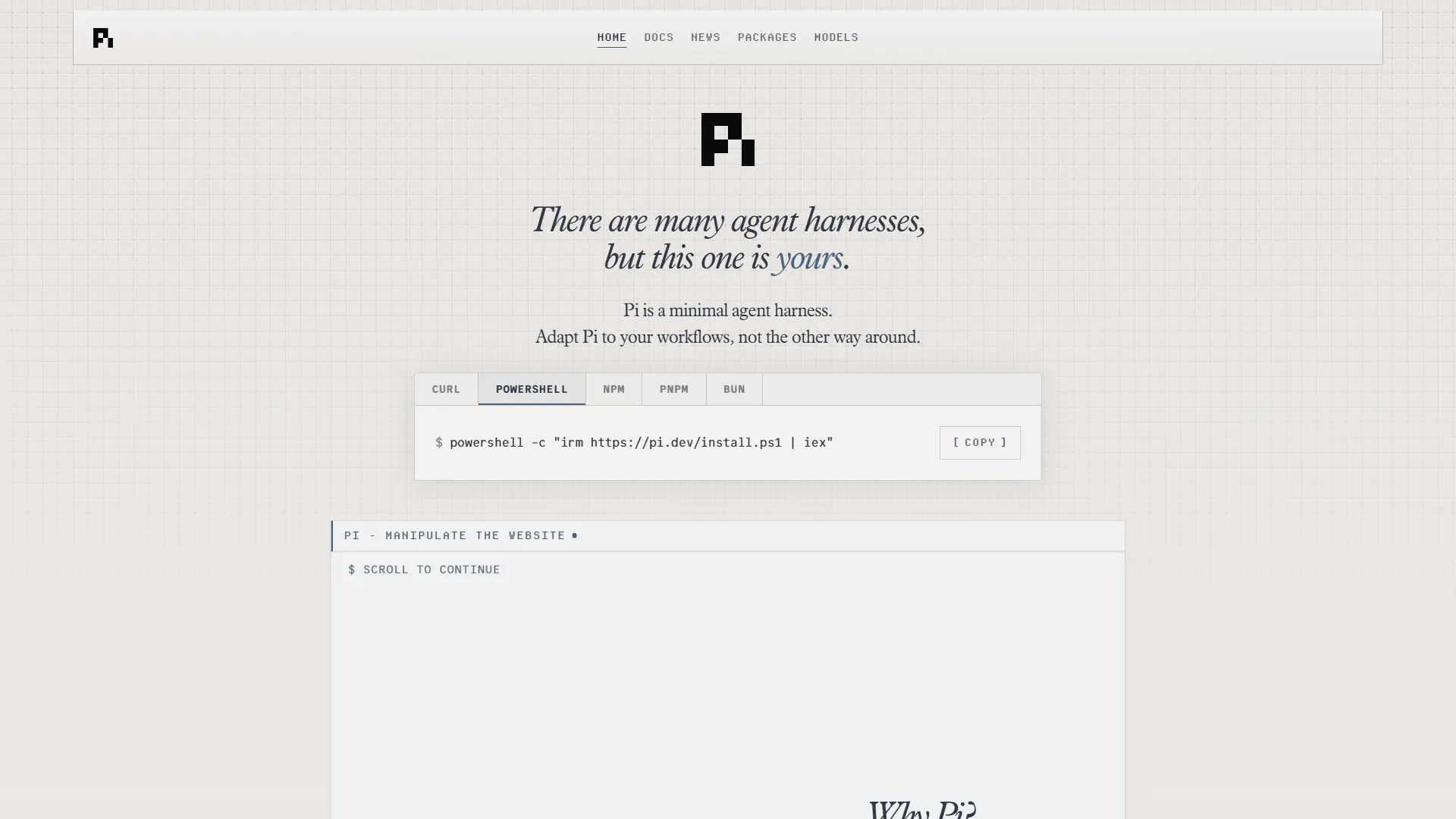

Pi
Pi is a highly secure, terminal-first AI coding agent designed for custom workflows, local orchestration, and strict data compliance without a SaaS backend.

Google Antigravity
Google Antigravity is an agentic development platform that enables developers to build software using autonomous AI agents powered by Gemini 3 Pro.