

Hyperbrowser
What is Hyperbrowser?
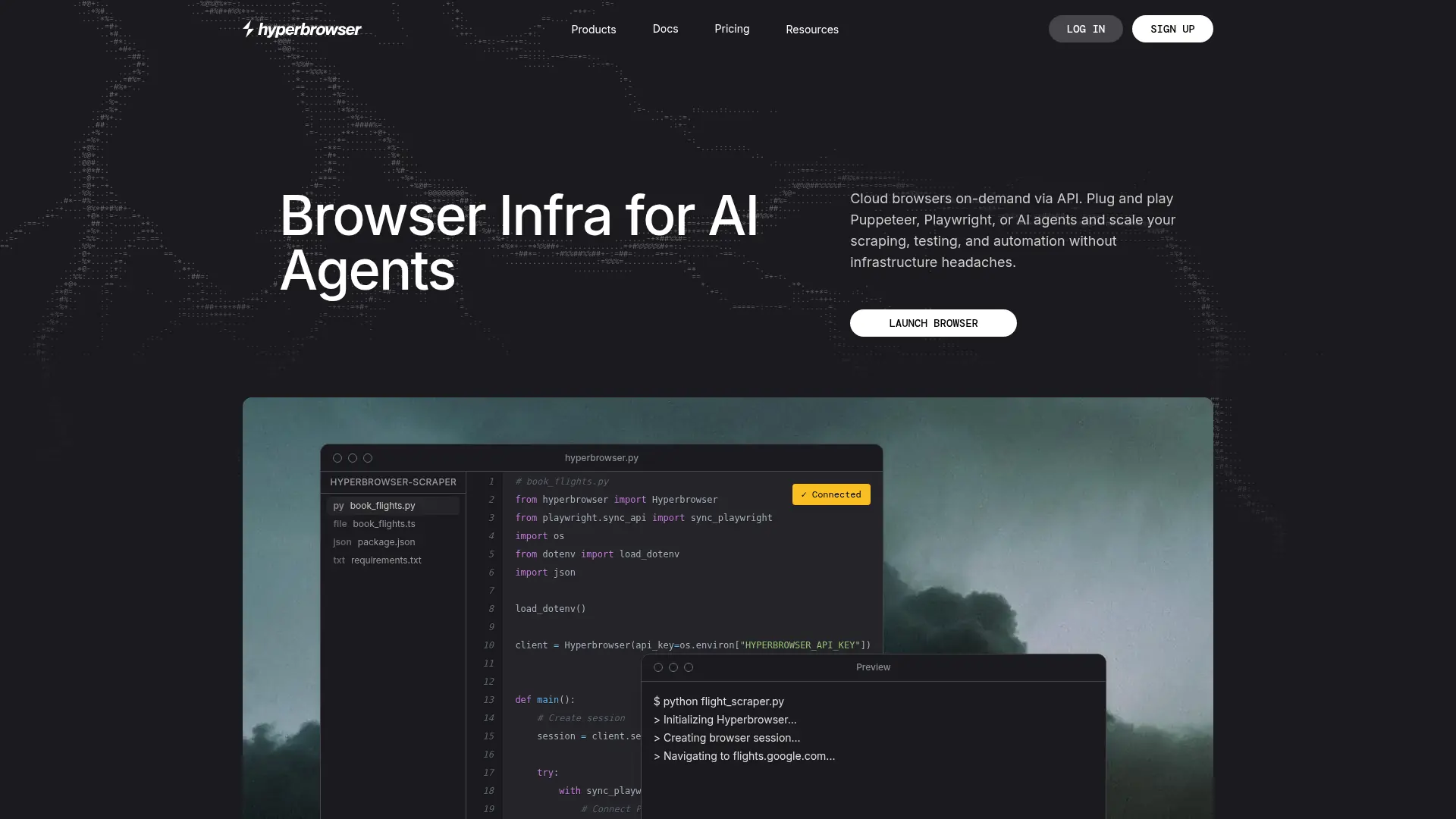
Hyperbrowser is cloud infrastructure for AI agents, browser automation, web scraping, and agentic code execution. It provides isolated browser sessions that developers can control through Playwright, Puppeteer, Selenium, CDP-compatible tools, Node.js, Python, or REST APIs. Its Web API supports page fetching, web search, crawling, scraping, and structured data extraction. Teams can also run Browser-Use, Claude, OpenAI, Gemini, Grok, HyperAgent, and Stagehand workflows in managed sessions. The platform’s main differentiator is combining scalable browser execution with stealth controls, proxies, CAPTCHA support, recordings, live viewing, and cloud sandboxes.
How to use Hyperbrowser?
- 1. Create a Hyperbrowser account and obtain an API key from the dashboard. 2. Install the Node.js or Python SDK, or connect through the REST API, then create a browser session or agent task. 3. Connect with Playwright, Puppeteer, or a supported agent framework to navigate websites, extract results, and review the output or live session.
Hyperbrowser's Core Features
Cloud Browser Sessions: Launch isolated Chrome sessions in the cloud and control them through familiar browser automation tools.
Playwright and Puppeteer Support: Move existing automation scripts to managed infrastructure with minimal integration changes.
Web Data API: Fetch pages, search the web, crawl sites, scrape content, and extract structured data through unified endpoints.
AI Agent Runtime: Run Browser-Use, HyperAgent, Claude, OpenAI, Gemini, and Grok computer-use tasks through API calls.
Stealth Mode: Apply anti-detection techniques to reduce automation signals when interacting with bot-protected websites.
Proxy and Regional Routing: Configure proxy locations, geographic regions, and dedicated static IPs for location-sensitive workflows.
CAPTCHA Solving: Enable automated CAPTCHA handling for supported browser sessions and scraping tasks.
Session Observability: Watch active sessions through live URLs and use recordings to debug or analyze browser behavior.
Cloud Sandboxes: Run agent code in isolated cloud environments with processes, files, networking, volumes, and snapshots.
Developer Integrations: Connect workflows with MCP, LangChain, LlamaIndex, Stagehand, Node.js, Python, and REST clients.
Hyperbrowser's Use Cases
- #1
AI developers running browser agents that complete multi-step web research and form workflows
- #2
Data teams scraping JavaScript-heavy websites and converting pages into structured datasets
- #3
Engineering teams migrating Playwright or Puppeteer automation from local machines to managed cloud browsers
- #4
QA teams testing web applications across regions, browser profiles, and isolated sessions
- #5
Product teams adding web search, crawling, and structured extraction to AI applications through an API
- #6
Operations teams executing repetitive browser workflows with stealth, proxy, CAPTCHA, and session-recording support
Frequently Asked Questions
Analytics of Hyperbrowser
Monthly Visits Trend: Jun 2025 - Sep 2026
Traffic Sources
Top Regions
| Region | Traffic Share |
|---|---|
| United States | 27.13% |
| China | 10.25% |
| India | 8.57% |
| Singapore | 3.89% |
| Vietnam | 3.53% |
Top Keywords
| Keyword | Traffic | CPC |
|---|---|---|
| tiktok video download | 161.3K | $0.39 |
| hyperbrowser | 2.6K | $2.36 |
| hyperagent | 20.5K | $9.90 |
| tiktok video dowload | 1.3K | -- |
| hyperagent ai | 1.8K | $27.87 |
Alternative of Hyperbrowser

Pinokio
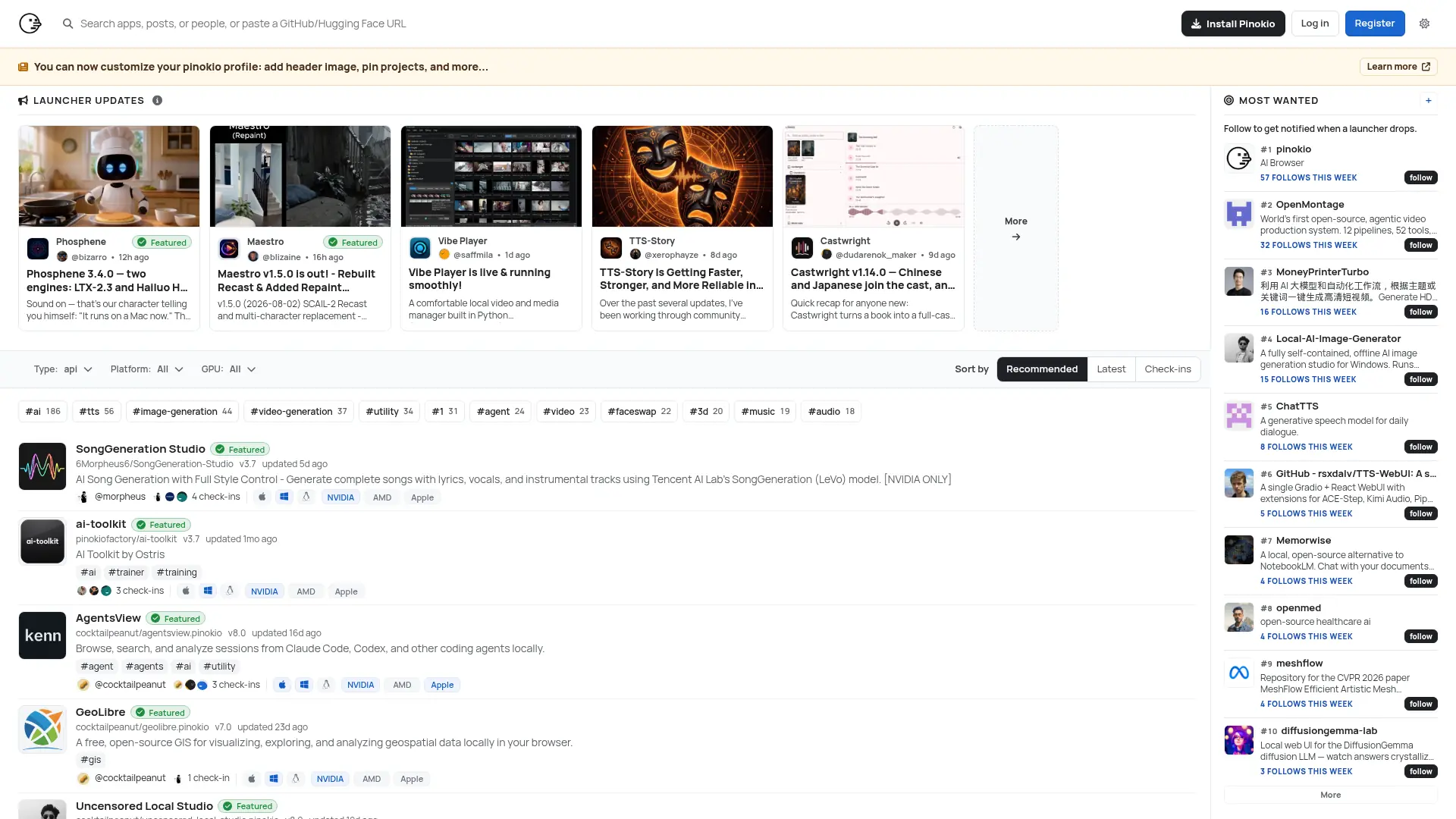
Run open-source AI apps, agents, and local services with one-click installation, isolated environments, and a built-in desktop interface.

QQ Browser
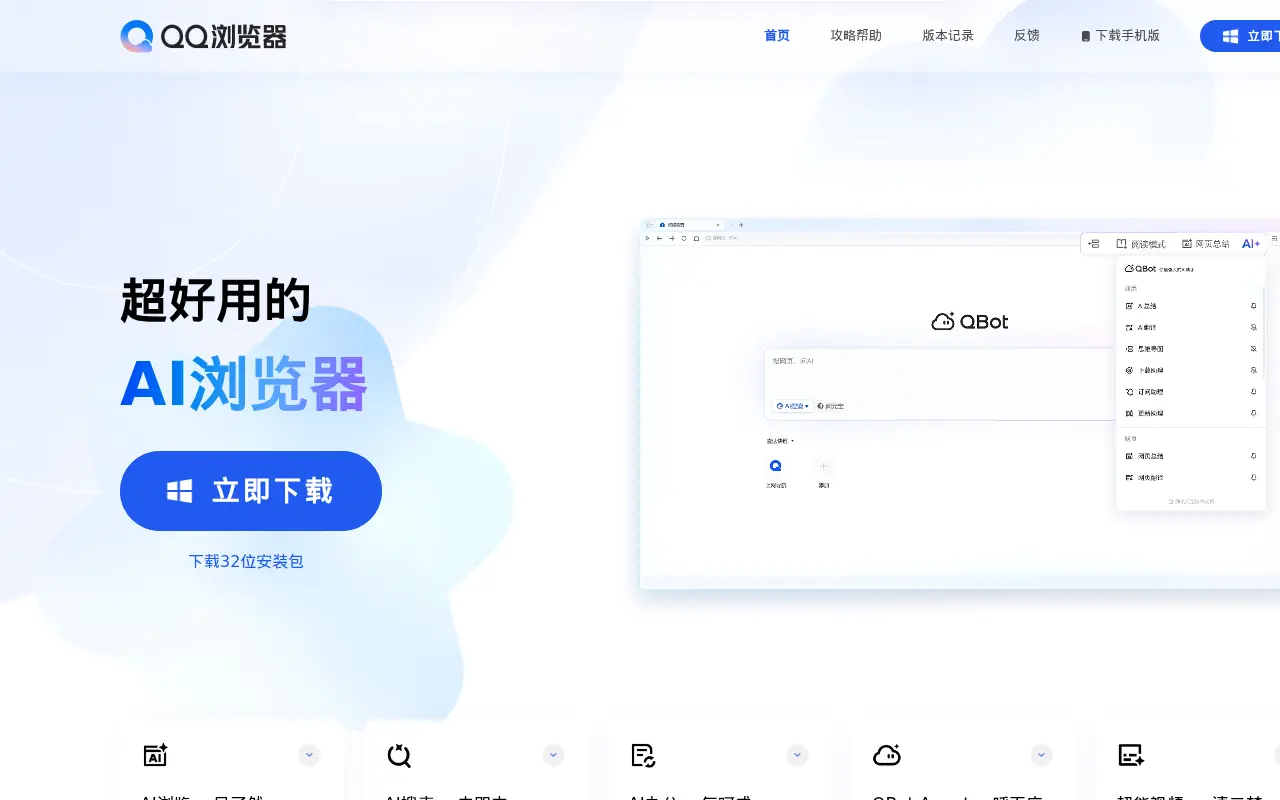
QQ Browser is an AI-powered web browser developed by Tencent that integrates advanced AI tools for search, reading, writing, and office tasks.

Sigma Browser
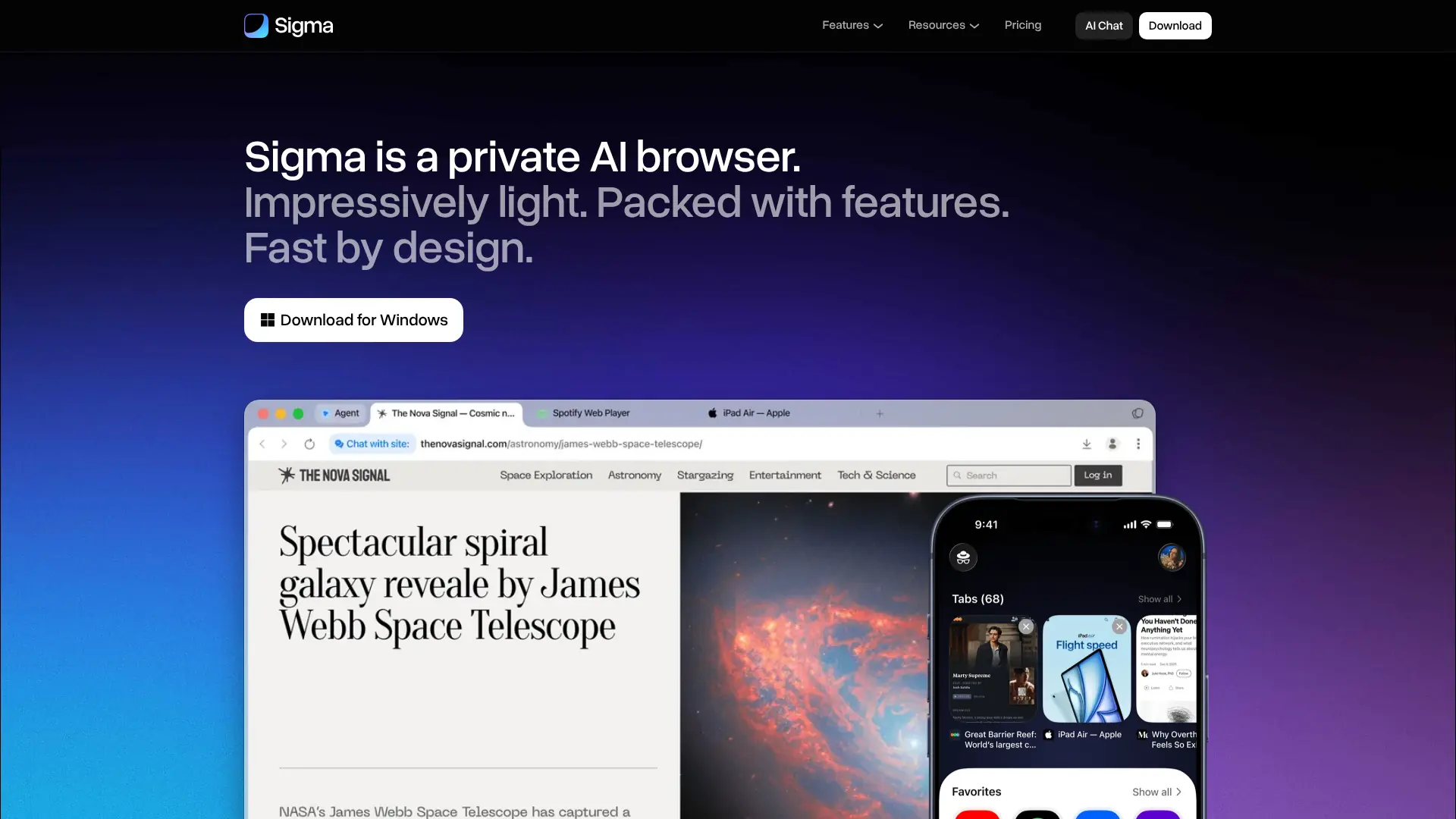
Browse, research, create, and automate online tasks with a privacy-focused AI browser that combines local intelligence with an action-taking web agent.


Quark
Quark is a minimalist, AI-powered browser and search engine developed by Alibaba, featuring built-in cloud storage, document scanning, and smart assistant tools.
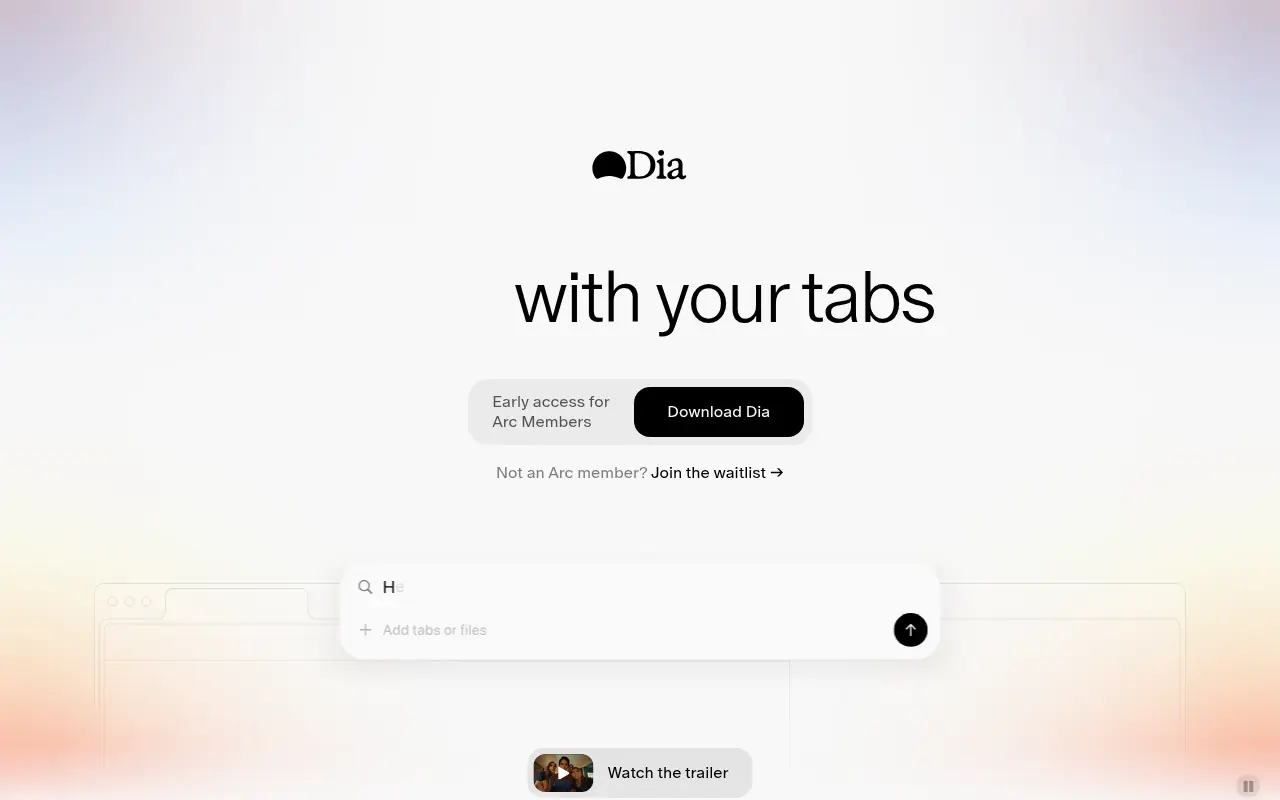

Dia Browser
Dia Browser is an AI-native web browser that integrates a smart assistant into the URL bar, allowing you to chat directly with your tabs, automate workflows, and boost productivity.
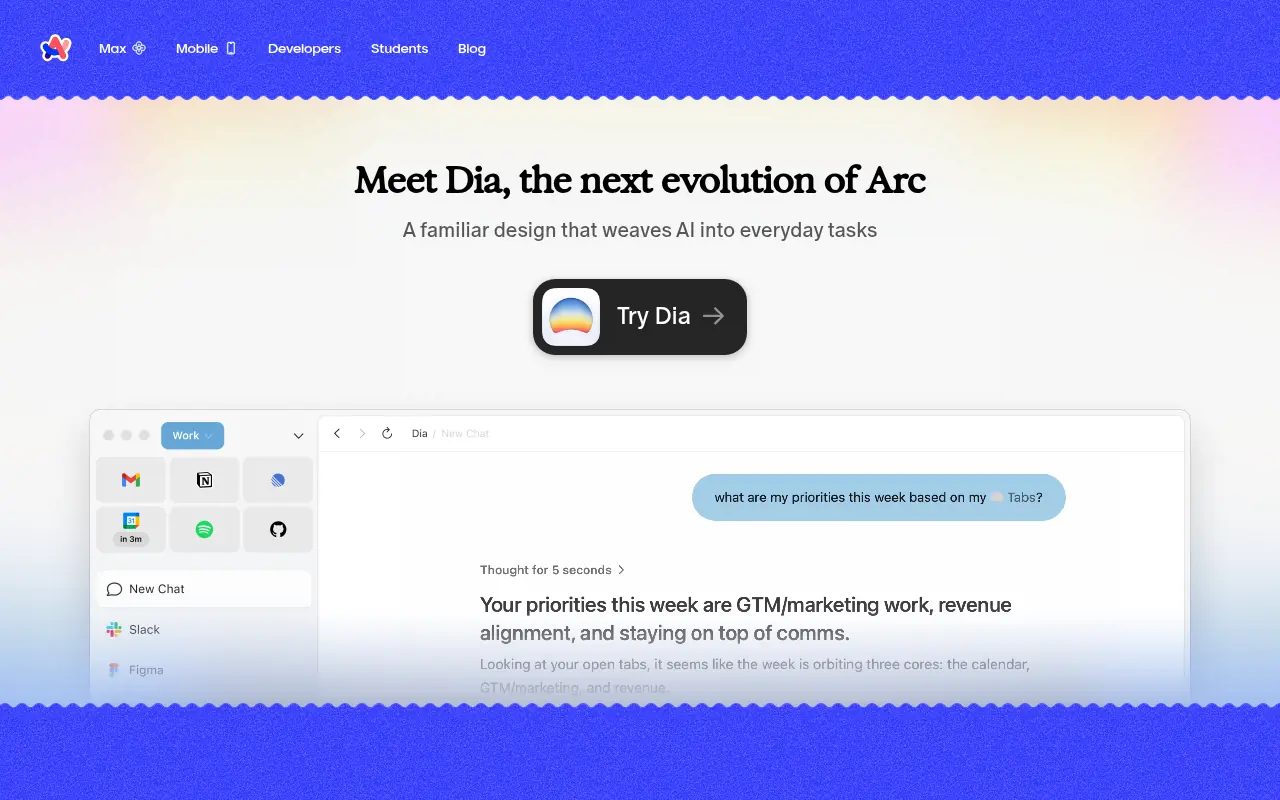

Arc
Arc is an innovative web browser designed to organize your online life with customizable workspaces, seamless tab management, and built-in AI tools.
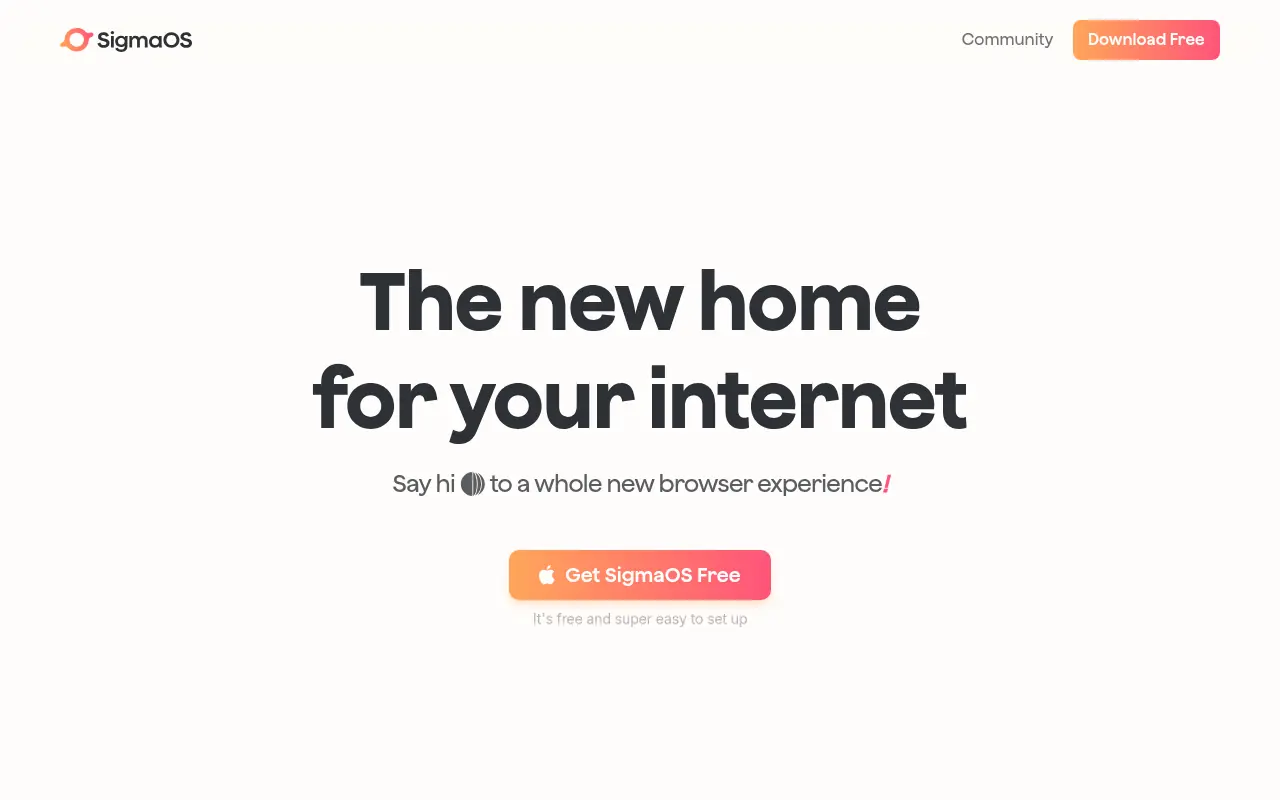

SigmaOS
SigmaOS is a productivity-focused web browser designed to enhance workflow efficiency through intelligent tab management and AI-powered tools.
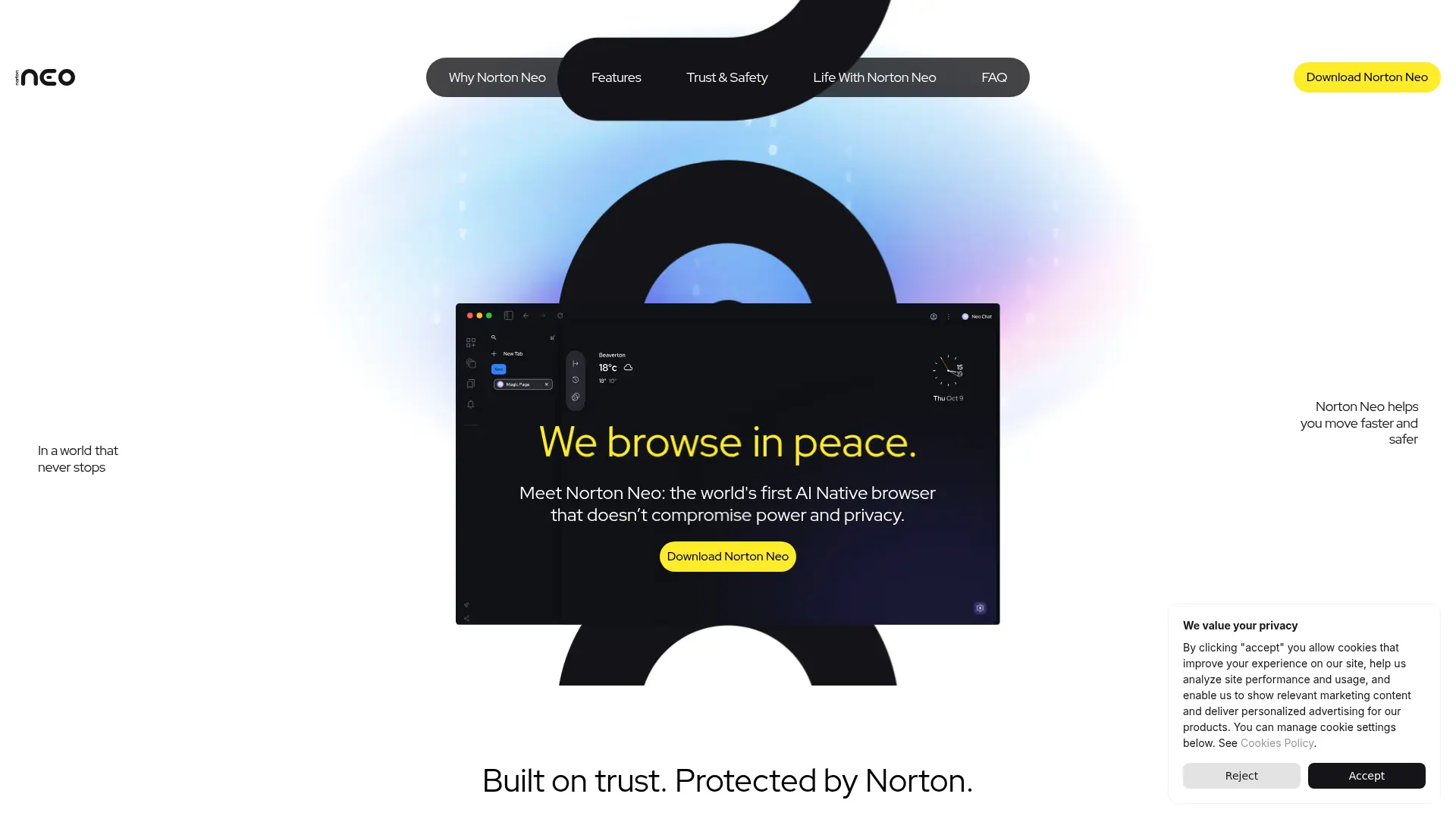

Norton Neo
Browse faster with conversational AI, built-in privacy protection, intelligent search, and focused tools for everyday web tasks.