

FinalFrame
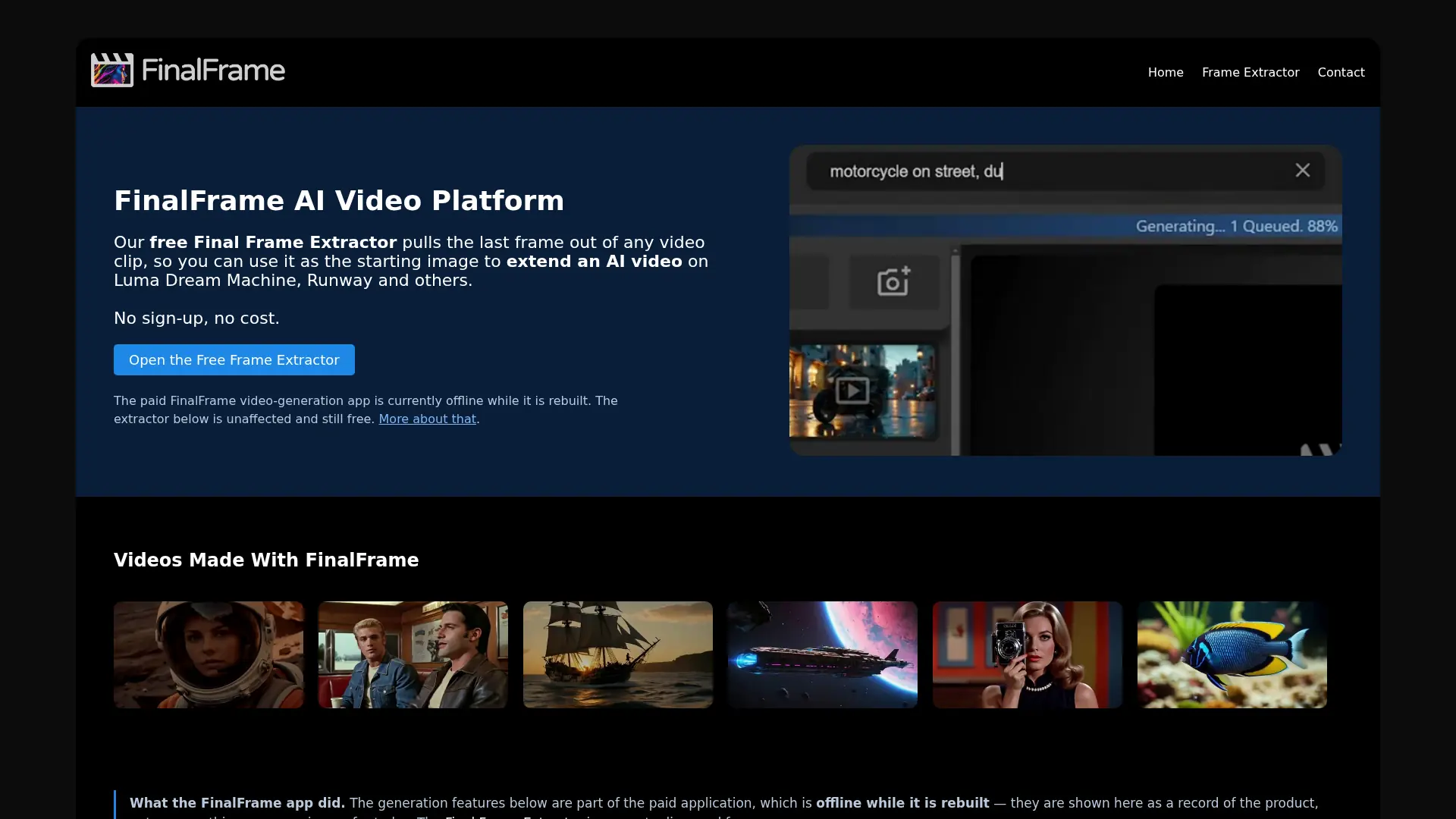
What is FinalFrame?
FinalFrame is a browser-based video frame extraction tool from General AI, LLC. Its current live tools extract the final frame or any selected frame from a video and save it as a full-quality PNG. The browser-based workflow is designed to keep videos on the user's device rather than requiring a general upload service. It supports creators, editors, and AI video users who need a reliable image reference for extending clips in tools such as Luma, Runway, or Kling. The site's previously paid AI video-generation application is currently offline while it is being rebuilt, so the active offering is the free frame-extraction utility.
How to use FinalFrame?
1. Open FinalFrame's frame extractor and choose either the last-frame tool or the any-frame tool. 2. Select a video and scrub or process it to identify the frame you need. 3. Download the PNG and use it as a reference or starting image in your preferred video-generation or editing platform.
FinalFrame's Core Features
Final-frame extraction: Pull the ending frame from a video to create a continuity-friendly starting image for AI video extension.
Any-frame extraction: Scrub to a specific moment and save the exact frame you need as a PNG.
Browser-based processing: Process videos in the browser so files normally remain on your device.
Full-quality PNG export: Download extracted frames as PNG images without adding a watermark.
No-sign-up access: Start extracting frames without creating an account or entering payment details.
AI video workflow support: Use exported frames with platforms such as Luma, Runway, Kling, and other video tools.
Simple upload workflow: Choose a local video file and extract a usable still without a complex editing timeline.
Separate extraction tools: Choose a dedicated last-frame workflow or a tool for selecting any frame in the clip.
FinalFrame's Use Cases
- #1
AI video creators extracting the final frame to extend a clip smoothly in Runway, Luma, or Kling
- #2
Video editors saving a precise storyboard or continuity reference from an existing clip
- #3
Motion designers capturing a clean still image from an animation for further compositing
- #4
Social media creators selecting a thumbnail frame without installing desktop editing software
- #5
Filmmakers exporting a full-quality frame for visual development, shot planning, or client review
- #6
Researchers and educators extracting representative frames from instructional or presentation videos
Frequently Asked Questions
Analytics of FinalFrame
Monthly Visits Trend: Jun 2025 - Aug 2026
Traffic Sources
Top Regions
| Region | Traffic Share |
|---|---|
| United States | 21.29% |
| Vietnam | 7.92% |
| Brazil | 6.59% |
| India | 5.54% |
| France | 5.39% |
Top Keywords
| Keyword | Traffic | CPC |
|---|---|---|
| last frame extractor | 770 | -- |
| extract last frame | -- | -- |
| extract last frame of video | 250 | -- |
| extract last frame from video | 120 | -- |
| video frame extractor | 18.5K | $1.26 |
Alternative of FinalFrame


Movavi
Movavi provides a suite of user-friendly multimedia software for video editing, screen recording, photo manipulation, and media conversion, enhanced with modern AI-driven features.


Clipchamp
Clipchamp is a user-friendly video editing platform for creating professional-quality videos.


Media.io
Media.io is an online platform offering AI-powered tools for editing, converting, and enhancing audio, video, and image files directly in the browser.


InVideo
InVideo is an AI-powered video creation platform that simplifies professional-quality video production for users of all skill levels.

CapCut
CapCut is an AI-powered platform for easy video editing and graphic design across multiple devices.

Opus Pro
Opus Pro is an AI-powered video editing platform designed to streamline content creation for creators and businesses.

FlexClip
FlexClip is an online video editing platform that enables users to create professional-quality videos with ease.
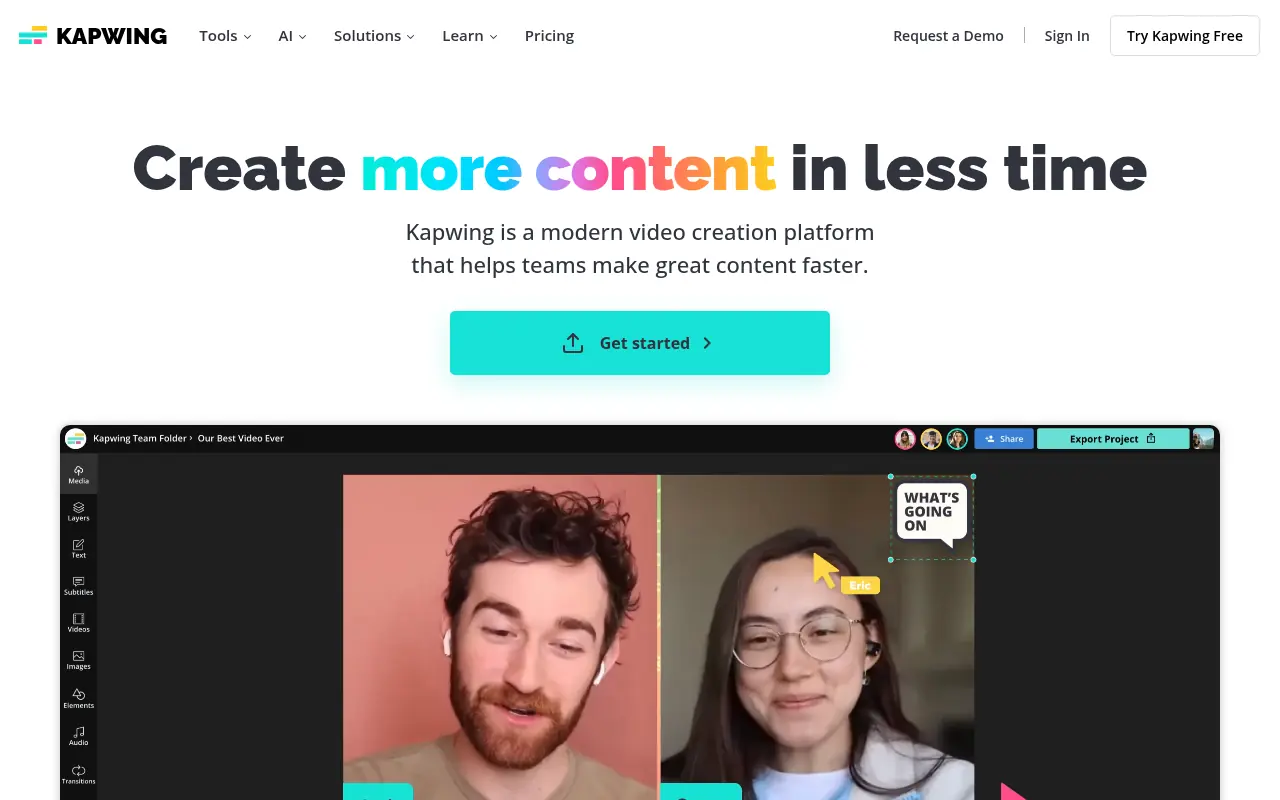

Kapwing
Kapwing is an online platform for creating and editing videos, images, and GIFs with user-friendly tools.