

Cutback
What is Cutback?
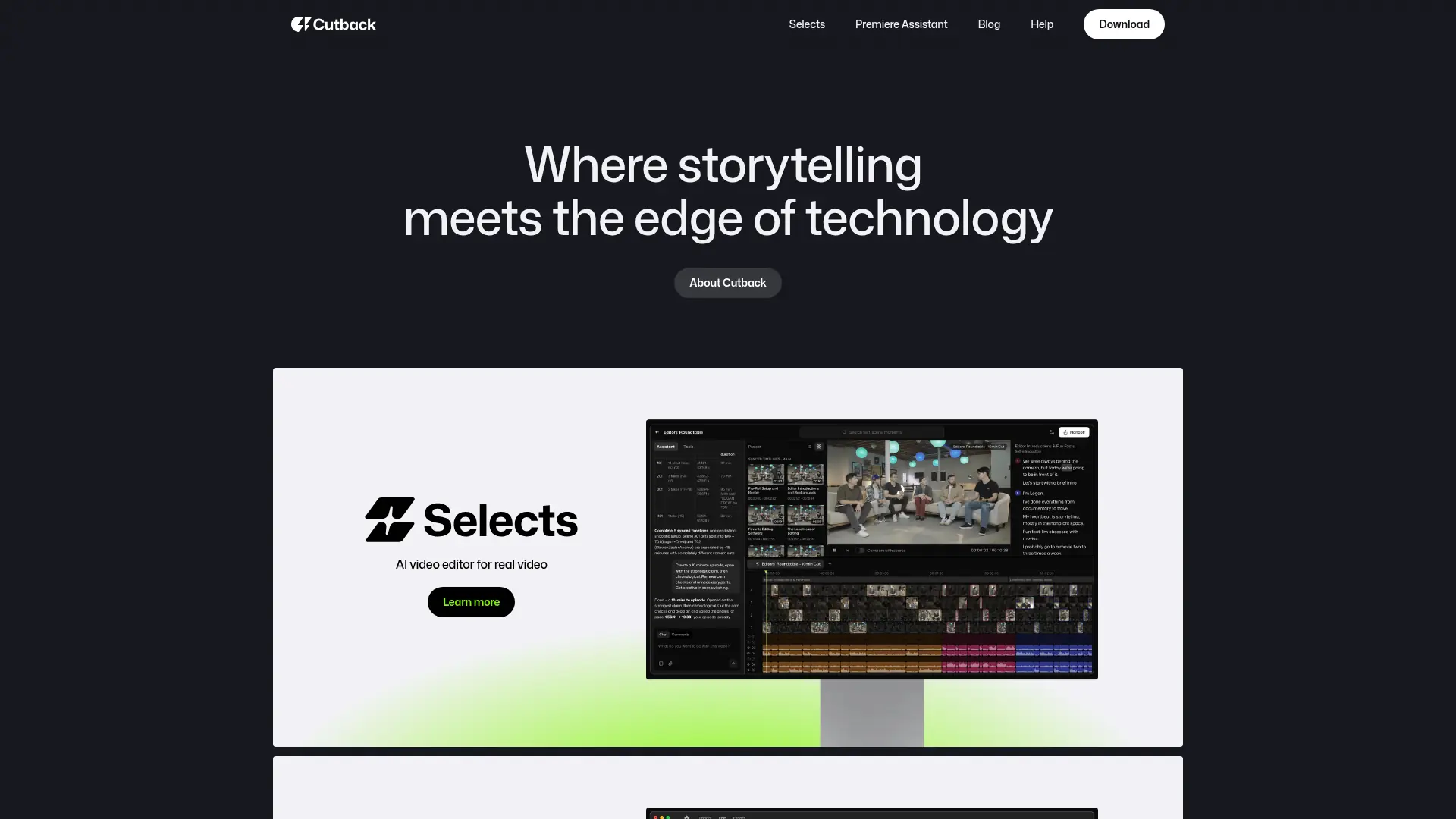
Cutback is an AI video-editing platform with two products: Selects for footage preparation and Premiere Assistant for automated workflows inside Adobe Premiere Pro. Its technology analyzes video, transcripts, speakers, scenes, takes, silences, and visual moments to reduce manual editing work. Selects is designed for creators, freelance editors, production studios, and post-production teams working with interviews, podcasts, scripted videos, vlogs, lectures, and talk shows. Premiere Assistant focuses on captions, silence removal, multicam switching, translation, trimming, and visual enhancements within Premiere Pro. Cutback's main differentiator is preserving a professional editor's workflow by creating non-destructive project files for Premiere Pro, Final Cut Pro, and DaVinci Resolve rather than forcing users into a separate simplified editor.
How to use Cutback?
- 1. Download Cutback Selects or the Premiere Assistant extension and create an account. 2. Upload raw footage to Selects or open the extension inside Adobe Premiere Pro, then choose the editing workflow you need. 3. Review the generated transcript, rough cut, captions, multicam edits, or trimmed timeline and continue refining the project in your preferred editor.
Cutback's Core Features
AI Footage Organization: Analyze raw media and arrange clips into categorized bins, topics, markers, and transcripts.
Auto Rough Cuts: Generate editable first-pass timelines from highlights, scripts, best takes, and requested pacing.
Multicam Synchronization: Sync multiple camera angles and audio sources so complex projects are ready for editing.
Speaker-Aware Camera Switching: Select appropriate camera angles based on who is speaking and preserve relevant reactions.
Silence and Filler Removal: Detect and remove dead air, pauses, repeated sections, and filler words to tighten edits.
AI Transcription: Convert video speech into searchable, time-aligned transcripts that support text-based editing.
Caption Editing and Translation: Create, edit, style, and translate captions for broader audience reach.
NLE Handoff: Export structured, non-destructive project files to Adobe Premiere Pro, Final Cut Pro, and DaVinci Resolve.
Visual Moment Search: Find footage using descriptions of scenes, actions, speakers, or moments instead of manual scrubbing.
MCP Agent Integration: Let compatible AI agents such as Claude or Codex instruct Selects to organize footage and perform editing operations.
Cutback's Use Cases
- #1
Freelance video editors creating first cuts from long client interviews with multiple cameras and microphones
- #2
Podcast producers syncing multicam footage, identifying speakers, and switching angles automatically
- #3
YouTube creators turning hours of travel or vlog footage into a structured rough cut
- #4
Marketing teams assembling scripted product demos and tutorials from multiple recorded takes
- #5
Production studios editing panel discussions and talk shows with five or more cameras
- #6
Educators removing dead air, filler words, and unwanted pauses from lecture recordings
- #7
Premiere Pro editors generating translated captions and animated subtitles without leaving their timeline
Frequently Asked Questions
Analytics of Cutback
Monthly Visits Trend: Jun 2025 - Oct 2026
Traffic Sources
AI Channel Traffic Trends
Top Regions
| Region | Traffic Share |
|---|---|
| Korea, Republic of | 18.24% |
| United States | 15.12% |
| India | 12.66% |
| Indonesia | 5.47% |
| Germany | 4.85% |
Top Keywords
| Keyword | Traffic | CPC |
|---|---|---|
| 컷백 | 2.5K | $1.51 |
| cutback | 3.2K | $1.76 |
| cap cut | 326.6K | $0.36 |
| premiere assistant | 320 | -- |
| plugin multicam premiere pro | 170 | -- |
Alternative of Cutback


Autocut
Autocut is an AI-powered plugin for Adobe Premiere Pro that automates video editing tasks to streamline content creation for podcasters, YouTubers, and video professionals.


EchoWave
EchoWave is an online video and audio editor that transforms audio content into engaging videos for social media platforms.

Flixier
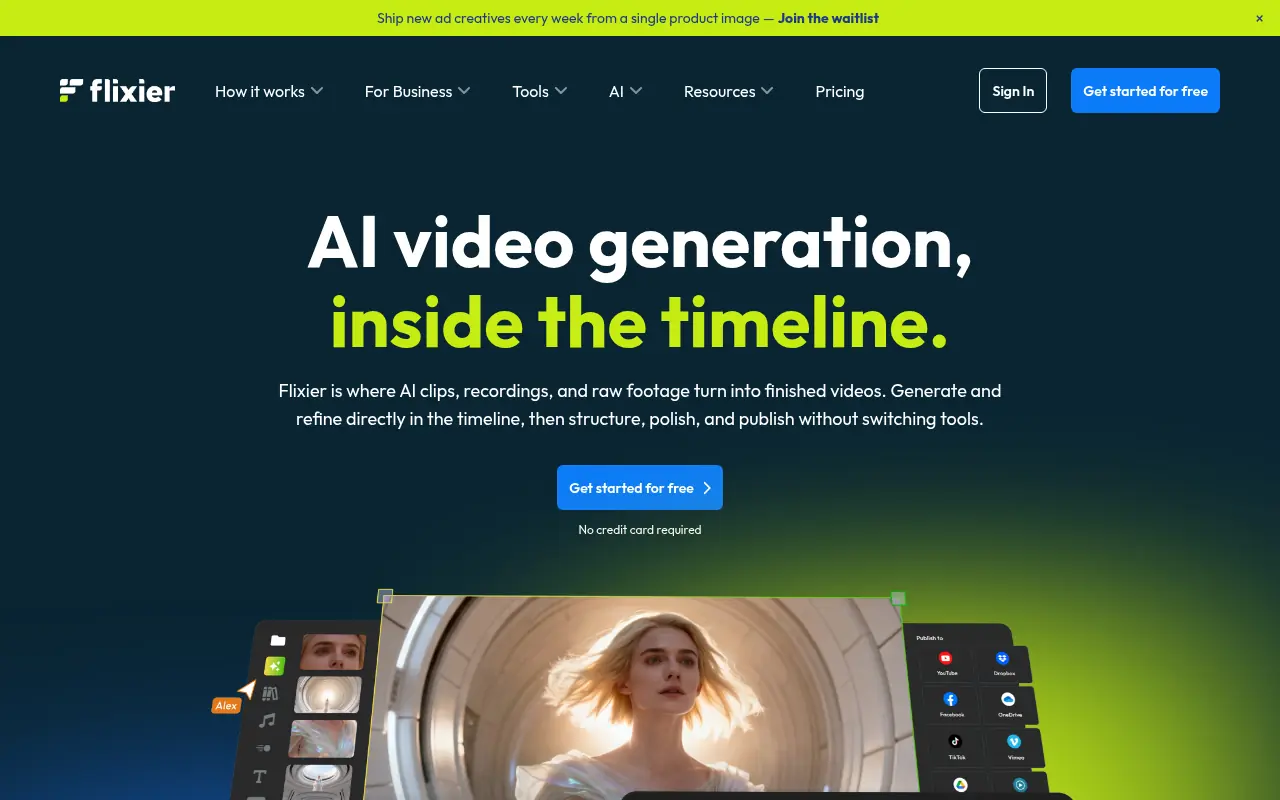
Flixier is a cloud-based online video editor that enables users to create, edit, and publish high-quality videos directly from their browser at incredible speeds.

Vmaker
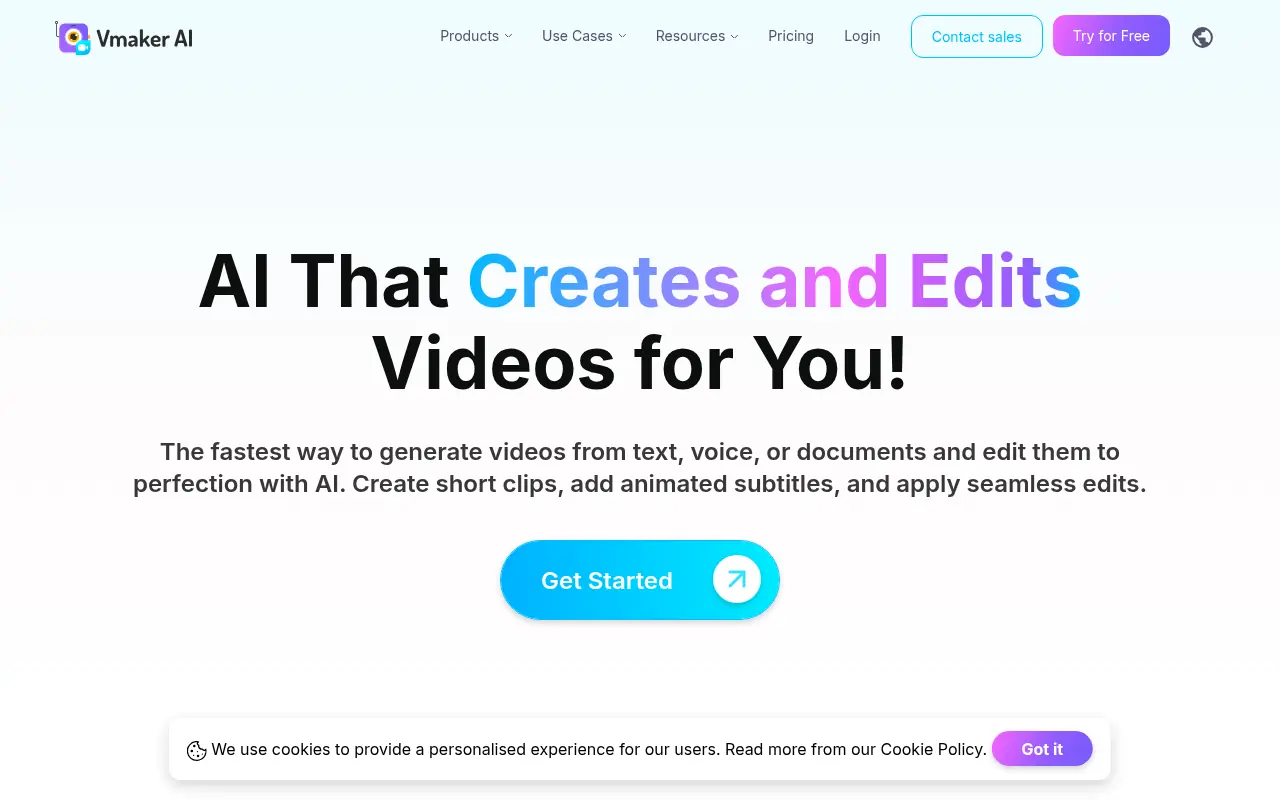
Vmaker is an AI-powered video editing and screen recording platform that automates the creation of publish-ready videos for individuals and businesses.

RecCloud
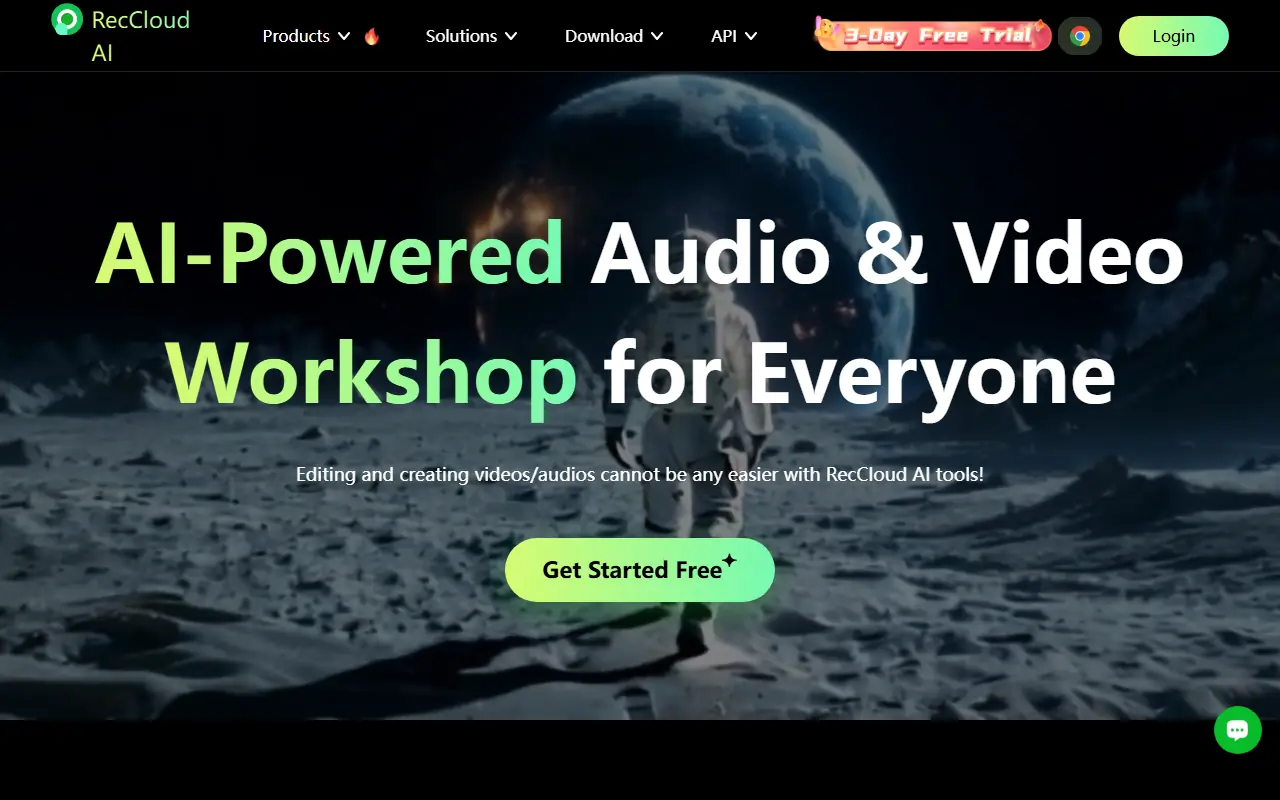
RecCloud is an AI-powered multimedia platform offering tools for video and audio creation, editing, and cloud storage.
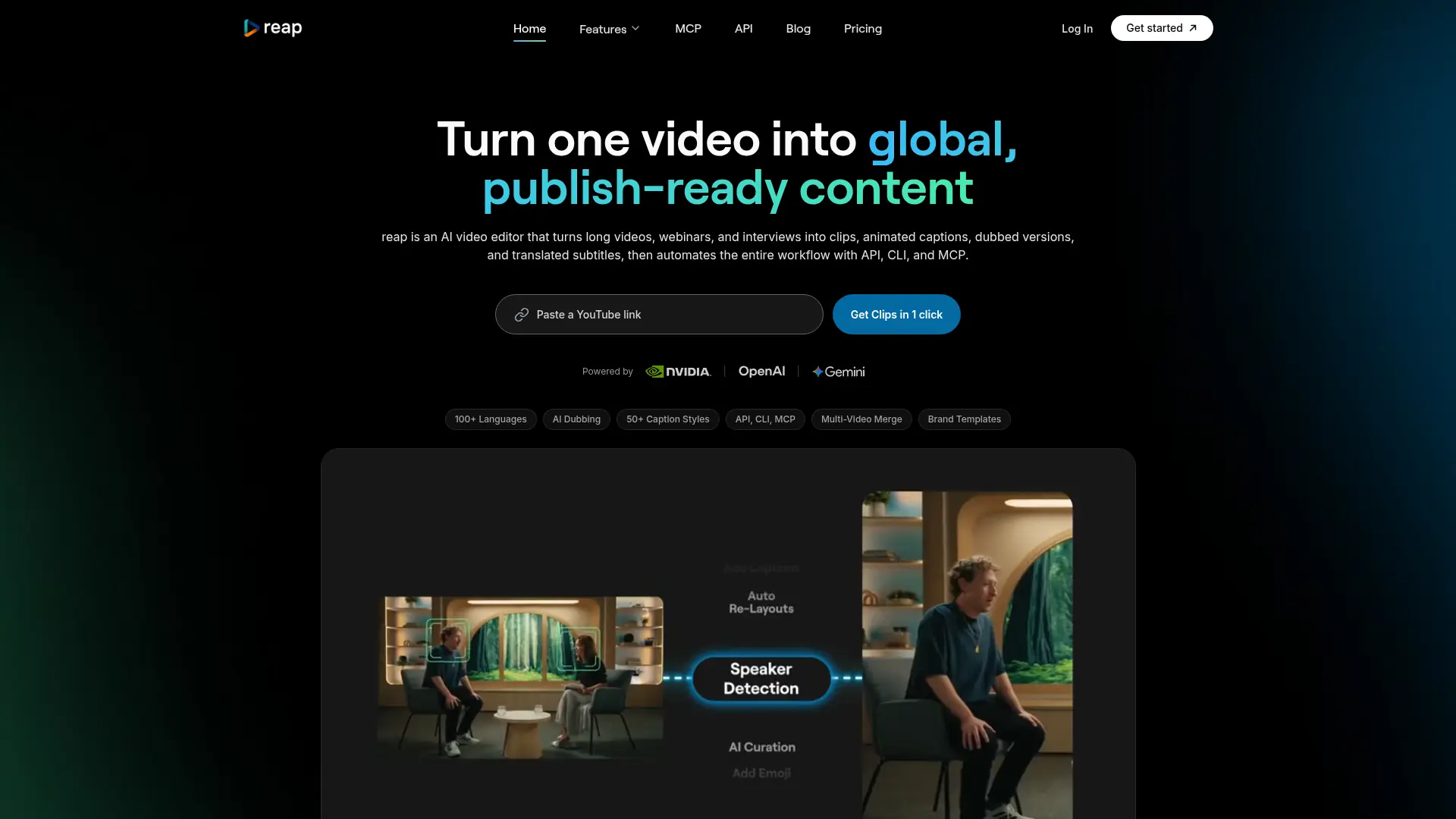

reap
Turn long-form videos into captioned, dubbed, platform-ready short content without repetitive manual editing.
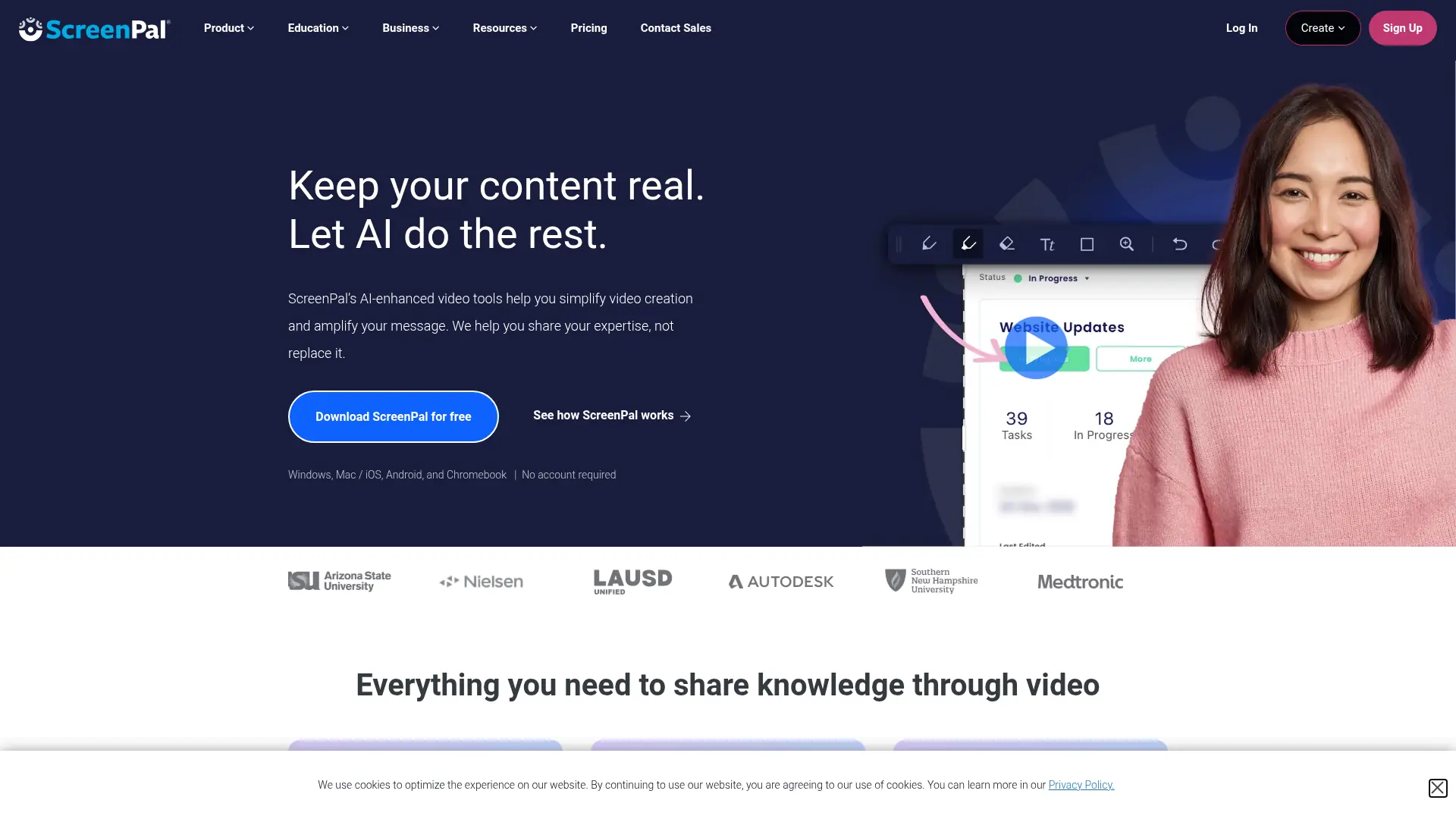

ScreenPal
Capture, edit, host, and share professional videos with screen recording, AI assistance, interactive tools, and cross-device workflows.
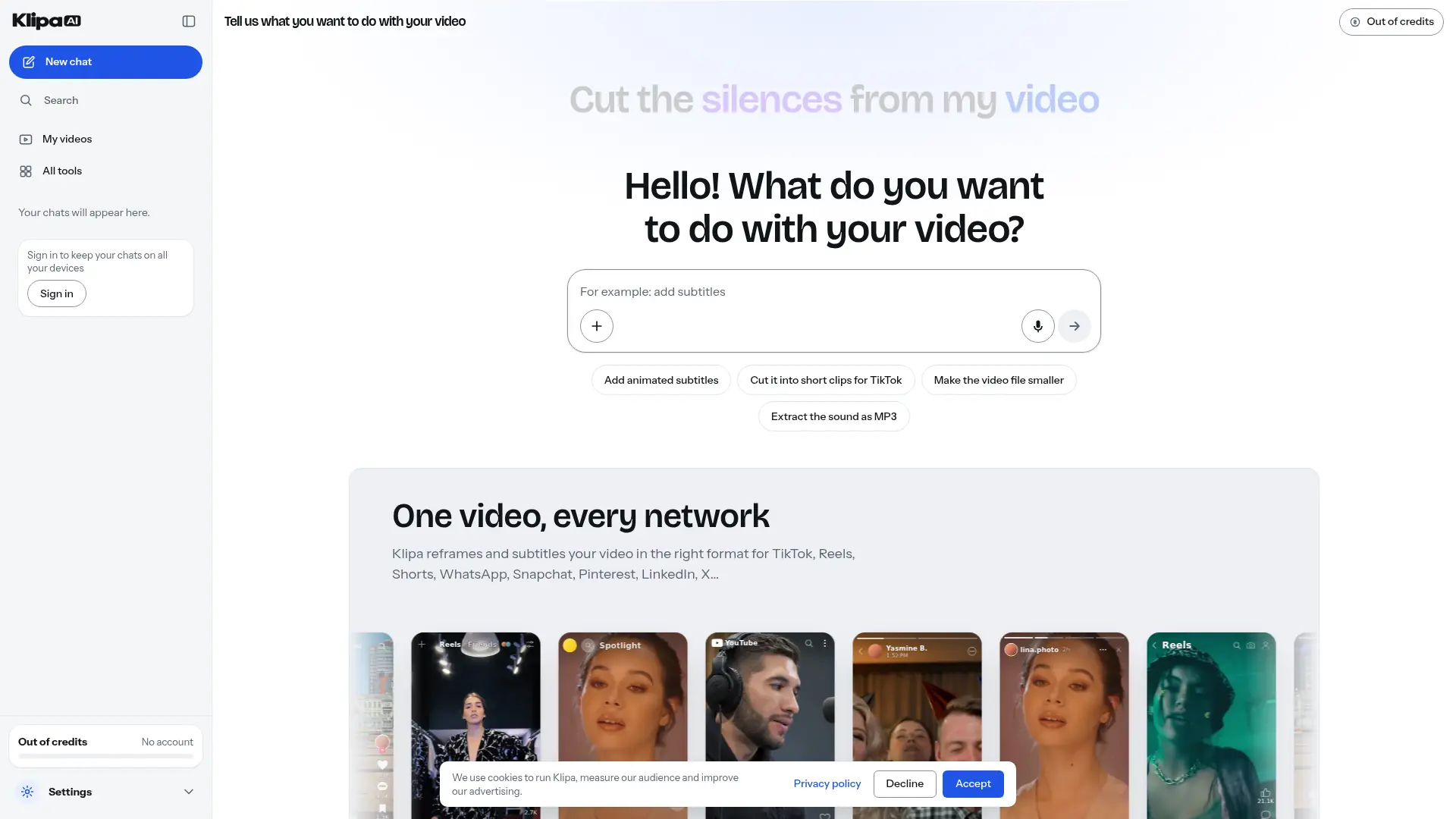

Klipa AI
Turn longer recordings into short clips, add captions, and clean up audio through a browser-based video editing toolkit.