

Cue
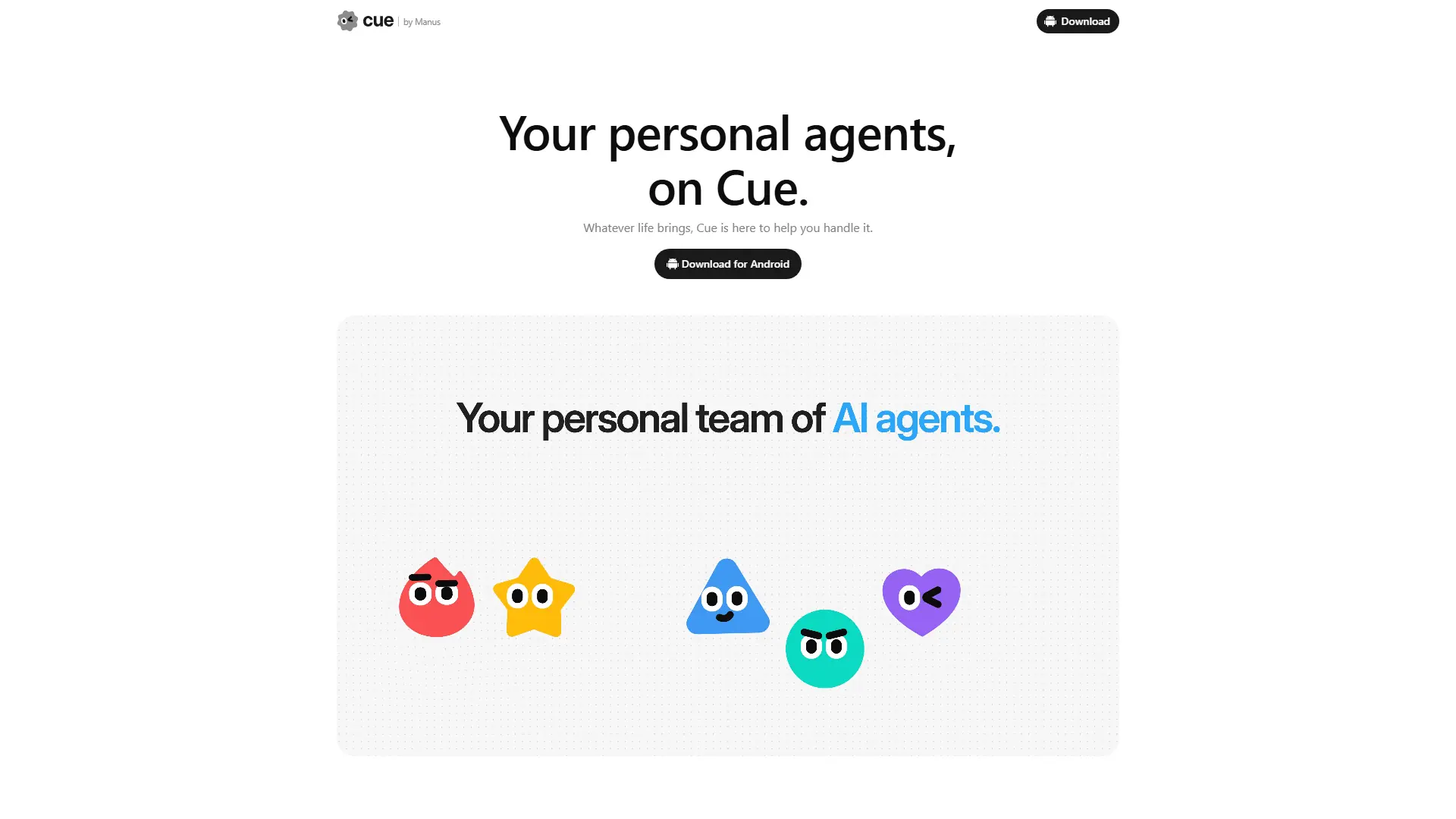
What is Cue?
Cue is a standalone personal-agent app from Manus for web, desktop, and mobile. It lets users create AI agents that each receive an email address, phone number, wallet, and computer so they can act across real-world workflows instead of only answering in chat. Cue is built on the same infrastructure as Manus, though Manus has not publicly identified Cue's underlying model stack. Individuals can run one assistant for errands, reminders, and research or group multiple agents so they hand off work toward a shared goal. Its main differentiator is agent identity plus controlled action: agents can communicate, handle calls, make budget-limited payments, and use connected services while the user retains final decision authority.
How to use Cue?
Step 1: Open Cue on the web, desktop, or mobile and enter an invite code while early access remains gated. Step 2: Create an agent or team, assign roles, and configure identity tools, connected services, budgets, and approval boundaries. Step 3: Give the agent a task in chat or group chat, monitor any handoffs, and approve decisions or actions that require your input.
Cue's Core Features
Independent Agent Identity: Give each agent its own email address, phone number, wallet, and computer so it can handle tasks under a distinct identity.
Budgeted Payments: Set spending limits so an agent can complete approved purchases without receiving unrestricted payment authority.
Call Handling and Summaries: Let an agent take calls and leave a concise summary in Cue so you can review the outcome later.
Multi-Agent Group Chats: Put several agents in one conversation so they can coordinate around a shared objective.
Task Handoffs: Divide complex work across specialized agents that pass research, shortlists, drafts, and next steps to one another.
Connected Services: Link supported services such as Gmail, Trip.com, Oura, and MyFitnessPal to reduce manual switching between apps.
Persistent Computer Workspace: Run tasks on an agent's own computer so work can continue independently of your active screen.
Approval and Permission Controls: Define budgets and decision boundaries so important actions can return to you for approval.
QR-Based Local Actions: Scan a restaurant QR code and let an agent help order or hold your place in line.
Cross-Device Access: Use Cue across web, desktop, and mobile so you can assign tasks and review progress from different devices.
Cue's Use Cases
- #1
Busy professionals delegate appointment calls, follow-up messages, reminders, and routine research to a personal agent.
- #2
Travelers ask an agent to research hotels on Trip.com, contact properties by email, and coordinate booking requirements.
- #3
Families use an agent to call venues or restaurants, confirm accessibility or dietary needs, and summarize the answers.
- #4
Marketing teams split venue research, shortlist creation, and presentation drafting across multiple agents in one group chat.
- #5
Restaurant visitors scan a QR code so an agent can place an order or hold their position in a queue.
- #6
Health-conscious users connect services such as Oura and MyFitnessPal to summarize sleep, activity, and nutrition trends.
- #7
People with recurring errands create repeatable workflows so agents can monitor, research, or follow up without restarting the task each time.
Frequently Asked Questions
Analytics of Cue
Monthly Visits Trend: Jan 2026 - Sep 2026
Traffic Sources
Top Regions
| Region | Traffic Share |
|---|---|
| United States | 34.55% |
| China | 31.15% |
| Singapore | 9.51% |
| India | 8.71% |
| Taiwan | 6.26% |
Top Keywords
| Keyword | Traffic | CPC |
|---|---|---|
| how can i download cue from manus again | 50 | -- |
| cue.im, | 30 | -- |
Alternative of Cue
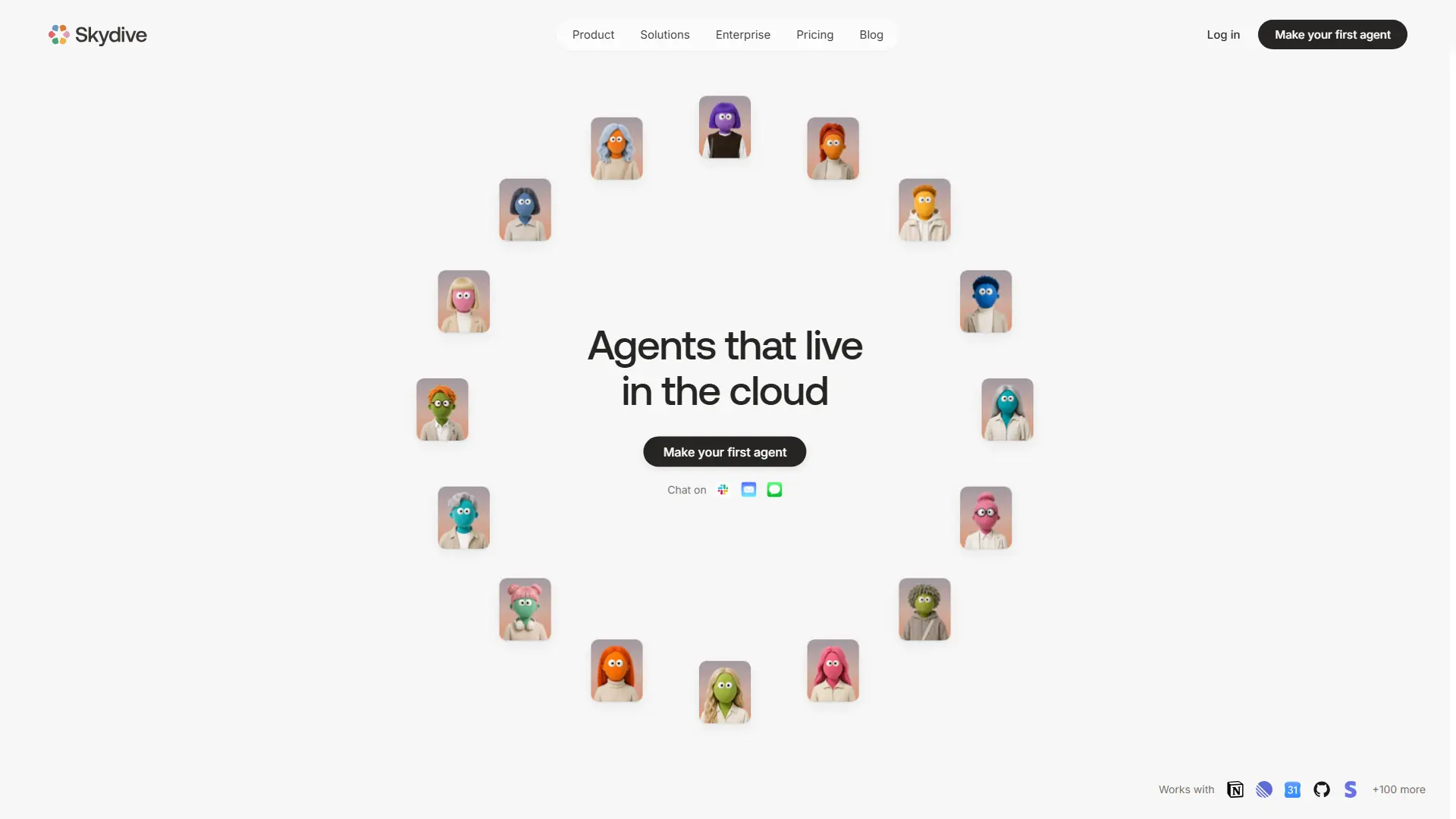

Skydive
Skydive is an AI platform that lets teams create agents to automate real work. Agents can use tools, complete tasks, collaborate, and run workflows across the apps teams already use—without coding or prompt engineering.
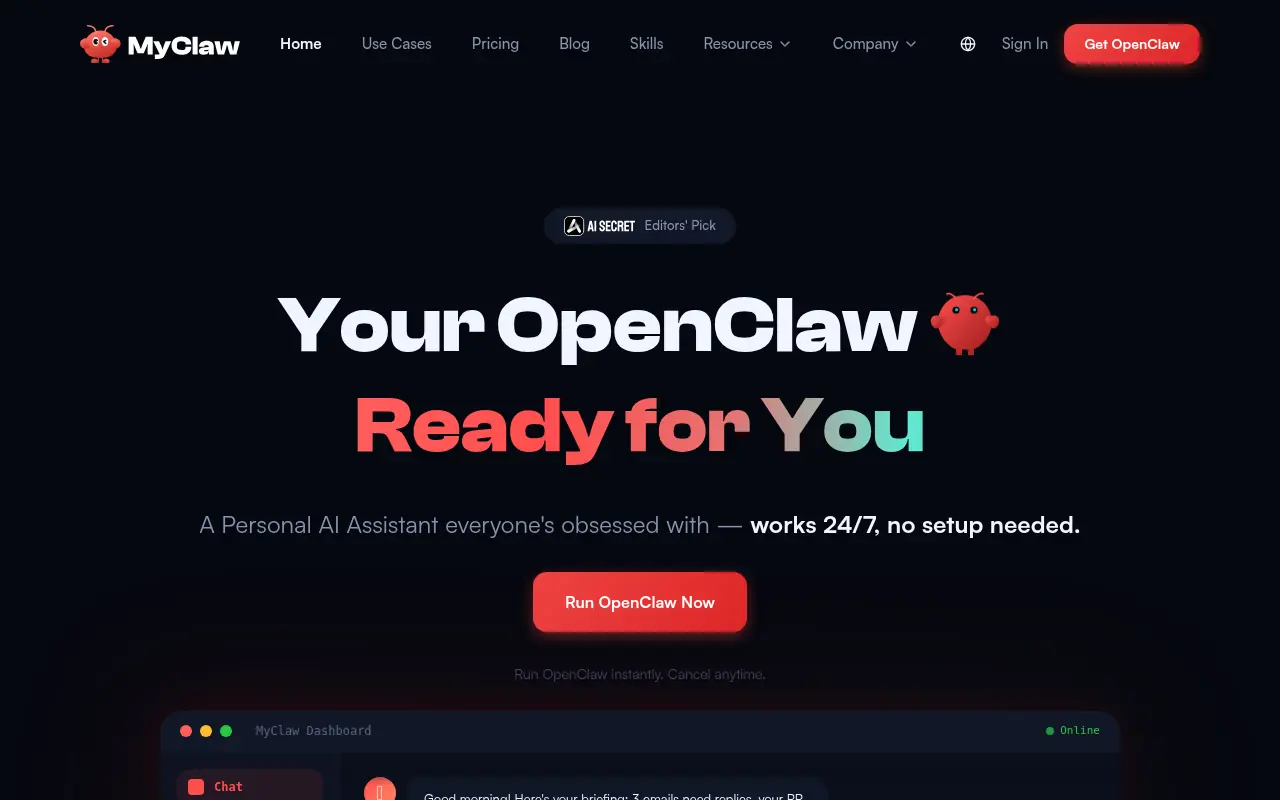

MyClaw.ai
MyClaw.ai is a managed cloud hosting platform that enables users to easily deploy and run the open-source OpenClaw AI agent 24/7 without requiring technical setup.
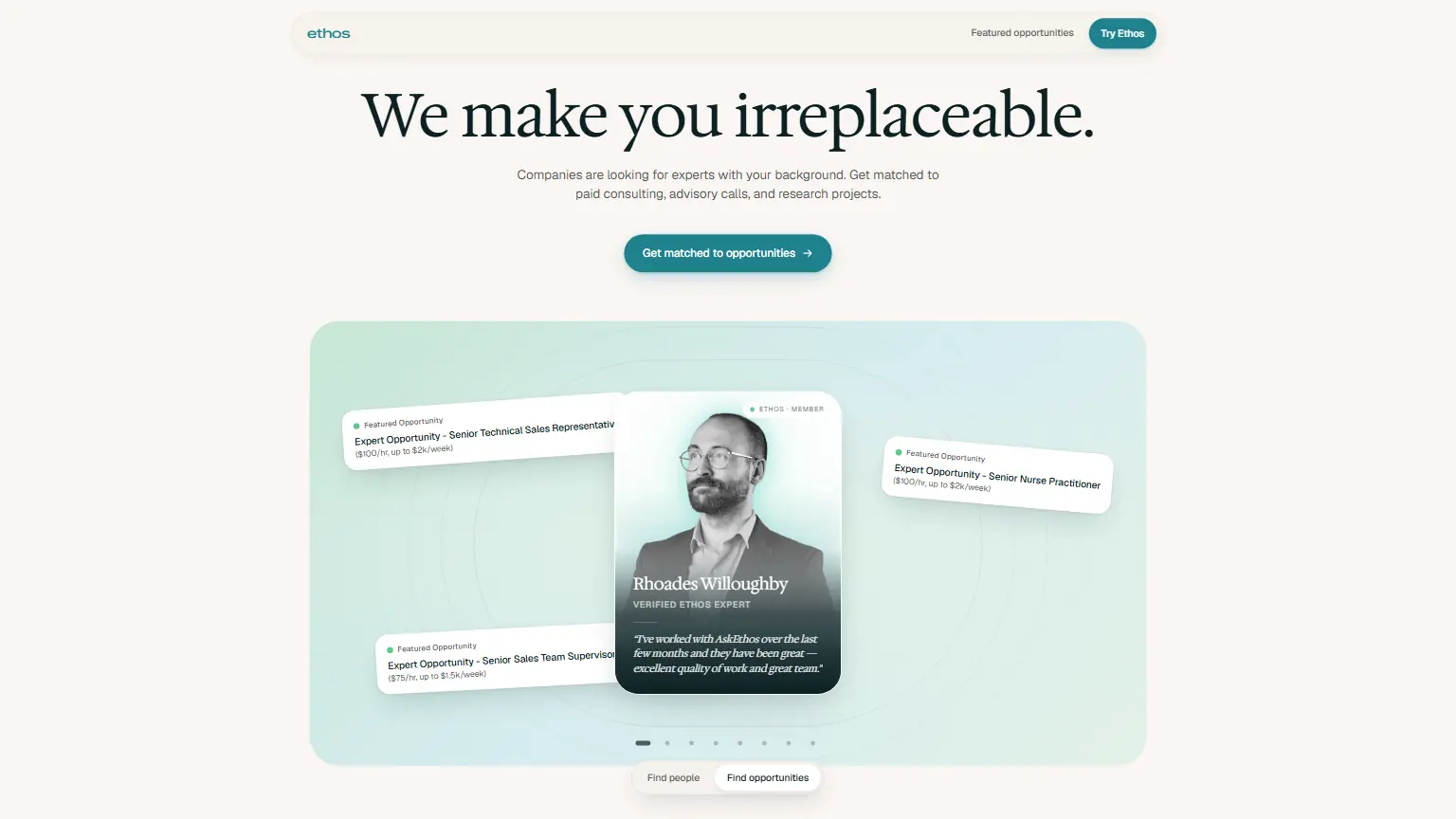

Ethos Agent
Ethos Agent automates complex research and daily tasks, streamlining decision-making so you can reclaim hours of focused work.
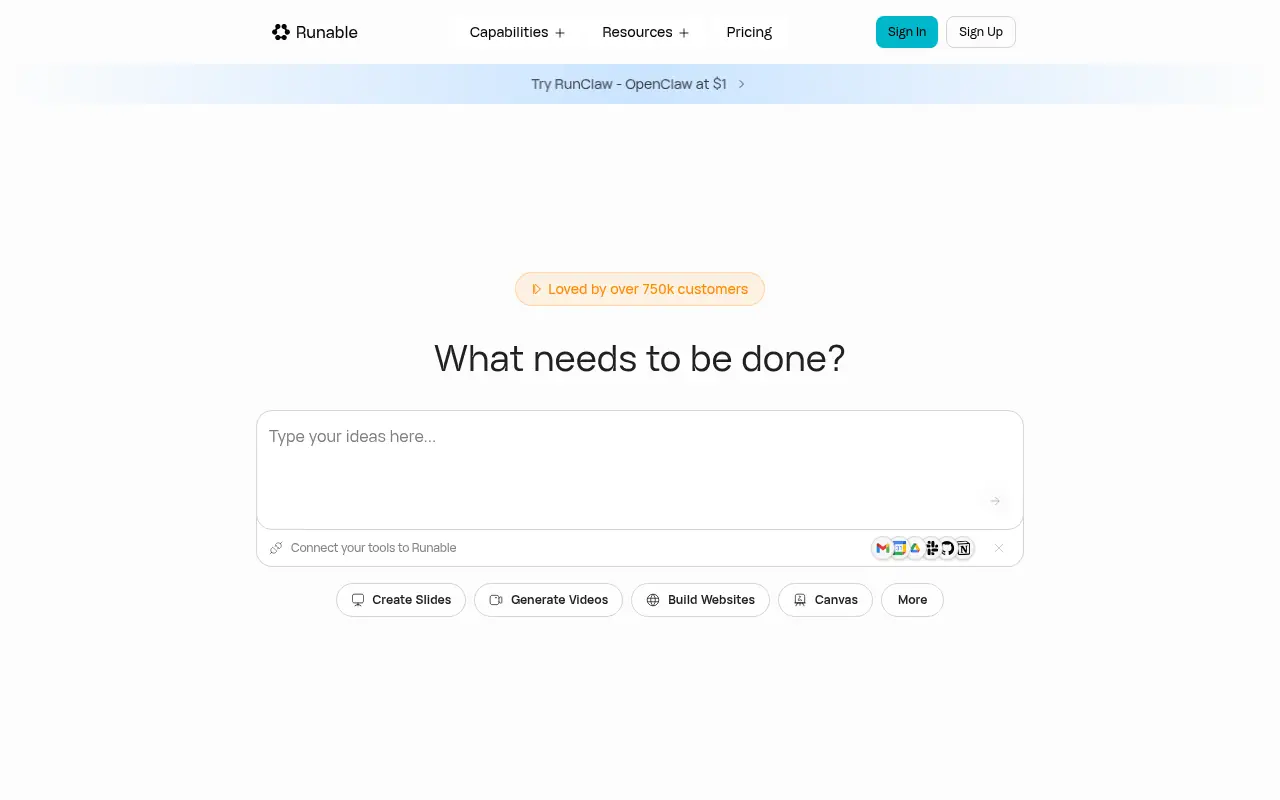

Runable
Runable is an all-in-one AI agent platform that automates digital tasks and generates comprehensive content like websites, presentations, and videos from natural language prompts.
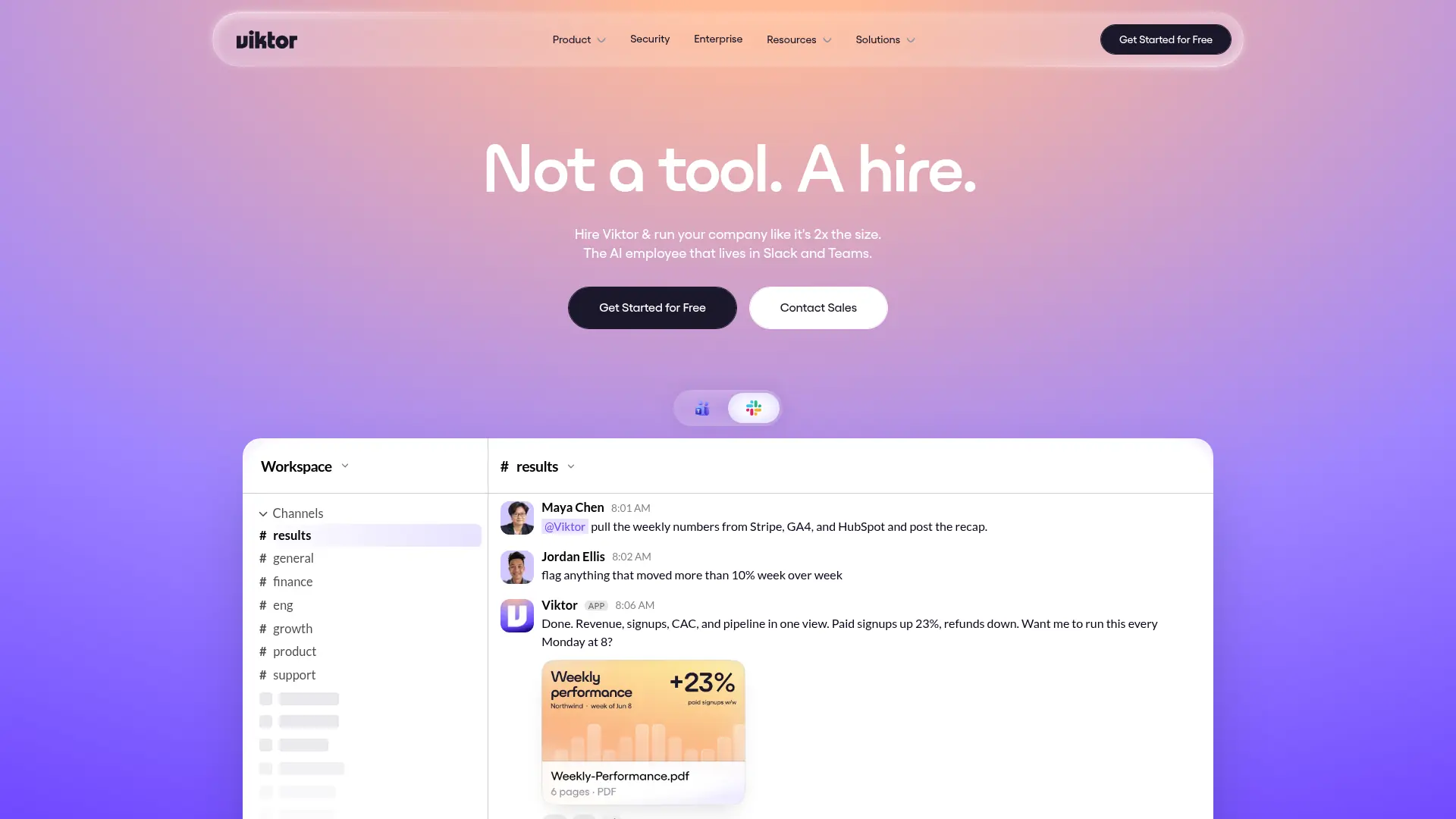

Viktor
Delegate cross-tool business tasks to a proactive AI employee that works directly inside Slack and Microsoft Teams.
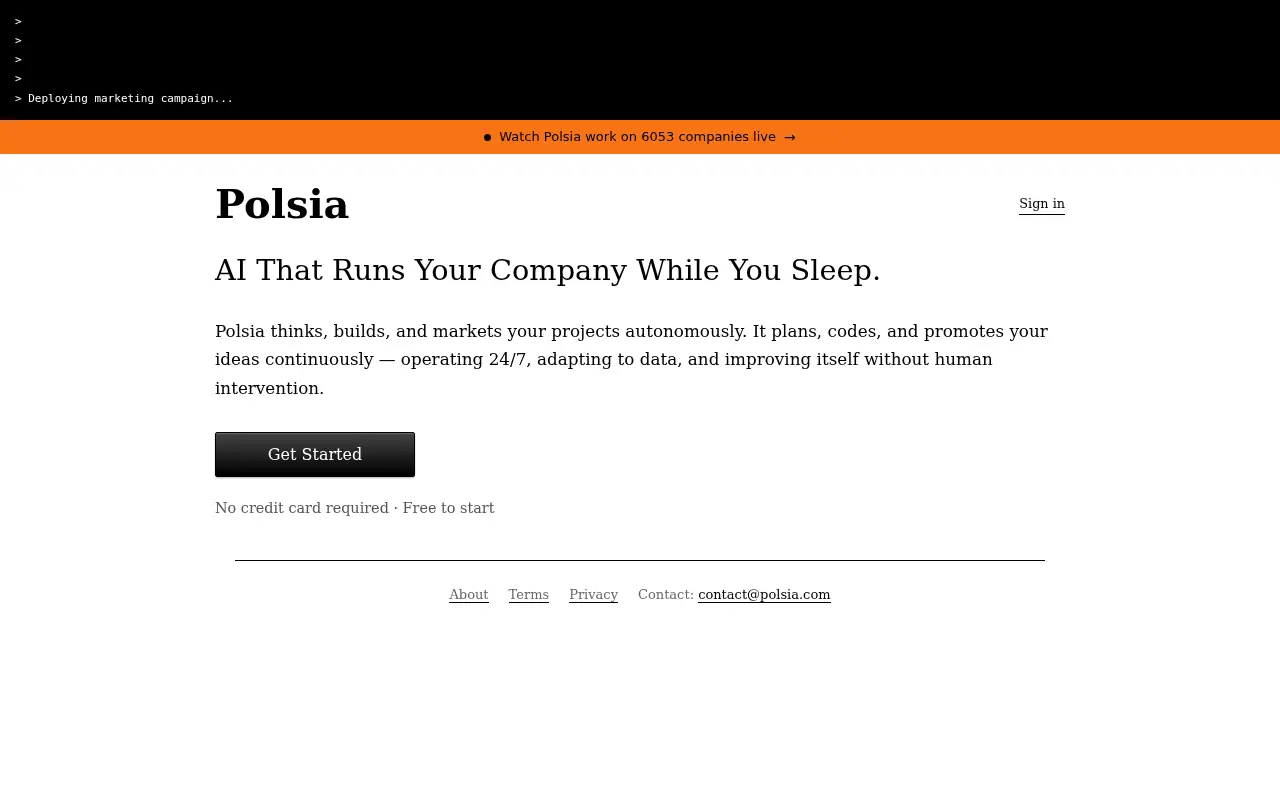

Polsia
Polsia is an AI-powered autonomous operations platform that plans, builds, and markets companies 24/7 without human intervention.
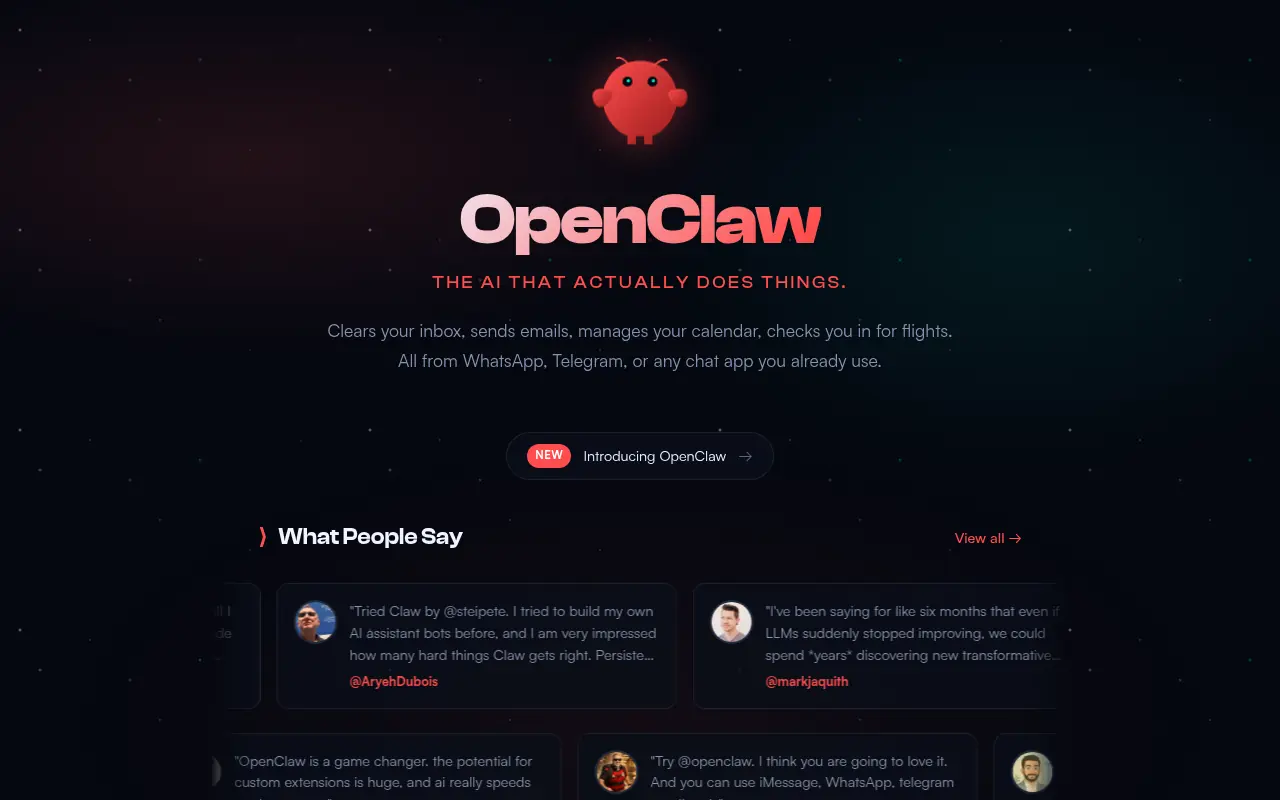

OpenClaw
An open-source, self-hosted personal AI assistant that runs locally and integrates with major messaging apps to execute complex tasks.
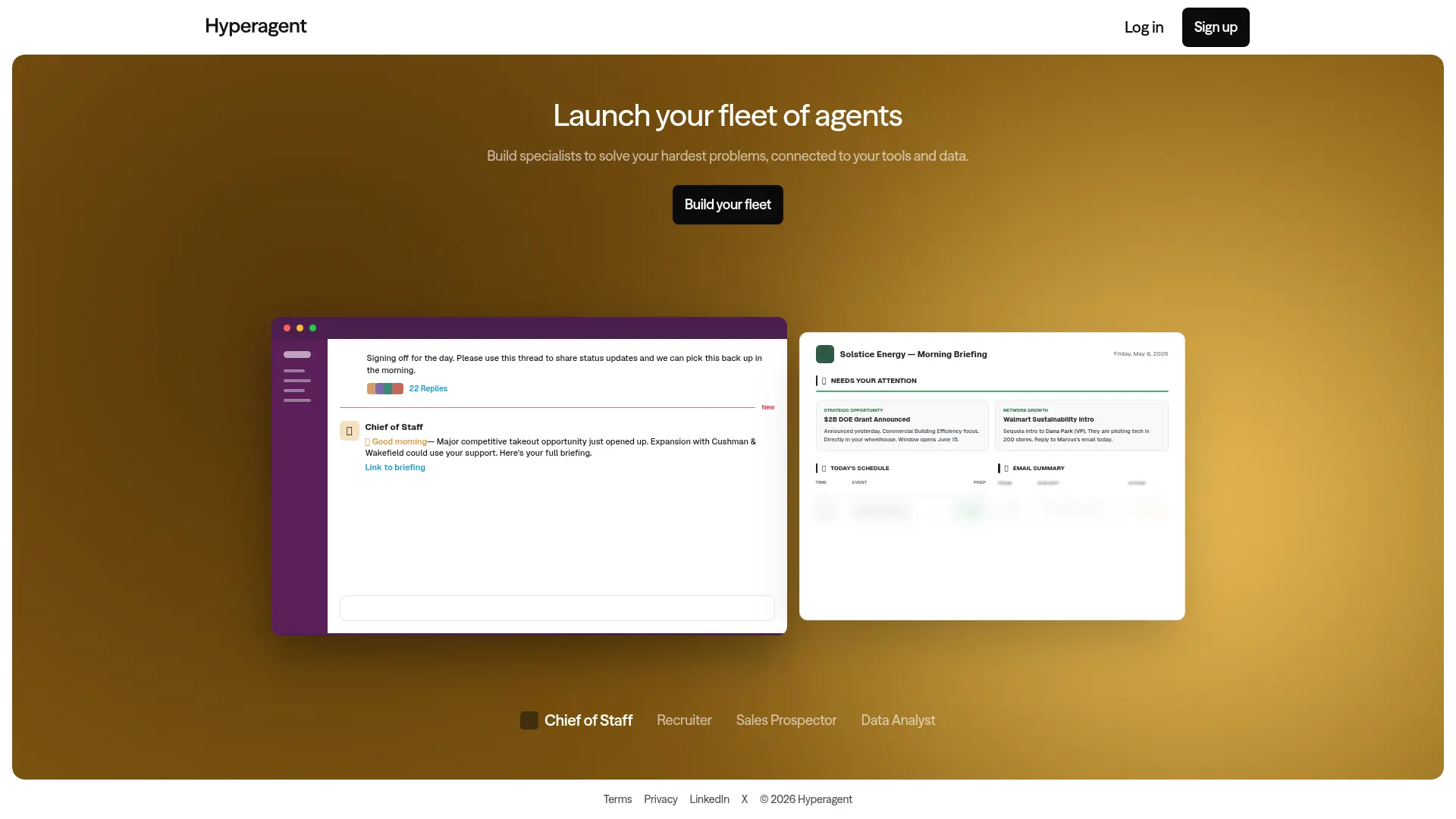

Hyperagent
Build autonomous AI agents that reason, adapt, and execute repetitive workflows seamlessly. Hyperagent frees your team to focus on high-impact, strategic tasks.