

WPS Office
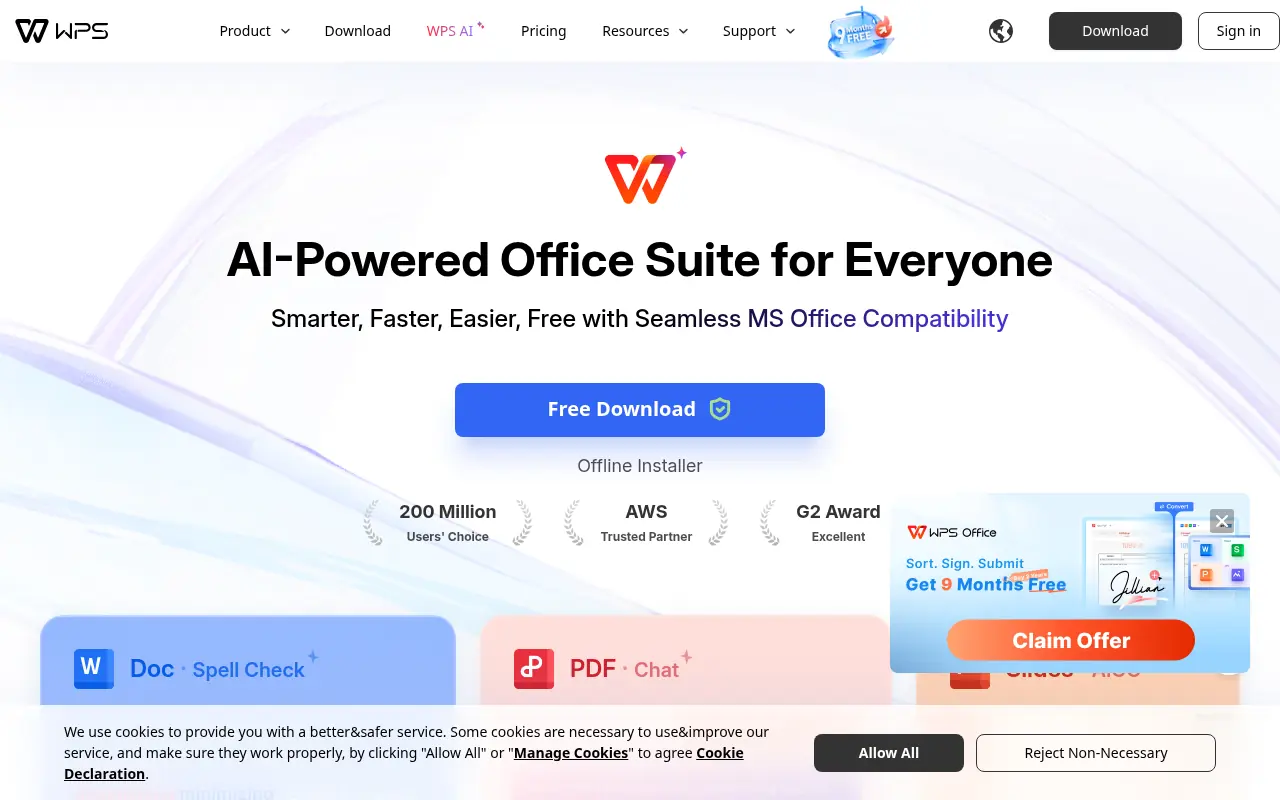
What is WPS Office?
WPS Office is a powerful all-in-one office suite that integrates Word, PDF, Excel, and PowerPoint functionalities into a single, cohesive application. Its mission is to provide a highly compatible, user-friendly, and cost-effective alternative to traditional, heavy office software. Users rely on the platform to create, edit, share, and collaborate on documents seamlessly across multiple devices and operating systems. Recently, the platform has heavily integrated 'WPS AI,' offering intelligent features like automated writing, PDF summarization, and data analysis to significantly boost user productivity. It caters to students, professionals, and businesses worldwide who need a versatile and accessible document management solution.
Featured
Sponsored


How to use WPS Office?
To use WPS Office, download and install the application on your preferred device (Windows, Mac, Linux, iOS, or Android) or access the web-based version. Open the unified workspace to create a new Word document, Excel spreadsheet, PowerPoint presentation, or PDF file from scratch or by utilizing the rich template library. You can seamlessly open and edit existing Microsoft Office or PDF files, leverage the built-in WPS AI to draft content or summarize lengthy documents, and save your work locally or sync it to WPS Cloud for easy sharing and real-time collaboration.
WPS Office's Core Features
An all-in-one workspace that combines Writer, Presentation, Spreadsheet, and PDF tools into a single tabbed interface.
Exceptional compatibility with major Microsoft Office file formats like docx, xlsx, and pptx.
Built-in WPS AI integration for automated text generation, translation, and document summarization.
A comprehensive PDF toolkit designed for reading, editing, converting, merging, and signing PDF files.
Cloud storage integration offering cross-device synchronization and secure file backup.
A rich library of thousands of high-quality templates for resumes, reports, and presentations.
Optical Character Recognition (OCR) technology to extract editable text from images and scanned documents.
Built-in utilities for screen recording, file sharing, and document recovery.
WPS Office's Use Cases
- #1
Drafting, formatting, and editing text documents, essays, and professional reports.
- #2
Designing dynamic presentations and slide decks using pre-made templates and AI assistance.
- #3
Managing, analyzing, and visualizing complex data sets using advanced spreadsheets.
- #4
Viewing, annotating, editing, merging, and digitally signing PDF documents.
- #5
Collaborating on files in real-time with remote team members or classmates.
- #6
Using AI to instantly summarize long PDF reports or extract key insights from articles.
- #7
Generating complex Excel formulas or presentation outlines via natural language prompts.
Frequently Asked Questions
Analytics of WPS Office
Monthly Visits Trend
Traffic Sources
Top Regions
| Region | Traffic Share |
|---|---|
| Indonesia | 7.98% |
| Philippines | 6.04% |
| Vietnam | 5.93% |
| Egypt | 5.63% |
| Pakistan | 5.20% |
Top Keywords
| Keyword | Traffic | CPC |
|---|---|---|
| wps office | 287.4K | $0.31 |
| wps | 350.7K | $0.47 |
| wps office download | 30.2K | $0.29 |
| word online | 2.1M | $0.39 |
| wps download | 22.4K | $0.41 |
Alternative of WPS Office
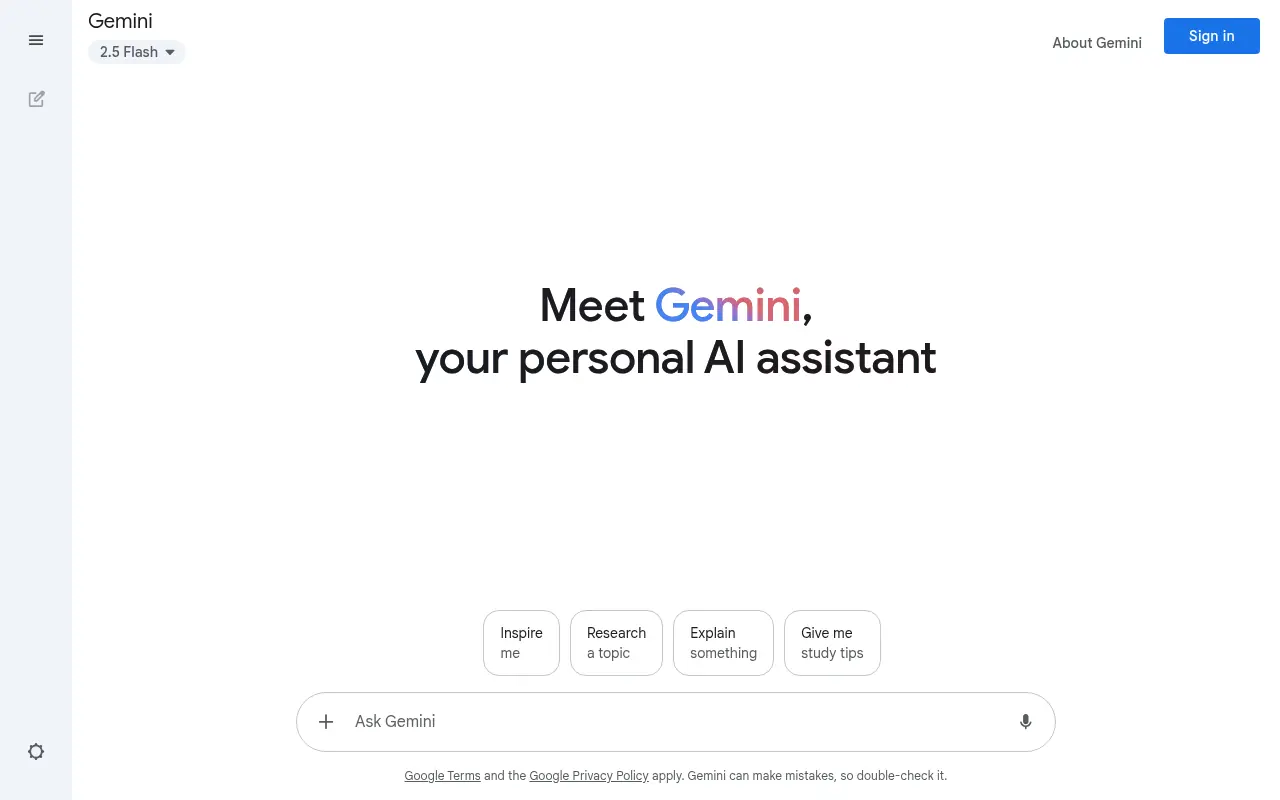

Google Gemini
Google Gemini is an AI-powered platform offering conversational and multimodal capabilities to enhance productivity and creativity.
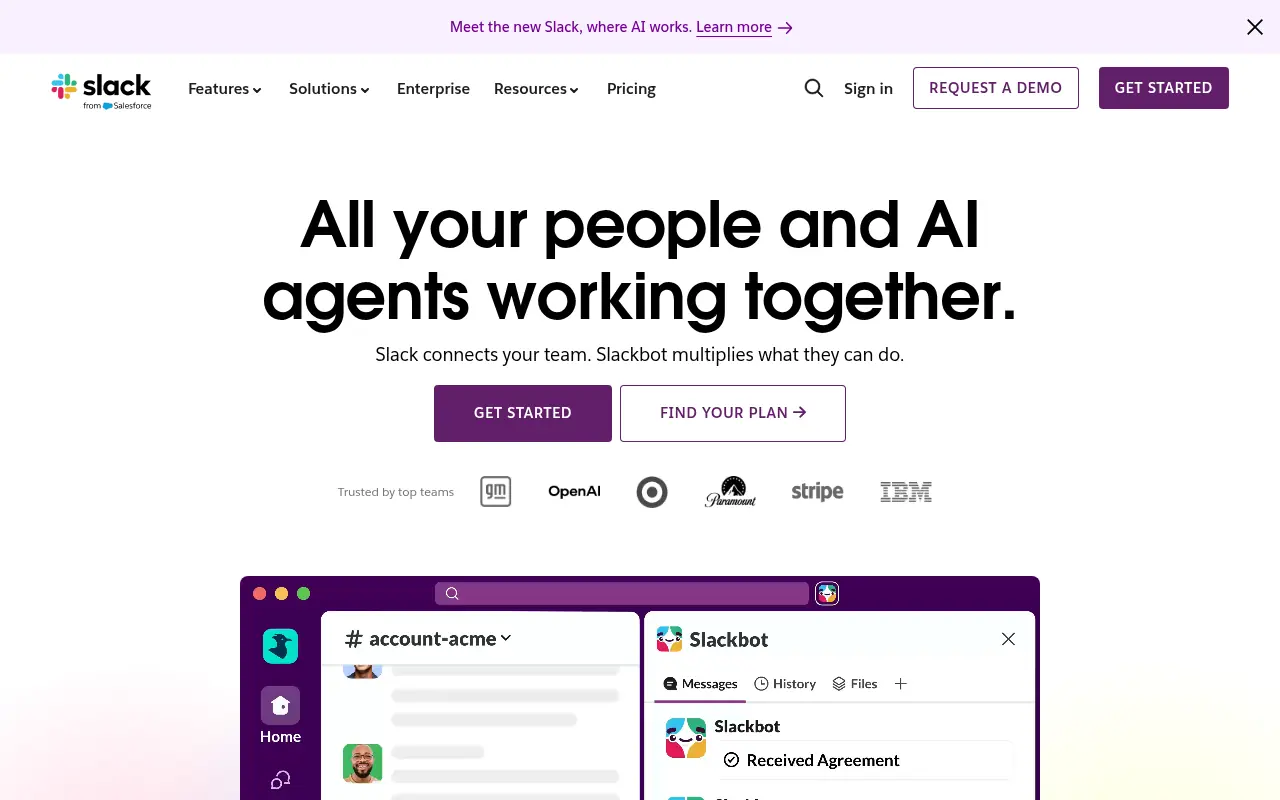

Slack
Slack is a cloud-based team communication and productivity platform designed to bring people, tools, and data together in one centralized workspace.


Microsoft Copilot
Microsoft Copilot is an AI-powered assistant enhancing productivity across Microsoft 365 and web tasks.


Box
Box is a cloud-based platform that enables secure file storage, sharing, collaboration, and content management for individuals and businesses.
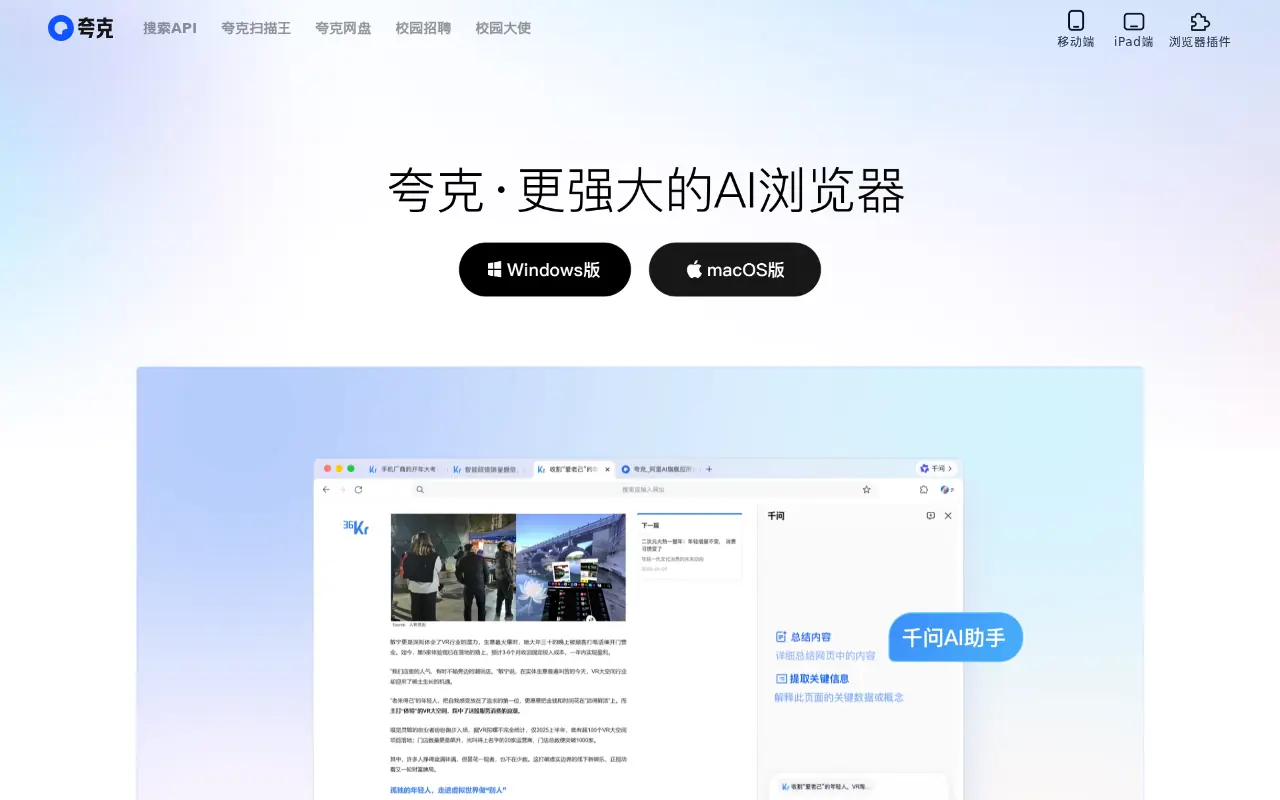

Quark
Quark is a minimalist, AI-powered browser and search engine developed by Alibaba, featuring built-in cloud storage, document scanning, and smart assistant tools.