

ScriptMe
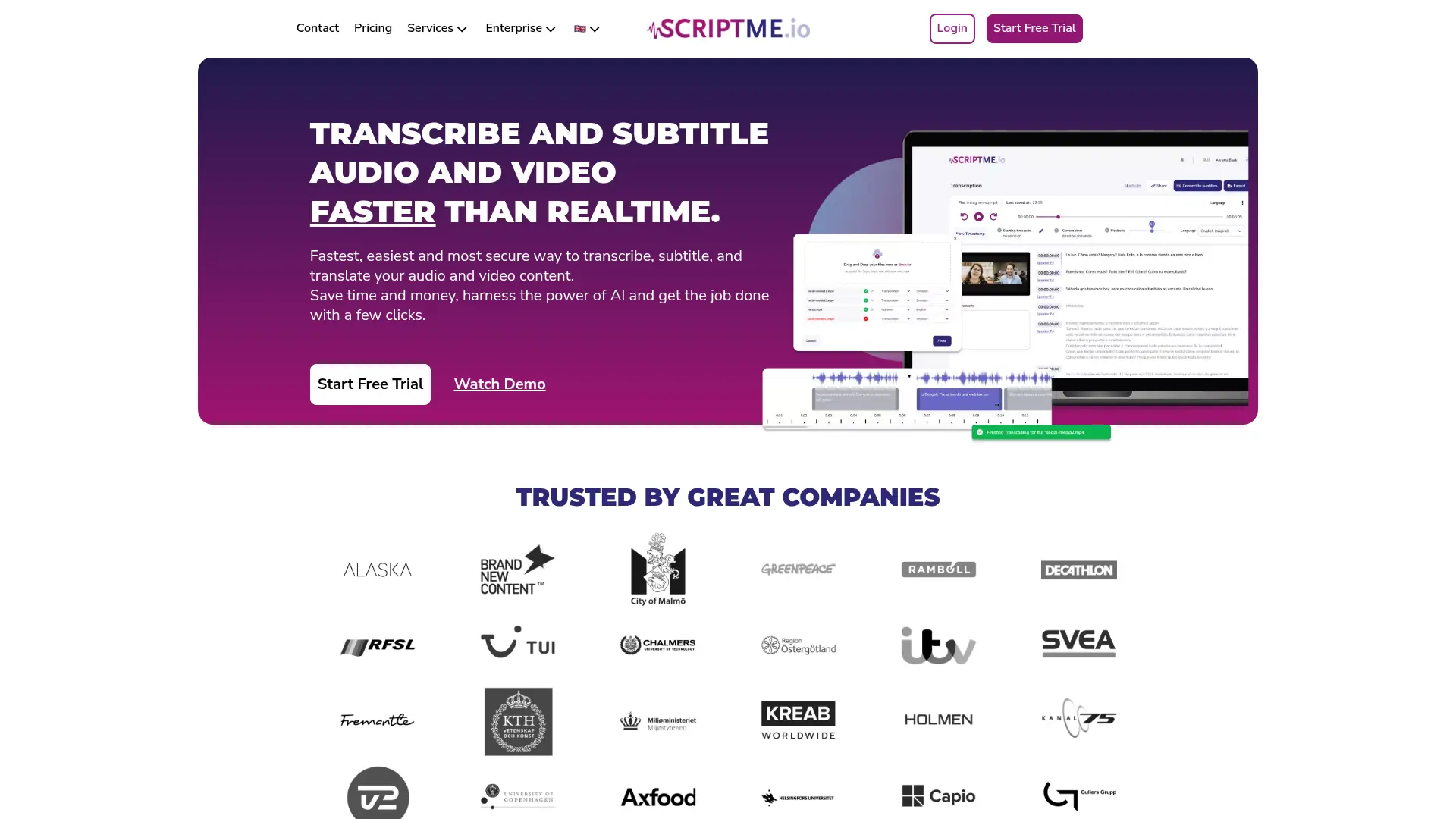
What is ScriptMe?
ScriptMe is an AI-powered platform for transcribing and subtitling audio and video faster than real time. It supports more than 30 languages, speaker identification, online editing, automatic translation, and exports for common media and document workflows. The service is designed for filmmakers, television producers, podcasters, researchers, journalists, educators, and businesses handling recorded content. Its main differentiator is workflow support for Avid Media Composer, Adobe Premiere Pro, DaVinci Resolve, Word, SRT, VTT, EBU STL, and related formats. ScriptMe also offers ScriptMe Lite, a free offline desktop application for unlimited transcription on Windows and macOS without uploading files to the cloud.
How to use ScriptMe?
1. Create a ScriptMe account or download ScriptMe Lite for Windows or macOS. 2. Upload an audio or video file, select the language and transcription or subtitle option, then let the AI process it. 3. Review the result in the editor and export the transcript, subtitles, markers, or subtitled video in your preferred format.
ScriptMe's Core Features
Automatic transcription: Convert audio and video recordings into editable text faster than real time.
Multilingual support: Transcribe content in more than 30 languages for international projects.
Speaker identification: Separate multiple speakers to make interviews, meetings, and conversations easier to review.
Online transcript editor: Correct text, add speaker names, adjust timestamps, and review playback in one workspace.
Subtitle generation: Turn transcripts into timed subtitles and customize their appearance before export.
Automatic translation: Translate transcripts and subtitles into additional languages on eligible paid plans.
Media workflow exports: Send transcripts and markers to Avid, Adobe Premiere Pro, DaVinci Resolve, Word, SRT, VTT, STL, and other formats.
Team collaboration: Share transcriptions and invite collaborators to edit, comment, or download project content.
Burned-in subtitles: Export video with subtitles overlaid when a finished captioned file is needed.
Offline transcription: Use ScriptMe Lite on Windows or macOS to transcribe unlimited files locally without cloud uploads.
ScriptMe's Use Cases
- #1
Television production teams logging interviews, dailies, documentaries, and reality-show footage
- #2
Video editors creating searchable transcripts and timecoded markers for Avid, Premiere Pro, or DaVinci Resolve
- #3
Podcasters converting recorded episodes into editable transcripts and subtitle files
- #4
Researchers transcribing qualitative interviews, field recordings, lectures, and academic content
- #5
Journalists turning recorded interviews into Word or text transcripts for reporting
- #6
Businesses converting meetings, presentations, and training recordings into searchable text
- #7
Creators generating styled subtitles and burned-in captions for online video
- #8
Privacy-conscious users transcribing sensitive recordings offline with ScriptMe Lite
Frequently Asked Questions
Analytics of ScriptMe
Monthly Visits Trend: Apr 2025 - Aug 2026
Traffic Sources
Top Regions
| Region | Traffic Share |
|---|---|
| Spain | 13.74% |
| France | 10.12% |
| Italy | 9.95% |
| Mexico | 6.11% |
| Argentina | 6.04% |
Top Keywords
| Keyword | Traffic | CPC |
|---|---|---|
| subtitulos | 14.8K | $0.17 |
| subtitulos en español | 3.5K | $0.19 |
| descargar subtitulos | 5.5K | $0.10 |
| subtitulos español | 2.0K | $0.16 |
| subdivx | 44.0K | $0.28 |
Alternative of ScriptMe
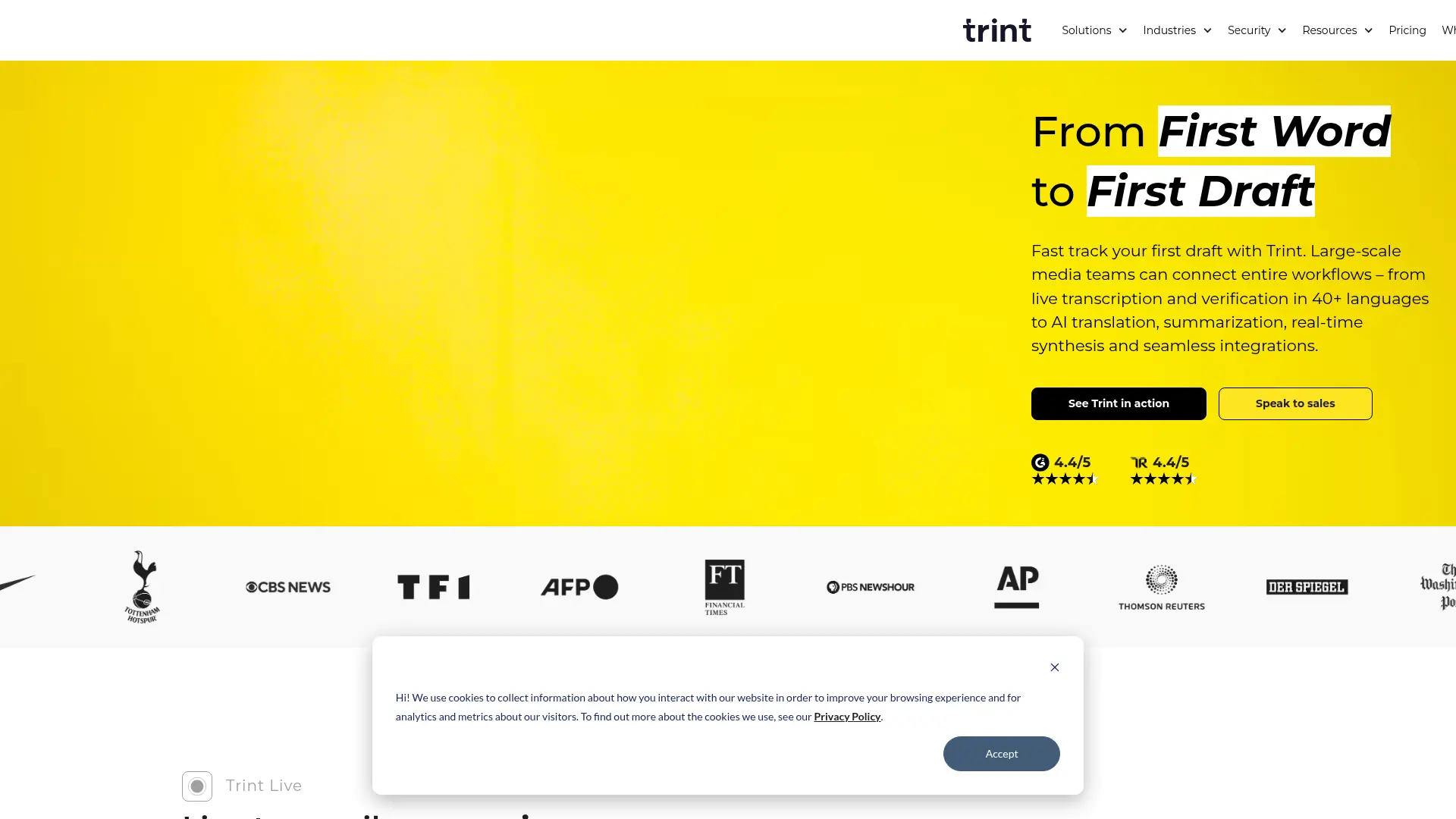

Trint
Turn audio, video, and live speech into searchable, editable content with multilingual transcription, collaboration, translation, captions, and AI insights.
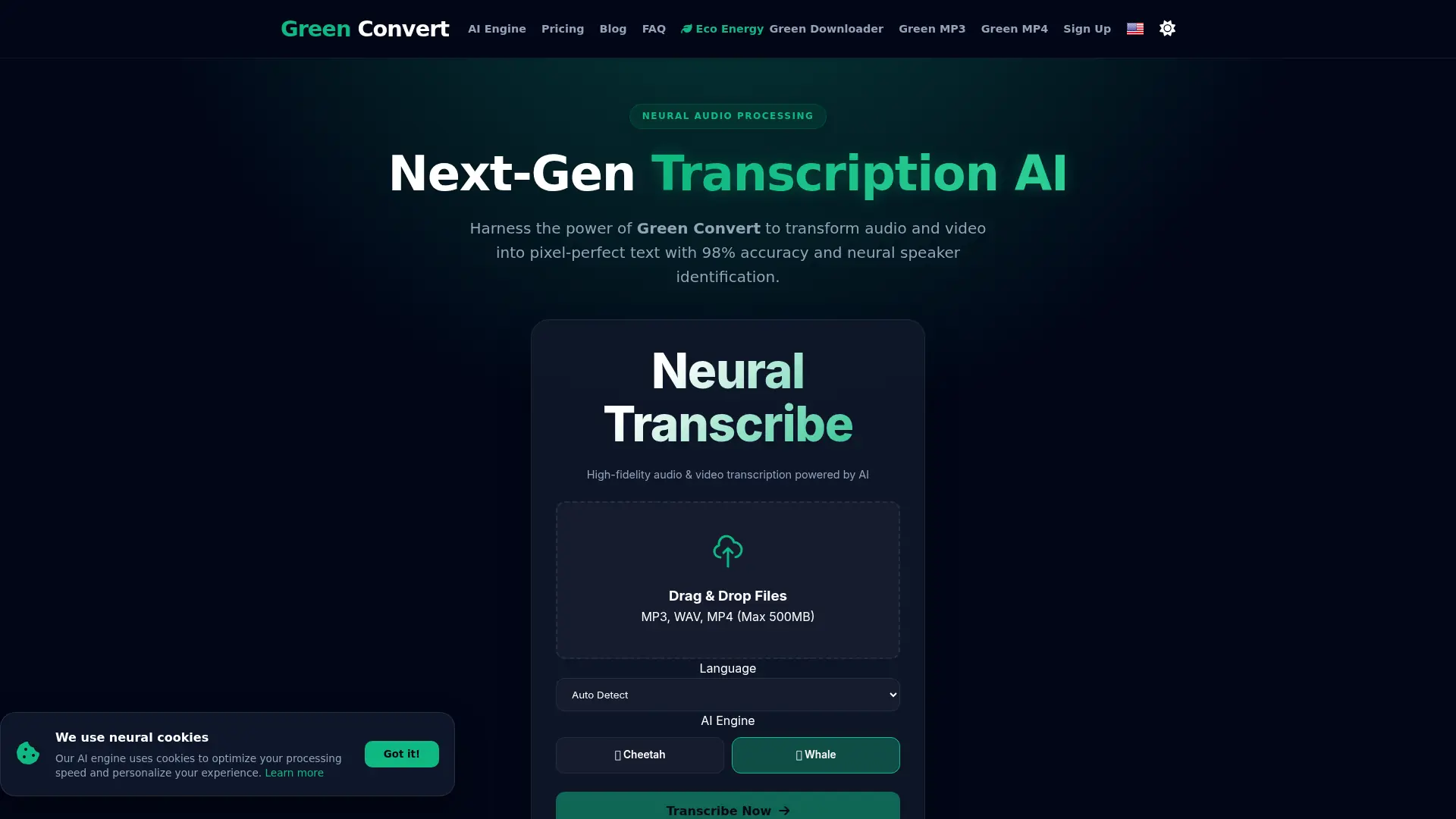

GreenConvert
Convert audio and video into accurate transcripts, subtitles, and exports faster while cutting manual editing time across multilingual media workflows.
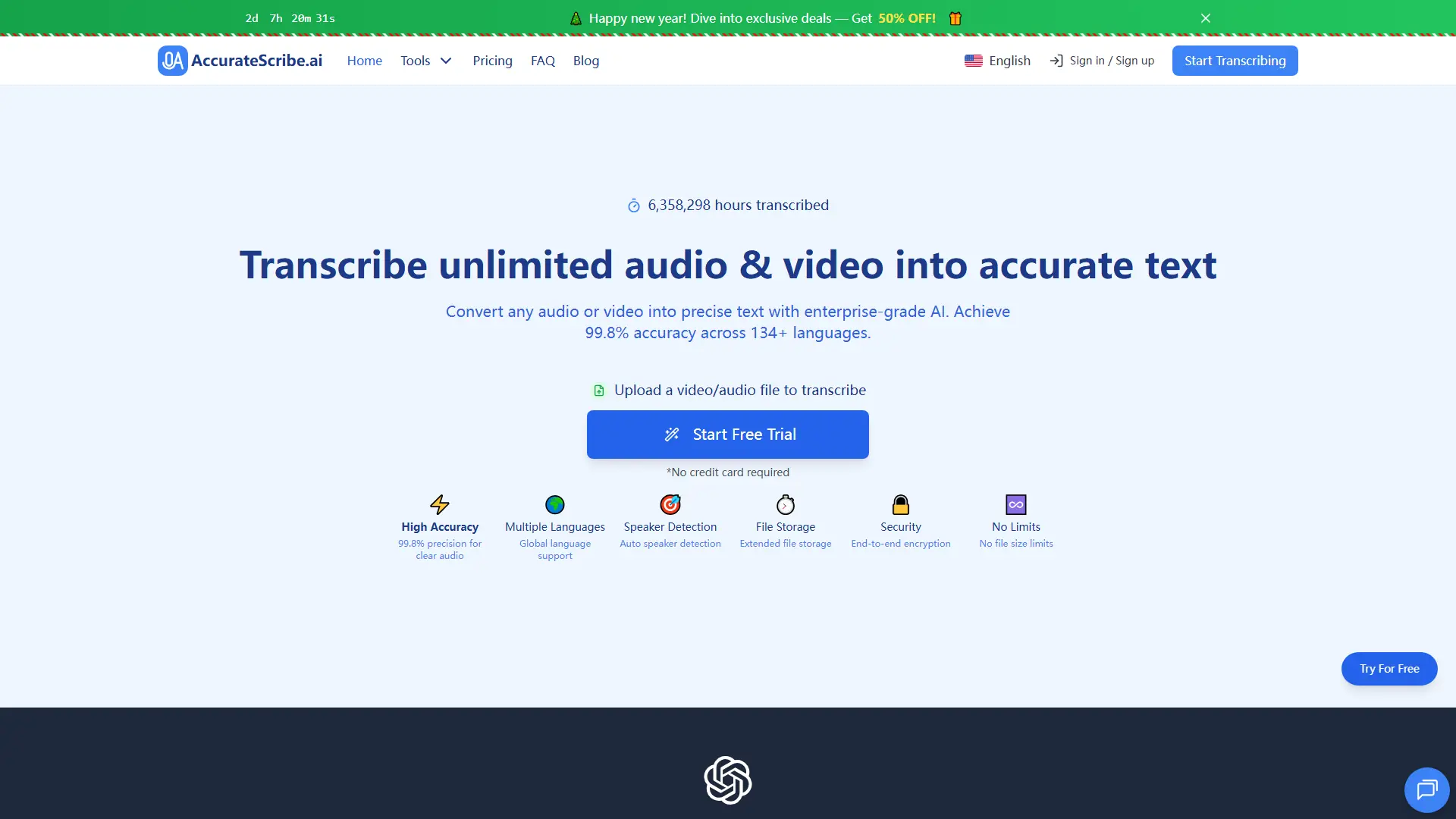

AccurateScribe.ai
Convert audio, video, and online media into searchable transcripts, subtitles, and translated text with multilingual AI transcription.
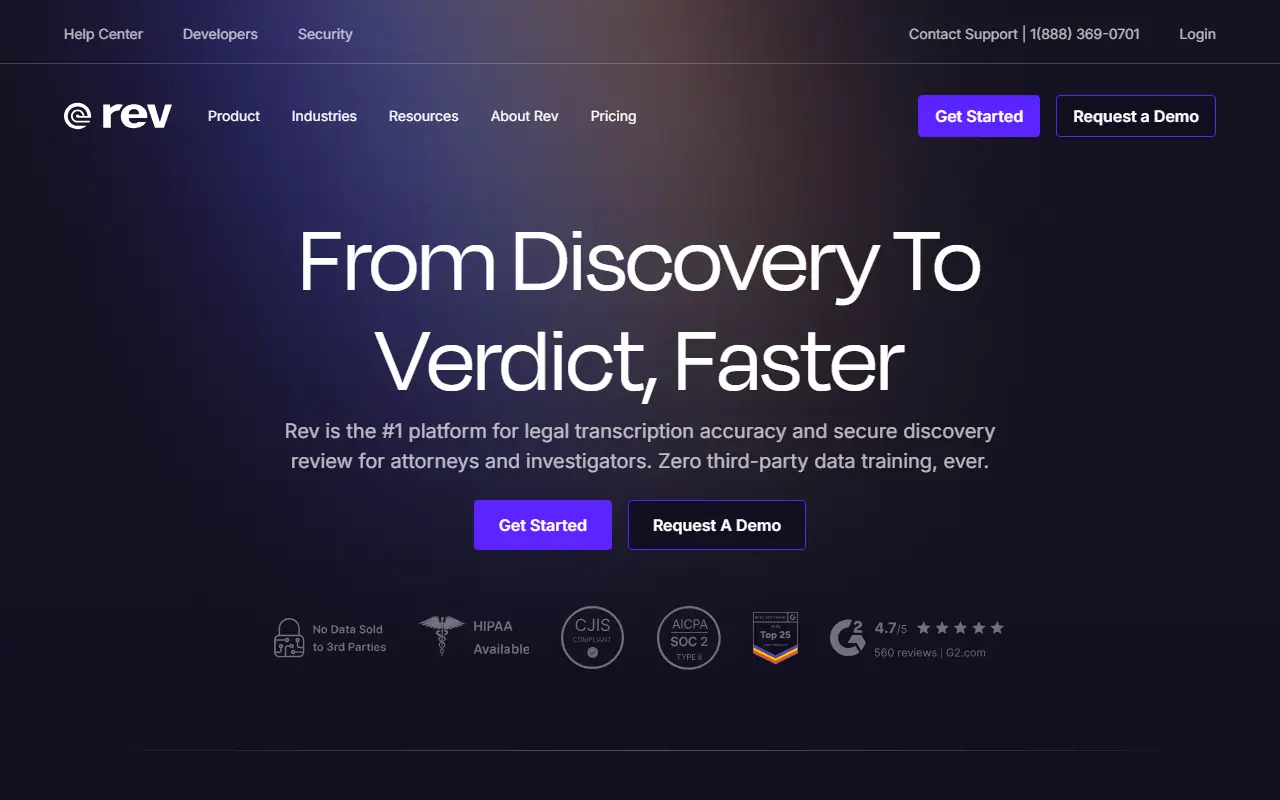

Rev
Rev provides fast and highly accurate audio and video transcription, closed captioning, and subtitling services powered by AI and human professionals.
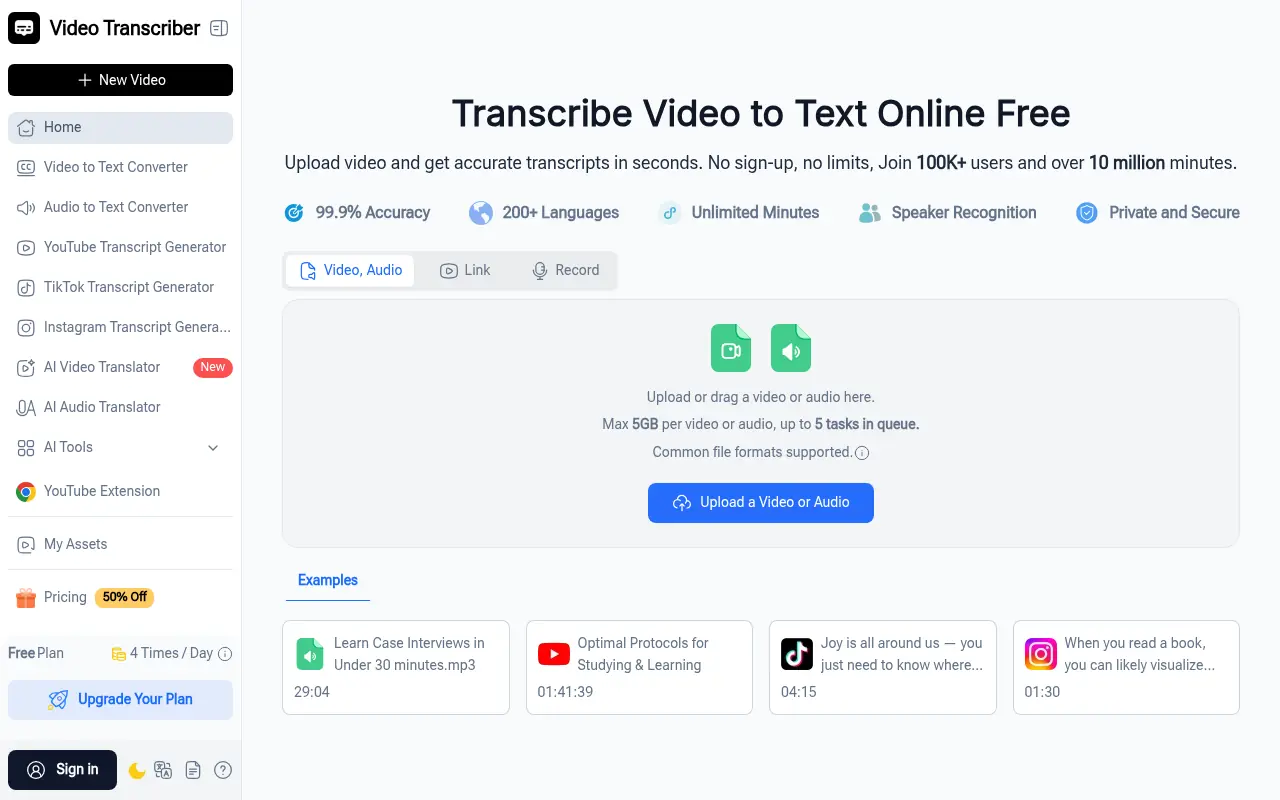

VideoTranscriber.ai
Turn hours of video into accurate, searchable text in minutes. Eliminate manual typing and accelerate content creation with precision speech recognition.
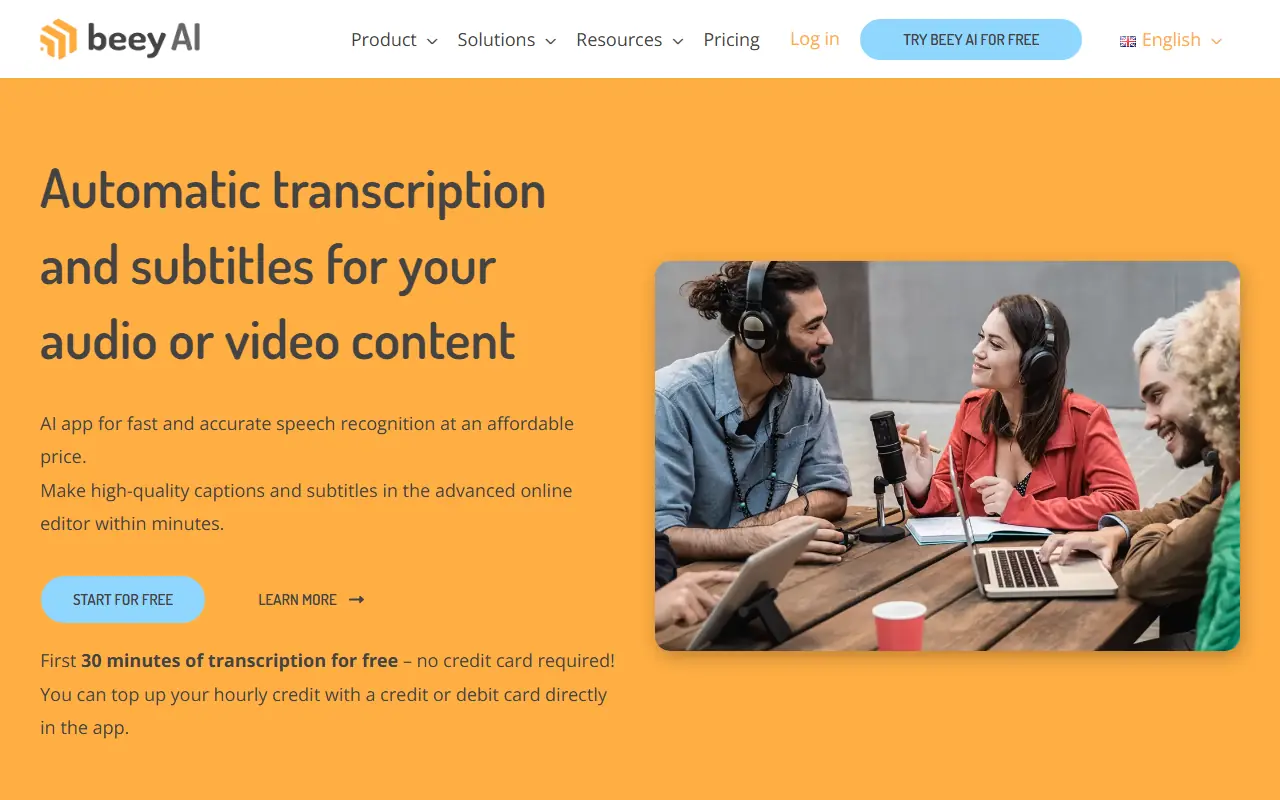

Beey.io
Beey.io is an AI-powered transcription platform that automatically converts audio and video content into accurate text with subtitles, captions, and translations.
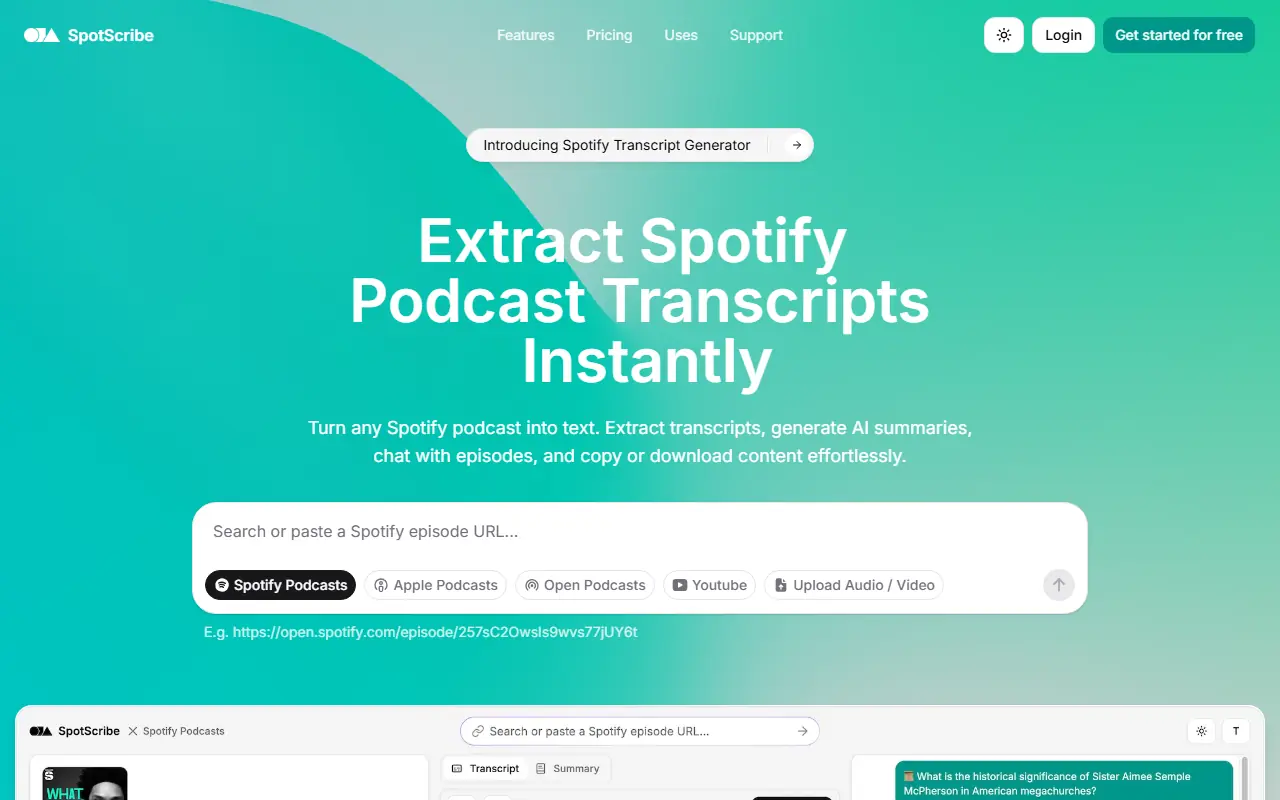

SpotScribe
SpotScribe instantly converts Spotify podcasts, YouTube videos, and audio files into highly accurate text transcripts, complete with AI summaries and interactive chat features.
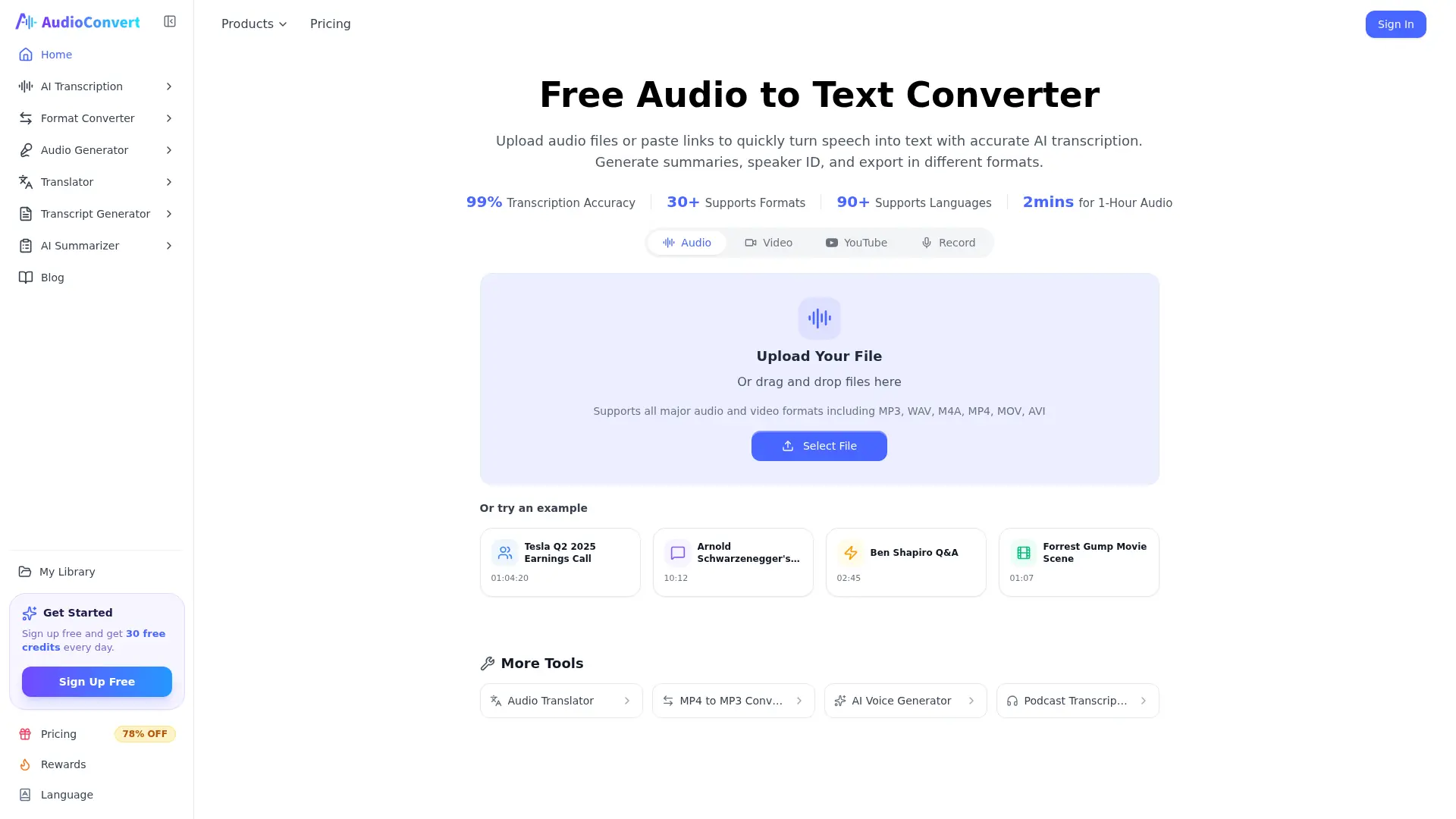

AudioConvert
Turn audio and video recordings into searchable transcripts, summaries, translations, and subtitles without installing desktop software.