

PicMa Studio

What is PicMa Studio?
PicMa Studio is a web-based AI photo enhancement platform that provides powerful tools to improve image clarity, restore old photos, and generate creative visual effects.Its mission is to make professional-grade photo enhancement accessible to everyone—from casual users to businesses—through simple, intuitive workflows.The site offers modules like AI Enhancer, AI Editing, AI Removal, AI Generator, Color Master, and Anime Enhancer to handle everything from denoising and upscaling to colorizing and object removal.Users can start many tools for free, then optionally upgrade to paid plans or use the mobile apps for more advanced capabilities.PicMa Studio also supports business use cases across industries, with dozens of businesses relying on it for efficient, consistent image quality in e‑commerce, marketing, and content production.
How to use PicMa Studio?
To use PicMa Studio effectively, go to the website, click “Get Started for Free,” and upload one or more images you want to enhance or edit.Choose the appropriate tool—such as AI Enhancer for clarity and upscaling, Color Master for black‑and‑white colorization, Descratch for old photo repair, Anime Enhancer for stylized art, or AI Removal for background and object removal—and apply it with one click.Adjust any available options or modes if needed, preview the AI result, then download the processed image to your device; for batch workflows or more advanced features, you can process up to 20 photos at once in PicMa Studio or switch to the PicMa mobile apps.
PicMa Studio's Core Features
AI Enhancer boosts image resolution, clarity, and detail for portraits, old photos, and landscapes with one click.
Text Enhancer sharpens and clarifies text in images for documents, web design, and subtitles.
Color Master colorizes black-and-white photos into vibrant, realistic color images online.
Stable Motion AI fixes soft focus in fast-moving subjects for clearer dynamic photos.
Descratch automatically detects and repairs scratches and time marks on old photos within seconds.
Anime Enhancer refines anime-style images by enhancing colors and visual details.
AI Removal erases backgrounds, removes unwanted objects, and extracts faces to speed up editing workflows.
AI Generator creates new visual styles and effects from existing photos using AI models.
Batch processing in PicMa Studio lets users upload and process up to 20 photos simultaneously.
Free online access allows users to start enhancing and editing photos without upfront payment.
Cross-platform ecosystem connects the web studio with PicMa mobile apps on iOS and Android for additional tools.
Business-ready tools support e‑commerce, photography, and branding teams needing consistent high-quality visuals.
User-friendly interface focuses on simple uploads and one-tap enhancements suitable for non-experts.
PicMa Studio's Use Cases
- #1
Enhancing low-resolution or blurry photos for sharper social media posts and prints.
- #2
Restoring damaged, scratched, or faded old family photos with Descratch and AI Enhancer.
- #3
Colorizing black-and-white historical or archive images for modern presentations using Color Master.
- #4
Cleaning product photos for e‑commerce by removing distracting backgrounds and objects with AI Removal.
- #5
Improving readability of screenshots, documents, and UI mockups using Text Enhancer.
- #6
Converting anime-style images into higher-quality, more vibrant artwork with Anime Enhancer.
- #7
Batch-processing up to 20 images to quickly upgrade a full photo set for blogs or catalogs.
- #8
Generating consistent, polished visuals for marketing campaigns without advanced photo-editing skills.
Frequently Asked Questions
Analytics of PicMa Studio
Monthly Visits Trend: Jun 2025 - Aug 2026
Traffic Sources
Top Regions
| Region | Traffic Share |
|---|---|
| Japan | 22.46% |
| United States | 16.87% |
| Taiwan | 12.24% |
| France | 8.75% |
| Indonesia | 5.17% |
Top Keywords
| Keyword | Traffic | CPC |
|---|---|---|
| ia hentai | 2.4K | -- |
| エロ プロンプト | 5.5K | $2.25 |
| エロプロンプト | 1.7K | $2.13 |
| プロンプト エロ | 1.1K | -- |
| 生成ai動画 ストッキング | 250 | -- |
Alternative of PicMa Studio
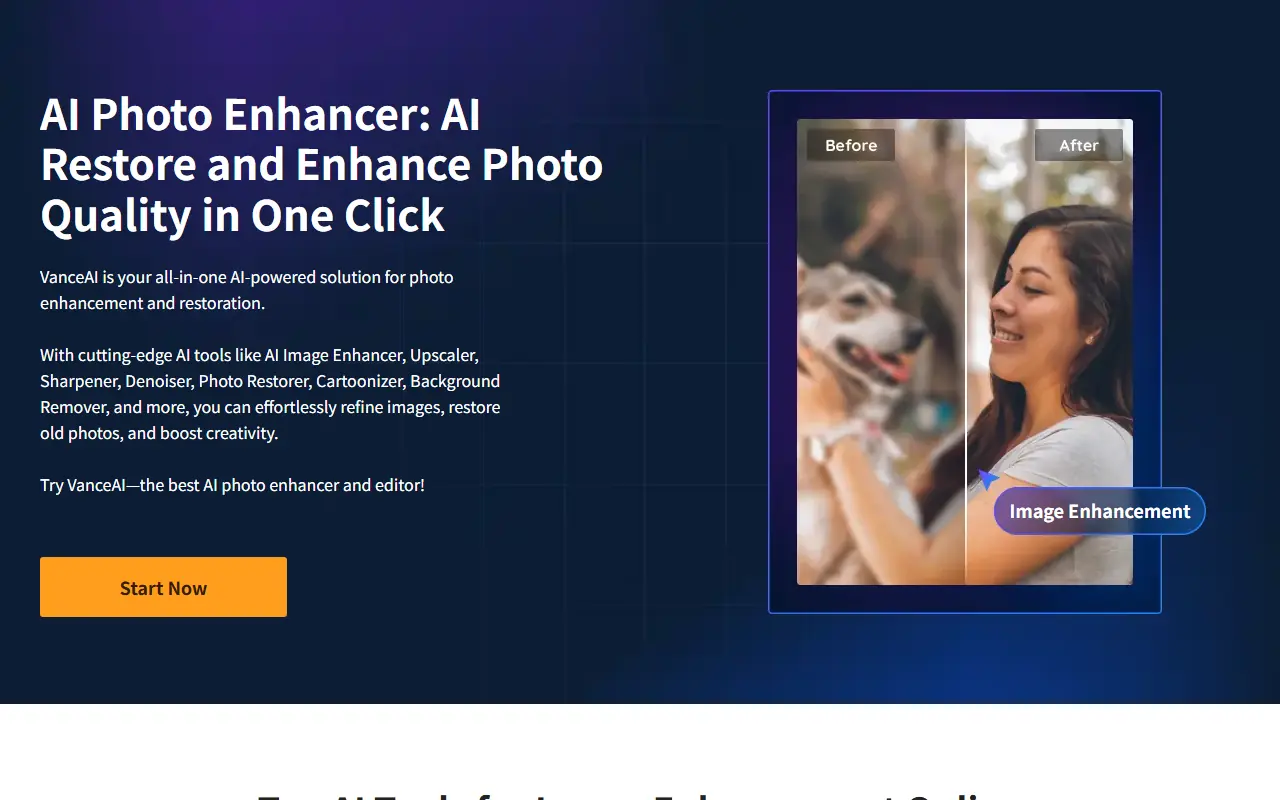

VanceAI
VanceAI provides AI-powered tools for photo enhancement, editing, and restoration to boost creativity and productivity.


Face26
Face26 is an AI-powered online platform offering fast, intuitive photo enhancement, retouching, face transformation, and restoration tools accessible via web and mobile apps.


Retouch4me
Retouch4me provides AI-powered plugins and standalone apps for professional photo and video retouching, designed for ease and natural results.


MagicLight AI
MagicLight AI is an innovative AI-powered platform that enables users to magically enhance, adjust, and manipulate lighting in images and videos for creative and professional purposes.


Wondershare Repairit
Wondershare Repairit leverages AI-powered algorithms to restore corrupted videos, photos, and documents, ensuring your digital memories and professional work remain intact.


TinderProfile.ai
TinderProfile.ai is an AI-powered platform that analyzes and generates enhanced photos to optimize Tinder profiles and increase matches on dating apps.


PhotoCat
PhotoCat is an AI-powered photo editing assistant and organizer that allows users to seamlessly retouch, enhance, transform, and manage their images using one-tap tools.
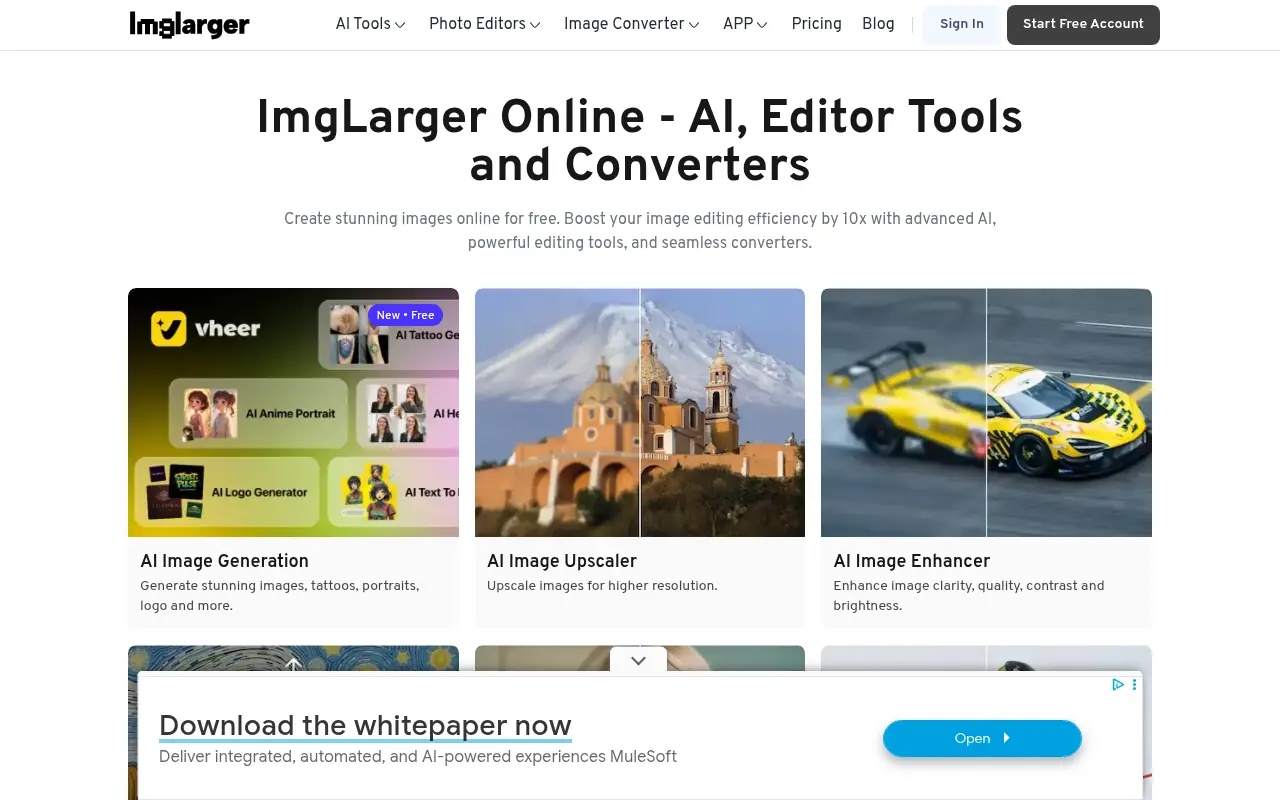

Imglarger
Imglarger provides AI-powered tools to enhance, upscale, edit, and convert images for professional and personal use.