

PDFgear
What is PDFgear?
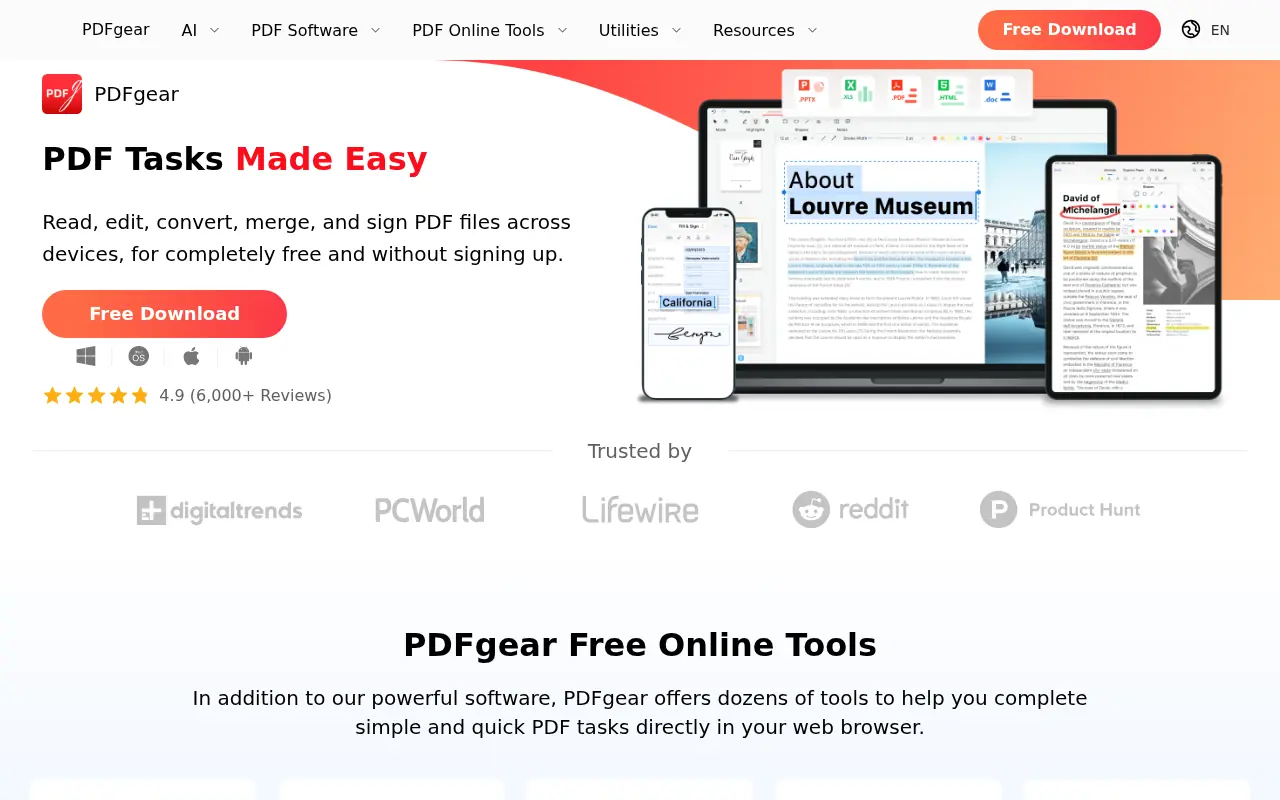
PDFgear is an all-in-one PDF management solution designed to simplify document editing, conversion, and organization for personal and professional users. It provides a robust set of free tools, both online and offline, to handle tasks like merging, splitting, compressing, and signing PDFs without requiring subscriptions or accounts. The platform integrates AI technology through its PDFgear Copilot, which streamlines workflows by allowing users to interact with documents using natural language commands. Available on Windows, macOS, iOS, and web browsers, PDFgear ensures cross-platform compatibility and accessibility. Its mission is to make PDF processing efficient, secure, and cost-free, challenging expensive alternatives like Adobe Acrobat. The software is particularly praised for its user-friendly interface and enterprise-level features, serving students, professionals, and businesses globally.
PDFgear's Core Features
Edit PDF text and images directly, making documents as editable as Microsoft Word while preserving original formatting.
Convert PDFs to and from formats like Word, Excel, PowerPoint, JPG, and TXT with lossless quality and batch processing.
Annotate PDFs with highlights, underlines, stamps, shapes, and text boxes for enhanced document markup.
Merge multiple PDFs into a single file or split large PDFs into smaller documents for better organization.
Compress PDF files by up to 90% to reduce file size without sacrificing quality, ideal for storage and sharing.
Sign PDFs with customizable digital signatures created via trackpad, keyboard, or image uploads, compliant with e-signature regulations.
Perform OCR on scanned or image-based PDFs to extract editable text in over 30 languages for free.
Organize PDF pages by rotating, deleting, extracting, or reordering them with a simple drag-and-drop interface.
Use PDFgear Copilot, an AI-powered assistant, to summarize content, extract information, or execute editing tasks via natural language.
Fill out interactive PDF forms with text fields, checkboxes, and other elements for seamless document completion.
Frequently Asked Questions
Analytics of PDFgear
Monthly Visits Trend: Apr 2025 - Aug 2026
Traffic Sources
AI Channel Traffic Trends
Top Regions
| Region | Traffic Share |
|---|---|
| United States | 20.65% |
| India | 8.88% |
| China | 6.65% |
| Indonesia | 4.62% |
| Italy | 2.96% |
Top Keywords
| Keyword | Traffic | CPC |
|---|---|---|
| pdfgear | 360.4K | $0.83 |
| pdf gear | 139.8K | $0.66 |
| pdf compressor | 1.6M | $0.17 |
| compress pdf | 2.7M | $0.16 |
| comprimir pdf | 1.1M | $0.11 |
Alternative of PDFgear

PDF Guru
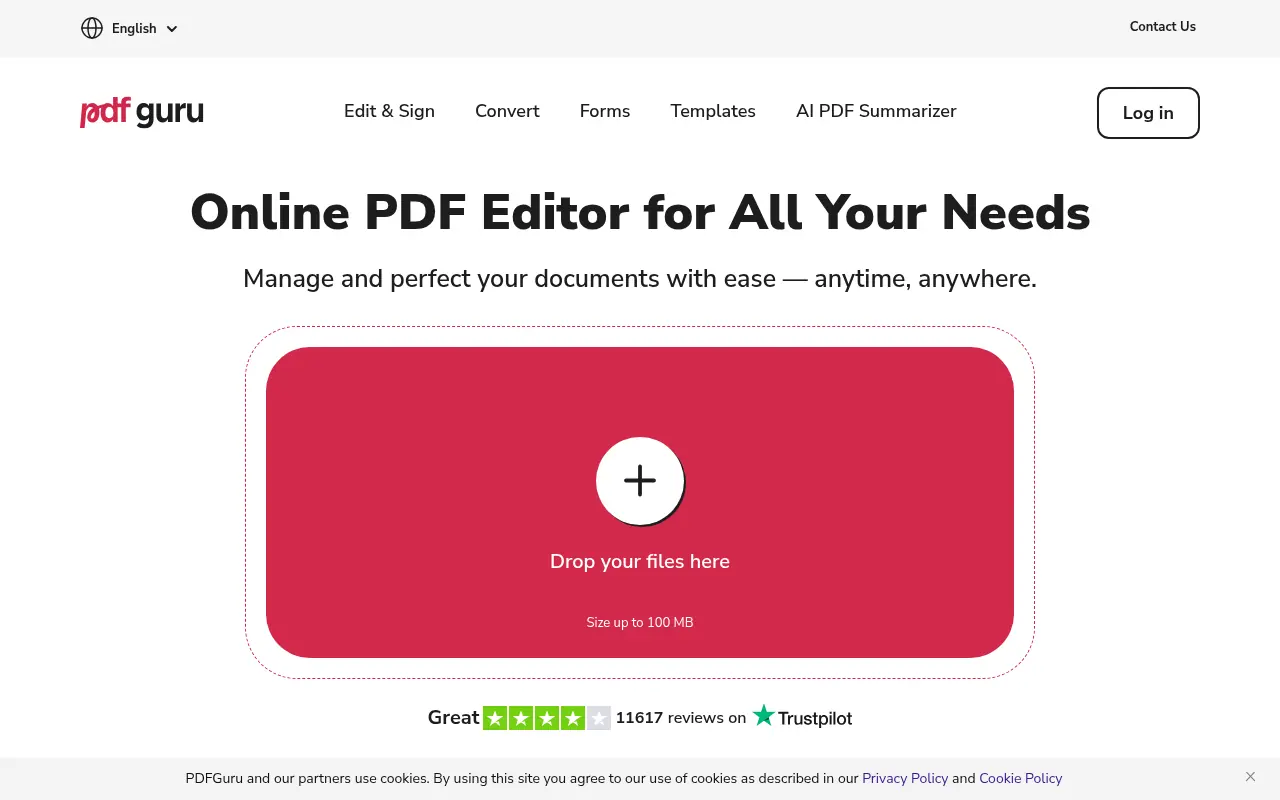
PDF Guru provides tools for creating, editing, and managing PDF documents online.

LightPDF
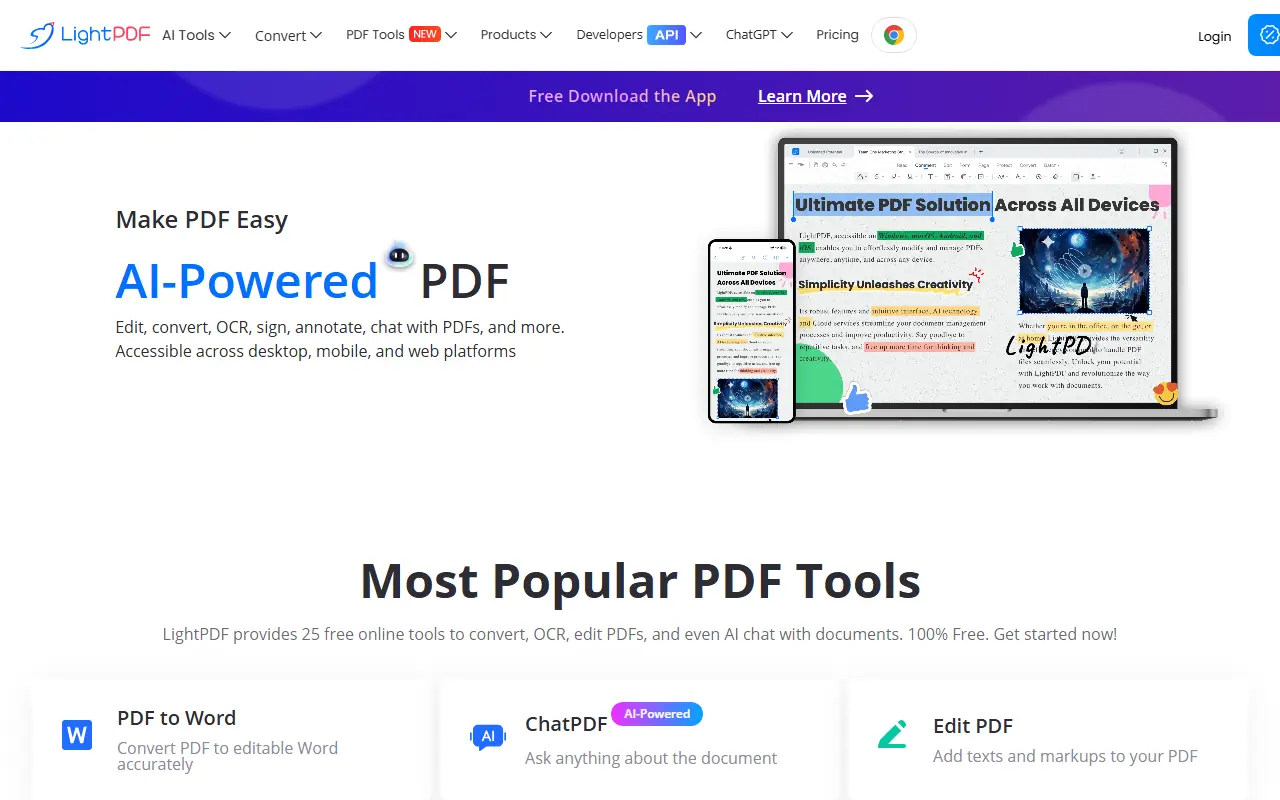
LightPDF provides an all-in-one platform for PDF editing, conversion, and management with AI-powered tools.

UPDF
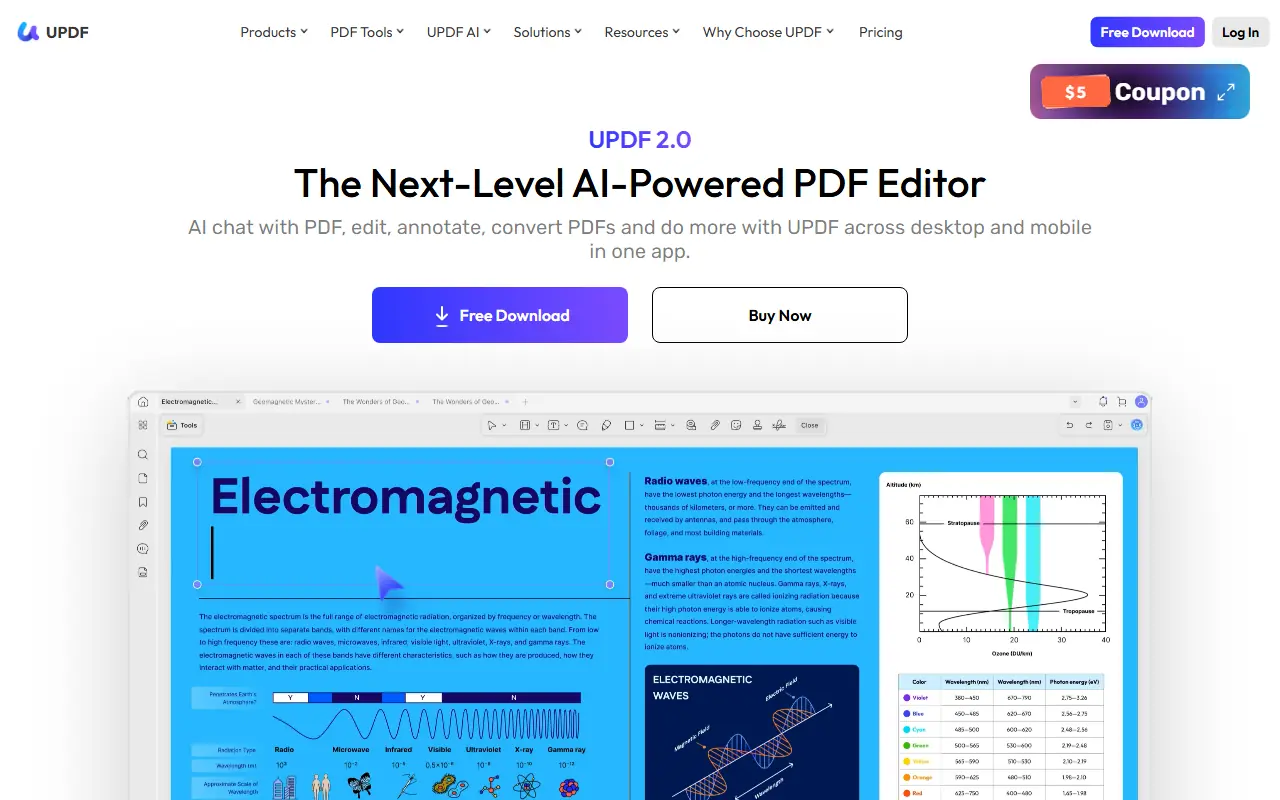
UPDF is an AI-integrated PDF editor that simplifies editing, annotating, converting, and organizing PDF documents across multiple platforms.
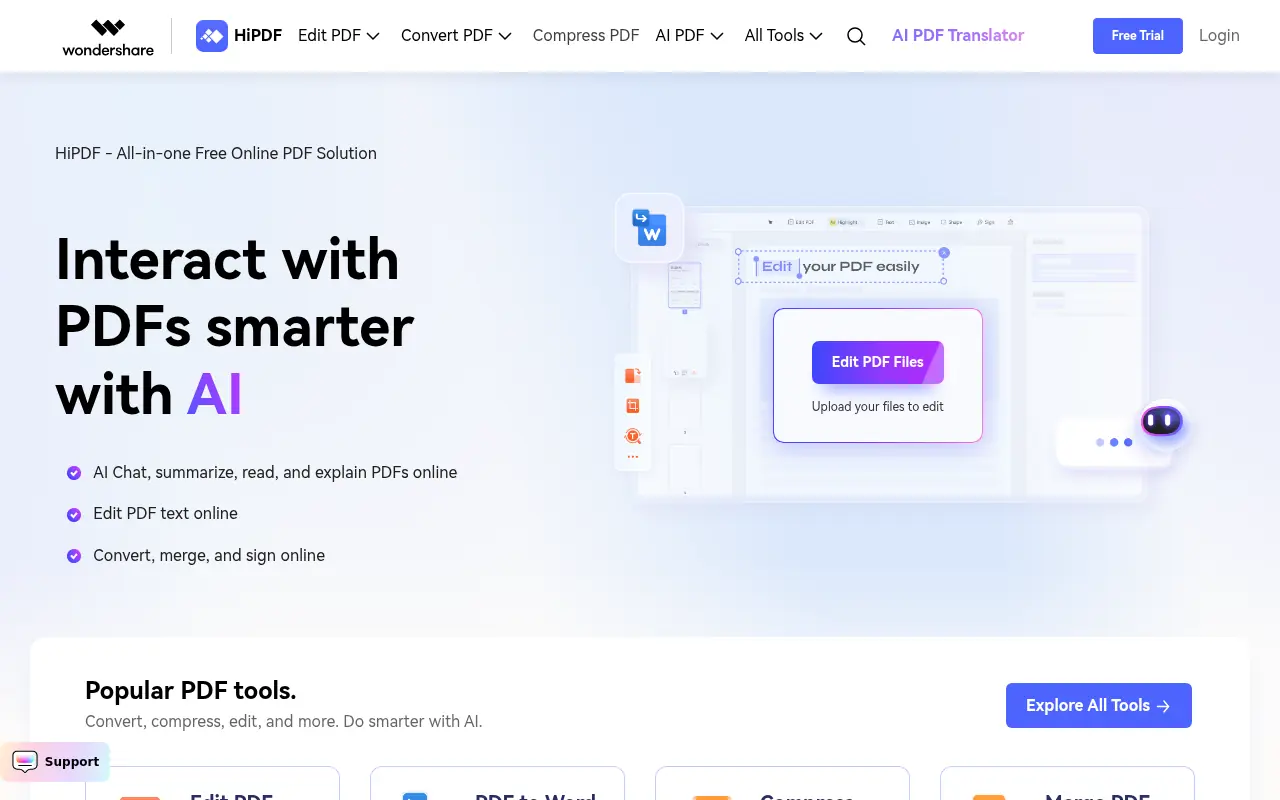

HiPDF
HiPDF is an AI-powered all-in-one online PDF solution that enables users to convert, edit, compress, merge, and manage PDF documents with advanced AI features.
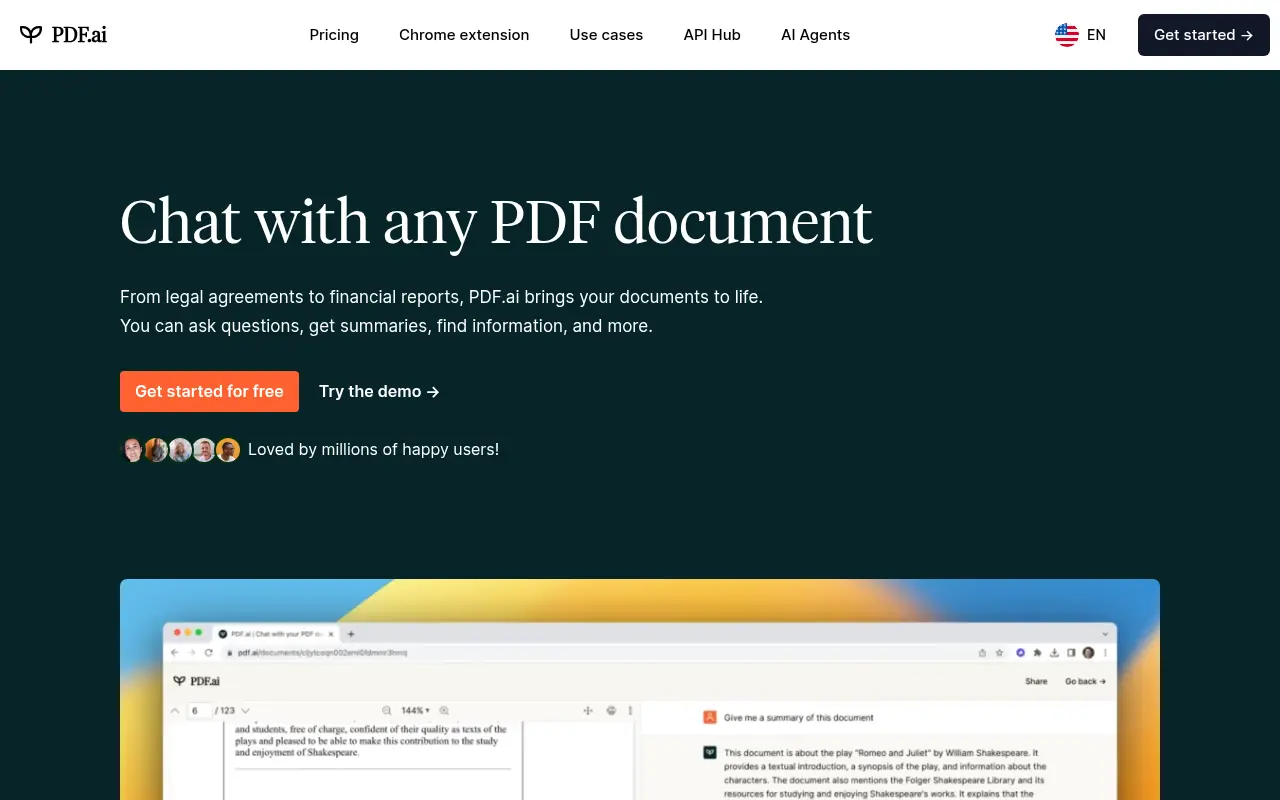

PDF.ai
PDF.ai is an AI-powered platform that enables users to interact with PDF documents through chat, summarization, and analysis for enhanced productivity.
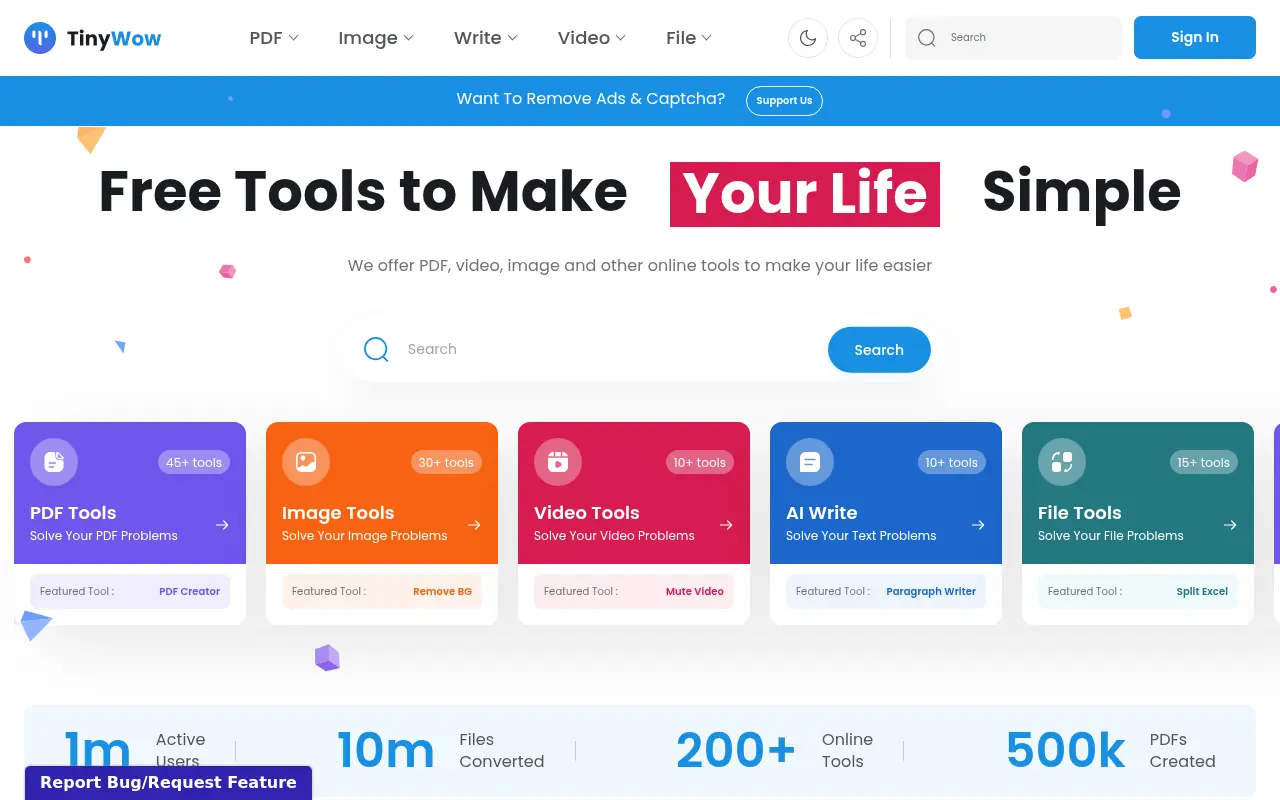

TinyWow
TinyWow offers a massive collection of free, browser-based tools for editing PDFs, images, videos, and generating AI content.


Box
Box is a cloud-based platform that enables secure file storage, sharing, collaboration, and content management for individuals and businesses.

PDFGPT.IO
PDFGPT.IO is an AI-powered platform that enables users to interact with PDF documents through chat-based conversations, asking questions and extracting information without manual reading.