

HiPDF
What is HiPDF?
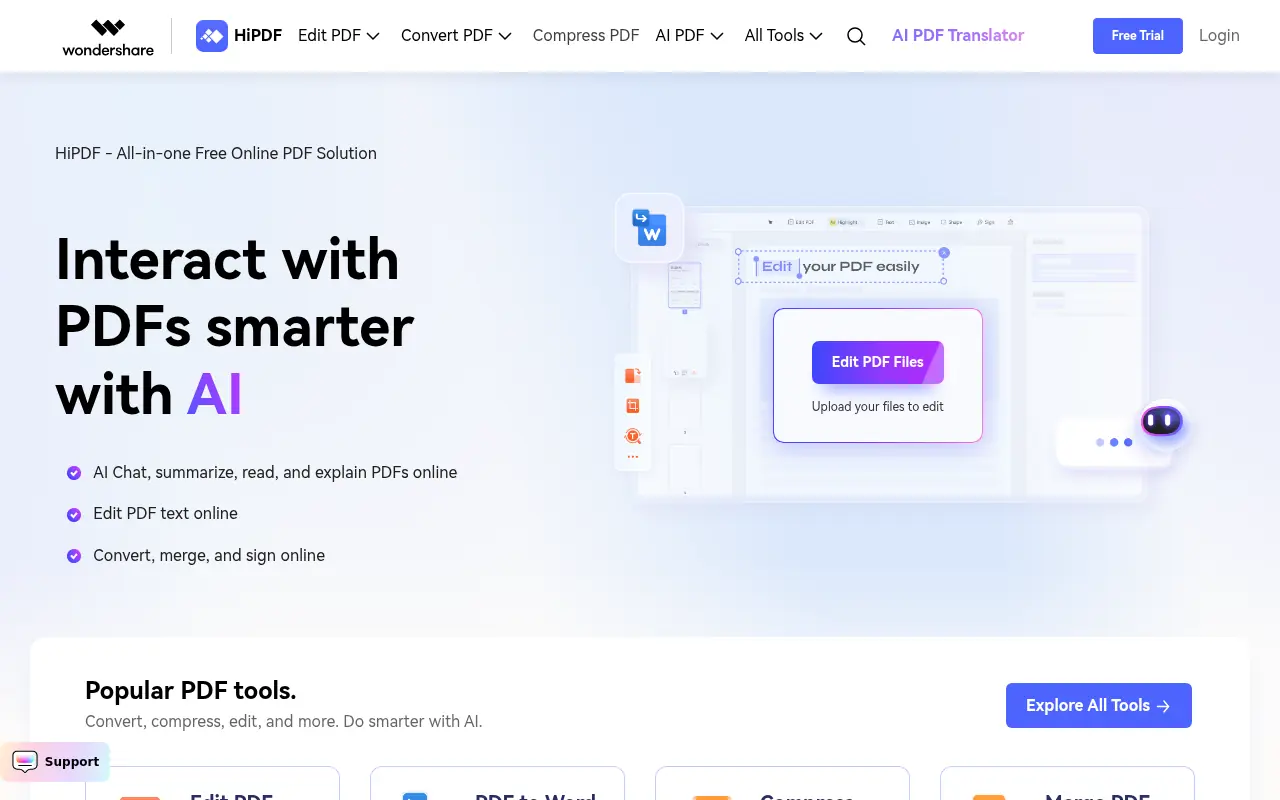
Wondershare HiPDF is a comprehensive web-based PDF management platform that combines traditional PDF tools with cutting-edge AI capabilities. The platform offers a wide range of features including PDF conversion, editing, compression, merging, splitting, and encryption, all accessible through a user-friendly browser interface without requiring software installation. HiPDF distinguishes itself through AI-powered features such as Chat with PDF, AI PDF Reader for summarizing and explaining content, AI Proofreader powered by ChatGPT, and AI content detection. As a member of the PDF Association with ISO 27001 and SSI SECURE certifications, HiPDF prioritizes both functionality and security, having processed millions of files while maintaining robust data protection. The platform serves individuals and businesses seeking efficient, secure, and intelligent PDF processing solutions with both free and premium plans available.
How to use HiPDF?
To use HiPDF, simply visit the website and select the desired PDF tool from the homepage, such as convert, edit, compress, or AI features. Upload your PDF file or document by dragging and dropping it into the interface or clicking to browse your files. Once uploaded, choose your preferred action or settings, such as selecting output format for conversions, compression level, or AI prompts for summarization and explanation. For AI features like Chat with PDF or AI Reader, upload your document and select from prompts like Summarize, Explain, Rewrite, or Ask Anything to get instant results. After processing, download your edited or converted file directly to your device. The platform supports batch processing for handling multiple files simultaneously and offers both free access with limitations (5 files at a time, 20MB max file size) and premium plans for advanced features.
HiPDF's Core Features
AI-powered PDF reader that can summarize, explain, rewrite, and answer questions about PDF content in seconds.
Comprehensive PDF conversion supporting Word, Excel, PPT, JPG, TXT, RTF, HTML, and OCR formats bidirectionally.
Advanced PDF editing tools for adding text, images, signatures, shapes, rotating pages, and rearranging content.
Intelligent file compression that reduces PDF size to specific targets like 2MB, 1MB, 200KB, or smaller.
Batch processing capability for handling multiple PDF files simultaneously to improve productivity.
AI Proofreader powered by ChatGPT for checking spelling, grammar, and punctuation errors.
Chat with PDF feature enabling interactive conversations with document content using AI.
Secure file processing with ISO 27001 certification, SSL encryption, and fraud protection.
PDF merging and splitting tools for combining multiple documents or dividing single files.
OCR technology for converting scanned PDFs into editable text while maintaining layout integrity.
Free document templates including tax forms, resumes, invoices, and contract templates.
AI content detector for identifying AI-generated content in PDFs and text.
Password encryption and unlocking tools for protecting and accessing secured documents.
Crop and rotate features for adjusting PDF margins, page size, and orientation.
Browser-based platform requiring no software installation or downloads for easy accessibility.
HiPDF's Use Cases
- #1
Converting PDF documents to Word, Excel, PPT, JPG, and other formats for editing and sharing
- #2
Compressing large PDF files to reduce size for email attachments or faster uploads
- #3
Merging multiple PDF documents into a single file for reports or presentations
- #4
Using AI to summarize lengthy PDF documents and extract key information quickly
- #5
Editing PDF text, adding annotations, highlights, and sticky notes for collaboration
- #6
Securing sensitive PDF documents with password encryption and protection
- #7
Extracting text from scanned PDFs using OCR technology for editing
- #8
Proofreading PDF content for grammar, spelling, and punctuation errors using AI
- #9
Splitting large PDF files into smaller documents for easier distribution
- #10
Translating PDF content into different languages using AI-powered translation
Frequently Asked Questions
Analytics of HiPDF
Monthly Visits Trend: Jun 2025 - Aug 2026
Traffic Sources
AI Channel Traffic Trends
Top Regions
| Region | Traffic Share |
|---|---|
| India | 14.20% |
| Japan | 9.49% |
| Indonesia | 5.54% |
| United States | 5.40% |
| Mexico | 5.32% |
Top Keywords
| Keyword | Traffic | CPC |
|---|---|---|
| kompres pdf | 216.1K | $0.08 |
| hipdf | 3.1K | $0.11 |
| traductor de imagenes | 15.1K | $0.25 |
| png a ico | 25.9K | $0.18 |
| traducir imagen | 19.6K | $0.21 |
Alternative of HiPDF

PDF.net
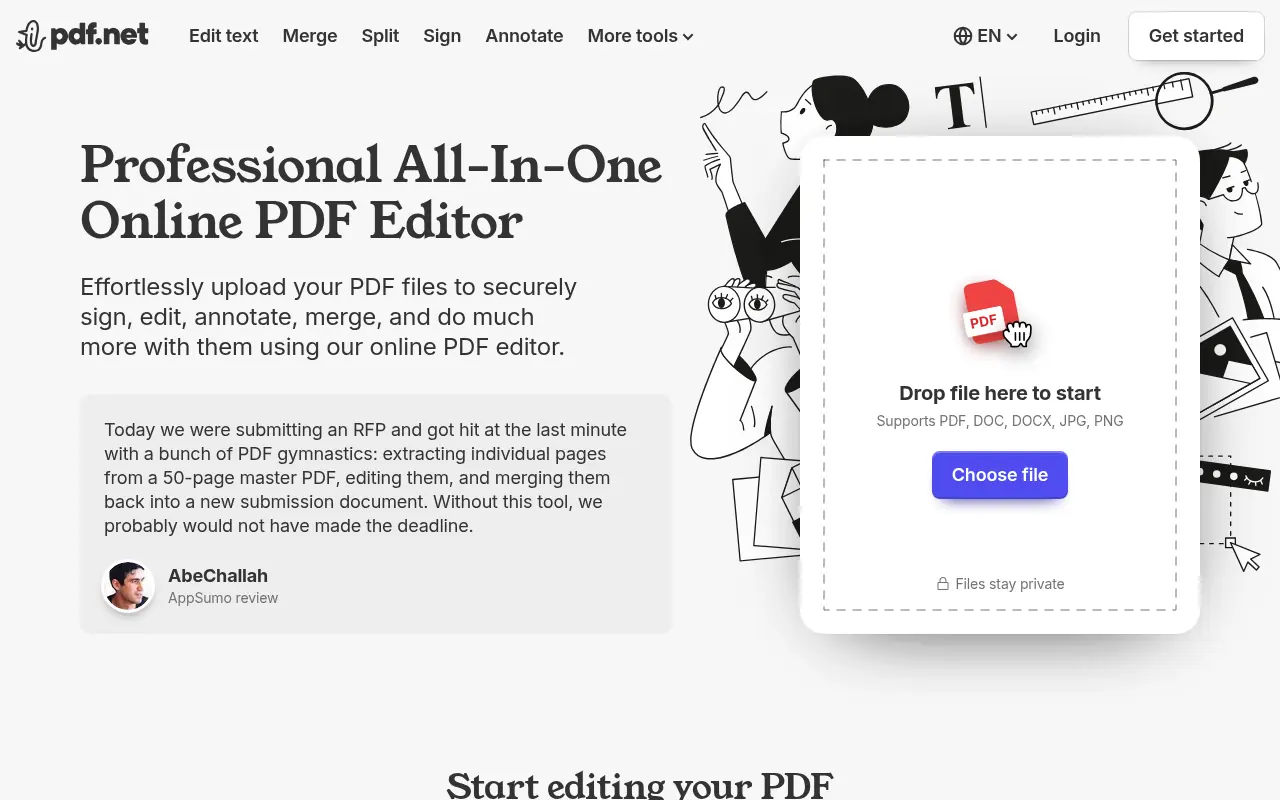
Transform static documents into interactive conversations. PDF.net leverages advanced AI to summarize, query, and extract critical data from your files instantly.

ReadyBase
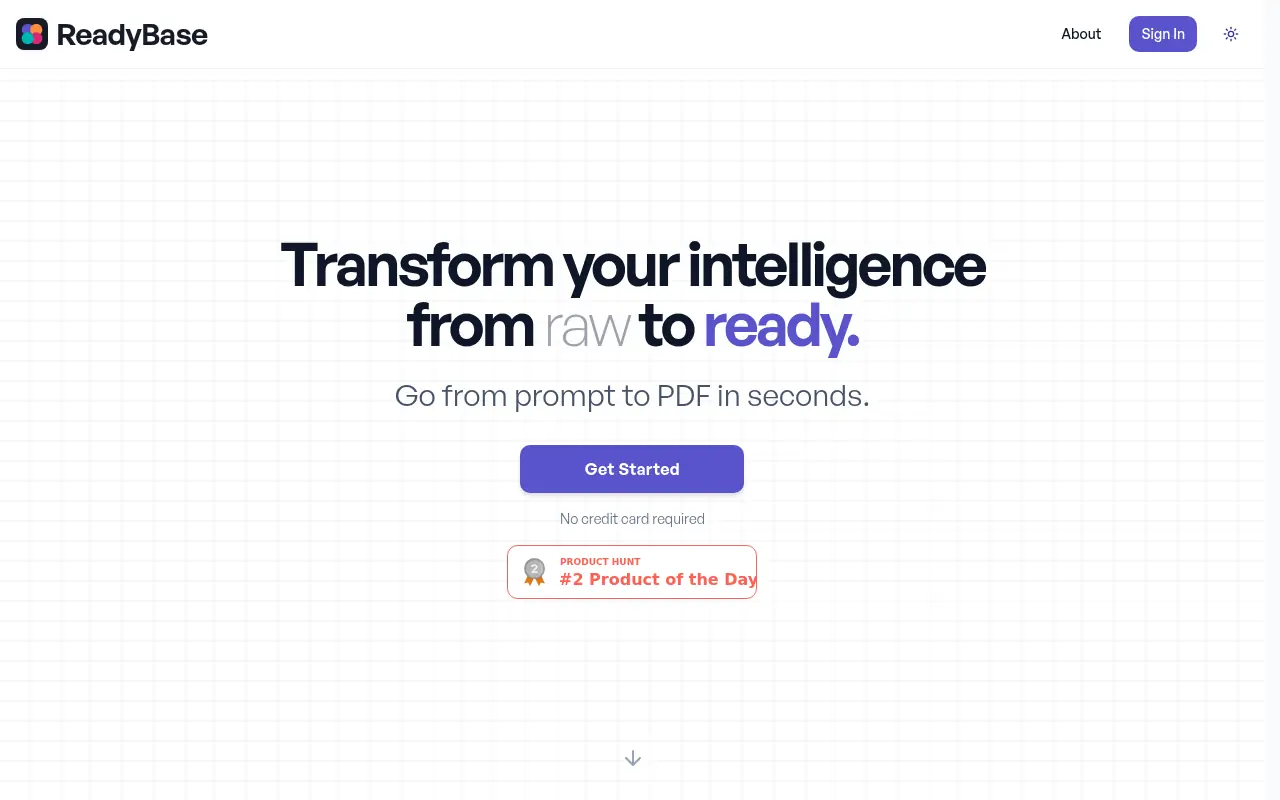
ReadyBase is an AI-powered platform that transforms raw data such as notes, research, images, and files into polished, brand-compliant PDFs in seconds.

LightPDF
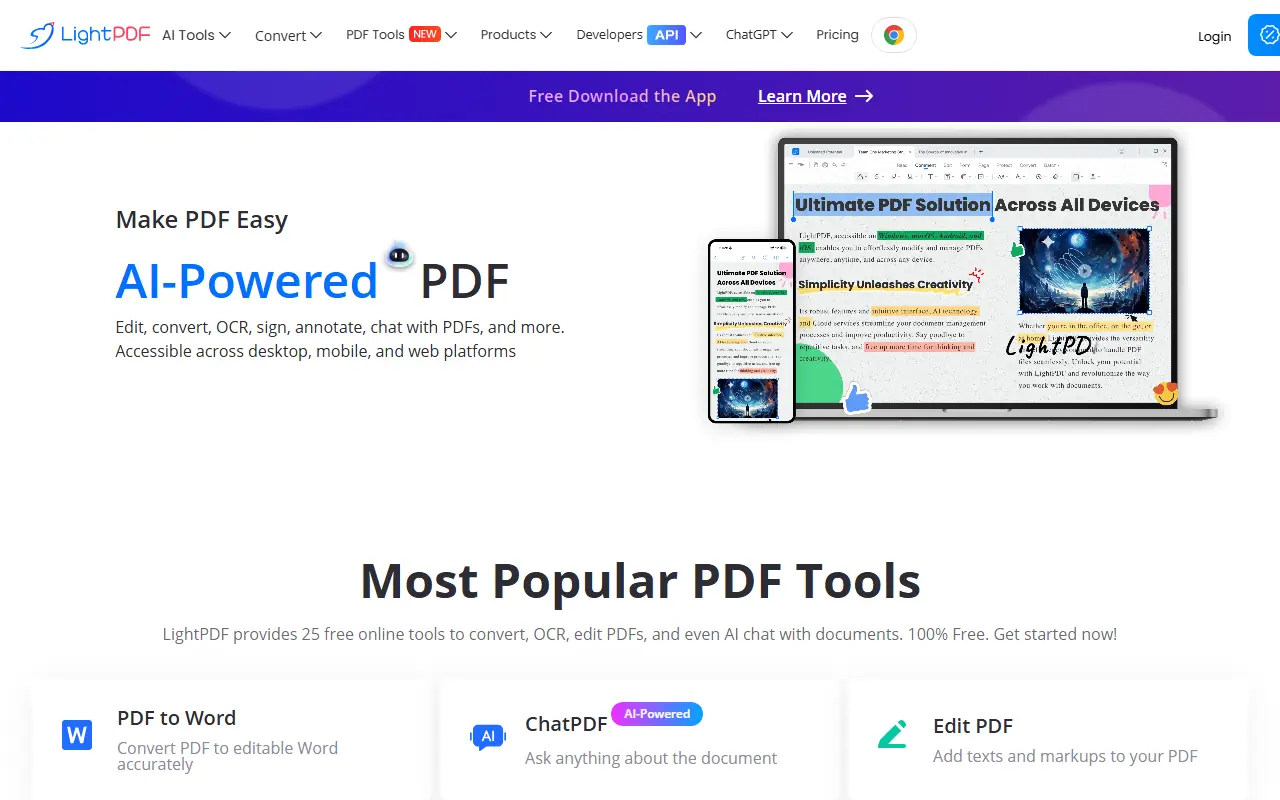
LightPDF provides an all-in-one platform for PDF editing, conversion, and management with AI-powered tools.
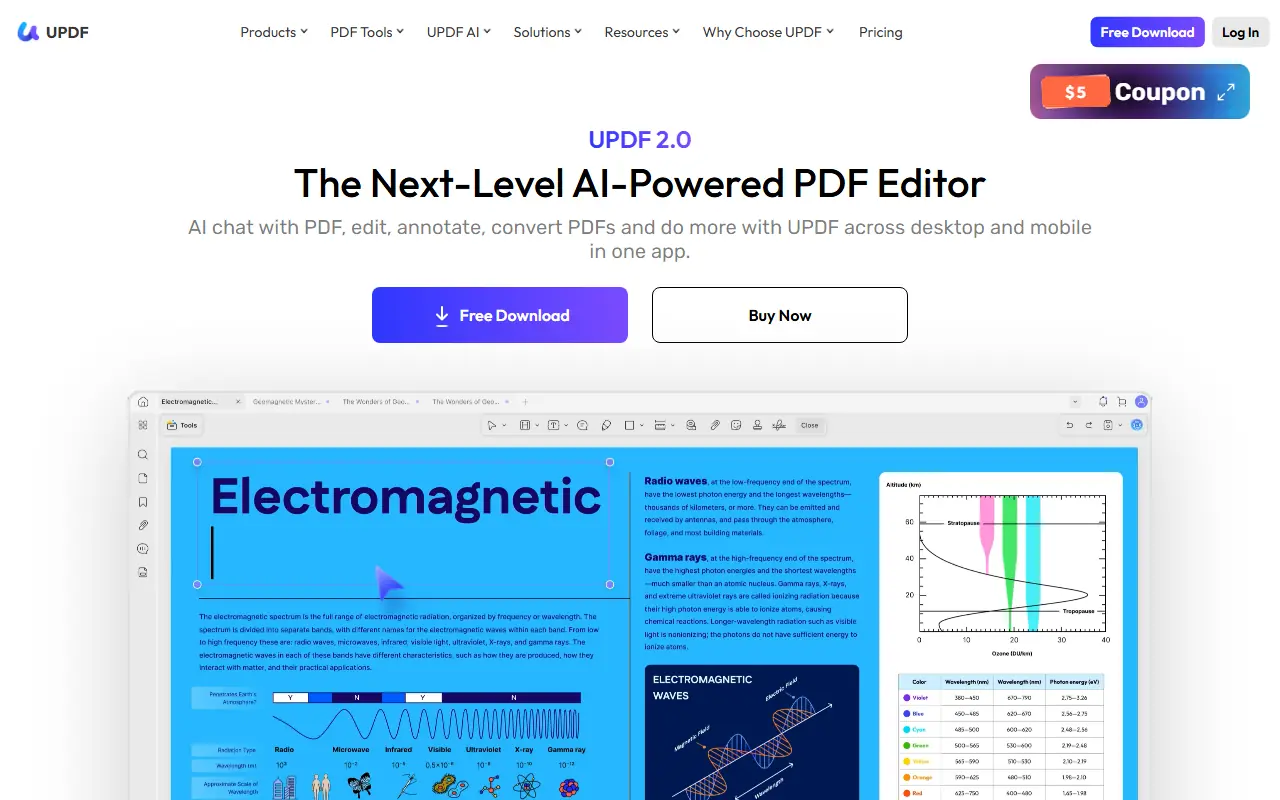

UPDF
UPDF is an AI-integrated PDF editor that simplifies editing, annotating, converting, and organizing PDF documents across multiple platforms.

PDFGPT.IO
PDFGPT.IO is an AI-powered platform that enables users to interact with PDF documents through chat-based conversations, asking questions and extracting information without manual reading.
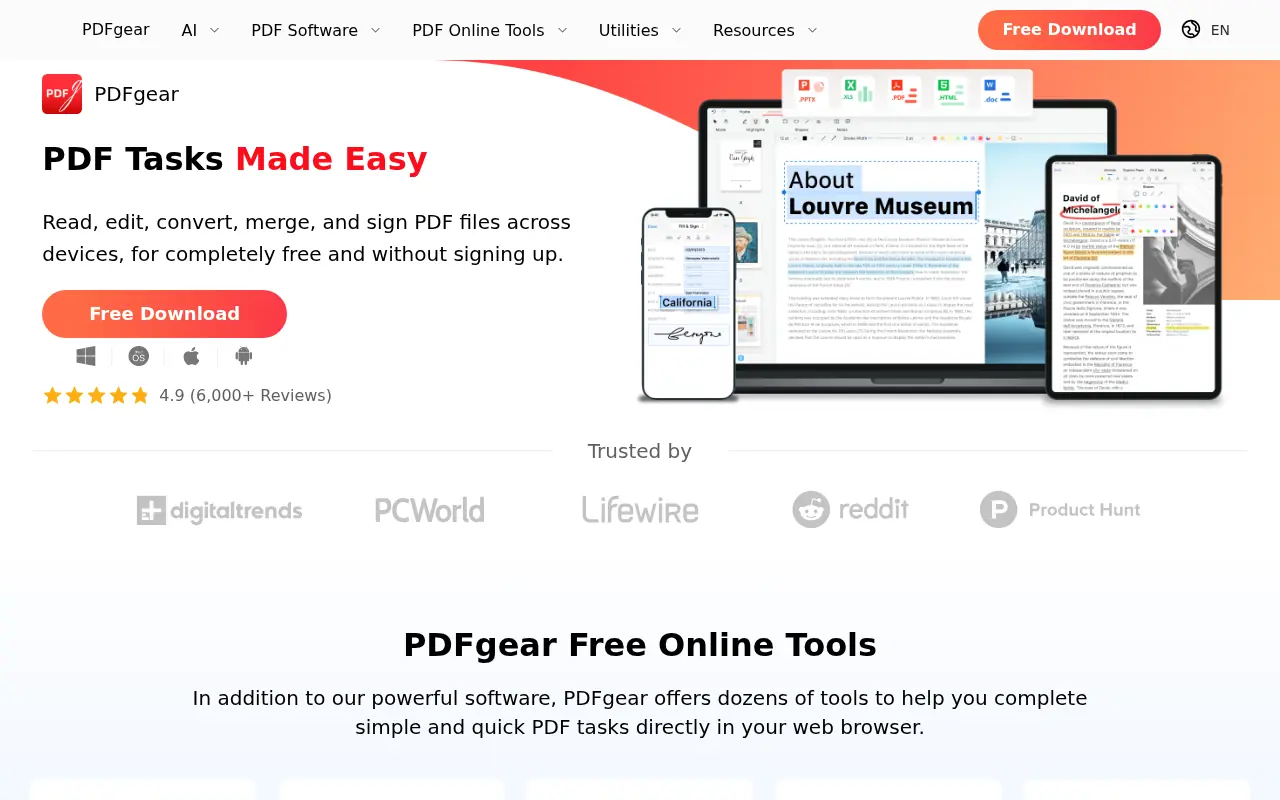

PDFgear
PDFgear is a free, AI-powered PDF editor offering tools to edit, convert, annotate, and manage PDF files across multiple platforms.
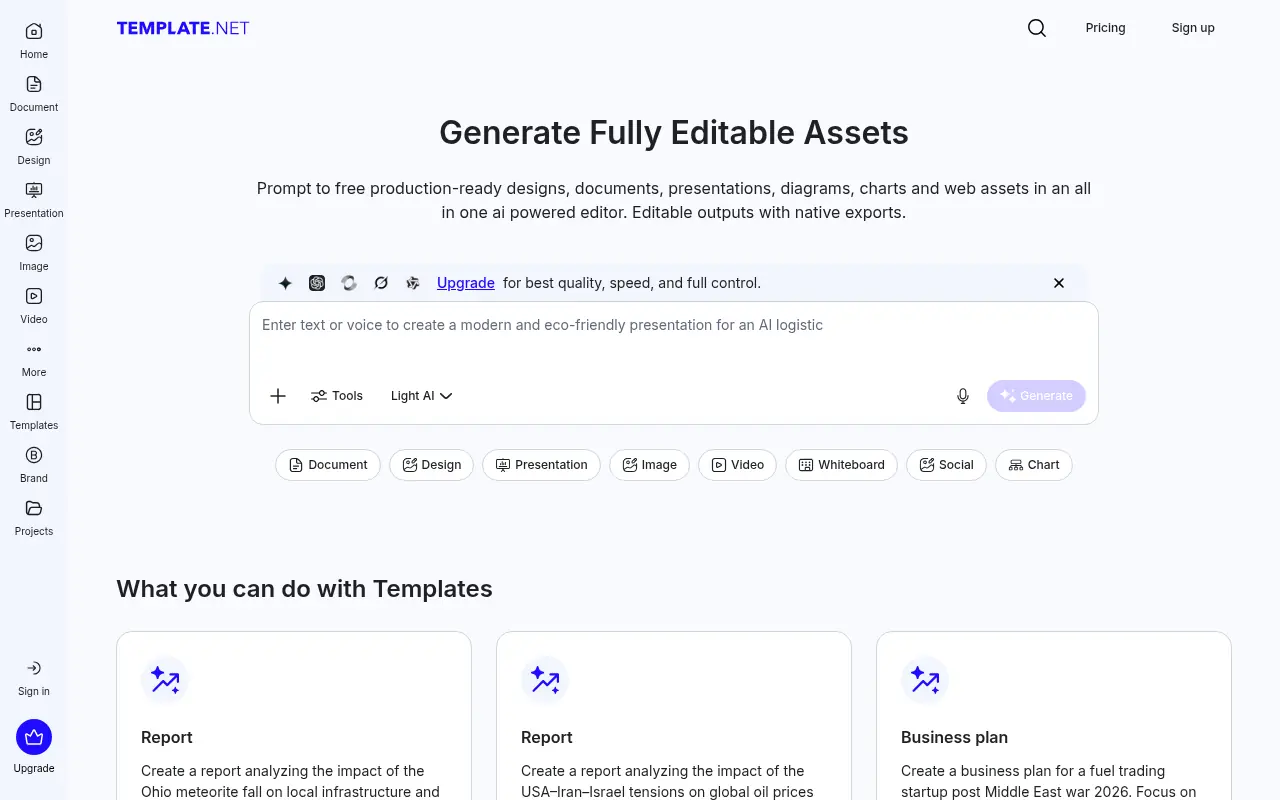

Template.net
Template.net is an AI-powered production platform offering millions of customizable templates alongside generative tools for documents, designs, presentations, and videos.

PDF.ai
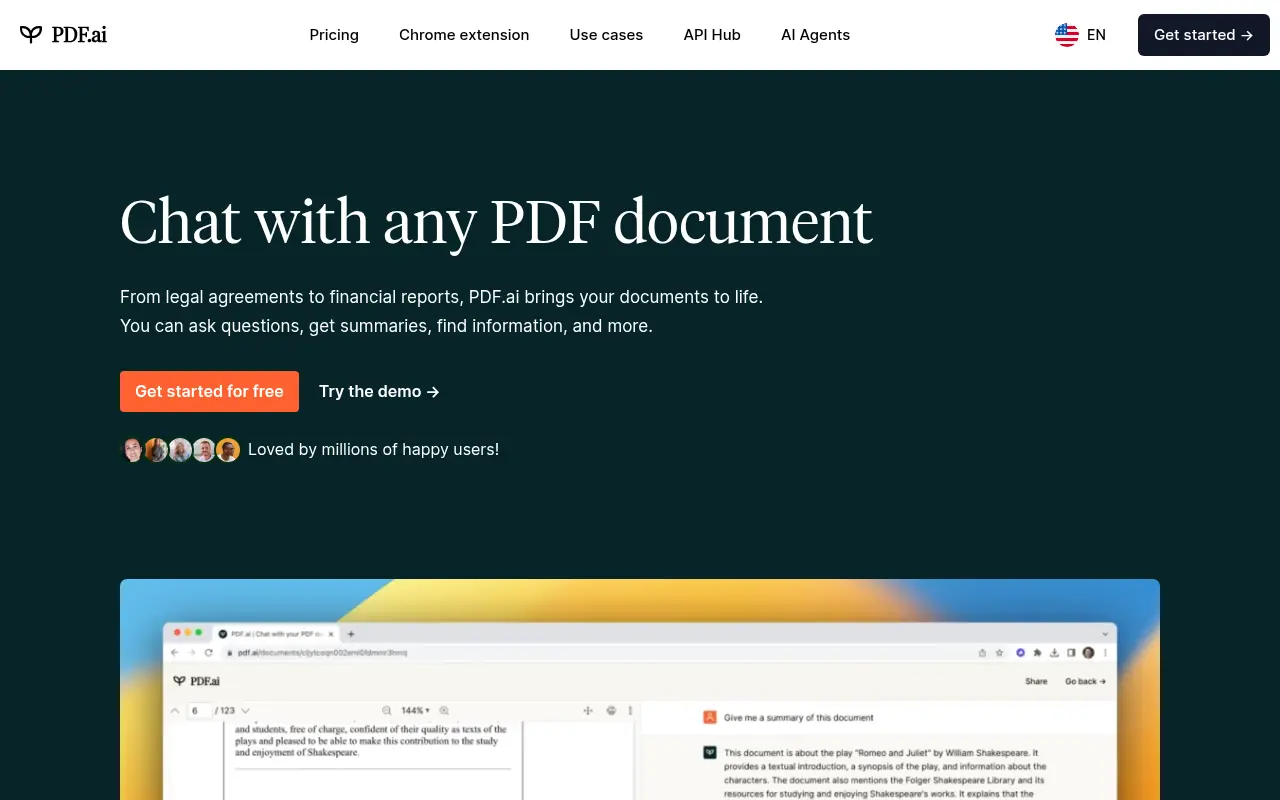
PDF.ai is an AI-powered platform that enables users to interact with PDF documents through chat, summarization, and analysis for enhanced productivity.