

monday.com
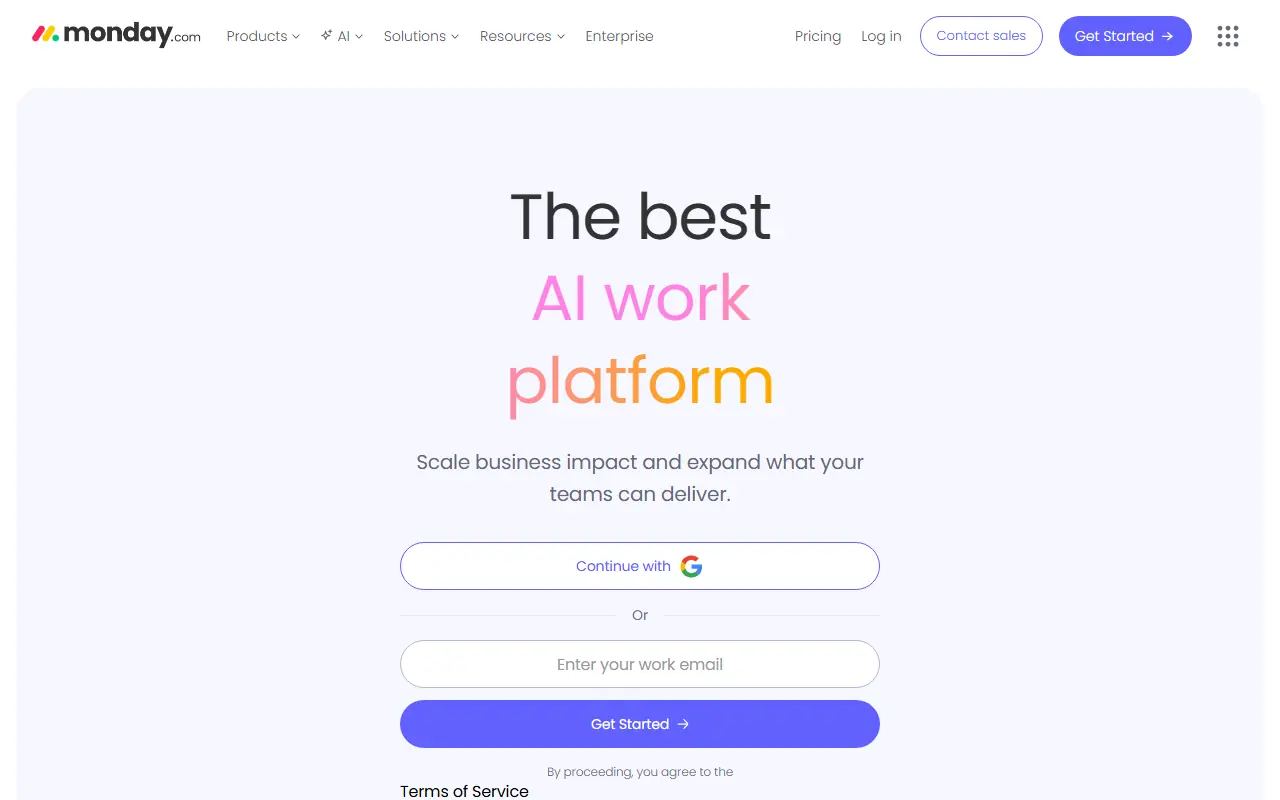
What is monday.com?
monday.com is a cloud-based Work Operating System designed to help teams orchestrate their work in one centralized platform. It empowers users to build custom workflows and project boards tailored to their specific operational needs without requiring coding skills. The platform's mission is to democratize the power of software so organizations can easily build tools that improve their efficiency and collaboration. By integrating project management, CRM, software development tracking, and more, it acts as a single source of truth for cross-functional teams. Recently, monday.com has also integrated AI assistants to automate tasks, generate formulas, and summarize project updates, further streamlining team productivity.
How to use monday.com?
To get started with monday.com, users first create an account and define a workspace for their team. Within the workspace, they can create 'boards' using pre-built templates or from scratch to represent projects, CRM pipelines, or daily tasks. Users customize these boards by adding columns for statuses, dates, numbers, and text to structure their data. They can then invite team members, assign tasks, and set up automated workflows to trigger actions like notifications or status changes. Finally, users can visualize their work through various views such as Gantt charts, Kanban boards, and dashboards to track progress and make data-driven decisions.
monday.com's Core Features
Customizable boards allow teams to structure any workflow using dynamic columns for statuses, dates, and text.
Multiple data views including Kanban, Gantt, Timeline, and Calendar provide diverse ways to visualize projects.
No-code automations eliminate repetitive tasks by triggering actions based on specific board events.
Pre-built templates offer quick starting points for use cases ranging from CRM to event planning.
Seamless integrations connect monday.com with popular tools like Slack, Google Workspace, and Jira.
Real-time dashboards aggregate data across multiple boards to provide high-level insights and reporting.
An integrated AI assistant helps summarize tasks, draft emails, and generate complex board formulas.
monday.com's Use Cases
- #1
Managing cross-departmental marketing campaigns and content calendars.
- #2
Tracking agile software development sprints and bug reports.
- #3
Operating a sales CRM to manage leads, pipelines, and customer onboarding.
- #4
Overseeing HR processes such as recruitment pipelines and employee onboarding.
- #5
Managing construction or real estate project timelines and resource allocation.
- #6
Handling IT helpdesk ticketing and internal service requests.
Frequently Asked Questions
Analytics of monday.com
Monthly Visits Trend: Jun 2025 - Sep 2026
Traffic Sources
AI Channel Traffic Trends
Top Regions
| Region | Traffic Share |
|---|---|
| United States | 39.95% |
| United Kingdom | 6.67% |
| Brazil | 5.91% |
| Australia | 4.54% |
| Philippines | 3.79% |
Top Keywords
| Keyword | Traffic | CPC |
|---|---|---|
| monday | 343.4K | $2.59 |
| monday com | 80.3K | $6.43 |
| google calendar | 9.9M | $1.11 |
| clickup | 1.1M | $2.48 |
| notion | 6.9M | $1.08 |
Alternative of monday.com
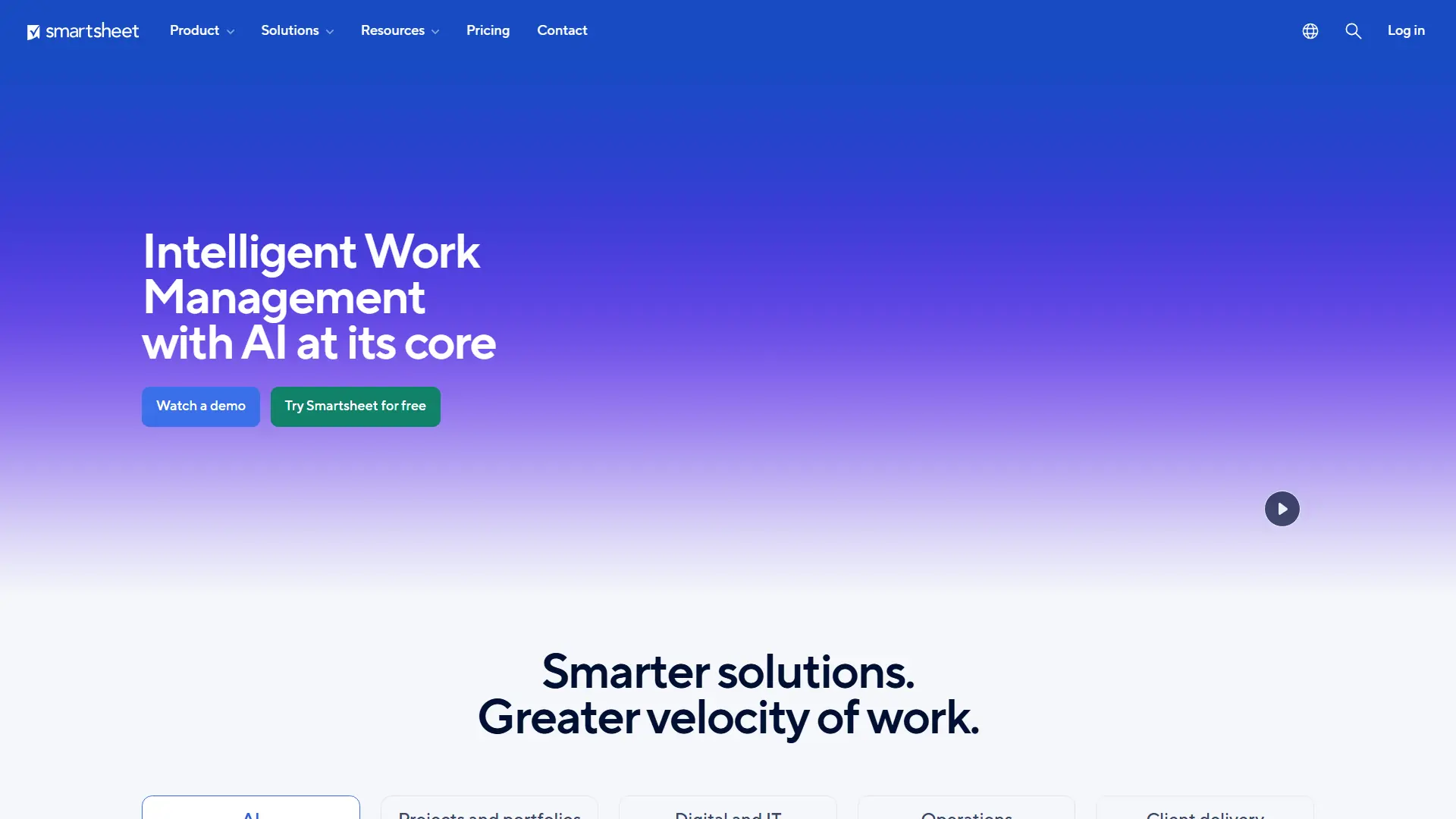

Smartsheet
Smartsheet is an AI-powered work management platform for planning projects, automating workflows, coordinating teams, and reporting on organizational performance.
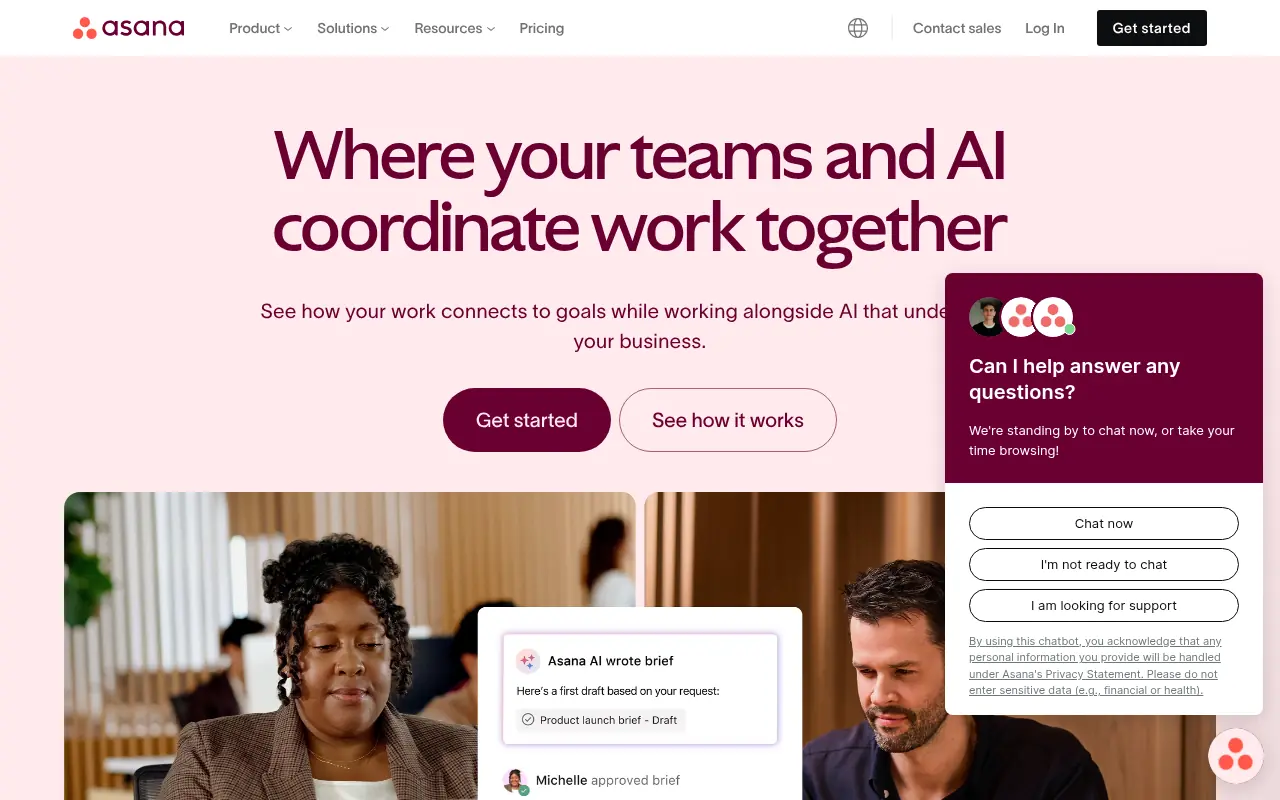

Asana
Asana is a collaborative work management platform that helps teams organize tasks, track projects, and achieve goals efficiently.


Linear
Linear is a modern project management and issue tracking platform designed for high-performance software teams to plan, track, and deliver products efficiently.
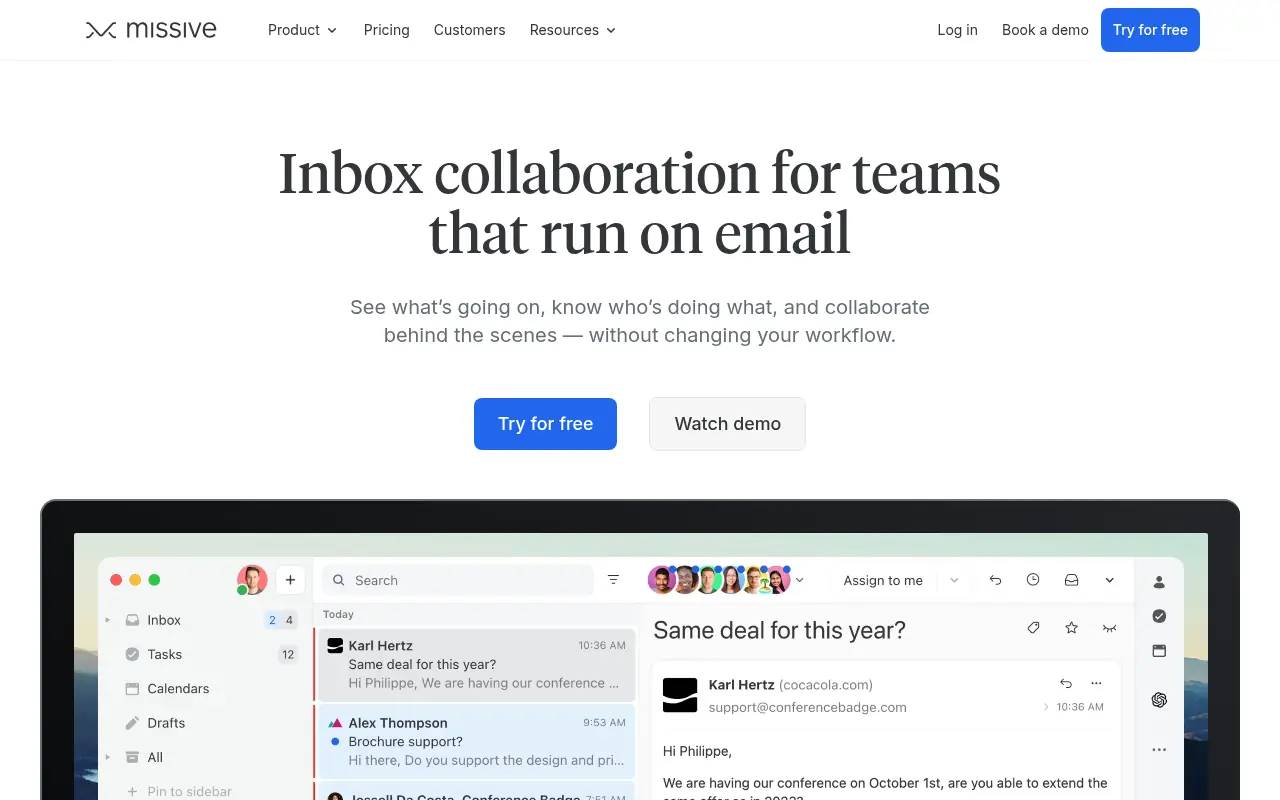

Missive
Missive is a collaborative email and chat platform that streamlines team communication and task management across multiple channels.
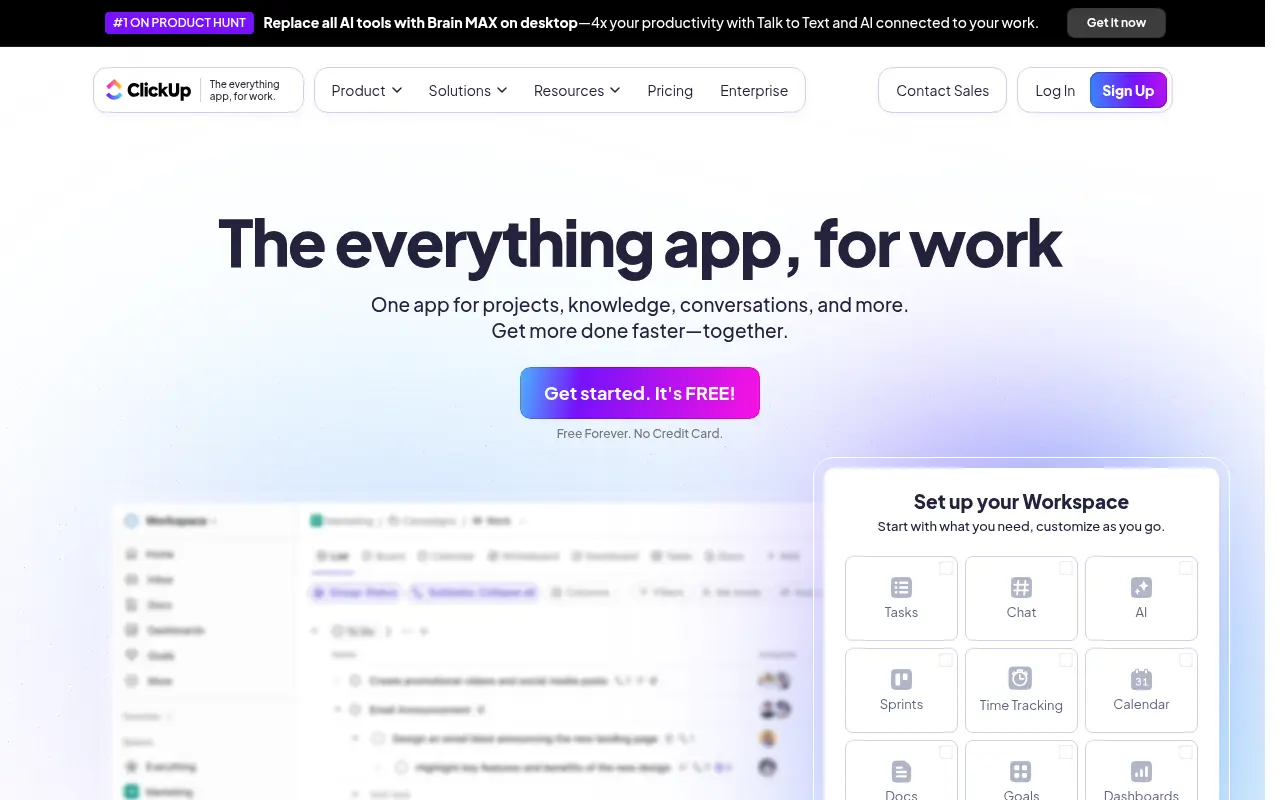

ClickUp
ClickUp is an all-in-one productivity platform designed to align, collaborate, and enhance work efficiency, aiming to save teams a day every week by consolidating projects, knowledge, and conversations into one app.
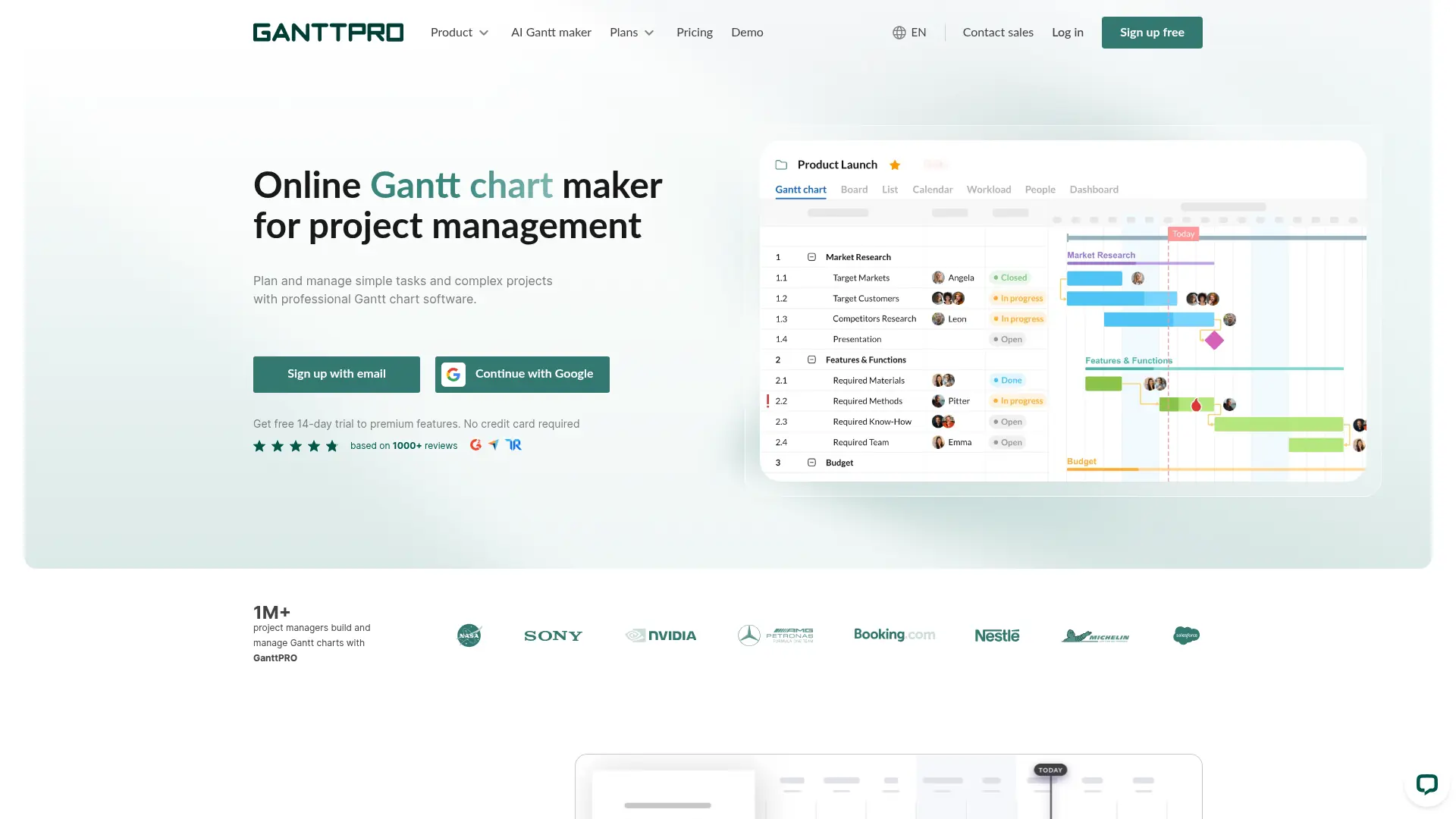

GanttPRO
Plan projects visually, balance team workload, and keep timelines moving with a cloud-based Gantt chart platform built for faster execution.
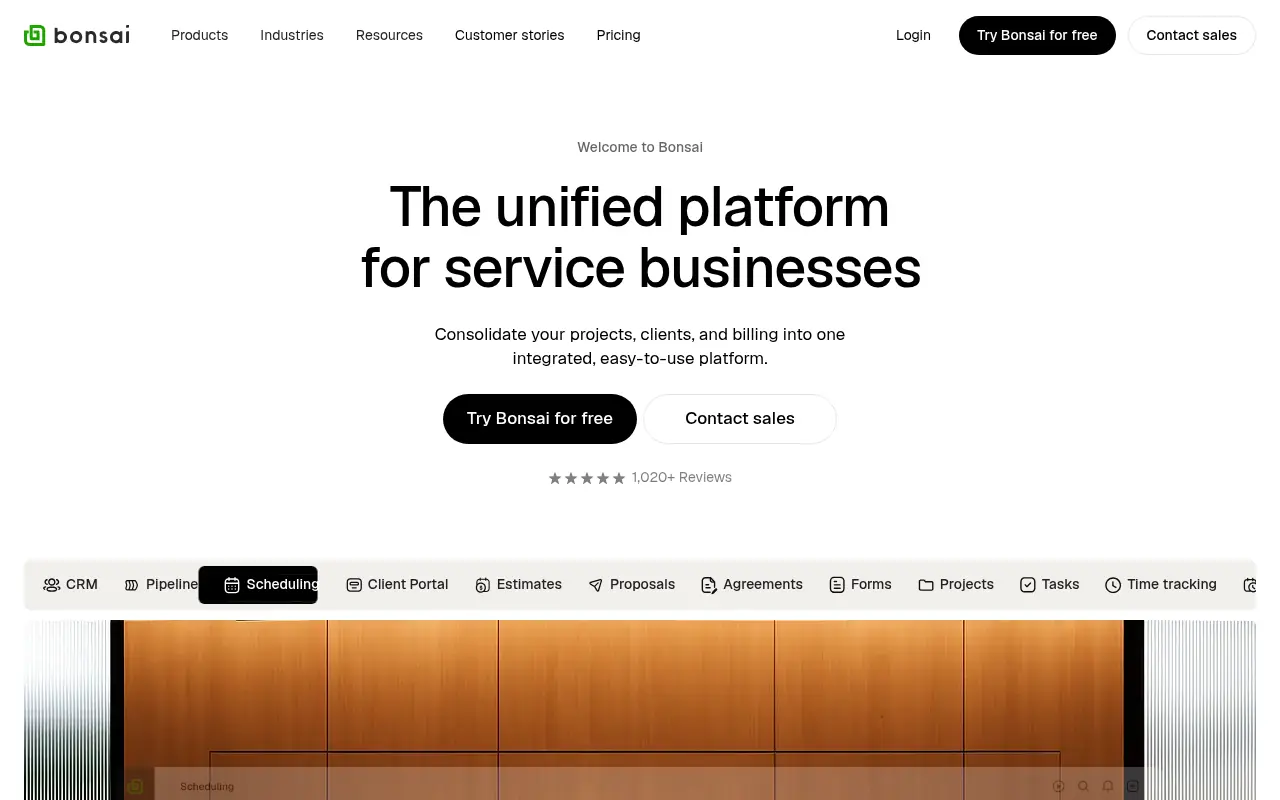

Bonsai
Bonsai is an all-in-one business management software designed for freelancers, agencies, and small businesses to seamlessly handle client relationships, project tracking, and financials.
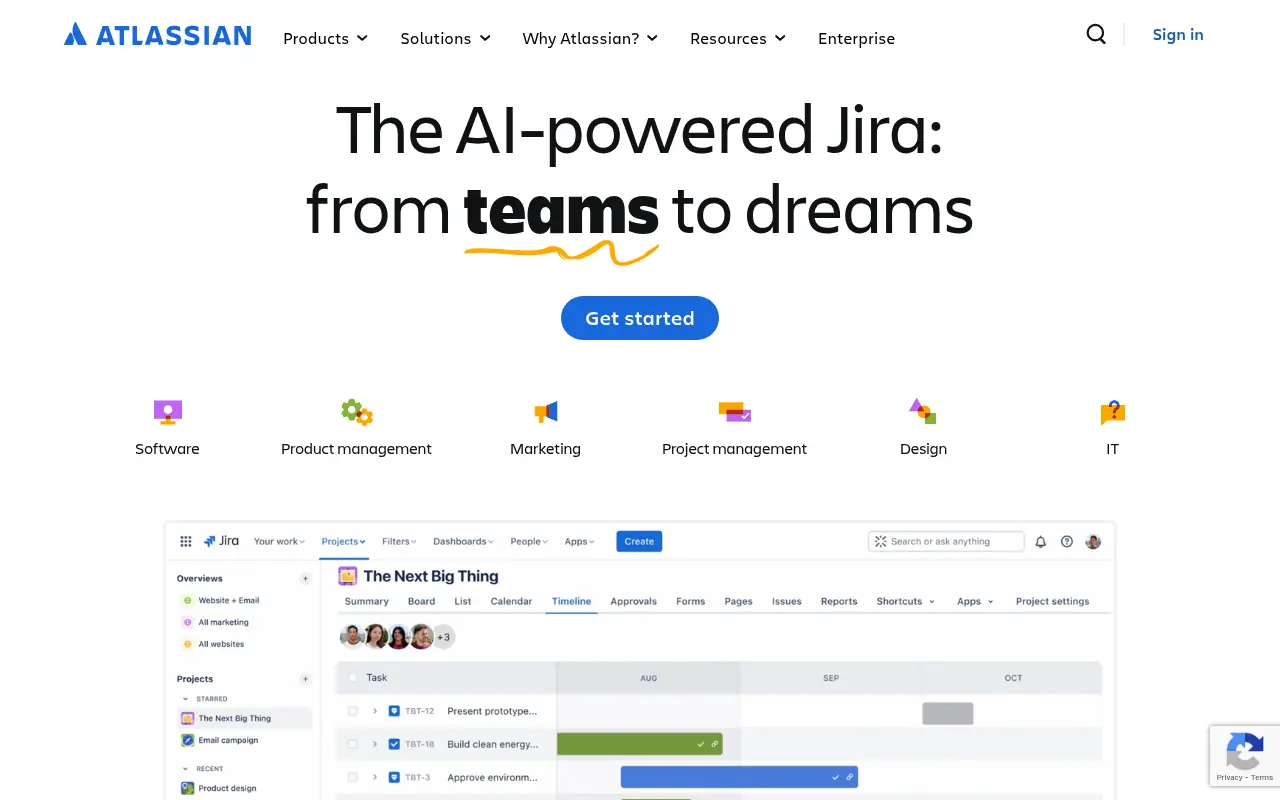

Atlassian
Atlassian offers collaboration software for software development, IT, and business teams, featuring tools like Jira and Confluence enhanced with AI capabilities.