

Mailbird
What is Mailbird?
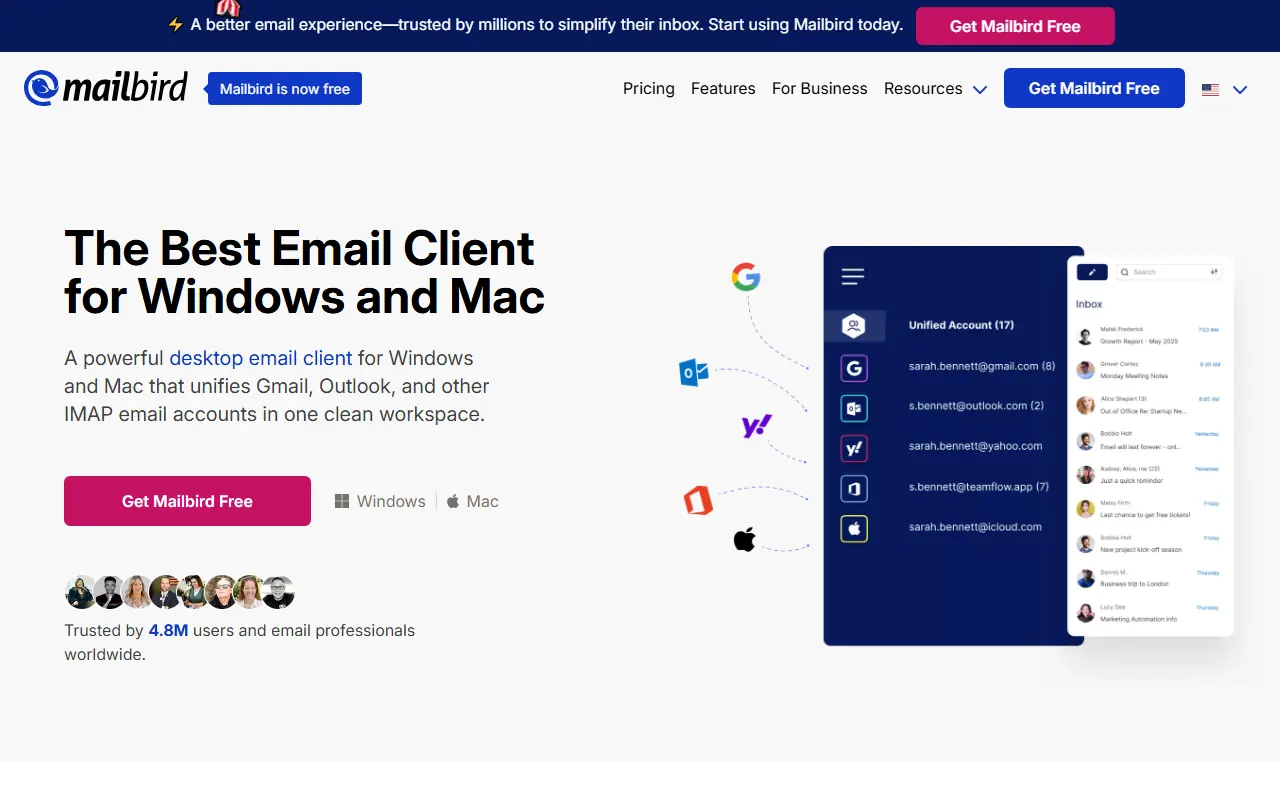
Mailbird is an advanced desktop email client designed to streamline email management and enhance productivity for professionals. It consolidates multiple email accounts—such as Gmail, Outlook, Yahoo, and Exchange—into one unified inbox, eliminating the need to switch between different tabs or apps. Beyond basic email functionality, Mailbird integrates seamlessly with dozens of third-party productivity tools, including Slack, Dropbox, and Google Calendar. Its mission is to transform disorganized inboxes into focused workspaces by offering smart features like AI-powered writing, email tracking, and robust filtering.
How to use Mailbird?
To get started, download and install the Mailbird application on your Windows or Mac computer. Connect your email accounts (supporting IMAP/POP3 services like Gmail, Outlook, or Yahoo) to automatically sync and populate your unified inbox. From there, you can customize your workspace with different themes, integrate external productivity apps like Slack or Asana directly into the sidebar, and utilize features like AI writing, email tracking, or the 'snooze' function to efficiently manage your daily communications.
Mailbird's Core Features
Unified Inbox: View and manage all your email accounts together in one seamless, chronological stream.
App Integrations: Connect built-in apps like Slack, Asana, Google Calendar, and Dropbox to centralize your workflow.
AI-Powered Writing: Utilize ChatGPT integration to help draft, reply, and refine your emails effortlessly.
Real-Time Email Tracking: See exactly when recipients open your messages to optimize follow-up timing.
Unsubscribe & Block Senders: Maintain a clean inbox by removing yourself from mailing lists with one click.
Snooze & Send Later: Schedule emails to be sent at specific times or hide messages until you're ready to address them.
Cross-Platform License: Access your unified workspace seamlessly across both Windows and Mac operating systems.
Mailbird's Use Cases
- #1
Managing multiple personal and business email accounts from a single unified inbox.
- #2
Drafting complex emails quickly using built-in ChatGPT-powered AI writing assistance.
- #3
Tracking email opens to time strategic sales or business follow-ups perfectly.
- #4
Decluttering your inbox by easily unsubscribing from newsletters and blocking unwanted senders.
- #5
Consolidating your workflow by accessing calendars, task managers, and messaging apps within the same interface.
Frequently Asked Questions
Analytics of Mailbird
Monthly Visits Trend: Jun 2025 - Sep 2026
Traffic Sources
AI Channel Traffic Trends
Top Regions
| Region | Traffic Share |
|---|---|
| United States | 21.19% |
| France | 7.31% |
| Germany | 6.96% |
| Russia | 5.33% |
| Italy | 5.22% |
Top Keywords
| Keyword | Traffic | CPC |
|---|---|---|
| mailbird | 18.0K | $1.84 |
| yahoo mail | 12.5M | $0.86 |
| yahoo.it mail | 12.6K | -- |
| libero mail | 2.1M | $1.05 |
| gmx | 1.0M | $1.27 |
Alternative of Mailbird

Canary Mail
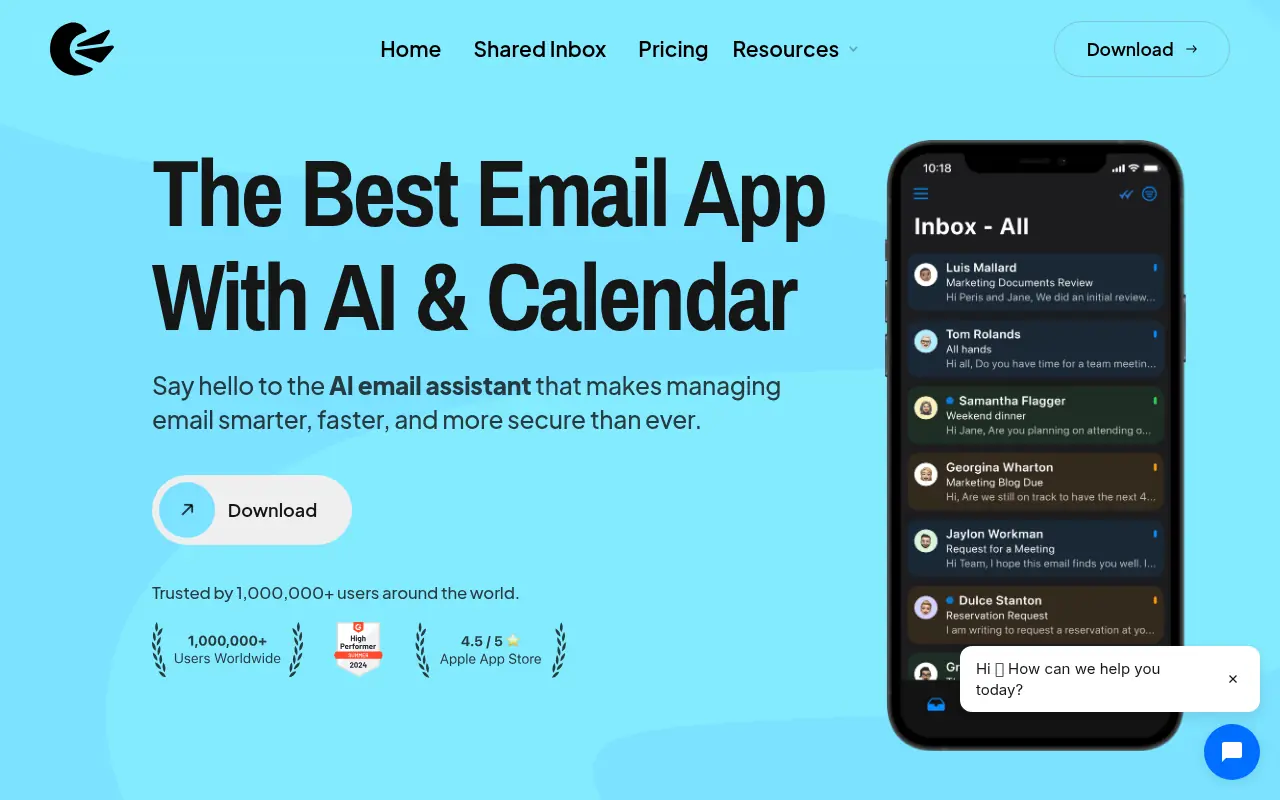
A cross-platform email client with AI-powered productivity and security features for seamless email management.

Superhuman
Superhuman is an AI-powered email client designed to enhance productivity and streamline email management for professionals.

Shortwave
Shortwave is an AI-powered email client designed to enhance productivity and streamline inbox management.


Instantly
Instantly.ai provides AI-powered email outreach tools to scale cold email campaigns and boost lead generation.
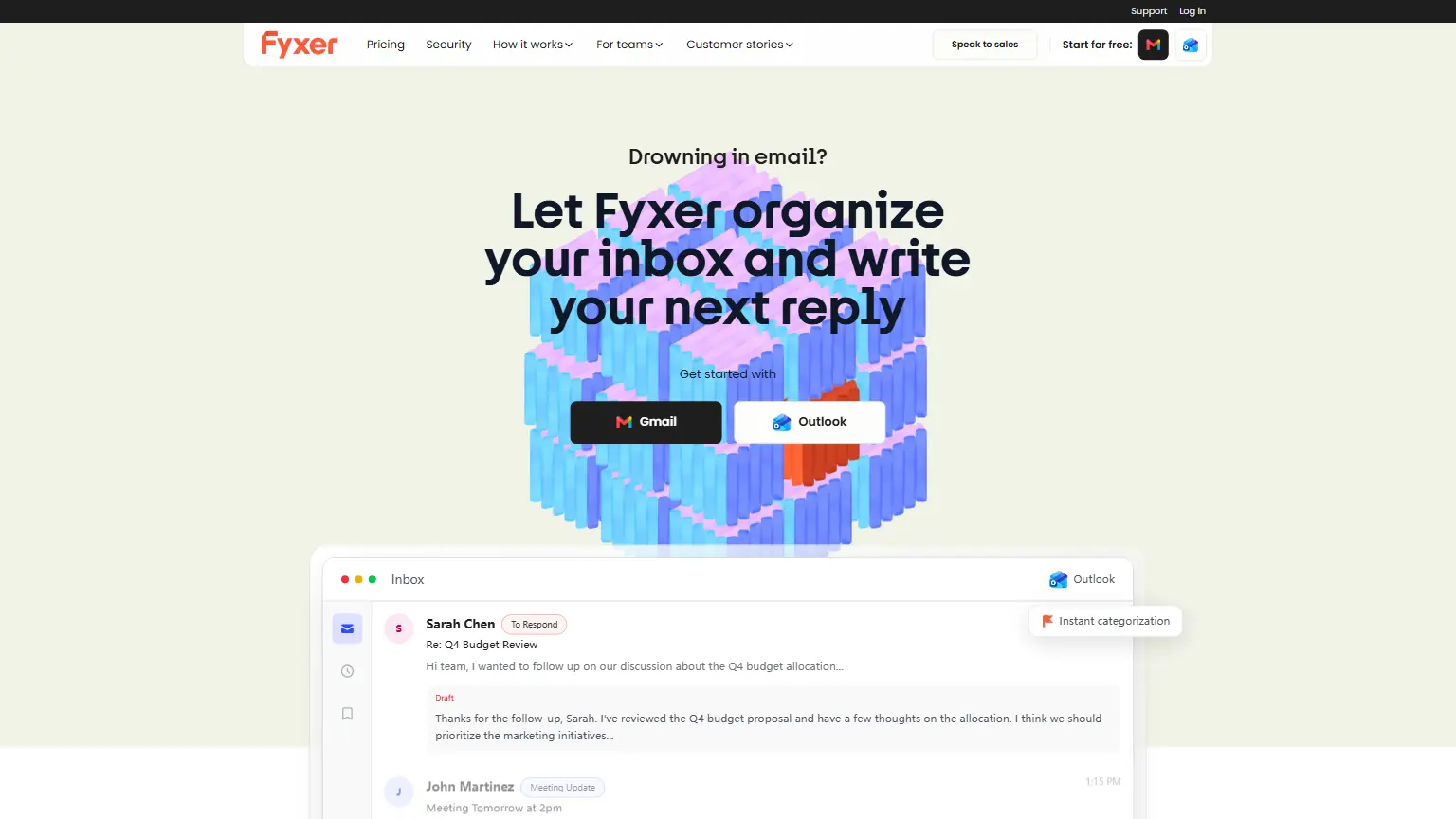

Fyxer
Automate inbox triage, draft replies in your voice, and turn meetings into instant notes and follow-ups.
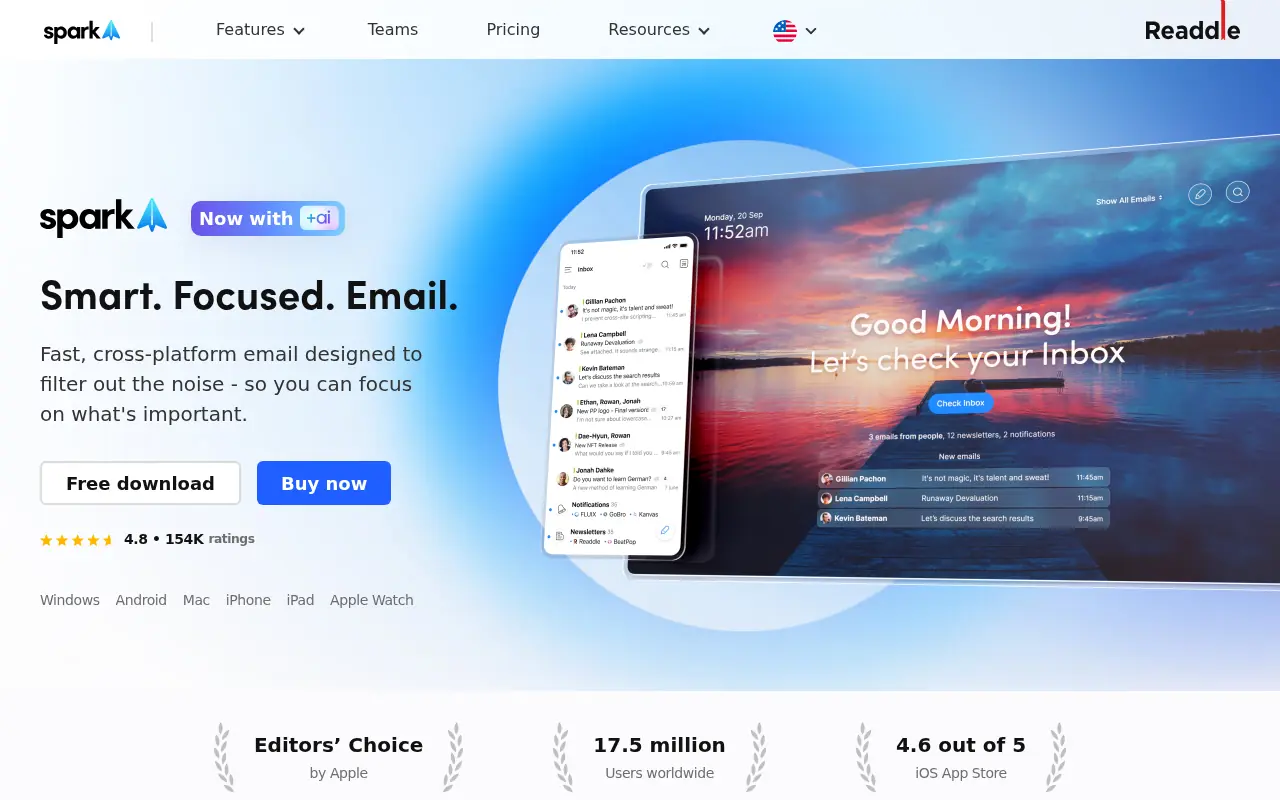

Spark Mail
Spark Mail is an AI-powered email and calendar app designed to enhance productivity and streamline inbox management for individuals and teams.
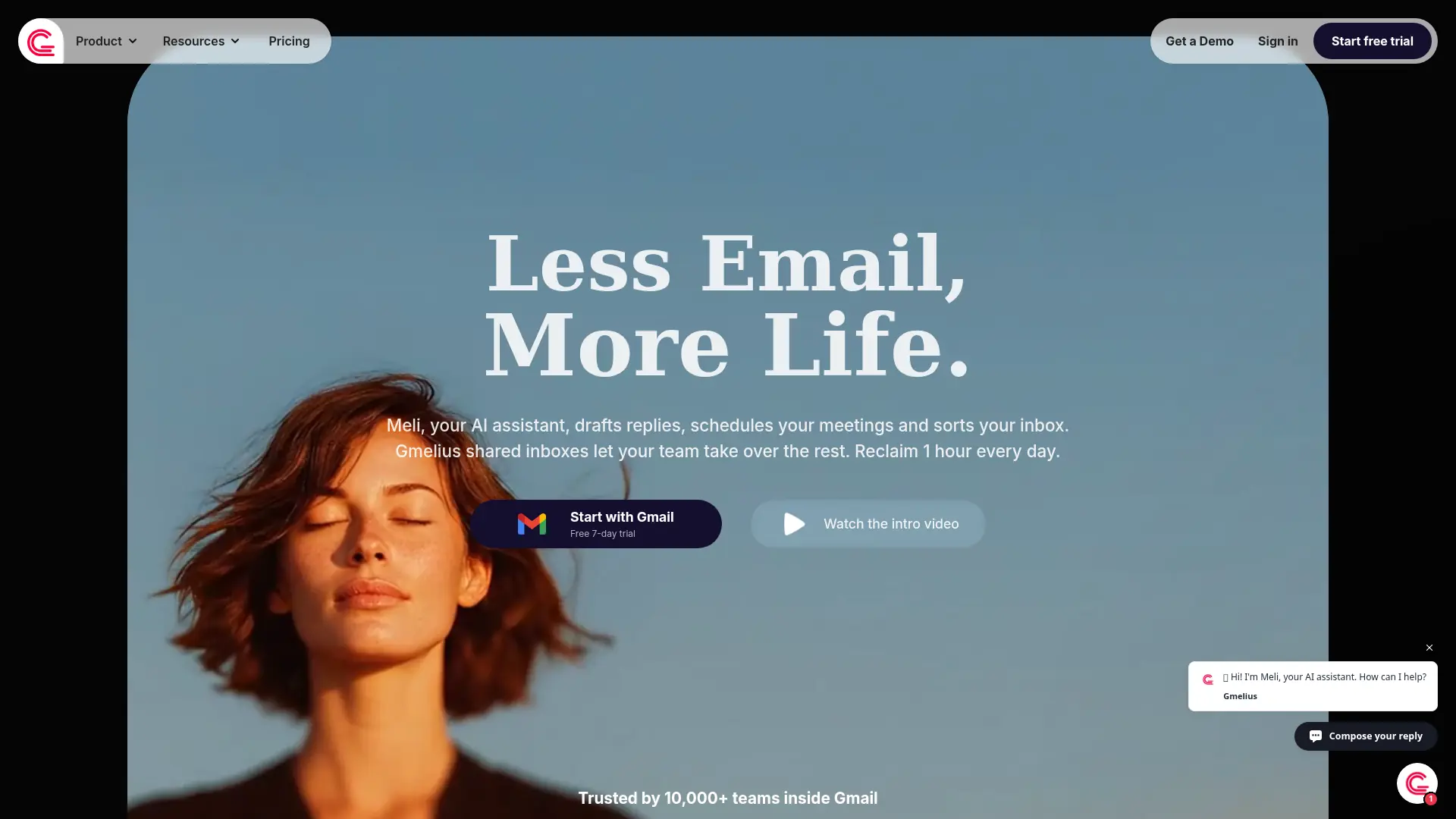

Gmelius
Turn Gmail into an AI-powered shared workspace that reduces inbox overload, automates repetitive work, and keeps teams aligned.


Bento (OnBento)
Bento is an AI-powered outreach platform that helps content creators discover brand contacts, draft personalized pitch emails, and automate follow-ups to secure partnerships.