

Canary Mail
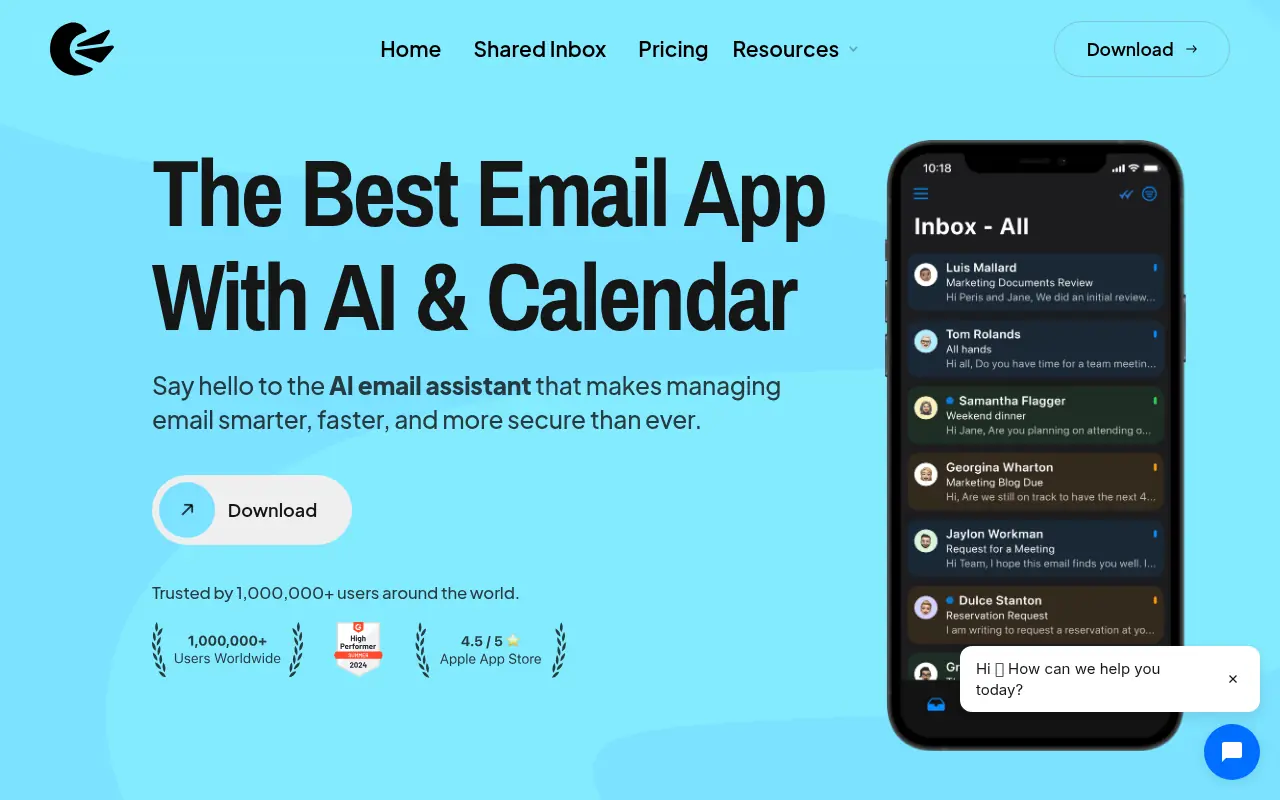
What is Canary Mail?
Canary Mail is a modern email client that leverages artificial intelligence to streamline how users read, write, and prioritize emails across devices. Its mission is to make email management smarter, faster, and more secure for individuals and professionals alike. The platform integrates advanced AI features such as summarization, prioritization, and smart replies powered by top AI technologies from OpenAI, Cohere, and Hugging Face. Canary Mail also emphasizes privacy and security, offering encrypted email options (including PGP) and secure send functionalities to protect user communication. Available on Windows, macOS, iOS, and Android, it unifies multiple email accounts in one intuitive interface. The free plan provides core features, while pro tiers unlock additional tools like the full AI Copilot and advanced calendar integration.
How to use Canary Mail?
Sign up or install Canary Mail on your preferred device, connect one or more existing email accounts (e.g., Gmail, iCloud, Outlook, Yahoo), and grant permissions to sync your inbox. Begin managing all emails with a unified, customizable interface while utilizing AI tools like Copilot for smart email composition, prioritization, and summarizing lengthy threads. Explore features such as inbox clean-up, secure sending, read receipts, and integrated calendar functionalities directly from the app to enhance efficiency and privacy.
Canary Mail's Core Features
AI Copilot assists with email writing, summarizing, and prioritization.
Unified inbox aggregates multiple email accounts into one view.
Cross-device sync ensures all appearances and changes update everywhere.
Encrypted email sending protects sensitive communications.
Email summarization condenses long conversations for quick review.
Inbox prioritization uses AI to highlight critical emails.
Custom thread actions automate handling of specific conversations.
Gray mail cleaner bulk deletes or archives non-urgent emails.
Read receipts notify when emails are opened.
One-click unsubscribe removes you from unwanted lists.
Pinned emails allow keeping essentials at the top of your inbox.
Secure Send offers simple, user-friendly encrypted delivery.
Email templates speed up drafting common replies.
Canary Mail's Use Cases
- #1
Summarizing lengthy email threads to save reading time.
- #2
Prioritizing important emails using AI-driven categorization.
- #3
Writing professional, error-free responses with AI-generated suggestions.
- #4
Securely sending encrypted messages and attachments.
- #5
Managing multiple email accounts from a unified inbox.
- #6
Automatically cleaning out promotional or irrelevant emails.
- #7
Scheduling and tracking meetings with built-in calendar integration.
- #8
Getting read receipts for sent emails.
- #9
Pinning key messages for easy follow-up.
- #10
One-click unsubscribing from unwanted newsletters.
Frequently Asked Questions
Analytics of Canary Mail
Monthly Visits Trend: Jun 2025 - Aug 2026
Traffic Sources
AI Channel Traffic Trends
Top Regions
| Region | Traffic Share |
|---|---|
| United States | 23.43% |
| Russia | 5.34% |
| Netherlands | 4.93% |
| Germany | 4.66% |
| Italy | 4.64% |
Top Keywords
| Keyword | Traffic | CPC |
|---|---|---|
| canary mail | 11.8K | $2.84 |
| icloud mail | 176.3K | $1.47 |
| canarymail | 660 | -- |
| canary email | 600 | $4.70 |
| clicking connect on disconnected status outlook isn't doing anything canary mail | 250 | -- |
Alternative of Canary Mail
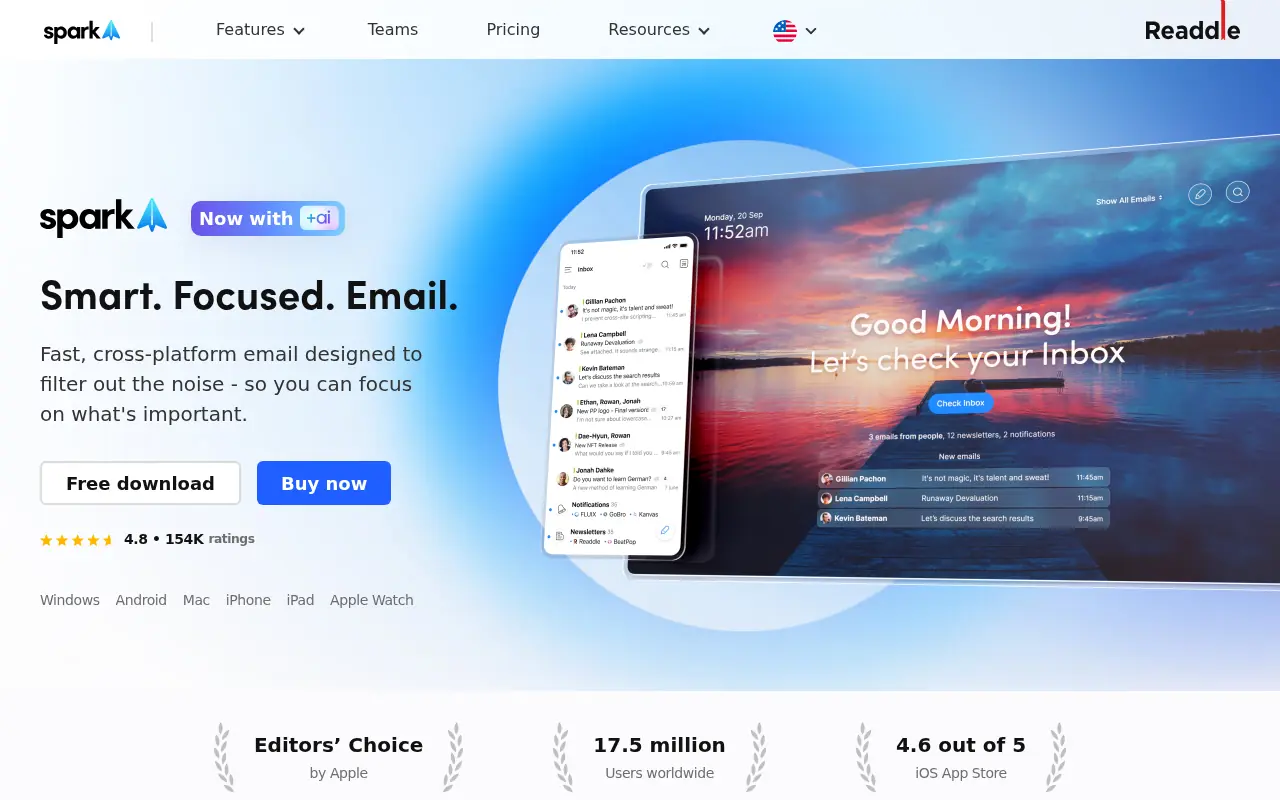

Spark Mail
Spark Mail is an AI-powered email and calendar app designed to enhance productivity and streamline inbox management for individuals and teams.
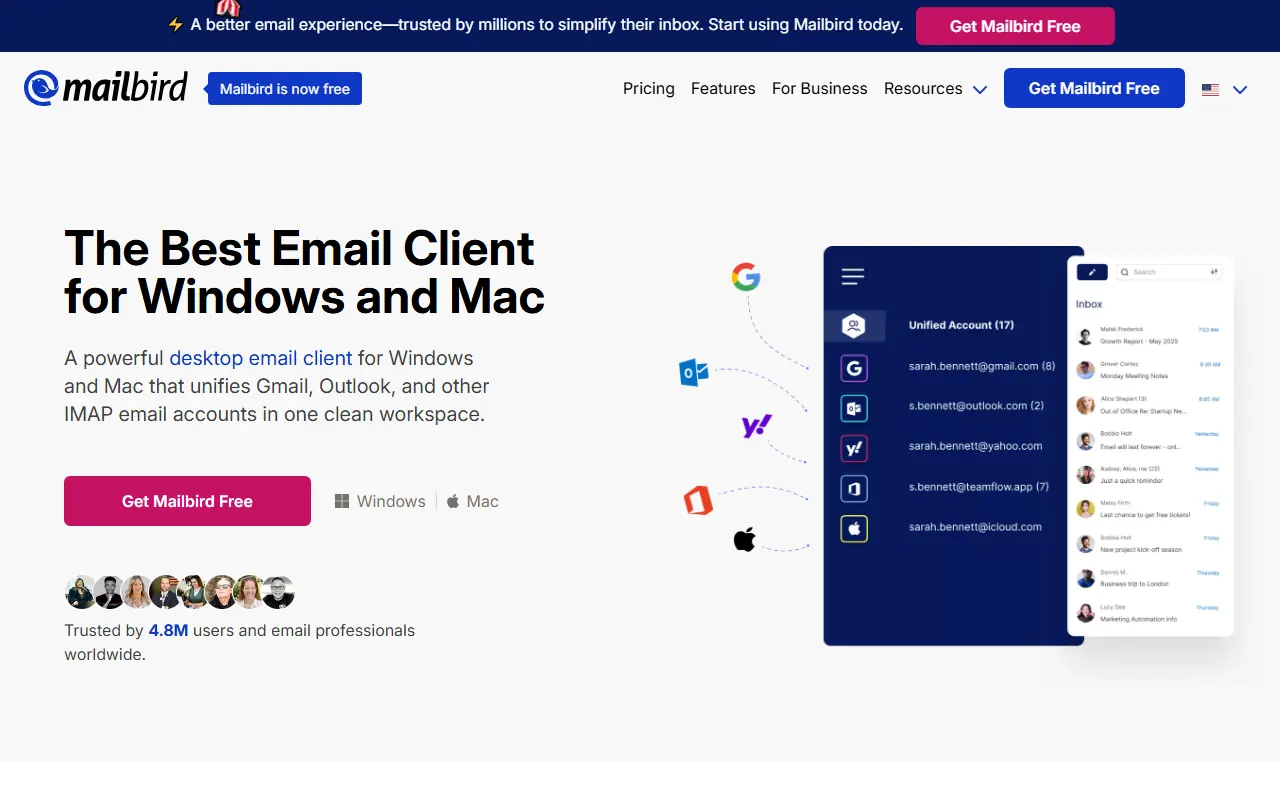

Mailbird
Mailbird is a powerful desktop email client for Windows and Mac that unifies multiple email accounts and productivity apps into a single workspace.


Instantly
Instantly.ai provides AI-powered email outreach tools to scale cold email campaigns and boost lead generation.


Bento (OnBento)
Bento is an AI-powered outreach platform that helps content creators discover brand contacts, draft personalized pitch emails, and automate follow-ups to secure partnerships.
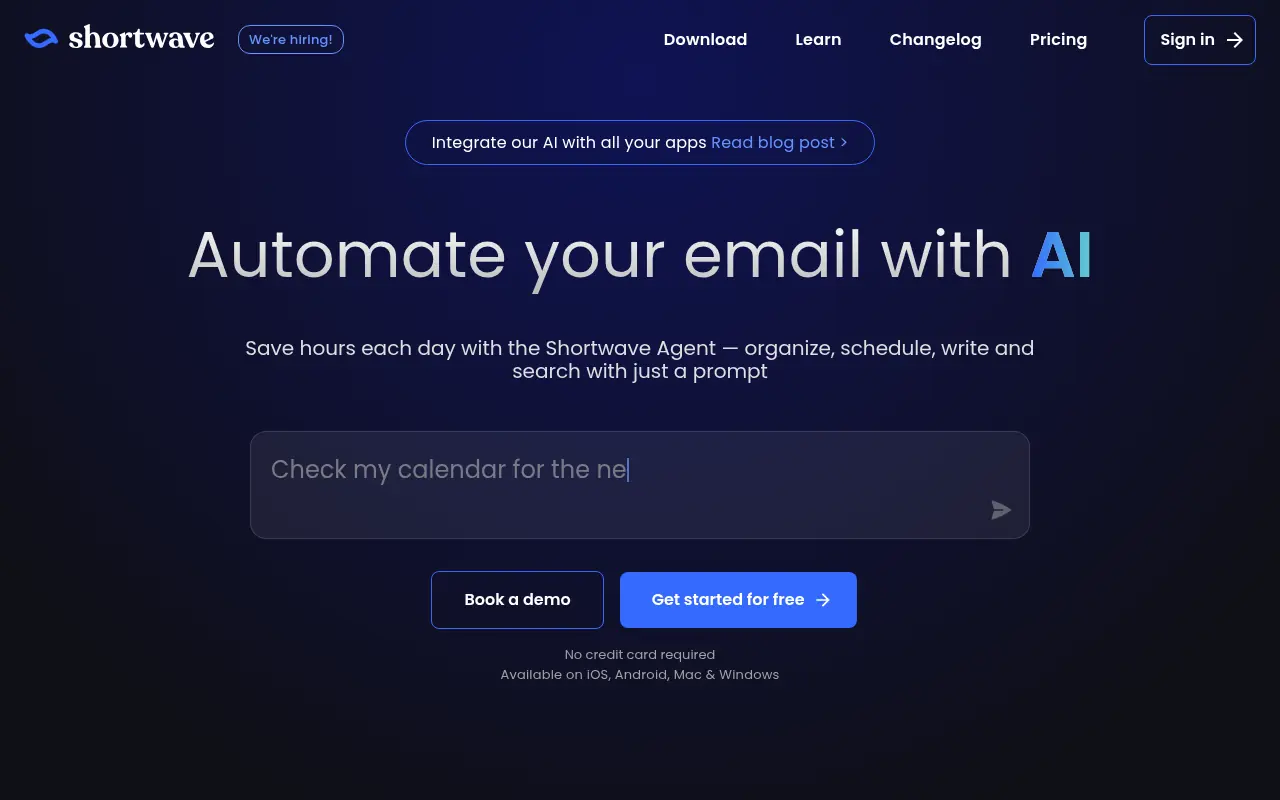

Shortwave
Shortwave is an AI-powered email client designed to enhance productivity and streamline inbox management.


Superhuman
Superhuman is an AI-powered email client designed to enhance productivity and streamline email management for professionals.
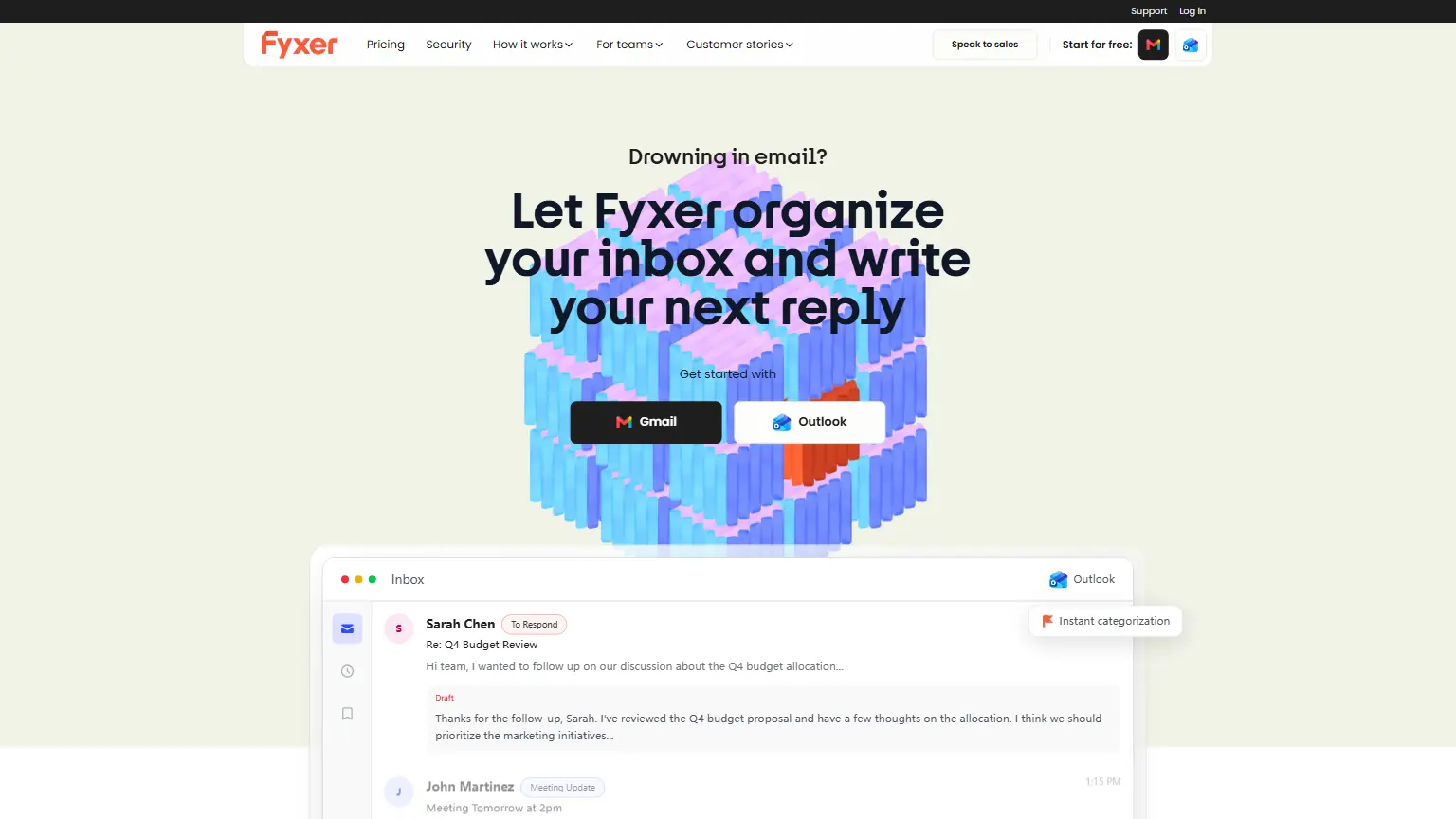

Fyxer
Automate inbox triage, draft replies in your voice, and turn meetings into instant notes and follow-ups.
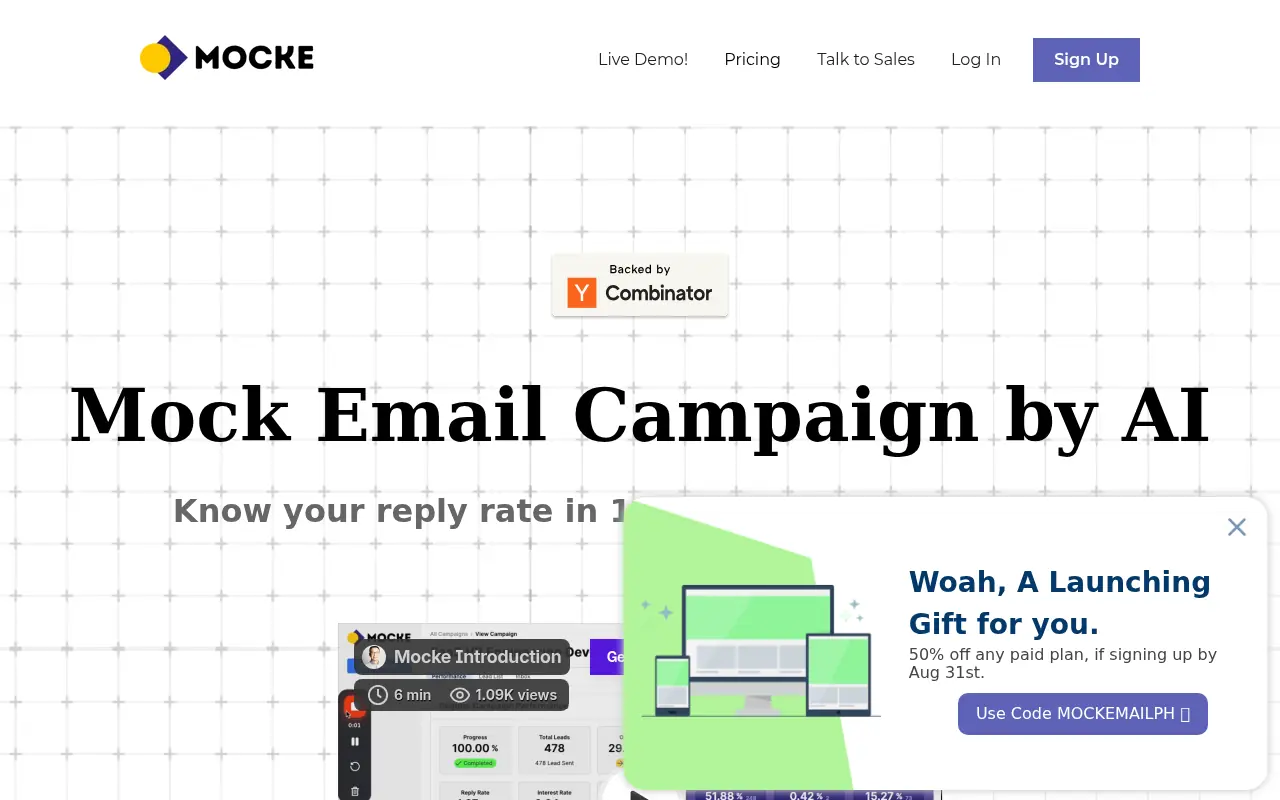

Mocke
Mocke provides an AI-powered platform for simulating cold email campaigns to quickly test reply rates and campaign performance without launching real campaigns.