

MagicHow
What is MagicHow?
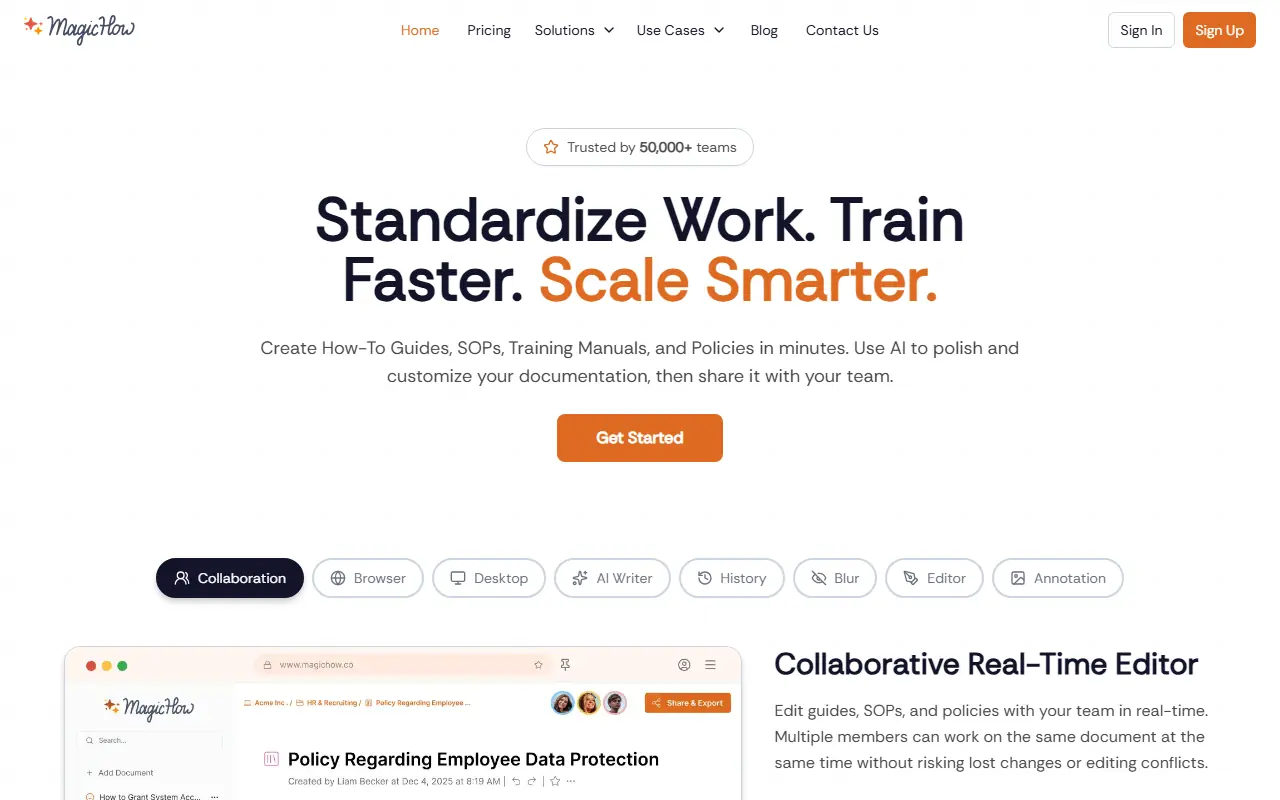
MagicHow is an intuitive process documentation platform designed to eliminate the manual effort of creating how-to guides and Standard Operating Procedures (SOPs). By functioning via a browser extension or desktop app, it captures every click, scroll, and keystroke as users perform their regular tasks. MagicHow's mission is to help organizations standardize work, accelerate employee training, and scale operations smarter. The platform serves HR, customer support, sales, and operations teams by instantly converting recorded actions into clean, editable visual manuals. Ultimately, it solves the common problem of knowledge silos and repetitive questioning by making internal knowledge base creation completely effortless.
How to use MagicHow?
To use MagicHow effectively, start by installing the browser extension or downloading the desktop application. Once installed, simply initiate the recording process and go through your workflow or task normally, allowing the tool to capture your screen actions and clicks automatically. After completing the task, stop the recording to generate a step-by-step visual guide automatically. You can then use the advanced editor to refine the document—polishing text with AI, blurring sensitive information, adding annotations to screenshots, and inserting diagrams. Finally, share the finalized guide with your team via a secure link, embed it in your knowledge base, or export it in formats like PDF or Markdown.
MagicHow's Core Features
Automated capture records browser or desktop actions to generate step-by-step guides instantly.
An integrated AI writer polishes text and generates descriptive content for documentation.
The real-time collaborative editor allows multiple team members to work on the same document simultaneously.
A smart blur feature easily hides sensitive information and confidential data in screenshots.
Built-in screenshot annotation tools let you highlight key areas and add context directly on images.
Multiple export options enable sharing via PDF, Word, Markdown, HTML, or embedding tools.
Version history tracks every edit and allows users to revert changes seamlessly.
Project-level rights management ensures secure access control across different team workspaces.
MagicHow's Use Cases
- #1
Onboarding new employees with standardized corporate tutorials.
- #2
Creating step-by-step visual SOPs for complex internal workflows.
- #3
Building a centralized internal knowledge base for company operations.
- #4
Providing customer support teams with quick how-to manuals for user troubleshooting.
- #5
Documenting the implementation and adoption processes for new software tools.
- #6
Generating quick responses to frequently asked questions (FAQs) for internal teams or clients.
Frequently Asked Questions
Analytics of MagicHow
Monthly Visits Trend: Jun 2025 - Aug 2026
Traffic Sources
Top Regions
| Region | Traffic Share |
|---|---|
| United States | 42.15% |
| Indonesia | 10.74% |
| France | 9.66% |
| Brazil | 8.32% |
| United Kingdom | 7.31% |
Top Keywords
| Keyword | Traffic | CPC |
|---|---|---|
| magichow | 200 | -- |
| magichow co | 50 | -- |
| magichow vs scribe | 20 | -- |
| ai answer | 2.7K | $3.35 |
| chrome.//net-internals/dns | 2.5K | $0.20 |
Alternative of MagicHow

Scribe
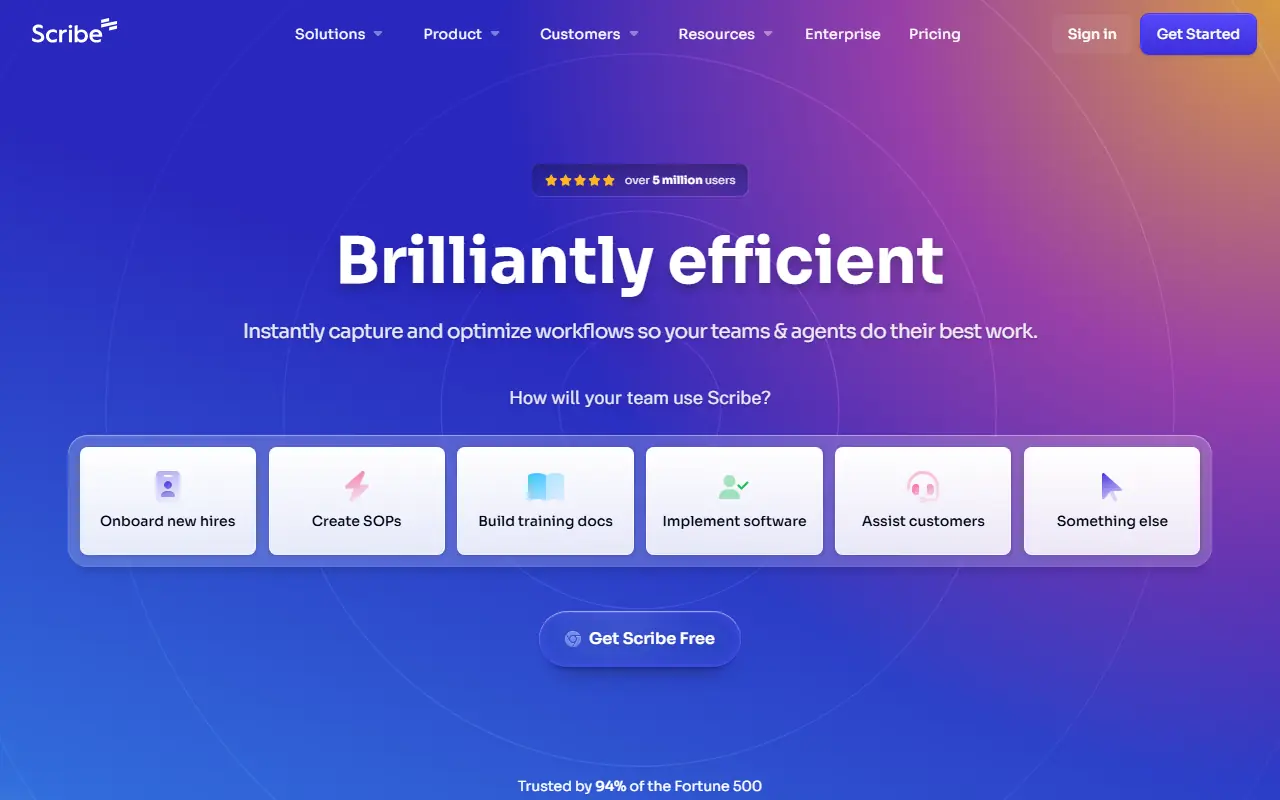
Scribe is an AI-powered documentation platform that automatically captures workflows to instantly generate step-by-step guides, SOPs, and training manuals.

Whale
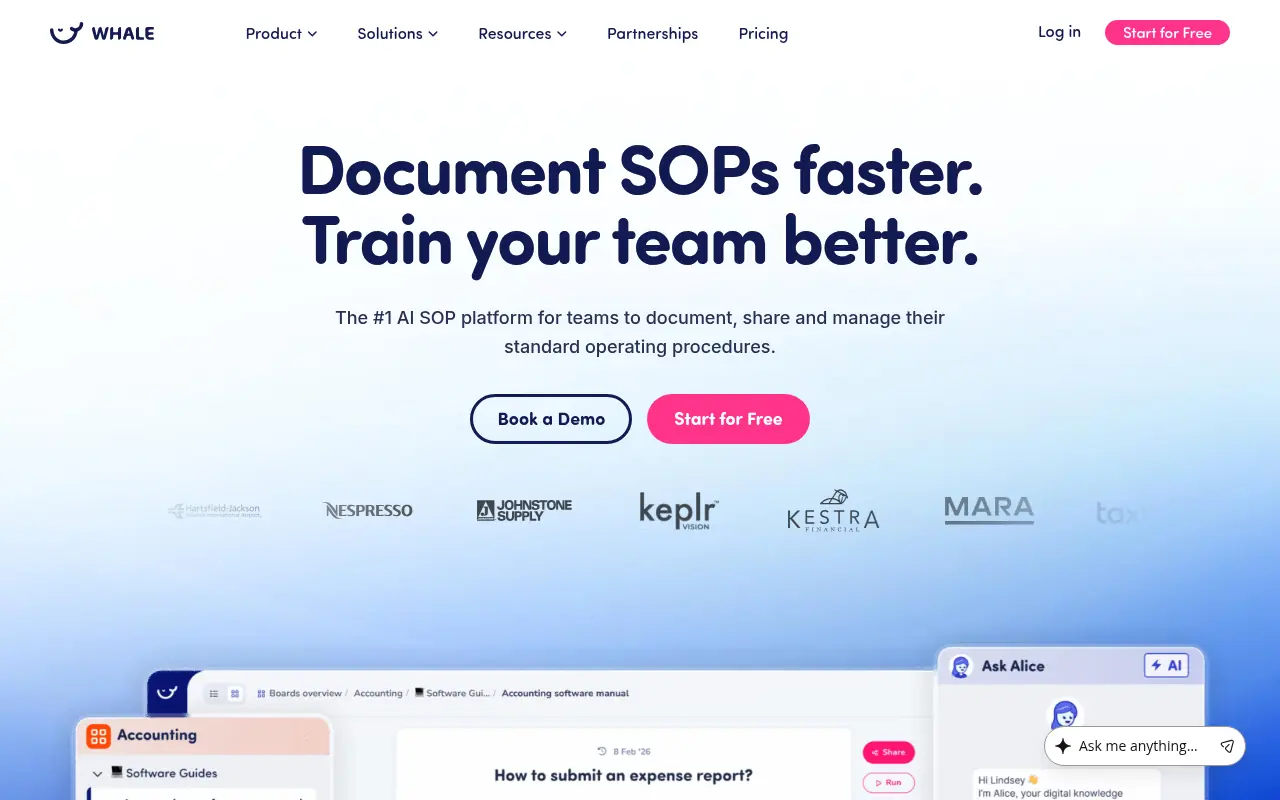
Whale is an AI-powered knowledge sharing and training platform that helps businesses centralize their SOPs, automate employee onboarding, and empower teams with instant answers.

Helpjuice
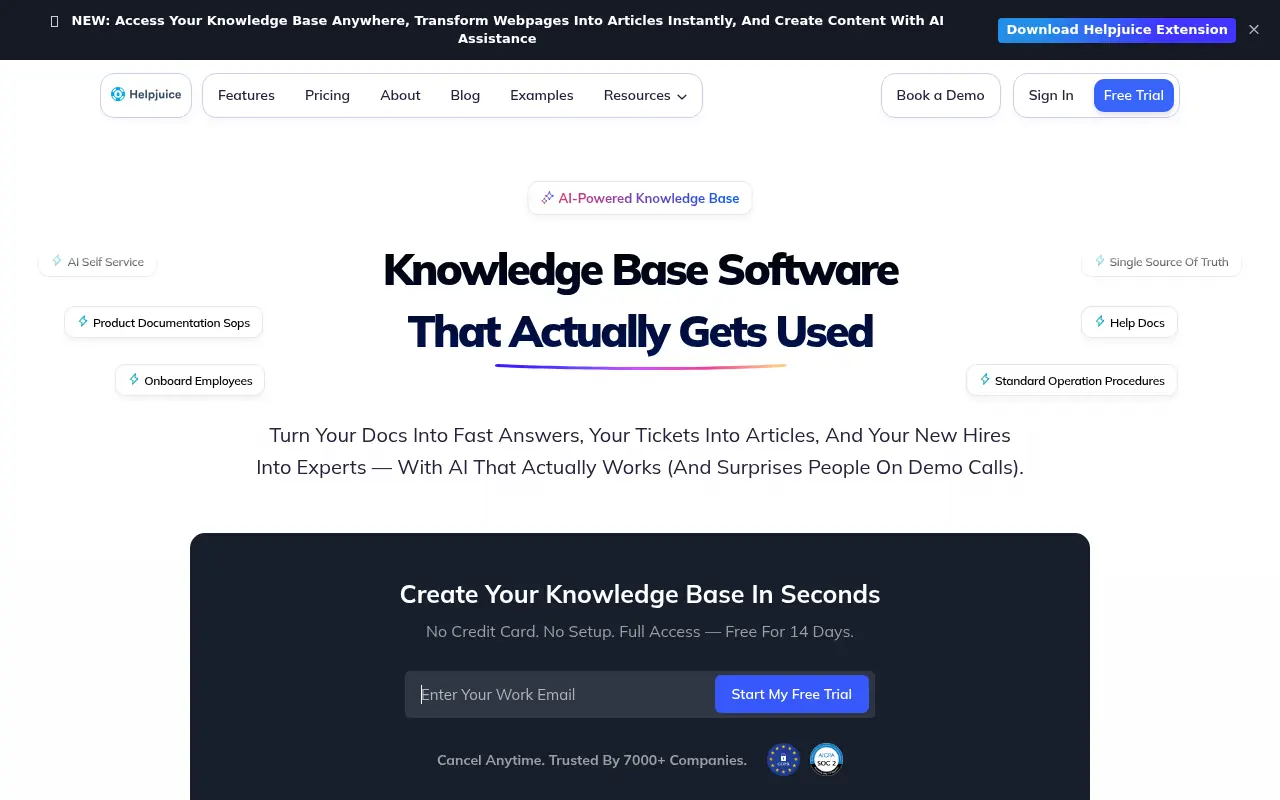
Helpjuice is a highly customizable, cloud-based knowledge base software designed to help businesses effortlessly create, manage, and scale internal wikis and external customer support hubs.
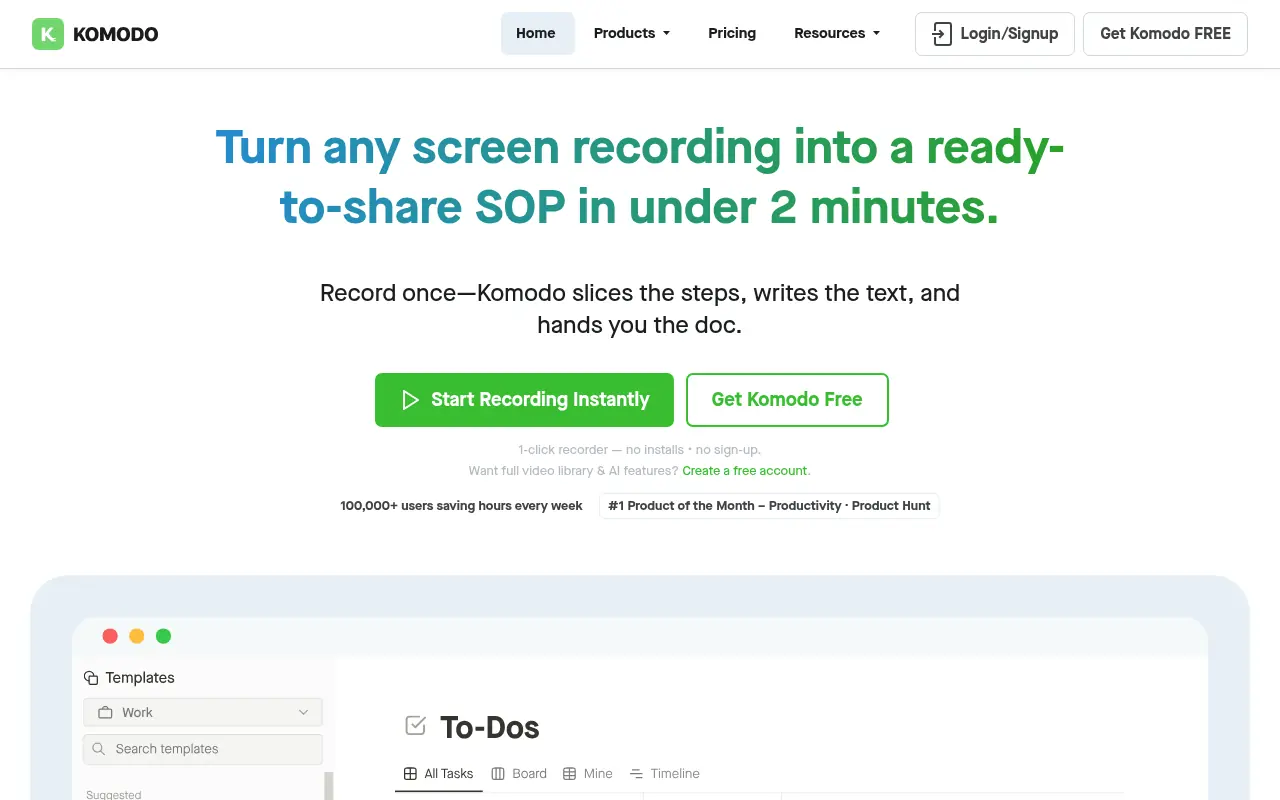

Komodo Decks
Komodo Decks is an all-in-one screen recording and AI-powered SOP generator for teams to create and share interactive videos and guides.
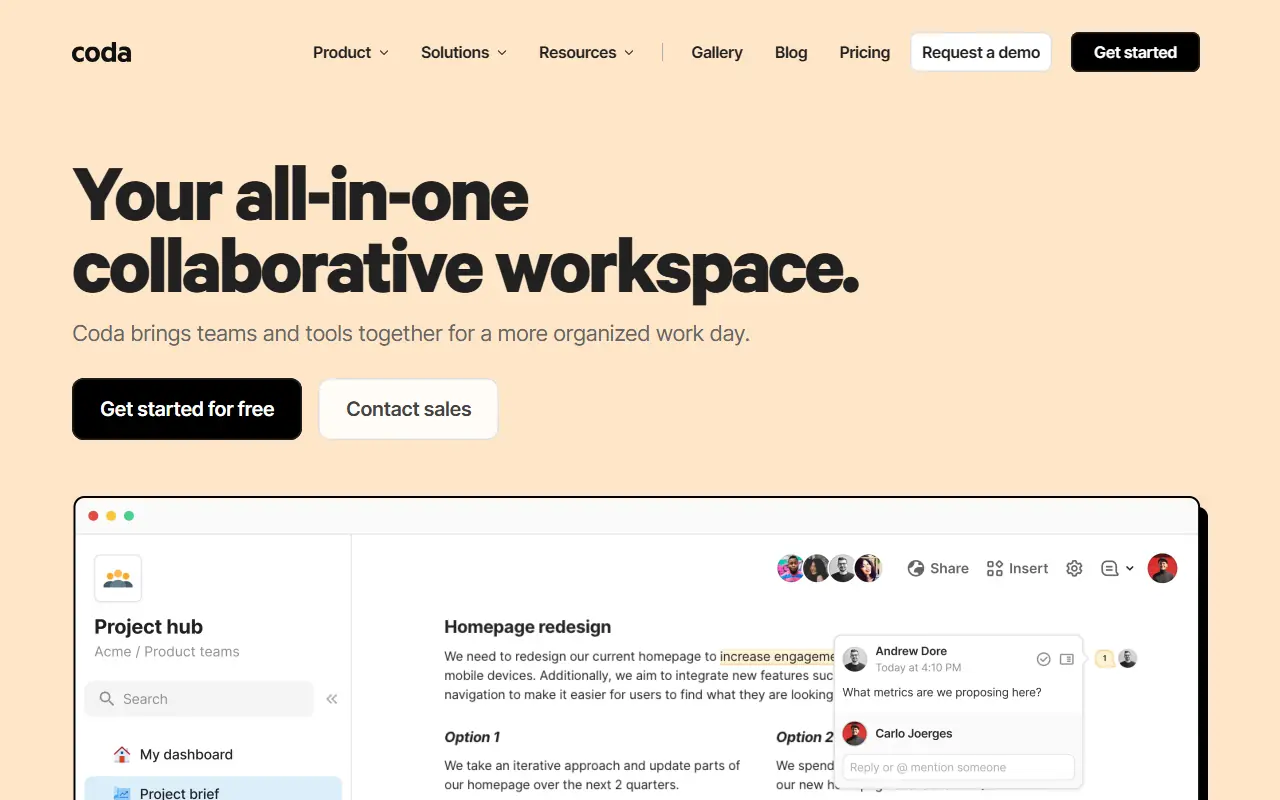

Coda
Coda is a collaborative platform that combines documents and spreadsheets to create customizable, interactive workspaces for teams.
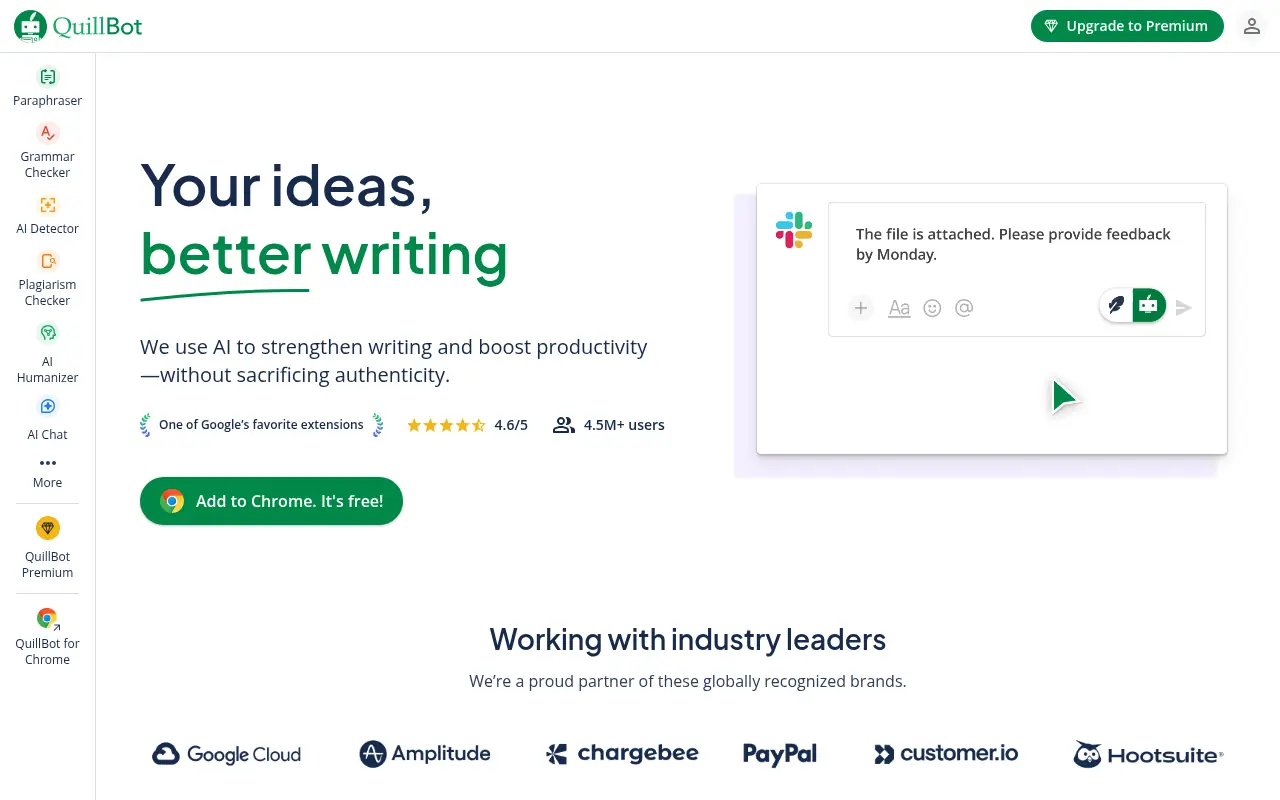

QuillBot
QuillBot is an AI-powered writing platform that enhances writing through paraphrasing, grammar checking, and other productivity tools.
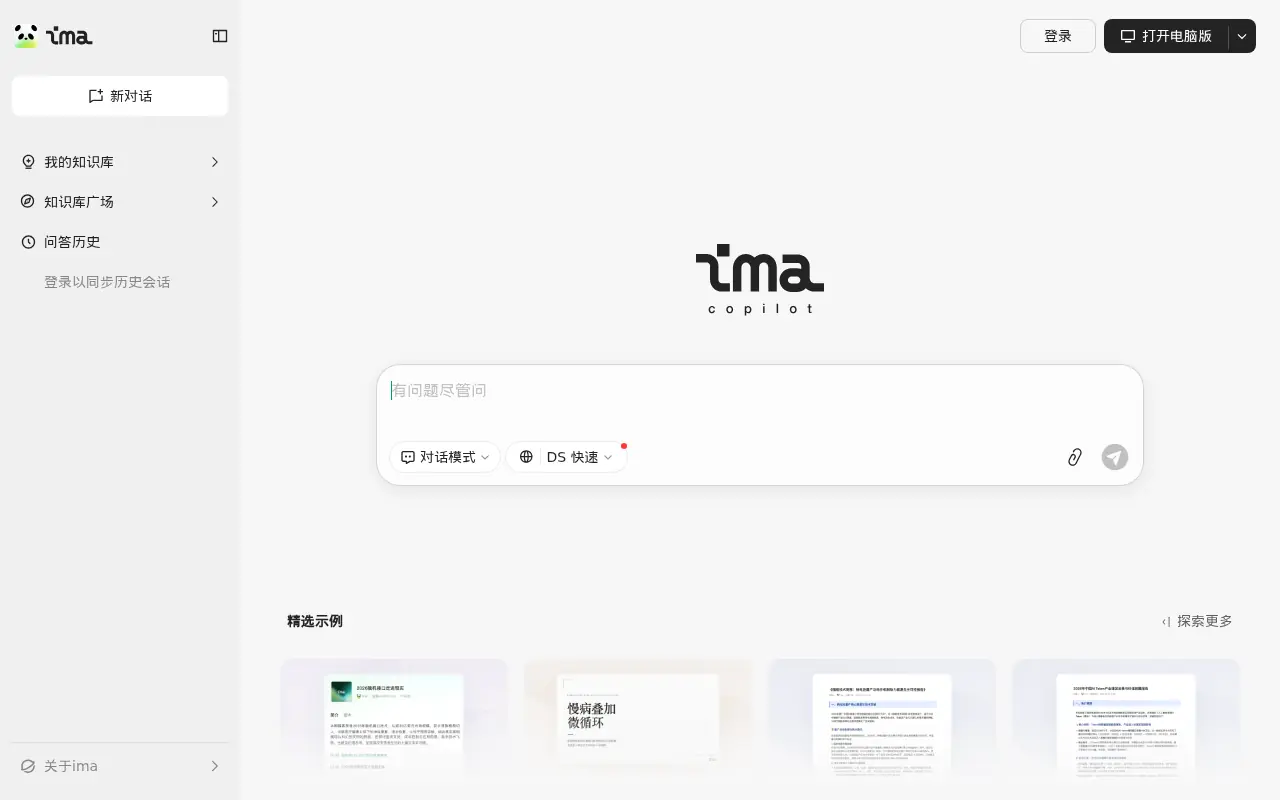

Tencent ima
An AI-powered workspace by Tencent that integrates smart search, document reading, writing assistance, and personalized knowledge management.
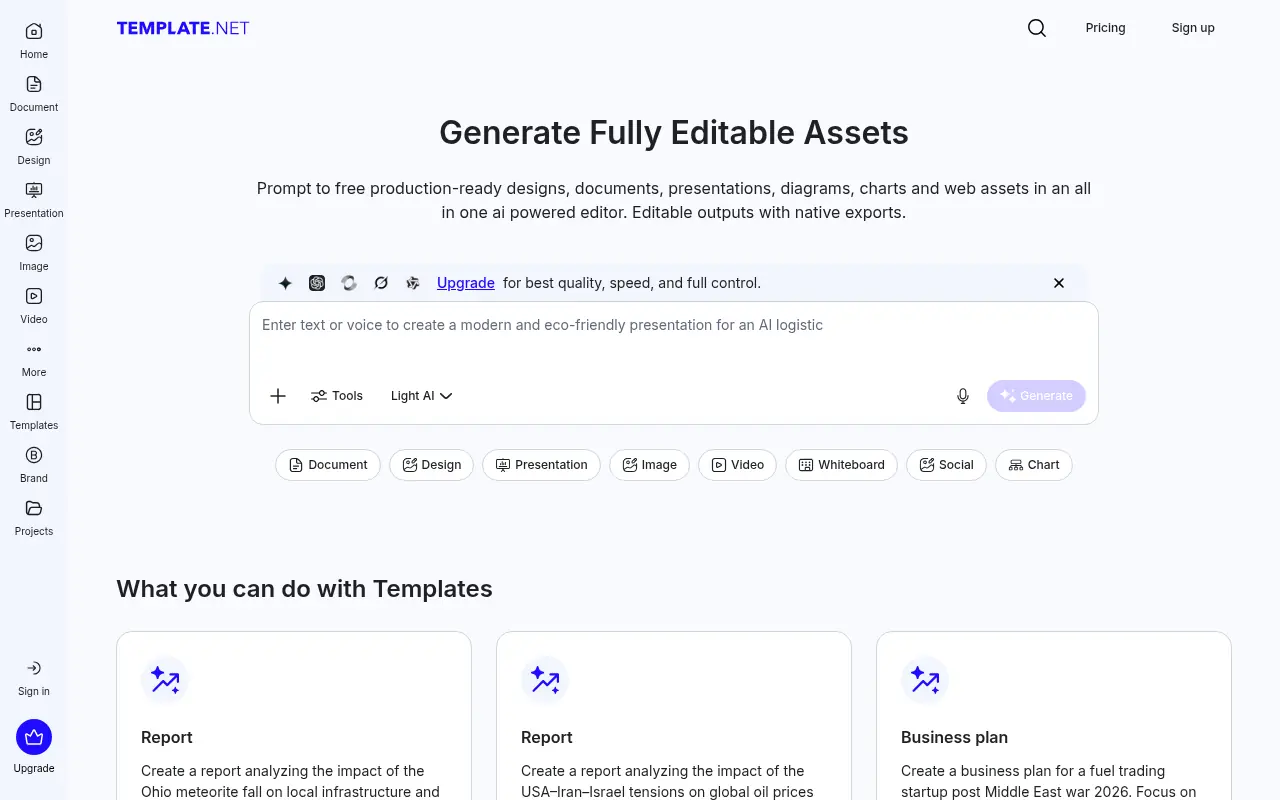

Template.net
Template.net is an AI-powered production platform offering millions of customizable templates alongside generative tools for documents, designs, presentations, and videos.