

Gemini Code Assist
What is Gemini Code Assist?
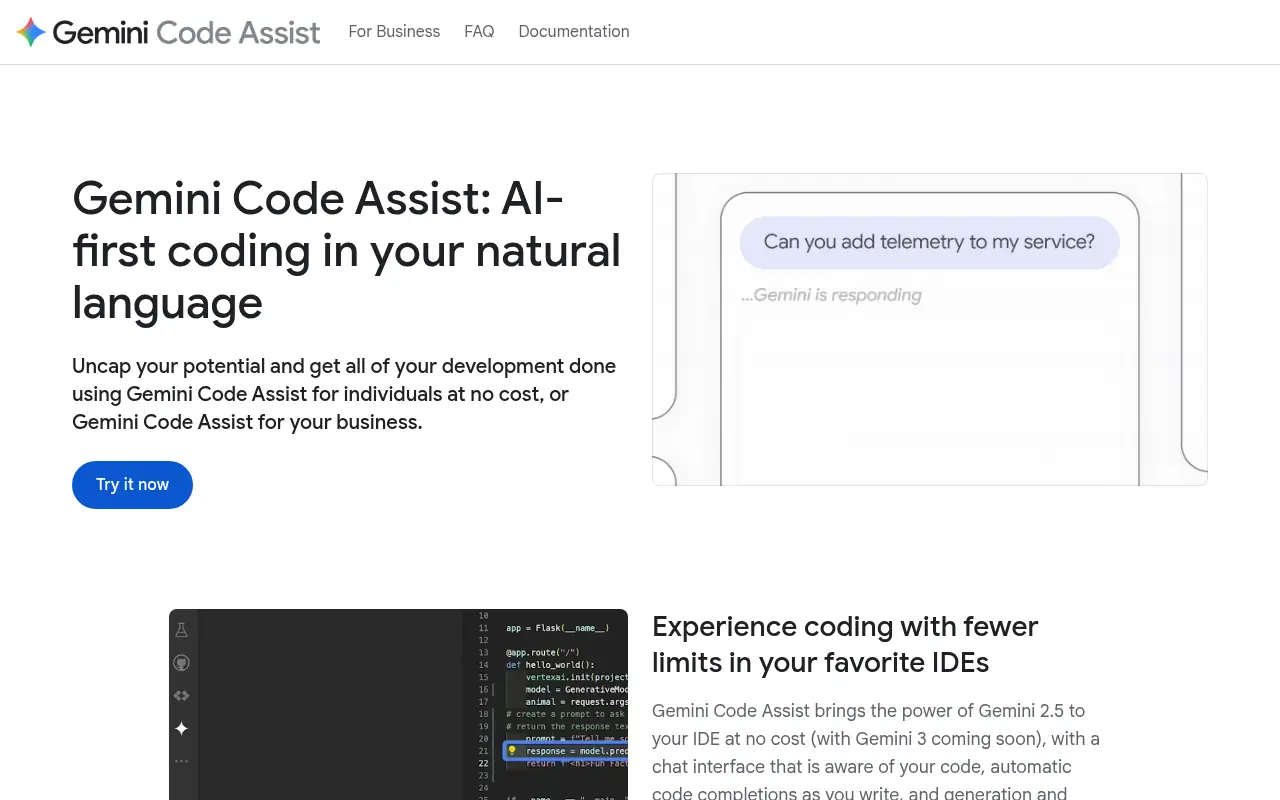
Gemini Code Assist is a powerful, AI-first collaborative tool developed by Google to assist programmers directly within their Integrated Development Environments (IDEs). Its mission is to make development faster, more efficient, and accessible by leveraging the advanced Gemini 2.0 and 2.5 models for code generation, completion, and debugging. Serving both individual hobbyists and enterprise teams, it provides deep contextual awareness of local and remote repositories, smart code transformations, and seamless integration with various Google Cloud services. By acting as a constant companion that understands natural language and massive codebases, it solves challenges like tedious boilerplate writing, complex debugging, and time-consuming code reviews.
How to use Gemini Code Assist?
To use Gemini Code Assist effectively, developers need to install the official extension or plugin for their preferred IDE (such as VS Code, IntelliJ, Android Studio, or Google Cloud Shell Editor). Once authenticated with a Google account, you can start typing code to receive real-time predictive completions, or invoke the inline chat interface using natural language prompts to ask questions, request code transformations, or generate entire functions. For deeper assistance, you can select code blocks to run smart actions like generating unit tests or debugging, and even index your local or remote repositories so the AI can provide highly contextualized, project-aware responses.
Gemini Code Assist's Core Features
Provides intelligent, real-time code completions and next-edit predictions as you type.
Includes an AI chat interface that understands natural language and your full project context.
Generates full functions, code blocks, or file transformations based on simple comments.
Features smart actions for one-click unit test generation, debugging, and code explanation.
Utilizes a massive 1-million token context window for highly relevant, repository-aware suggestions.
Integrates seamlessly with popular IDEs like VS Code, JetBrains, and Android Studio.
Offers built-in source citations to ensure trust and compliance with open-source licenses.
Supports enterprise customization by securely connecting to private codebase repositories.
Gemini Code Assist's Use Cases
- #1
Generating boilerplate code or full functions using natural language prompts.
- #2
Getting real-time inline code completions and next-edit predictions.
- #3
Debugging complex errors and receiving actionable troubleshooting steps.
- #4
Automatically generating comprehensive unit tests for existing code.
- #5
Explaining unfamiliar or legacy codebases directly within the IDE.
- #6
Refactoring code for better readability or optimized performance.
- #7
Performing AI-assisted code reviews for public and private repositories.
Frequently Asked Questions
Analytics of Gemini Code Assist
Monthly Visits Trend: Apr 2025 - Aug 2026
Traffic Sources
AI Channel Traffic Trends
Top Regions
| Region | Traffic Share |
|---|---|
| United States | 14.47% |
| India | 12.33% |
| Germany | 8.86% |
| Brazil | 6.27% |
| Vietnam | 5.14% |
Top Keywords
| Keyword | Traffic | CPC |
|---|---|---|
| gemini code assist | 44.2K | $3.89 |
| gemini code | 37.3K | $4.23 |
| gemini coding | 4.7K | $6.13 |
| google gemini code assist | 1.3K | $0.55 |
| gemini coding agent | 1.5K | $10.80 |
Alternative of Gemini Code Assist

Command Code
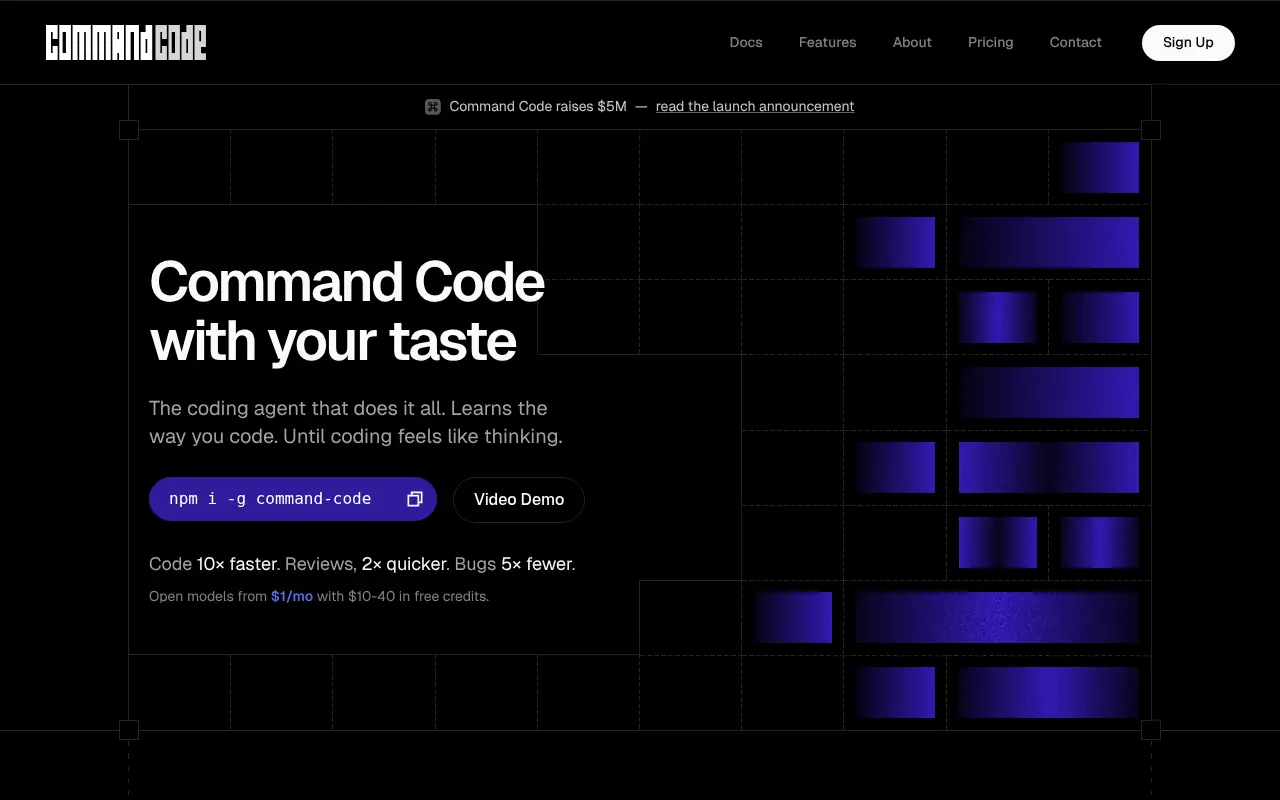
Command Code is a terminal-based AI coding agent that continuously learns and adapts to your personal coding style to help build, test, and refactor software.

OpenCode
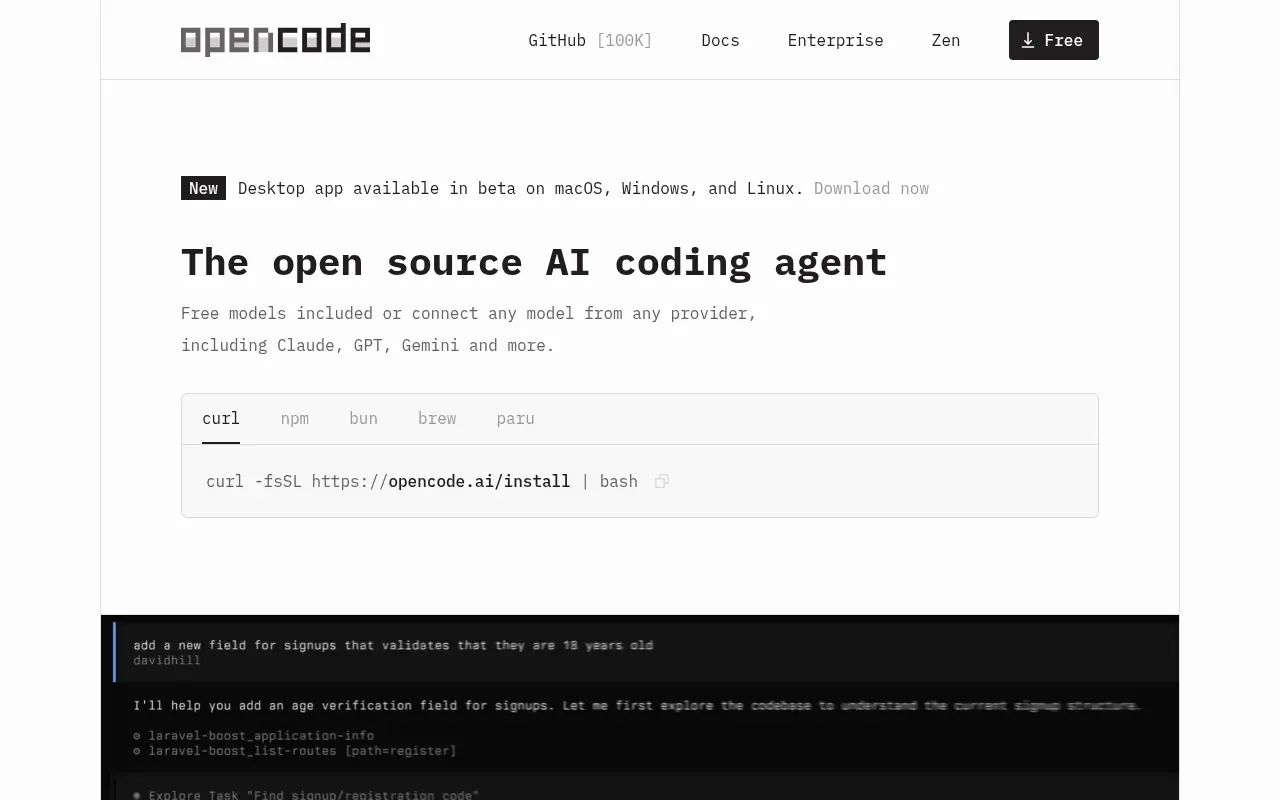
An open-source AI coding agent that integrates with your terminal, IDE, or desktop to streamline development workflows.

Kilo
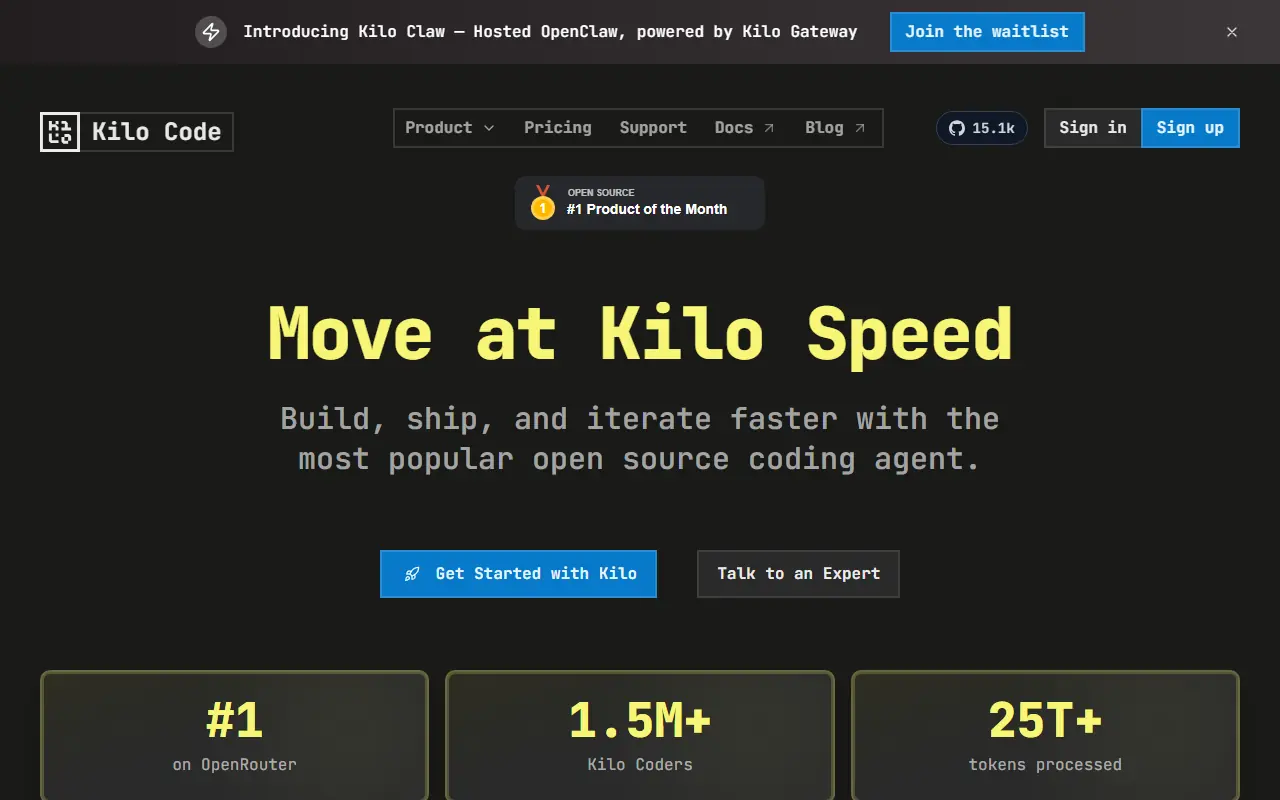
Kilo is an open-source AI coding assistant and agentic engineering platform that helps developers plan, write, debug, and automate code directly within their IDEs and terminal.
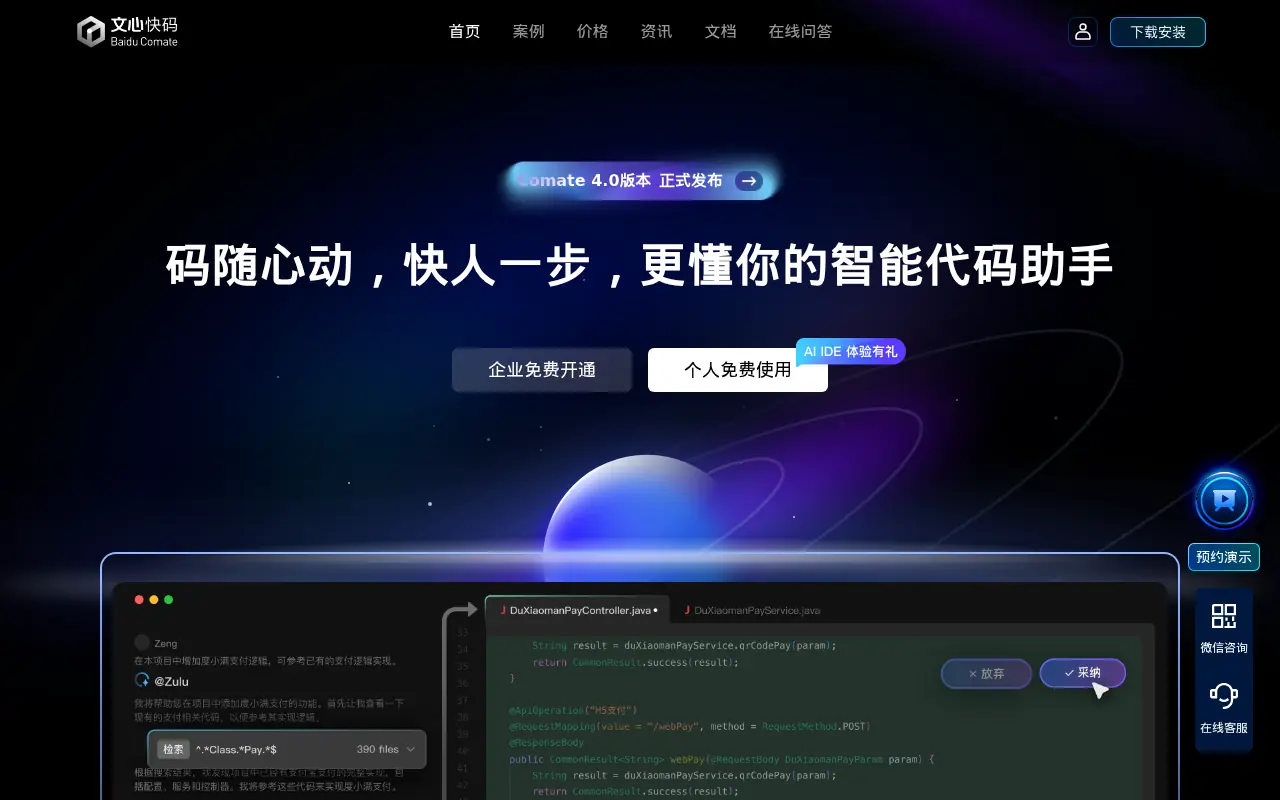

Baidu Comate
Baidu Comate is an AI-powered coding assistant based on the ERNIE large language model that automates code generation, testing, and documentation.
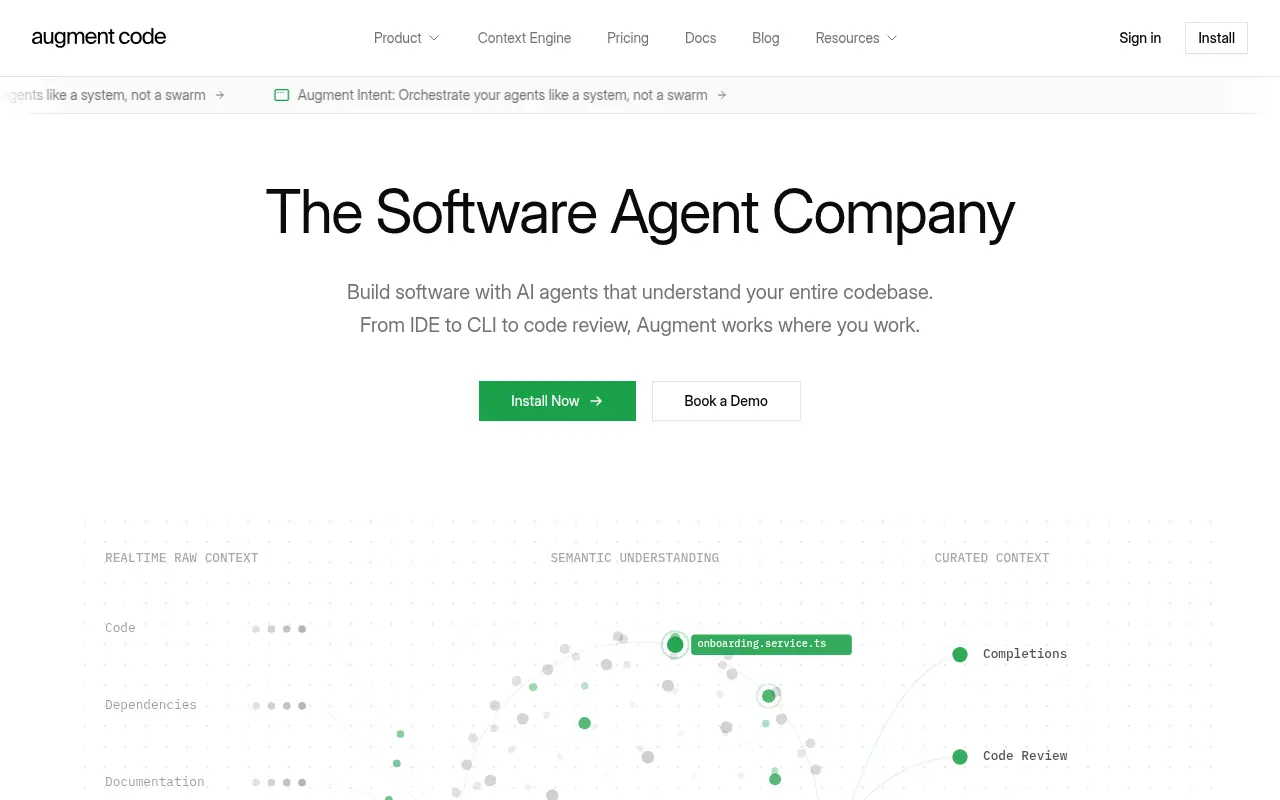

Augment Code
An AI-powered software development platform featuring intelligent agents and a Context Engine for building, reviewing, and understanding code at enterprise scale.
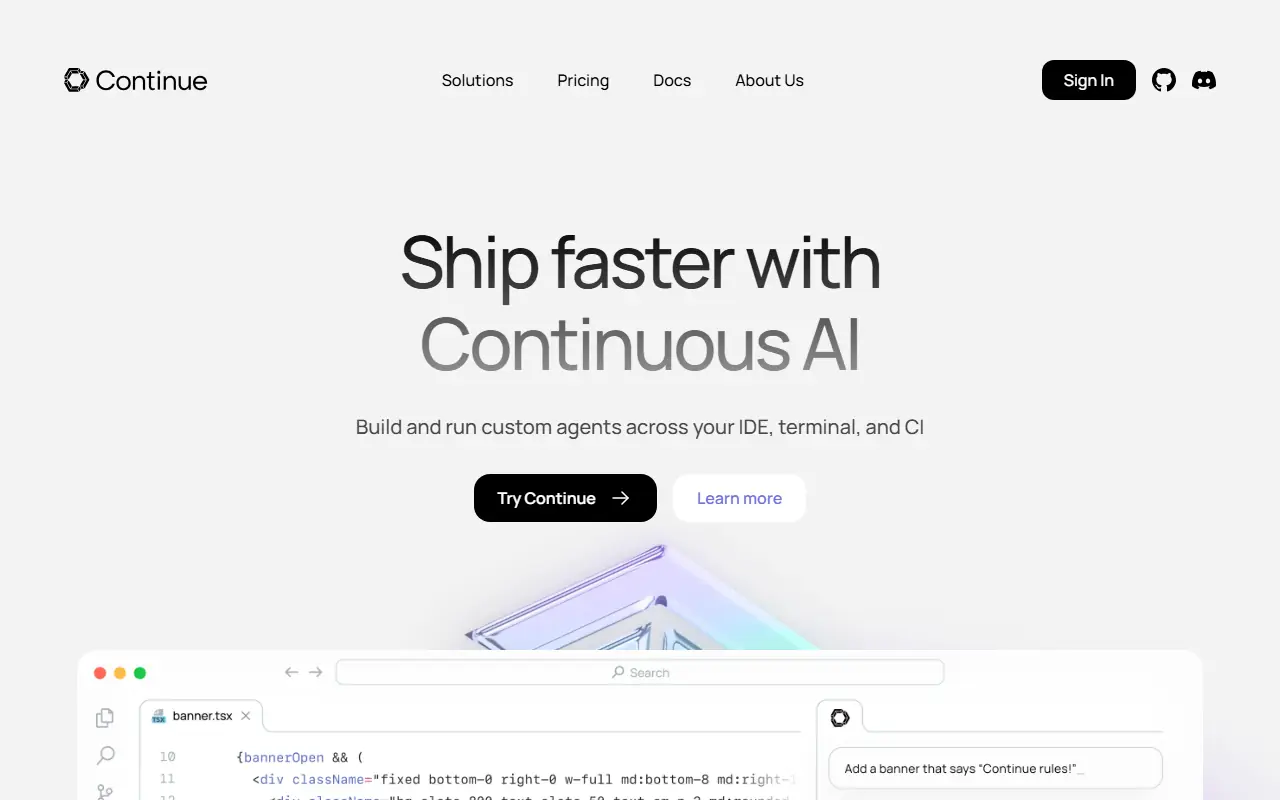

Continue
Continue.dev provides open-source AI code assistants to enhance developer productivity and streamline coding workflows.
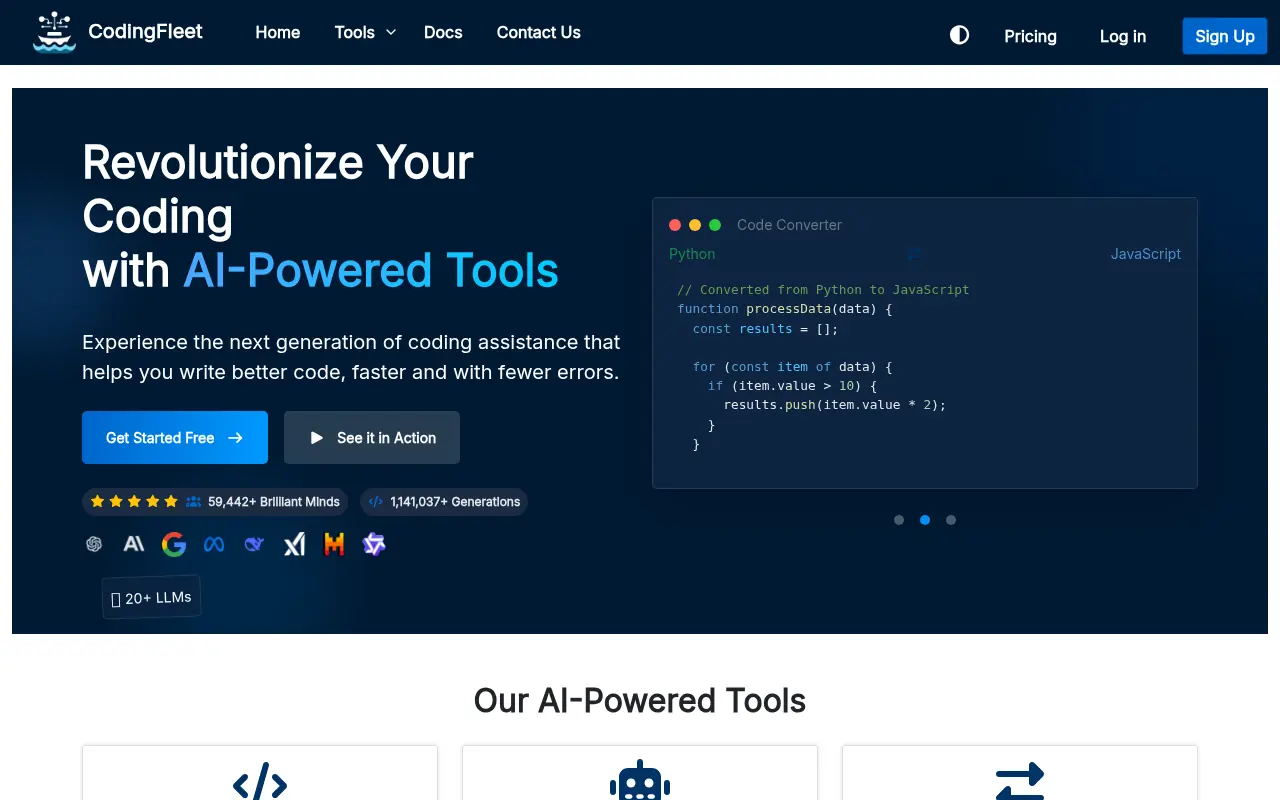

CodingFleet
CodingFleet is an AI-powered coding platform that streamlines development workflows by generating, converting, debugging, and optimizing code across 90+ programming languages.
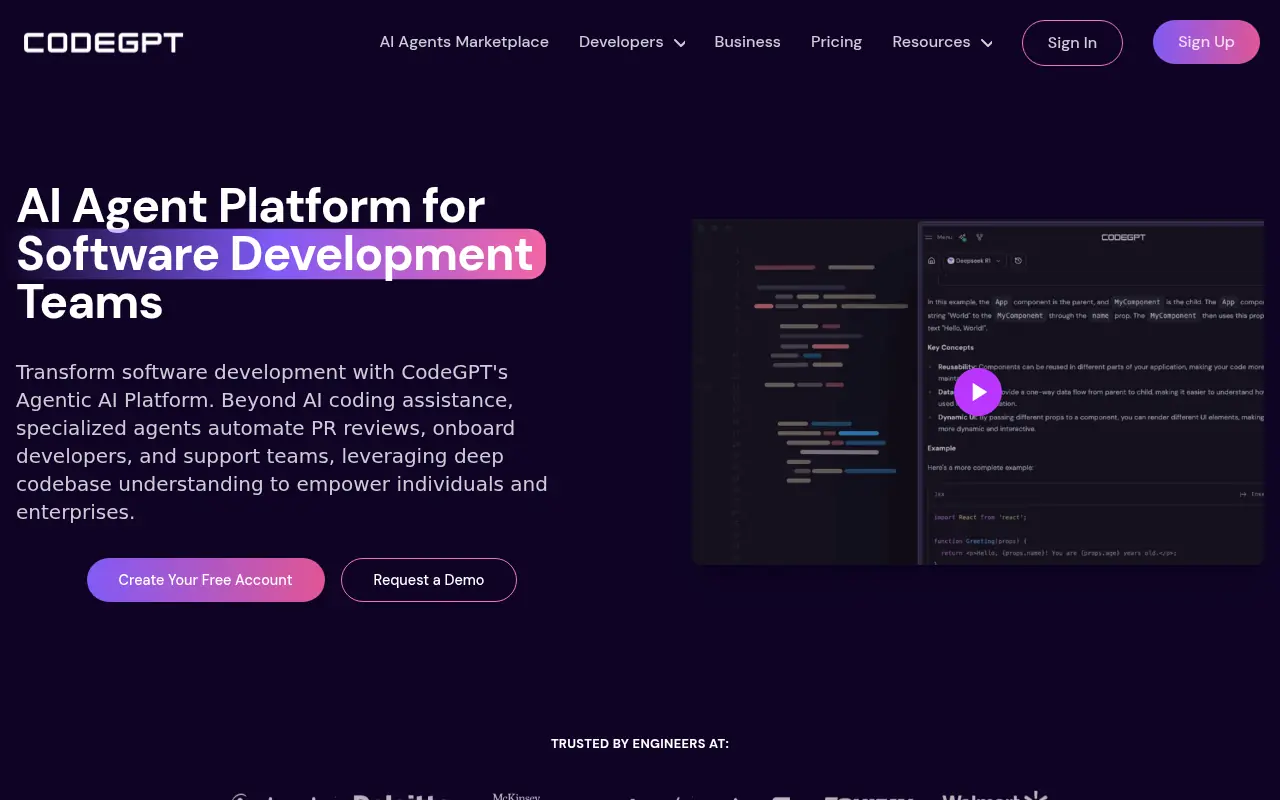

CodeGPT
CodeGPT is an AI-powered platform that enhances software development through specialized AI agents and coding tools.