

ImgUpscaler AI
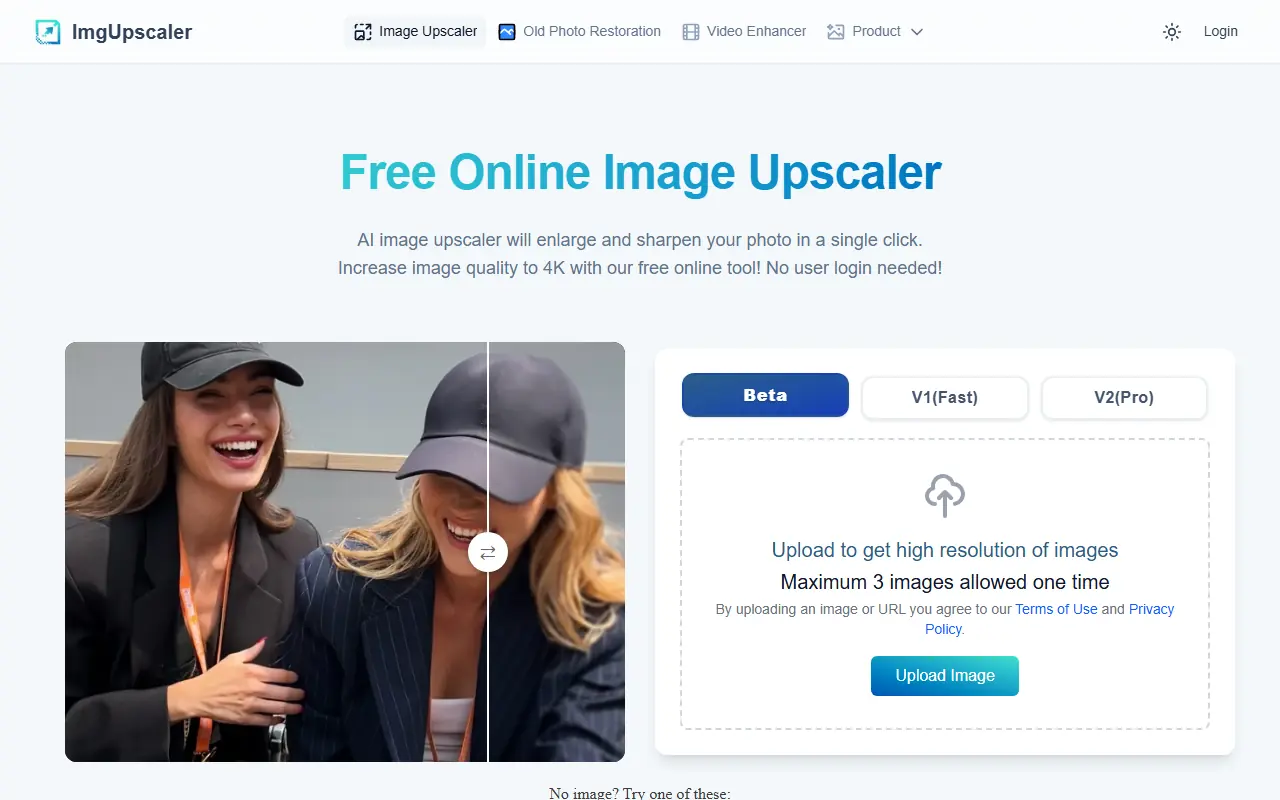
What is ImgUpscaler AI?
ImgUpscaler AI is a browser-based AI-powered image upscaler that allows users to enlarge and enhance images without sacrificing quality. Leveraging super-resolution and deep learning technology, the platform can upscale images by 200% or 400%, supporting outputs as high as 16000x16000 pixels for premium users. It features a drag-and-drop interface, efficient batch processing, privacy protections, and supports both personal and commercial needs. The tool is especially helpful for professionals and individuals needing quick, high-quality upscaling for photos, artwork, ecommerce, or print. ImgUpscaler AI aims to democratize advanced photo enhancement, making it accessible and user-friendly without requiring advanced technical skills or software installation. The platform also offers integrated editing tools, and a free plan to get started instantly.
How to use ImgUpscaler AI?
To use ImgUpscaler AI, simply visit the website and drag-and-drop or upload your image file (JPG, PNG, or WebP), select the desired upscaling ratio (200% or 400%), and click to start the process. After a brief AI processing period, you can preview the enhanced image and download the high-resolution result instantly. For multiple images, batch processing is available; users can process up to 5 images at once on the free plan or more with a premium subscription. No software installation or account creation is required for basic usage, making the experience efficient and seamless for all users.
ImgUpscaler AI's Core Features
AI-powered upscaling by 200% or 400% while preserving quality and detail.
Supports high-resolution outputs up to 4096x4096 px (free) or 16000x16000 px (premium).
Batch processing for multiple images in one session.
Drag-and-drop interface for easy and fast uploads.
Integrated editing tools for cropping, filters, and fine-tuning images.
Automatic privacy protection with image deletion within 24 hours.
No software installation or registration required for essential features.
Reimagine feature for generating creative variations (premium).
Commercial and personal use rights included.
Optimized for both photos and artwork including anime and illustrations.
Instant preview and one-click download of results.
Flexible plans with a generous free tier to get started.
ImgUpscaler AI's Use Cases
- #1
Upscale and restore old family photos for printing or digital archiving.
- #2
Enhance product images for e-commerce to improve clarity and attract customers.
- #3
Create high-resolution graphics for websites, social media, and blog posts.
- #4
Prepare large-format visuals for presentations, marketing, or advertising.
- #5
Sharpen blurry images or low-resolution artwork for higher quality output.
- #6
Batch process images for professional portfolios or client deliveries.
- #7
Improve anime, cartoon, or illustrated images with optimized algorithms.
- #8
Remove noise, blur, or minor defects in digital or scanned photos.
Frequently Asked Questions
Analytics of ImgUpscaler AI
Monthly Visits Trend: Apr 2025 - Aug 2026
Traffic Sources
AI Channel Traffic Trends
Top Regions
| Region | Traffic Share |
|---|---|
| United States | 11.45% |
| India | 10.40% |
| Russia | 8.56% |
| France | 4.30% |
| Egypt | 3.44% |
Top Keywords
| Keyword | Traffic | CPC |
|---|---|---|
| imgupscaler | 38.7K | $0.39 |
| imgupscaler.ai | 9.6K | $0.15 |
| image upscaler ai | 17.6K | $0.53 |
| image enhancer | 366.1K | $0.27 |
| imgupscaler ai | 1.7K | $0.15 |
Alternative of ImgUpscaler AI
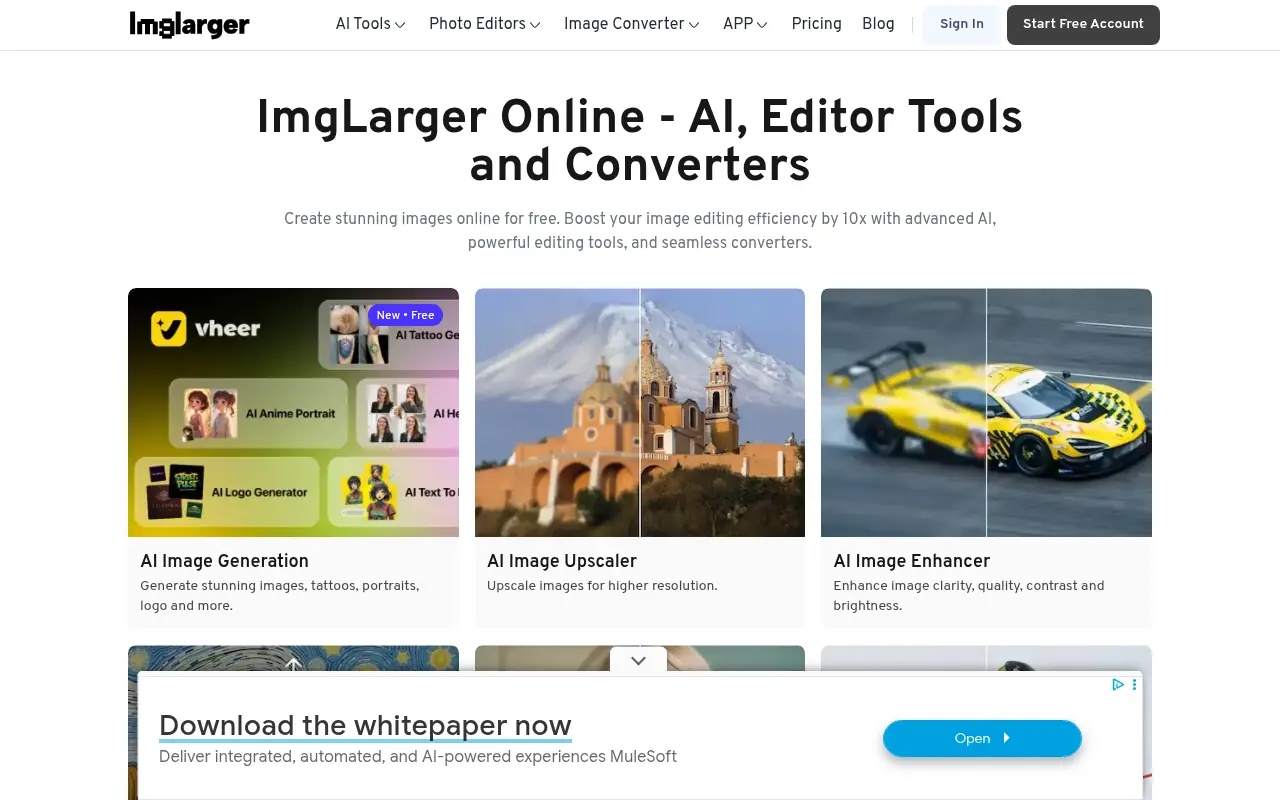

Imglarger
Imglarger provides AI-powered tools to enhance, upscale, edit, and convert images for professional and personal use.
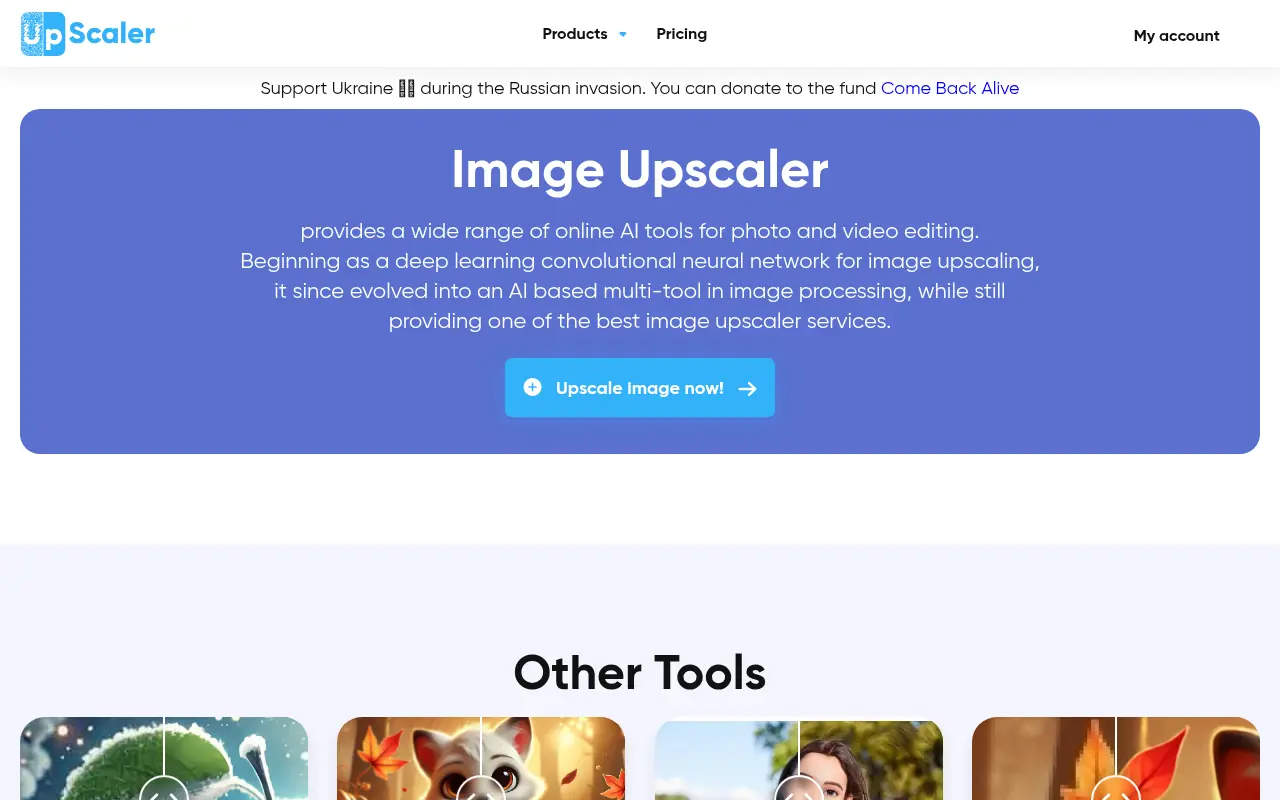

Image Upscaler
Image Upscaler provides a versatile suite of online AI tools designed to enhance, enlarge, and edit photos and videos without losing quality.
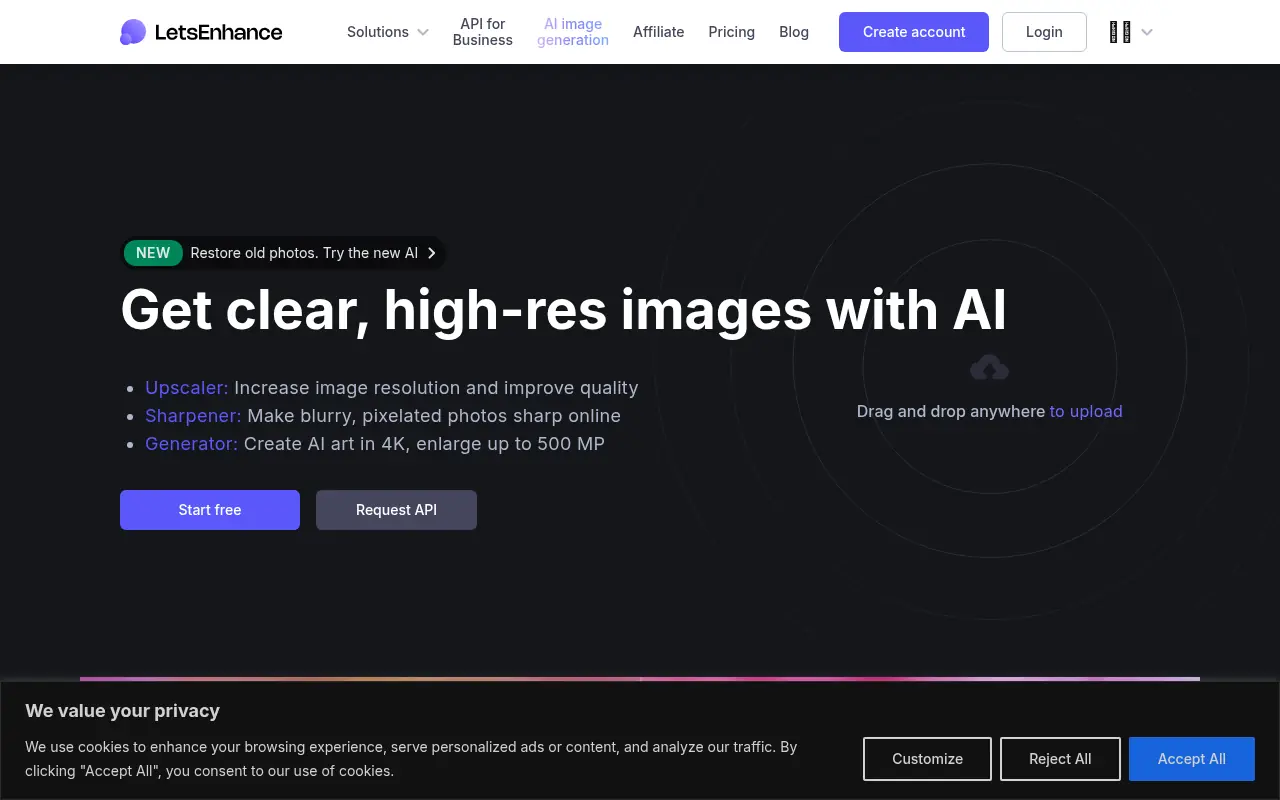

LetsEnhance
LetsEnhance uses AI to upscale and enhance images, improving resolution and quality for professional and personal use.
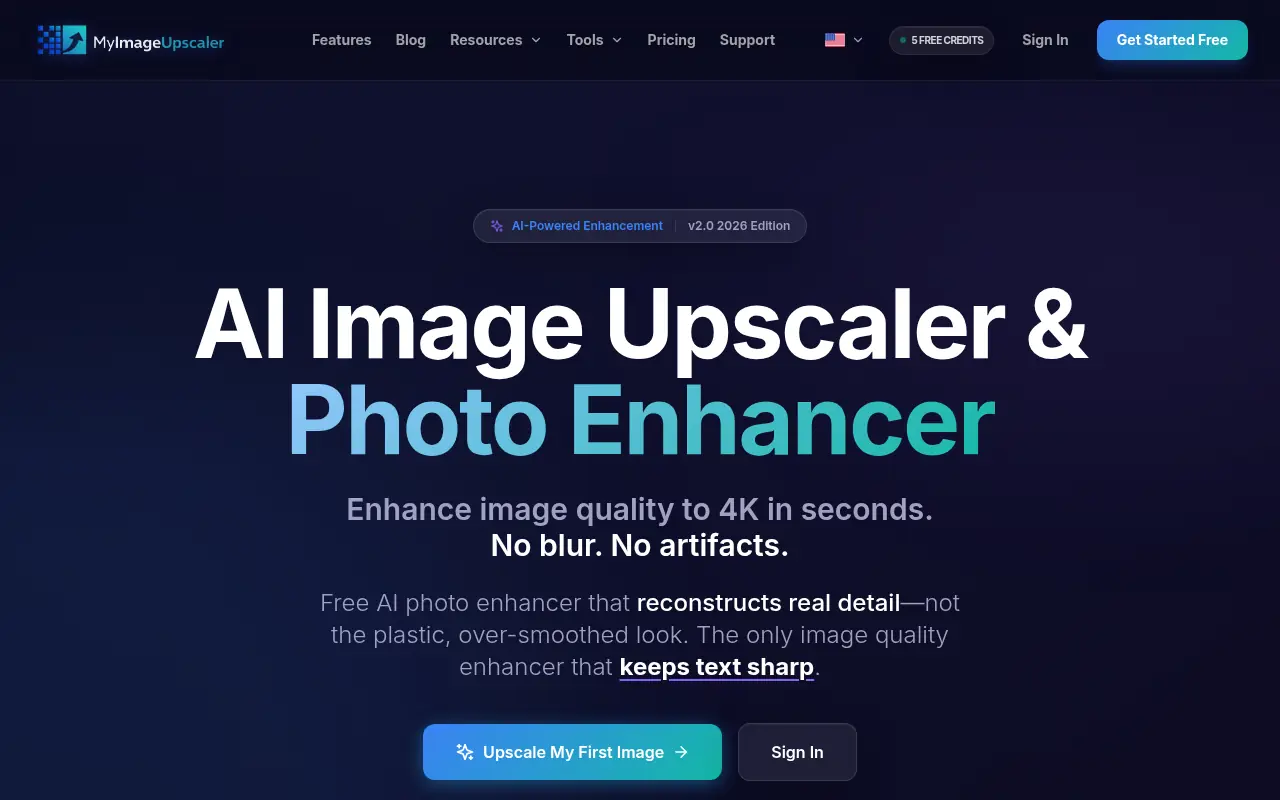

MyImageUpscaler
Enhance and enlarge low-resolution images up to 4x instantly using advanced AI models built for natural textures and crisp details.
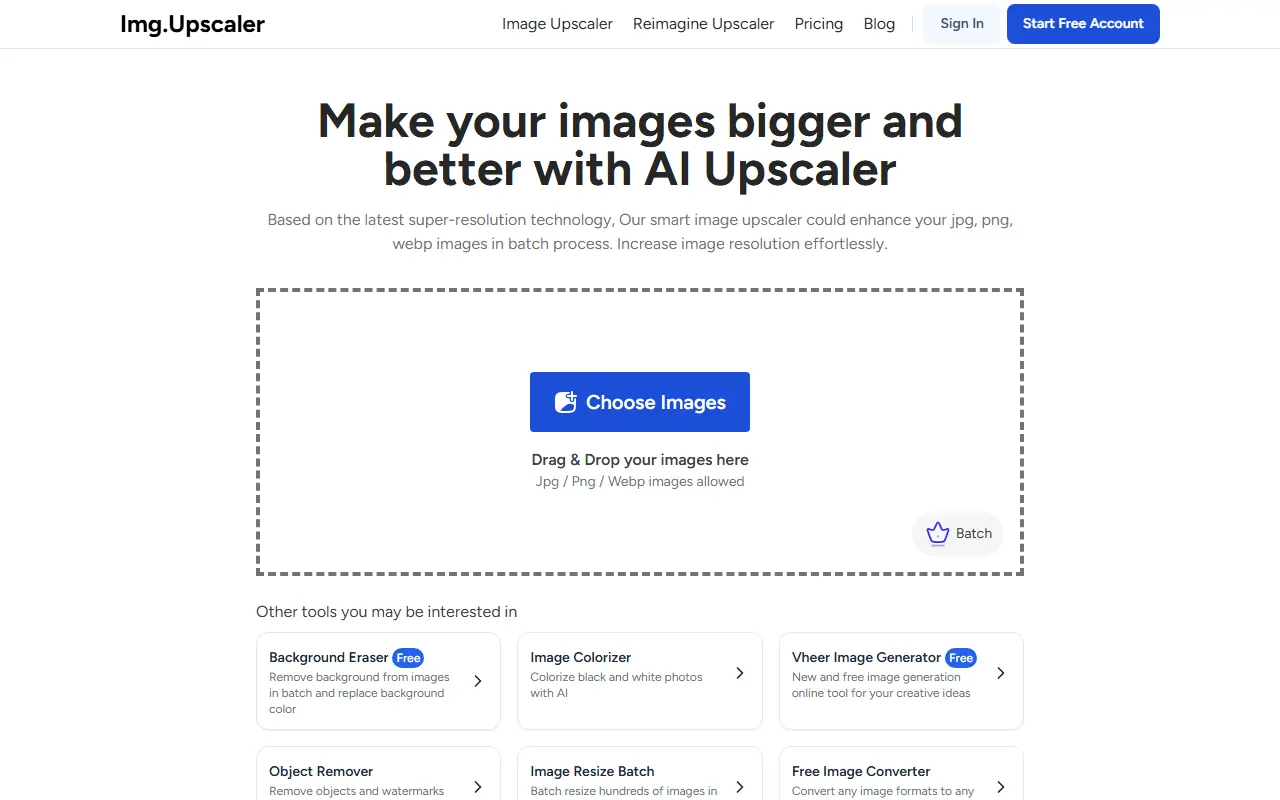

ImgUpscaler
ImgUpscaler provides AI-powered tools to enhance and upscale images for improved quality and clarity.
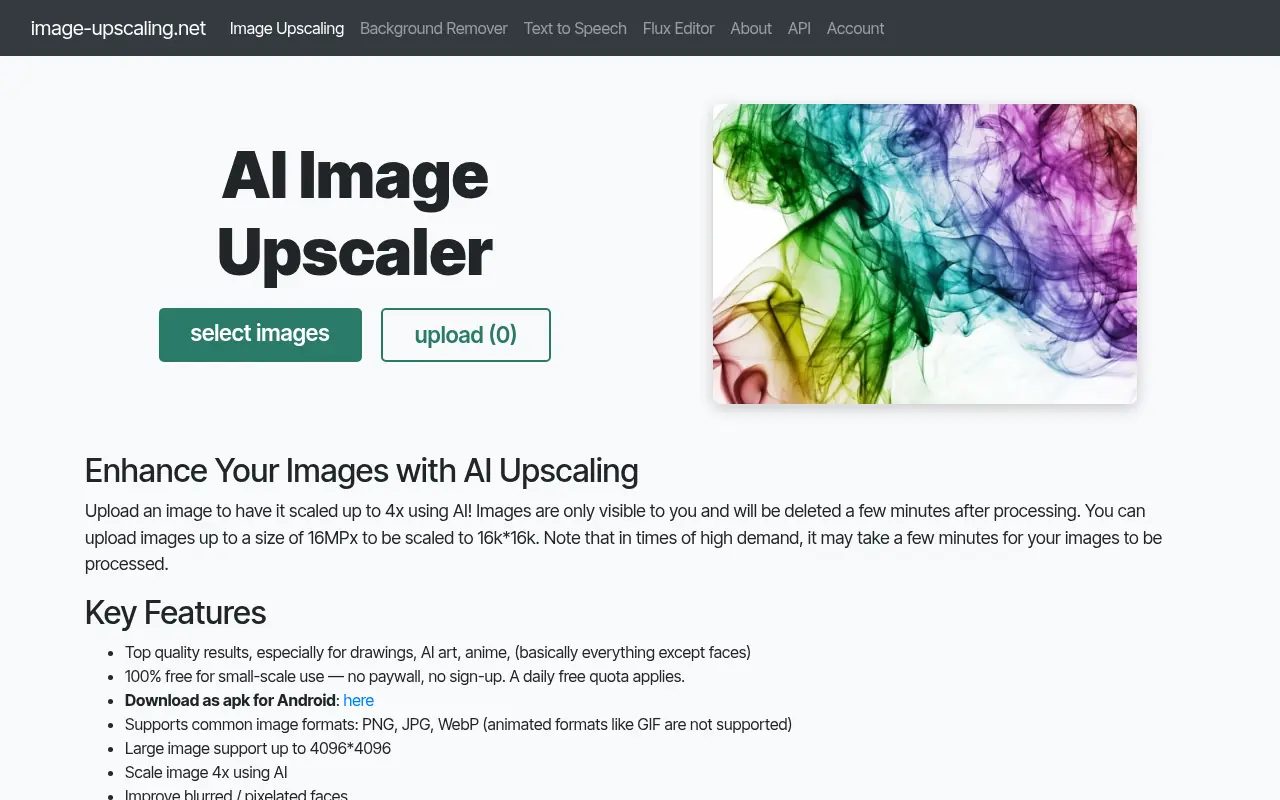

Image Upscaling
Image-Upscaling.net is an online platform that utilizes AI technology to upscale and enhance image resolutions, making low-quality images sharper and larger without losing detail.
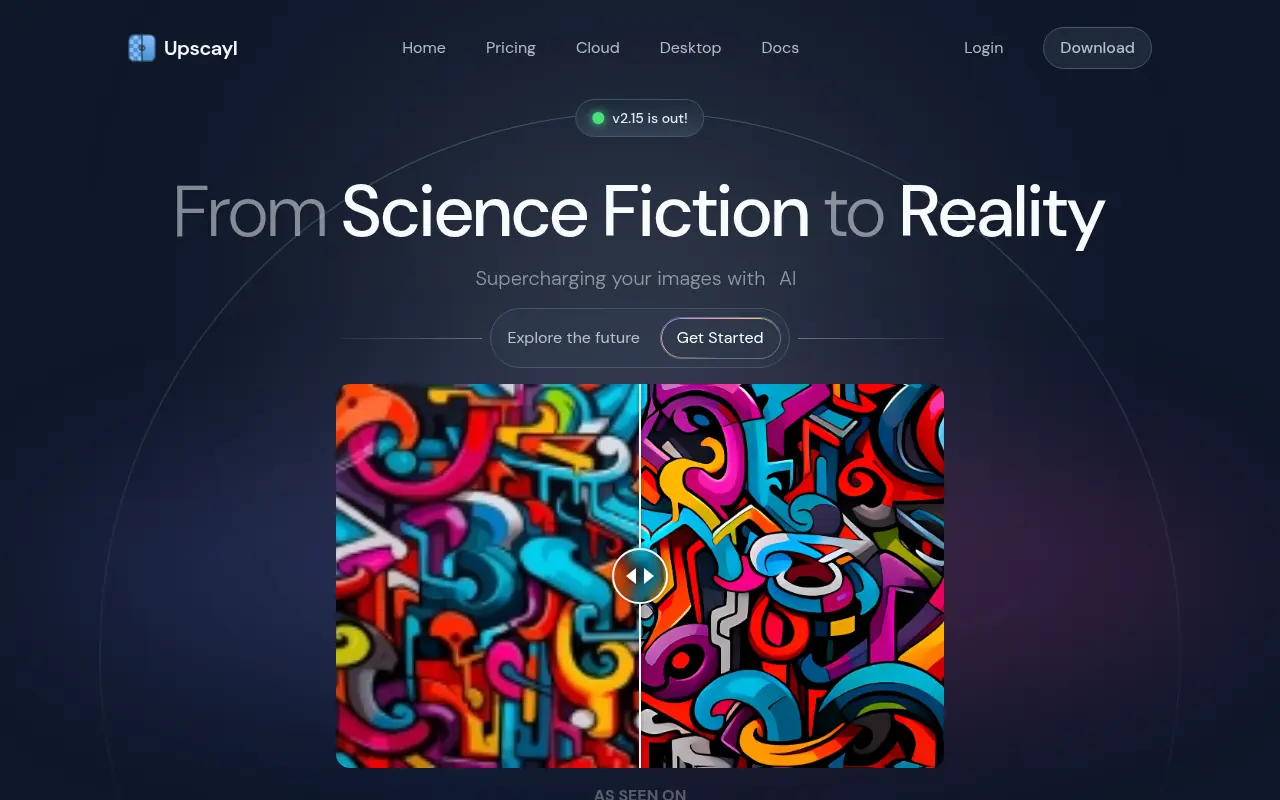

Upscayl
Upscayl is a free, open-source AI image upscaler that enhances low-resolution images for Linux, MacOS, and Windows.

Gigapixel AI
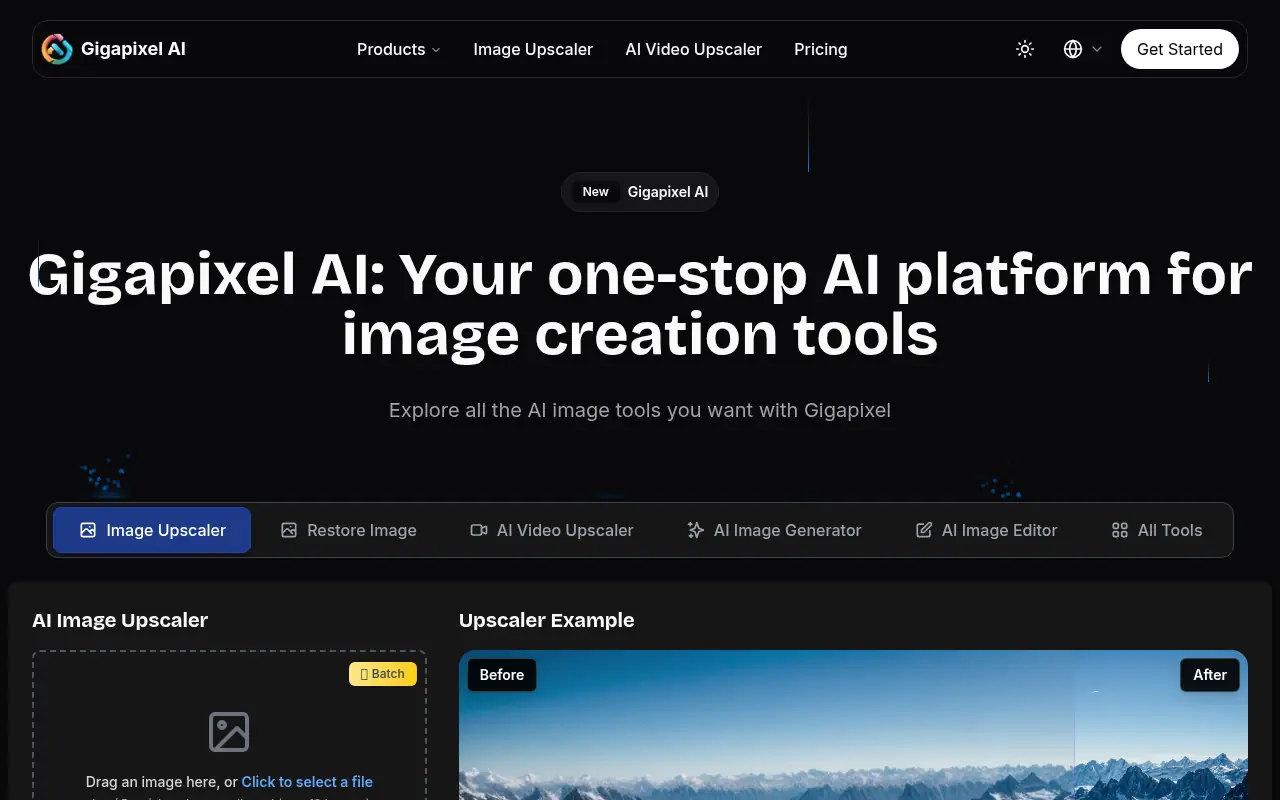
Gigapixel AI is an AI-powered tool designed to upscale and enhance images with remarkable detail and clarity.