

ImageToText
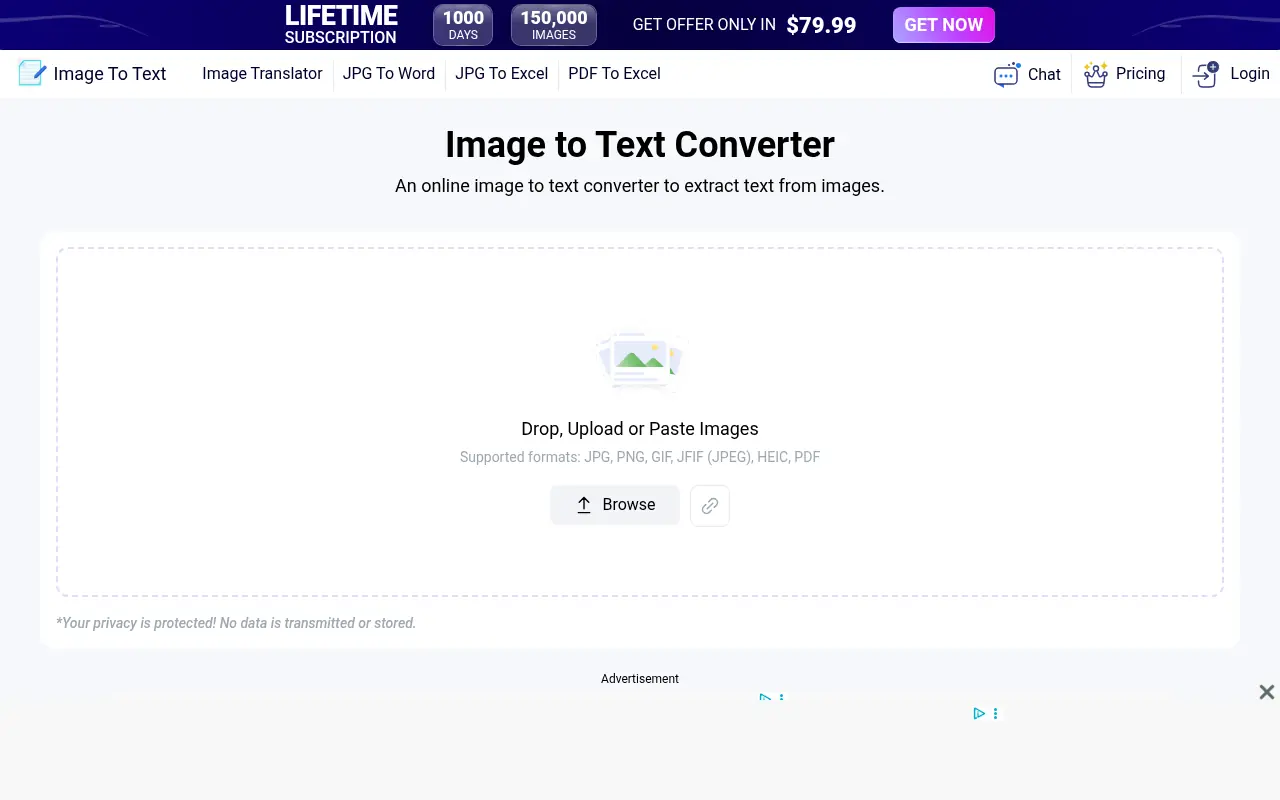
What is ImageToText?
ImageToText replaces tedious manual transcription by deploying advanced Optical Character Recognition (OCR) to pull raw text from photos, screenshots, and scanned documents. I ran several low-resolution receipts and complex data tables through the interface, and the engine correctly identified specialized characters without glitching. The platform fundamentally improves workflow automation by letting you drag-and-drop visuals and immediately export editable text files. Overall user experience remains frictionless, as the web application bypasses clunky software installations while significantly boosting your daily productivity and efficiency.
How to use ImageToText?
Navigate to the homepage and drag your target image file directly into the designated upload box. Click the submit button to initiate the OCR processing engine, which takes just a few seconds to scan and interpret the visual data. Finally, copy the generated text directly to your clipboard or download it as a raw document format to integrate into your existing projects.
ImageToText's Core Features
Multi-Language Support: Recognize and extract text in dozens of global languages without manual configuration.
Low-Resolution Extraction: Recover legible data from blurry, pixelated, or poorly lit photographs effortlessly.
Batch Processing: Upload multiple images simultaneously to rapidly scale your document digitization workflow.
Handwriting Recognition: Decode cursive and stylized handwritten notes into clean digital fonts.
Mathematical Equation Scanning: Identify and isolate complex mathematical formulas for academic documentation.
Format Retention: Maintain the original paragraph structure and spacing to minimize tedious post-editing.
Direct Export Options: Download extracted text seamlessly as Word documents or plain text files.
ImageToText's Use Cases
- #1
Digitizing printed invoices and receipts into structured text formats for accounting teams.
- #2
Extracting raw code snippets from YouTube tutorial screenshots for software development.
- #3
Transcribing handwritten university lecture notes into searchable digital study guides.
- #4
Pulling physical contact details from business cards directly into CRM databases.
- #5
Converting locked PDF tables into editable Excel-ready formats for data analysis.
- #6
Capturing foreign language signs from travel photos for rapid machine translation input.
Frequently Asked Questions
Analytics of ImageToText
Monthly Visits Trend: Apr 2025 - Aug 2026
Traffic Sources
AI Channel Traffic Trends
Top Regions
| Region | Traffic Share |
|---|---|
| India | 11.81% |
| United States | 9.53% |
| Philippines | 7.03% |
| Indonesia | 6.10% |
| Peru | 4.09% |
Top Keywords
| Keyword | Traffic | CPC |
|---|---|---|
| image to text | 714.0K | $0.40 |
| image to text converter | 100.9K | $0.30 |
| text to pdf | 86.3K | $0.34 |
| extract text from image | 75.6K | $0.50 |
| img to text | 45.6K | $0.44 |
Alternative of ImageToText
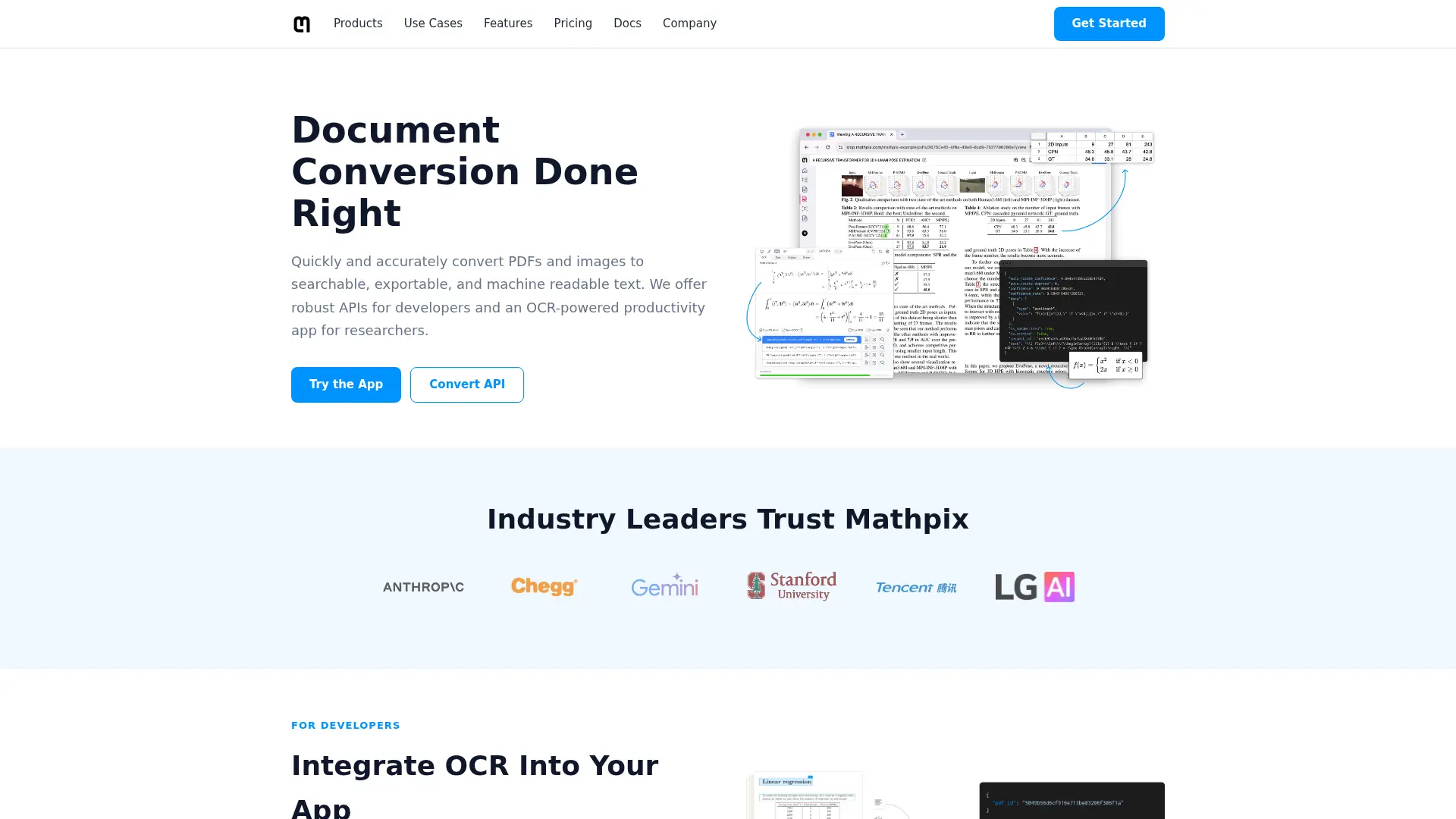

Mathpix
Convert PDFs, equations, and handwriting into editable LaTeX and Markdown that speeds up technical writing and document workflows.
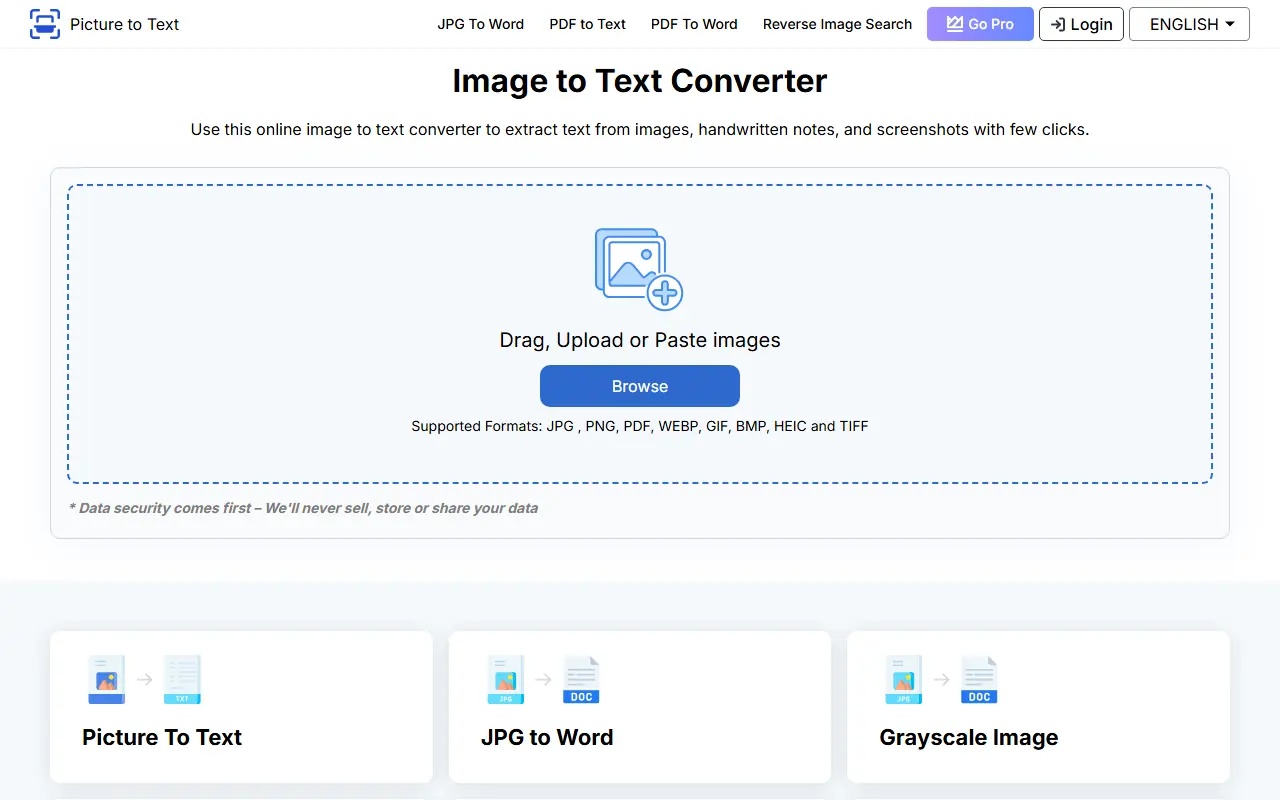

Picture to Text
Picture to Text is an online tool that uses OCR technology to extract editable text from images quickly and accurately.
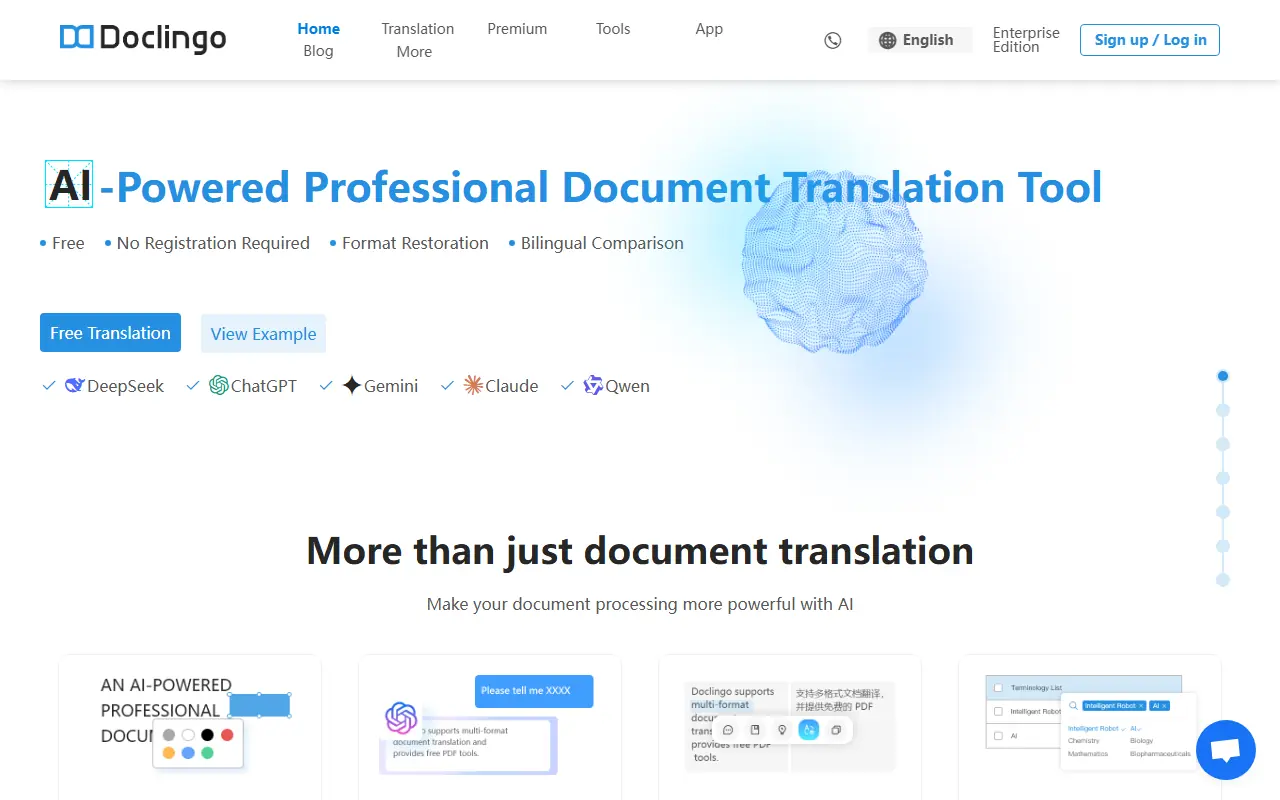

Doclingo
Doclingo is an AI-powered document translation tool that preserves original layouts while translating files into over 90 languages.
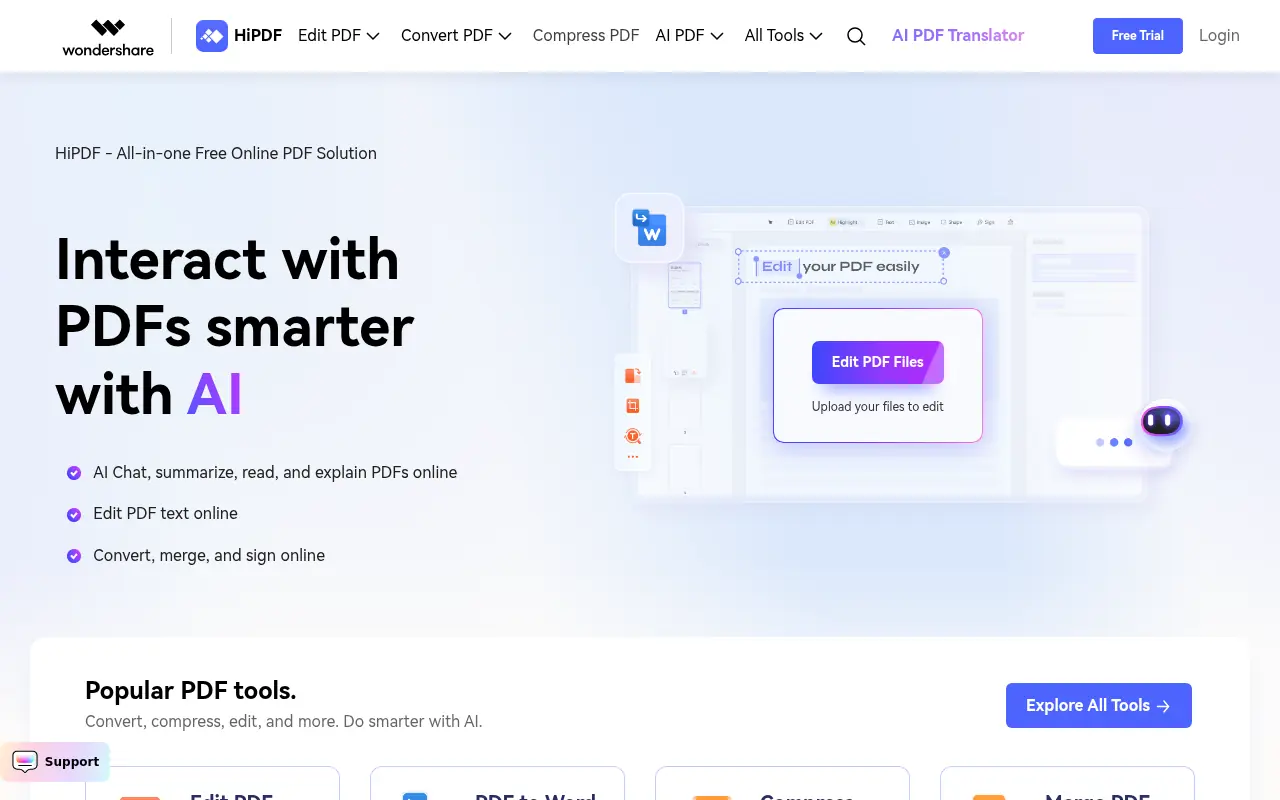

HiPDF
HiPDF is an AI-powered all-in-one online PDF solution that enables users to convert, edit, compress, merge, and manage PDF documents with advanced AI features.
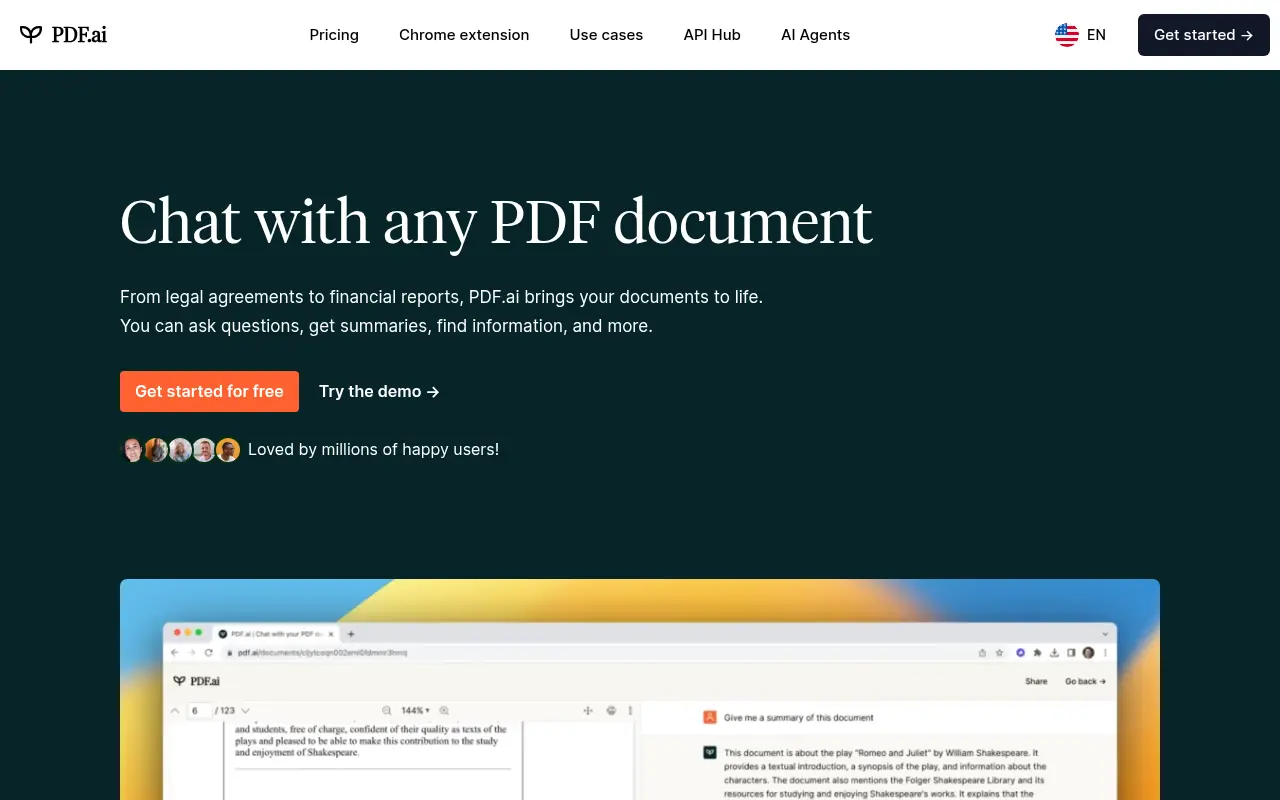

PDF.ai
PDF.ai is an AI-powered platform that enables users to interact with PDF documents through chat, summarization, and analysis for enhanced productivity.
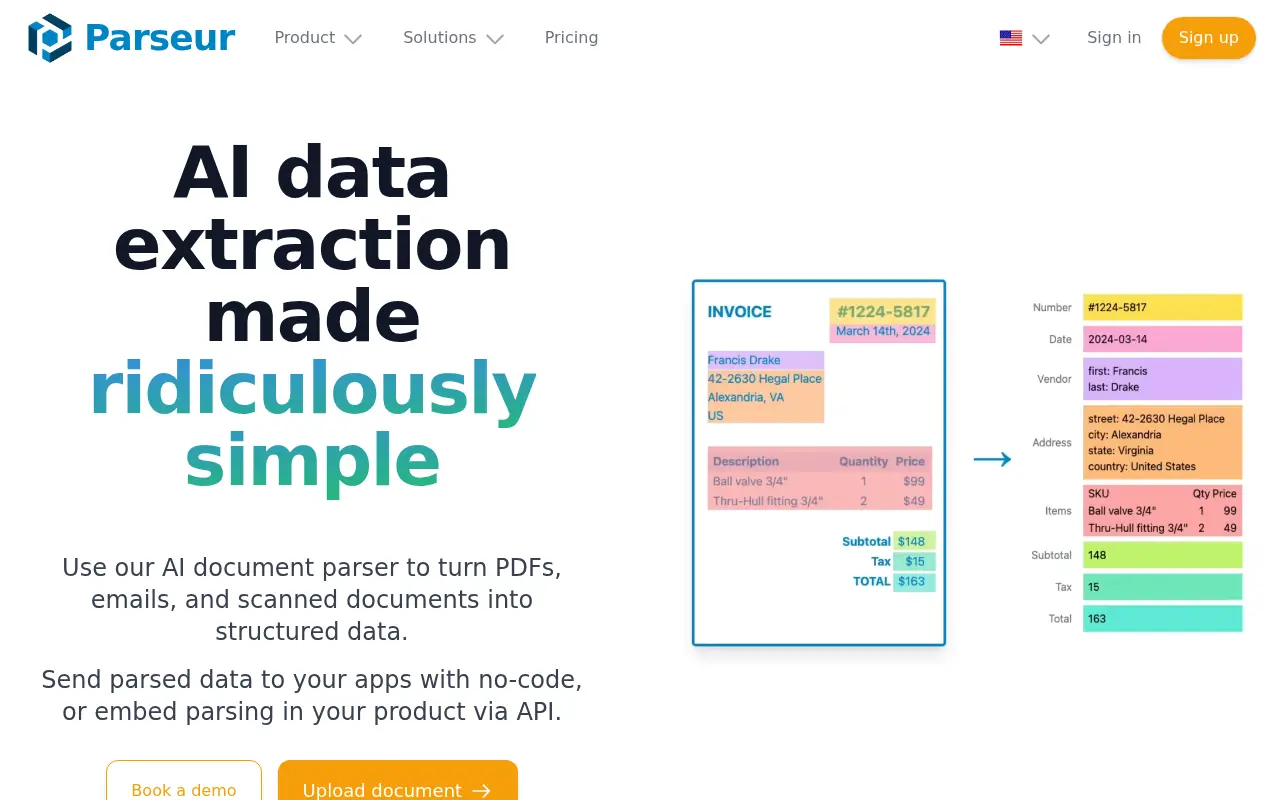

Parseur
Parseur is an AI-powered document processing solution that automates data extraction from emails, PDFs, attachments, and other documents for seamless workflow integration.

Lingvanex
Lingvanex provides AI-powered translation and speech recognition tools for seamless communication across over 100 languages.
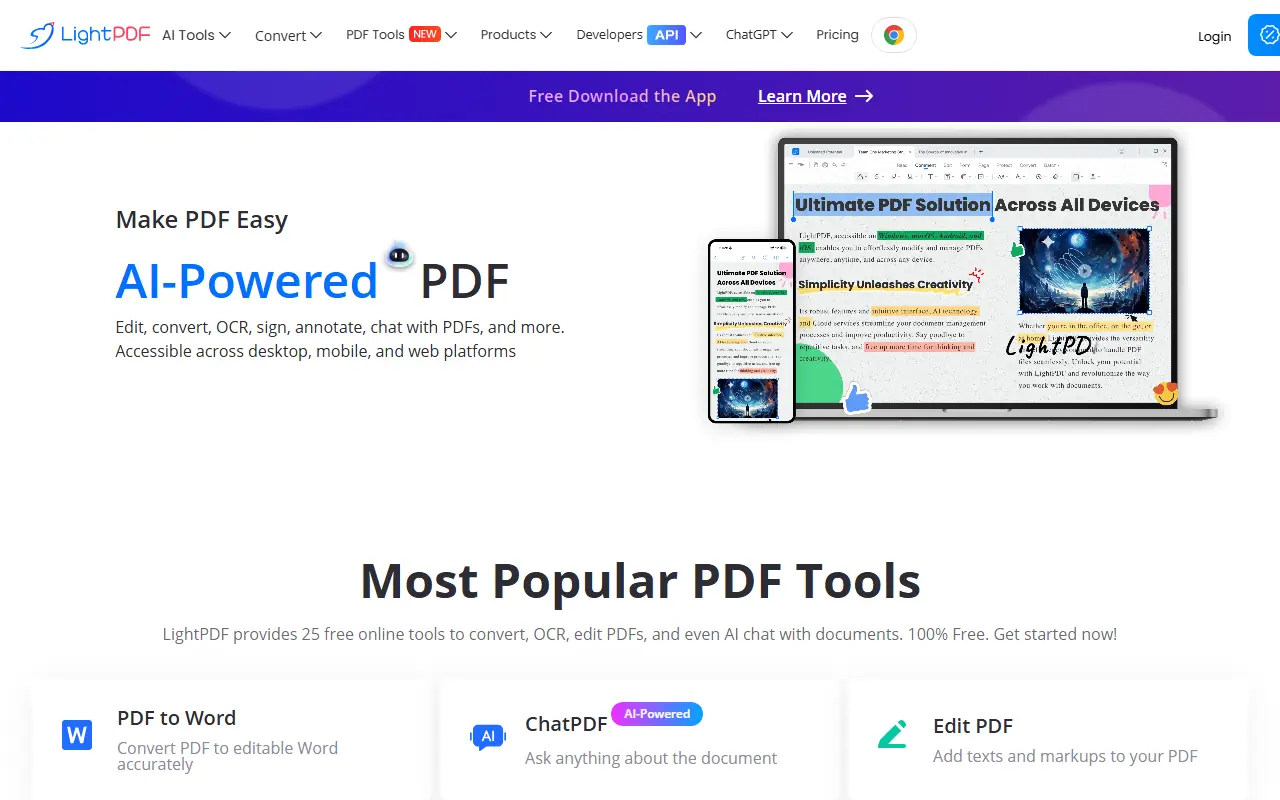

LightPDF
LightPDF provides an all-in-one platform for PDF editing, conversion, and management with AI-powered tools.