

OCR.Best
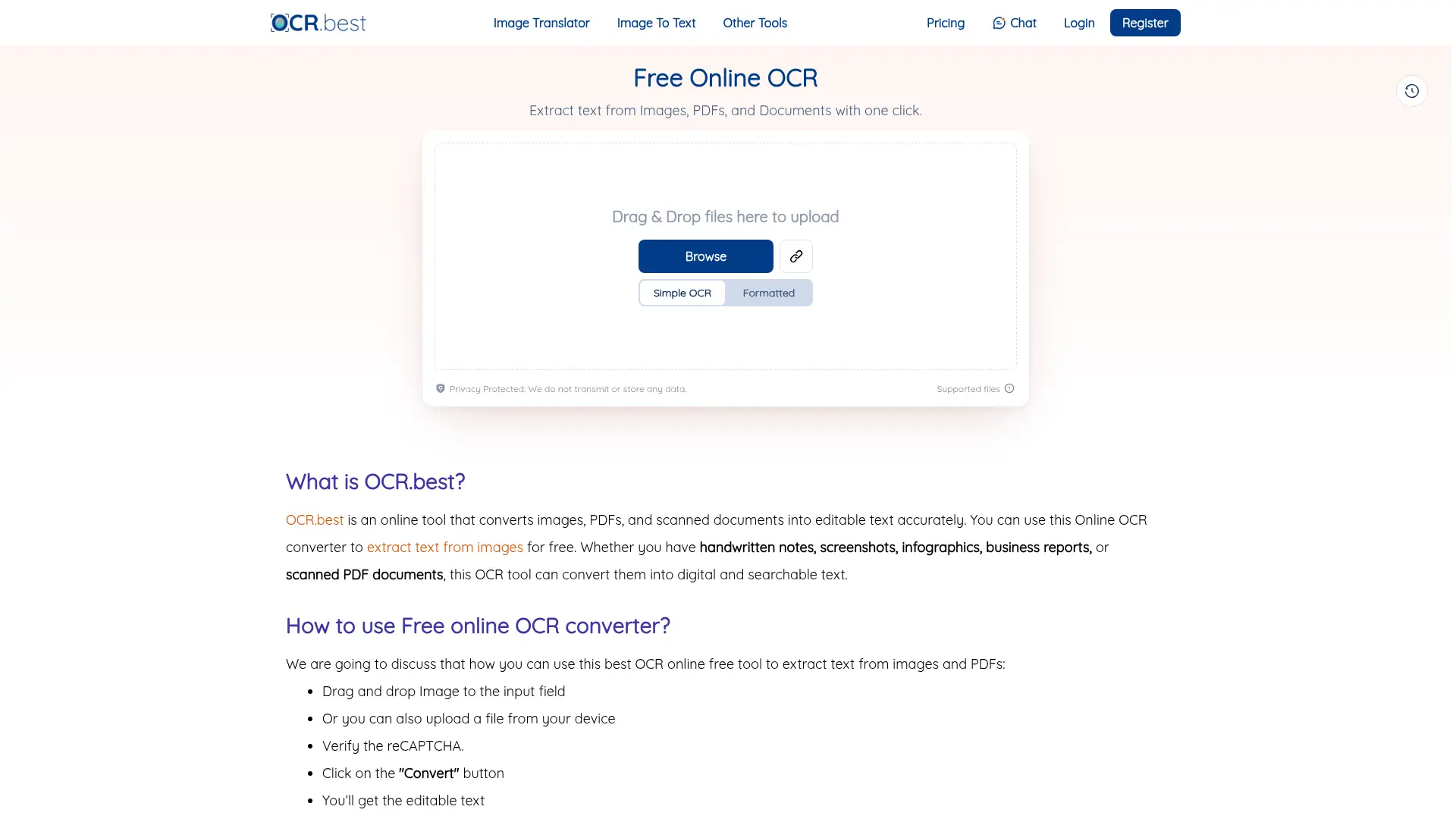
What is OCR.Best?
OCR.Best is an online optical character recognition platform that converts images, PDFs, and scanned documents into editable text. It uses OCR and machine-learning technology to recognize text from documents, screenshots, notes, reports, and other visual sources. The service is designed for individuals and businesses that need to digitize documents without manually retyping content. Users can copy or download extracted text, while batch processing supports larger document workflows. OCR.Best also provides an API for integrating image-to-text extraction into applications and automated processes.
How to use OCR.Best?
1. Open OCR.Best and drag an image or PDF into the uploader, or select a file from your device. 2. Complete the CAPTCHA if prompted and click Convert to start text recognition. 3. Review the extracted text, then copy it or download it as a TXT or DOCX file.
OCR.Best's Core Features
Image-to-text OCR: Extract editable text from uploaded images without manual transcription.
PDF-to-text conversion: Turn scanned PDF files into copyable and downloadable plain text.
Batch file processing: Upload multiple images or PDFs together to reduce repetitive document work.
Formatted text extraction: Preserve document structure and formatting when using the formatted OCR option.
Drag-and-drop uploading: Add files quickly through a simple browser-based upload interface.
Copy and download outputs: Reuse recognized content immediately or save it as TXT or DOCX files.
Multilingual recognition: Process text written in multiple supported languages through the online OCR tool.
OCR API access: Send image files, image URLs, or Base64 image data to the documented OCR endpoint.
Free usage credits: Start with a limited free plan offering 50 upload credits and batches of up to three images.
Paid batch limits: Upgrade for larger files, batches of up to 50 images, higher credits, and an ad-free experience.
OCR.Best's Use Cases
- #1
Digitizing scanned invoices and business reports for editing or archiving
- #2
Extracting text from screenshots for research, documentation, or content reuse
- #3
Converting photographed handwritten notes into editable digital text
- #4
Making scanned PDF documents searchable and easier to copy
- #5
Processing multiple document images in batches for administrative workflows
- #6
Extracting text from infographics, forms, and printed records
- #7
Integrating image-to-text recognition into a custom application through the OCR API
Frequently Asked Questions
Analytics of OCR.Best
Monthly Visits Trend: Jun 2025 - Aug 2026
Traffic Sources
Top Regions
| Region | Traffic Share |
|---|---|
| Brazil | 6.04% |
| United States | 4.92% |
| Colombia | 4.75% |
| India | 4.74% |
| Mexico | 4.56% |
Top Keywords
| Keyword | Traffic | CPC |
|---|---|---|
| image to text | 714.0K | $0.40 |
| jpg to text | 34.4K | $0.23 |
| texto para pdf | 740 | $0.10 |
| converter texto em pdf | 310 | $0.11 |
| online qr code scanner | 9.7K | $0.37 |
Alternative of OCR.Best
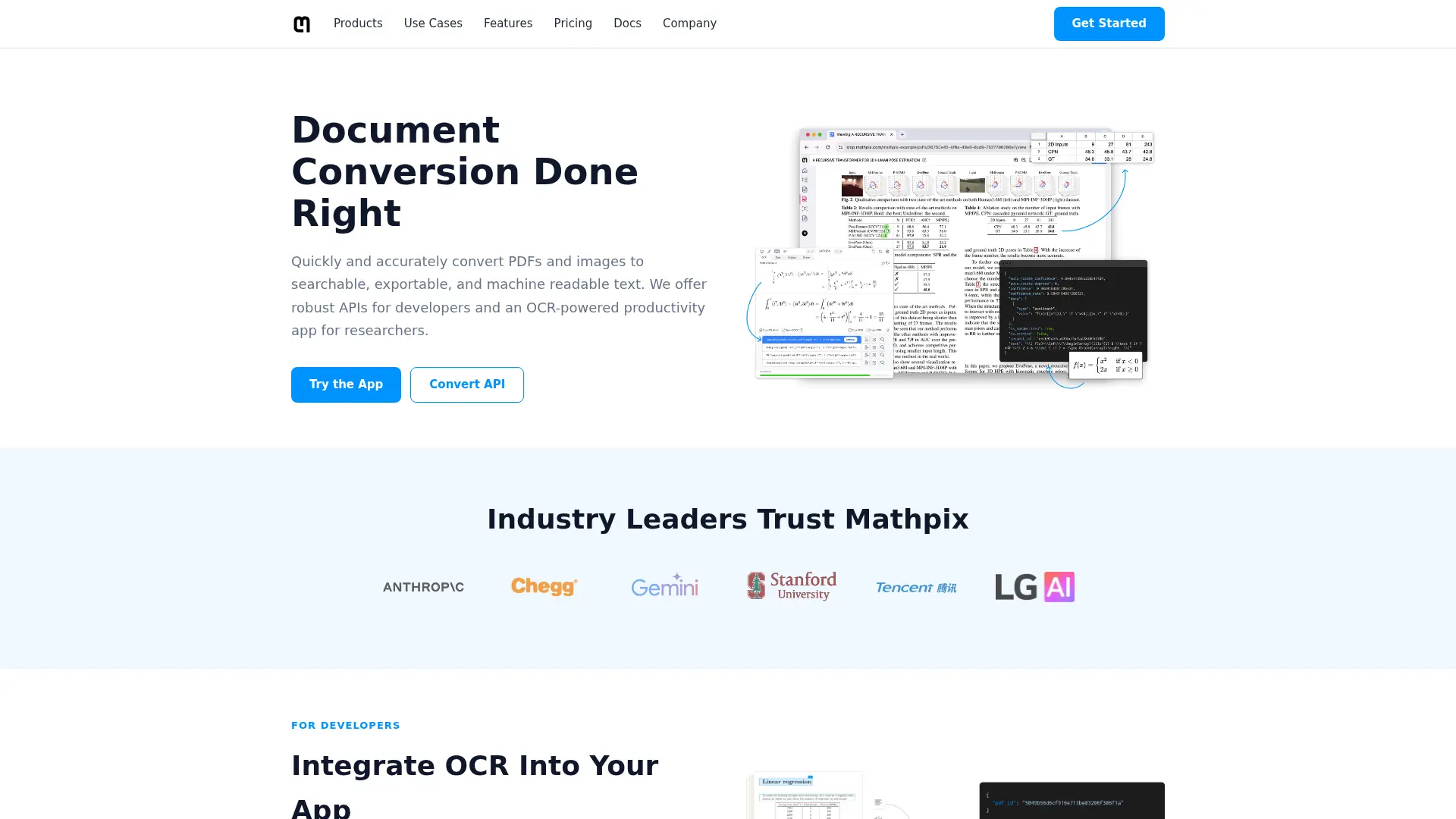

Mathpix
Convert PDFs, equations, and handwriting into editable LaTeX and Markdown that speeds up technical writing and document workflows.
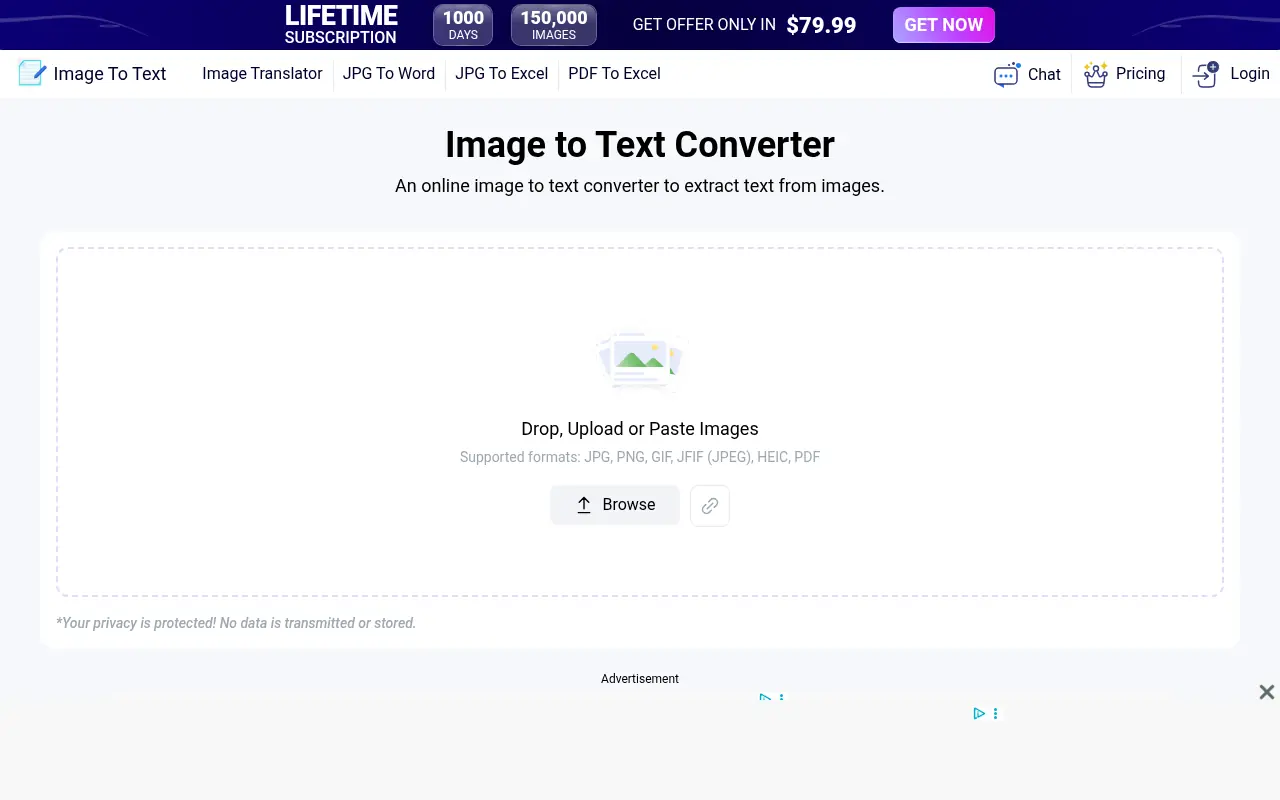

ImageToText
Extract text from images instantly with high-accuracy OCR technology, eliminating manual data entry and accelerating document digitization for professionals, developers, and students.
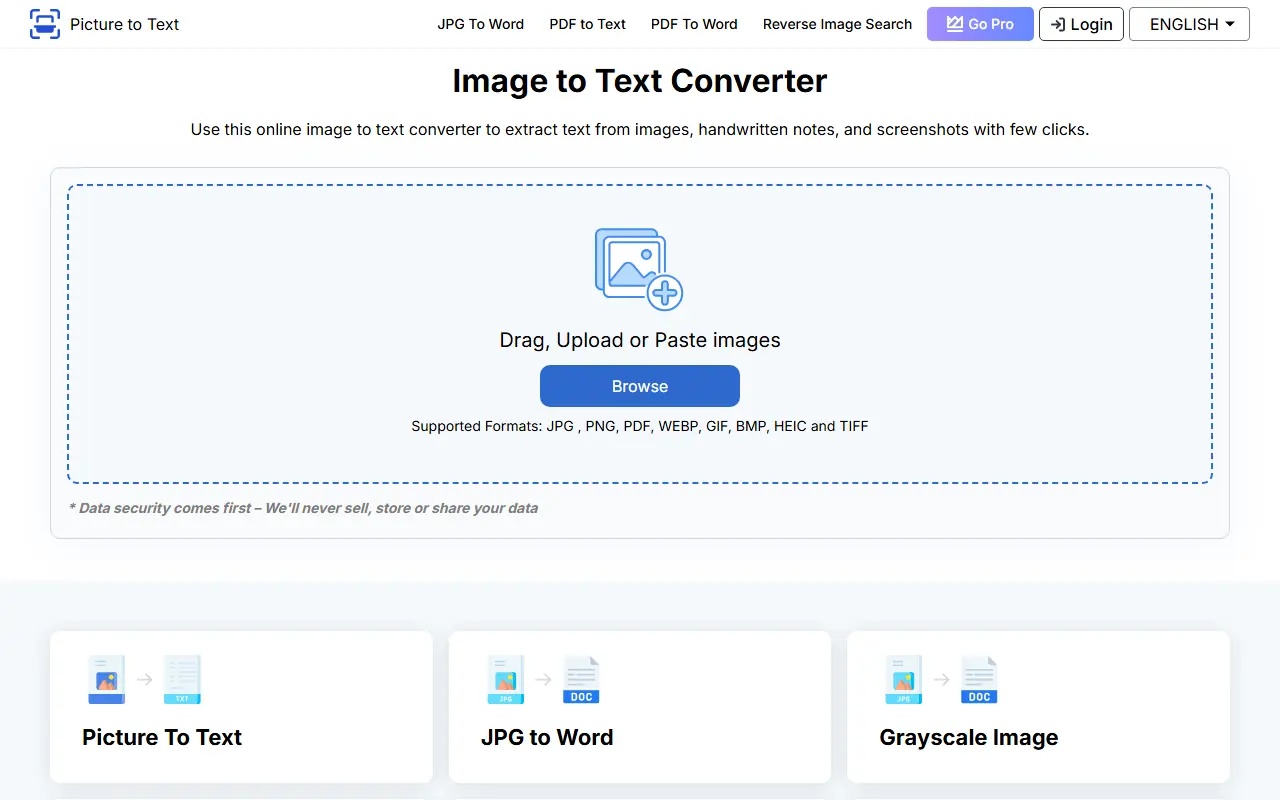

Picture to Text
Picture to Text is an online tool that uses OCR technology to extract editable text from images quickly and accurately.
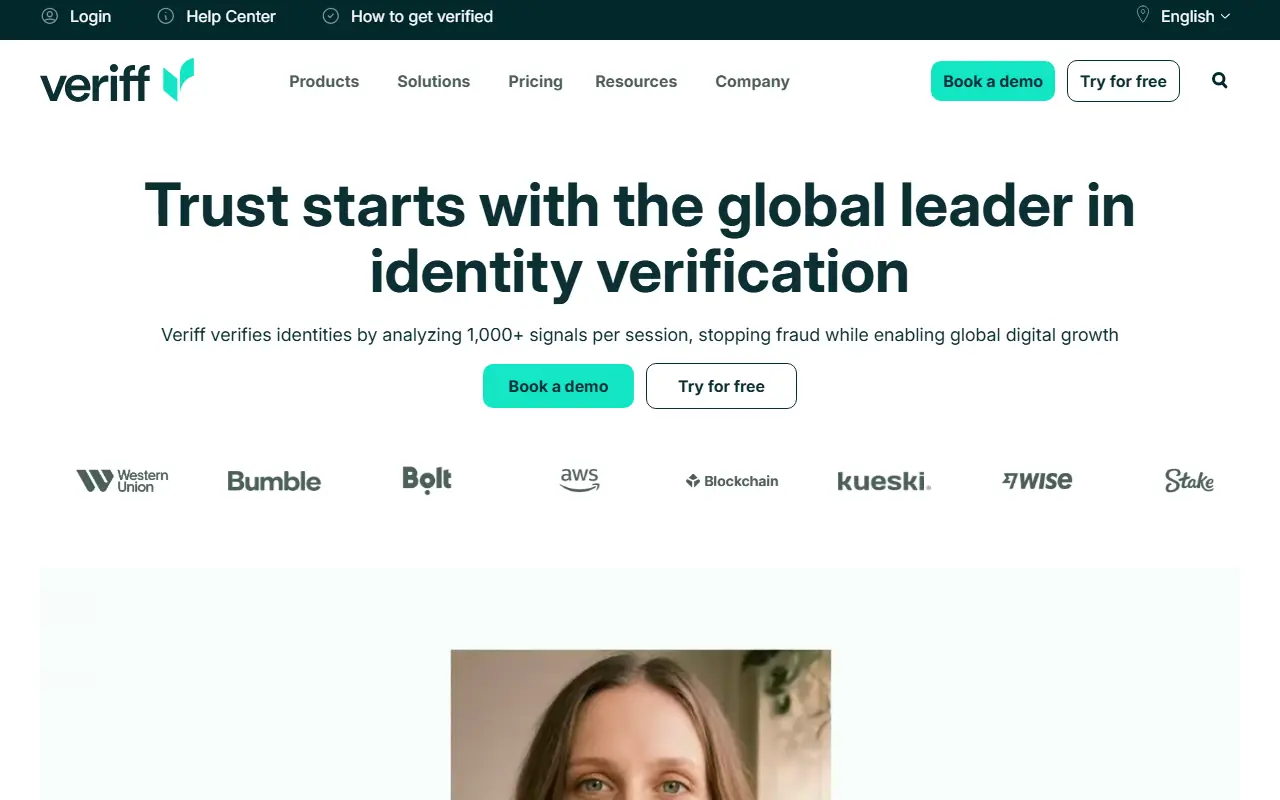

Veriff
Veriff provides an AI-powered identity verification and KYC platform to help businesses prevent fraud and ensure compliance.
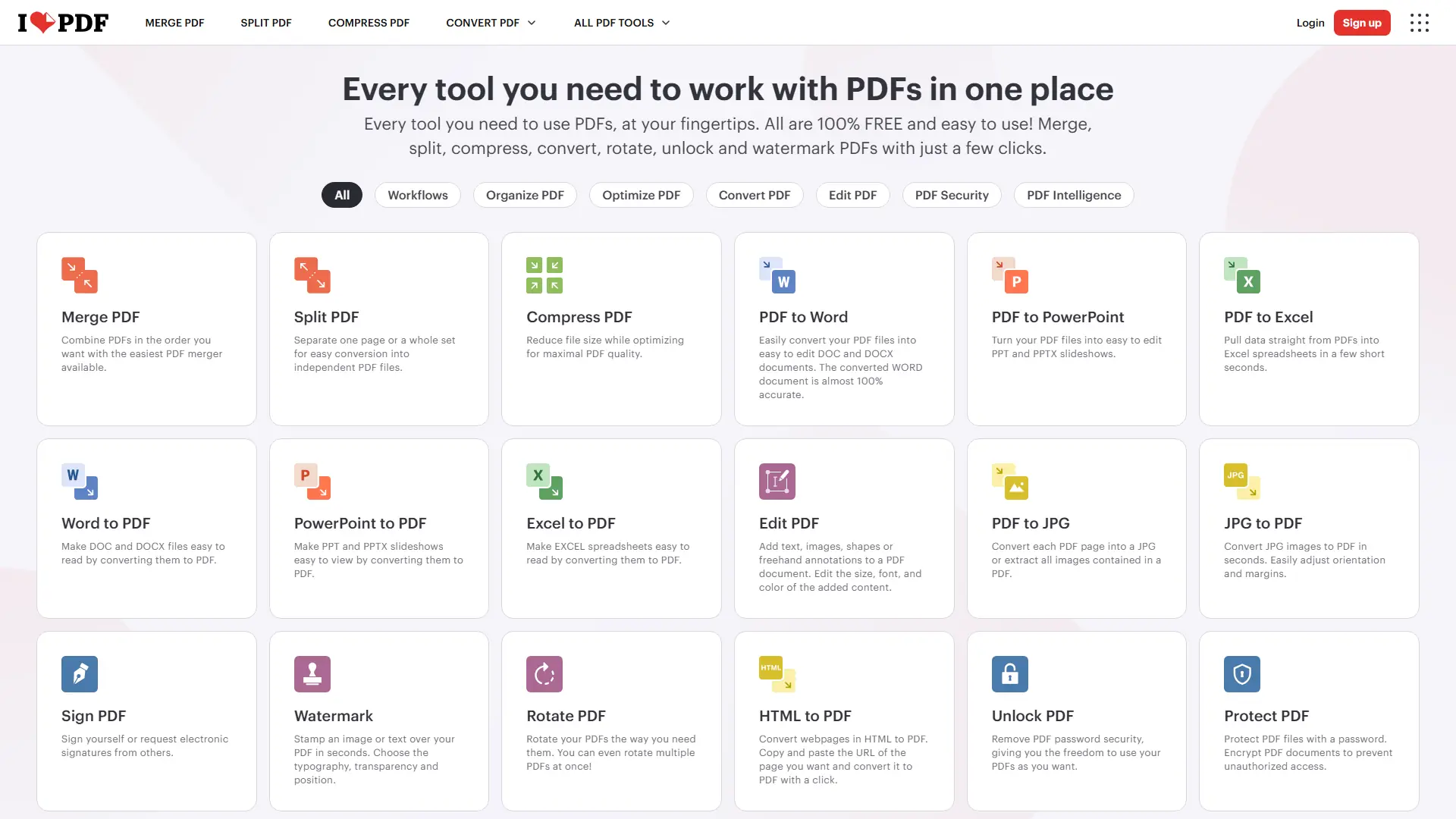

iLovePDF
iLovePDF is an online document platform for editing, converting, compressing, organizing, signing, securing, translating, and otherwise managing PDF files.
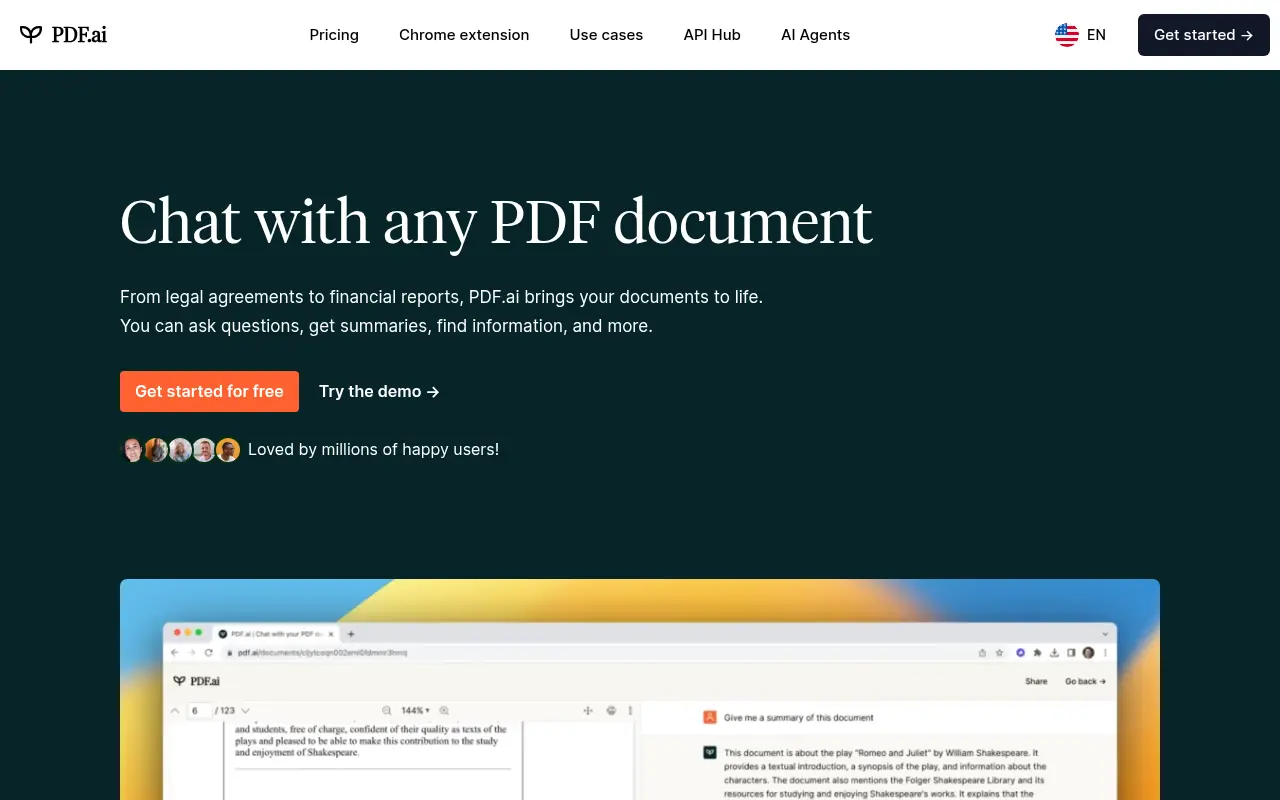

PDF.ai
PDF.ai is an AI-powered platform that enables users to interact with PDF documents through chat, summarization, and analysis for enhanced productivity.
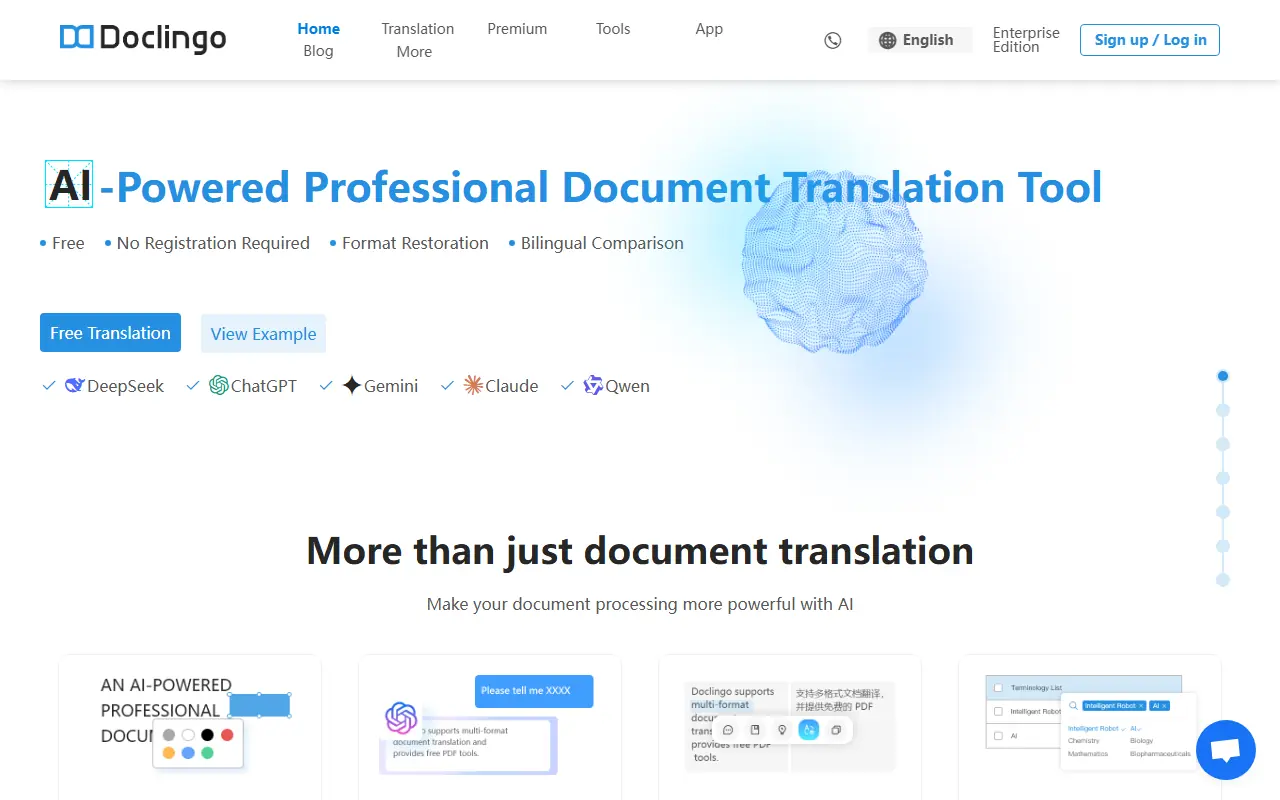

Doclingo
Doclingo is an AI-powered document translation tool that preserves original layouts while translating files into over 90 languages.

HiPDF
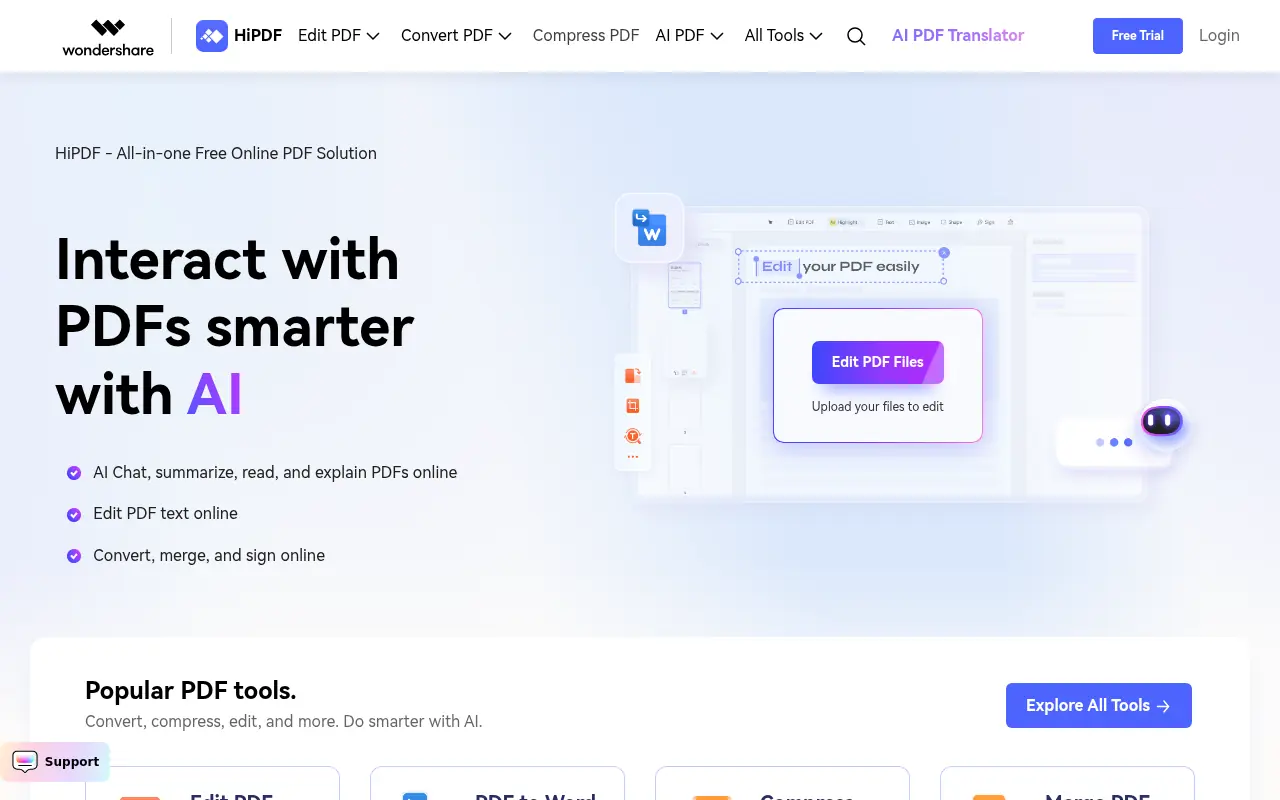
HiPDF is an AI-powered all-in-one online PDF solution that enables users to convert, edit, compress, merge, and manage PDF documents with advanced AI features.