

Hit'n'Mix
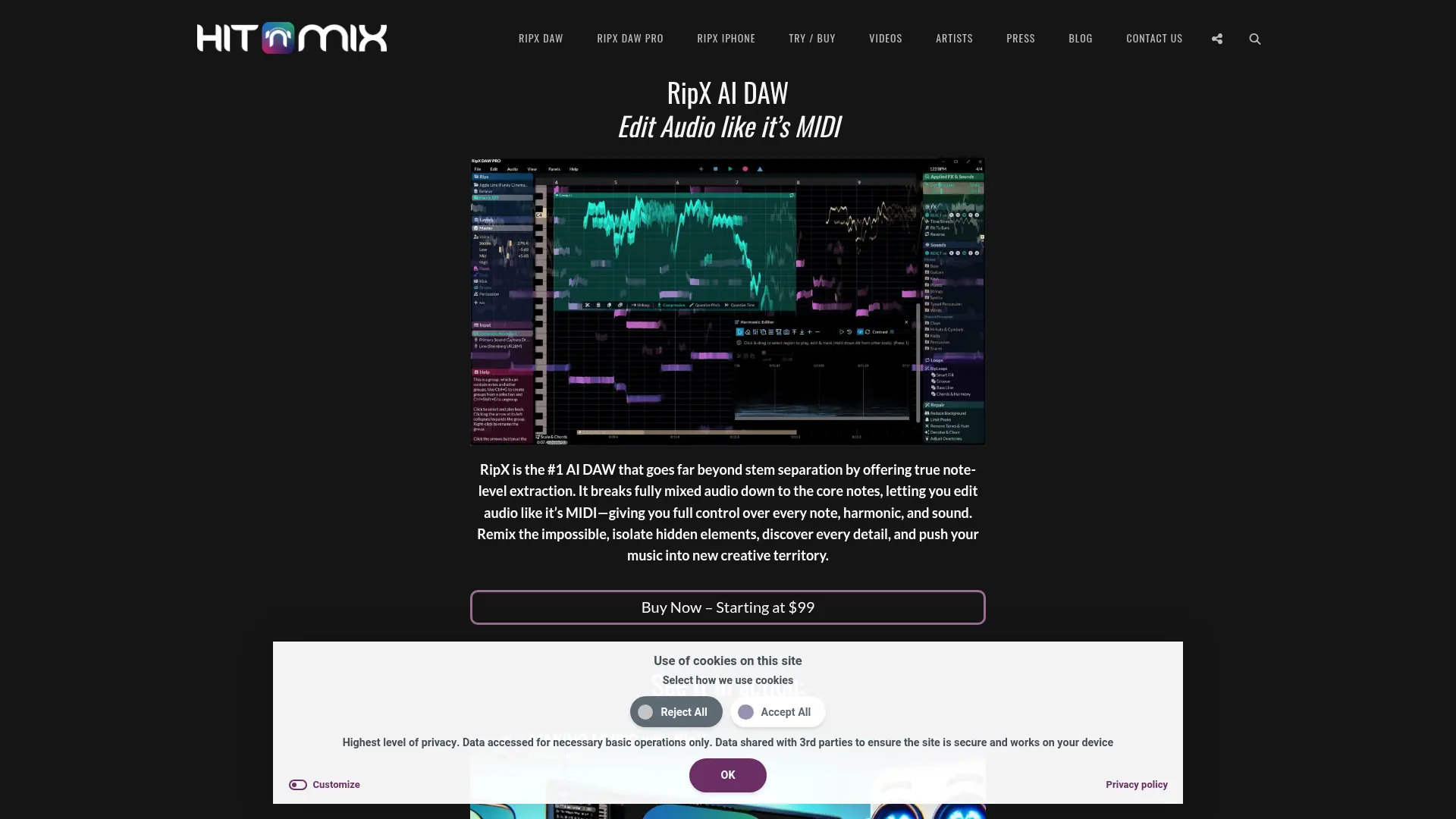
What is Hit'n'Mix?
Hit'n'Mix develops RipX DAW, an AI-powered desktop workstation for separating and editing mixed audio. Its technology extracts stems and individual notes, allowing users to manipulate audio with MIDI-like control. The software targets music producers, DJs, remixers, musicians, educators, and audio restoration professionals. Users can isolate vocals and instruments, change pitch and timing, export MIDI, create backing tracks, and reshape arrangements without original multitracks. RipX DAW PRO adds harmonic editing, advanced audio repair, Audioshop tools, and RipScripts for custom workflows.
How to use Hit'n'Mix?
1. Download RipX DAW for Windows or macOS and request the 21-day PRO trial or purchase an activation code. 2. Import an audio file, loop, or supported video and let RipX separate it into stems and note-level layers. 3. Edit, isolate, repair, remix, or export the resulting parts as audio or MIDI for your next production.
Hit'n'Mix's Core Features
AI Stem Separation: Split mixed recordings into vocals, instruments, percussion, bass, and other editable parts.
Note-Level Audio Editing: Adjust individual notes, harmonics, timing, pitch, volume, formant, and panning within a mixed recording.
MIDI Export: Convert extracted musical parts into MIDI files for use with synthesizers, notation software, and other DAWs.
Instrument Replacement: Replace extracted vocal or instrumental parts with different sounds while preserving the musical structure.
Remixing Tools: Copy, paste, combine, loop, transpose, and tempo-match layers to build new arrangements and mashups.
Audio Repair: Remove background noise, hum, tones, artifacts, and other unwanted elements from pitched and unpitched audio.
Harmonic Editor: Reshape the harmonics of individual notes to alter timbre, restore bass presence, or create new sounds.
Audioshop Tools: Draw, split, join, clone, smooth, and apply pitch or modulation patterns to detailed audio layers.
DAW Integration: Connect RipX DAW PRO with supported Pro Tools, Studio One, Cubase, Nuendo, Reaper, and Cakewalk workflows.
RipScripts: Build custom audio tools inside RipX DAW PRO using its included scripting language.
Hit'n'Mix's Use Cases
- #1
Music producers extracting vocals, drums, bass, and instruments from mastered songs for remix projects
- #2
DJs creating acapellas, mashups, backing tracks, and tempo-matched samples from existing recordings
- #3
Musicians isolating song parts, viewing notes and chords, and practicing against custom backing tracks
- #4
Songwriters converting extracted audio parts into MIDI for arrangement, composition, or virtual-instrument replacement
- #5
Audio professionals repairing noisy dialogue, hum, artifacts, and damaged pitched or unpitched recordings
- #6
Educators helping students analyze melodies, harmonies, instrumentation, and song arrangements
- #7
Creators reshaping AI-generated music by separating parts and editing individual notes, harmonics, and sounds
Frequently Asked Questions
Analytics of Hit'n'Mix
Monthly Visits Trend: Jun 2025 - Aug 2026
Traffic Sources
AI Channel Traffic Trends
Top Regions
| Region | Traffic Share |
|---|---|
| United States | 34.66% |
| Japan | 6.82% |
| Netherlands | 5.76% |
| Mexico | 5.11% |
| Brazil | 5.10% |
Top Keywords
| Keyword | Traffic | CPC |
|---|---|---|
| ripx daw | 7.7K | $1.27 |
| ripx | 3.5K | $1.27 |
| ripx daw pro | 960 | $1.10 |
| ripx deep remix для чего | 1.8K | -- |
| ripxdaw_8.03 | -- | -- |
Alternative of Hit'n'Mix
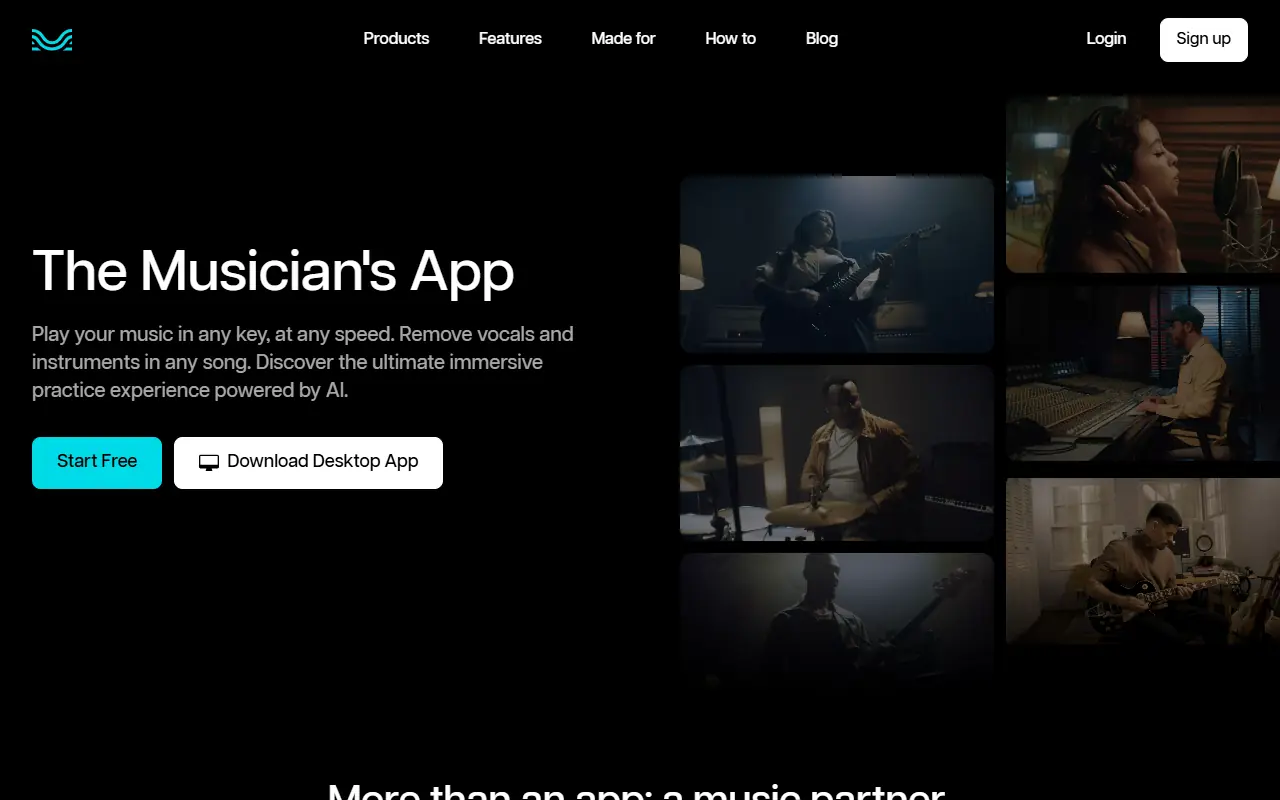

Moises
Moises uses AI to separate, edit, and enhance audio tracks for musicians and producers.
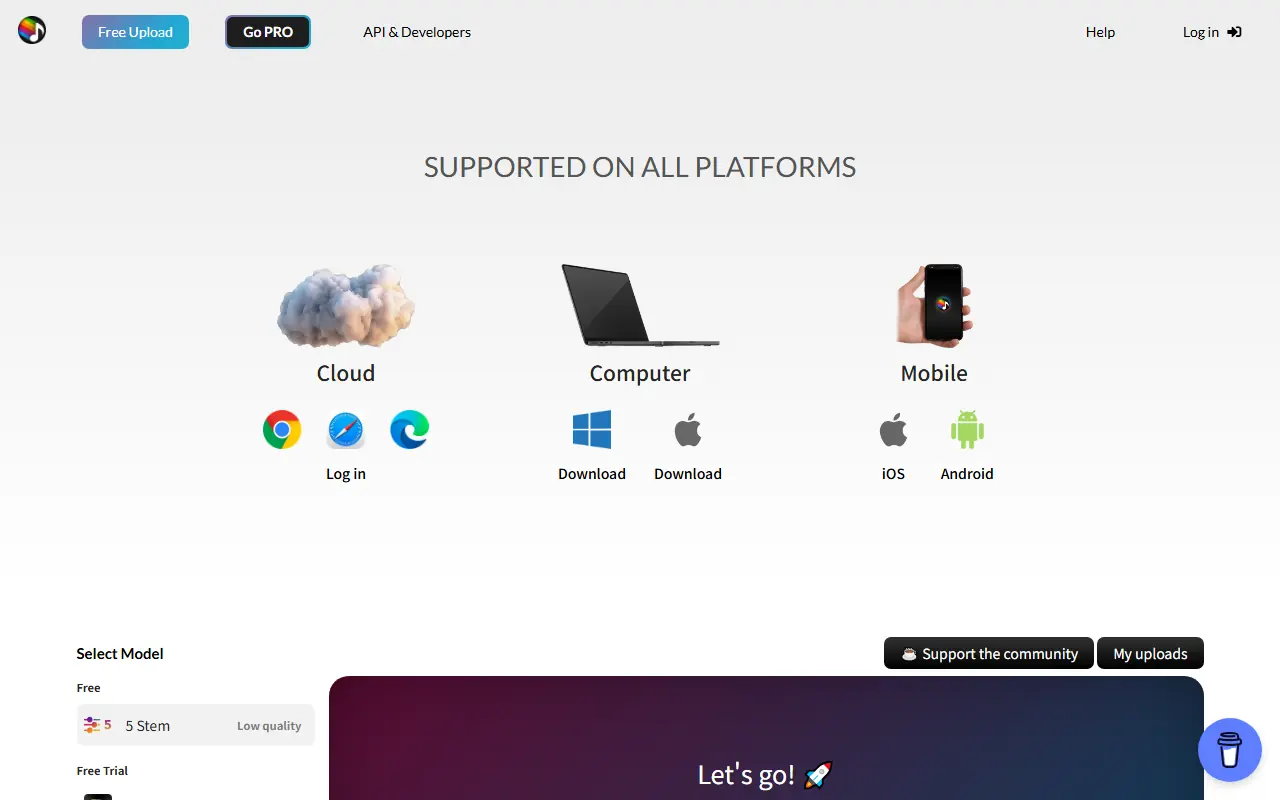

Splitter.ai
Splitter.ai is an AI-driven platform that separates mixed audio tracks into individual stems like vocals, drums, bass, and instruments for music production and remixing.
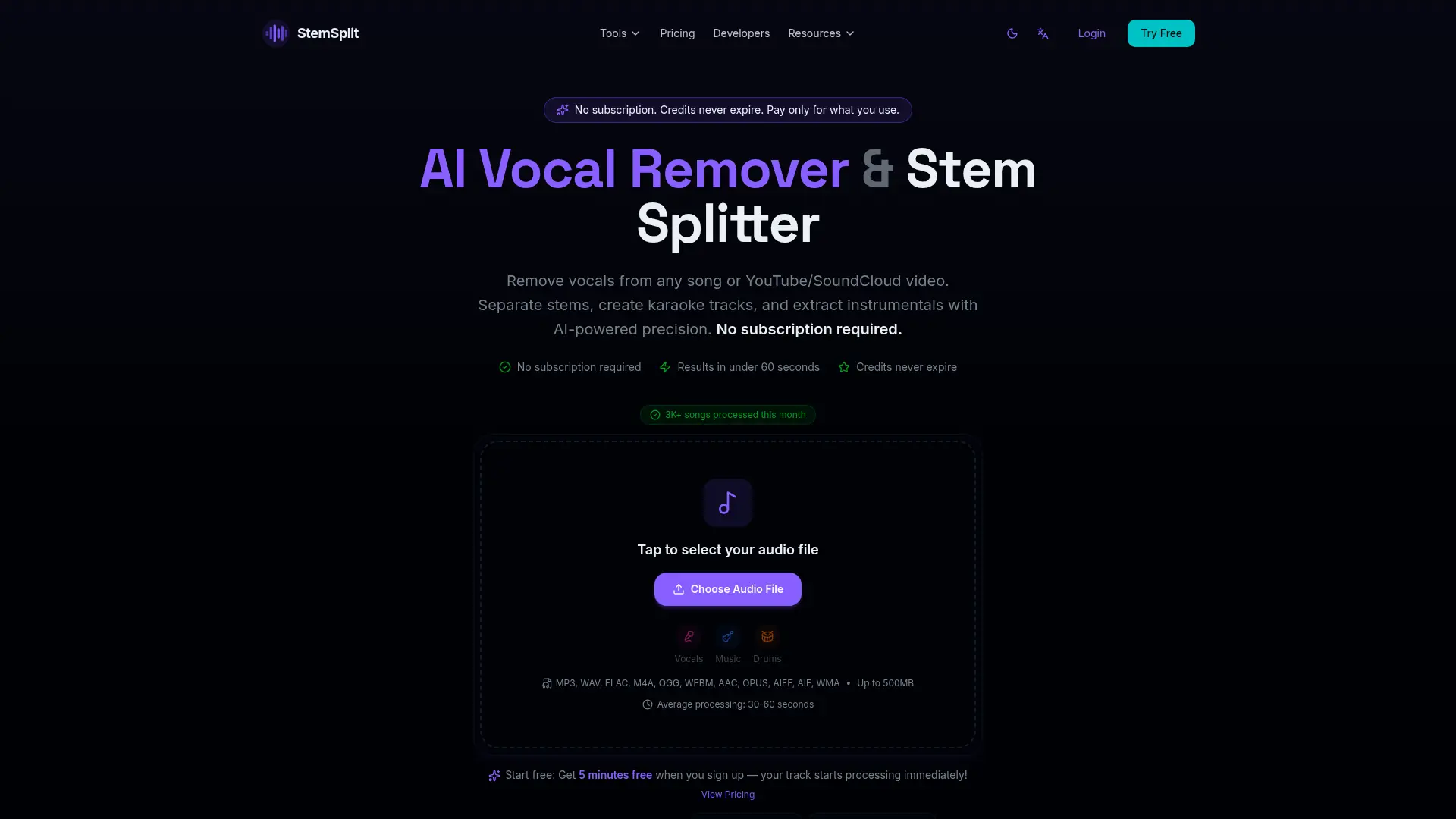

StemSplit
Separate vocals and instruments from songs quickly for karaoke, remixes, practice tracks, content, and music production.

Lalal.ai
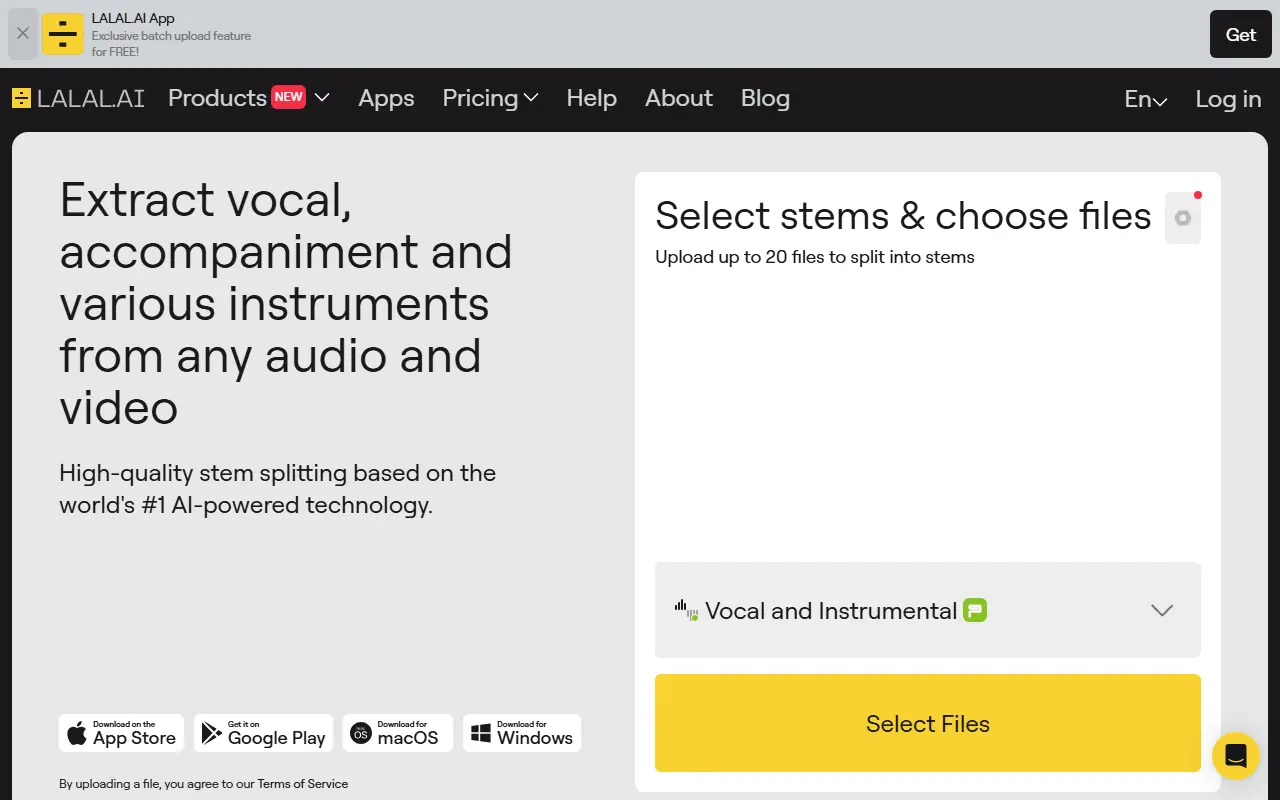
Lalal.ai is an AI-powered audio processing platform specializing in vocal and instrumental track separation and enhancement.

Music AI
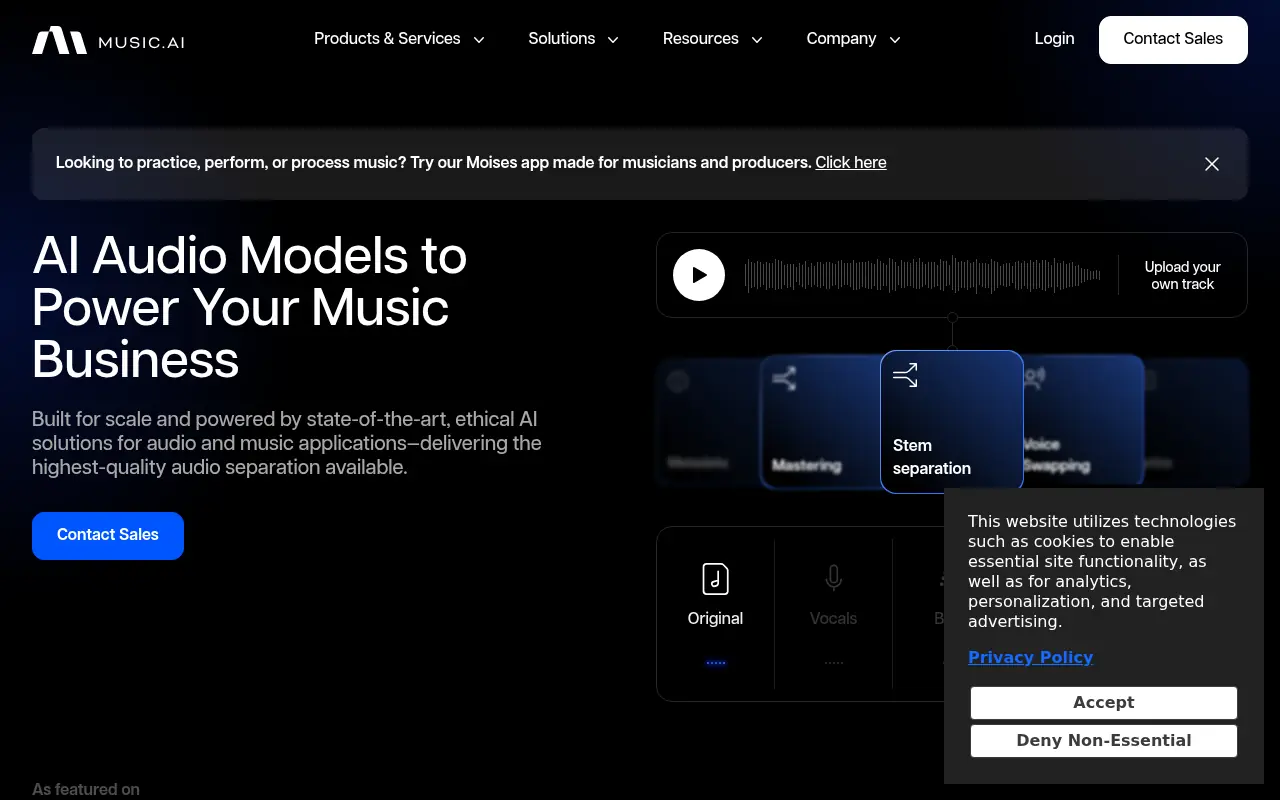
Music AI provides state-of-the-art, ethical AI solutions for audio and music applications, including stem separation, voice transfers, and metadata classification, to empower businesses and creators in audio production.

Chord ai
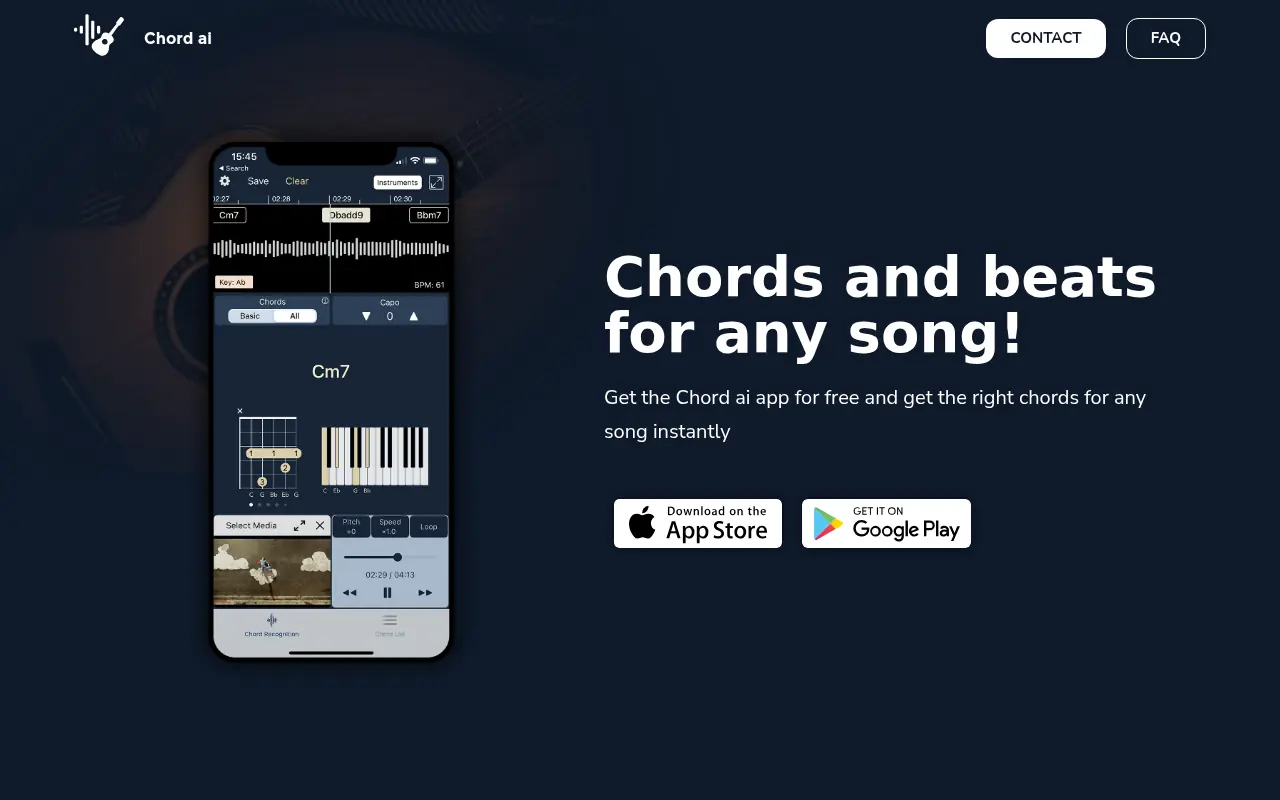
Chord ai is an AI-powered music application that instantly recognizes chords, beats, and lyrics from audio files, streaming services, or live music.

Fadr
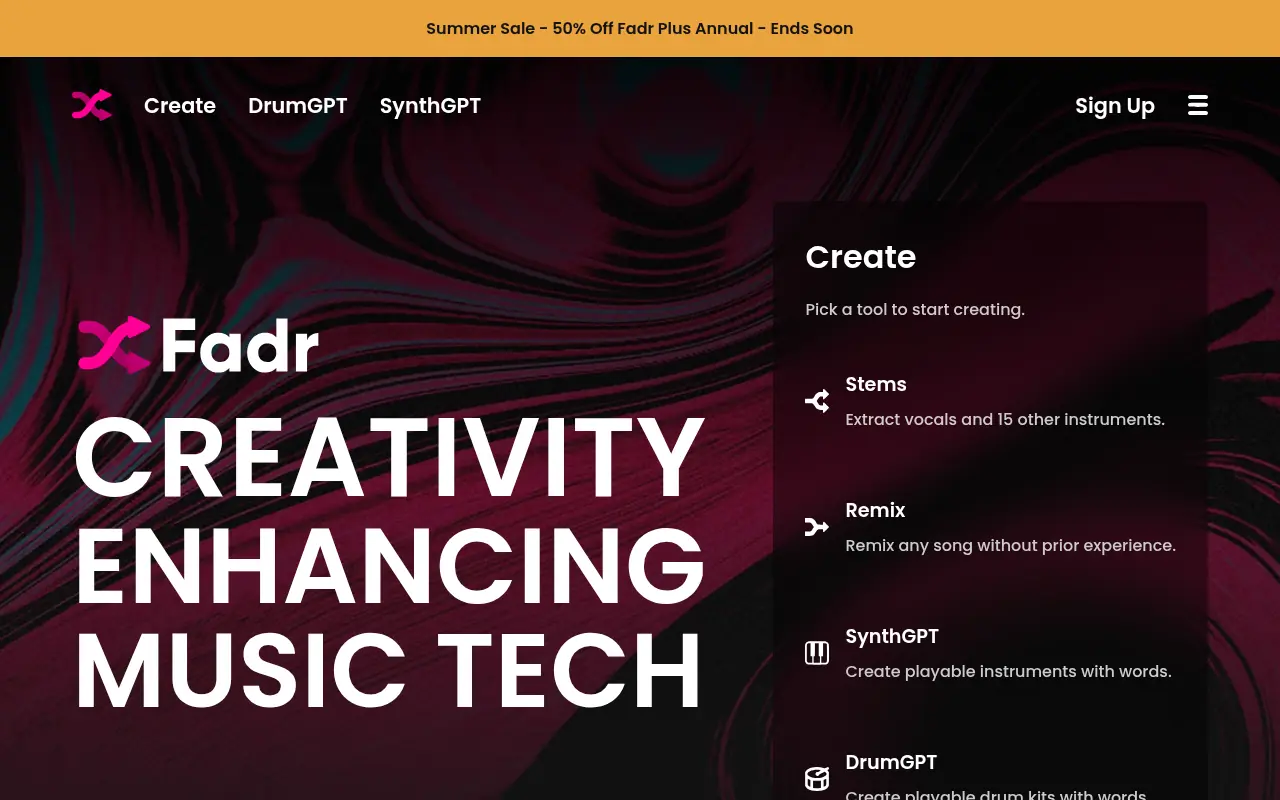
Fadr is an AI-powered music creation platform for remixing, stem separation, and DJing.

AudioCleaner AI
AudioCleaner AI is a free online tool that uses artificial intelligence to automatically remove background noise from audio and video files while isolating vocals and instrumentals.