

Griddy
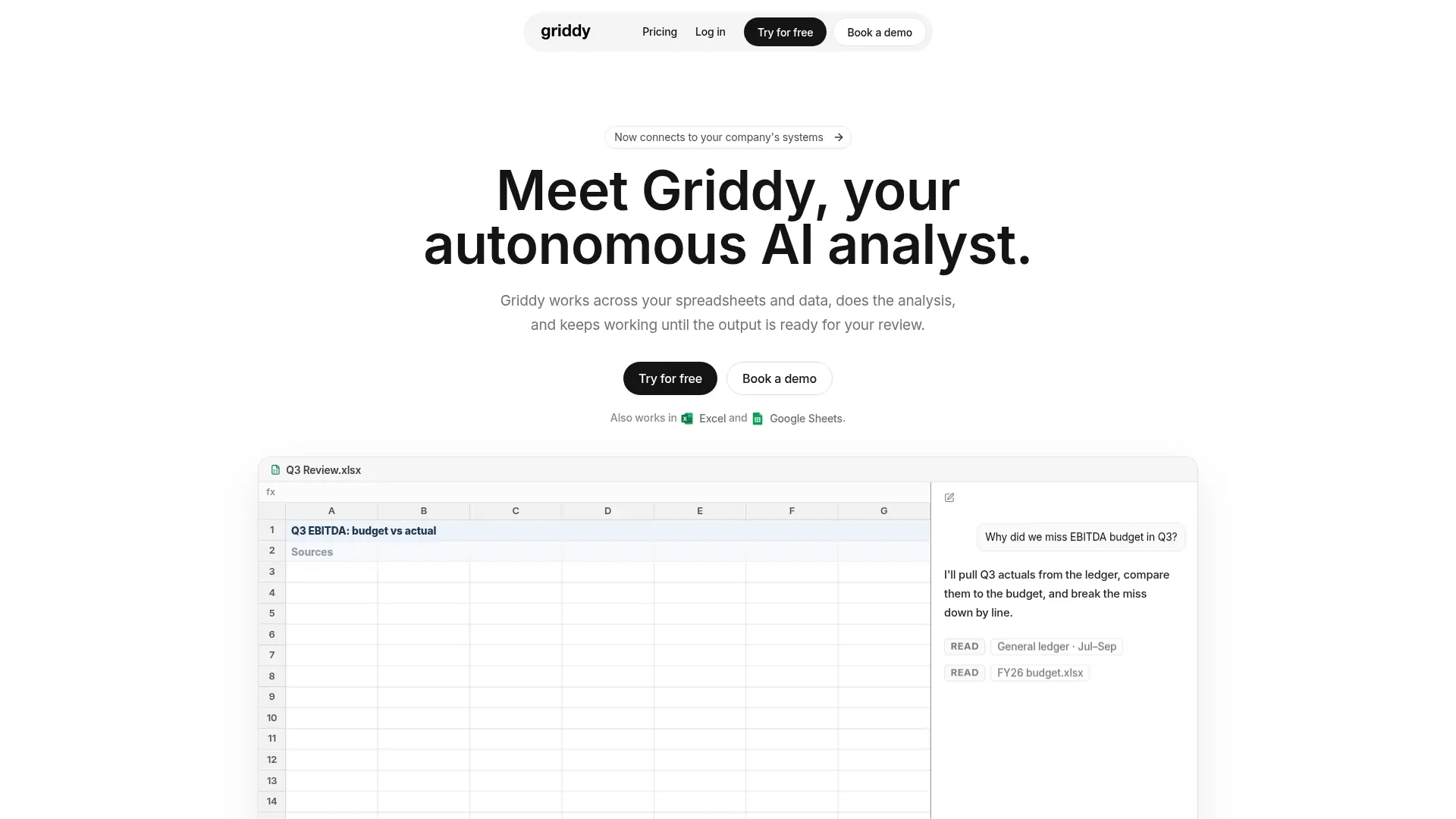
What is Griddy?
Griddy is an AI analyst and spreadsheet assistant for business users, operators, and finance teams. It works in its browser spreadsheet and through Excel and Google Sheets add-ins. Users describe an outcome and inspect the formulas, tables, charts, or other changes produced in the workbook. The product also presents company-data analysis workflows that connect spreadsheet reporting with business systems. Its emphasis on editable grid results lets users continue reviewing and adjusting the work after an AI request.
How to use Griddy?
- Open Griddy in the browser or install its Excel or Google Sheets add-in, then sign in.
- Select or identify the relevant cells and describe one specific change or analysis.
- Inspect the formulas, ranges, and results, then refine the request or undo an unsuitable change.
Griddy's Core Features
Formula Assistance: Write, fill, explain, or repair formulas across specified ranges.
Data Cleanup: Trim text, split columns, standardize values, and remove duplicates.
Spreadsheet Formatting: Apply number formats, headers, borders, and supported conditional rules.
Editable Charts and Pivots: Create spreadsheet objects from a defined source range.
Workbook Construction: Build tables, summaries, and connected multi-sheet workflows.
Conversational Analysis: Ask questions and receive summaries based on spreadsheet data.
Spreadsheet Add-Ins: Work within Excel or Google Sheets alongside existing workbooks.
Griddy's Use Cases
- #1
Operations teams can remove duplicates and standardize a messy imported table.
- #2
Spreadsheet beginners can request formulas without first learning their full syntax.
- #3
Analysts can create an editable chart or pivot from a defined data range.
- #4
Finance teams can prepare multi-sheet summaries and inspect the resulting calculations.
- #5
Managers can ask questions about workbook data while keeping the underlying grid available for review.
Frequently Asked Questions
Analytics of Griddy
Monthly Visits Trend: Jan 2026 - Oct 2026
Traffic Sources
Top Regions
| Region | Traffic Share |
|---|---|
| Qatar | 40.38% |
| India | 20.74% |
| Brazil | 17.34% |
| United States | 13.57% |
| Philippines | 2.28% |
Top Keywords
| Keyword | Traffic | CPC |
|---|---|---|
| griddy web | 330 | -- |
| getgriddy.ai | 810 | $4.10 |
| griddy ai | 380 | $0.31 |
| getgriddy ai | 270 | -- |
| griddy | 13.8K | $2.64 |
Alternative of Griddy


Coefficient
Coefficient enables users to connect data sources and automate live data workflows directly within Google Sheets and Excel.
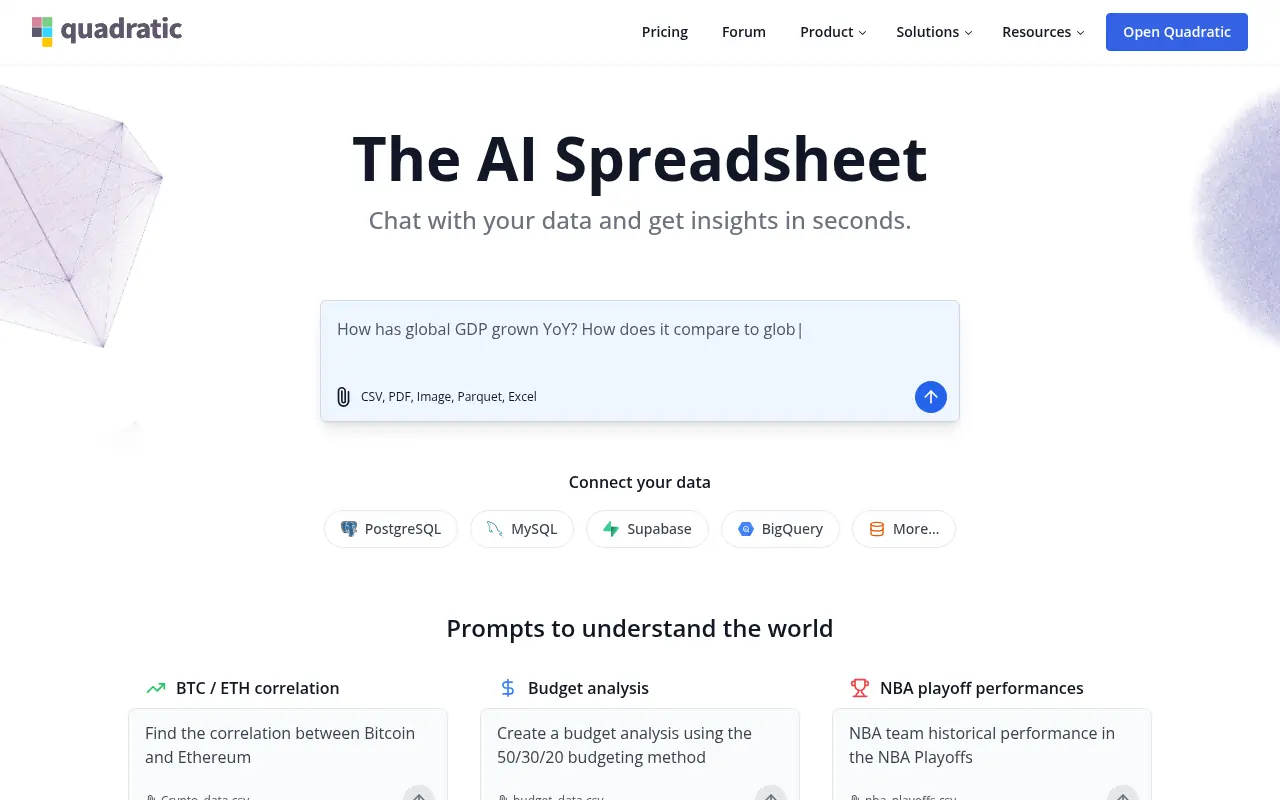

Quadratic
Quadratic is an AI-powered spreadsheet platform that combines infinite canvas spreadsheets with Python, SQL, and AI tools for advanced data analysis and visualization.
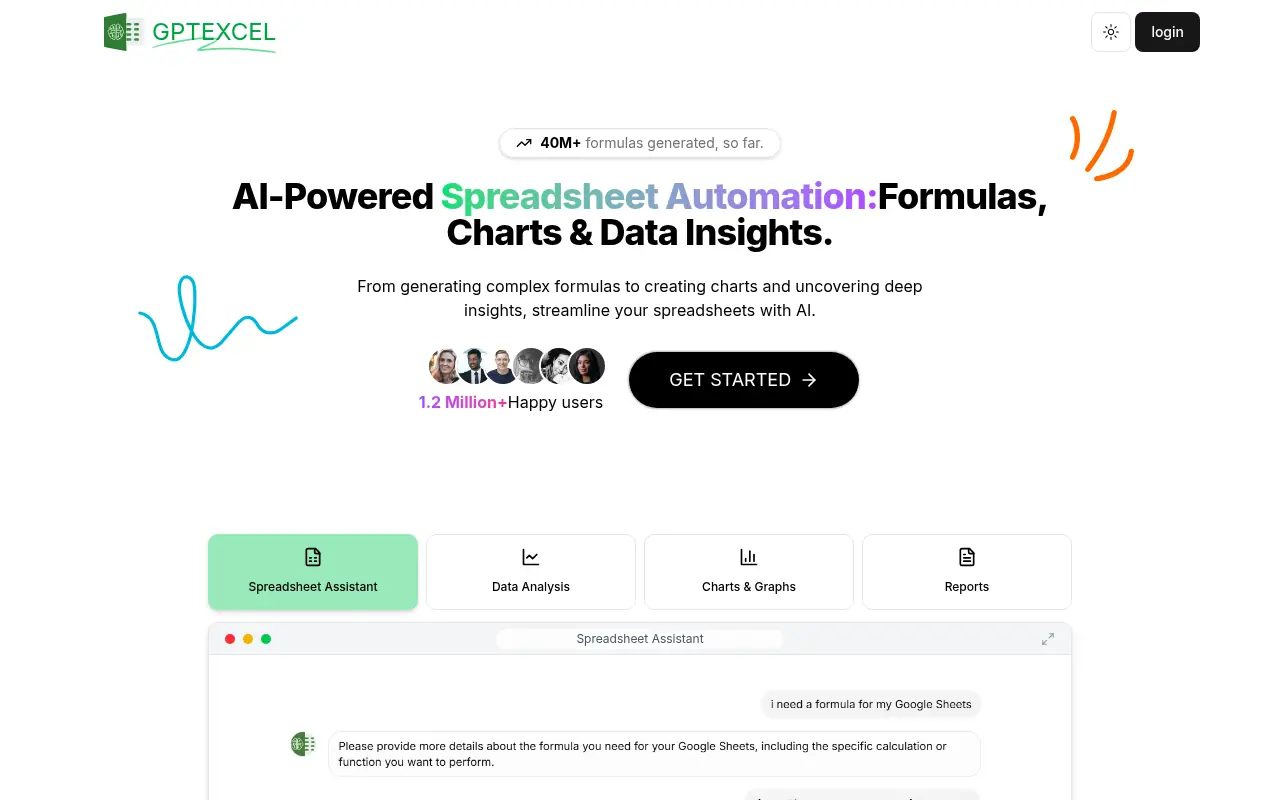

GPTExcel
GPTExcel is an AI-powered tool that simplifies spreadsheet tasks by generating formulas, scripts, and data insights for Excel, Google Sheets, and Airtable.
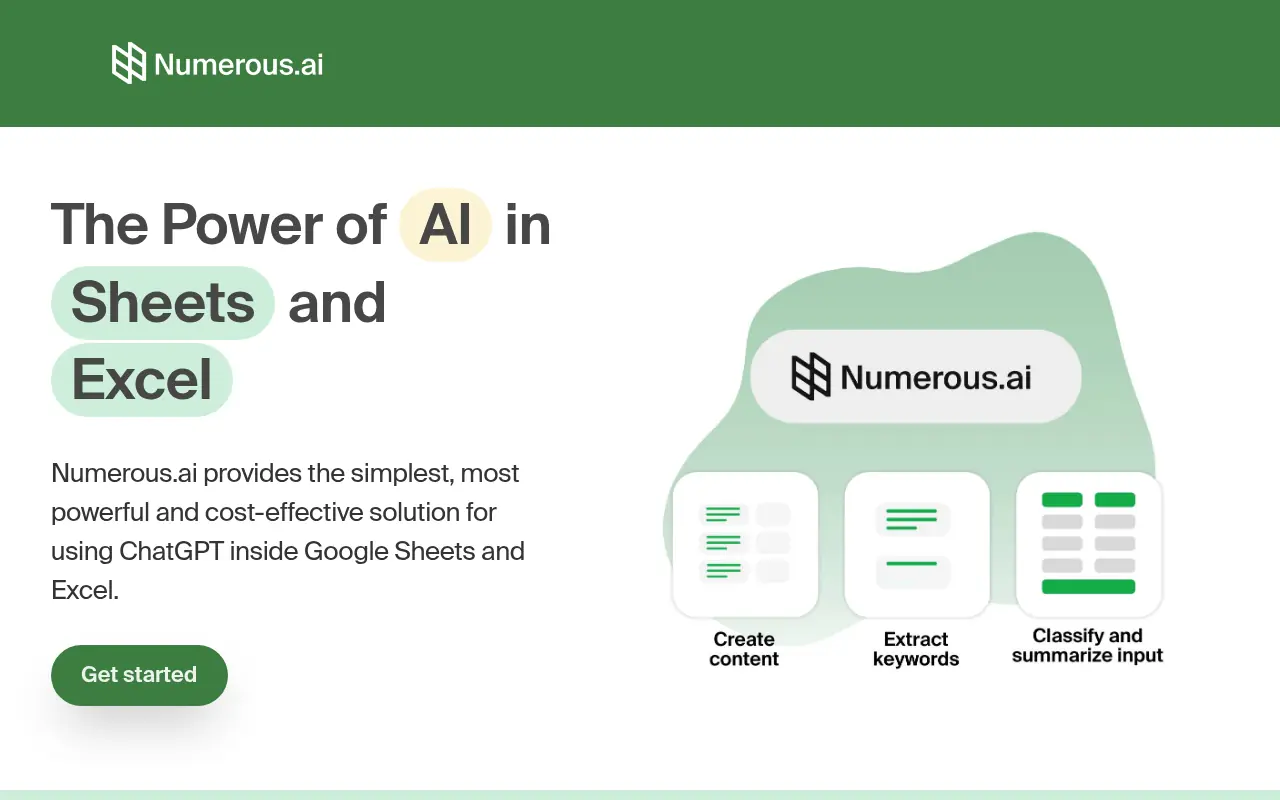

Numerous.ai
Numerous.ai is an AI-powered plugin that integrates advanced AI capabilities directly into spreadsheets like Google Sheets and Microsoft Excel, enabling users to automate tasks, generate content, and analyze data efficiently.
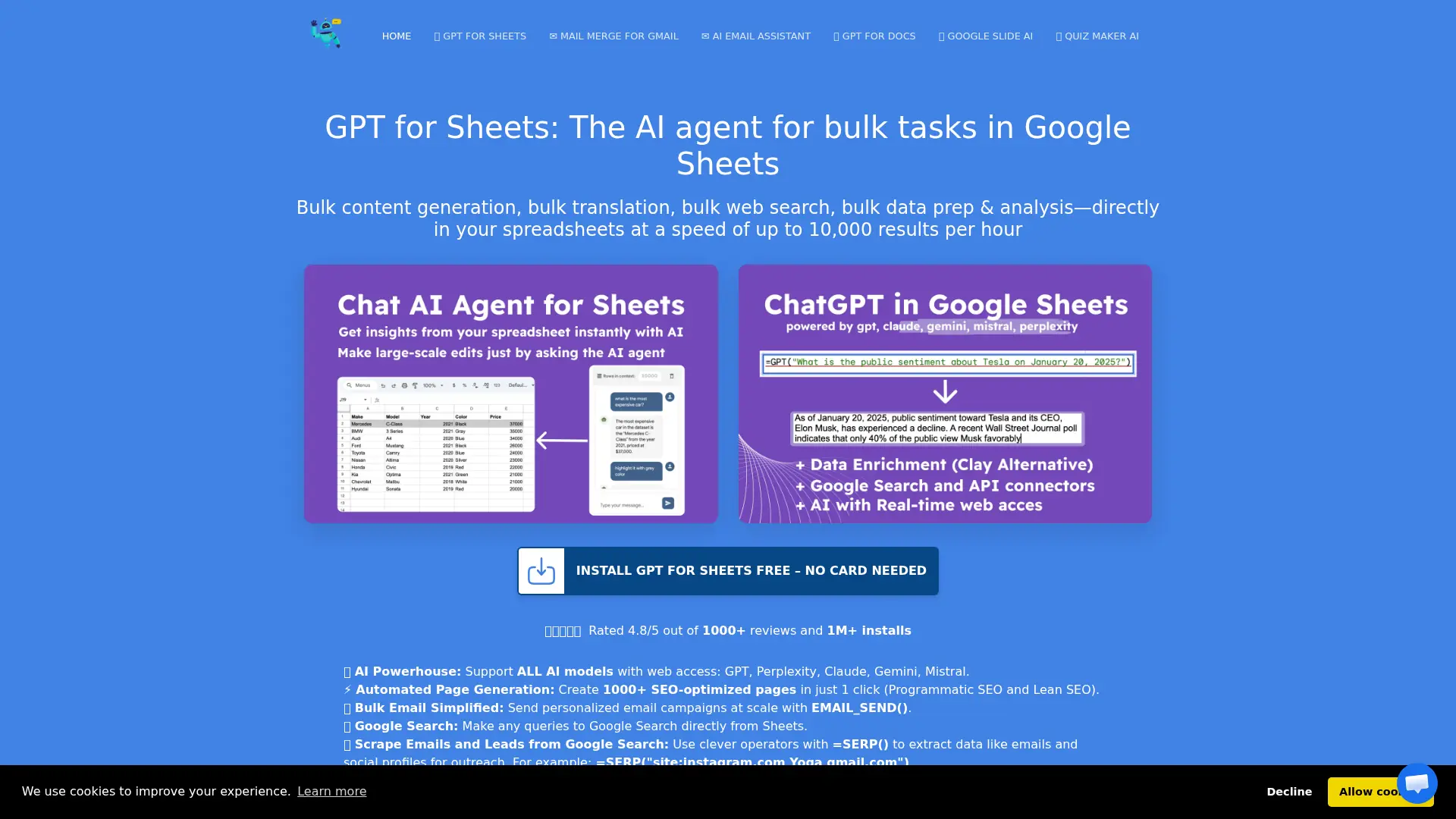

DocGPT.ai
Automate AI writing, research, enrichment, email, presentations, and data workflows directly inside Google Workspace.
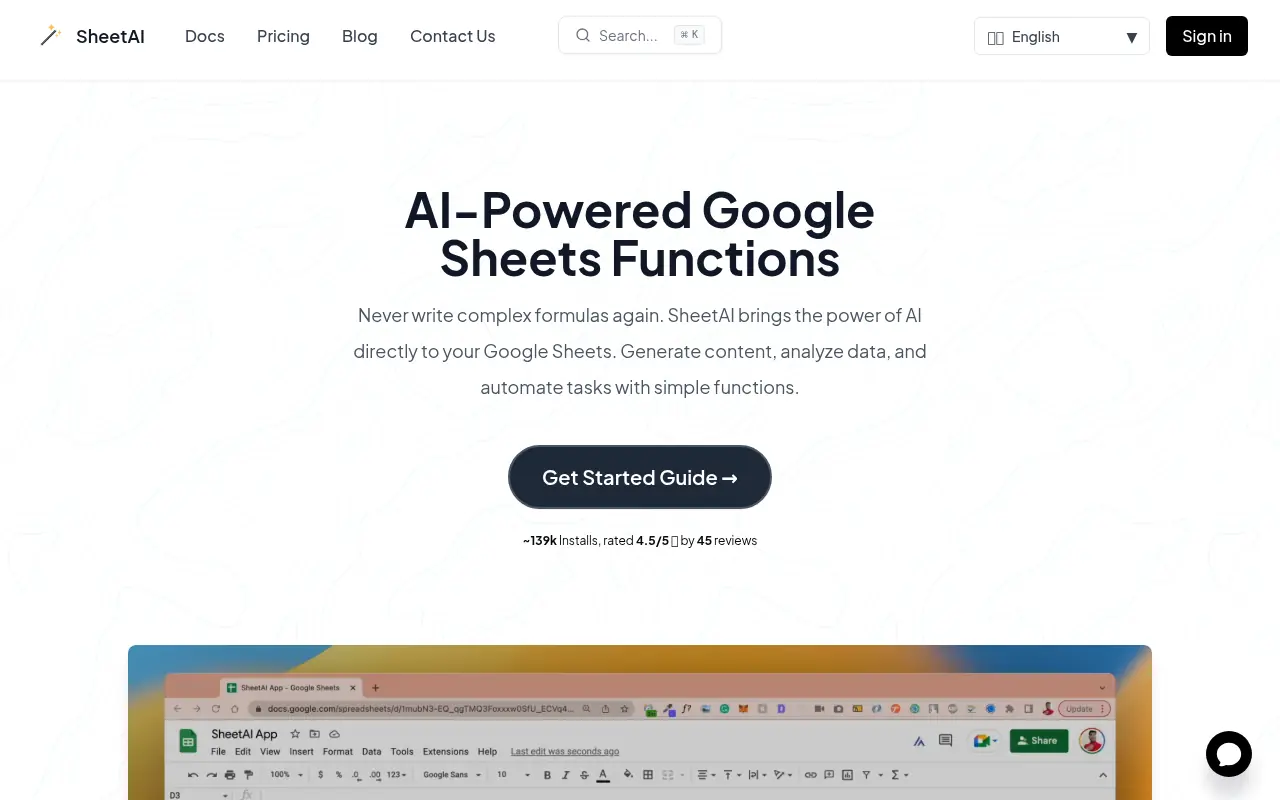

SheetAI
SheetAI brings the power of artificial intelligence directly into Google Sheets, enabling users to generate content, analyze data, and automate complex spreadsheet tasks with simple, intuitive functions.


Formula Bot
Formula Bot is an AI-powered platform that simplifies data analysis and spreadsheet tasks by generating formulas, visualizations, and insights from natural language inputs.
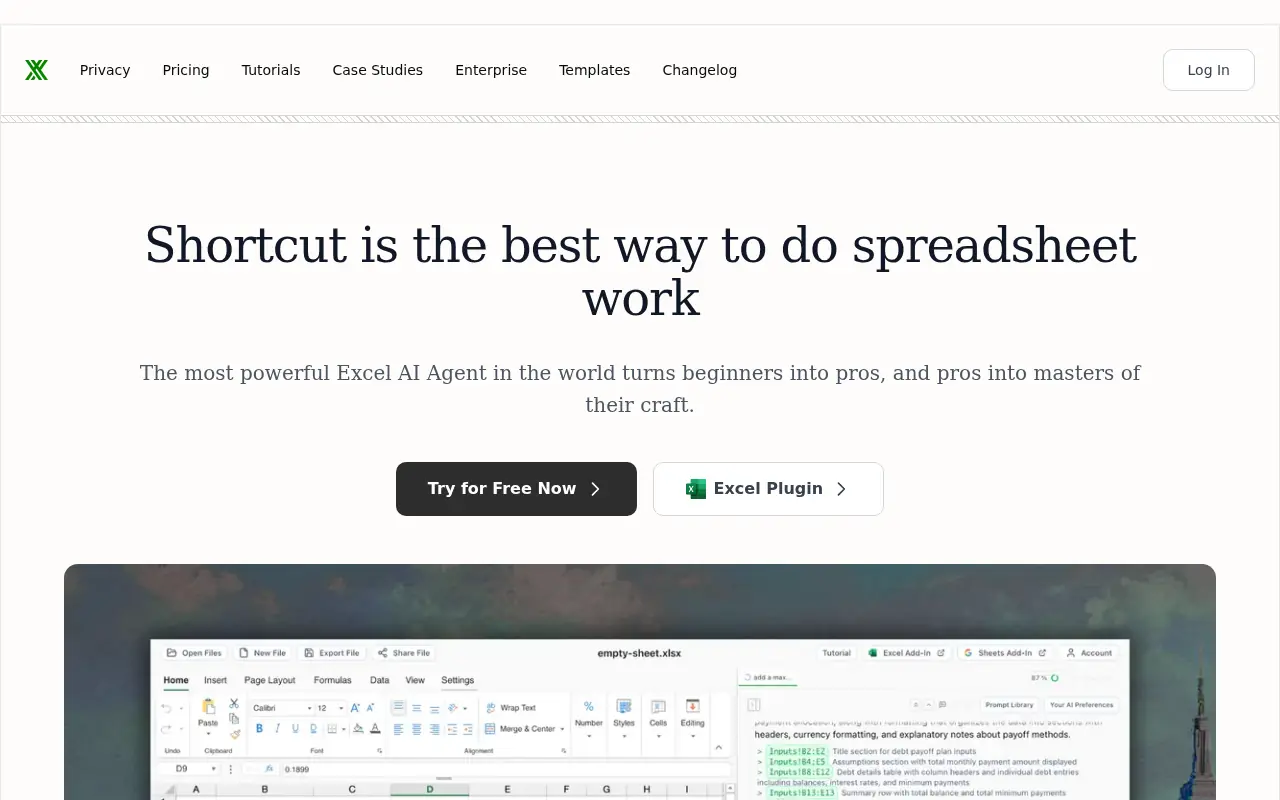

Shortcut AI
Shortcut is an AI-powered Excel agent designed to automate complex spreadsheet workflows, build financial models, and analyze data through natural language commands.