

DocGPT.ai
What is DocGPT.ai?
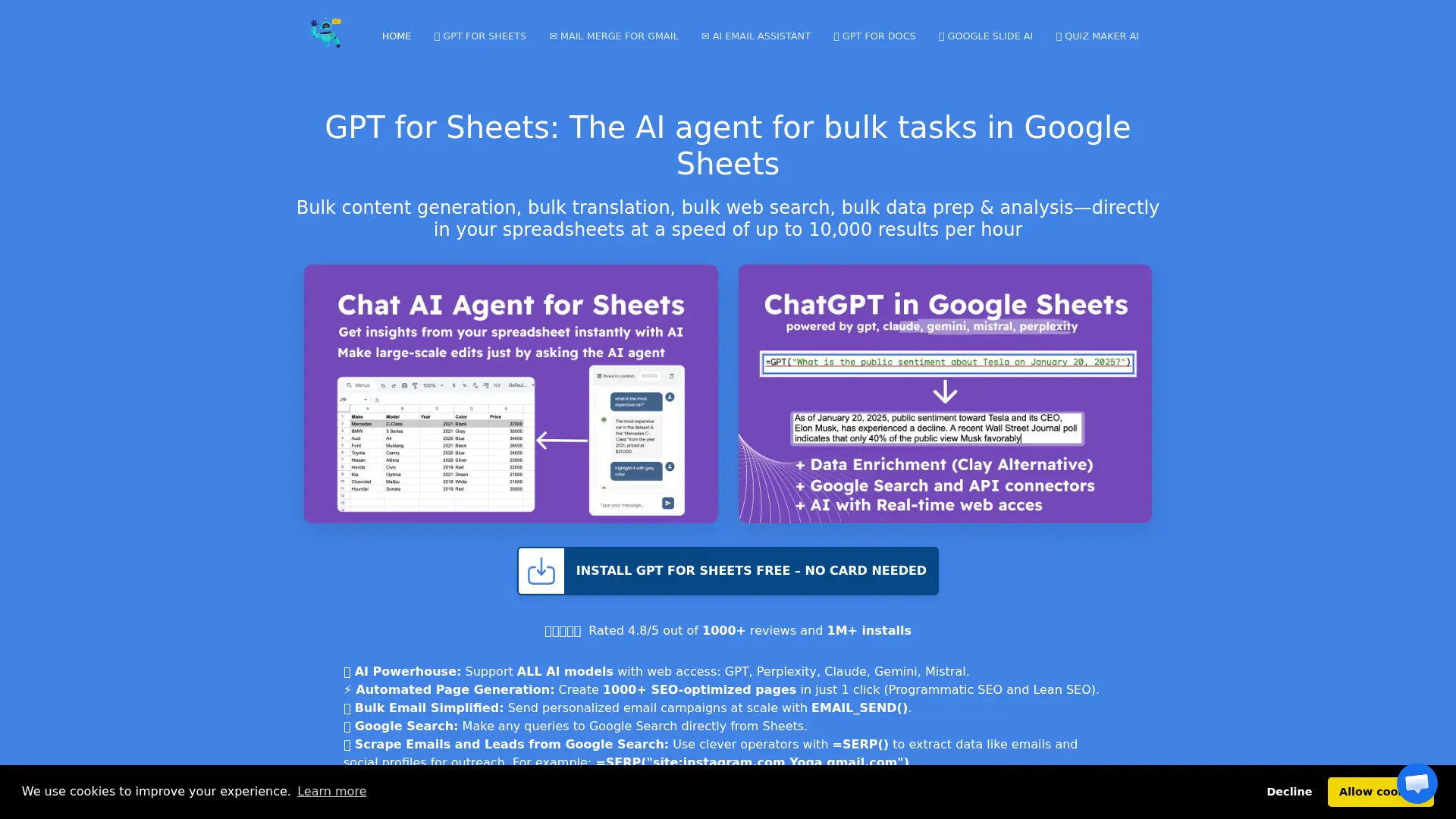
DocGPT.ai is a suite of AI add-ons for Google Workspace, including tools for Sheets, Docs, Gmail, Slides, and Forms. It brings models such as GPT, Claude, Gemini, Mistral, Perplexity, and other providers into familiar Google applications. Users can generate content, translate text, summarize information, research websites, enrich leads, analyze spreadsheet data, create presentations, and draft emails. The platform is designed for marketers, sales teams, recruiters, educators, content creators, and other Google Workspace users who need repeatable productivity workflows. Its main differentiator is spreadsheet-native bulk processing combined with multi-model AI access and web research functions.
How to use DocGPT.ai?
1. Install the relevant DocGPT.ai add-on from the Google Workspace Marketplace and sign in with your Google account. 2. Open Sheets, Docs, Gmail, Slides, or Forms, then choose a tool or enter a prompt, formula, or source document. 3. Review the generated result, edit it within Google Workspace, and export, send, or reuse it in your workflow.
DocGPT.ai's Core Features
Multi-model AI access: Run GPT, Claude, Gemini, Mistral, Perplexity, Grok, DeepSeek, OpenRouter, and other supported models within Google Workspace workflows.
Bulk spreadsheet formulas: Process hundreds or thousands of spreadsheet rows for generation, translation, extraction, classification, tagging, formatting, and summarization.
Web research functions: Search Google, inspect website content, scrape page elements, and turn online research into structured spreadsheet data.
Lead enrichment integrations: Combine Google Sheets with services such as Apollo, Hunter, Prospeo, LeadMagic, Google Maps, and Mailchimp for prospecting workflows.
SEO content automation: Generate metadata, product descriptions, keyword research outputs, content briefs, competitor insights, and large batches of optimized pages.
AI email assistance: Draft replies, rewrite tone, translate messages, summarize threads, create follow-ups, and reuse templates directly inside Gmail.
Presentation generation: Create native Google Slides decks from topics, notes, outlines, or text, then edit and export them through Google Slides.
AI quiz creation: Generate quizzes and Google Forms from supplied content while customizing question counts, answer choices, and supported languages.
DocGPT.ai's Use Cases
- #1
Enriching B2B lead lists in Google Sheets with company data, emails, phone numbers, and personalized outreach angles
- #2
Generating SEO metadata, product descriptions, keyword clusters, and programmatic content pages from spreadsheet rows
- #3
Cleaning, classifying, extracting, formatting, and summarizing large datasets without leaving Google Sheets
- #4
Drafting, rewriting, translating, and summarizing Gmail messages for customer support, sales, and recruiting
- #5
Creating editable Google Slides presentations from a topic, outline, notes, or pasted source material
- #6
Building AI-generated quizzes and forms from educational or training content
- #7
Running web searches, website scraping, Google Maps research, and competitor analysis from spreadsheet formulas
- #8
Generating personalized Gmail mail-merge campaigns from contacts and fields stored in Google Sheets
Frequently Asked Questions
Analytics of DocGPT.ai
Monthly Visits Trend: Jun 2025 - Aug 2026
Traffic Sources
Top Regions
| Region | Traffic Share |
|---|---|
| United States | 21.13% |
| Vietnam | 9.96% |
| Mexico | 8.56% |
| Brazil | 7.25% |
| Germany | 6.92% |
Top Keywords
| Keyword | Traffic | CPC |
|---|---|---|
| claude for sheets | 4.9K | $5.25 |
| claude for sheets extension | 1.1K | -- |
| claude google sheet function translate | 50 | -- |
| dialy google indexing report visualization google sheets | 50 | -- |
| mail merge gmail sheets | 540 | $0.81 |
Alternative of DocGPT.ai

SheetAI
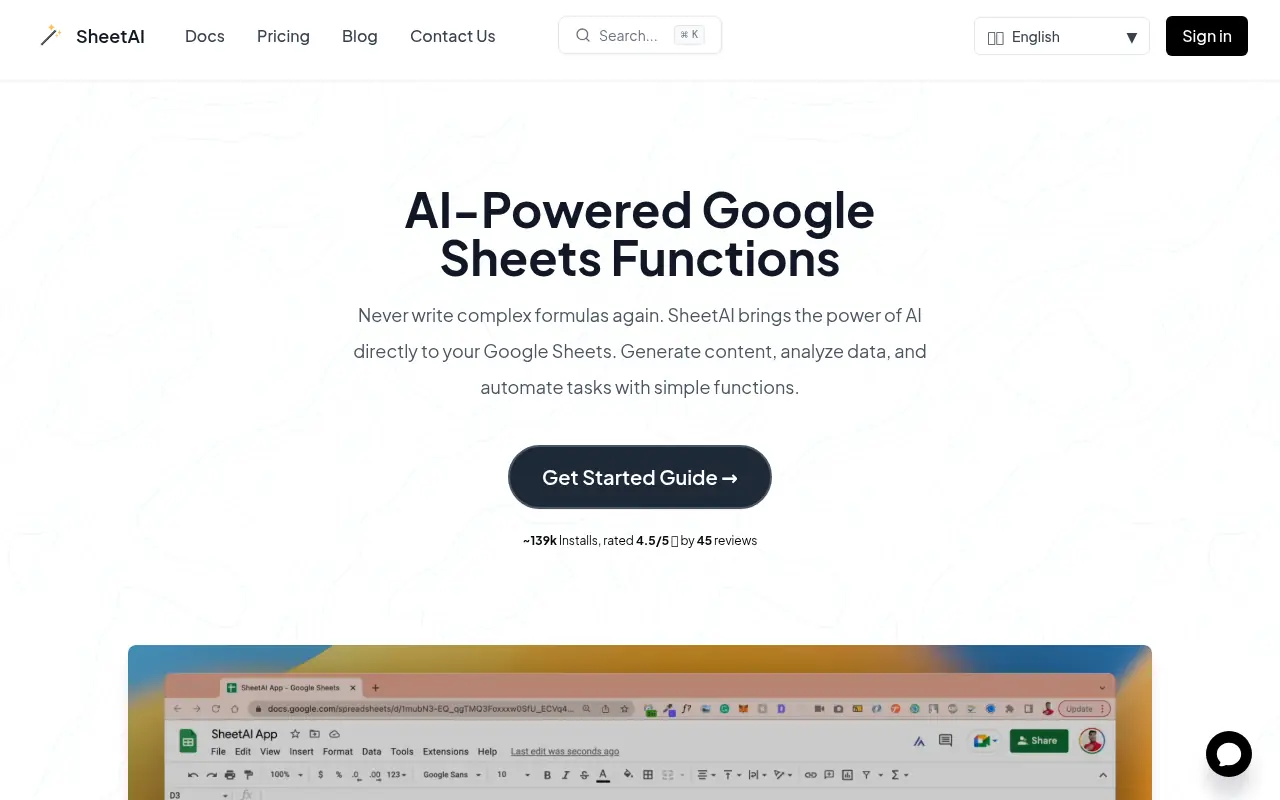
SheetAI brings the power of artificial intelligence directly into Google Sheets, enabling users to generate content, analyze data, and automate complex spreadsheet tasks with simple, intuitive functions.

Numerous.ai
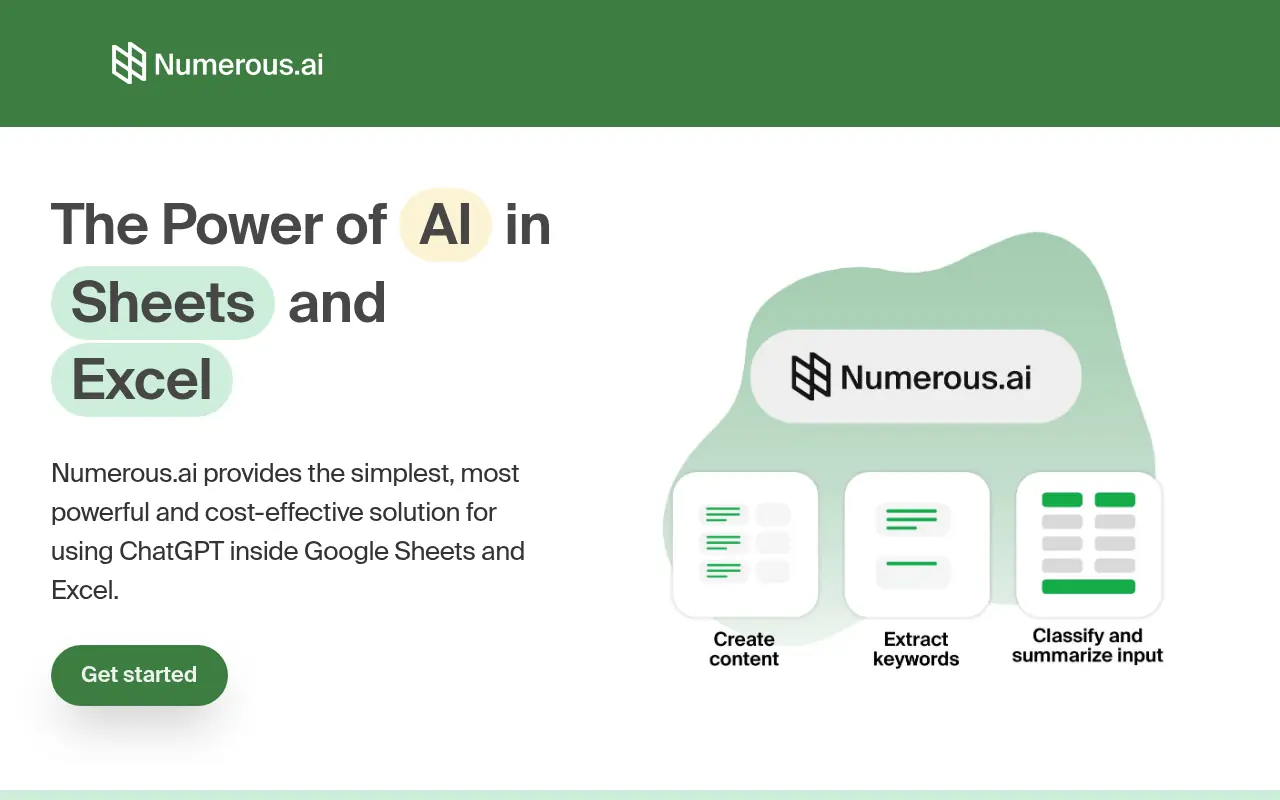
Numerous.ai is an AI-powered plugin that integrates advanced AI capabilities directly into spreadsheets like Google Sheets and Microsoft Excel, enabling users to automate tasks, generate content, and analyze data efficiently.

Quadratic
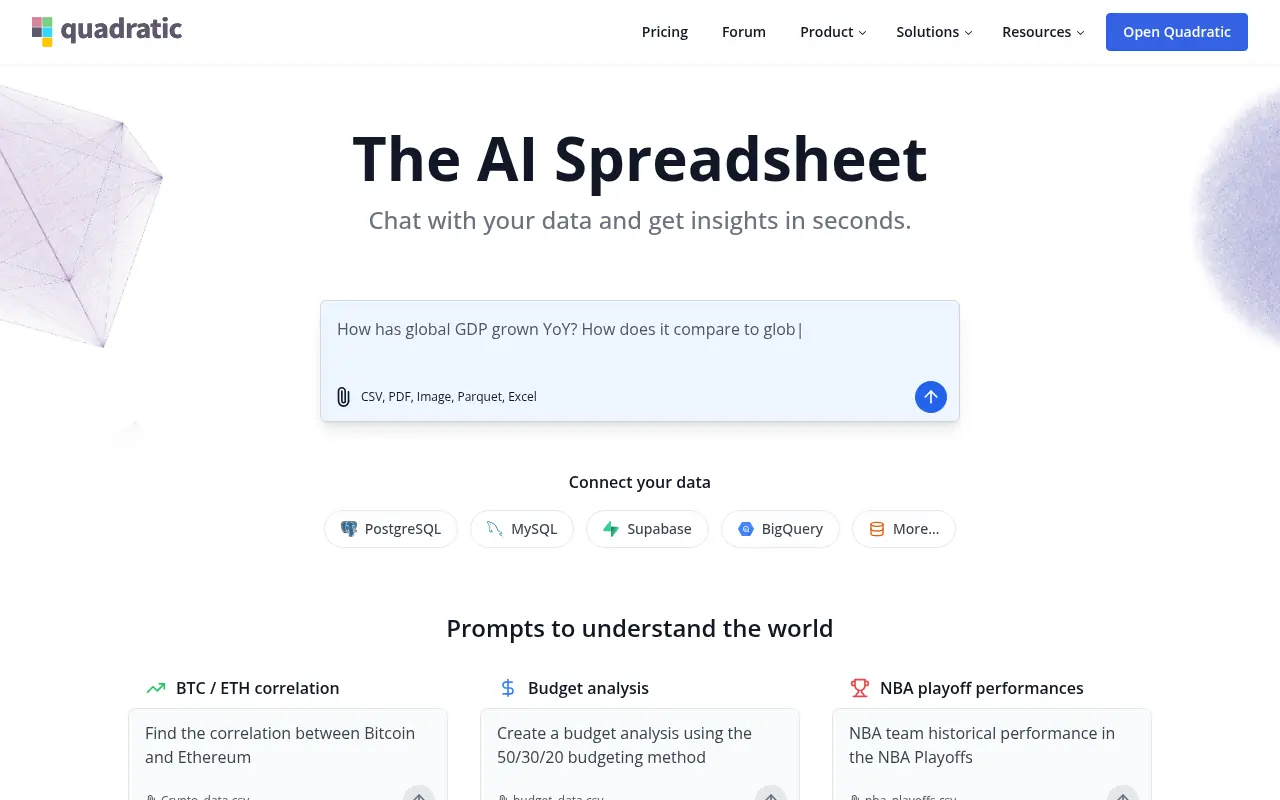
Quadratic is an AI-powered spreadsheet platform that combines infinite canvas spreadsheets with Python, SQL, and AI tools for advanced data analysis and visualization.


Coefficient
Coefficient enables users to connect data sources and automate live data workflows directly within Google Sheets and Excel.
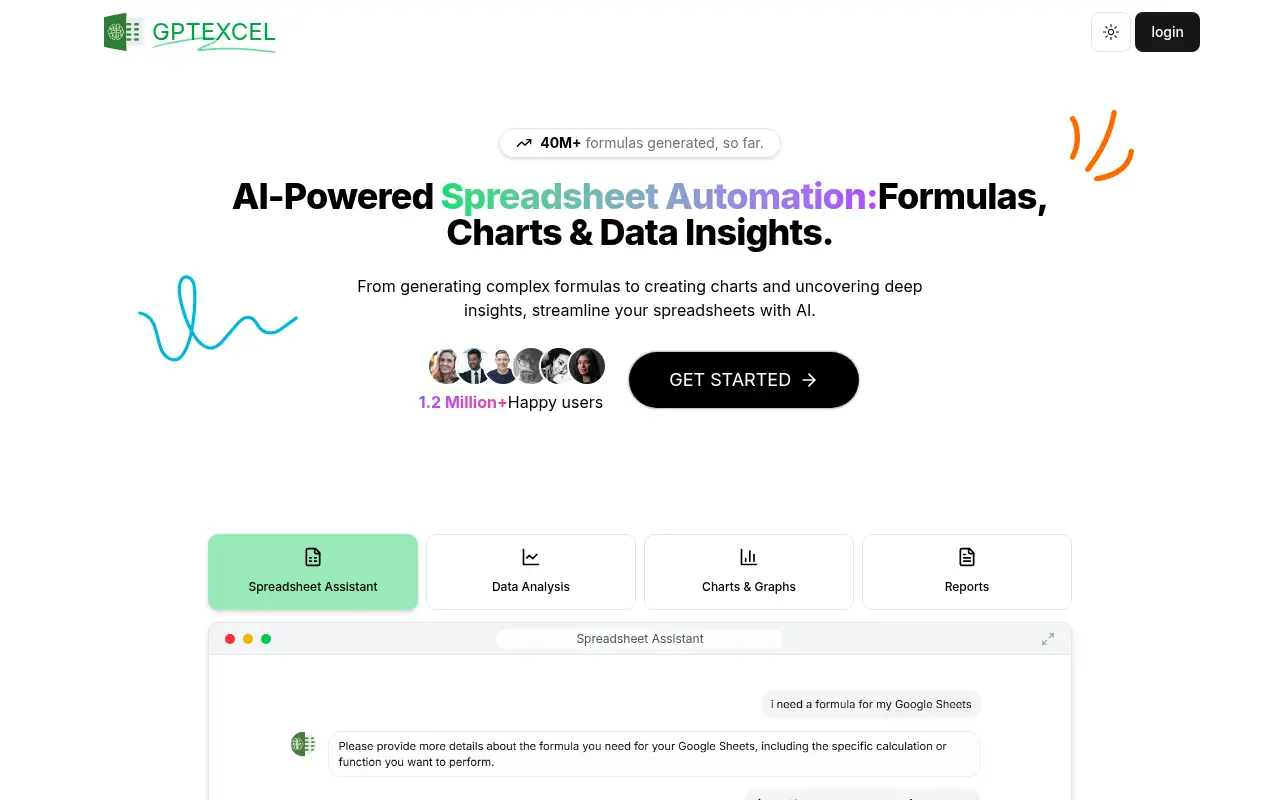

GPTExcel
GPTExcel is an AI-powered tool that simplifies spreadsheet tasks by generating formulas, scripts, and data insights for Excel, Google Sheets, and Airtable.
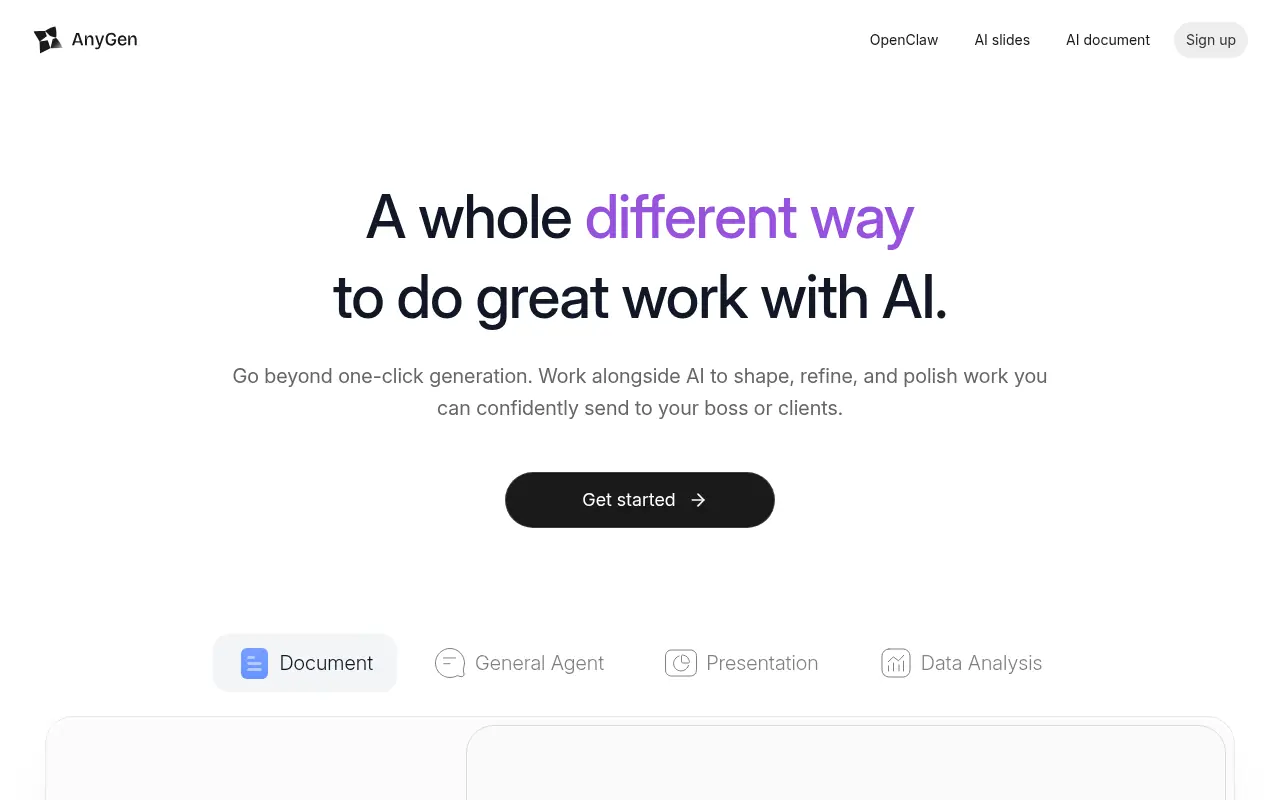

AnyGen
AnyGen is an AI-powered productivity workspace designed to help professionals collaboratively write documents, analyze data, and build seamless presentations.
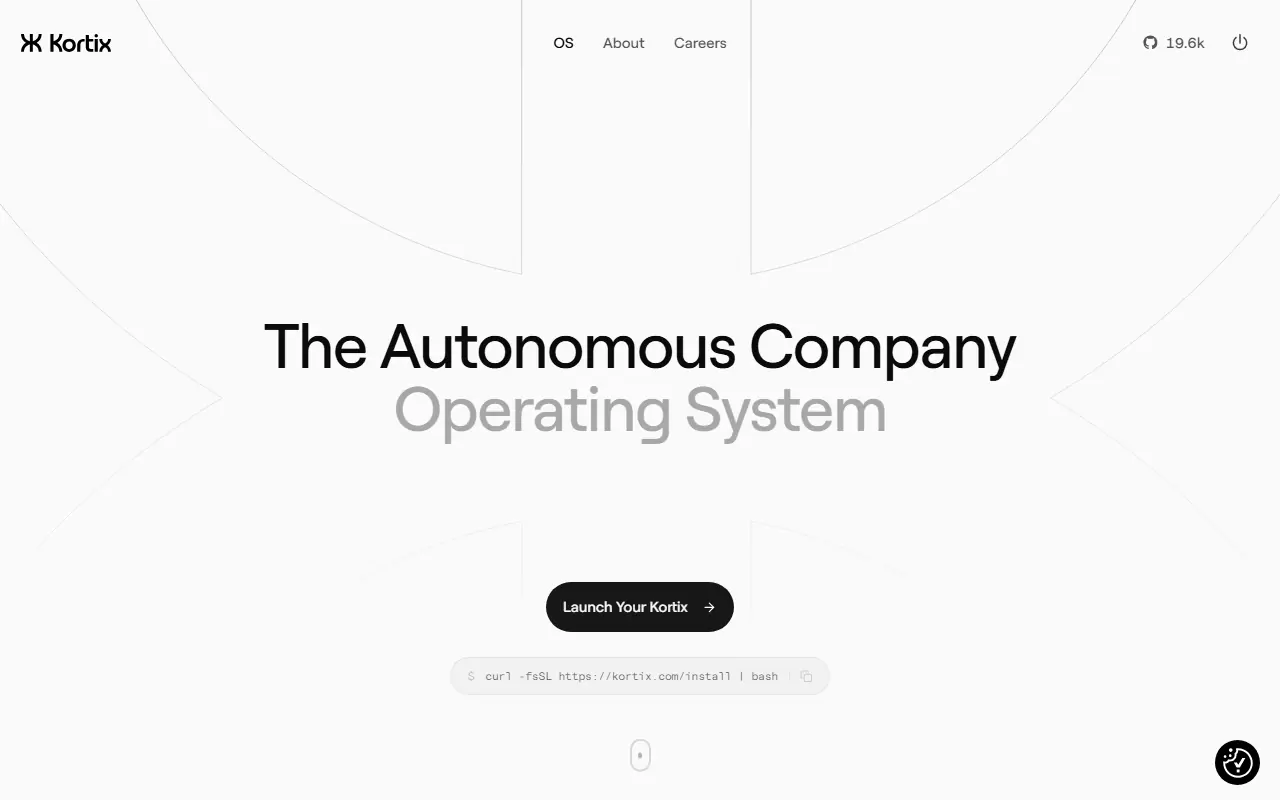

Kortix
Kortix is an autonomous company operating system that allows users to deploy specialized AI agents capable of executing complex workflows and integrating with thousands of business tools.


Leiga
Leiga is an AI-powered project and teamwork platform that automates project updates, streamlines collaboration, and boosts productivity for development and cross‑functional teams.