

Shortcut AI
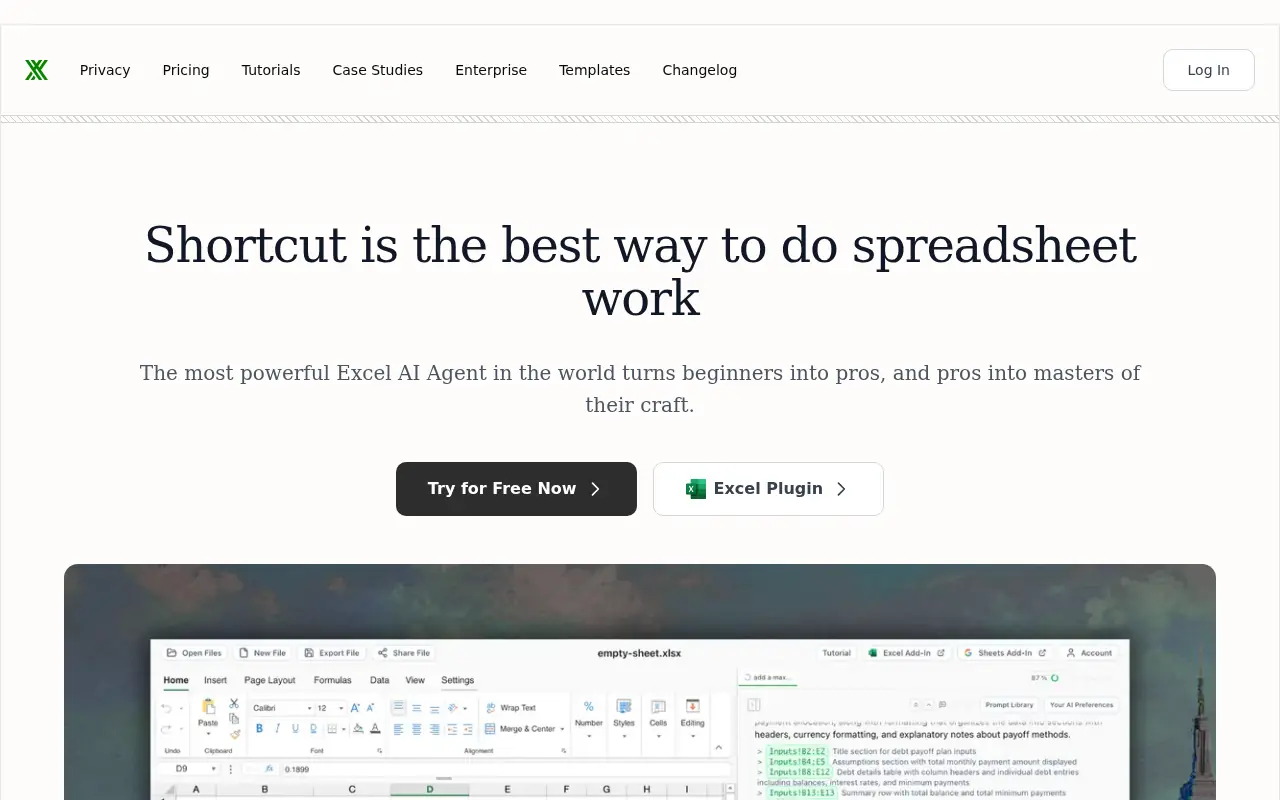
What is Shortcut AI?
Shortcut is an advanced AI agent that functions as a native Excel add-in and standalone web application to automate tedious spreadsheet tasks. It aims to transform beginners into pros and save power users hours by understanding natural language instructions to execute workflows. The agent can independently build complex financial models, clean messy data, and generate analytical dashboards. By combining mathematical precision with full auditability and zero-retention security protocols, Shortcut provides a trustworthy AI teammate for finance, consulting, and business professionals. It maintains full compatibility with traditional Excel formatting and formulas, ensuring outputs integrate seamlessly into existing routines.
How to use Shortcut AI?
To use Shortcut, users can either interact with the standalone web application or download the native Microsoft Excel plug-in. Once installed, simply type natural language commands into the chat interface describing the required spreadsheet task, such as building a DCF model, cleaning a dataset, or creating a dashboard. The AI agent will autonomously execute the multi-step workflow, generating formula-driven outputs and professional formatting. Users can then review every changed cell through the auditability tools, make multi-turn edits, and export the final product as a fully compatible .xlsx file.
Shortcut AI's Core Features
Provides a native Excel plug-in that operates seamlessly inside your desktop application.
Translates plain English instructions into complex spreadsheet formulas and automated workflows.
Generates dynamic, formula-driven outputs rather than hard-coded values that break.
Ensures transparent auditability by tracking and explaining every single cell change made by the AI.
Employs non-destructive editing to safely add data without overwriting your existing spreadsheet information.
Protects user data with enterprise-grade security, including SOC 2 compliance and zero-retention policies.
Maintains 100% feature parity with traditional Excel to guarantee seamless file compatibility and exports.
Shortcut AI's Use Cases
- #1
Building fully automated financial models like DCFs, LBOs, and three-statement models.
- #2
Cleaning, standardizing, and restructuring large, messy datasets.
- #3
Generating executive dashboards and sales reporting summaries.
- #4
Automating repetitive spreadsheet formatting and formula writing.
- #5
Extracting data from multiple sources like SEC filings or PDFs directly into Excel.
- #6
Translating complex natural language questions into executable Excel formulas.
- #7
Running variance analyses and budget planning projections.
Frequently Asked Questions
Analytics of Shortcut AI
Monthly Visits Trend: Aug 2025 - Aug 2026
Traffic Sources
AI Channel Traffic Trends
Top Regions
| Region | Traffic Share |
|---|---|
| United States | 18.54% |
| Brazil | 12.01% |
| United Kingdom | 11.34% |
| Kenya | 7.37% |
| India | 4.75% |
Top Keywords
| Keyword | Traffic | CPC |
|---|---|---|
| shortcut ai | 2.0K | $4.77 |
| shortcut | 31.6K | $0.48 |
| free excel templates | 1.3K | $3.88 |
| excel templates | 4.5K | $3.99 |
| excel ai | 10.1K | $3.06 |
Alternative of Shortcut AI
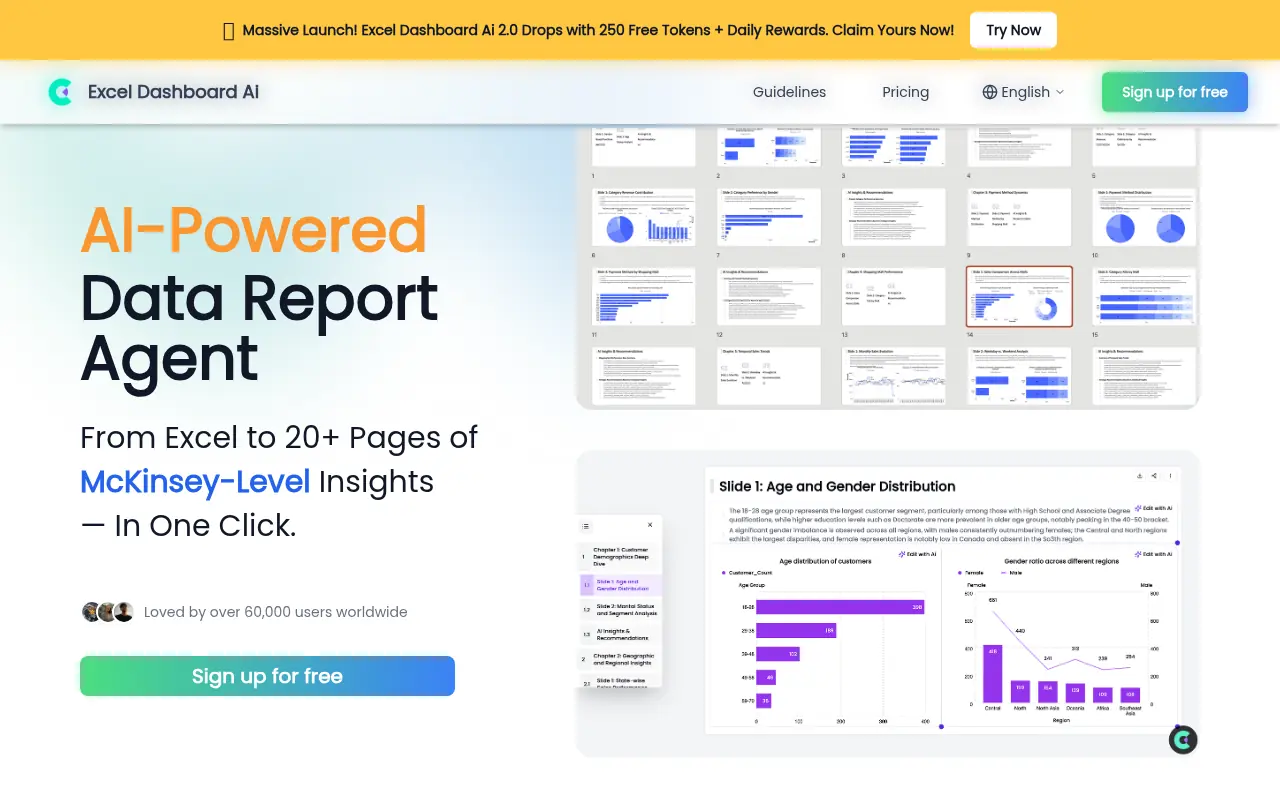

ExcelDashboard.ai
ExcelDashboard.ai is an AI-powered platform that simplifies the creation and management of interactive data dashboards within Microsoft Excel.
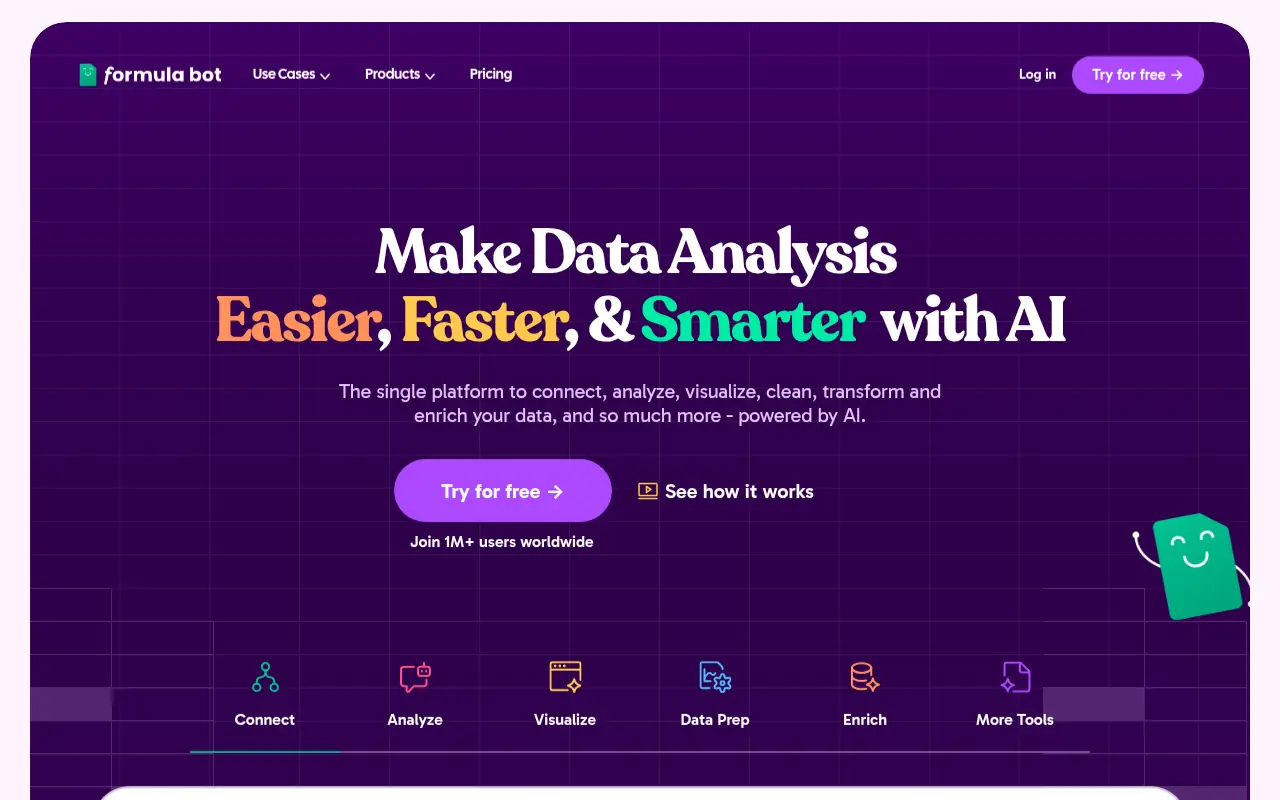

Formula Bot
Formula Bot is an AI-powered platform that simplifies data analysis and spreadsheet tasks by generating formulas, visualizations, and insights from natural language inputs.
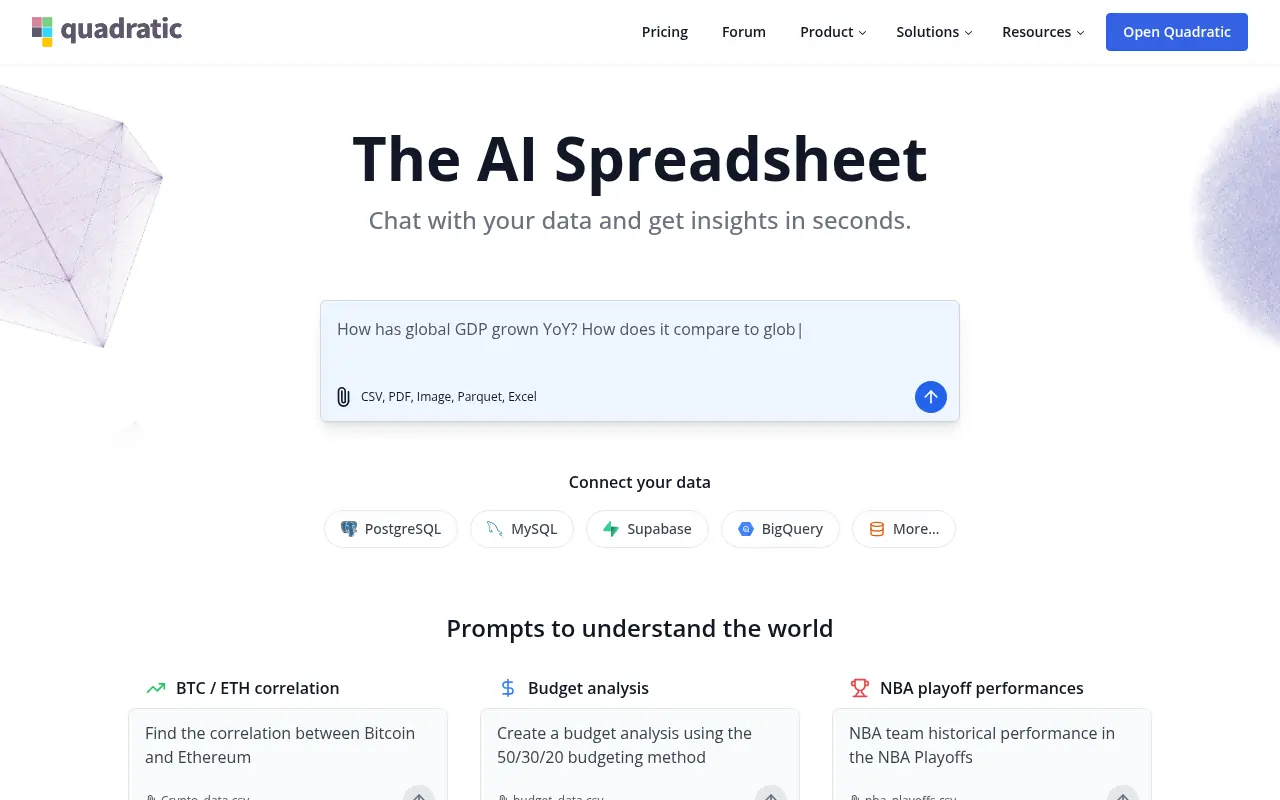

Quadratic
Quadratic is an AI-powered spreadsheet platform that combines infinite canvas spreadsheets with Python, SQL, and AI tools for advanced data analysis and visualization.
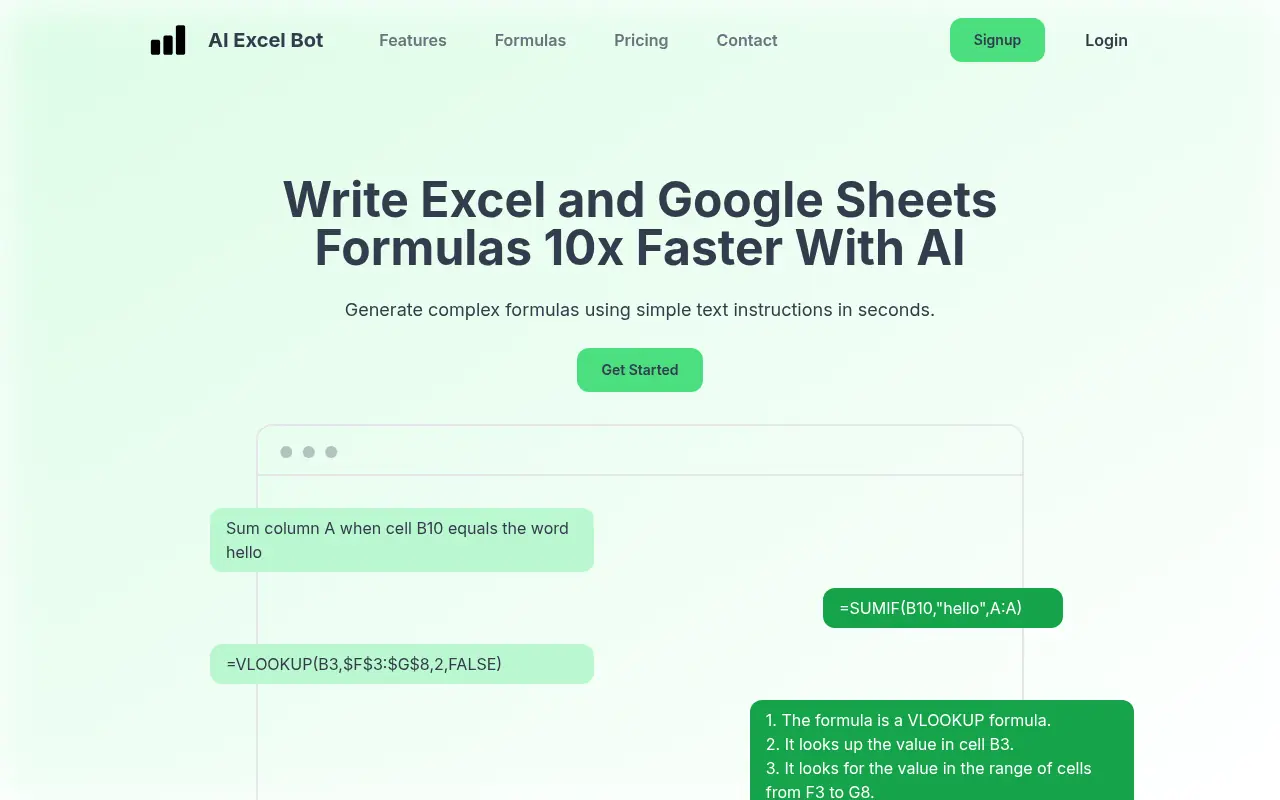

AI Excel Bot
AI Excel Bot leverages artificial intelligence to instantly generate and explain complex Excel formulas, Google Sheets functions, and VBA code using simple text prompts.
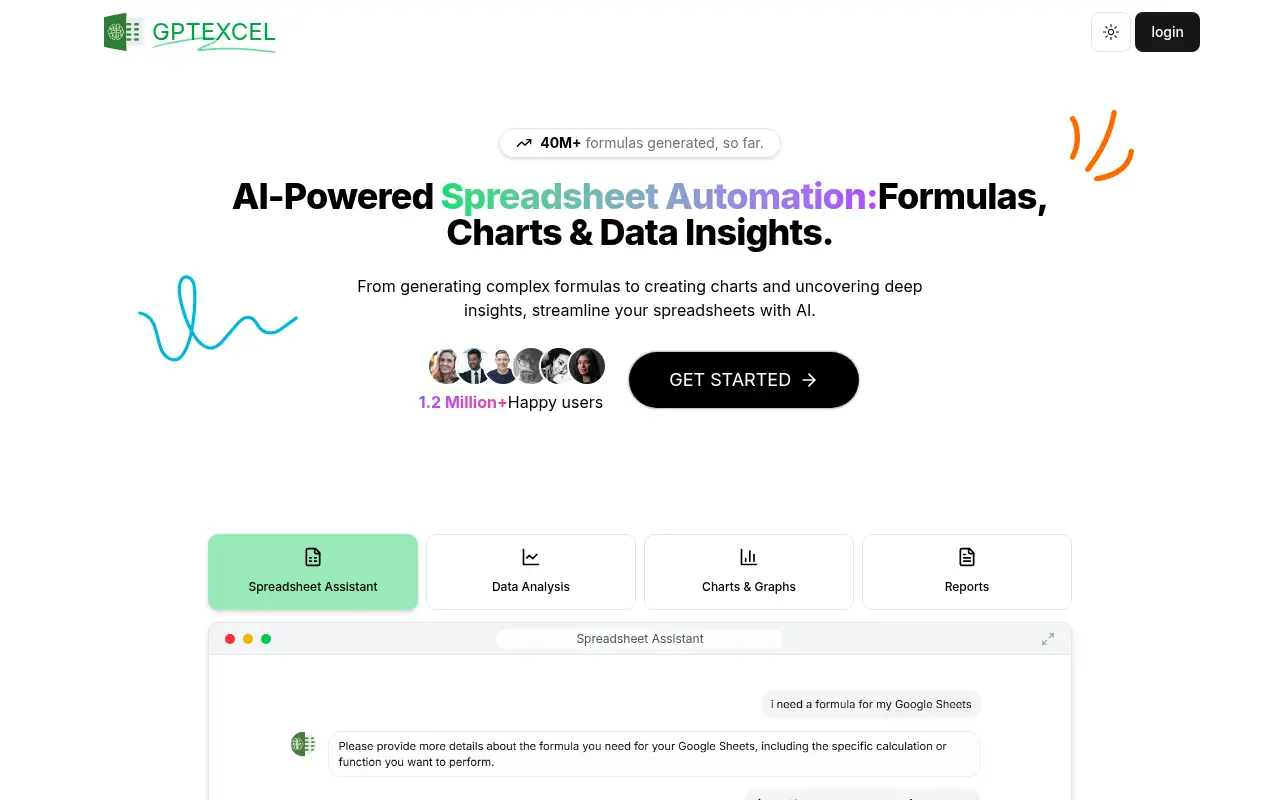

GPTExcel
GPTExcel is an AI-powered tool that simplifies spreadsheet tasks by generating formulas, scripts, and data insights for Excel, Google Sheets, and Airtable.


Coefficient
Coefficient enables users to connect data sources and automate live data workflows directly within Google Sheets and Excel.
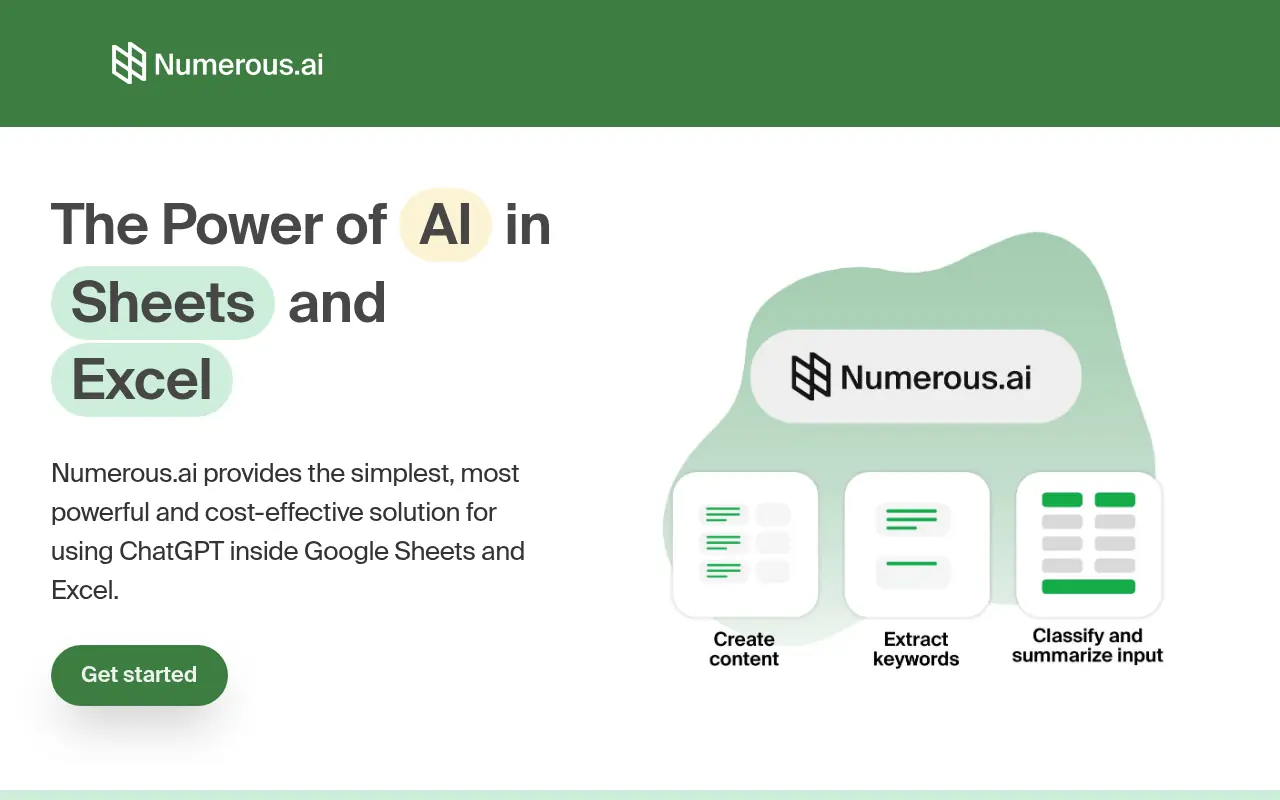

Numerous.ai
Numerous.ai is an AI-powered plugin that integrates advanced AI capabilities directly into spreadsheets like Google Sheets and Microsoft Excel, enabling users to automate tasks, generate content, and analyze data efficiently.
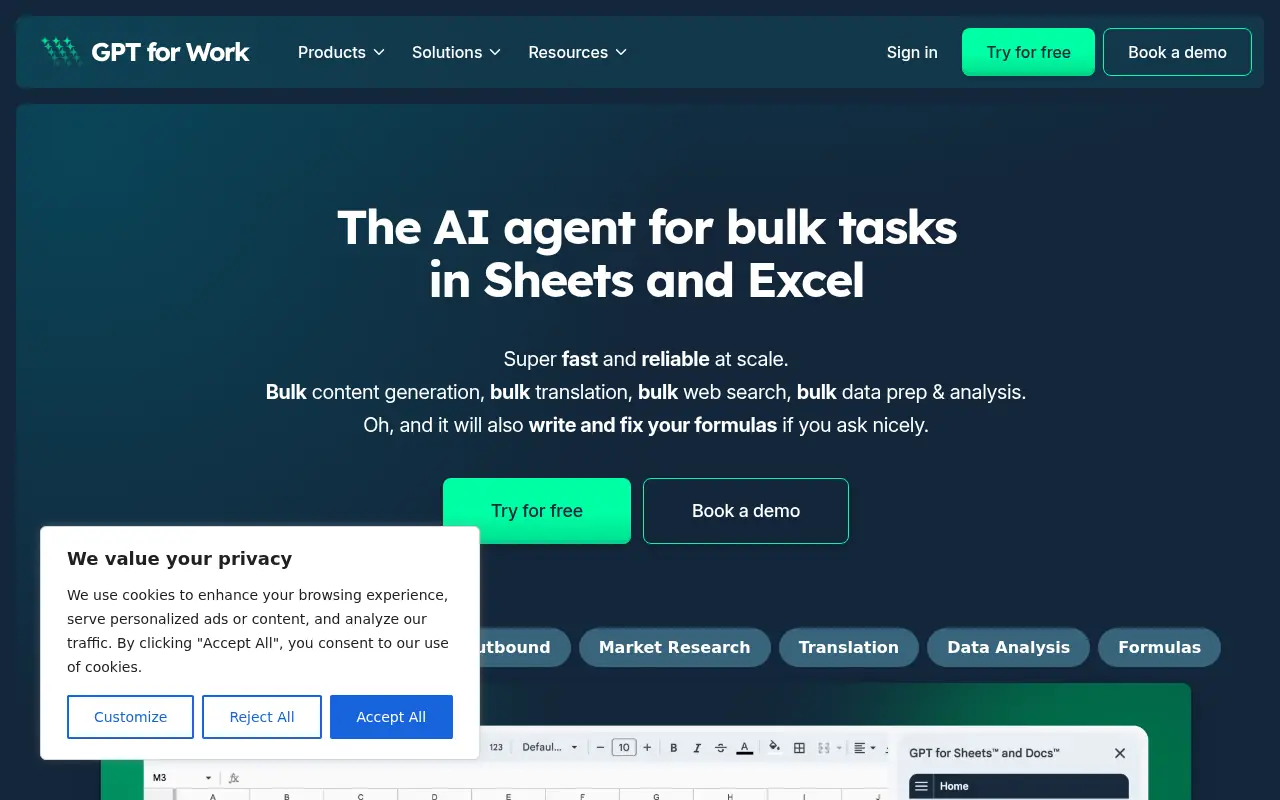

GPT for Work
GPT for Work offers fast, reliable AI-powered automation and content generation for Google Sheets, Docs, Microsoft Excel, and Word.