

Genially

What is Genially?
Genially is a robust online content creation platform that empowers users to design stunning, interactive visual materials. Its mission is to make communication more engaging and effective by replacing static content with interactive digital experiences. Users can easily build presentations, infographics, escape rooms, and training materials using an intuitive drag-and-drop interface. It solves the problem of audience disengagement by allowing creators to embed animations, clickable elements, and rich media directly into their designs. Ultimately, Genially serves educators, marketers, and businesses looking to elevate their visual communication without requiring graphic design or coding expertise.
How to use Genially?
To use Genially, simply sign up for a free account and choose to start from a blank canvas or select from thousands of professionally designed templates categorized by presentations, infographics, or gamification. Once in the intuitive drag-and-drop editor, you can add text, images, videos, and built-in interactive elements like clickable buttons and hover-triggered pop-ups. Finally, apply animations to your elements and hit publish to share your creation via a direct link, embed code, or download it for offline use.
Genially's Core Features
Intuitive drag-and-drop interface that requires no coding or graphic design experience.
Thousands of highly customizable templates for presentations, infographics, and gamification.
Built-in interactive elements like tooltips, windows, and clickable links to engage viewers.
Seamless animation effects to bring static text, shapes, and images to life.
Real-time collaborative editing for remote teams to work on projects simultaneously.
Rich media integration with popular tools like Google Drive, YouTube, Spotify, and more.
Analytics tracking to monitor viewer engagement and interactions on premium plans.
Multiple export options including offline viewing, PDF, image, and SCORM packages for LMS.
Genially's Use Cases
- #1
Creating interactive corporate presentations and pitch decks.
- #2
Designing educational escape rooms and interactive quizzes for students.
- #3
Building clickable infographics to summarize complex data for marketing.
- #4
Developing interactive training modules and onboarding materials for employees.
- #5
Crafting animated digital resumes and portfolios.
- #6
Generating interactive catalogs for e-commerce.
Frequently Asked Questions
Analytics of Genially
Monthly Visits Trend: Jun 2025 - Sep 2026
Traffic Sources
AI Channel Traffic Trends
Top Regions
| Region | Traffic Share |
|---|---|
| Colombia | 13.51% |
| France | 11.94% |
| Mexico | 11.28% |
| Spain | 9.86% |
| Peru | 4.95% |
Top Keywords
| Keyword | Traffic | CPC |
|---|---|---|
| genially | 521.7K | $0.26 |
| genialy | 8.2K | $0.21 |
| geneally | 6.7K | $0.09 |
| ruleta | 680.3K | $0.98 |
| genially ia | 8.1K | $0.26 |
Alternative of Genially
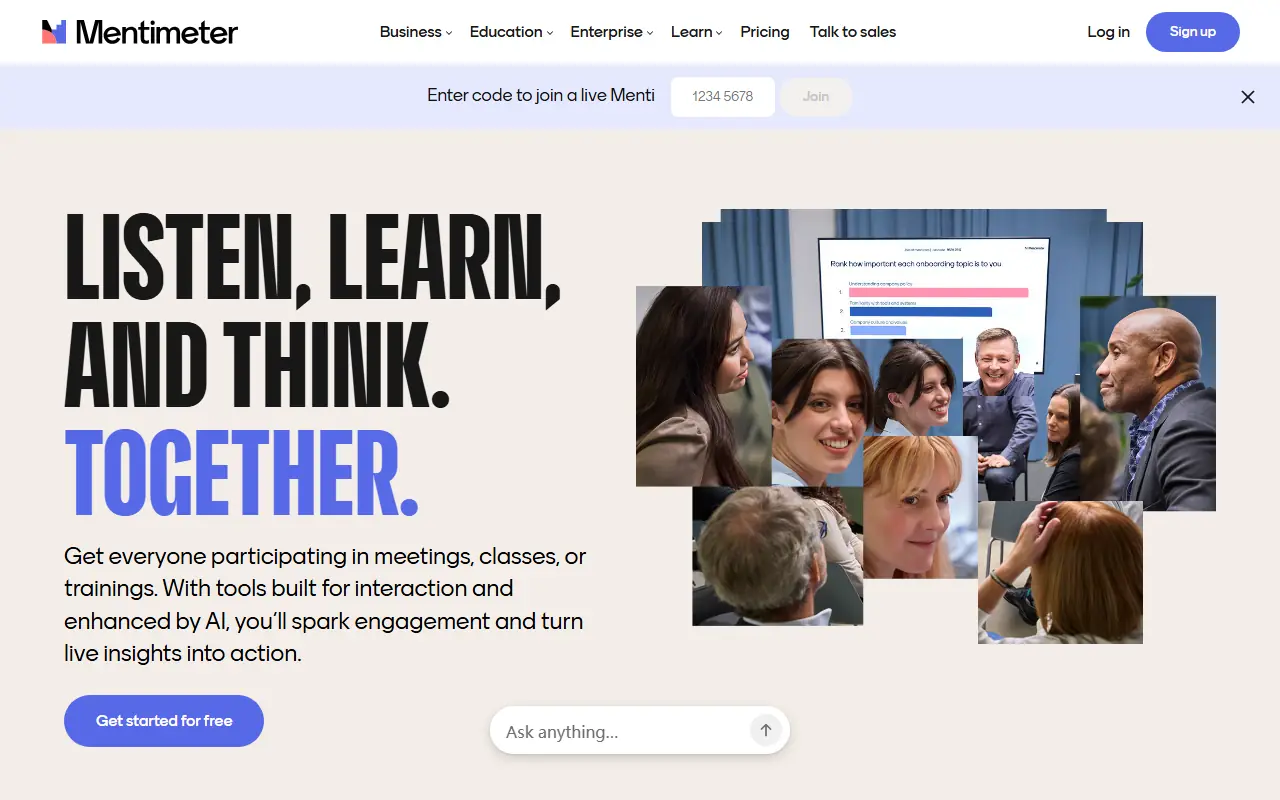

Mentimeter
Mentimeter is an interactive presentation software that enables users to engage audiences in real-time with live polls, quizzes, word clouds, and Q&As.
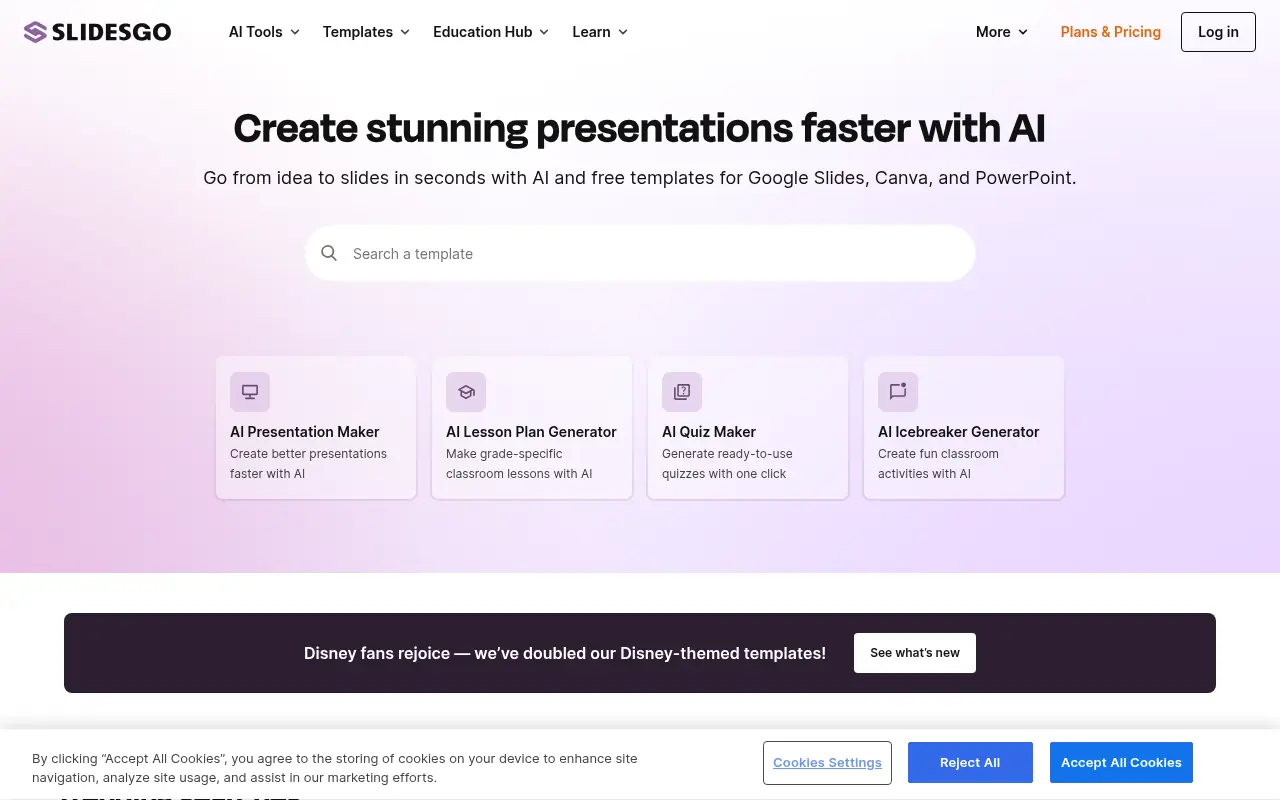

Slidesgo
Slidesgo provides free and premium professionally designed presentation templates compatible with Google Slides and PowerPoint for education, business, marketing, and more.
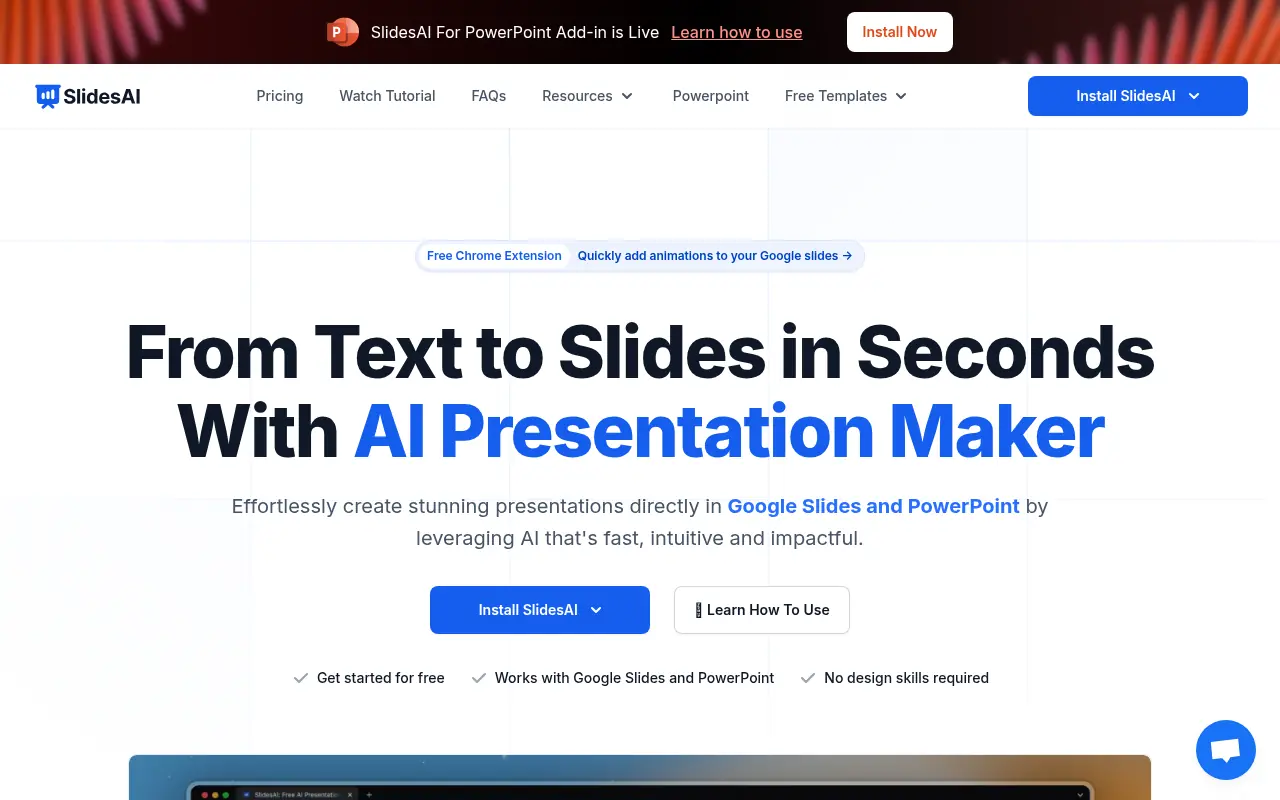

SlidesAI
SlidesAI is an AI-powered tool that transforms text into professional presentations for Google Slides and PowerPoint.
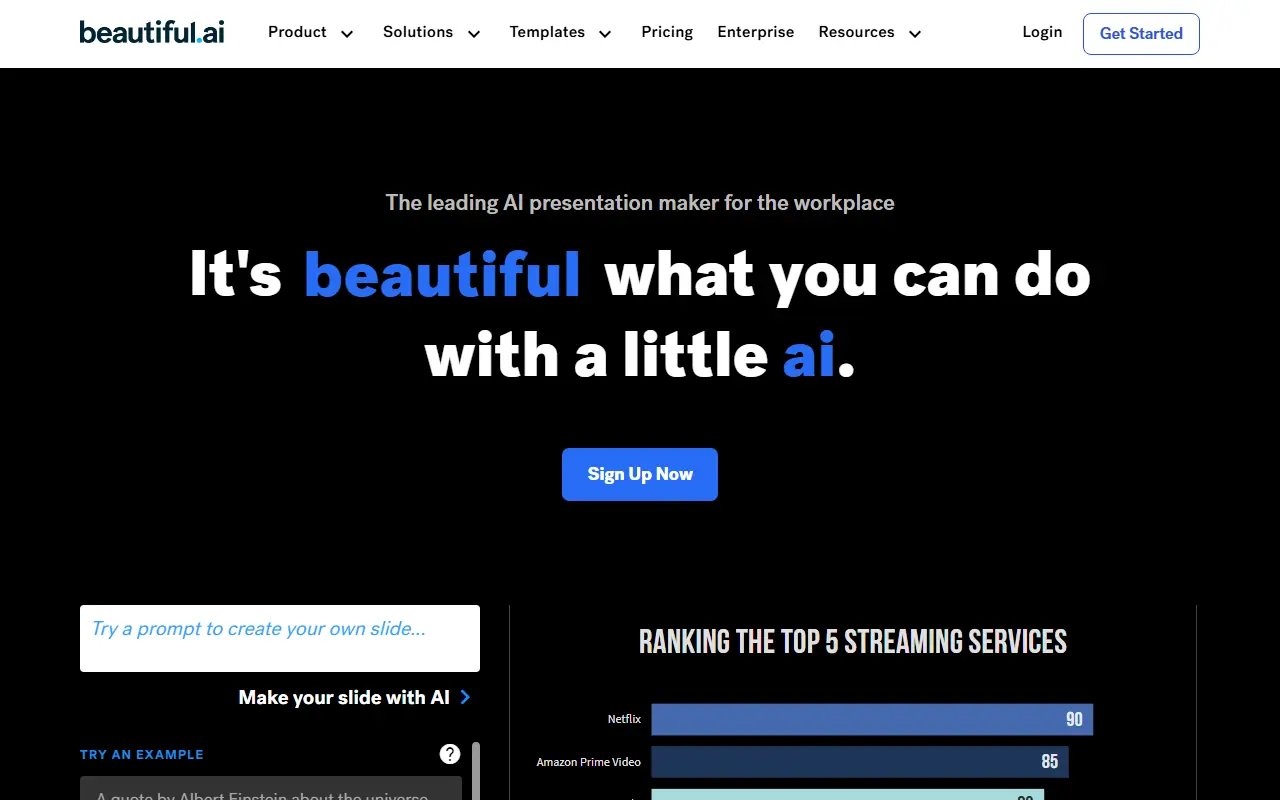

Beautiful.ai
Beautiful.ai is an AI-powered presentation software that simplifies creating visually stunning slides.
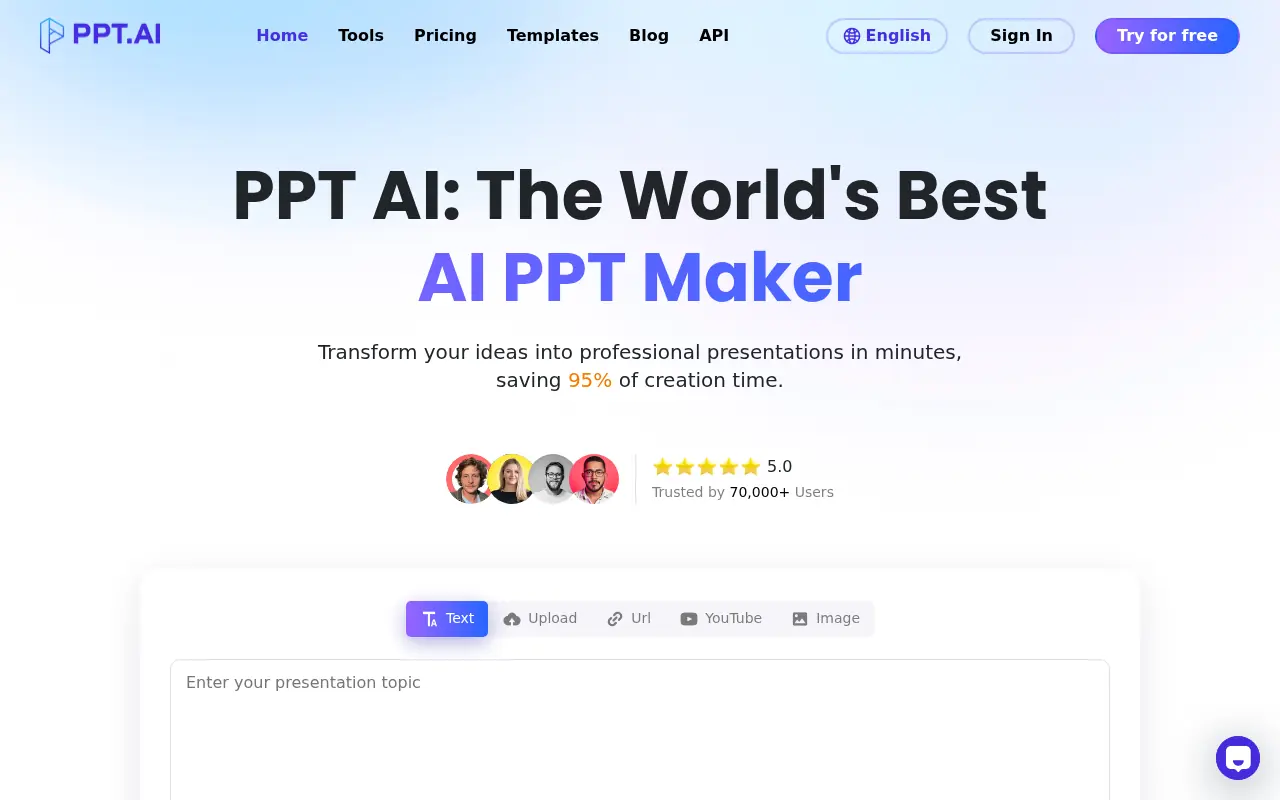

PPT AI
PPT AI is an AI-powered presentation maker that rapidly transforms your ideas into professional presentations, saving substantial time and effort.
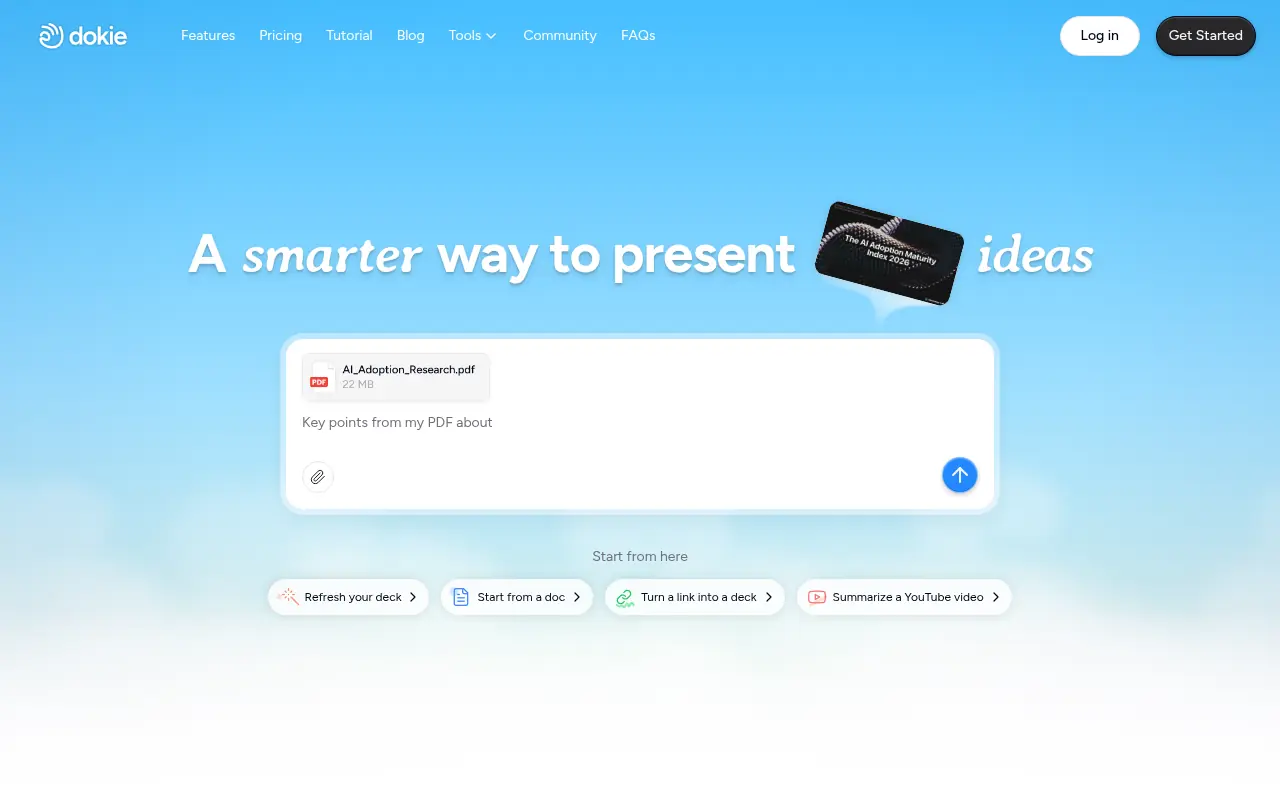

Dokie AI
Dokie AI is an intelligent presentation generator that transforms text, documents, or URLs into professional, editable slide decks in minutes.
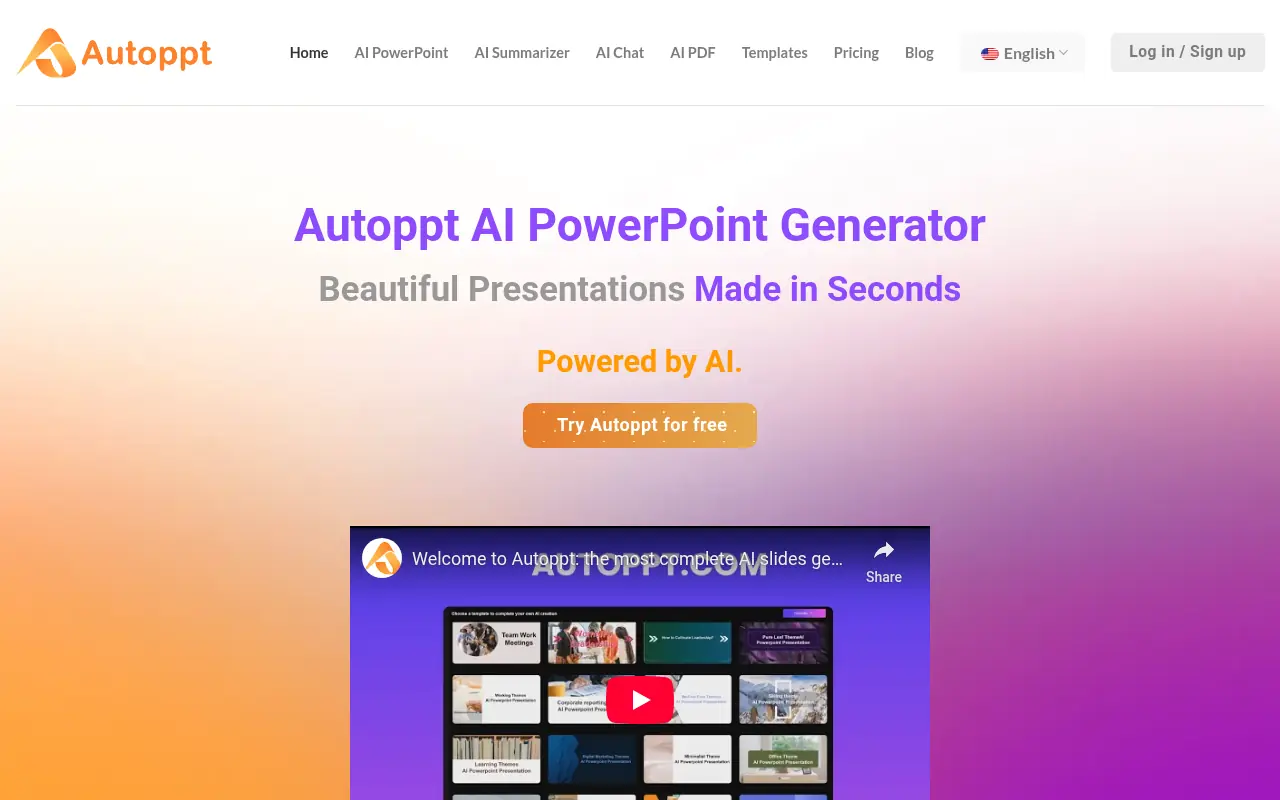

Autoppt
Autoppt is an AI-powered tool that creates professional PowerPoint presentations and mind maps quickly using customizable templates.
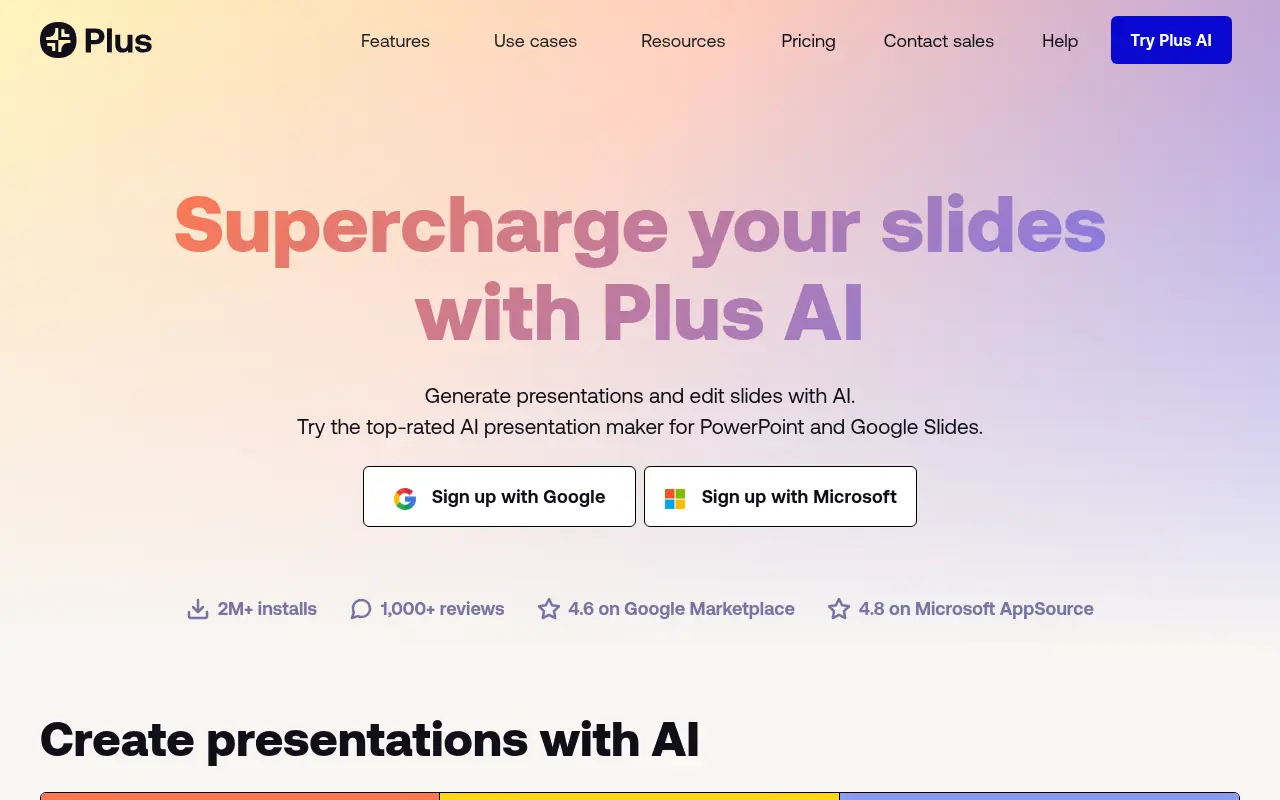

Plus AI
Plus AI is an AI-powered presentation maker that allows users to generate, edit, and format professional slide decks directly within Google Slides and Microsoft PowerPoint.