

Fillout
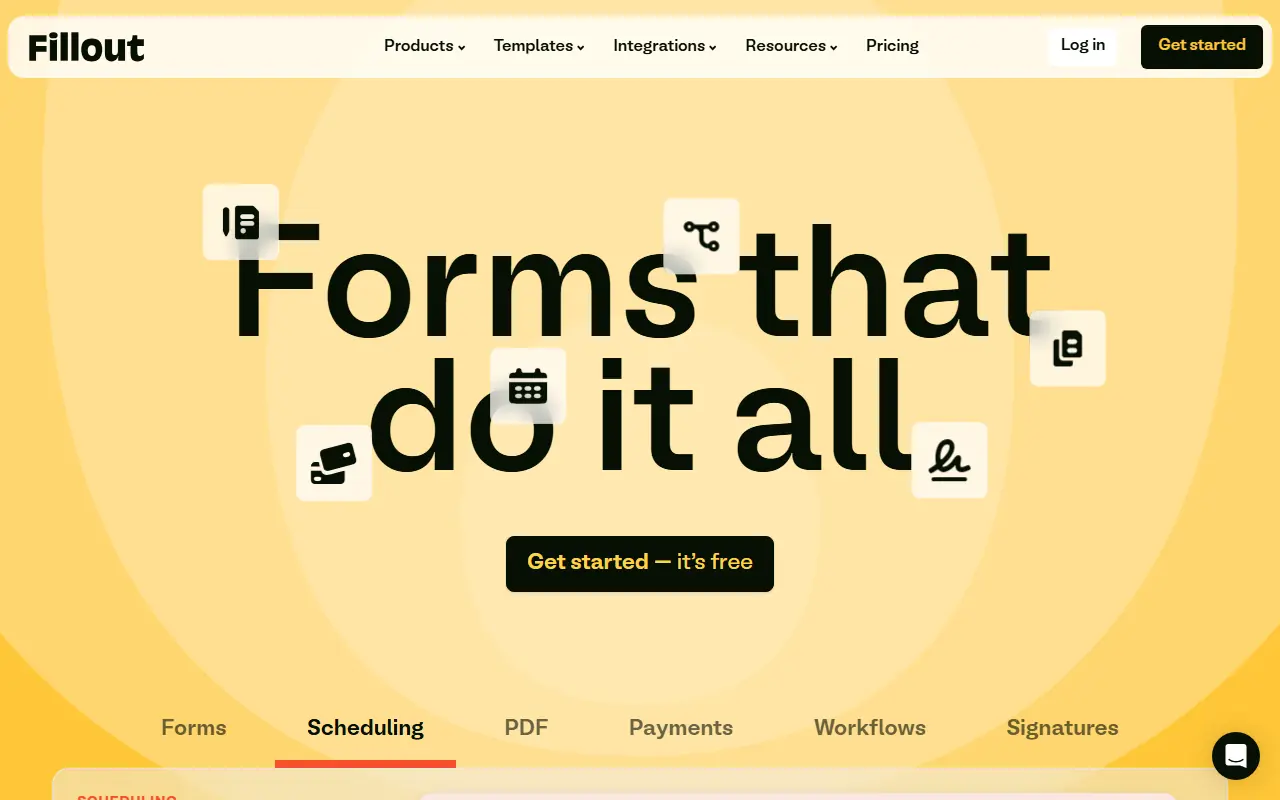
What is Fillout?
Fillout is a versatile no-code platform designed to build powerful, custom forms, surveys, and quizzes. It leverages AI technology to automatically generate forms from simple text descriptions, pasted text, or uploaded PDFs, drastically reducing setup time. The platform stands out for its deep, bidirectional integrations with tools like Airtable, Notion, and Salesforce, allowing forms to read and write data dynamically. Users can implement complex logic, accept payments, collect e-signatures, and schedule appointments directly within their forms. With robust white-labeling options and built-in workflows, Fillout enables businesses to create on-brand, highly interactive data collection experiences that scale with their operations.
How to use Fillout?
To use Fillout effectively, start by choosing whether to generate a form using an AI text prompt, import questions from a PDF, or build from scratch using the intuitive drag-and-drop editor. Next, add the required field types—such as text inputs, conditional logic, payment gateways, or e-signature blocks—and customize the theme to match your brand's visual identity. Finally, configure any necessary two-way integrations with databases like Airtable or CRMs like Salesforce, set up automated post-submission workflows, and publish your form via a shareable link or embed it directly onto your website.
Fillout's Core Features
AI Form Builder: Instantly generate forms, quizzes, and surveys from text prompts, PDFs, or pasted content.
Deep Bidirectional Integrations: Seamlessly read and write data to tools like Airtable, Notion, Salesforce, and Google Sheets.
Drag-and-Drop Editor: Easily customize forms with over 40 diverse field types without any coding.
Advanced Conditional Logic: Create dynamic branching paths, calculations, and personalized experiences based on user responses.
Built-in Workflows: Automate post-submission actions like sending routing emails, notifications, or triggering external processes.
Payment Collection: Securely accept payments, fees, or donations directly within forms.
Scheduling and Appointments: Allow respondents to book meetings and sync availability straight from the form.
E-Signatures and PDFs: Capture legally binding signatures and automatically generate PDF receipts or agreements from submissions.
Custom Branding: Fully white-label forms with custom domains, fonts, CSS, and styling to match your brand.
Fillout's Use Cases
- #1
Creating dynamic customer onboarding surveys.
- #2
Building event registration forms with tiered ticket pricing.
- #3
Collecting job applications and automating routing to HR.
- #4
Generating secure order forms that accept payments via Stripe.
- #5
Designing multi-step lead generation quizzes.
- #6
Converting static paper or PDF forms into interactive online flows.
- #7
Updating records in Airtable or Notion with bidirectional data sync.
Frequently Asked Questions
Analytics of Fillout
Monthly Visits Trend: Apr 2025 - Sep 2026
Traffic Sources
AI Channel Traffic Trends
Top Regions
| Region | Traffic Share |
|---|---|
| United States | 35.85% |
| France | 7.82% |
| United Kingdom | 5.57% |
| Canada | 5.01% |
| Australia | 3.94% |
Top Keywords
| Keyword | Traffic | CPC |
|---|---|---|
| fillout | 32.7K | $0.79 |
| fill out | 6.7K | $0.73 |
| <email> | 10.3M | $0.79 |
| fill out forms | 1.1K | $6.00 |
| fill out form | 1.2K | $4.51 |
Alternative of Fillout
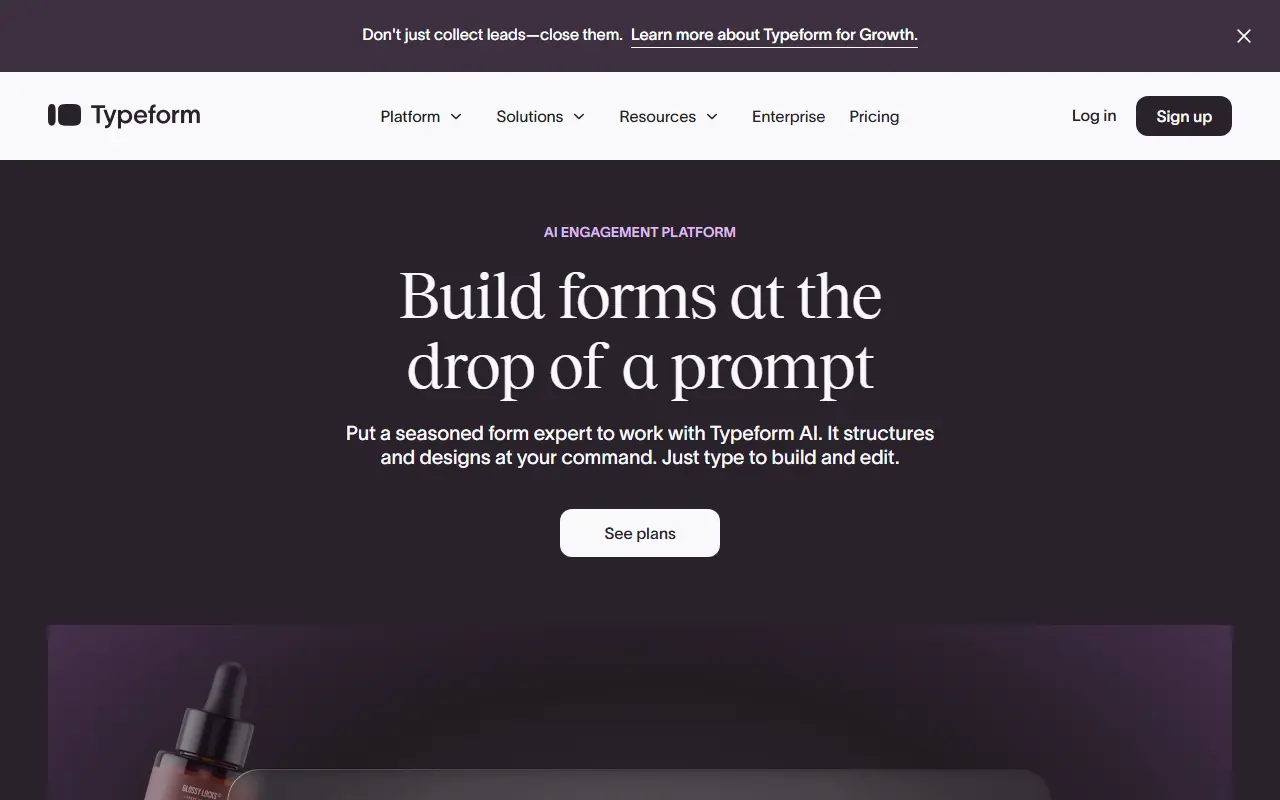

Typeform
Typeform is an online software platform that specializes in creating interactive, conversation-like forms and surveys to boost user engagement and completion rates.
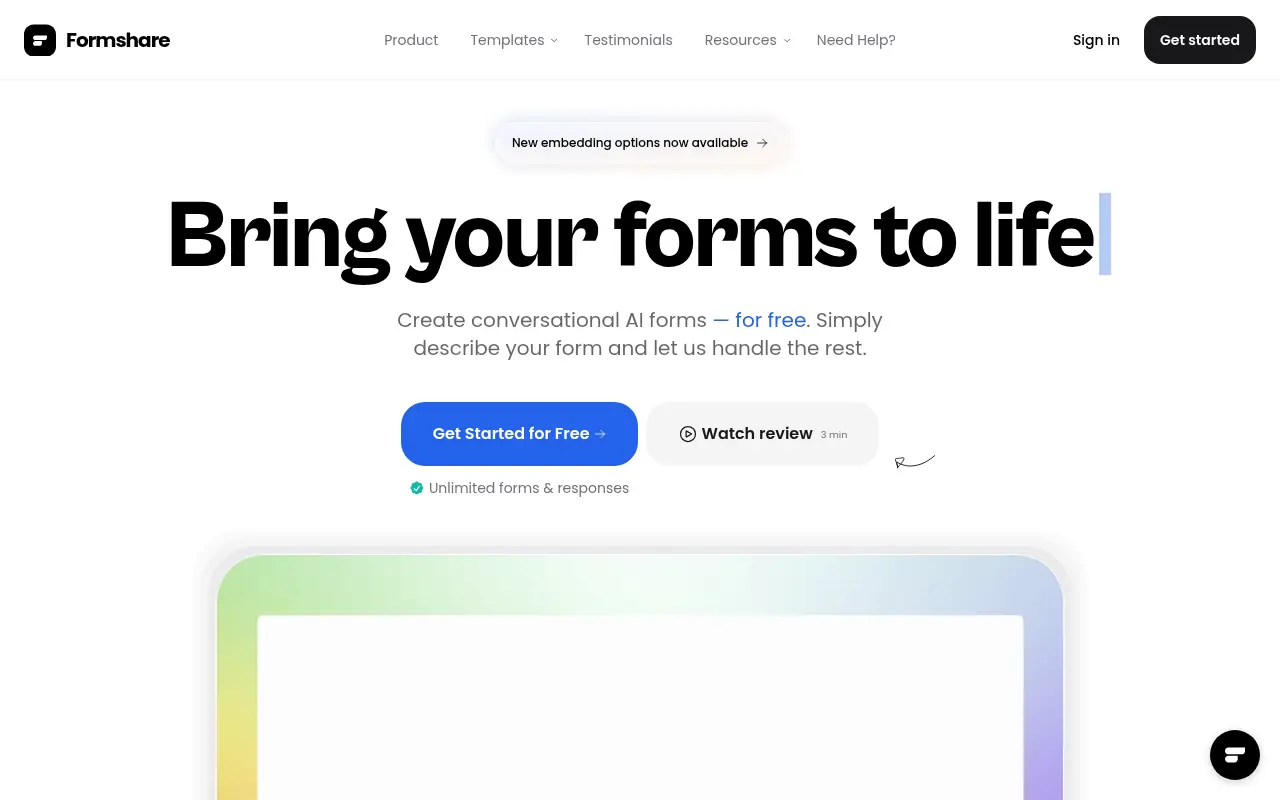

Formshare
Formshare is an AI-powered platform that transforms simple natural language descriptions into dynamic, interactive, and conversational forms without any coding.
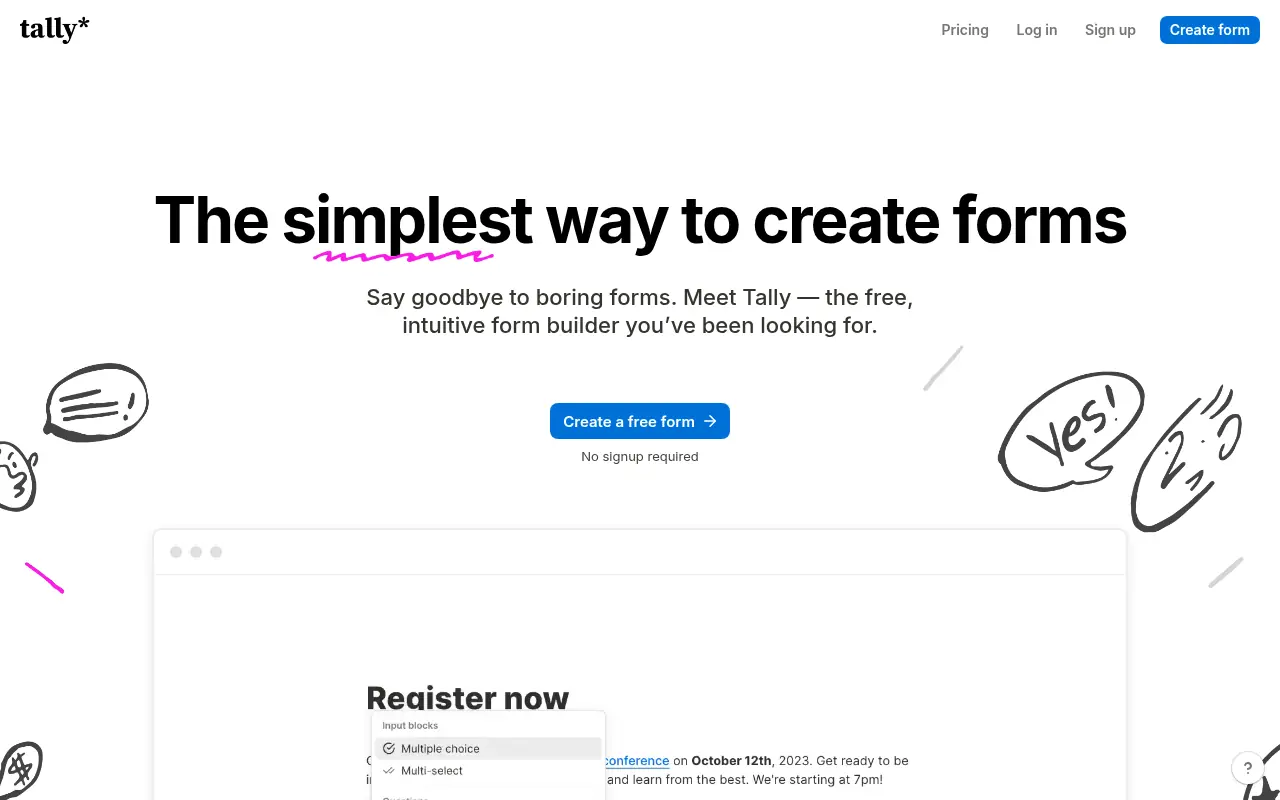

Tally
Tally is a free, intuitive no-code platform for creating and managing online forms, surveys, and quizzes.
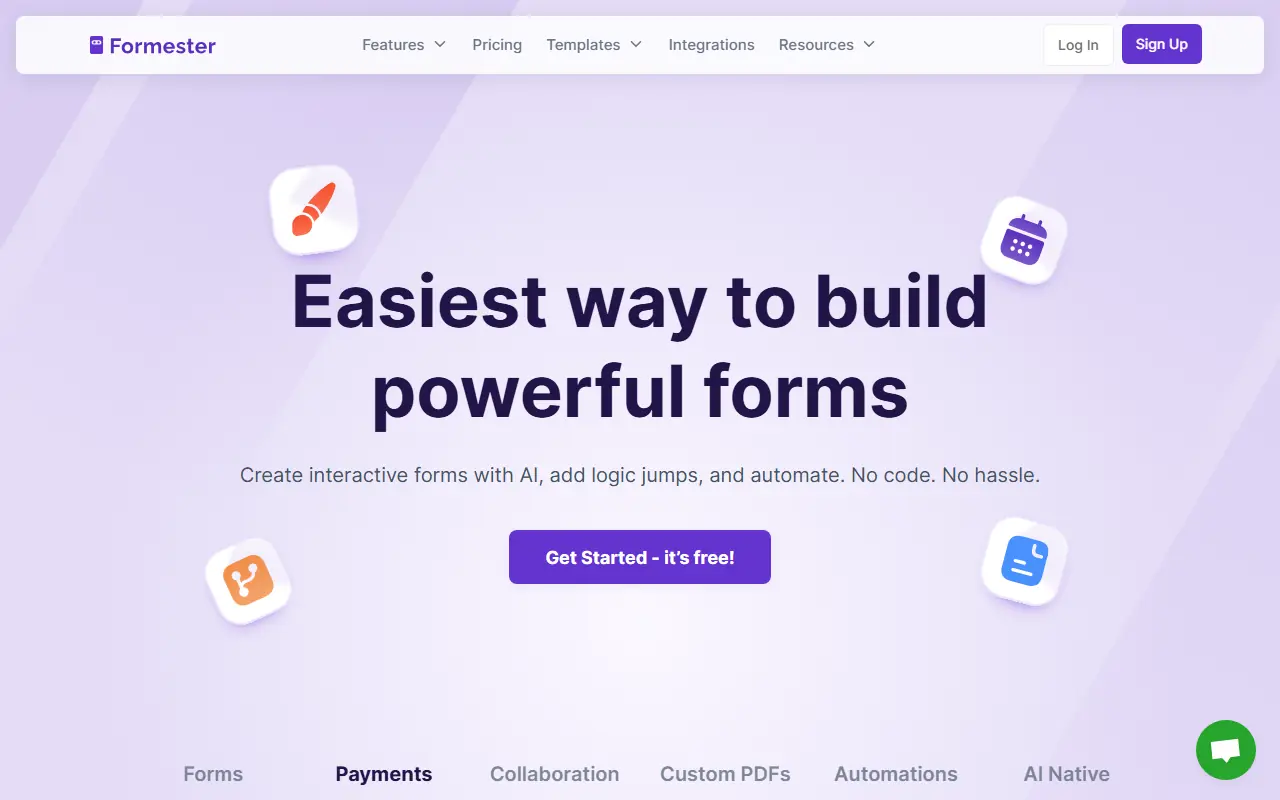

Formester
Formester is an AI-powered no-code form builder that enables users to easily create online forms, surveys, and quizzes for lead generation, automation, and data collection.
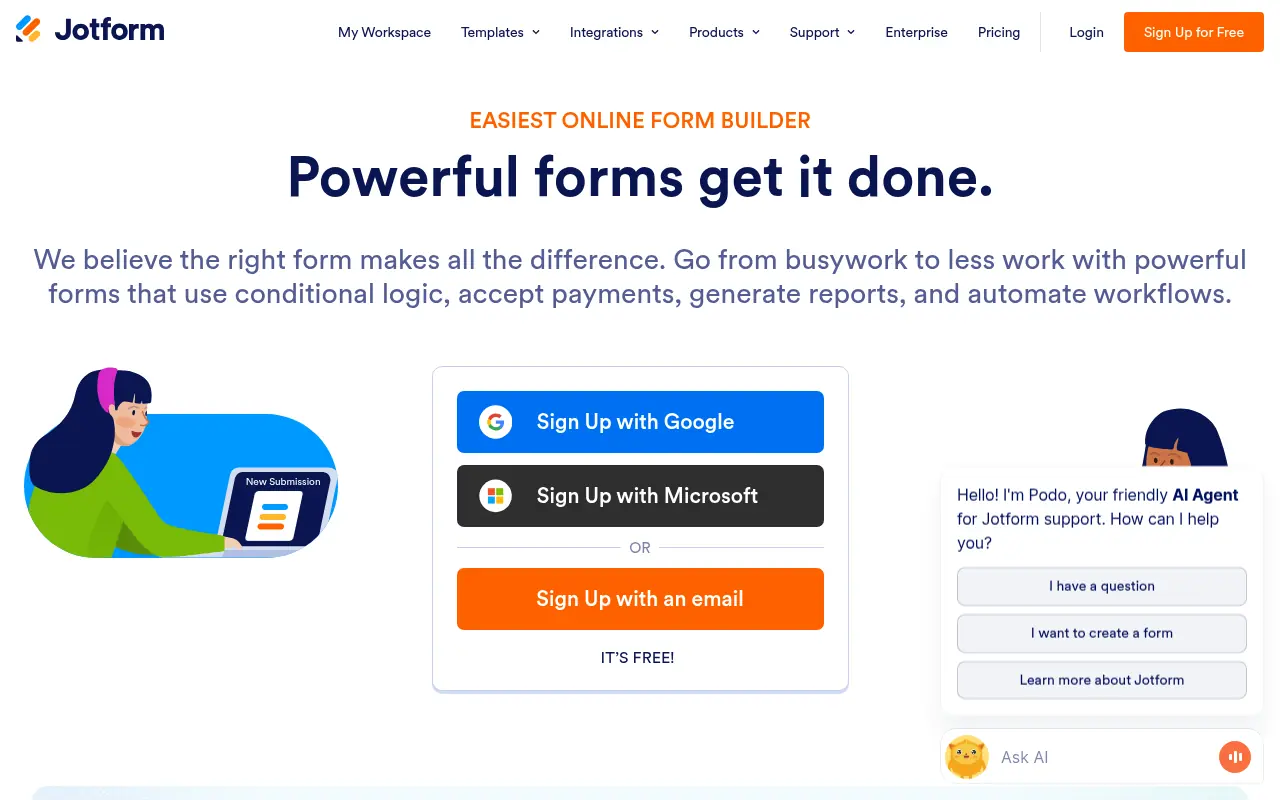

Jotform
Jotform is an online form builder that simplifies data collection, automation, and payment processing for businesses and individuals.
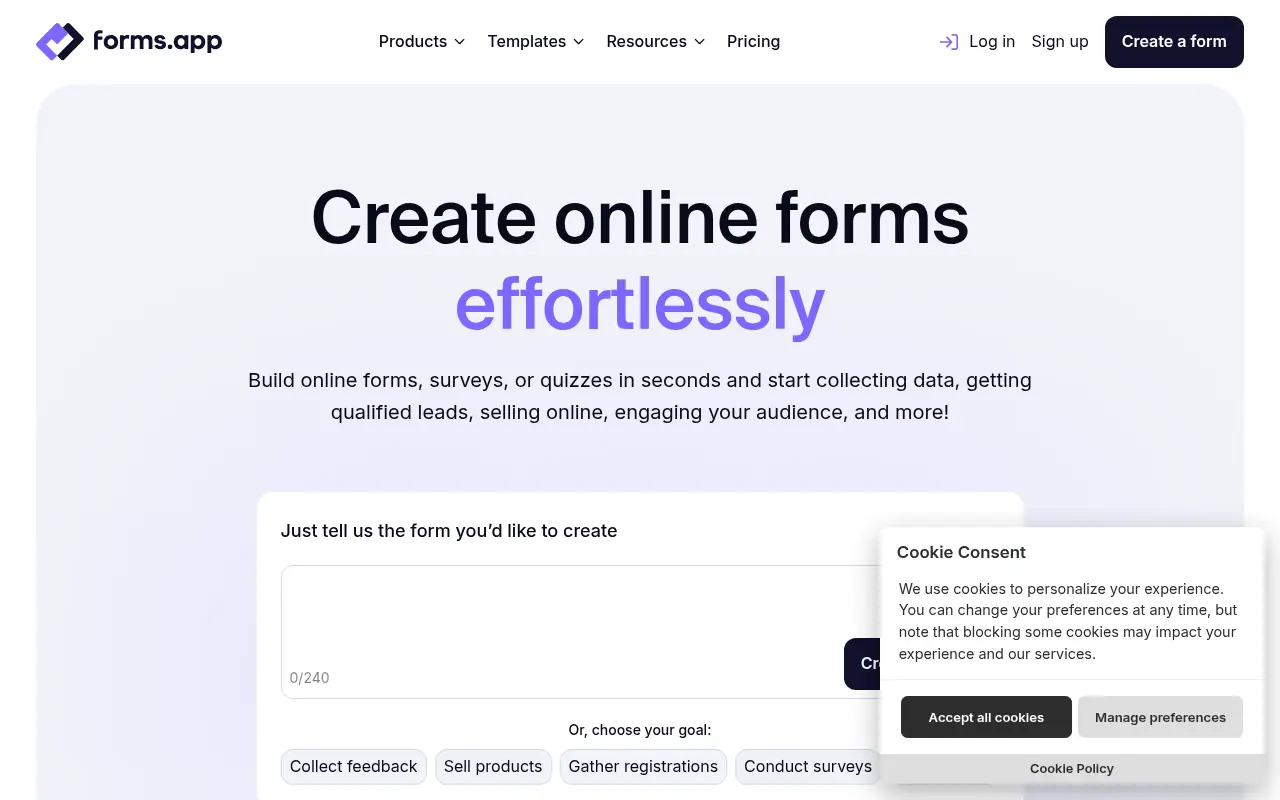

forms.app
forms.app is a user-friendly online form builder for creating and sharing forms, surveys, and quizzes to collect data effortlessly.


BlockSurvey
BlockSurvey is a privacy-focused, AI-powered platform for creating secure surveys and forms with end-to-end encryption.
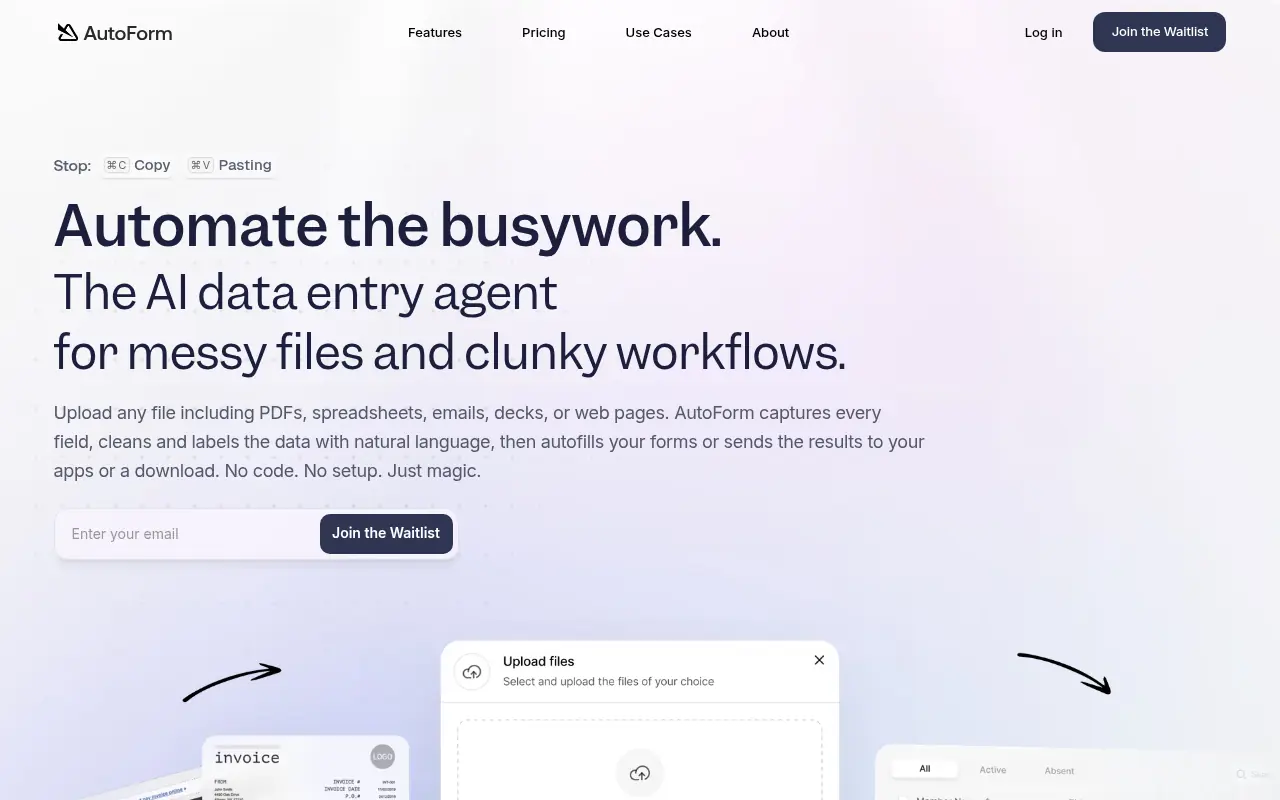

AutoForm AI
AutoForm AI is an AI-powered platform that automates the process of filling out online forms, particularly for job applications, to save users time and effort.