

Typeform
What is Typeform?
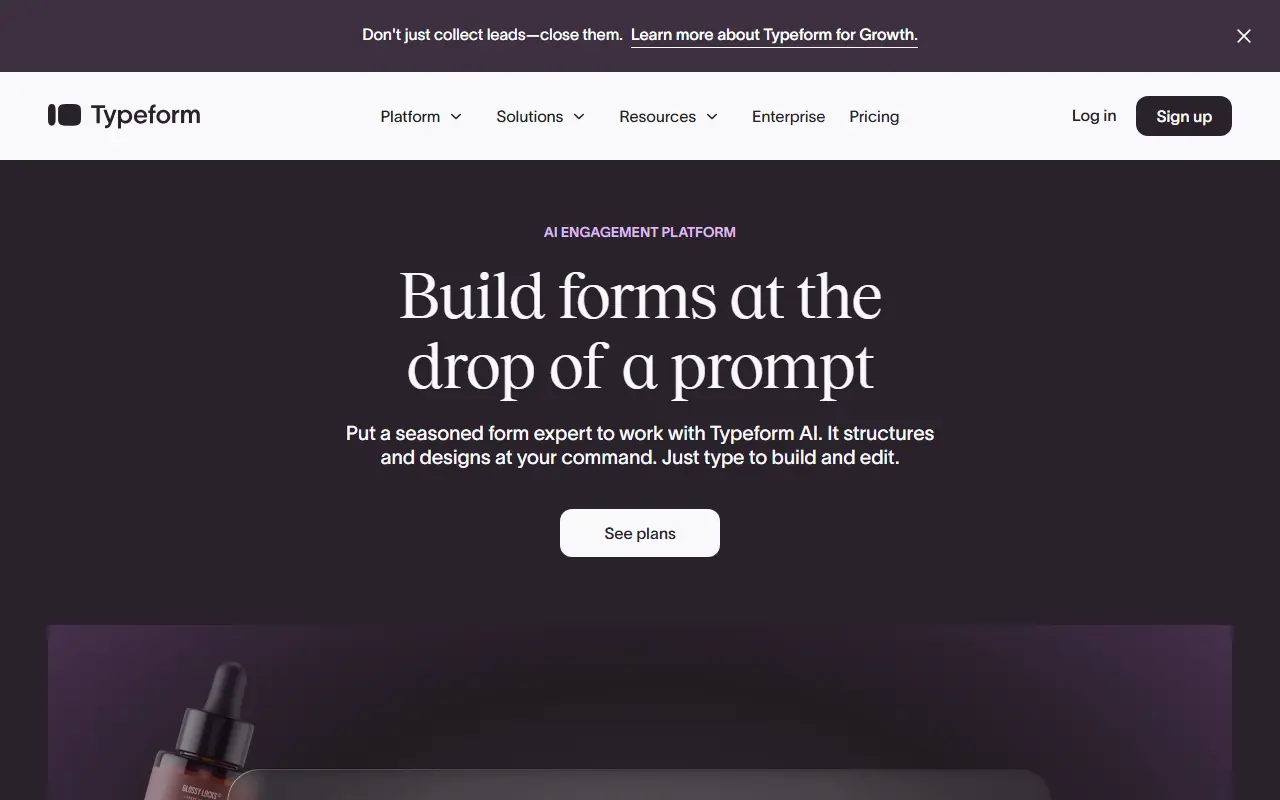
Typeform is a versatile online platform designed to reinvent how businesses collect data by turning standard, boring forms into engaging conversations. Its core mission is to make data collection more human and interactive, resulting in higher completion rates and better user experiences. By presenting one question at a time, it reduces cognitive load and keeps respondents focused on the task at hand. The platform is widely used by marketers, HR professionals, and researchers to create surveys, quizzes, and lead generation forms. Recently, Typeform has integrated AI capabilities to automatically generate tailored forms and optimize questions for even better performance.
How to use Typeform?
To use Typeform, users start by signing up for an account and choosing whether to build a form from scratch, use a pre-designed template, or let the AI generator create a form based on a simple text prompt. Within the drag-and-drop editor, you can customize questions, adjust design themes, and set up logic jumps to tailor the respondent's journey based on their previous answers. Once the form is finalized, it can be shared via a direct link, embedded onto a website, or integrated with third-party apps like Slack or Google Sheets to automatically route the collected data.
Typeform's Core Features
Conversational Interface: Displays one question at a time to reduce user fatigue and increase completion rates.
Logic Jumps: Routes respondents to different questions based on their previous answers for a personalized experience.
AI Form Builder: Automatically generates complete, customizable forms and surveys from a simple text prompt.
Rich Media Integration: Allows users to easily embed images, videos, and GIFs into questions to make forms visually appealing.
Custom Branding: Offers extensive design tools to match the form's colors, fonts, and layout to a company's brand identity.
Extensive Integrations: Connects seamlessly with hundreds of popular tools like Zapier, Google Sheets, HubSpot, and Slack.
Hidden Fields: Enables the passing of existing data into the form to personalize the experience and track user sources.
Analytics and Reporting: Provides built-in metric tracking for responses, completion rates, and specific drop-off points.
Typeform's Use Cases
- #1
Creating customer satisfaction and feedback surveys.
- #2
Designing interactive lead capture forms for marketing campaigns.
- #3
Building engaging employee feedback and HR questionnaires.
- #4
Developing interactive quizzes for educational or promotional purposes.
- #5
Managing event registrations and online RSVPs.
- #6
Setting up online order forms for small businesses to accept payments.
Frequently Asked Questions
Analytics of Typeform
Monthly Visits Trend: May 2025 - Sep 2026
Traffic Sources
AI Channel Traffic Trends
Top Regions
| Region | Traffic Share |
|---|---|
| United States | 33.00% |
| United Kingdom | 8.82% |
| France | 4.55% |
| Brazil | 4.36% |
| India | 4.24% |
Top Keywords
| Keyword | Traffic | CPC |
|---|---|---|
| typeform | 302.4K | $2.20 |
| typeform login | 31.9K | $3.42 |
| google forms | 3.9M | $0.94 |
| google form | 1.6M | $0.98 |
| jotform | 300.3K | $1.56 |
Alternative of Typeform

Fillout
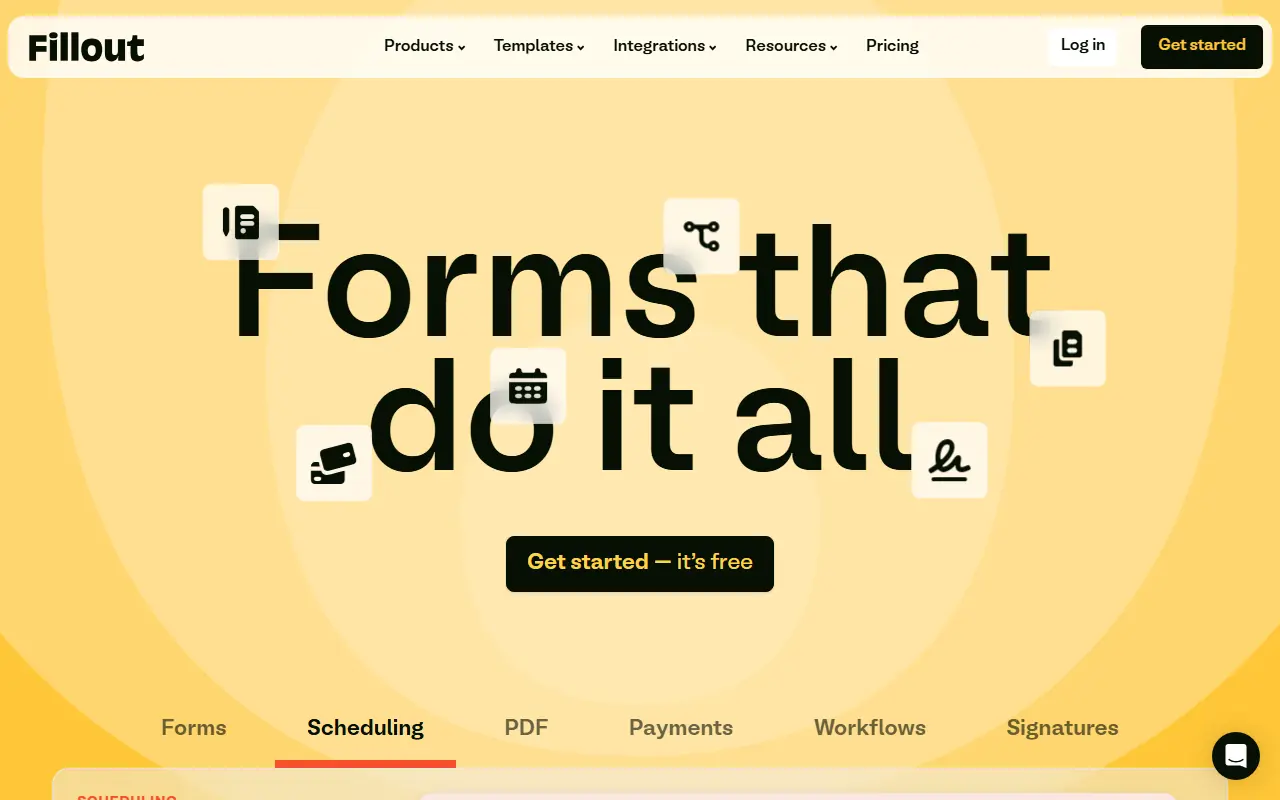
Fillout is an advanced, AI-powered no-code platform that enables users to easily build highly customizable forms, surveys, quizzes, and automated workflows.

Formshare
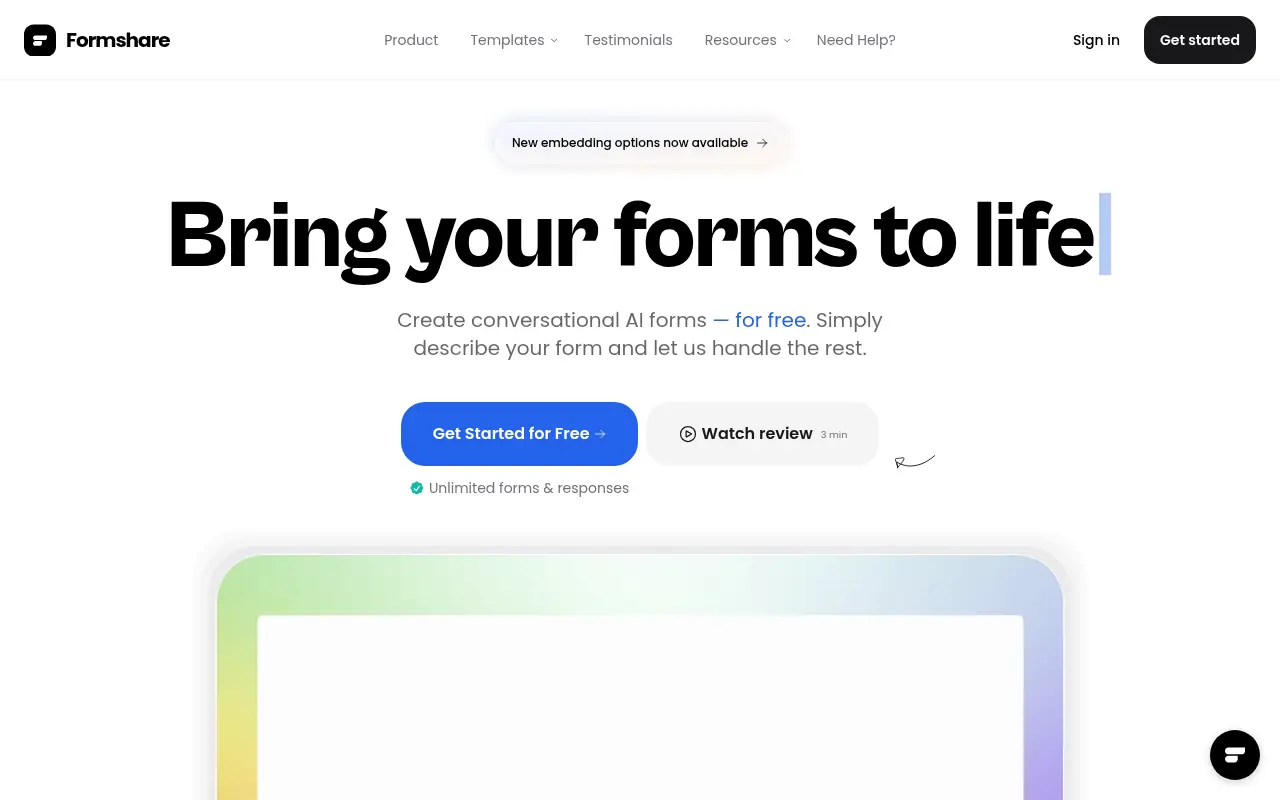
Formshare is an AI-powered platform that transforms simple natural language descriptions into dynamic, interactive, and conversational forms without any coding.

Tally
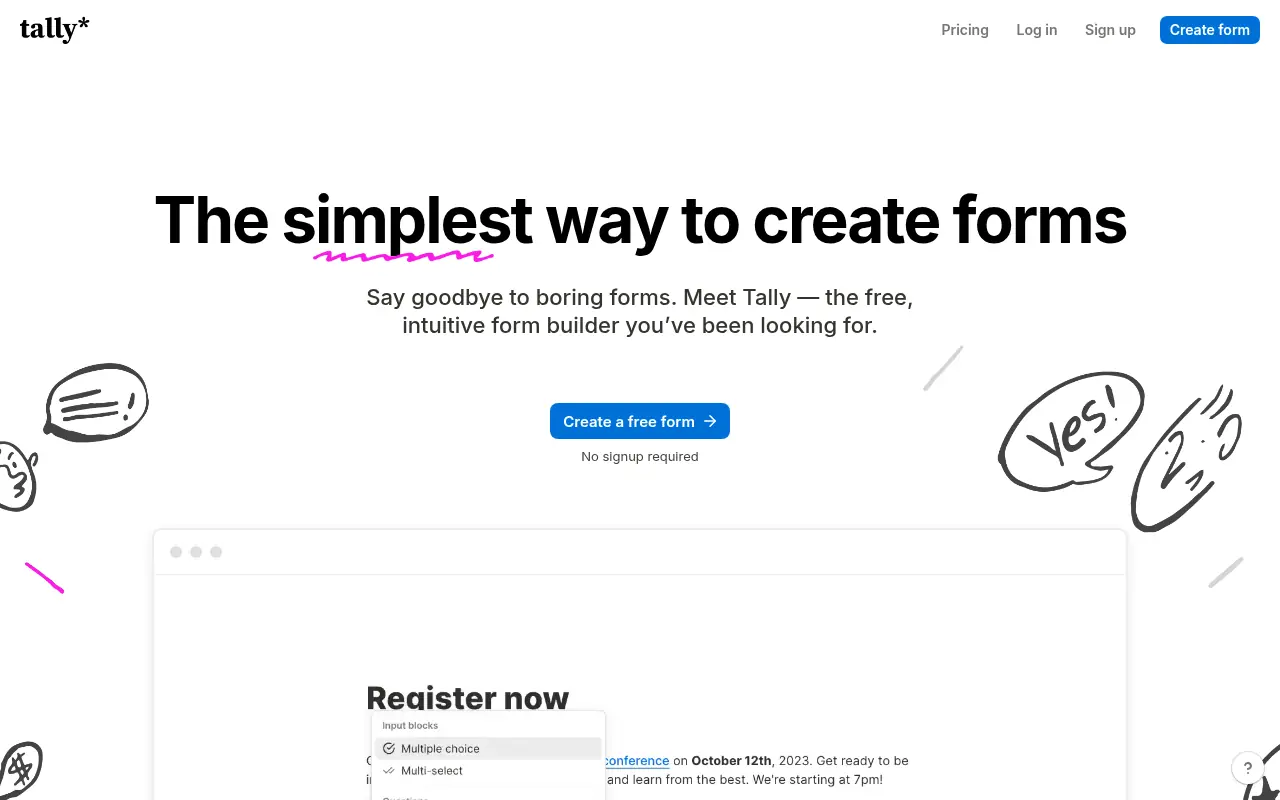
Tally is a free, intuitive no-code platform for creating and managing online forms, surveys, and quizzes.
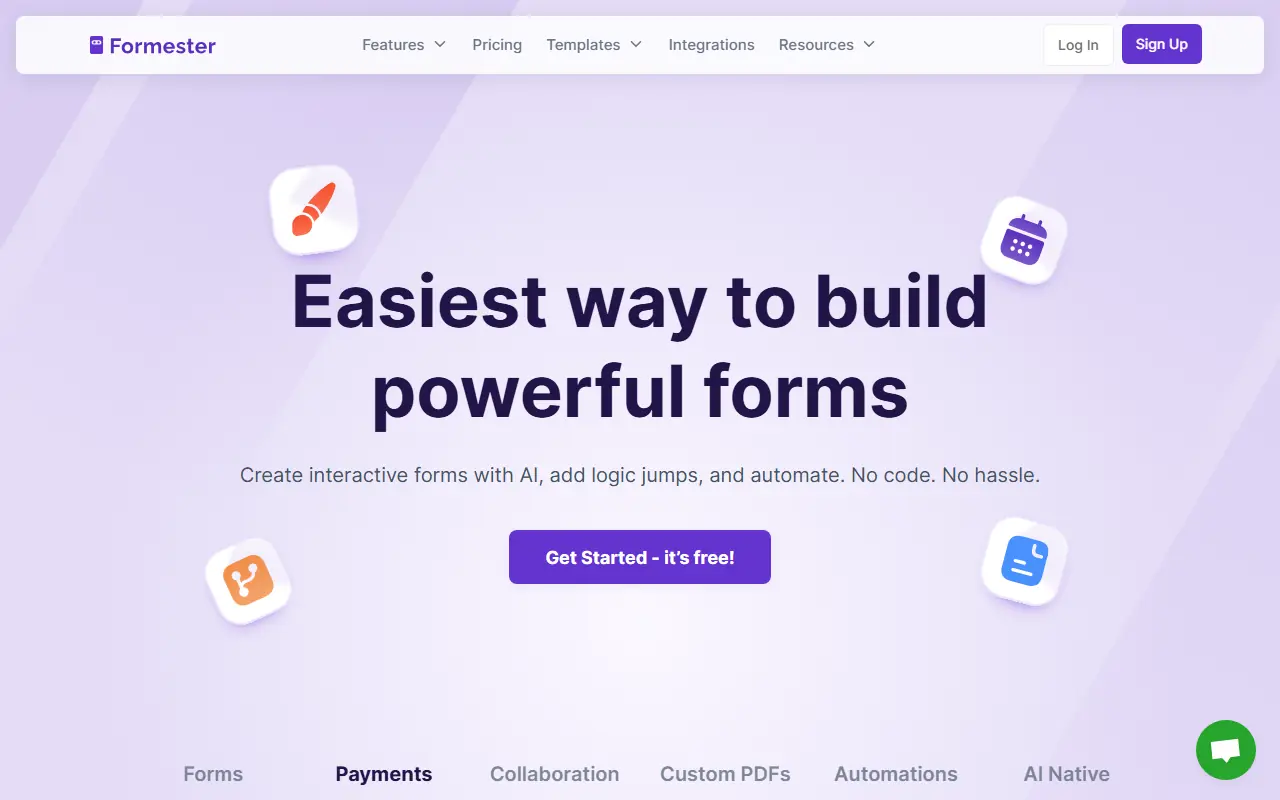

Formester
Formester is an AI-powered no-code form builder that enables users to easily create online forms, surveys, and quizzes for lead generation, automation, and data collection.
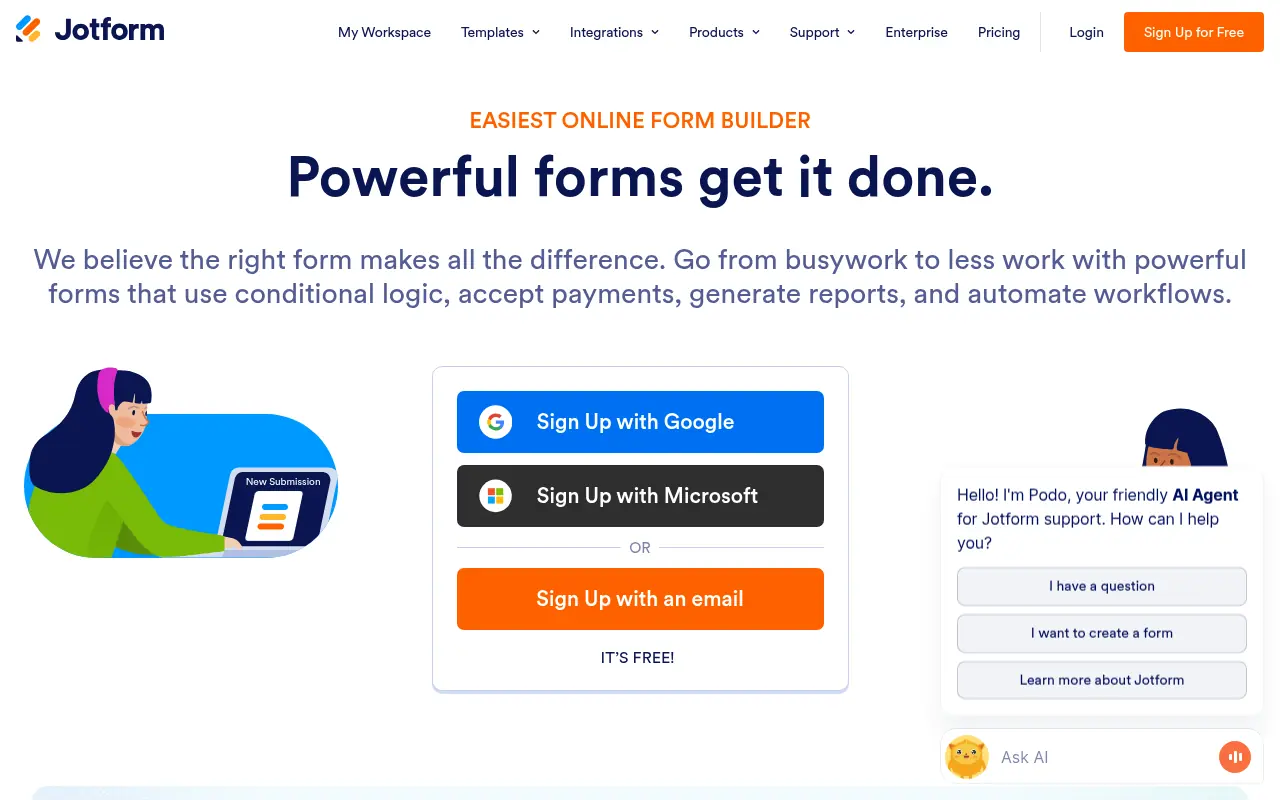

Jotform
Jotform is an online form builder that simplifies data collection, automation, and payment processing for businesses and individuals.
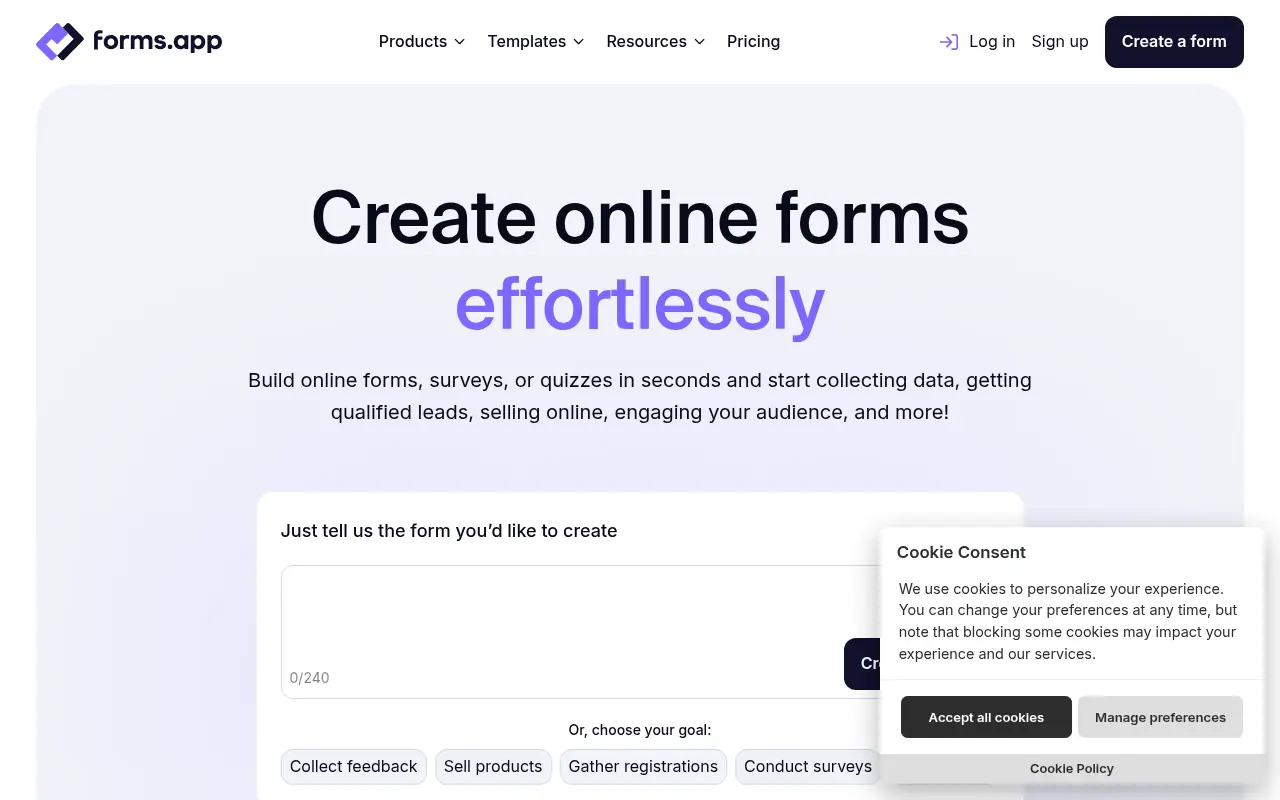

forms.app
forms.app is a user-friendly online form builder for creating and sharing forms, surveys, and quizzes to collect data effortlessly.


BlockSurvey
BlockSurvey is a privacy-focused, AI-powered platform for creating secure surveys and forms with end-to-end encryption.
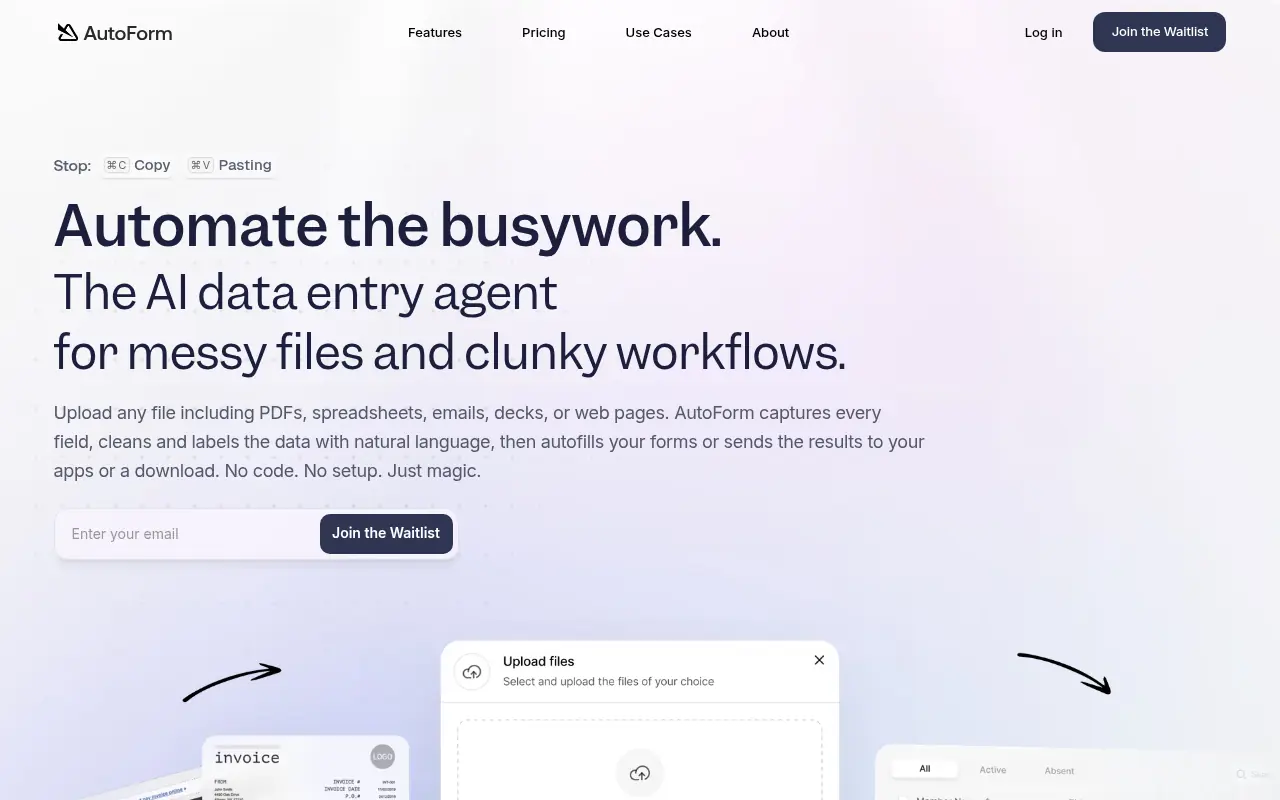

AutoForm AI
AutoForm AI is an AI-powered platform that automates the process of filling out online forms, particularly for job applications, to save users time and effort.