

CrePal
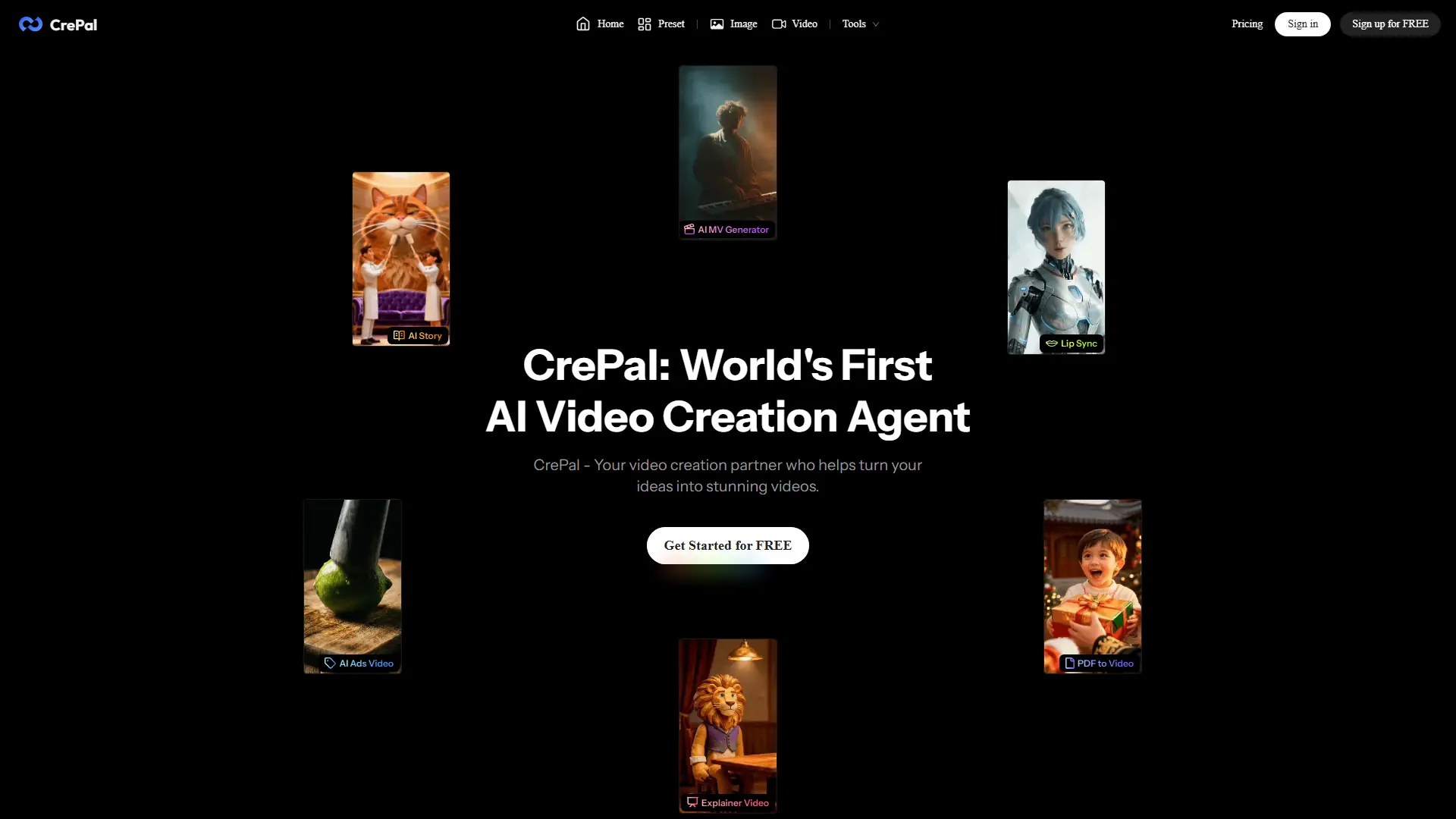
What is CrePal?
CrePal is an AI video creation agent built to manage the full production workflow, from concept development and script planning to image generation, video rendering, and final editing. Its main differentiator is an AI Director that selects and coordinates multiple image, audio, planning, and video models instead of relying on one generation engine. Users can start from a prompt or upload assets such as videos, images, and PDFs, then refine scenes through natural-language editing commands. In practical use, the transparent task panel makes the workflow easier to control by showing generation progress and allowing users to pause, revise, or compare outputs without restarting the entire project. That model orchestration can improve productivity and efficiency for creators who would otherwise move between several specialized applications. The free plan supports evaluation with limited credits, while paid subscriptions add broader model access, priority processing, watermark-free exports, and commercial-use options.
How to use CrePal?
Create a free CrePal account and begin a new project with a written idea, uploaded image, PDF, or existing video. Describe the intended story, audience, style, format, and duration so the AI Director can prepare the script, scenes, and model workflow. Review the generated preview, request changes through chat, then select the correct aspect ratio and export settings for your publishing platform.
CrePal's Core Features
AI Director Agent: Coordinates scripting, storyboarding, asset generation, model selection, and final editing within one guided workflow.
Multi-Model AI Engine: Selects suitable image, audio, planning, and video models according to each project's creative requirements.
Conversational Video Editing: Applies revisions such as faster cuts, smoother transitions, audio cleanup, or alternate color grading from natural-language instructions.
Flexible Project Inputs: Starts productions from text prompts or uploaded video, image, and PDF files.
Interactive Task Panel: Displays generation status, estimated completion progress, resource use, and queued project activity.
Mid-Process Controls: Lets users pause, resume, adjust, preview, or switch outputs without rebuilding the complete project.
Automatic Scene Detection: Identifies important moments, recommends cut points, and improves pacing in uploaded footage.
Style Consistency Tools: Maintains related lighting, color palettes, visual treatments, and brand direction across multiple scenes.
Professional Export Controls: Supports platform-oriented aspect ratios, resolution settings, compression choices, and frame-rate optimization.
Batch Version Generation: Produces multiple styles, lengths, or platform variants to streamline campaign testing and content repurposing.
AI Video Mini Apps: Provides focused workflows for ad remixing, talking avatars, PDF-to-video conversion, music videos, and automated editing.
Automatic Credit Recovery: Attempts to restore credits when a generation fails because of a confirmed platform error.
CrePal's Use Cases
- #1
Producing multi-scene TikTok, Instagram Reels, and YouTube Shorts from a single creative brief
- #2
Turning SaaS product details into short promotional videos without hiring a production team
- #3
Converting pitch decks, reports, and educational PDFs into narrated visual presentations
- #4
Creating AI music videos from an uploaded MP3 or an automatically generated soundtrack
- #5
Repurposing long recordings into highlight-driven short videos for social media campaigns
- #6
Generating product advertisements that mimic the pacing and visual style of a reference video
- #7
Building talking-avatar videos for product explainers, announcements, and service promotions
- #8
Creating platform-specific video variations for A/B testing different formats, lengths, and creative directions
Frequently Asked Questions
Analytics of CrePal
Monthly Visits Trend: May 2025 - Aug 2026
Traffic Sources
AI Channel Traffic Trends
Top Regions
| Region | Traffic Share |
|---|---|
| United States | 26.63% |
| India | 5.62% |
| United Kingdom | 4.06% |
| Germany | 3.99% |
| Indonesia | 3.94% |
Top Keywords
| Keyword | Traffic | CPC |
|---|---|---|
| crepal | 3.2K | $2.21 |
| nsfw ai image editor | 6.8K | -- |
| nsfw image editor | 2.6K | $1.20 |
| free nsfw image to video | 530 | $0.59 |
| download video pinterest | 34.2K | $0.25 |
Alternative of CrePal
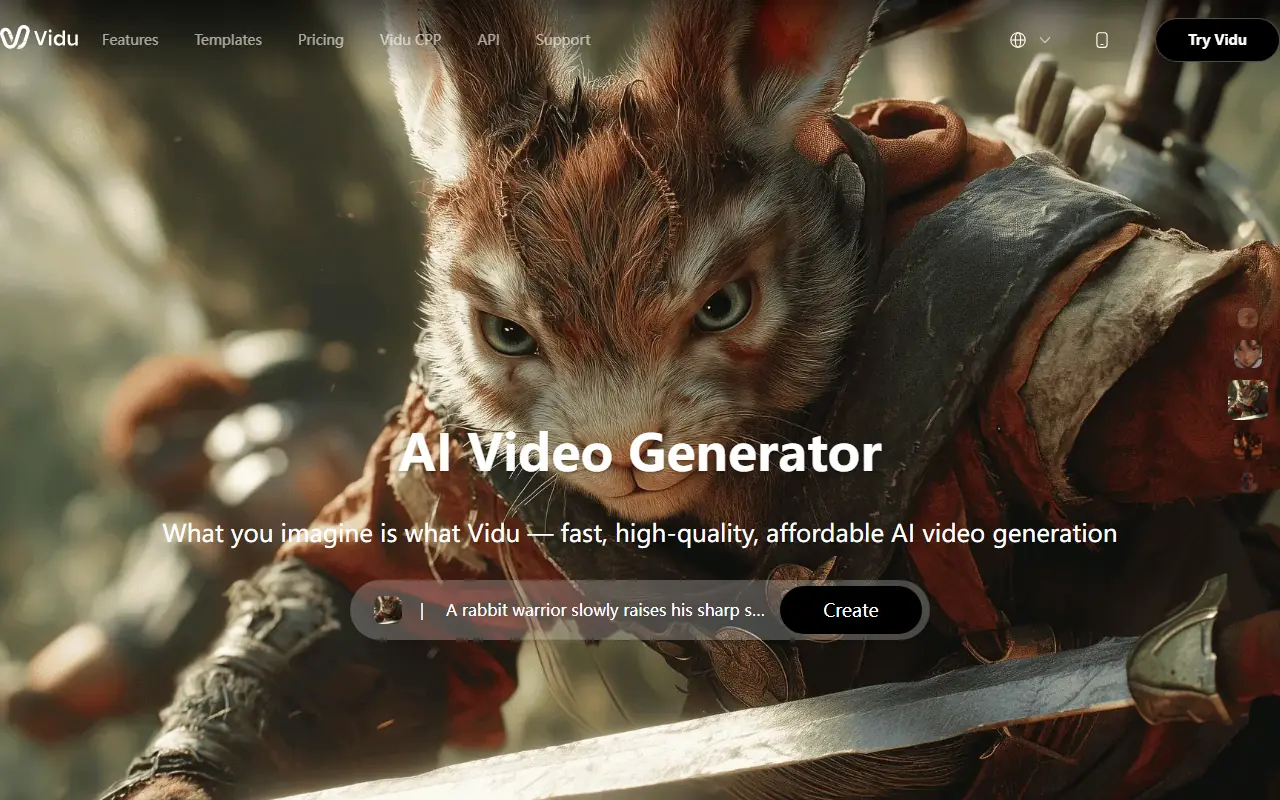

Vidu
Vidu is an AI-powered platform for generating high-quality videos and animations from text prompts or images.
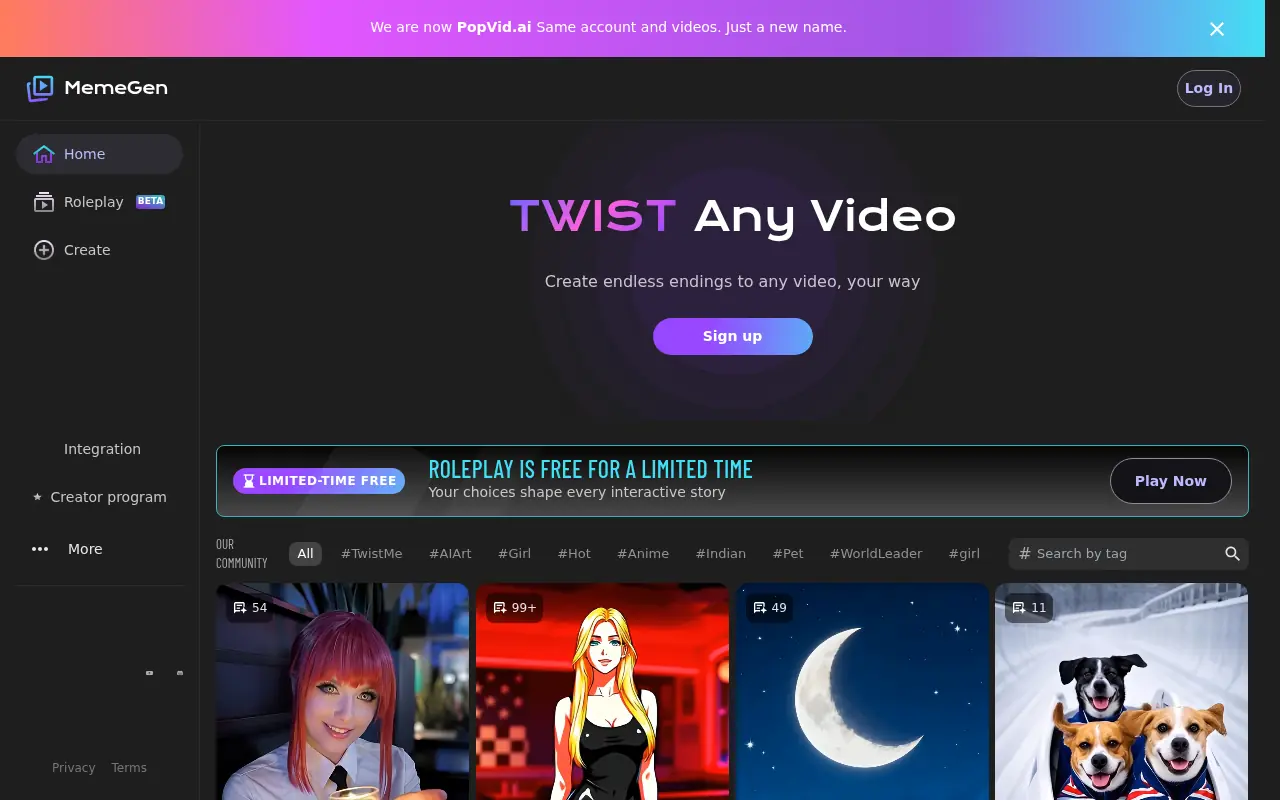

PopVid AI
An AI-powered video generation platform designed to create unrestricted and uncensored video content from text and images.
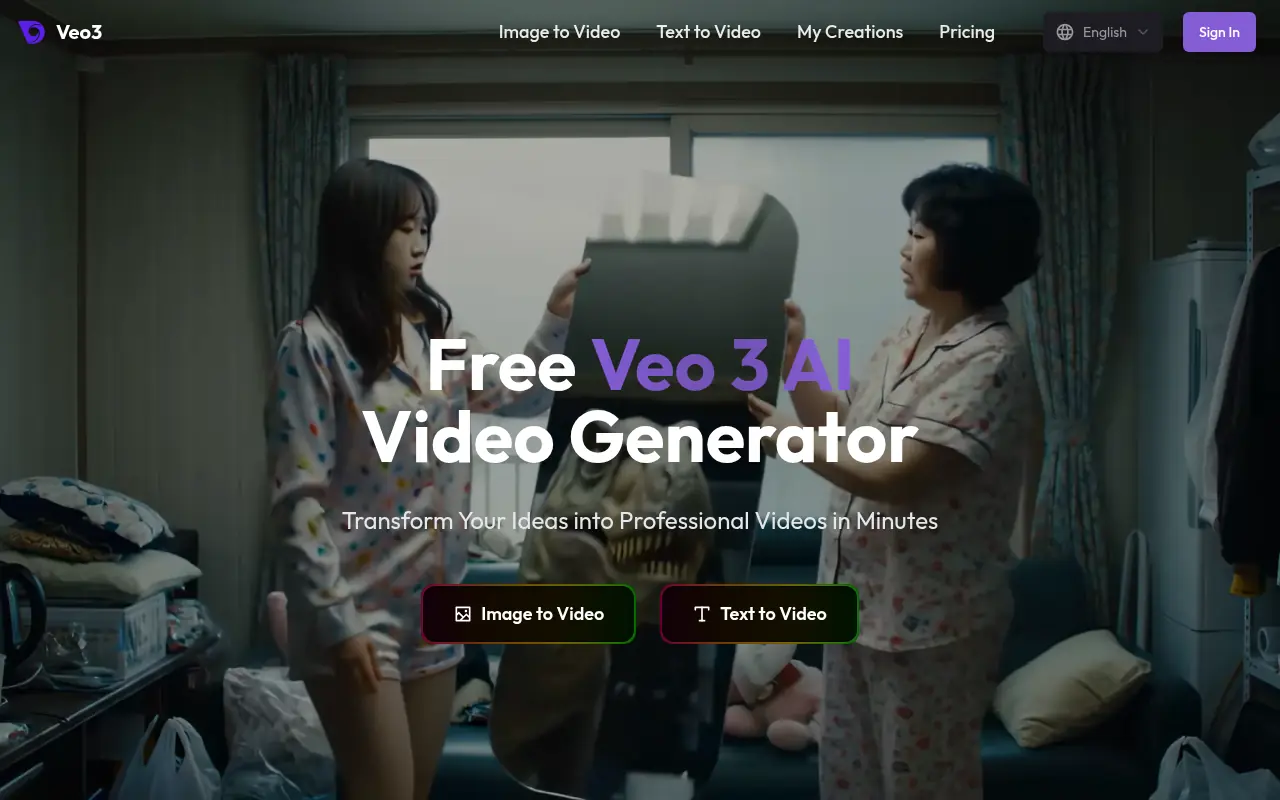

Veo3 AI
A comprehensive AI video generation platform that provides access to advanced models like Veo 3 and Sora 2 for transforming text and images into high-quality videos.
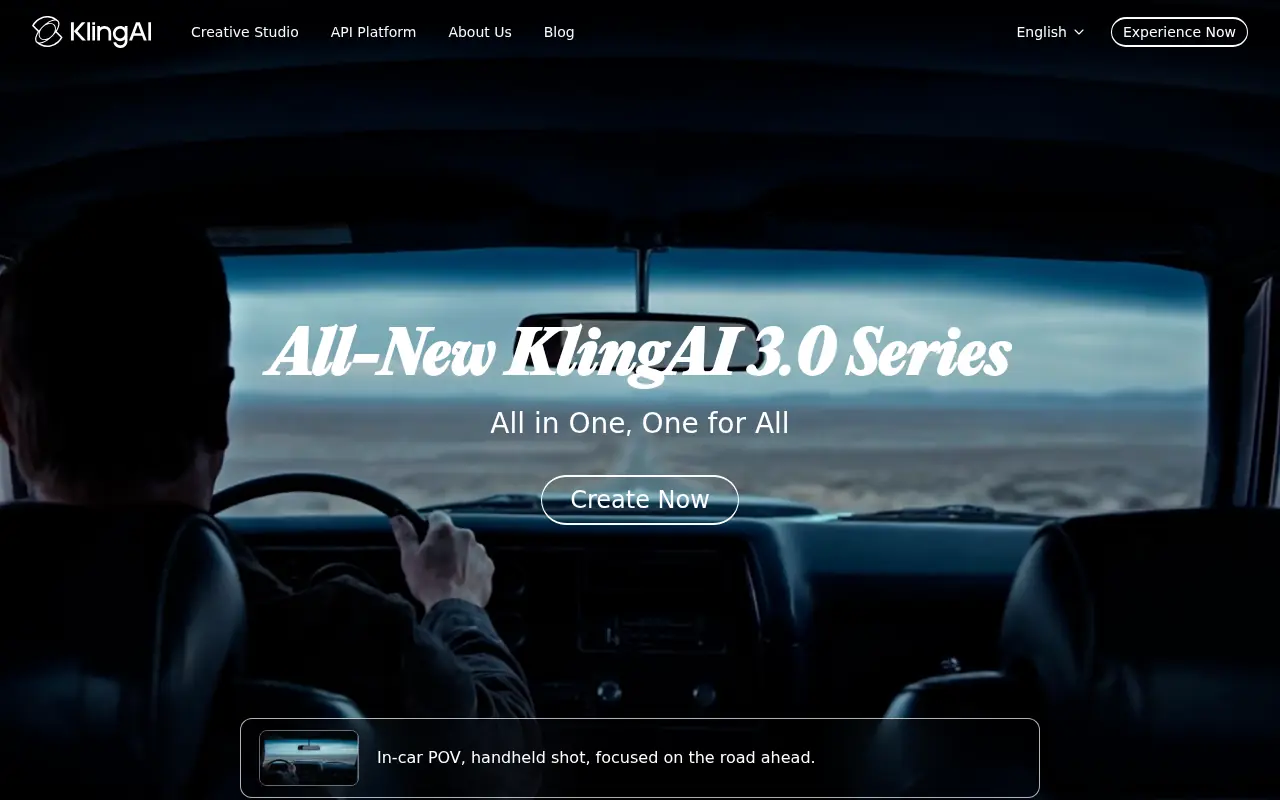

Kling AI
Kling AI transforms text and images into cinematic, photorealistic videos, slashing production costs and accelerating creative workflows for content creators and enterprise studios.
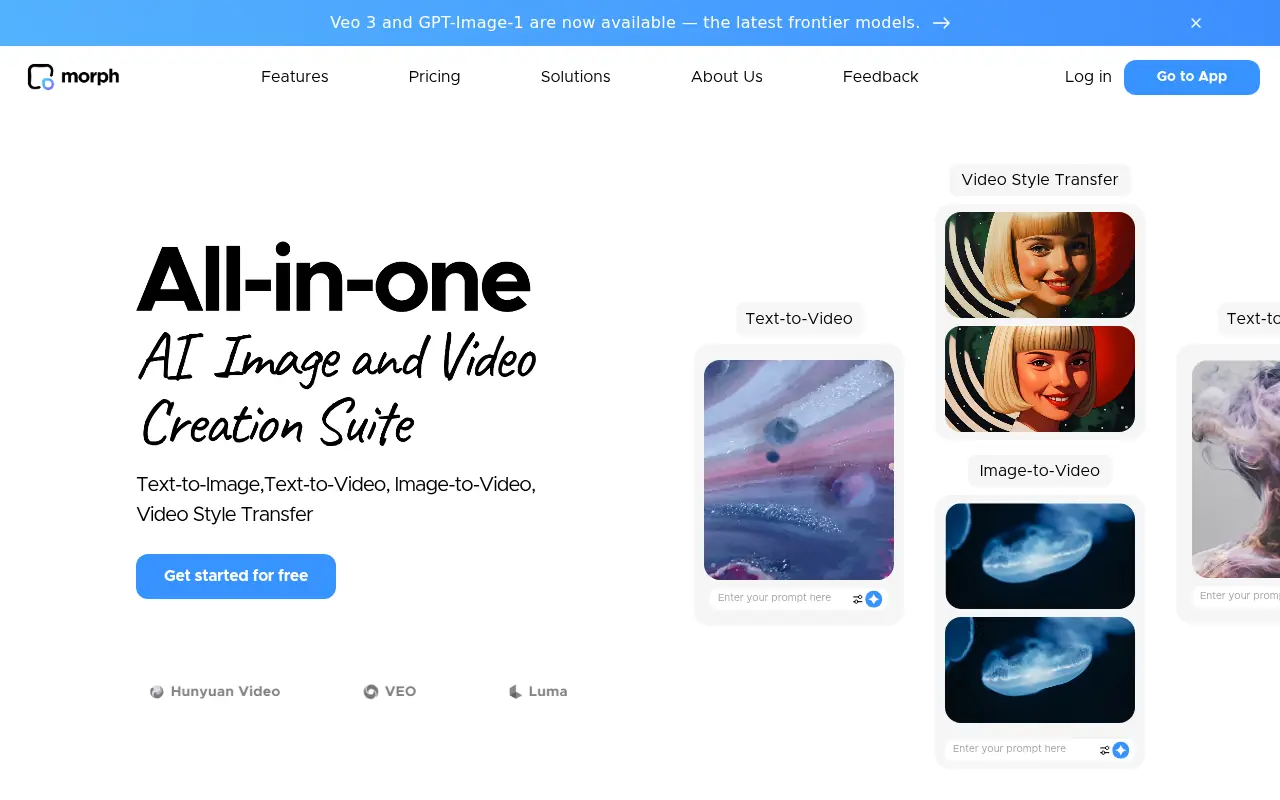

Morph Studio
Morph Studio is an all-in-one AI-powered platform for creating, editing, and enhancing videos and animations from text prompts and images.
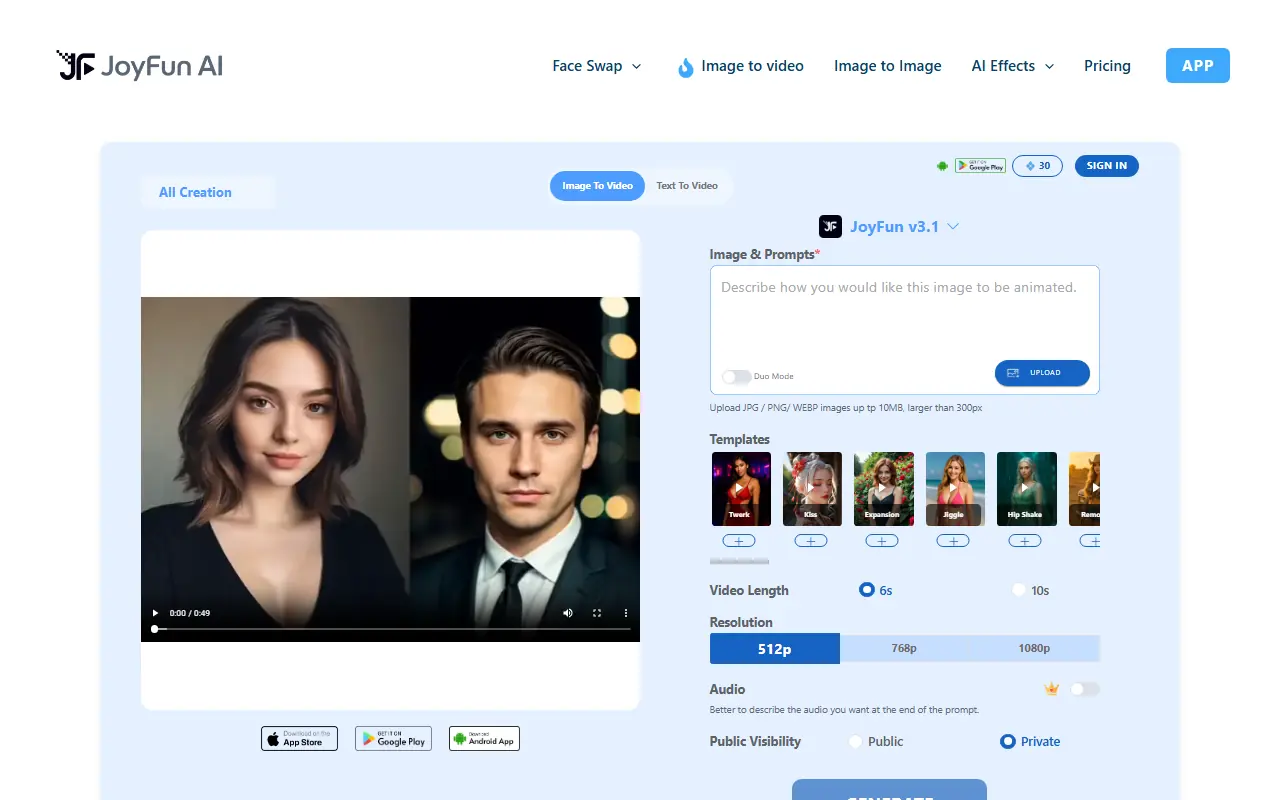

Joyfun AI
Joyfun AI is a free, no-sign-up platform offering unrestricted AI video generation, face swapping, and specialized animation effects for creators.
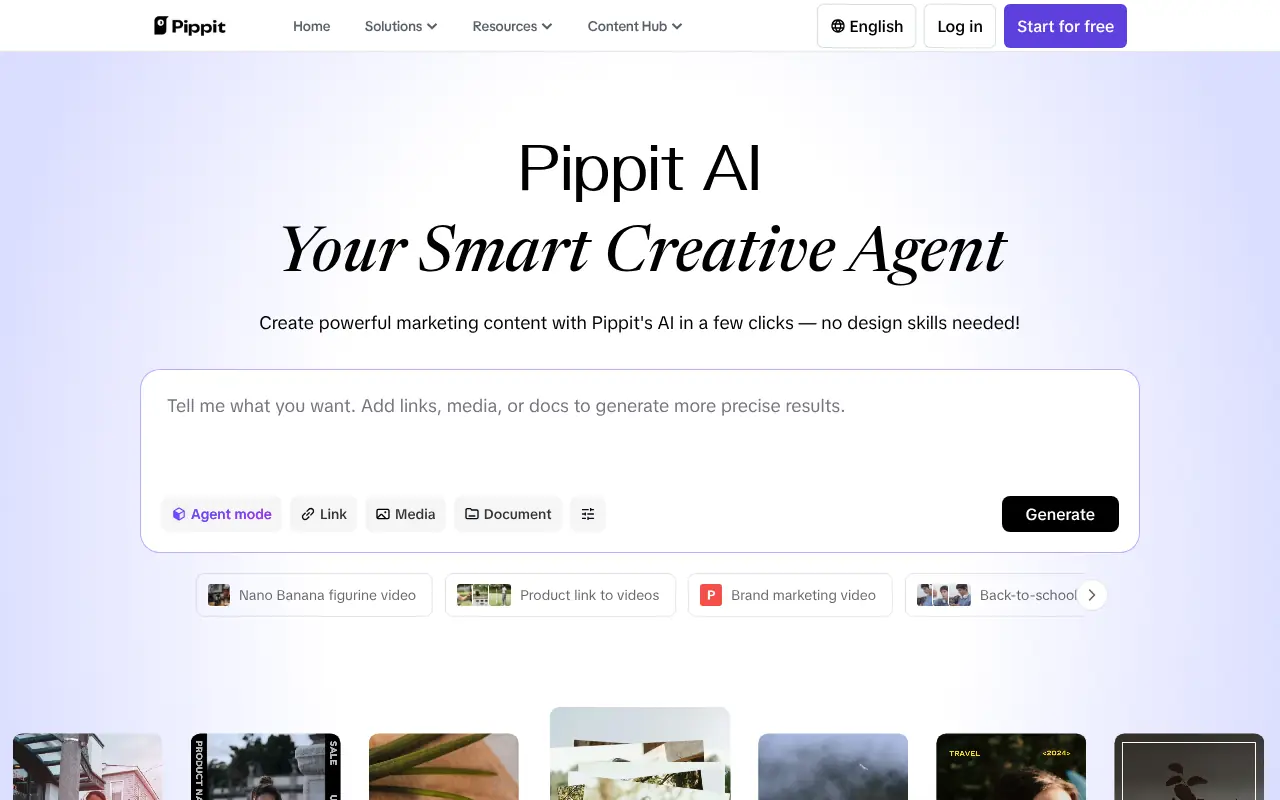

Pippit AI
Pippit AI is an AI-powered smart creative agent that enables users to effortlessly generate high-quality marketing videos, digital avatars, and images from simple text prompts or links.
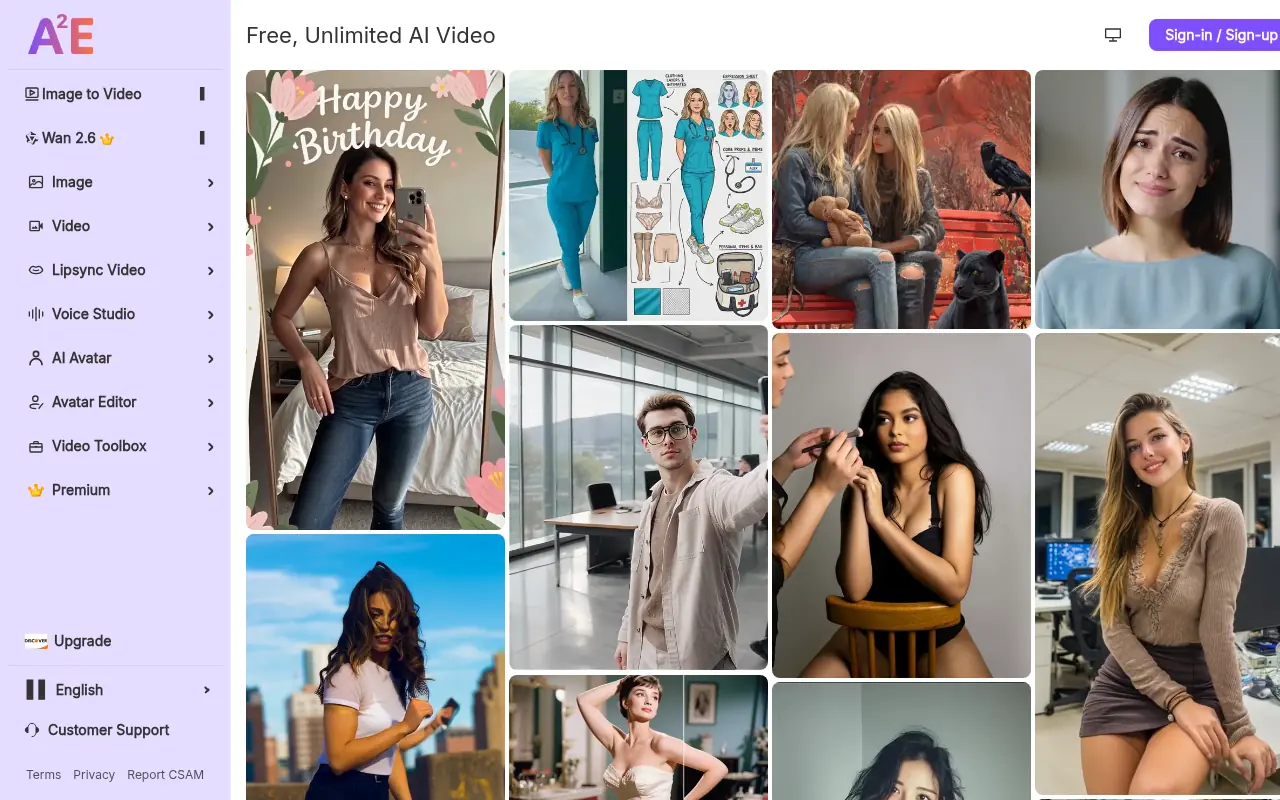

A2E AI
A comprehensive generative AI platform specializing in uncensored video creation, offering tools for AI avatars, voice cloning, and text-to-video synthesis.