

CANVID
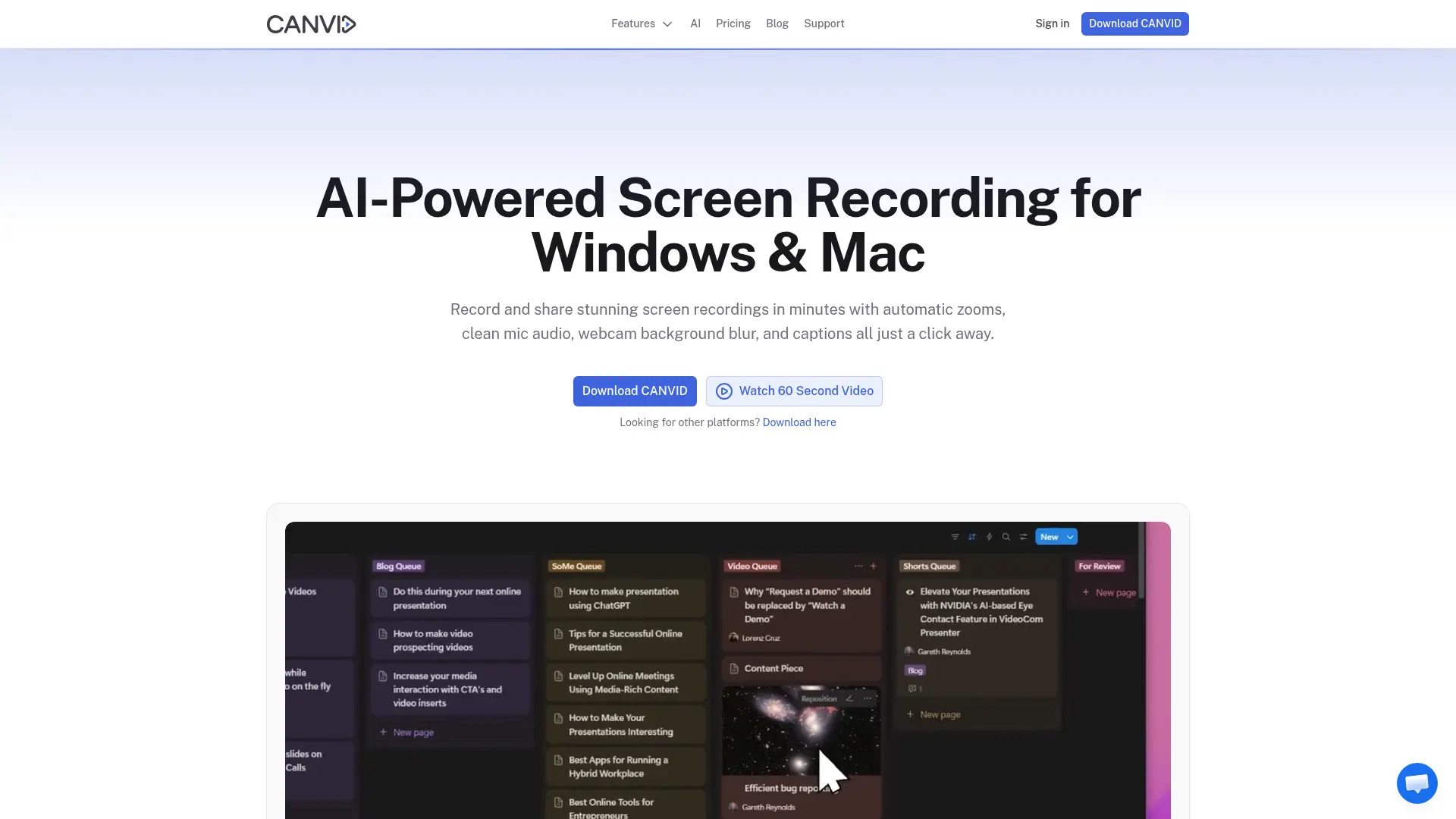
What is CANVID?
CANVID is an AI-enhanced screen recording application for Windows and macOS. It captures screens, windows, webcams, microphones, and system audio, then combines recording, editing, exporting, and sharing in one workflow. Built-in tools include automatic zooms, captions, transcript editing, voice clarity, webcam background effects, and privacy masking. The platform targets creators, educators, support teams, marketers, product teams, and businesses producing demos, tutorials, walkthroughs, and internal updates. Recording and editing work offline, while cloud sharing and some AI processing require an internet connection.
How to use CANVID?
1. Download CANVID for Windows 10/11 or macOS 15+ on Apple Silicon, install it, and grant the requested recording permissions. 2. Choose a display, window, or region, configure your microphone, system audio, and webcam, then record your video. 3. Edit the recording with zooms, captions, audio cleanup, trimming, or privacy areas, then export an MP4/GIF or create a cloud share link.
CANVID's Core Features
Screen, Window, and Region Capture: Record a full display, individual application window, or selected screen area with microphone and system audio.
Automatic Zooms: Turn clicks into smooth focus points that keep viewers oriented during demos and tutorials.
AI Voice Clarity: Remove background noise, hum, echo, fan sounds, and static to make narration easier to understand.
Webcam Background Effects: Blur, remove, or replace the camera background without requiring a green screen.
AI Speech Edit: Correct spoken mistakes by editing text or replacing selected speech without rerecording the entire video.
Captions and Transcripts: Generate time-stamped transcripts and captions that support accessibility and text-based navigation.
Privacy Areas: Manually or automatically detect and mask sensitive information such as emails, payment details, and private text.
Cursor and Camera Customization: Adjust cursor appearance, movement smoothing, camera shape, placement, and styling for consistent presentation.
4K Export and GIF Creation: Export high-resolution MP4 videos at up to 4K 60FPS or create shareable GIFs.
Quick Share and Cloud Gallery: Upload recordings, organize them into collections, and distribute private-by-default links or embeds.
CANVID's Use Cases
- #1
SaaS founders creating polished product demo videos without a separate video editor
- #2
Customer support agents recording step-by-step troubleshooting walkthroughs for complex software issues
- #3
Course creators producing captioned software tutorials with webcam narration and automatic zooms
- #4
Remote teams documenting bugs, feature updates, and internal workflows through concise screen recordings
- #5
Educators recording webinars and online lectures with screen capture, camera, audio, and captions
- #6
Marketing teams creating 4K product walkthroughs and social-ready screen videos in multiple aspect ratios
- #7
Developers sharing reproducible bug reports that show application behavior and cursor activity clearly
Frequently Asked Questions
Analytics of CANVID
Monthly Visits Trend: Apr 2025 - Aug 2026
Traffic Sources
AI Channel Traffic Trends
Top Regions
| Region | Traffic Share |
|---|---|
| United States | 28.78% |
| India | 9.57% |
| United Kingdom | 8.79% |
| Germany | 8.05% |
| Canada | 5.56% |
Top Keywords
| Keyword | Traffic | CPC |
|---|---|---|
| canvid | 2.1K | $0.70 |
| loom price | 870 | $3.94 |
| canvid screen recorder | 110 | -- |
| best screen recorder for windows for long videos without watermark | 650 | -- |
| screen studio | 75.2K | $1.56 |
Alternative of CANVID
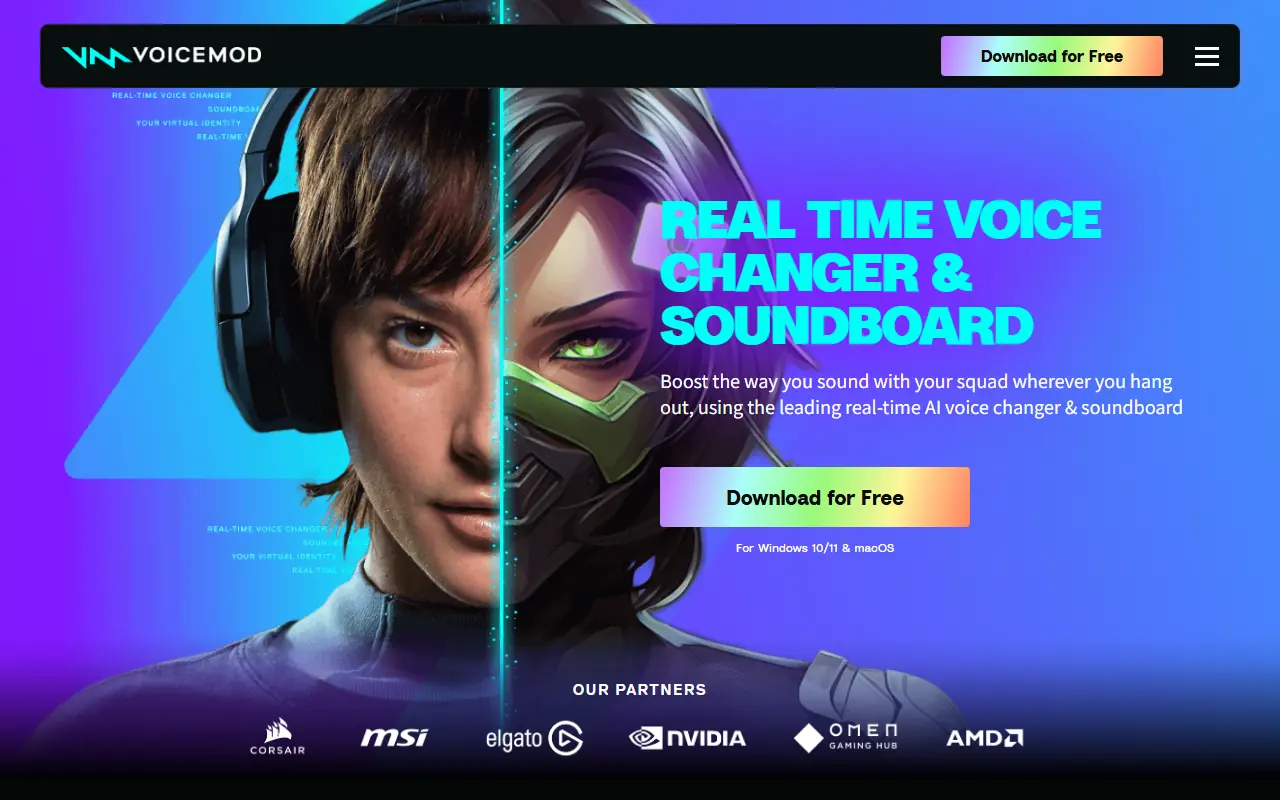

Voicemod
Voicemod is a real-time voice changer and soundboard software for gamers, content creators, and communication platforms.


Riverside
Riverside is a cloud-based audio and video recording studio that enables creators and businesses to record, edit, and publish high-quality, studio-grade content remotely.
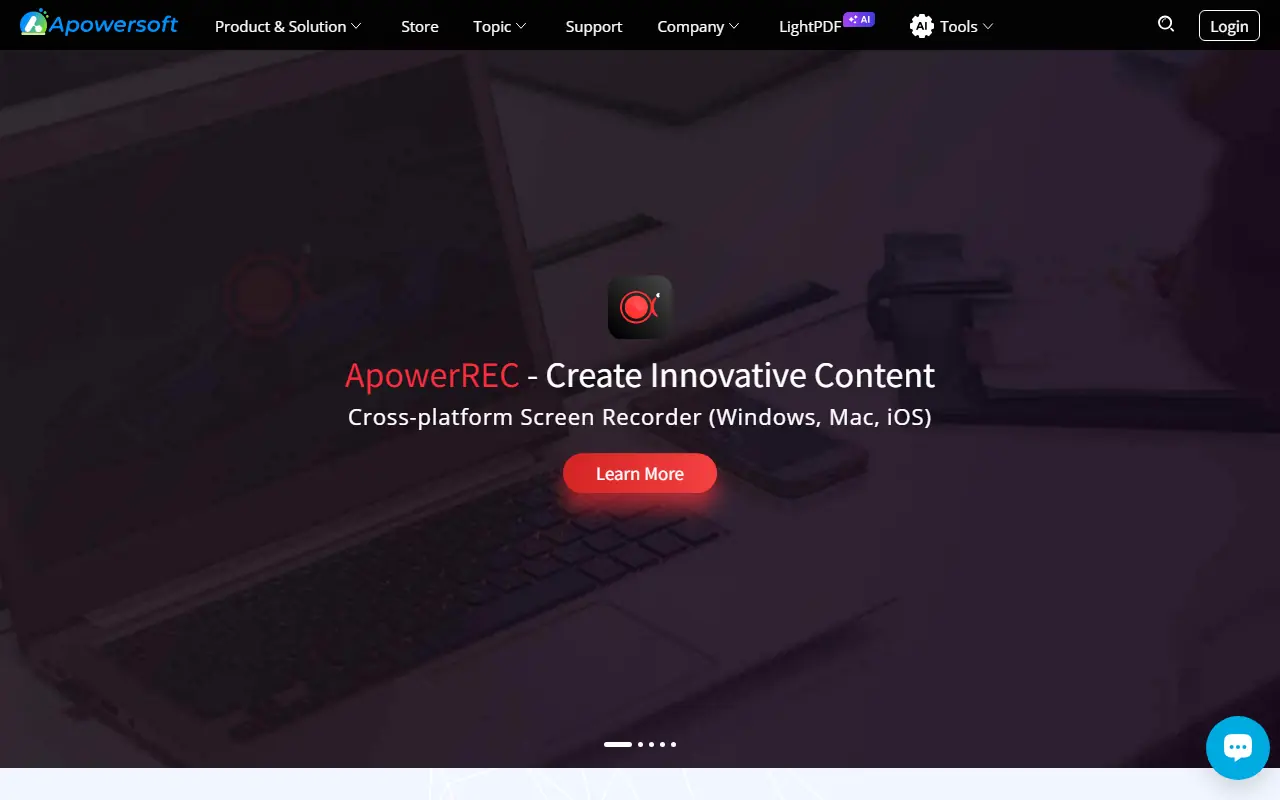

Apowersoft
Apowersoft provides multimedia and business solutions for recording, editing, and sharing digital content across devices.
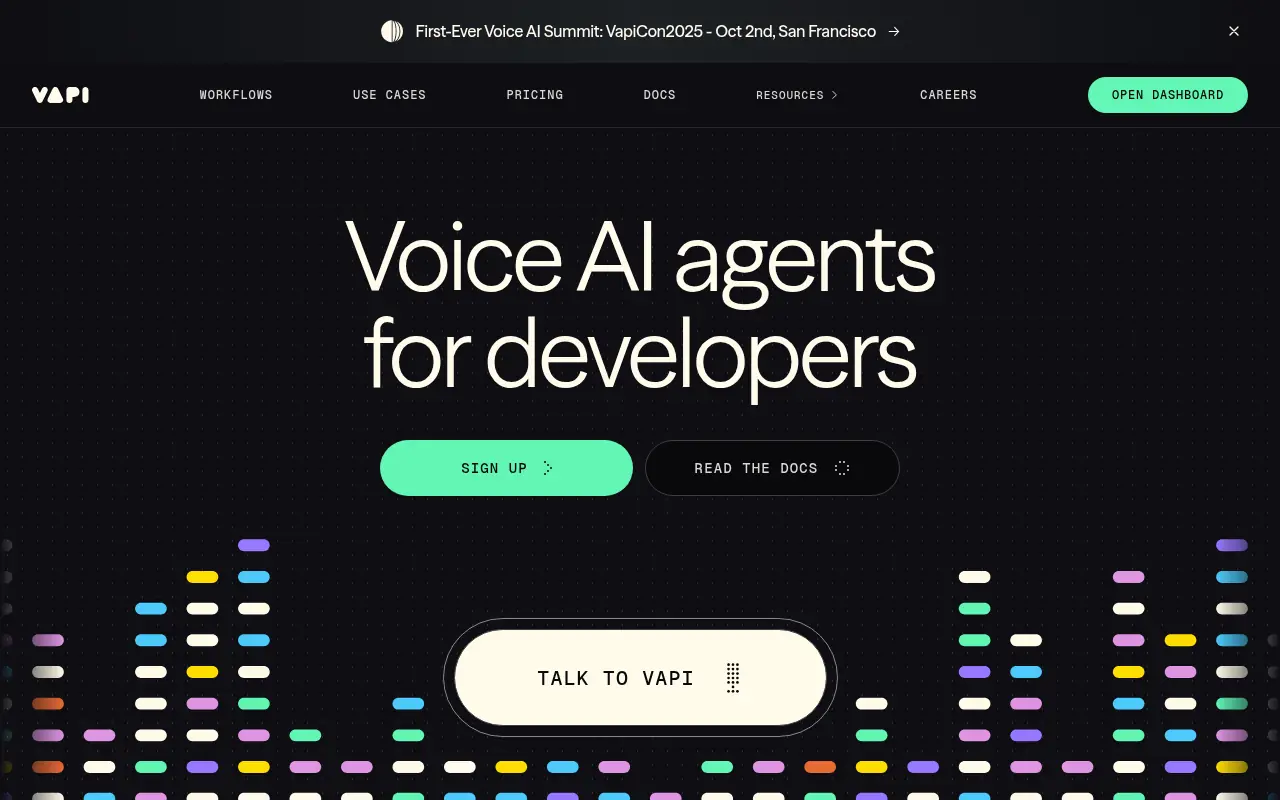

Vapi
Vapi is a developer platform for building and deploying advanced voice AI agents for conversational applications.


Ultravox
Ultravox is a next-generation, open-weight speech language model platform for building real-time, low-latency voice AI agents that understand speech directly without traditional ASR pipelines.


Grain
Grain is an AI-powered meeting productivity platform that automatically records, transcribes, summarizes, and highlights video calls to enhance team collaboration and decision-making.

VWO
VWO is a leading platform for A/B testing and digital experience optimization to enhance website conversions and user engagement.

Tenorshare
Tenorshare is a professional software provider specializing in data recovery, device management, and system repair solutions for iOS, Android, Windows, and Mac platforms.