

Banani
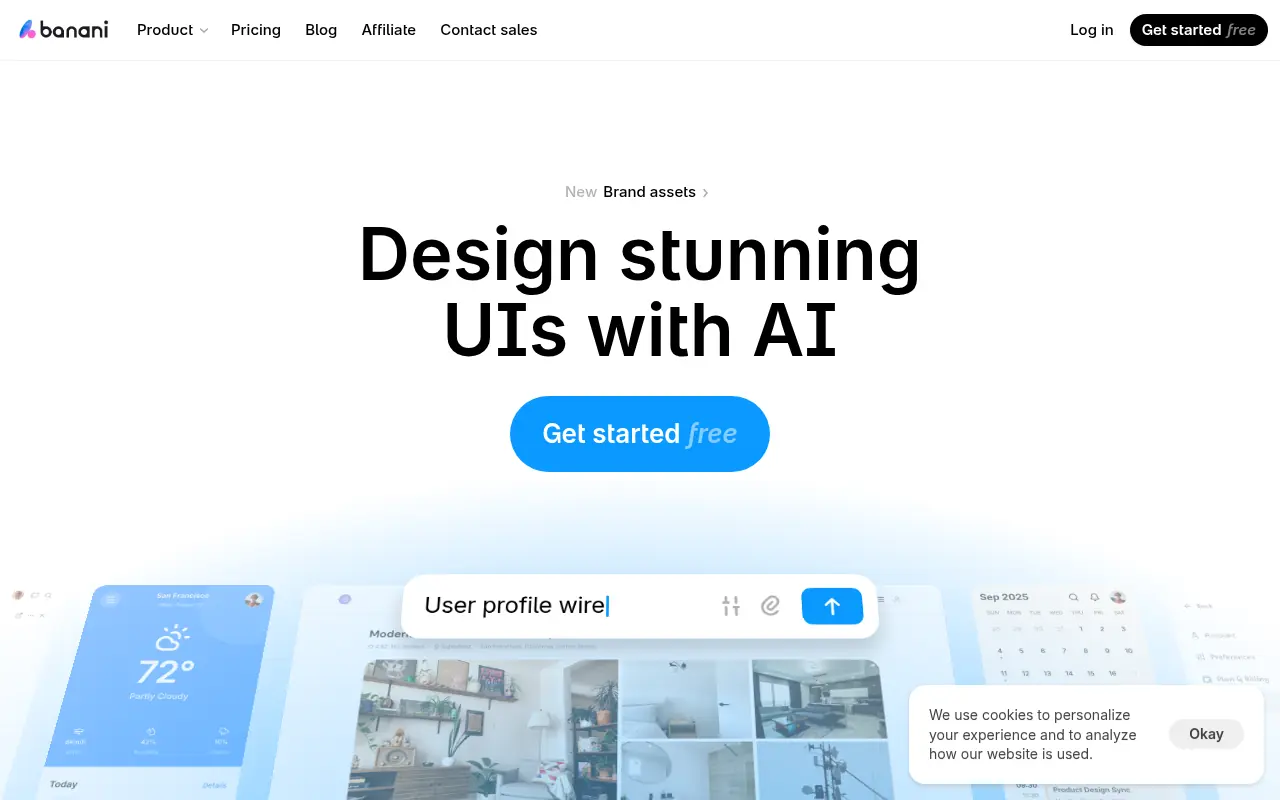
What is Banani?
Banani is an AI-native UI design platform built to accelerate the product ideation and wireframing process. It empowers product teams, developers, and non-designers to create beautiful, on-brand interfaces in minutes instead of hours. By interpreting natural language prompts or reference images, the tool generates interactive prototypes right on a collaborative design canvas. Users can instantly tweak elements using an AI chat interface, connect screens for user flows, and export their polished results directly to Figma or clean HTML/CSS code.
How to use Banani?
To use Banani effectively, start by creating a free account and opening a new project canvas. Provide a clear text prompt describing the app or website interface you want to create, or upload a reference image to extract a specific style and layout. Within seconds, the AI generates several editable multi-screen options for you to review and select. From there, use the AI companion chat or manual controls to refine colors, typography, and button placements, before connecting the screens to prototype the user journey and exporting the final layout directly to Figma or code.
Banani's Core Features
Text-to-UI Generation: Quickly turn natural language descriptions into editable, multi-screen interface designs.
Image-to-UI Transformation: Upload visual references or screenshots to extract styles and recreate interfaces.
AI Design Copilot: Utilize interactive chat prompts to instantly refine layouts, colors, and typography.
Interactive Prototyping: Easily connect UI elements and buttons to simulate seamless user flows.
Seamless Figma Integration: Export completed screen designs directly to Figma with a single click.
HTML/CSS Code Export: Export visual mockups directly into clean, usable code for software development.
Global Brand Theming: Customize and apply distinct color palettes and font styles across an entire project.
Real-Time Collaboration: Generate shareable project links to quickly gather feedback from team members.
Banani's Use Cases
- #1
Rapidly generating functional wireframes and UI prototypes from simple text descriptions.
- #2
Converting reference screenshots or existing app designs into fully editable UI layouts.
- #3
Creating interactive, multi-screen user flows for early-stage idea and product validation.
- #4
Designing mobile apps, dashboards, and landing pages without prior UI/UX or graphic design expertise.
- #5
Exporting AI-generated layouts directly to Figma to seamlessly integrate with standard design handoff processes.
- #6
Applying consistent brand themes and typography across multiple screens in real time.
Frequently Asked Questions
Analytics of Banani
Monthly Visits Trend: Apr 2025 - Aug 2026
Traffic Sources
AI Channel Traffic Trends
Top Regions
| Region | Traffic Share |
|---|---|
| India | 14.17% |
| Nigeria | 8.79% |
| United States | 4.98% |
| Brazil | 2.64% |
| Mexico | 2.52% |
Top Keywords
| Keyword | Traffic | CPC |
|---|---|---|
| banani | 7.8K | $0.33 |
| krea ai | 148.6K | $0.44 |
| emergent ai | 247.4K | $1.64 |
| banani ai | 2.5K | $0.59 |
| figma | 3.7M | $0.87 |
Alternative of Banani
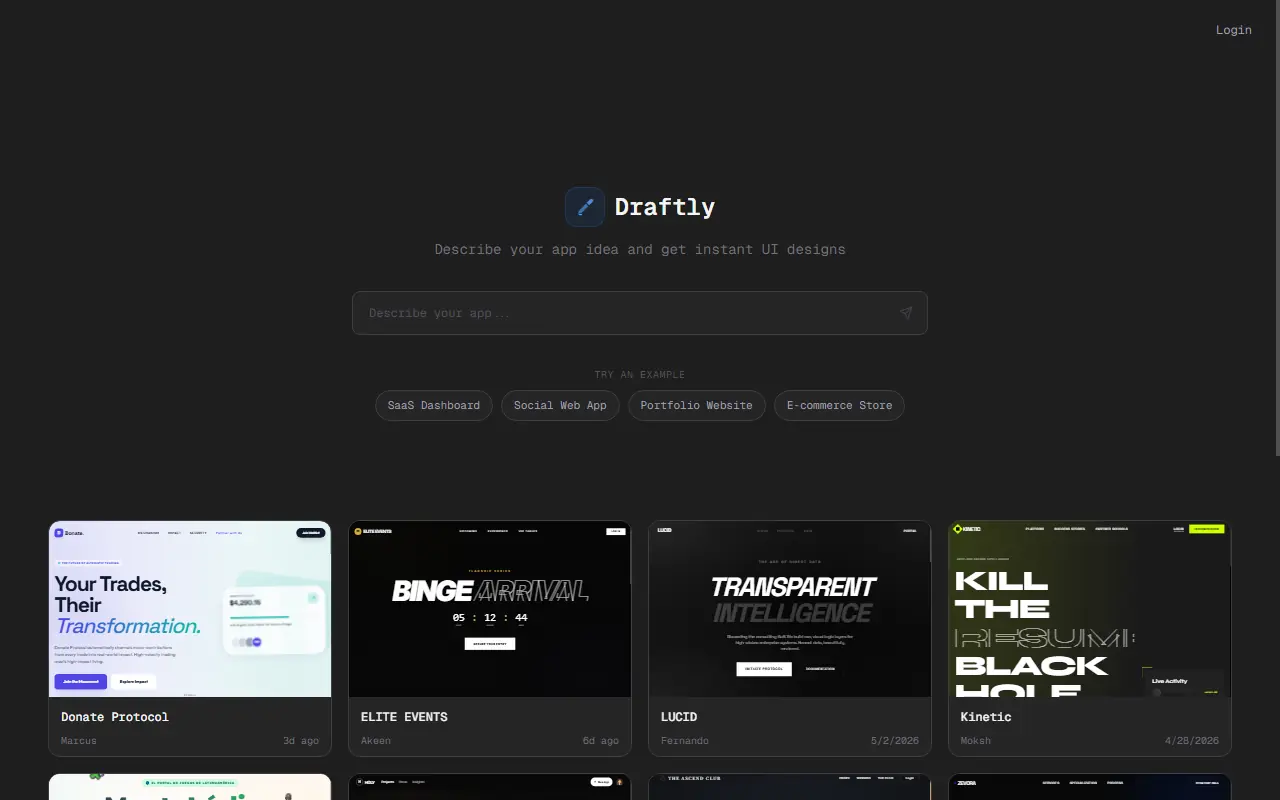

Draftly
Draftly.live is an AI-powered design agent that generates comprehensive, production-ready UI designs and user flows for web and mobile applications from simple text descriptions.
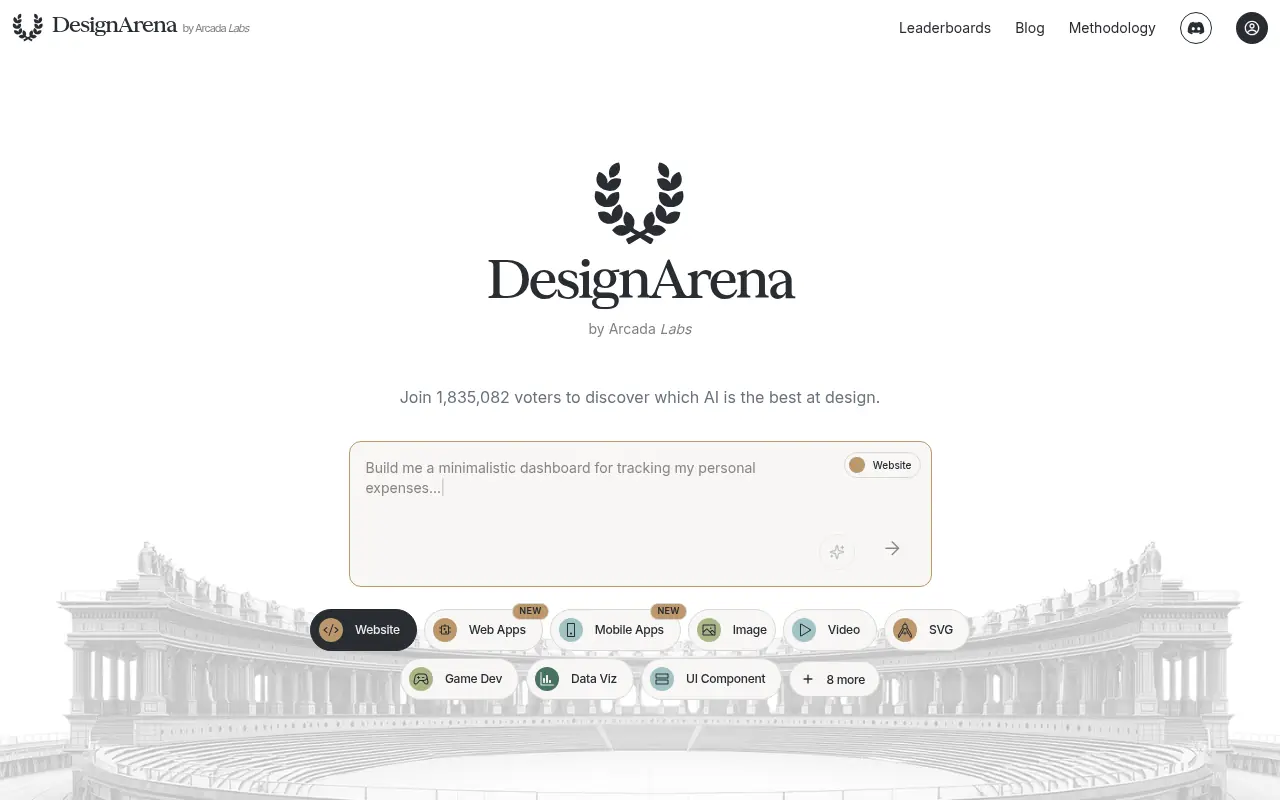

Design Arena
A crowdsourced benchmarking platform that evaluates and ranks AI models by pitting them against each other in head-to-head design generation battles.
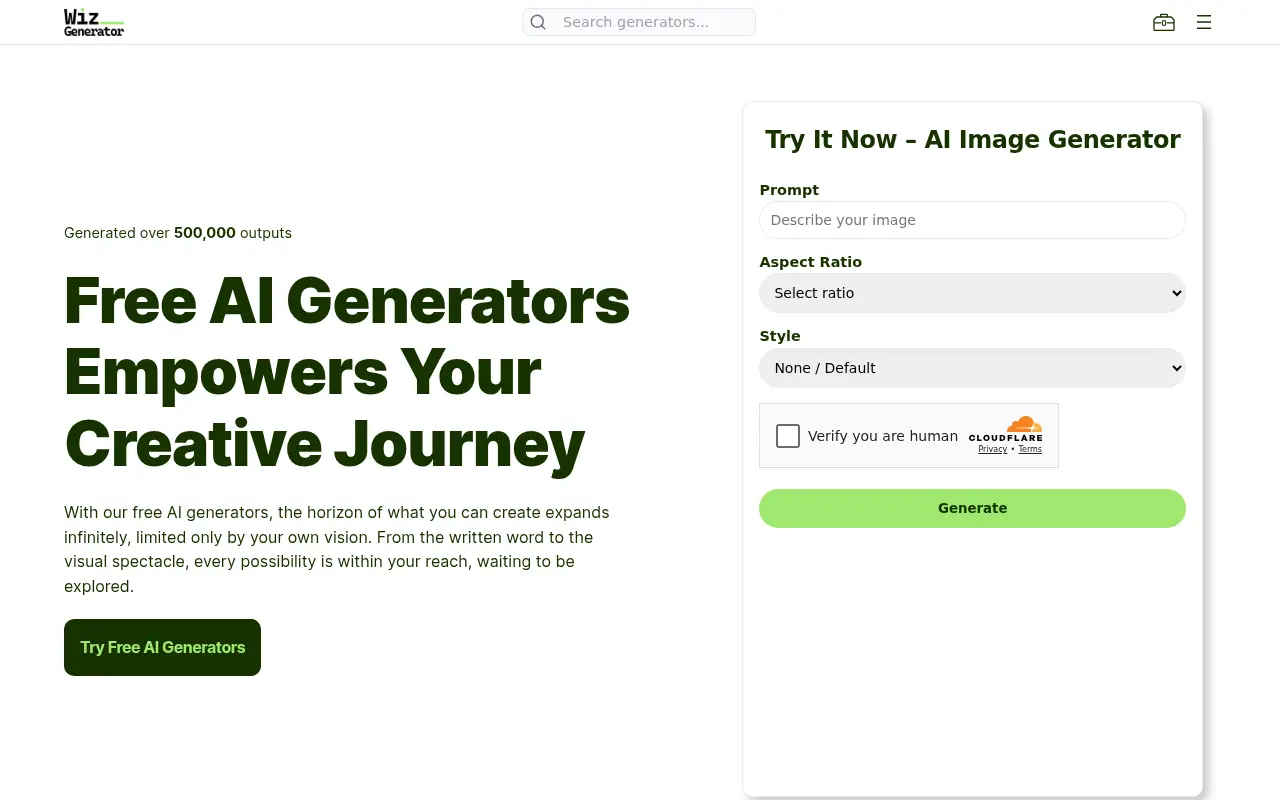

WizGenerator
WizGenerator offers a suite of free AI-powered tools for creating diverse content, from text to images, for personal and professional use.
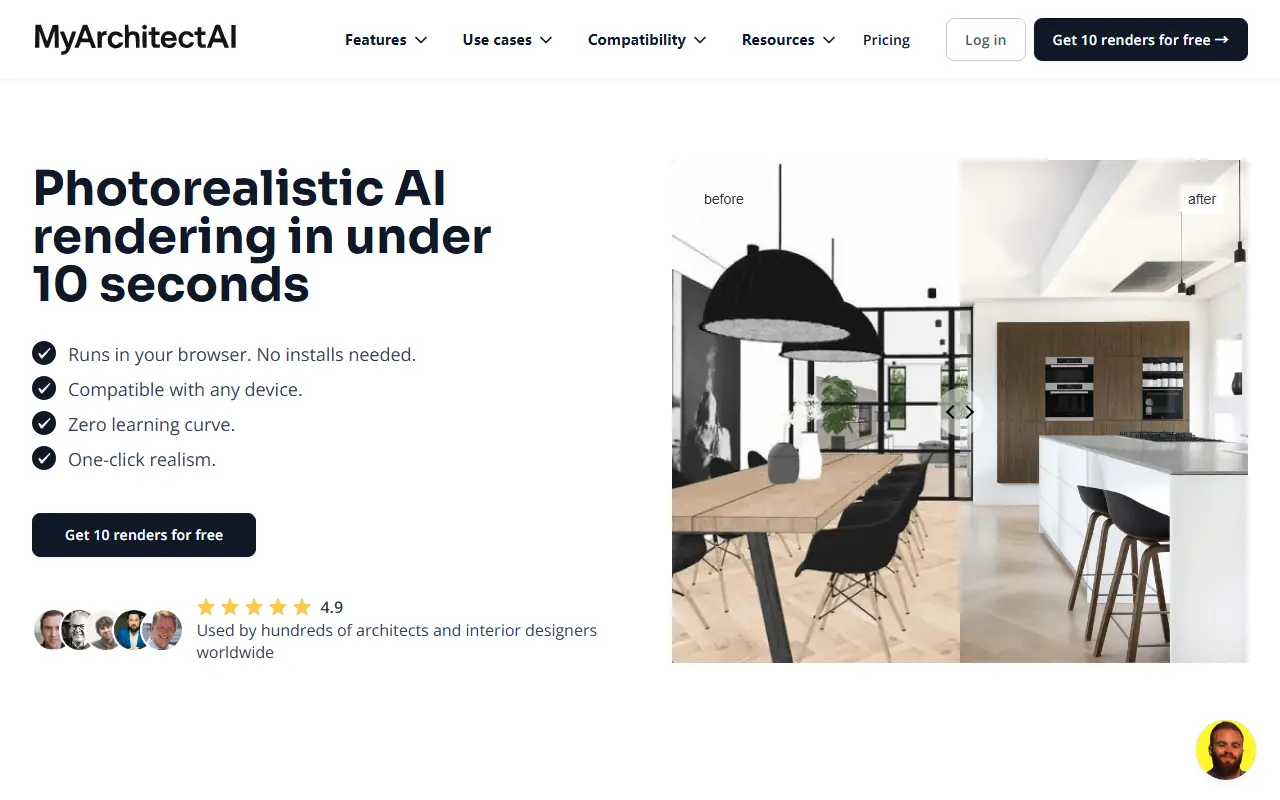

MyArchitectAI
MyArchitectAI is an AI-driven platform that transforms sketches, ideas, and descriptions into photorealistic architectural renders and designs quickly and efficiently.

Lovart
An all-in-one AI design agent that combines image generation, video creation, and professional editing tools on a collaborative infinite canvas.
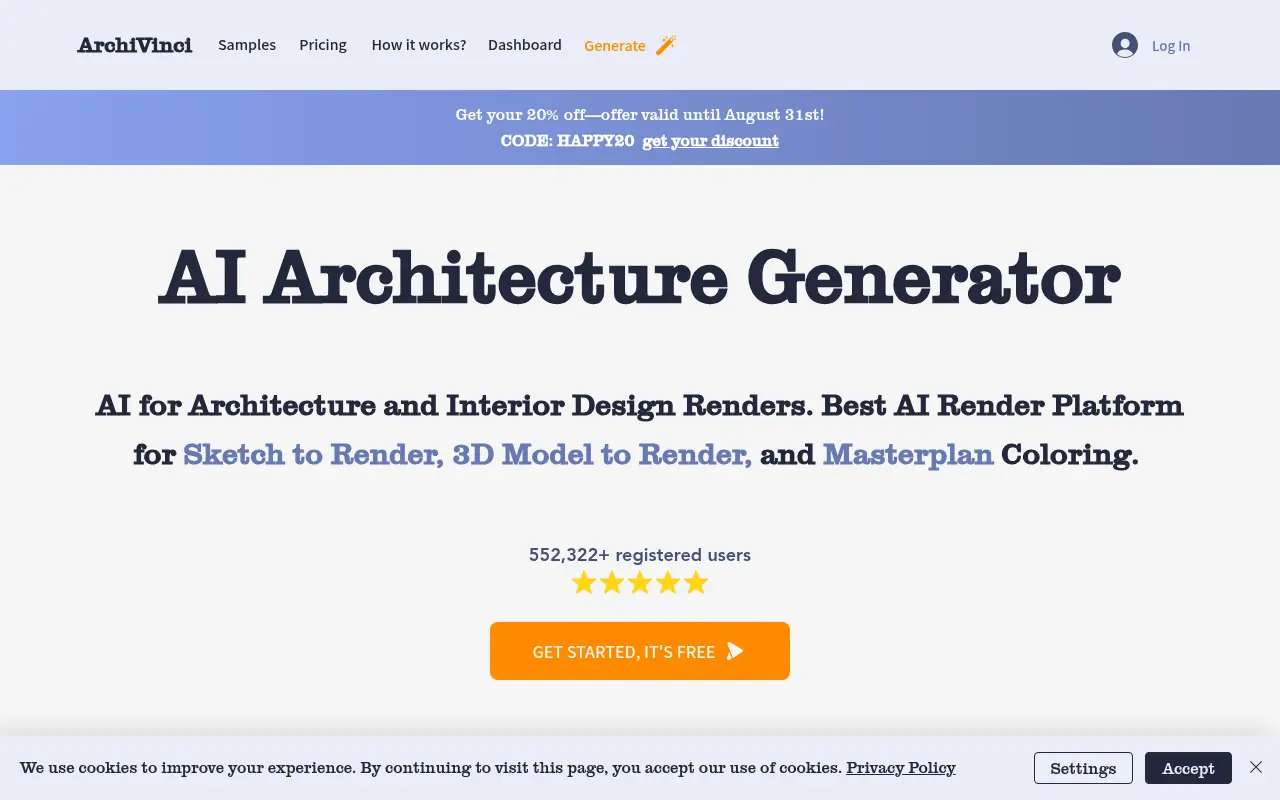

Archivinci
Archivinci is an AI-powered platform that transforms architectural sketches and ideas into professional renders and designs.
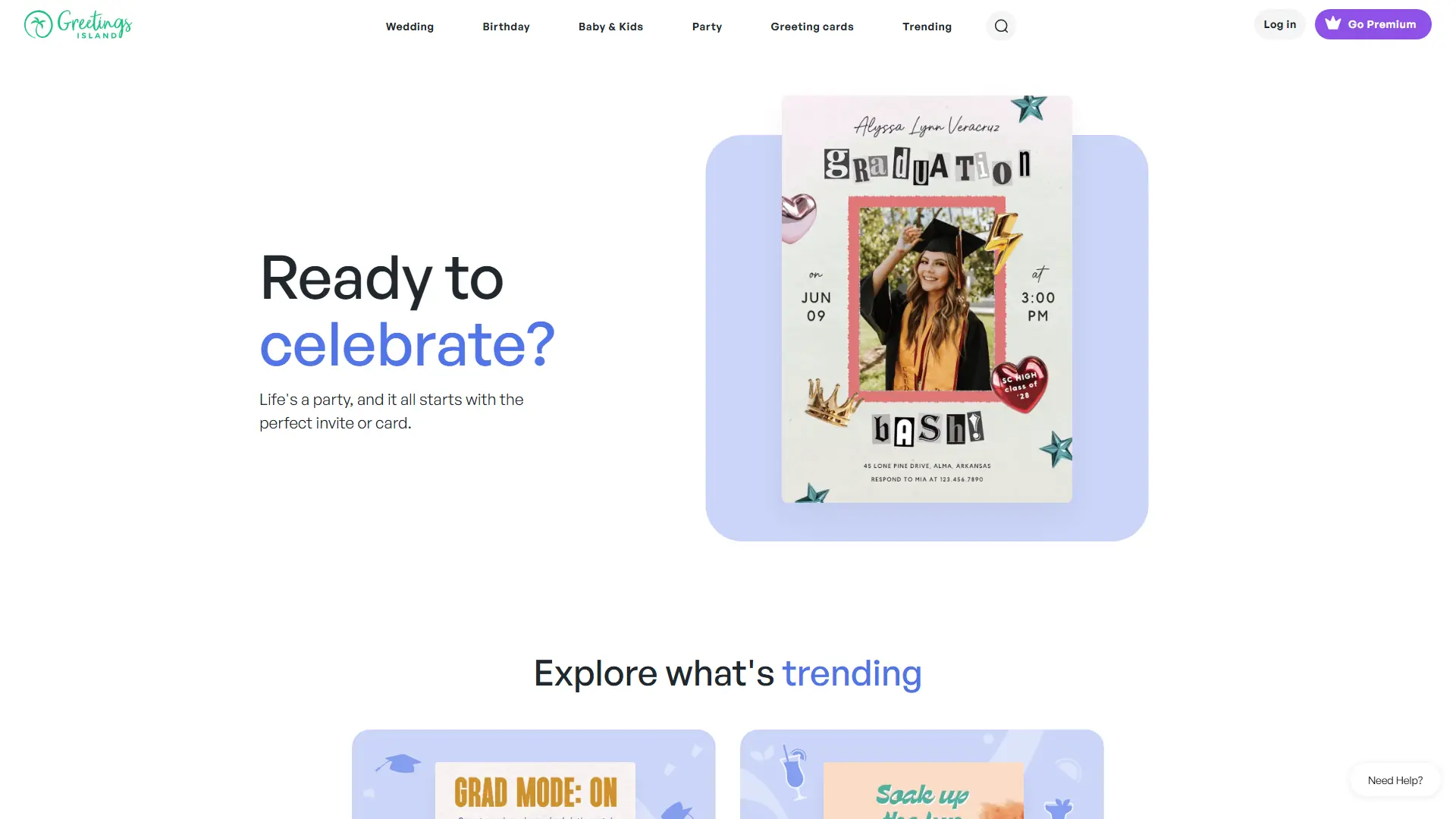

Greetings Island
Create stunning, personalized invitations and greeting cards instantly. Greetings Island blends AI-powered design with custom photo transformations to elevate your event planning workflow automation.
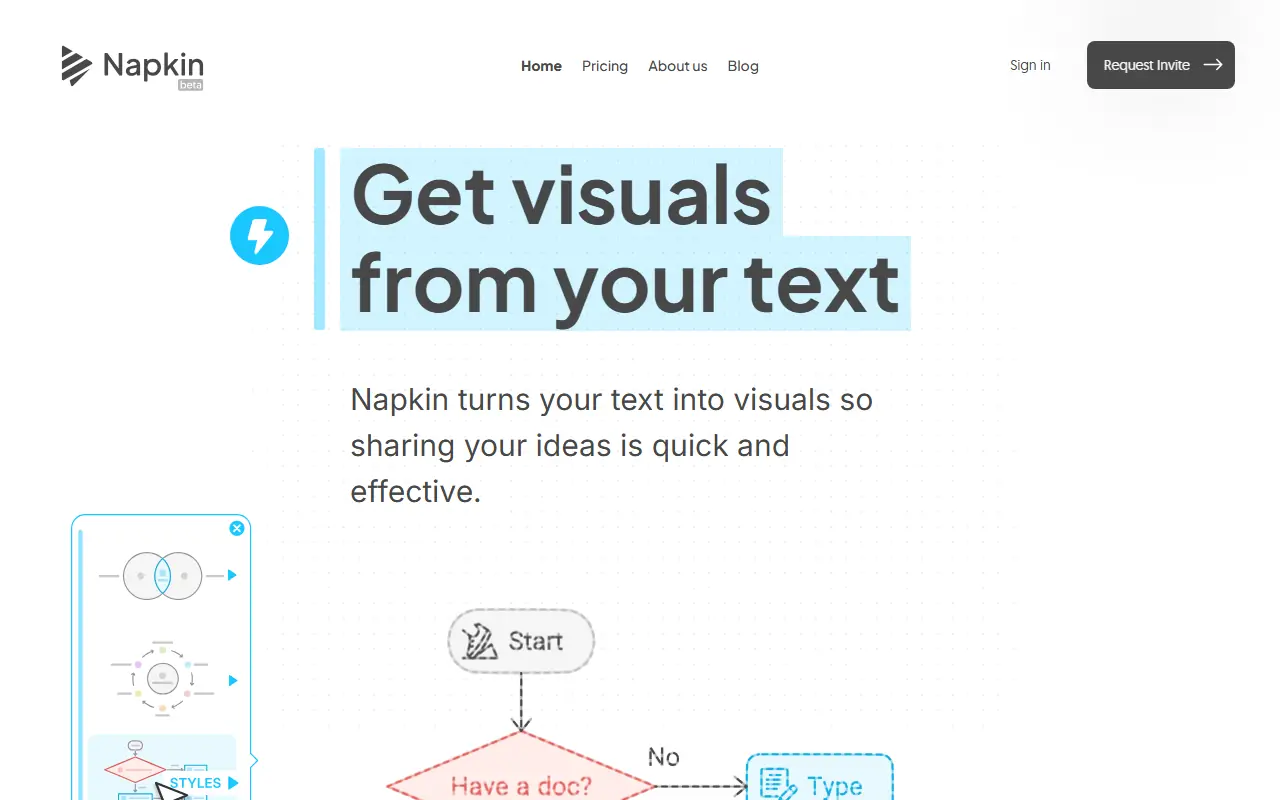

Napkin AI
Napkin AI transforms ideas into visual content using AI-powered tools for diagrams, flowcharts, and infographics.