

Webflow
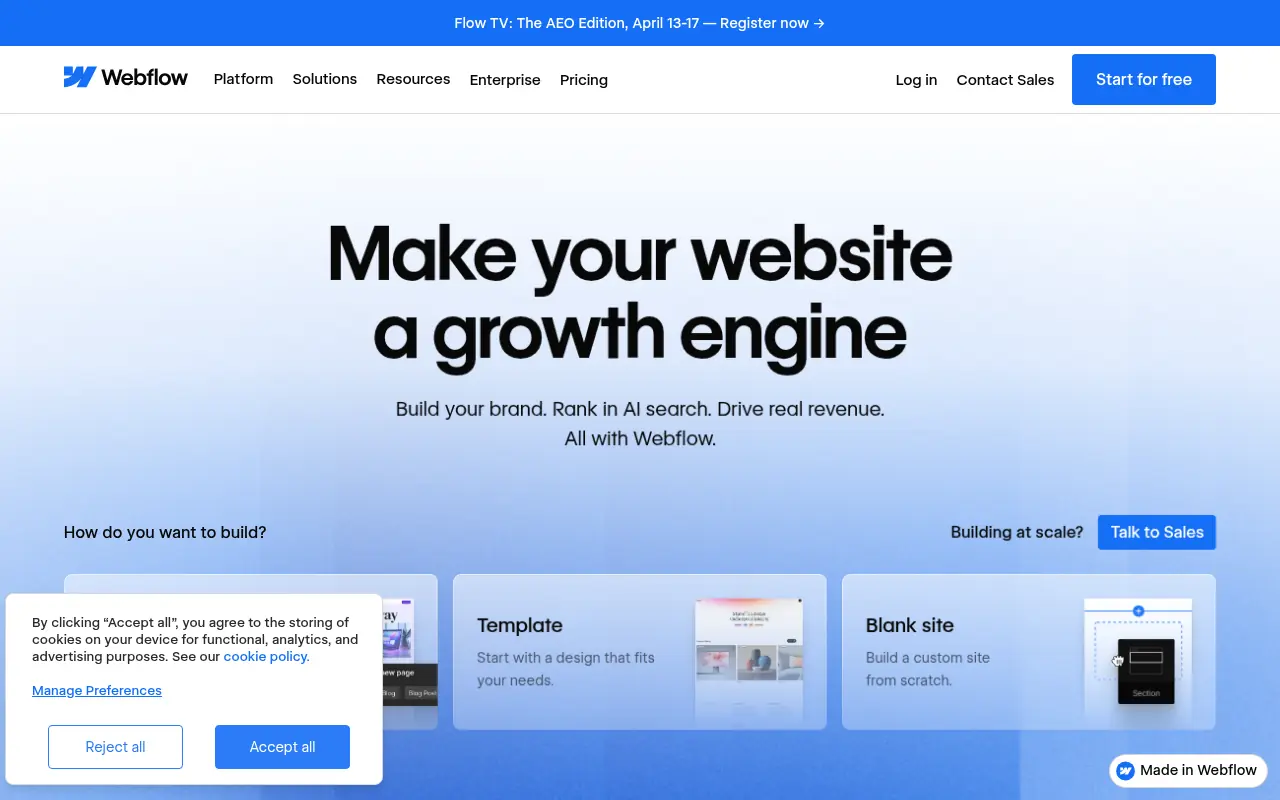
What is Webflow?
Webflow is a visual web development platform that bridges the gap between design and development by allowing users to build fully responsive websites visually. Its mission is to empower designers, marketers, and developers to create custom, professional-grade websites without needing to write HTML, CSS, or JavaScript manually. It serves its users by providing a robust canvas that translates visual design choices into clean, production-ready code in the background. This solves the problem of relying heavily on developer resources for web projects, enabling faster iterations and more creative freedom for design teams. Additionally, Webflow offers built-in CMS and e-commerce capabilities to support dynamic, content-rich web experiences.
How to use Webflow?
To use Webflow, sign up for a free account and start by choosing a pre-built template or a blank canvas. Use the visual drag-and-drop designer to add elements like typography, images, and layout containers, applying styling visually while Webflow generates the underlying semantic code. You can integrate dynamic content using the built-in CMS, set up interactive animations, and finally publish your site directly to Webflow's reliable hosting or export the code for external deployment.
Webflow's Core Features
The Visual Designer allows you to manipulate HTML, CSS, and JavaScript visually without writing any code.
Webflow CMS enables the creation of custom content structures to dynamically populate your website.
Interactions and Animations provide tools to build complex scroll-based and hover effects visually.
E-commerce capabilities allow you to design custom checkout experiences and manage products seamlessly.
The Figma to Webflow plugin lets you seamlessly copy and paste component designs directly into your Webflow project.
Enterprise-grade hosting ensures fast page load speeds and a secure infrastructure powered by AWS.
SEO management tools give you full, granular control over meta tags, 301 redirects, and schema markup.
Webflow Apps allow seamless integrations with popular third-party marketing and analytics tools.
Webflow's Use Cases
- #1
Building custom, interactive portfolio websites for designers and creative agencies.
- #2
Developing scalable, highly responsive landing pages for marketing campaigns.
- #3
Creating robust corporate websites with integrated content management.
- #4
Launching fast, completely customizable e-commerce storefronts.
- #5
Prototyping high-fidelity web designs with complex scroll interactions.
- #6
Migrating design mockups from Figma directly to functional web pages.
Frequently Asked Questions
Analytics of Webflow
Monthly Visits Trend: May 2025 - Aug 2026
Traffic Sources
AI Channel Traffic Trends
Top Regions
| Region | Traffic Share |
|---|---|
| United States | 29.41% |
| United Kingdom | 7.23% |
| India | 5.86% |
| France | 5.13% |
| Canada | 3.55% |
Top Keywords
| Keyword | Traffic | CPC |
|---|---|---|
| webflow | 494.4K | $1.72 |
| webflow templates | 47.3K | $2.00 |
| webflowcom | 30.6K | $2.70 |
| webflow login | 22.8K | $1.76 |
| webflow pricing | 21.1K | $2.99 |
Alternative of Webflow
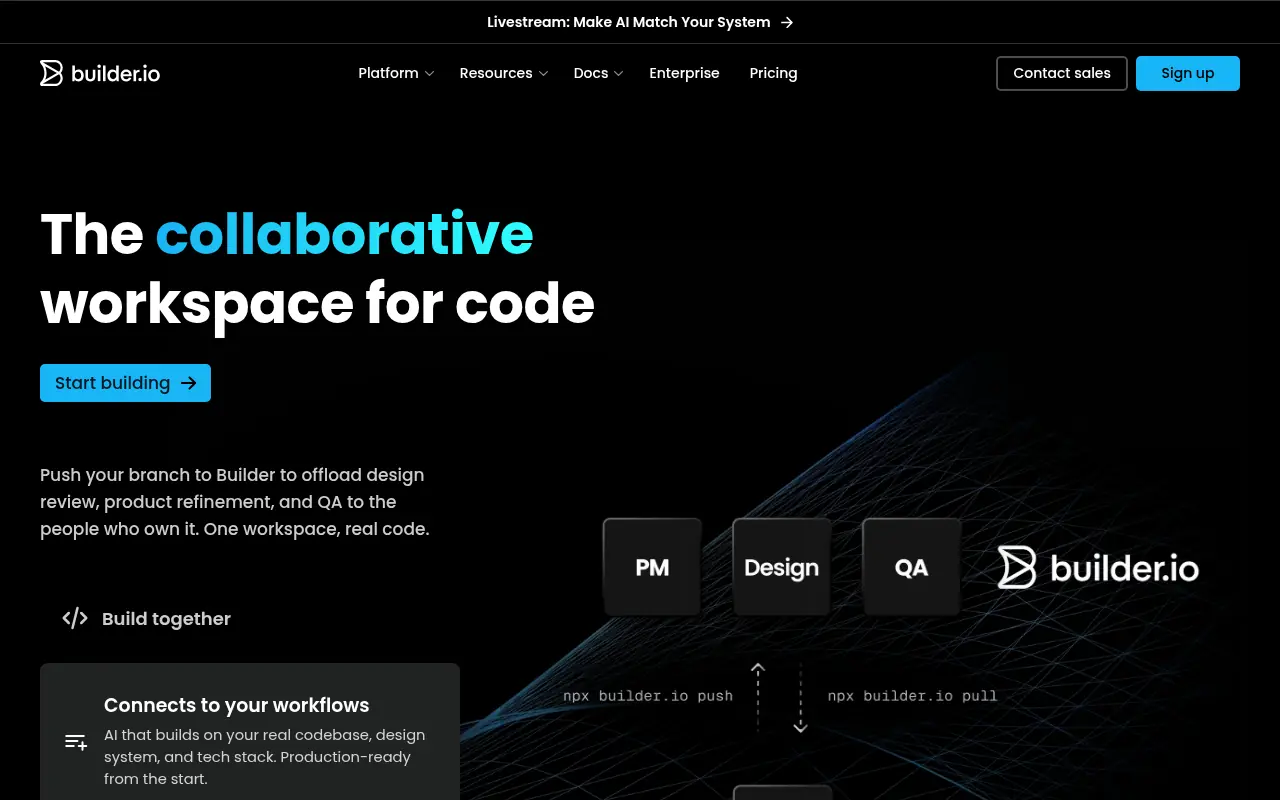

Builder.io
Builder.io is a Visual Headless CMS and AI-powered development platform that enables teams to visually build web experiences and instantly convert Figma designs into code.
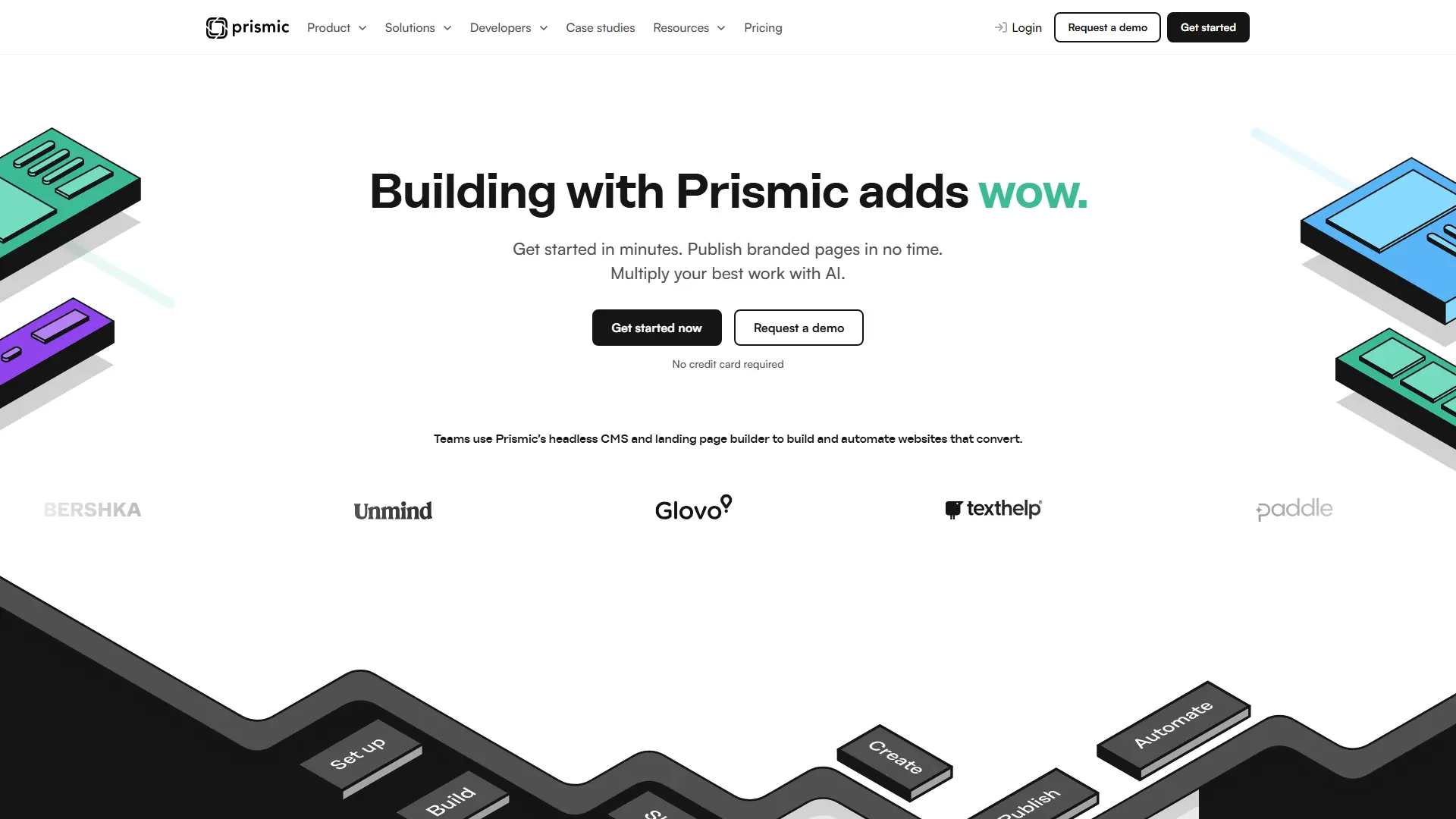

Prismic
Prismic is an API-first headless CMS bridging developers and marketing teams with a visual page builder to scale fast, customizable web applications seamlessly.
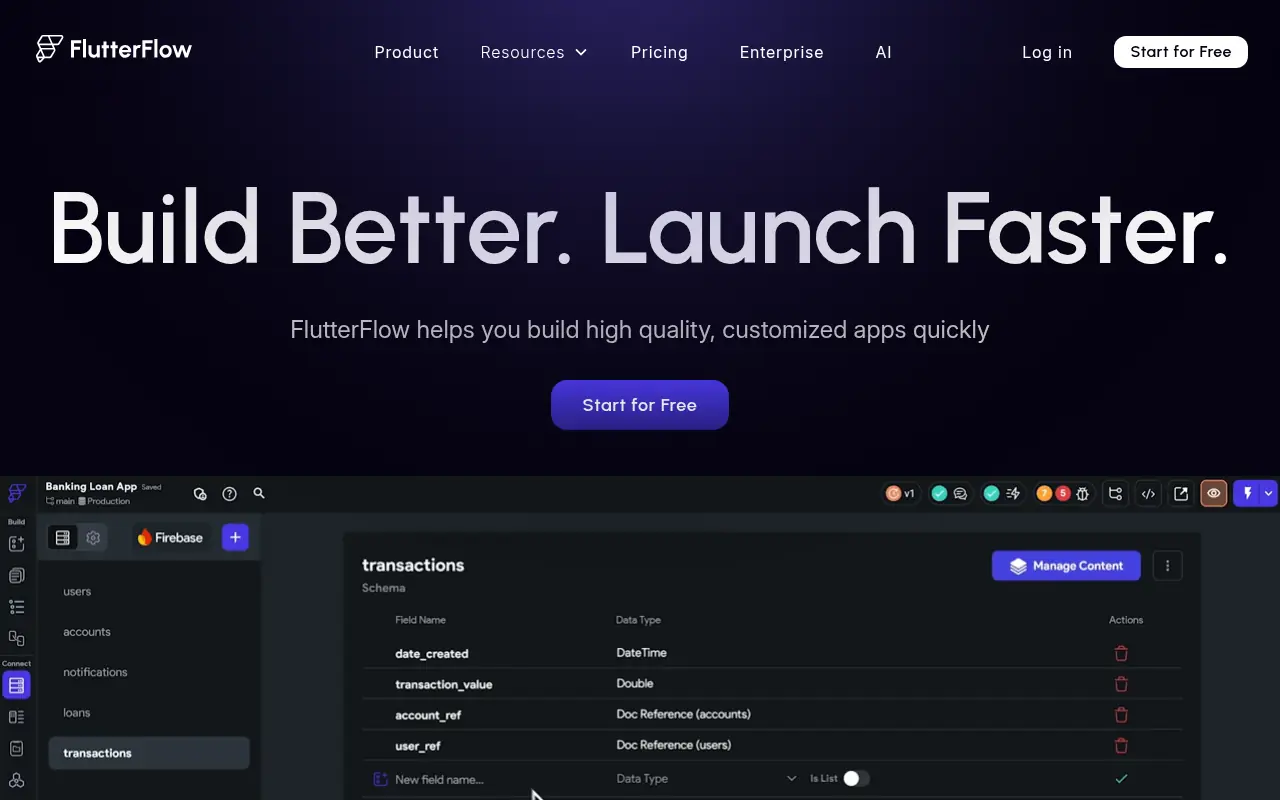

FlutterFlow
FlutterFlow is a no-code development platform for building visually stunning cross-platform mobile and web apps quickly using drag-and-drop tools, with integrated support for APIs, databases, and custom code.
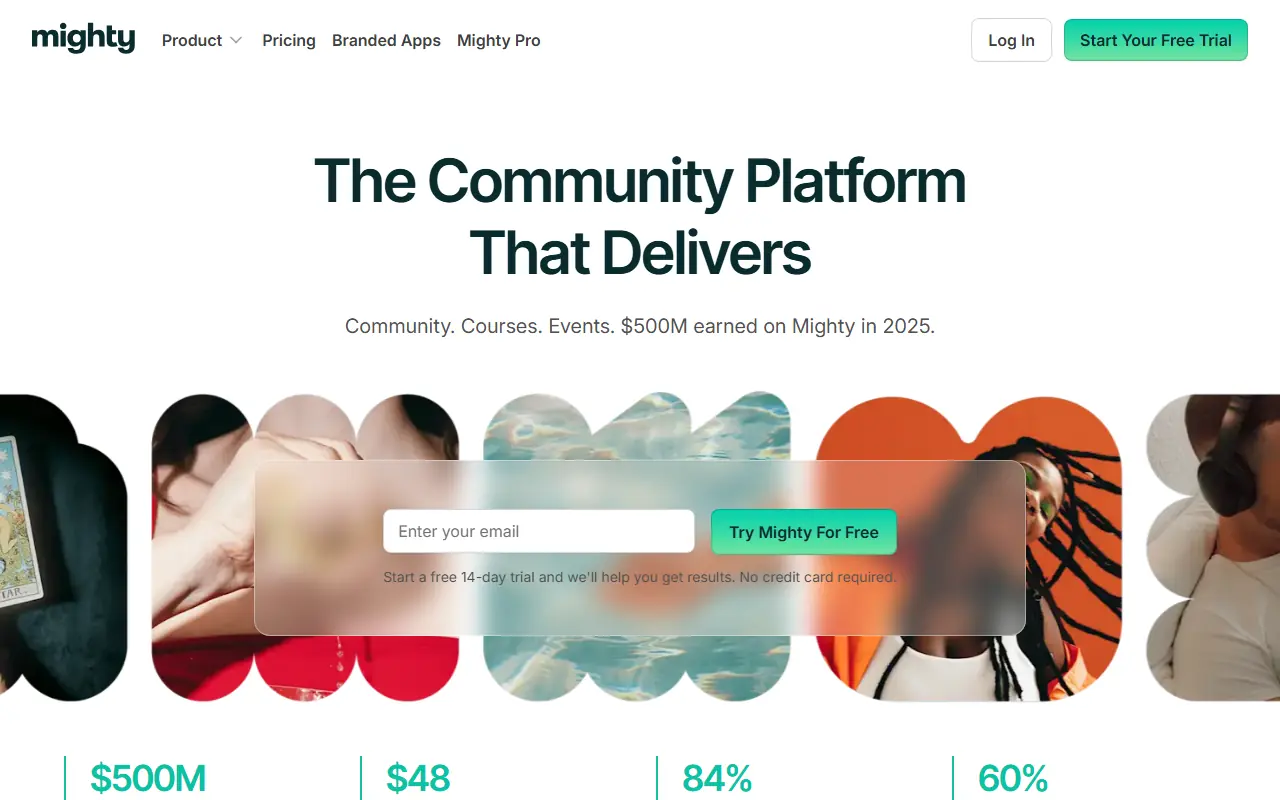

Mighty Networks
Mighty Networks is an all-in-one platform that allows creators and brands to build vibrant online communities, sell online courses, and offer paid memberships.
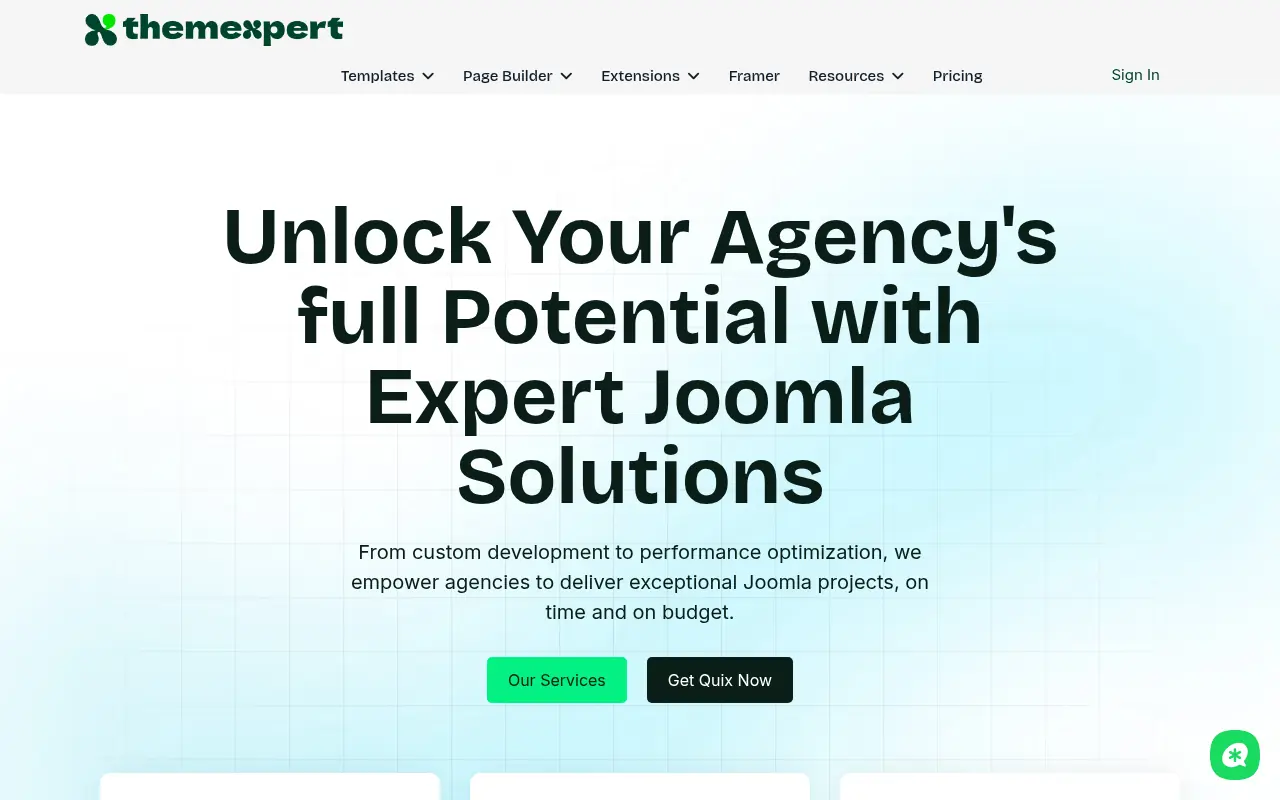

ThemeXpert
ThemeXpert is a comprehensive web design platform providing premium Joomla templates, WordPress themes, and the powerful no-code Quix Page Builder.
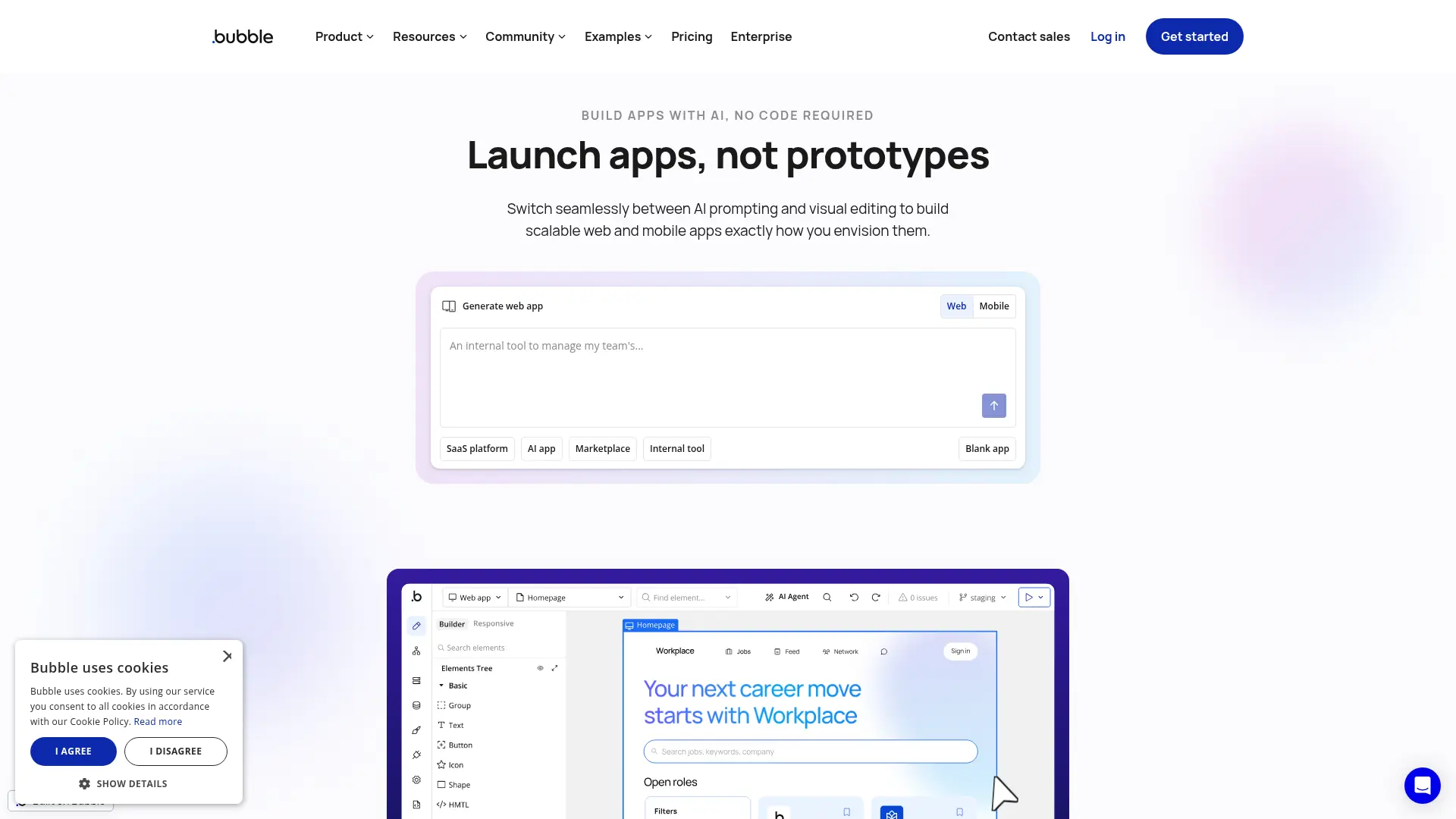

Bubble
Build, launch, and scale fully functional web and mobile applications without writing a single line of code using Bubble's full-stack visual development platform.
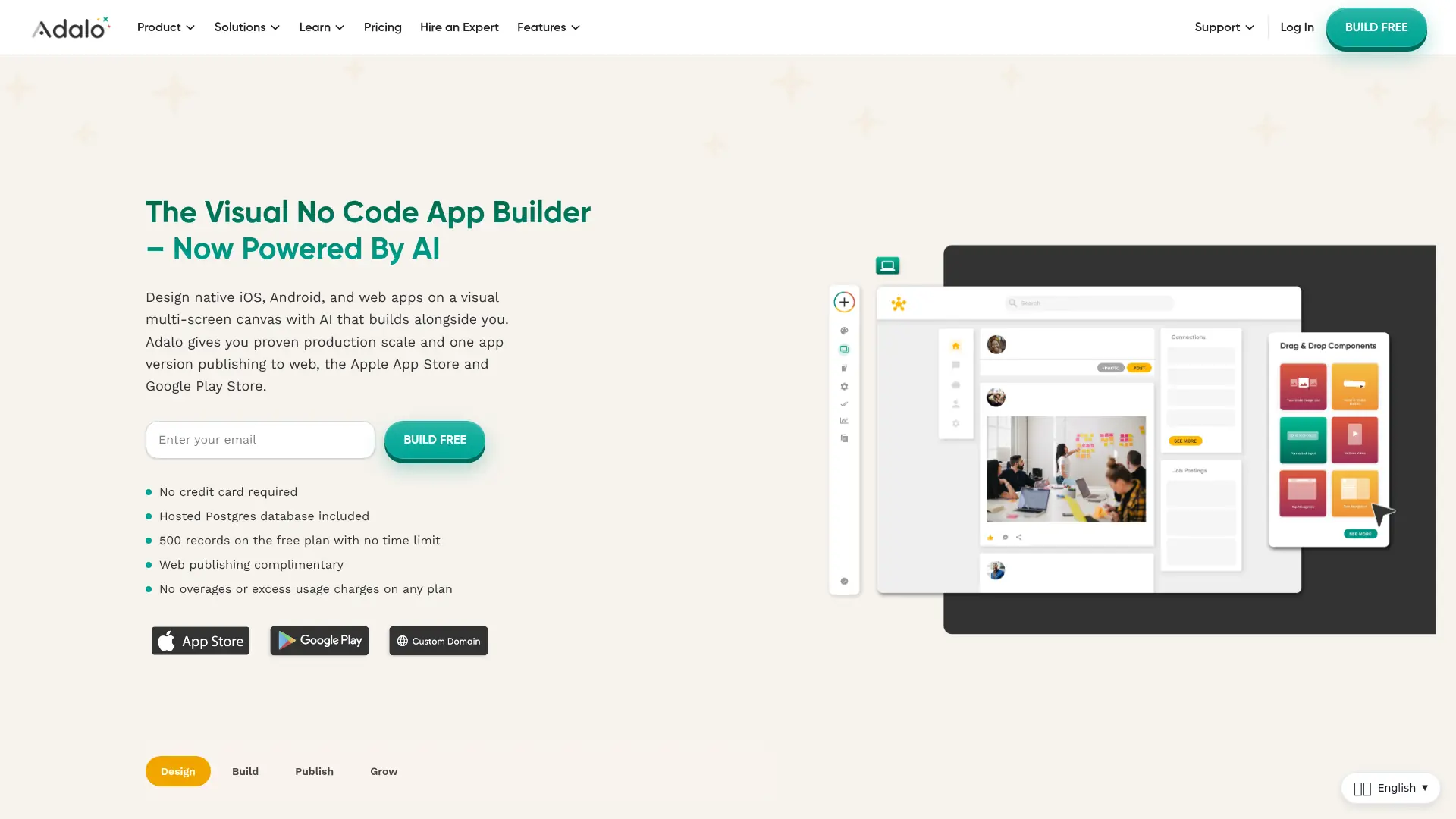

Adalo
Build and publish custom, database-driven native iOS, Android, and web apps from a single visual canvas—no coding or development team required.
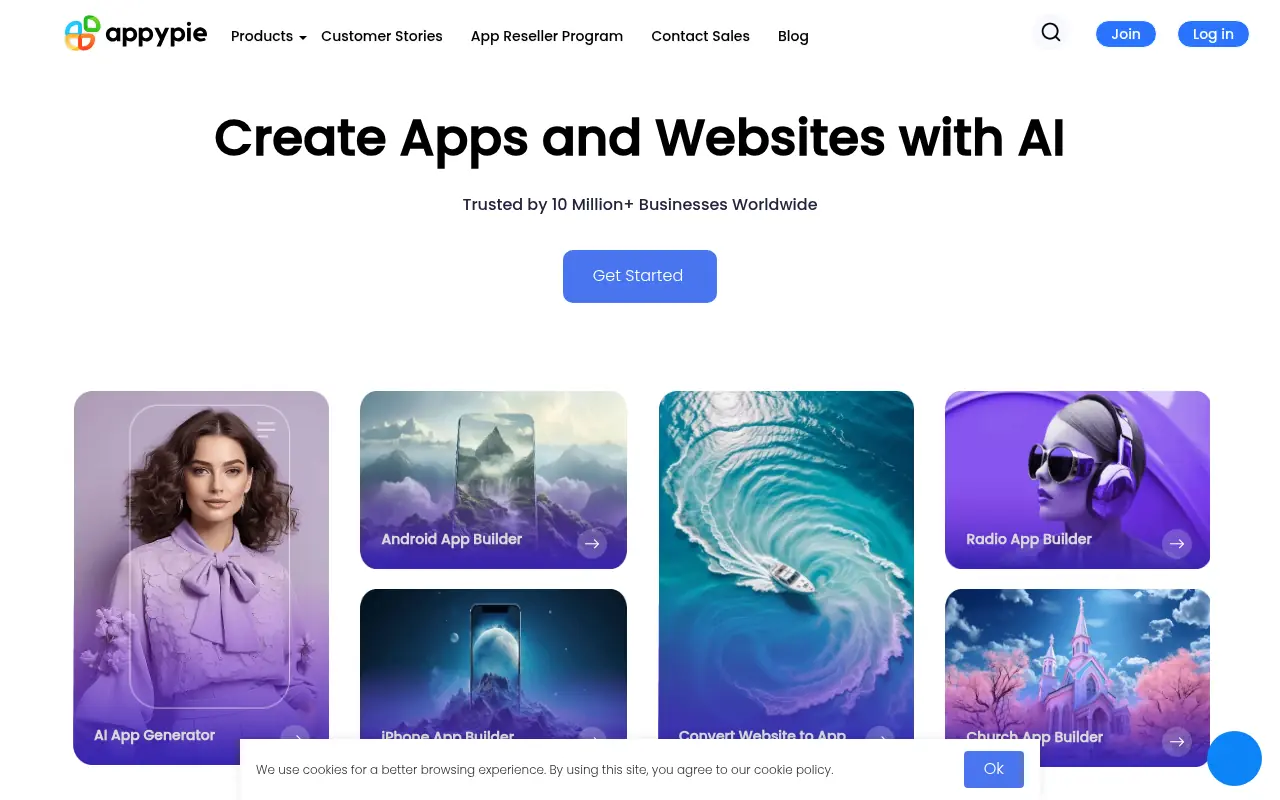

Appy Pie
Appy Pie is a no-code platform for creating mobile apps, websites, chatbots, and automating workflows with AI-driven tools.