

Tripo Studio
What is Tripo Studio?
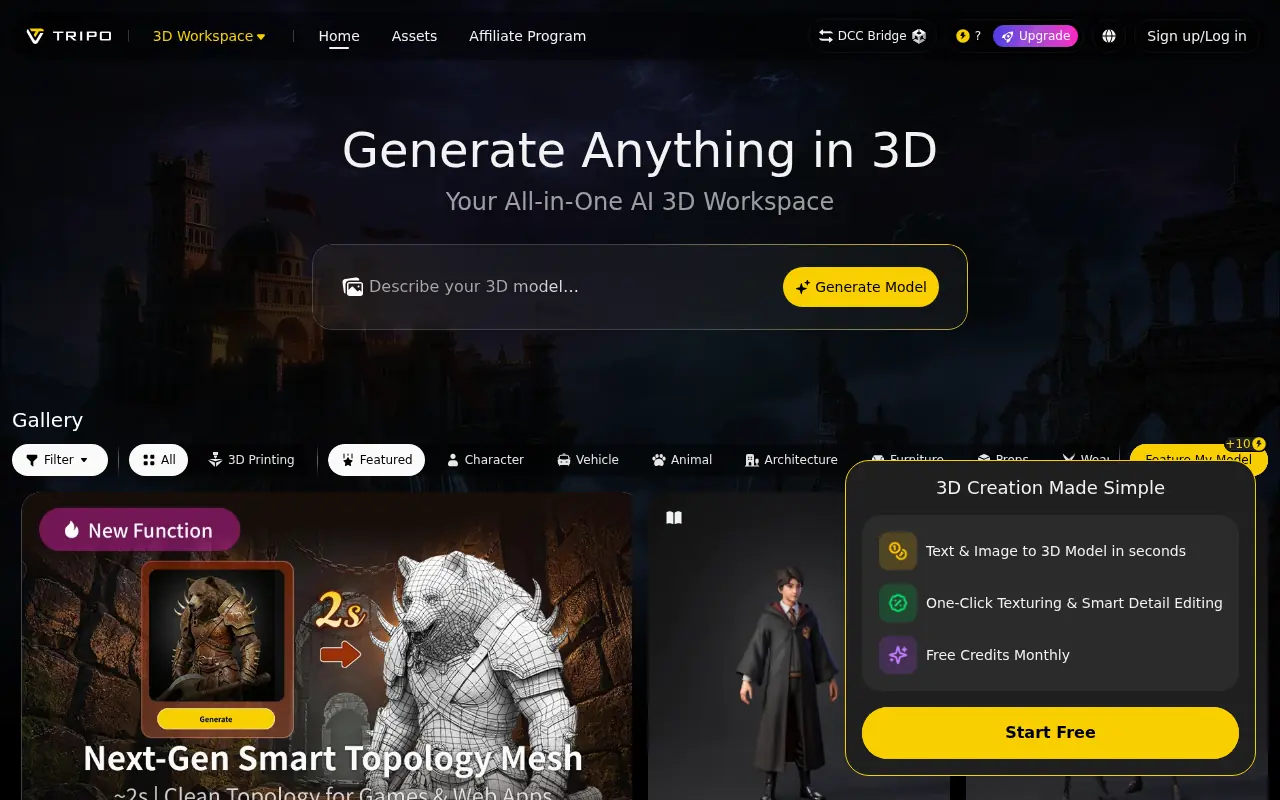
Tripo Studio is a comprehensive, browser-based 3D generation platform driven by advanced AI algorithms. It streamlines the traditionally complex 3D modeling process by enabling users to create detailed, textured meshes from text prompts or single images in mere seconds. The platform's mission is to make professional-grade 3D asset creation accessible to everyone, regardless of their technical background. Beyond simple generation, it offers robust built-in features like intelligent segmentation, AI retopology, and auto-rigging to ensure the outputs are practically usable. By removing the steep learning curves and hardware barriers of traditional 3D software, Tripo Studio empowers creators, game developers, and designers to prototype rapidly and bring their visions to life effortlessly.
How to use Tripo Studio?
To use Tripo Studio effectively, start by navigating to the browser-based workspace and choosing your input method—either typing a descriptive text prompt or uploading a reference image, sketch, or multi-view photos. Select your desired quality mode (such as standard for quick drafting or high-detail up to 2 million polygons) and click generate. Within seconds, the AI will produce a textured 3D mesh. You can then use built-in tools like intelligent segmentation, AI retopology, or auto-rigging to refine the model for production, and finally export the asset in standard formats like OBJ, FBX, or GLB for immediate use in your preferred game engine or 3D software.
Tripo Studio's Core Features
Text-to-3D Generation: Instantly generate detailed, structured 3D models from simple natural language descriptions.
Image-to-3D Conversion: Transform single photos, sketches, or multi-view reference images into accurate, well-proportioned 3D meshes.
Intelligent Segmentation: Automatically separate complex 3D models into logical, editable parts for easier modification and modular reuse.
AI Retopology: Generate clean, engine-friendly triangle or quad meshes to fix messy topology and save manual cleanup time.
Magic Brush & AI Texturing: Automatically apply high-quality UV layouts, PBR materials, and ultra HD textures to your assets.
Auto-Rigging (Uni-Rig): Instantly produce animation-ready characters that fit perfectly into standard animation workflows.
Ultra Mode: Generate high-fidelity models with up to 2 million polygons, ideal for digital sculpting and 3D printing.
Format Interoperability: Export creations in standard formats like OBJ, FBX, STL, USDZ, and GLB for seamless use in other software.
Tripo Studio's Use Cases
- #1
Rapid prototyping for product design and conceptualization.
- #2
Generating game-ready assets and environments for indie developers.
- #3
Creating watertight 3D meshes from reference photos for 3D printing.
- #4
Designing animation-ready characters with auto-rigging for AR/VR applications.
- #5
Producing high-quality 3D renders for marketing and advertising materials.
- #6
Generating concept art visualization for 3D artists without manual block-out.
Frequently Asked Questions
Analytics of Tripo Studio
Monthly Visits Trend: Jun 2025 - Aug 2026
Traffic Sources
AI Channel Traffic Trends
Top Regions
| Region | Traffic Share |
|---|---|
| United States | 15.31% |
| Japan | 9.42% |
| India | 7.07% |
| Korea, Republic of | 4.64% |
| Brazil | 4.47% |
Top Keywords
| Keyword | Traffic | CPC |
|---|---|---|
| tripo | 207.6K | $4.09 |
| tripo ai | 199.4K | $2.66 |
| tinkercad | 1.8M | $1.09 |
| meshy ai | 361.2K | $1.28 |
| tripo3d | 53.0K | $4.64 |
Alternative of Tripo Studio

Hyper3D
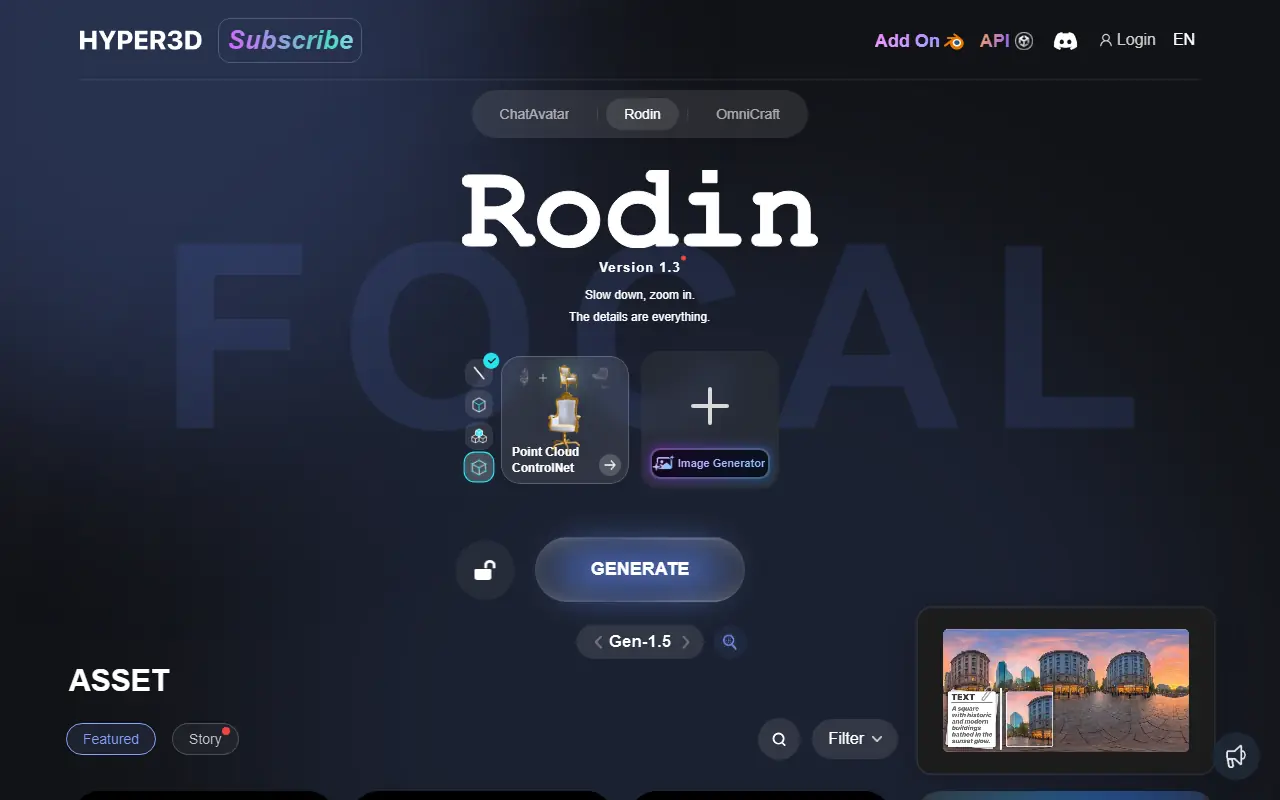
Hyper3D is an AI-powered platform that generates production-ready 3D models and assets from text or images for various creative industries.


Luma AI
Luma AI provides advanced AI tools for creating and manipulating 3D content and videos from text, images, or videos.

Neural4D
Neural4D is an AI-powered 3D asset generation platform that rapidly converts text prompts and 2D images into high-quality, production-ready 3D models.

Meshy
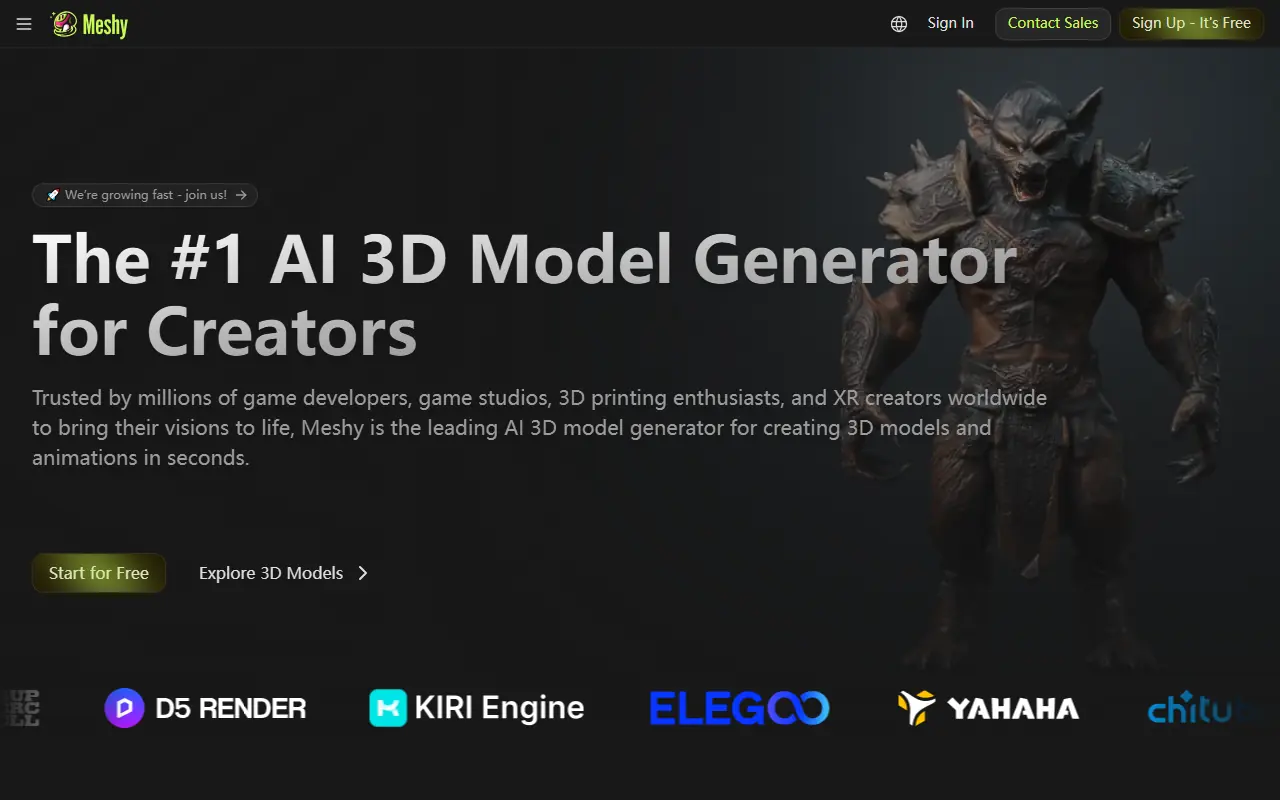
Meshy is an AI-powered platform for creating high-quality 3D models and assets from text or images.
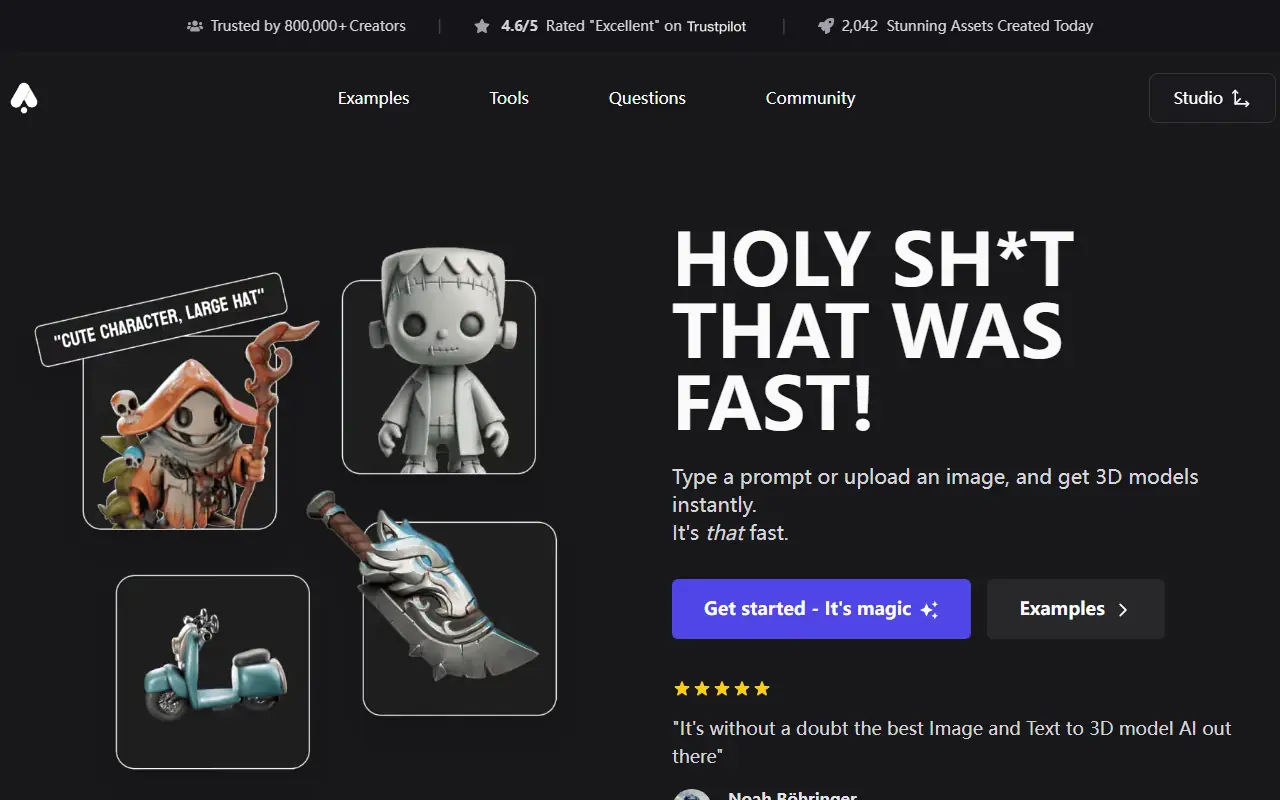

3D AI Studio
3D AI Studio is an AI-powered platform for generating high-quality 3D models from text or images in seconds.
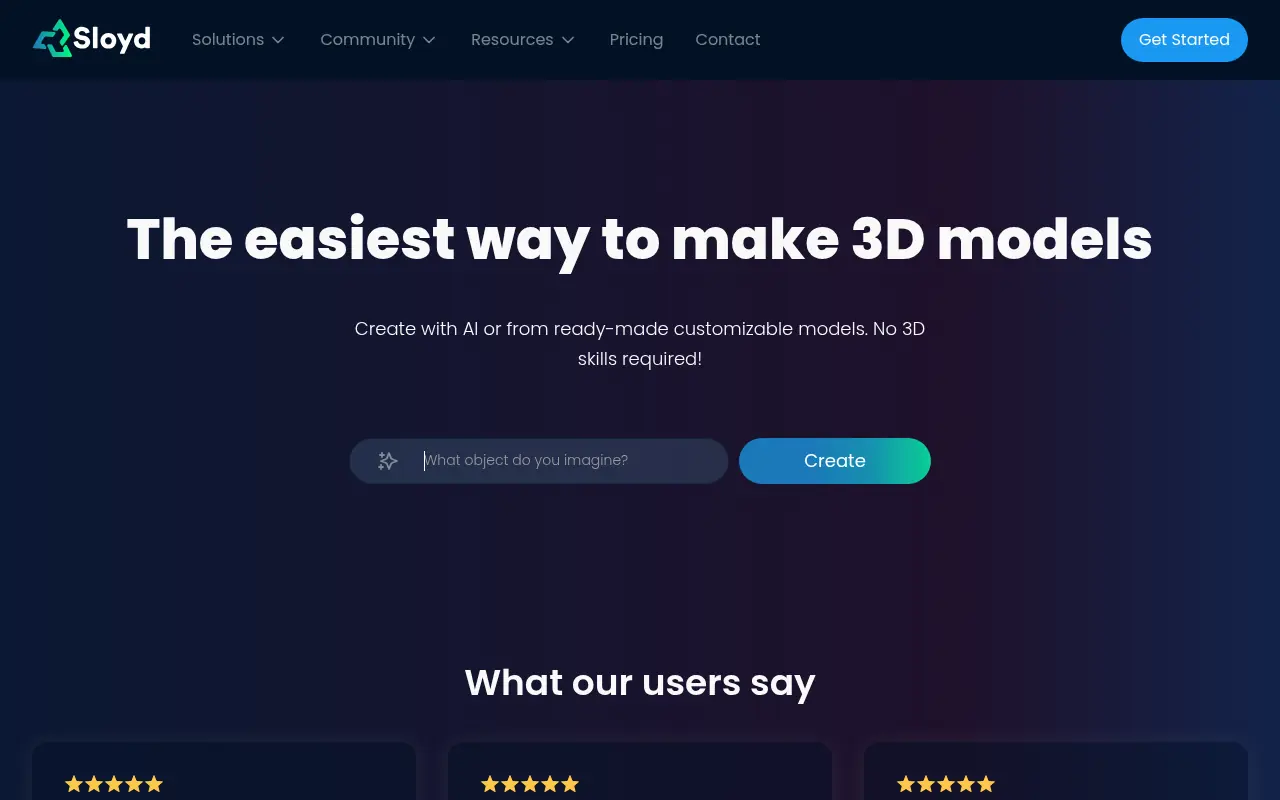

Sloyd
Sloyd is an AI-powered platform that enables users to generate high-quality 3D models instantly from text prompts, streamlining creative workflows for designers and developers.
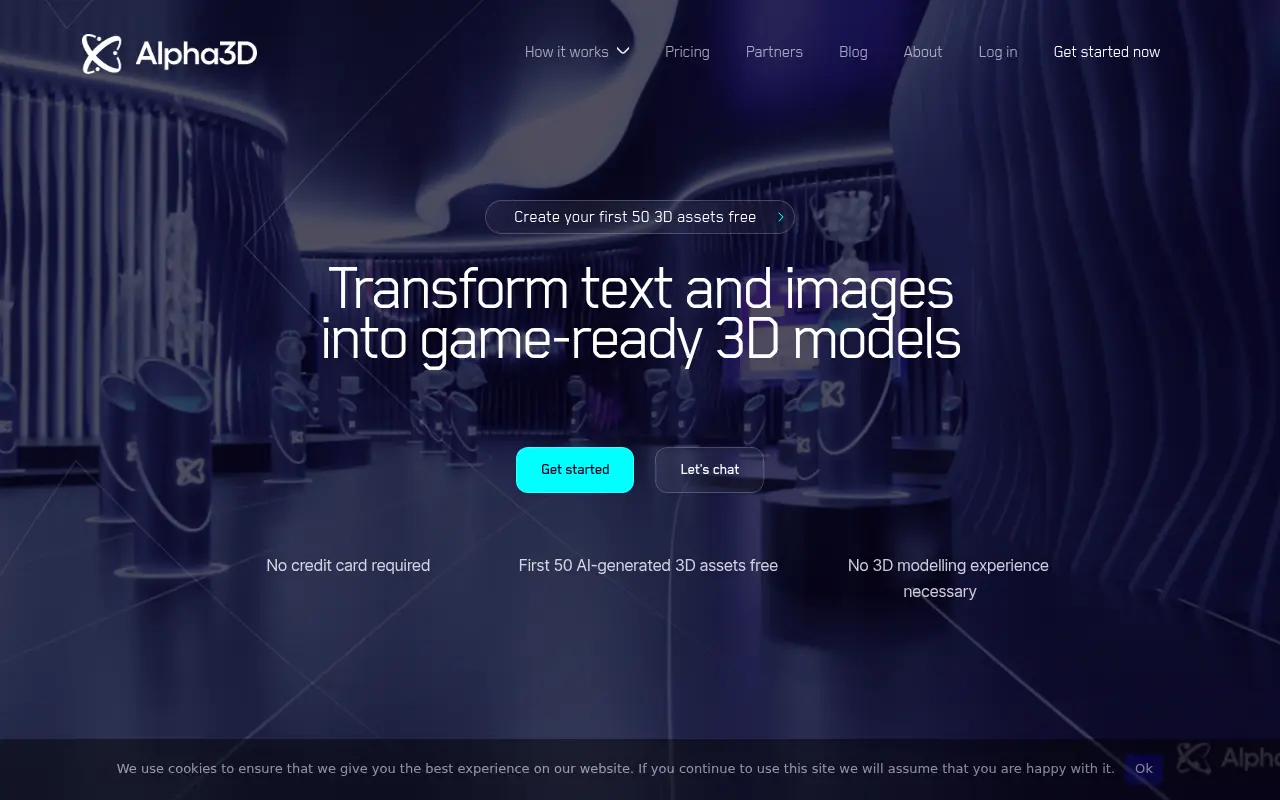

Alpha3D
Alpha3D is an AI-driven platform that allows users to generate high-quality 3D models from 2D images or text prompts for applications in AR, VR, gaming, and design.
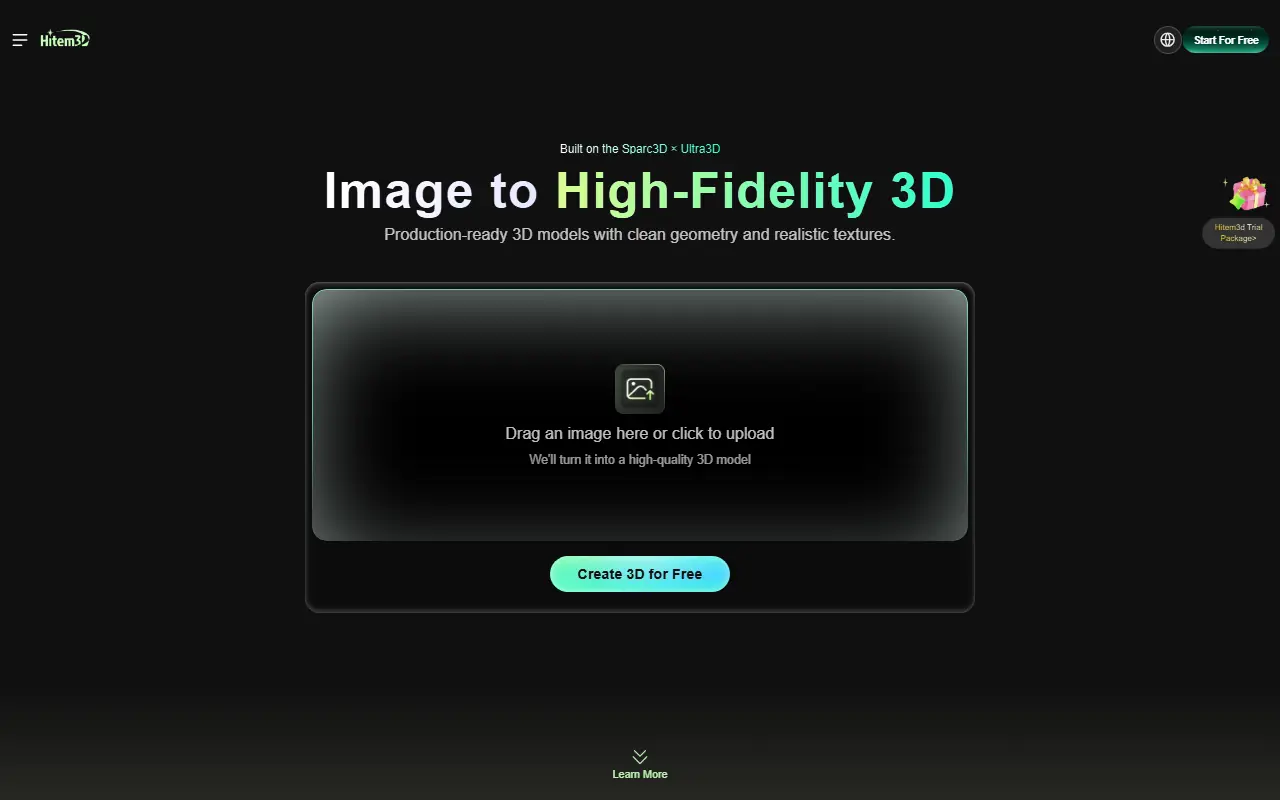

Hitem3D
Hitem3D is an AI-powered platform that quickly converts 2D images into highly detailed, print-ready 3D models for creators and designers.