

SVG Converter
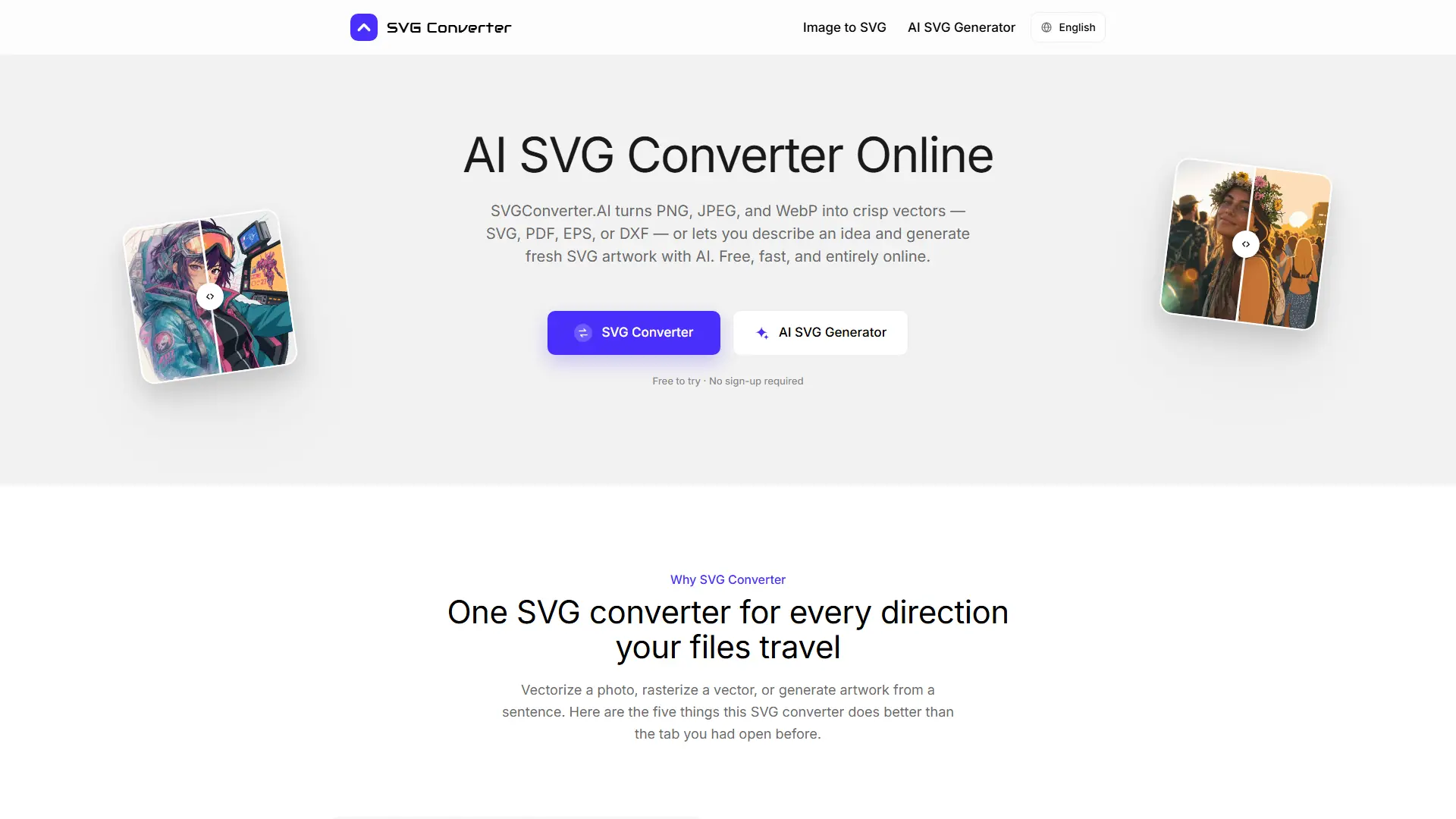
What is SVG Converter?
SVGConverter.AI is a browser-based vector graphics tool for converting raster images into editable vector files, rasterizing vector files, and generating SVG artwork from text prompts. Its official pages describe AI-assisted tracing that analyzes shapes, edges, colors, and stacking order to produce cleaner paths with practical node counts. The service targets designers, developers, print shops, marketers, illustrators, and makers who need scalable artwork without installing desktop software. It supports workflows spanning websites, print production, embroidery, signage, laser cutting, CAD, product listings, and icon creation through multiple vector and raster export formats. Its clearest differentiator is combining bidirectional file conversion and prompt-based SVG generation in one free, no-sign-up browser experience.
How to use SVG Converter?
Step 1: Open the relevant converter or AI SVG generator without creating an account. Step 2: Upload a supported file or enter a descriptive prompt, then choose the required output format or refine the generated artwork. Step 3: Download the finished vector or raster file and edit or use it in your design, web, print, or fabrication workflow.
SVG Converter's Core Features
AI Raster Vectorization: Convert PNG, JPG, WebP, and GIF artwork into editable vector geometry with cleaner curves and grouped shapes.
Bidirectional Conversion: Move from raster images to vector formats or convert SVG, PDF, EPS, and DXF files back into common raster formats.
Text-to-SVG Generation: Describe an icon, logo, sticker, badge, or illustration and generate genuine SVG paths, groups, and fills.
Plain-Language Refinement: Adjust generated SVG artwork through follow-up instructions about strokes, colors, rotation, shadows, and simplicity.
Multi-Format Export: Download SVG, PDF, EPS, or DXF for vector workflows and PNG, JPG, GIF, WebP, or AVIF for raster delivery.
Editable Vector Output: Open generated files in Illustrator, Affinity Designer, Figma, Inkscape, CorelDRAW, or compatible CAD tools for further editing.
Color and Edge Preservation: Retain important palette relationships, smooth arcs, crisp corners, and fine linework during vectorization.
Browser-Based Access: Complete conversions on desktop or mobile platforms without installing plugins, applications, or license keys.
Privacy-Focused Processing: Send files over an encrypted connection for processing and automatic deletion without using uploads to train models.
Watermark-Free Downloads: Export results without an account, subscription, credit card, or watermark for normal personal and commercial workflows.
SVG Converter's Use Cases
- #1
A brand designer converting a low-resolution client logo into an editable SVG for responsive websites and large-format signage.
- #2
A print shop exporting supplied artwork as EPS or PDF for commercial printing, embroidery, or proofing workflows.
- #3
A front-end developer generating a consistent set of lightweight SVG icons that can be recolored or animated with CSS.
- #4
A laser-cutting or vinyl-shop operator converting artwork into DXF files for CAD, plotter, or fabrication software.
- #5
An illustrator vectorizing scanned sketches into grouped paths for cleanup, recoloring, and scalable merchandise production.
- #6
An ecommerce marketer rasterizing SVG or EPS artwork into PNG, JPG, WebP, or AVIF assets for product listings and campaigns.
- #7
A product team creating prompt-based badges, illustrations, and interface graphics without waiting for a full manual design cycle.
Frequently Asked Questions
Analytics of SVG Converter
Monthly Visits Trend: Apr 2026 - Aug 2026
Traffic Sources
Top Keywords
| Keyword | Traffic | CPC |
|---|
Alternative of SVG Converter
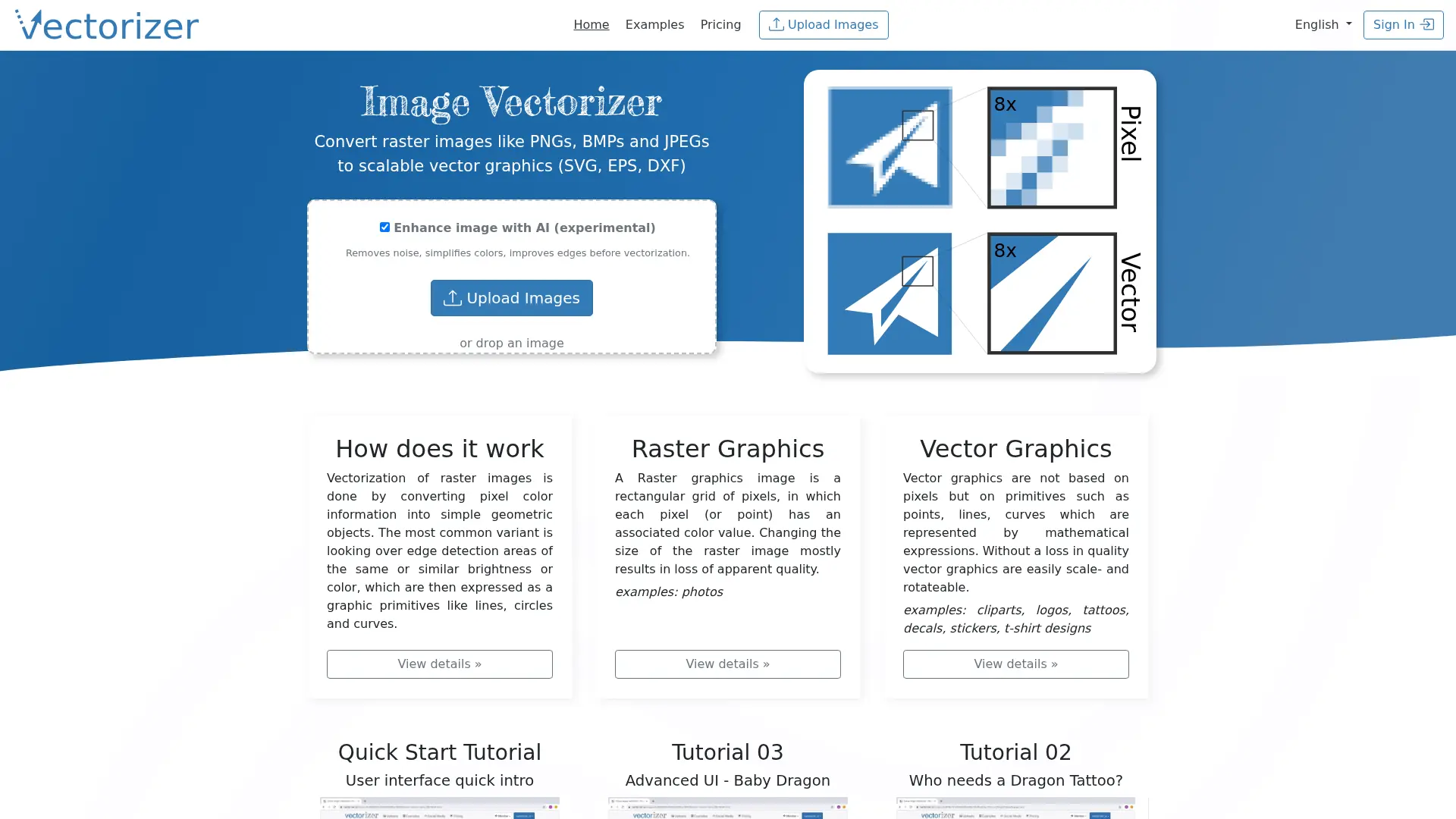

Vectorizer.io
Convert PNG, JPG, and BMP files into clean SVG, EPS, or DXF artwork for logos, decals, print files, and scalable design assets.
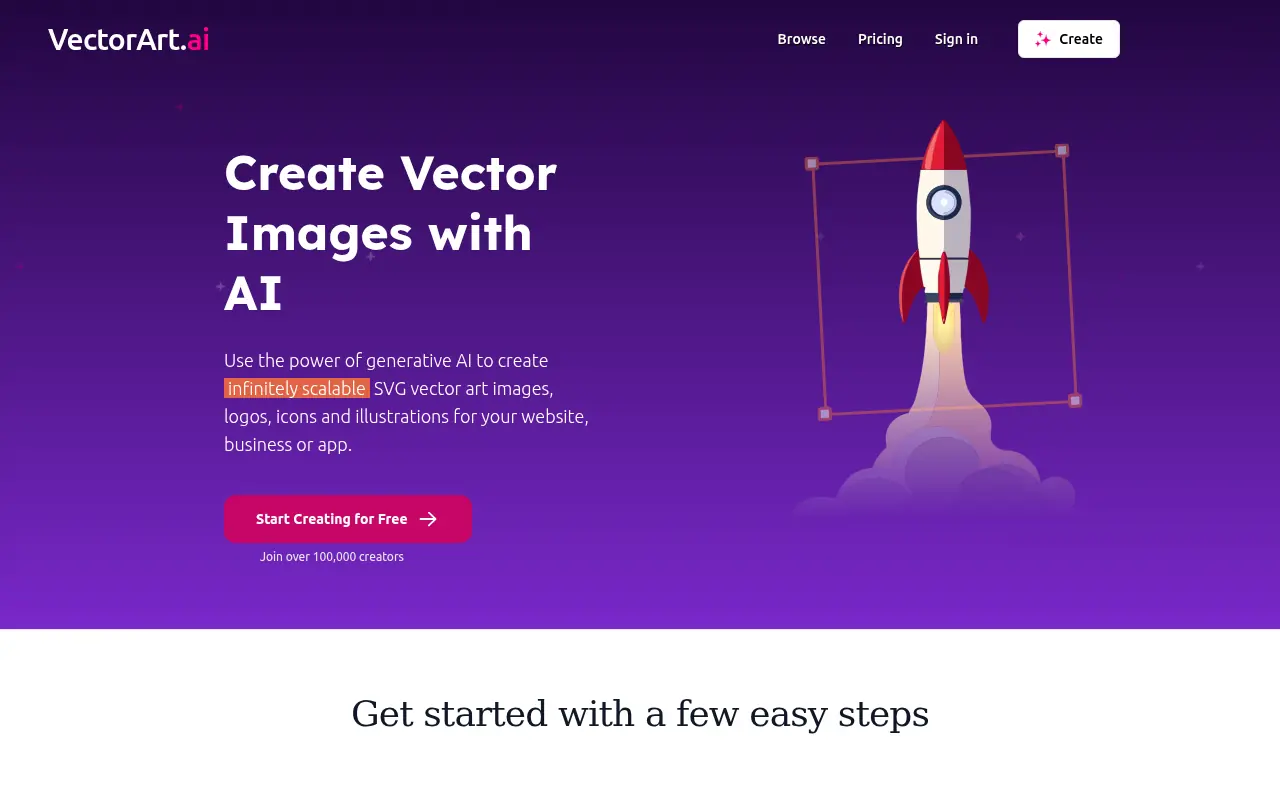

VectorArt.ai
VectorArt.ai uses AI to generate scalable, royalty-free vector images, logos, icons, and illustrations instantly from user prompts or sketches.
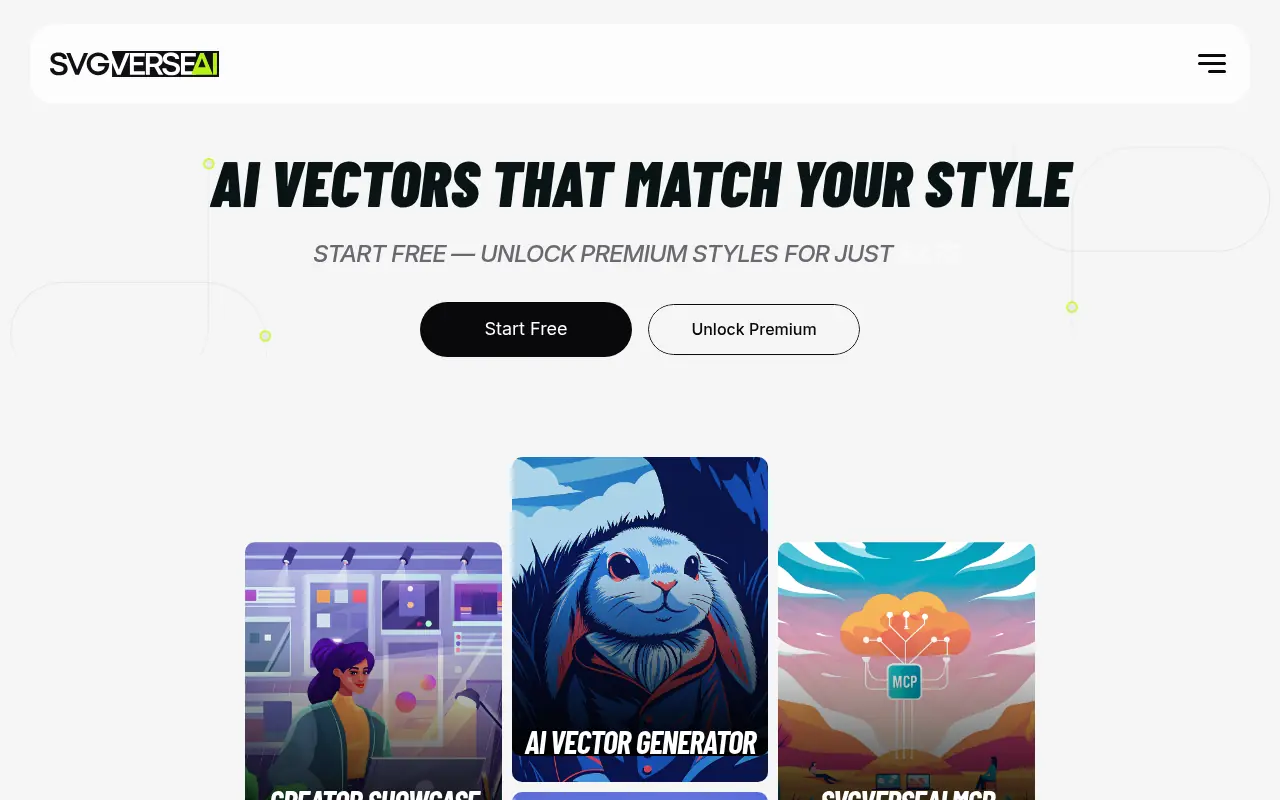

SVGverseAI
SVGverseAI is an AI-powered design platform that enables users to generate clean, editable, and scalable SVG vector graphics from simple text prompts or raster images.
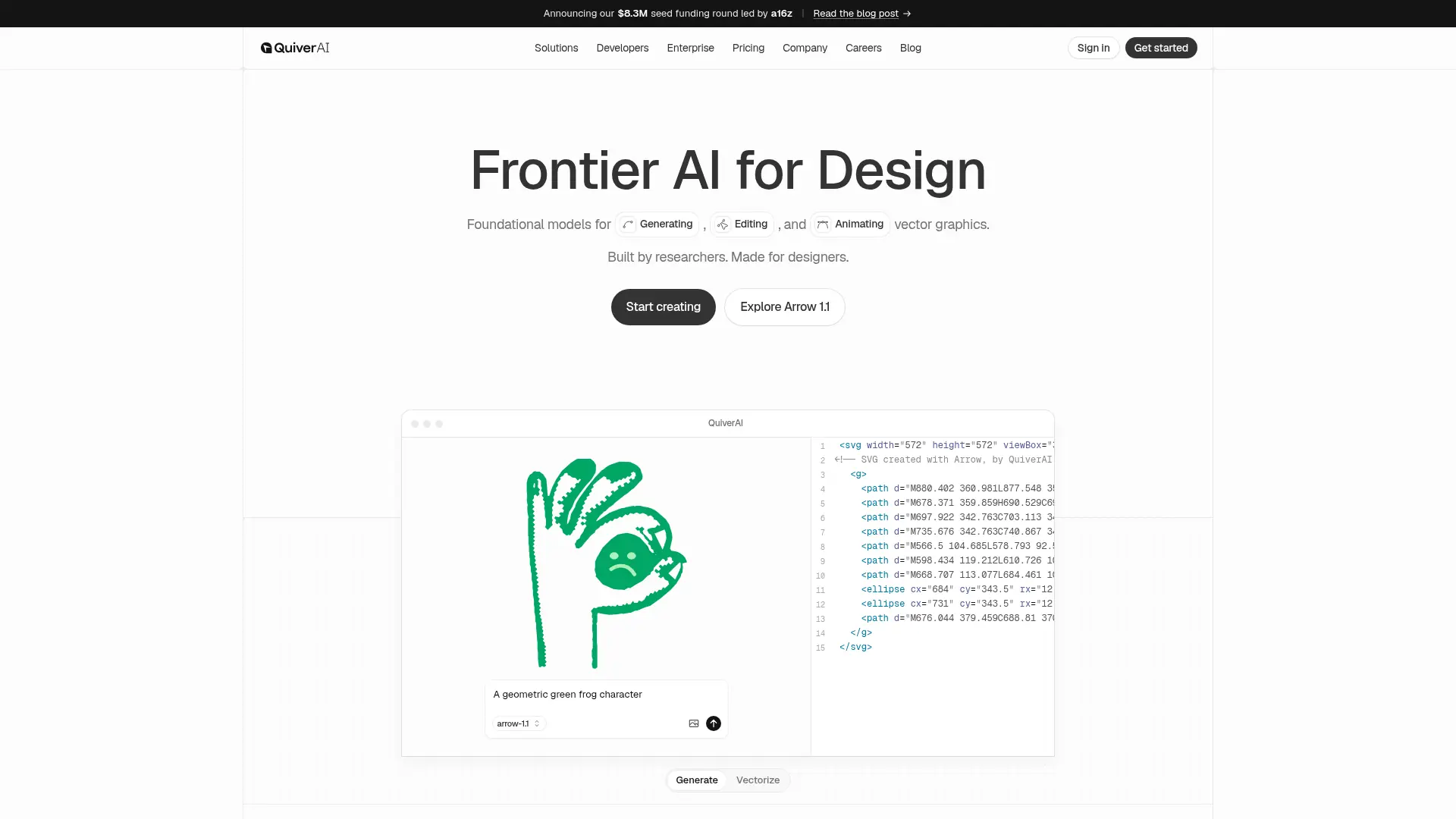

Quiver AI
Turn text prompts and images into production-ready, highly editable SVG vectors instantly, eliminating manual tracing and scaling bottlenecks in your design workflow.
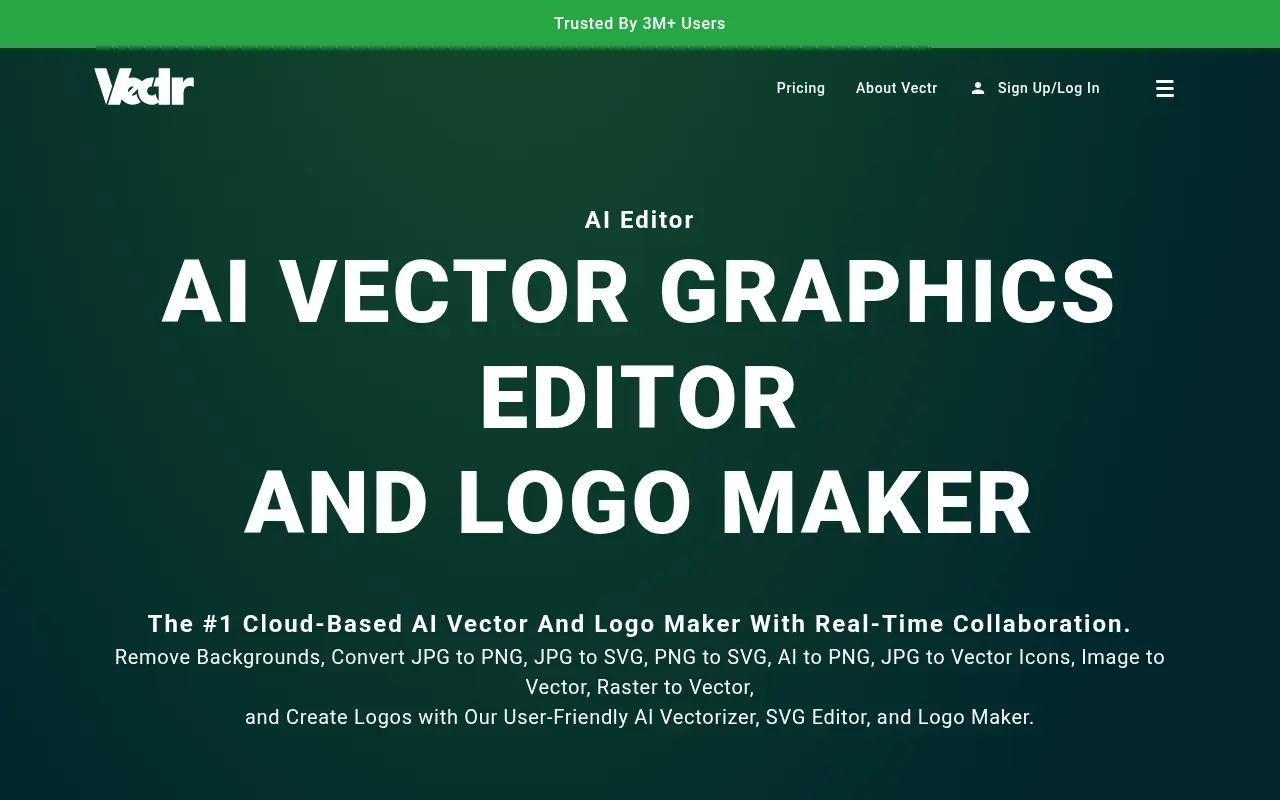

Vectr
Vectr is a free, cross-platform vector graphics editor featuring real-time collaboration and AI-powered design tools for creating scalable graphics.
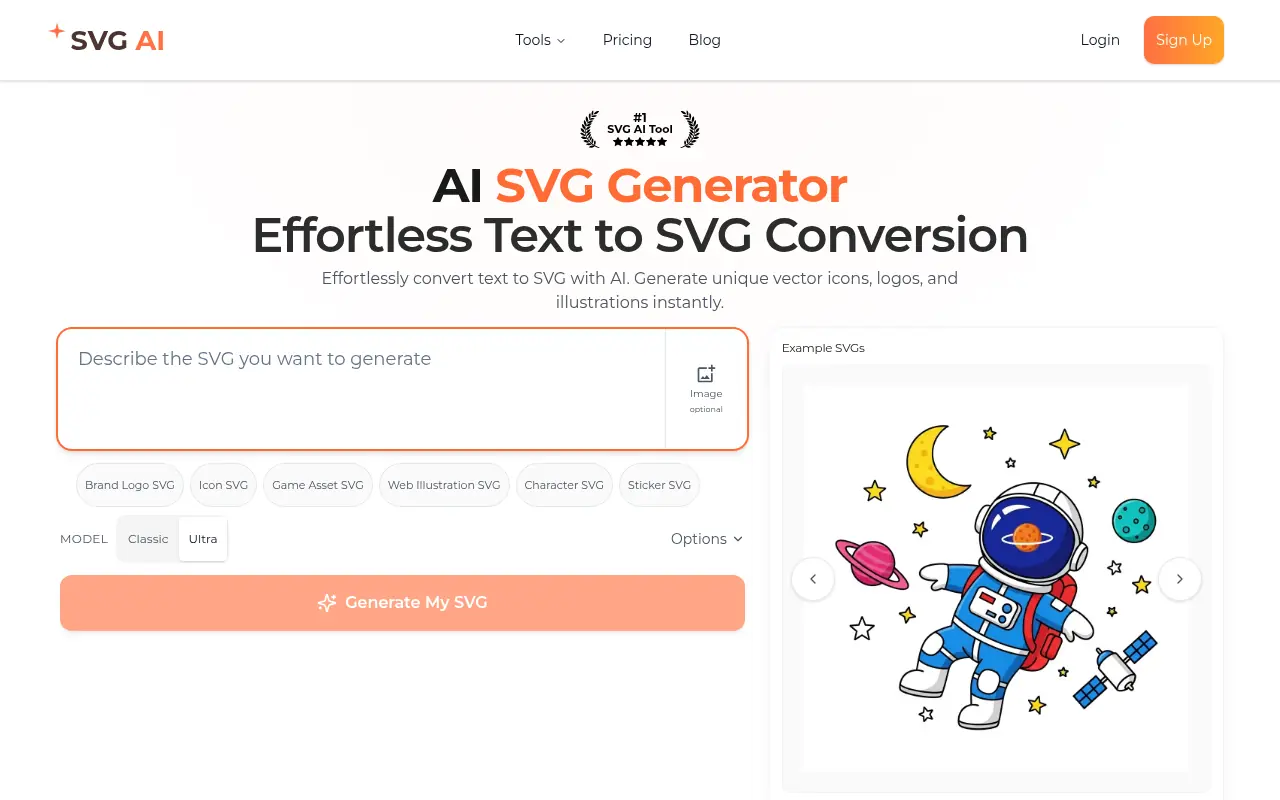

SVGAI
SVGAI is an AI-powered platform that instantly transforms text descriptions and images into professional, clean, and scalable vector graphics (SVGs).
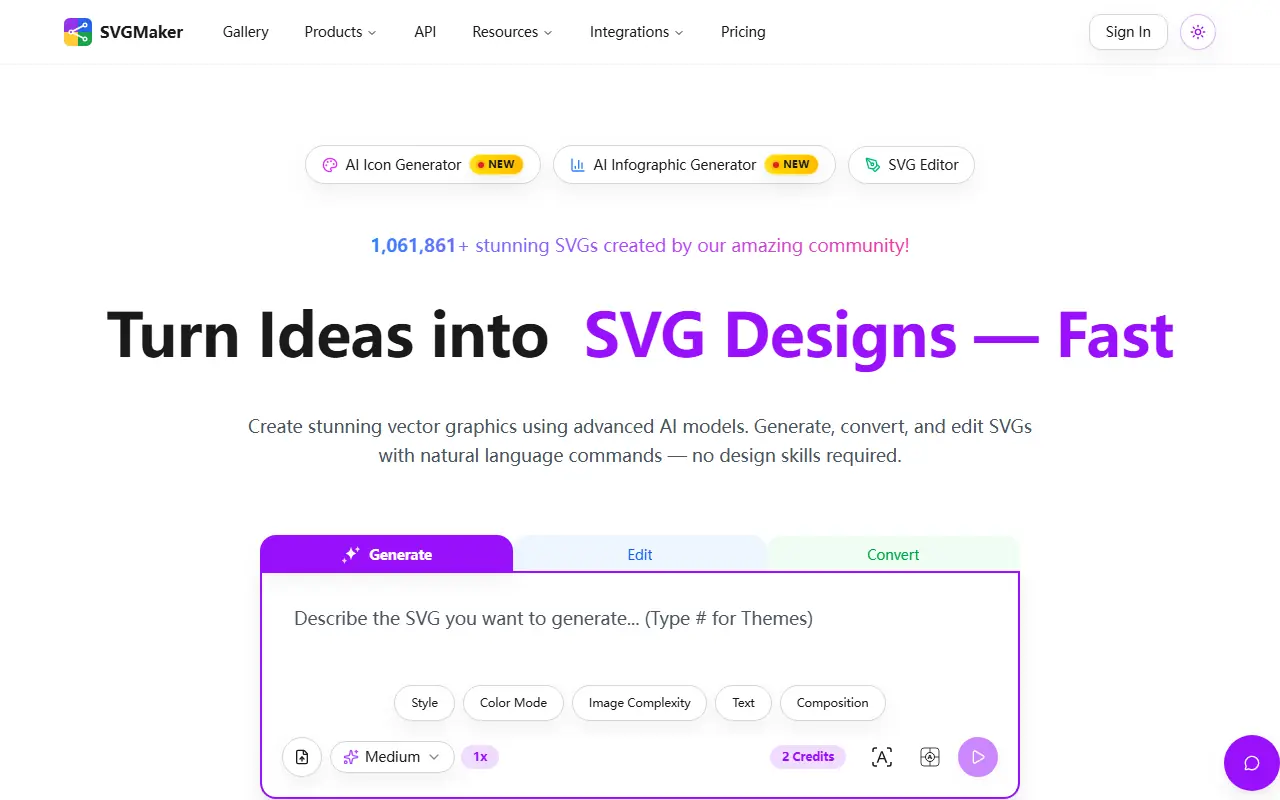

SVGMaker
SVGMaker is an AI-powered platform that allows users to instantly generate, edit, and convert high-quality, scalable SVG vector graphics using natural language prompts.

Recraft
Recraft is an AI-powered design platform for creating professional-grade graphics, illustrations, and digital art.