

Pulsetic
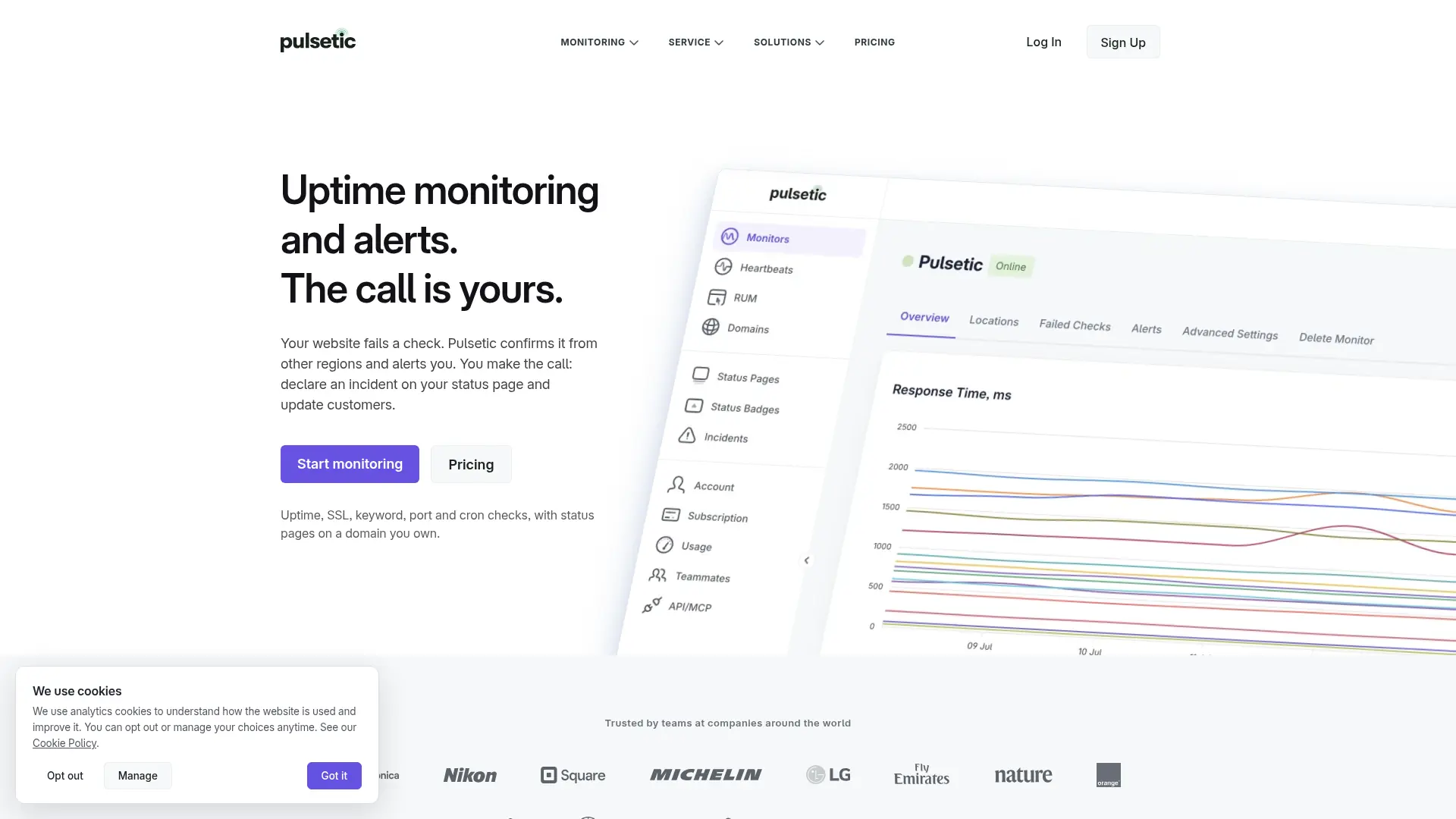
What is Pulsetic?
Pulsetic monitors website availability and application behavior for site owners and technical teams. It combines regional uptime checks, incident alerts, and public status pages with browser-based AI monitoring. Users describe a customer journey in plain language and review its execution logs and screenshots. An AI assistant can also inspect monitoring data and propose operational changes for confirmation.
How to use Pulsetic?
- Create a Pulsetic account and choose a plan that includes AI monitoring if you need browser journey tests.
- Name the journey, enter its starting URL, and describe the steps on a site you are authorized to test.
- Run a test, inspect the result, and configure the monitoring schedule and failure notifications.
Pulsetic's Core Features
Regional Uptime Checks: Monitor availability from multiple locations.
Failure Notifications: Alert the team when checks detect a problem.
Public Status Pages: Share service status and incident updates with visitors.
AI Browser Monitoring: Test natural-language customer journeys in a real browser.
Run Evidence: Inspect execution steps and screenshots after each AI run.
Monitoring Assistant: Ask questions about live monitoring and incident data.
Confirmed Operational Actions: Review proposed monitor or incident changes before applying them.
SSL Monitoring: Track certificate issues alongside site availability.
Pulsetic's Use Cases
- #1
Store owners checking a checkout journey before the payment step.
- #2
Software teams monitoring a login or signup flow.
- #3
Website operators tracking regional uptime and response times.
- #4
Support teams publishing incident updates on a status page.
- #5
Operations engineers asking an assistant to investigate a failed monitor.
- #6
Service businesses checking that a booking form remains usable.
Frequently Asked Questions
Analytics of Pulsetic
Monthly Visits Trend: Oct 2025 - Oct 2026
Traffic Sources
AI Channel Traffic Trends
Top Regions
| Region | Traffic Share |
|---|---|
| United States | 10.46% |
| United Kingdom | 5.06% |
| Germany | 4.36% |
| India | 3.92% |
| Australia | 3.19% |
Top Keywords
| Keyword | Traffic | CPC |
|---|---|---|
| is chatgpt down | 212.8K | $1.98 |
| is character ai down | 5.4K | -- |
| claude down | 90.5K | $3.98 |
| is claude down | 121.7K | $3.90 |
| is claude down? | 11.5K | $3.99 |
Alternative of Pulsetic
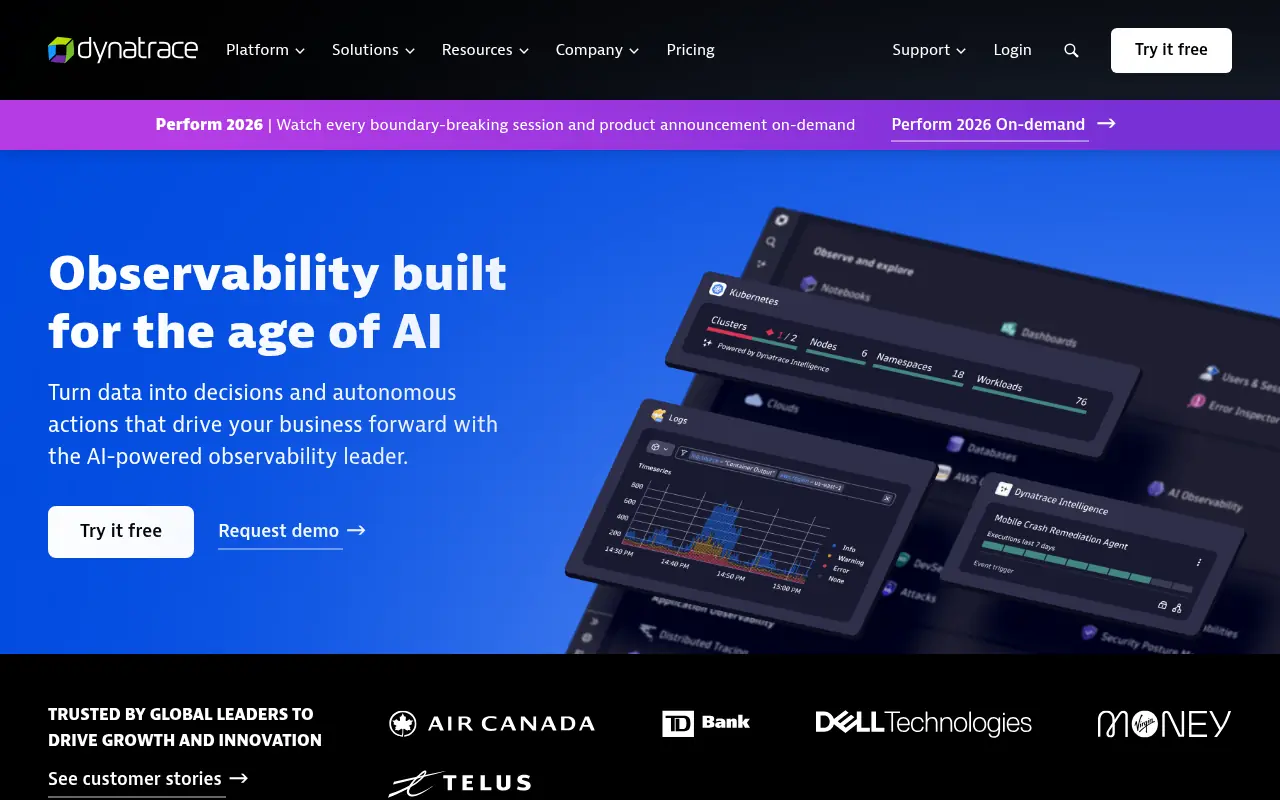

Dynatrace
Dynatrace is a comprehensive software intelligence platform that uses AI and automation to monitor and optimize application performance, IT infrastructure, and digital experiences.
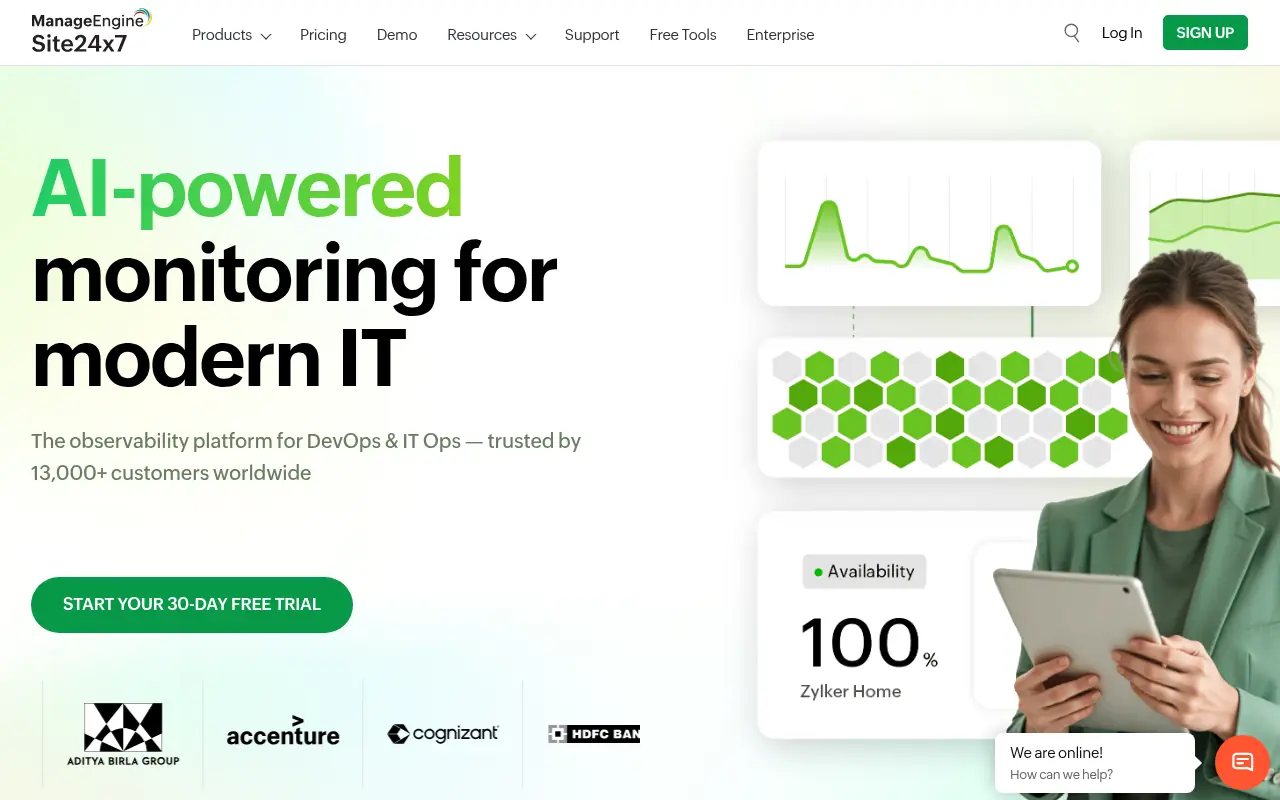

Site24x7
Site24x7 is a comprehensive, cloud-based observability platform that monitors the uptime and performance of websites, applications, servers, networks, and cloud environments.
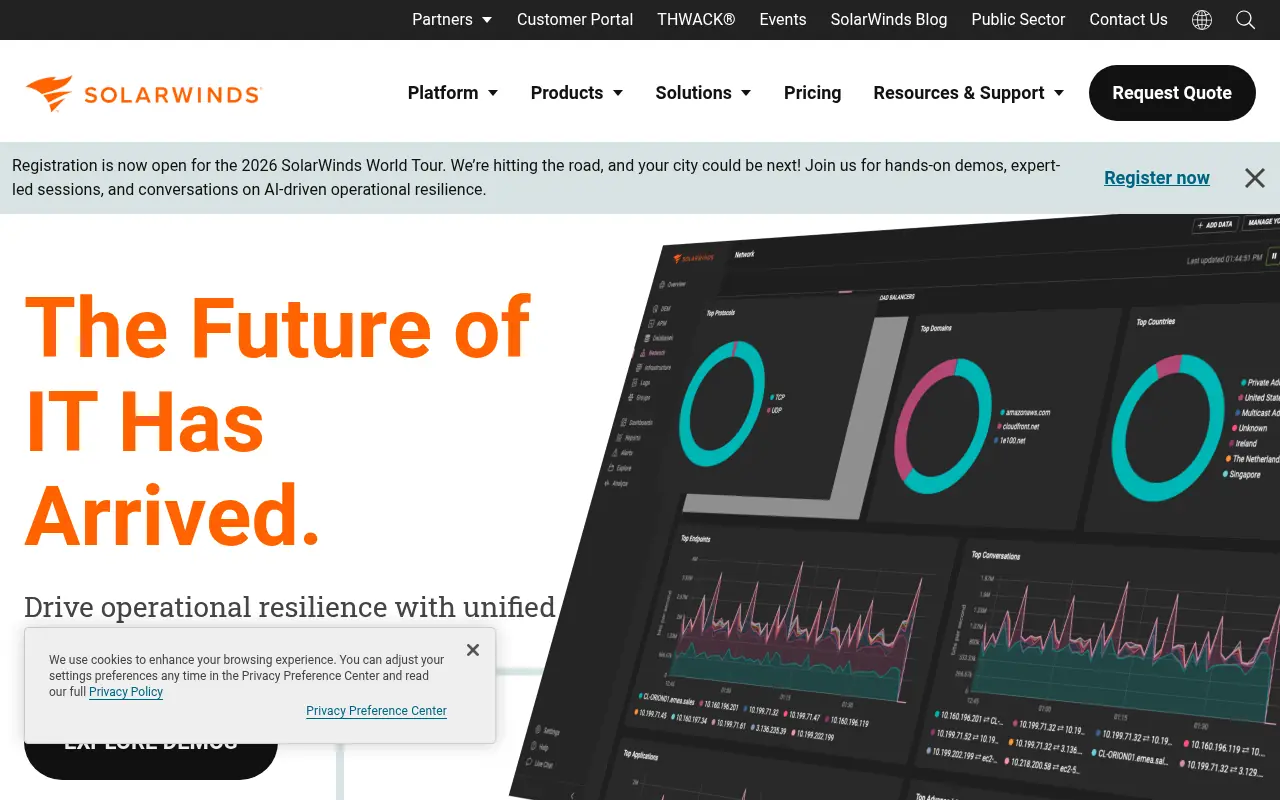

SolarWinds
SolarWinds provides comprehensive IT management and full-stack observability solutions to help organizations monitor, manage, and secure their networks, systems, and applications.


New Relic
New Relic is an all-in-one observability platform that helps software engineering teams monitor, debug, and optimize their full-stack applications.
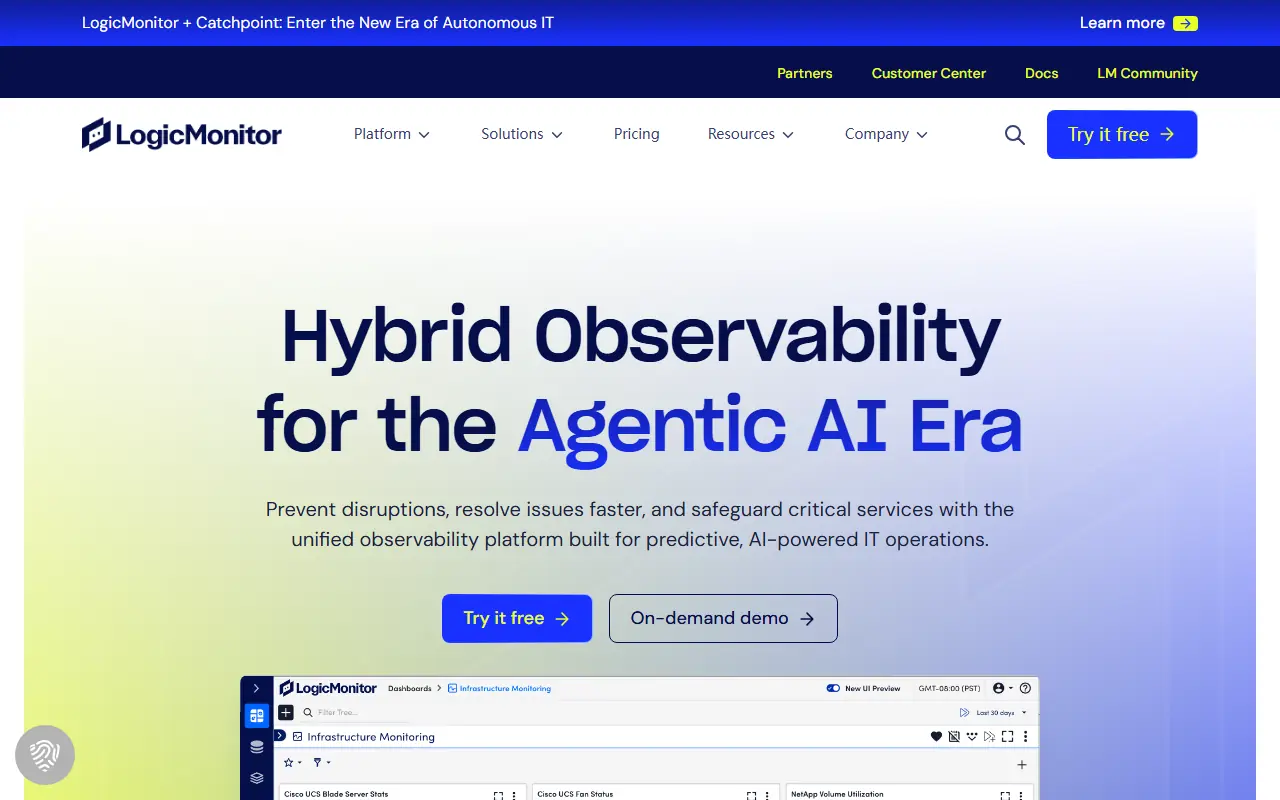

LogicMonitor
LogicMonitor is a cloud-based, AI-powered hybrid observability and IT infrastructure monitoring platform that provides unified visibility across networks, servers, and cloud environments.
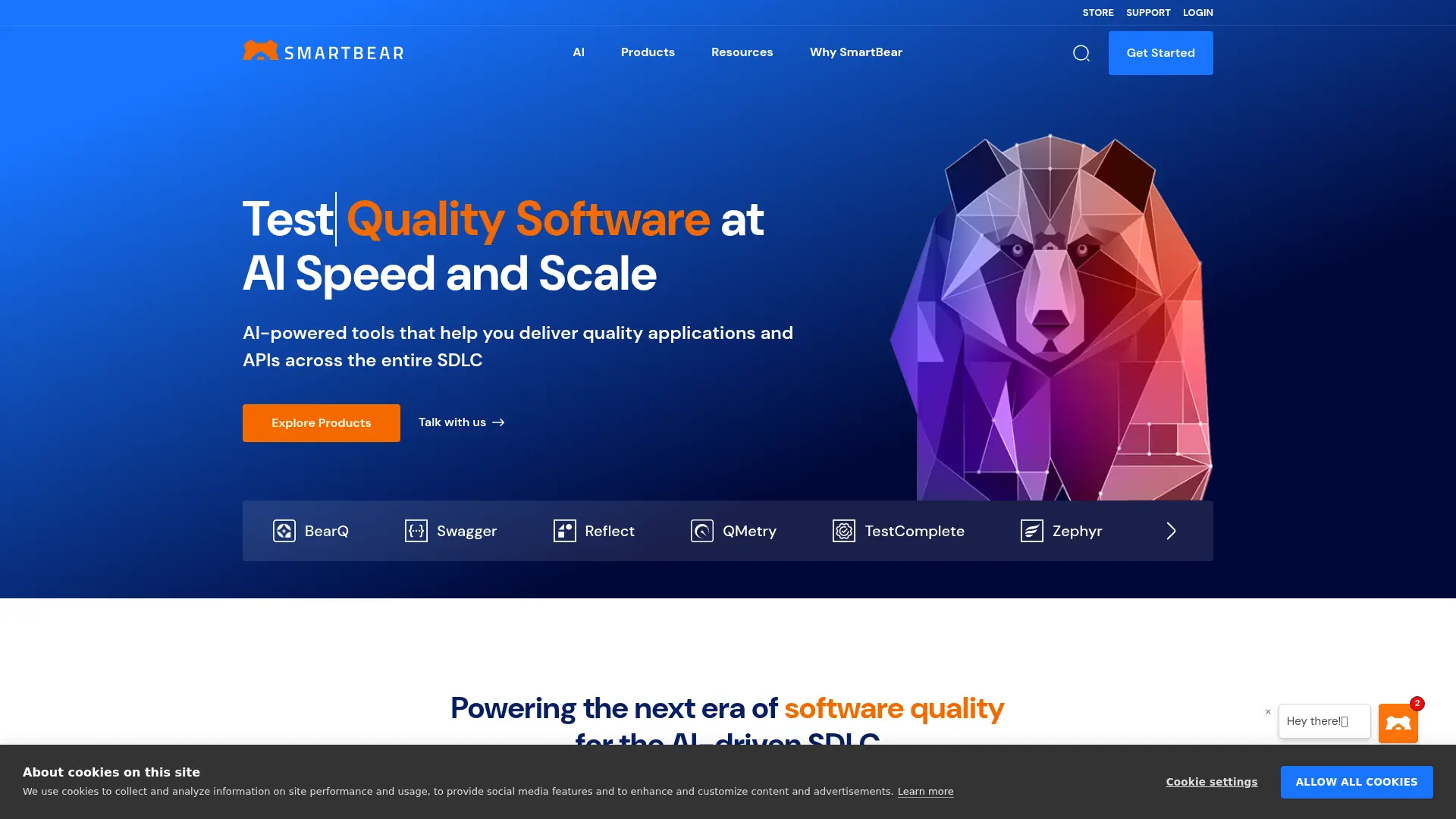

SmartBear
SmartBear helps software teams design, test, monitor, and manage applications across the software development lifecycle.


Langfuse
Langfuse is an open-source LLM engineering platform that provides observability, analytics, prompt management, and evaluations for AI applications.
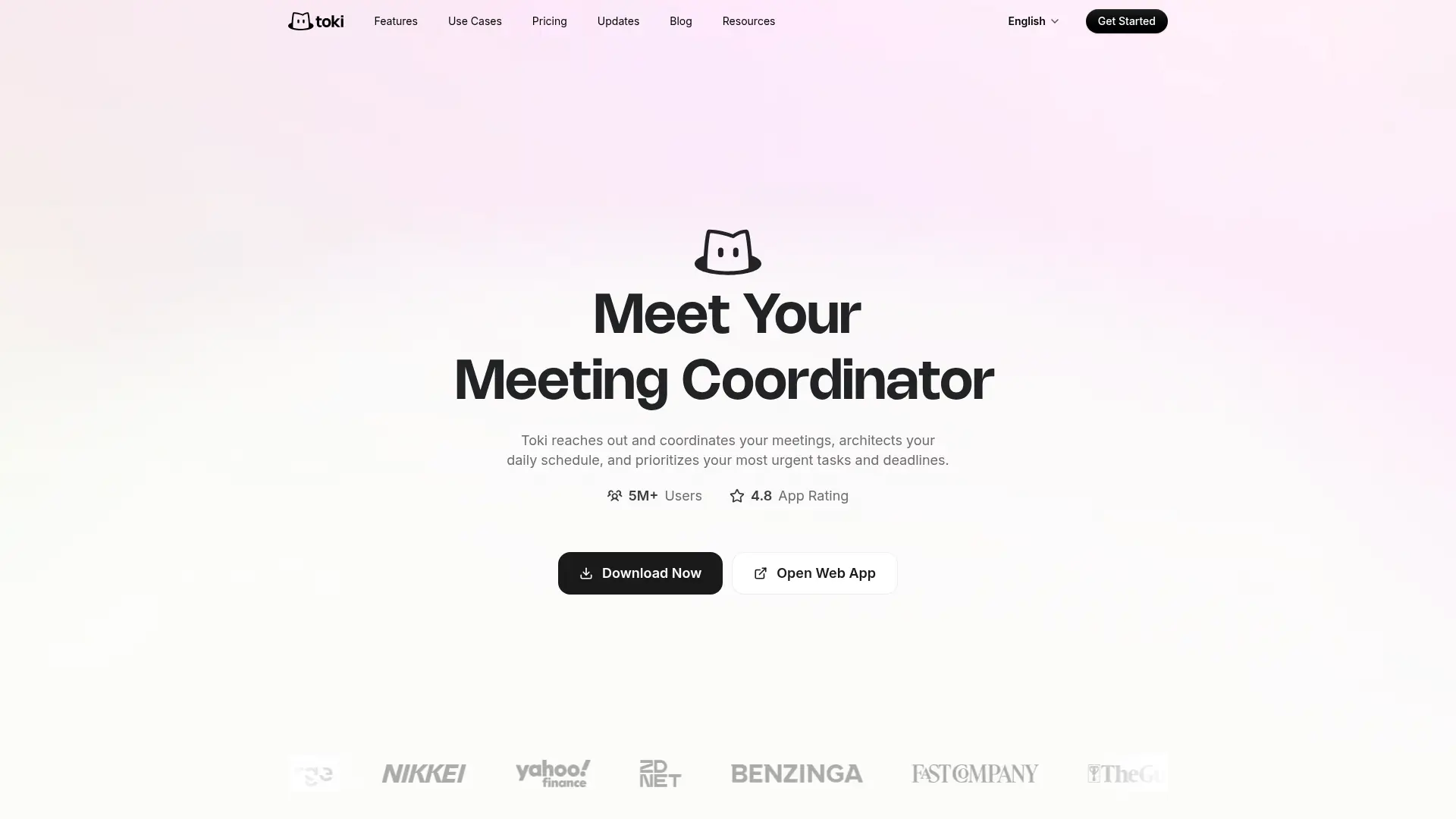

Toki
Coordinate meetings, organize your schedule, and monitor important updates through an AI executive assistant.