

ProtoFlow
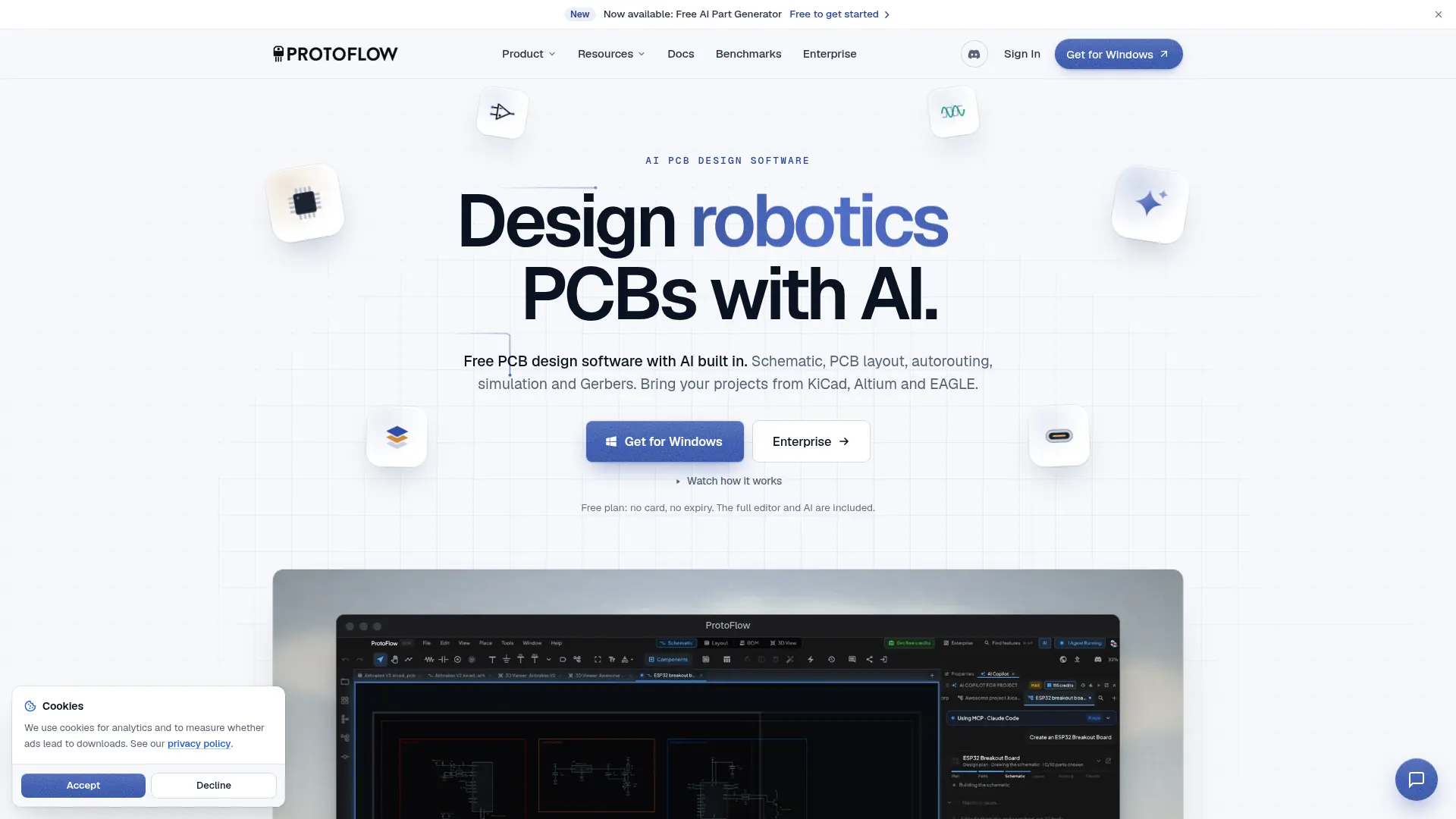
What is ProtoFlow?
ProtoFlow is electronic design software with AI assistance for circuit and printed-circuit-board development. Engineers and makers can describe a board, review the generated schematic, and continue editing its components and layout directly. Routing, electrical checks, simulation, and manufacturing exports keep later engineering stages in the same workflow. Import and export support connects that work to established design formats, while the engineer remains responsible for verification and sign-off.
How to use ProtoFlow?
- Download and install ProtoFlow, then create or import a project.
- Describe the required circuit or place components manually, and review the schematic before arranging the board.
- Route and validate the design, then export the project or manufacturing files after engineering review.
ProtoFlow's Core Features
AI Circuit Drafting: Generate editable schematics from natural-language requirements.
Component Discovery: Search distributor parts with associated symbols and footprints.
PCB Layout Editing: Arrange components, board outlines, stackups, and copper areas.
Automated Routing: Route board connections with integrated automation and manual refinement.
Design Rule Checks: Inspect electrical and physical constraints before fabrication.
SPICE Simulation: Evaluate circuit behavior with supported analyses and waveforms.
Manufacturing Exports: Produce Gerbers, drill files, bills of materials, and placement data.
Versioned Collaboration: Review comments and design changes with collaborative and Git-related tools.
ProtoFlow's Use Cases
- #1
A maker drafts a sensor-board schematic from a functional description.
- #2
An engineer imports a KiCad project for further layout work.
- #3
A hardware team searches distributor parts while building a circuit.
- #4
A designer tests an analog circuit with SPICE before fabrication.
- #5
A team reviews design changes through comments and version history.
- #6
An engineer prepares Gerbers, a bill of materials, and placement files for manufacturing.
Frequently Asked Questions
Analytics of ProtoFlow
Monthly Visits Trend: Jan 2026 - Oct 2026
Traffic Sources
Top Regions
| Region | Traffic Share |
|---|---|
| United States | 50.38% |
| India | 9.88% |
| Indonesia | 2.35% |
| Germany | 2.14% |
| Russia | 1.65% |
Top Keywords
| Keyword | Traffic | CPC |
|---|---|---|
| protoflow | 24.4K | $1.84 |
| ai pcb design free | 760 | -- |
| ns4168 amplifier chip altium file | 240 | -- |
| nrf54l15 altium file | 140 | -- |
| pj-320d to kicad | 140 | -- |
Alternative of ProtoFlow

Dribbble
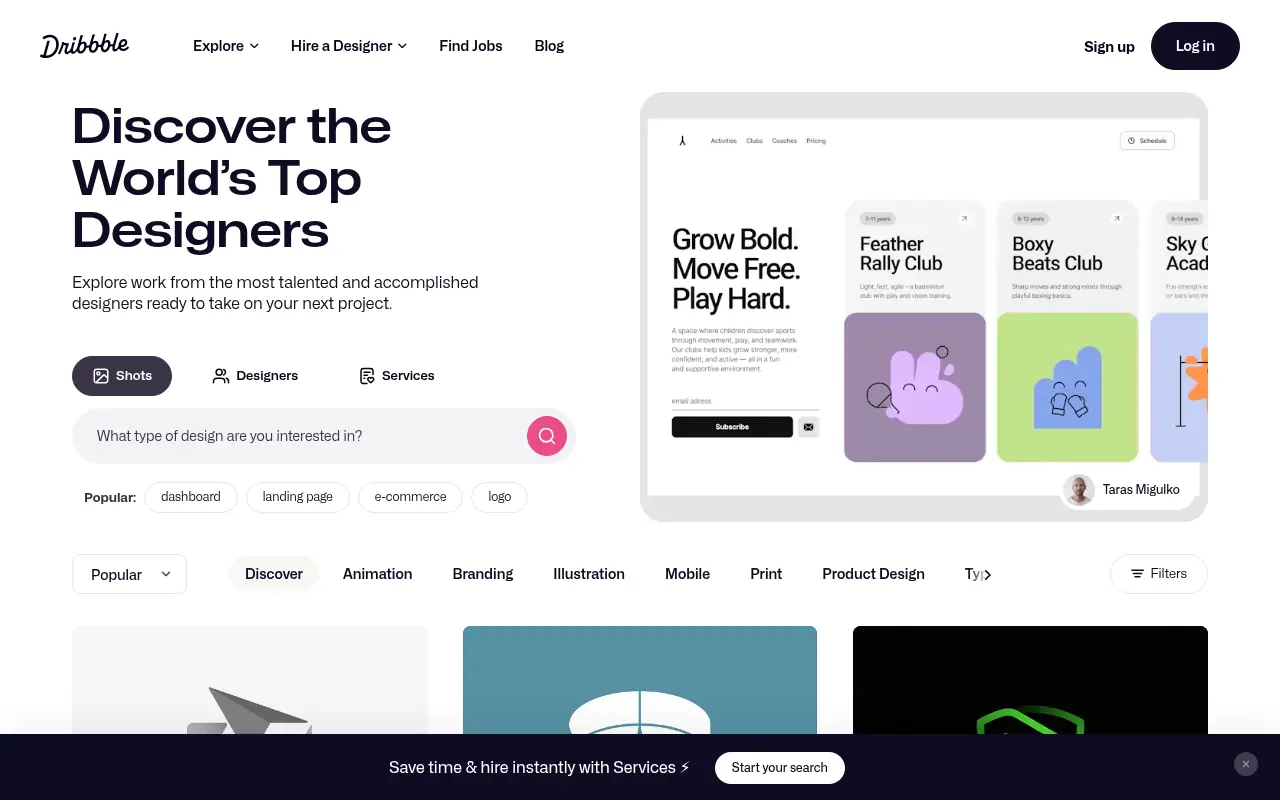
Dribbble is a community platform for designers to showcase their work, connect with peers, and find job opportunities.


Flux
Flux is a browser-based, AI-powered hardware design platform built for collaborative printed circuit board (PCB) design and schematic capture.

Adam
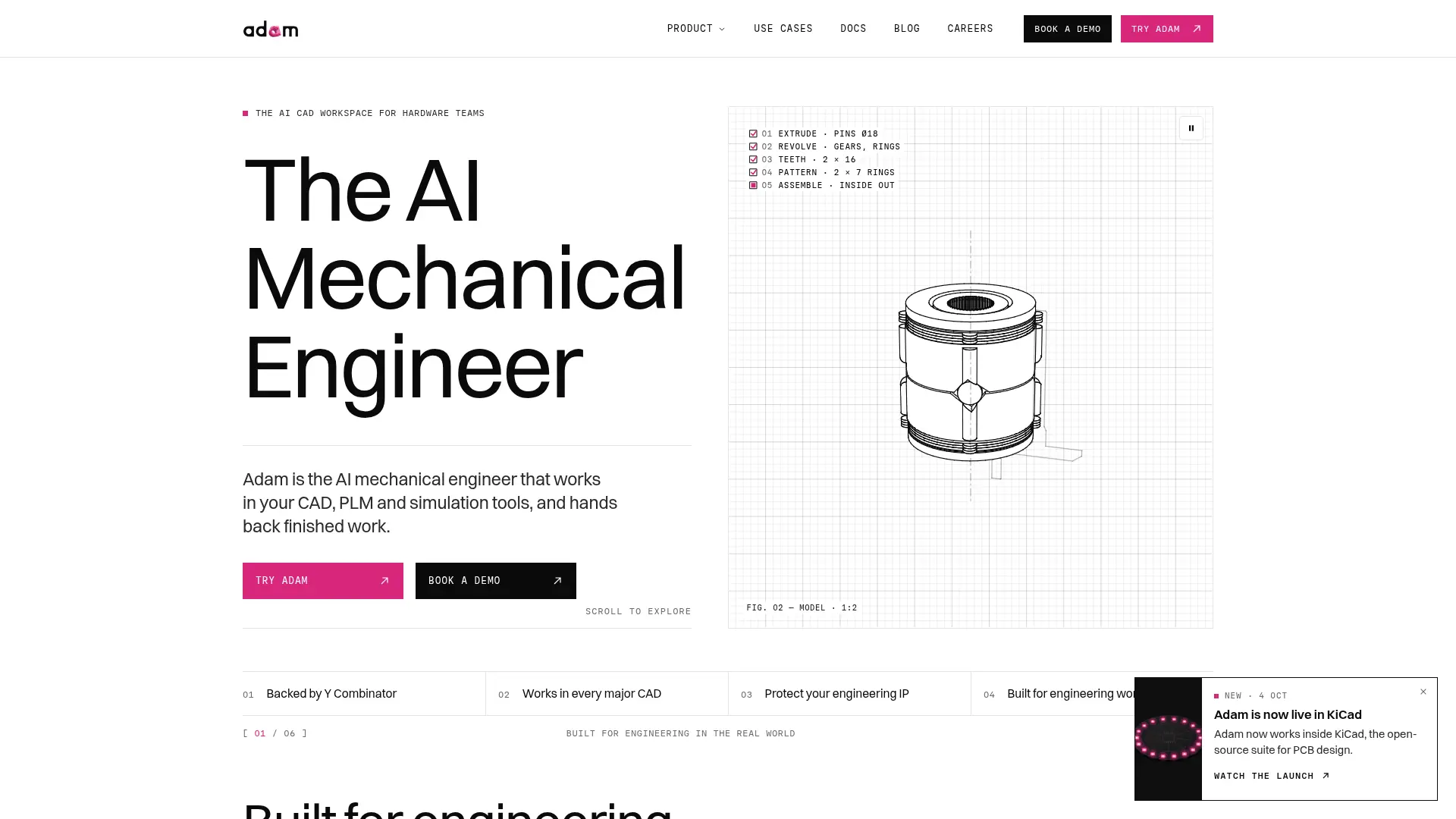
Use natural-language requests to edit CAD, review engineering files, and migrate models while retaining editable design history.


NovelAI
NovelAI is an AI-powered platform for generating creative writing and visual storytelling content.

GetLayers AI
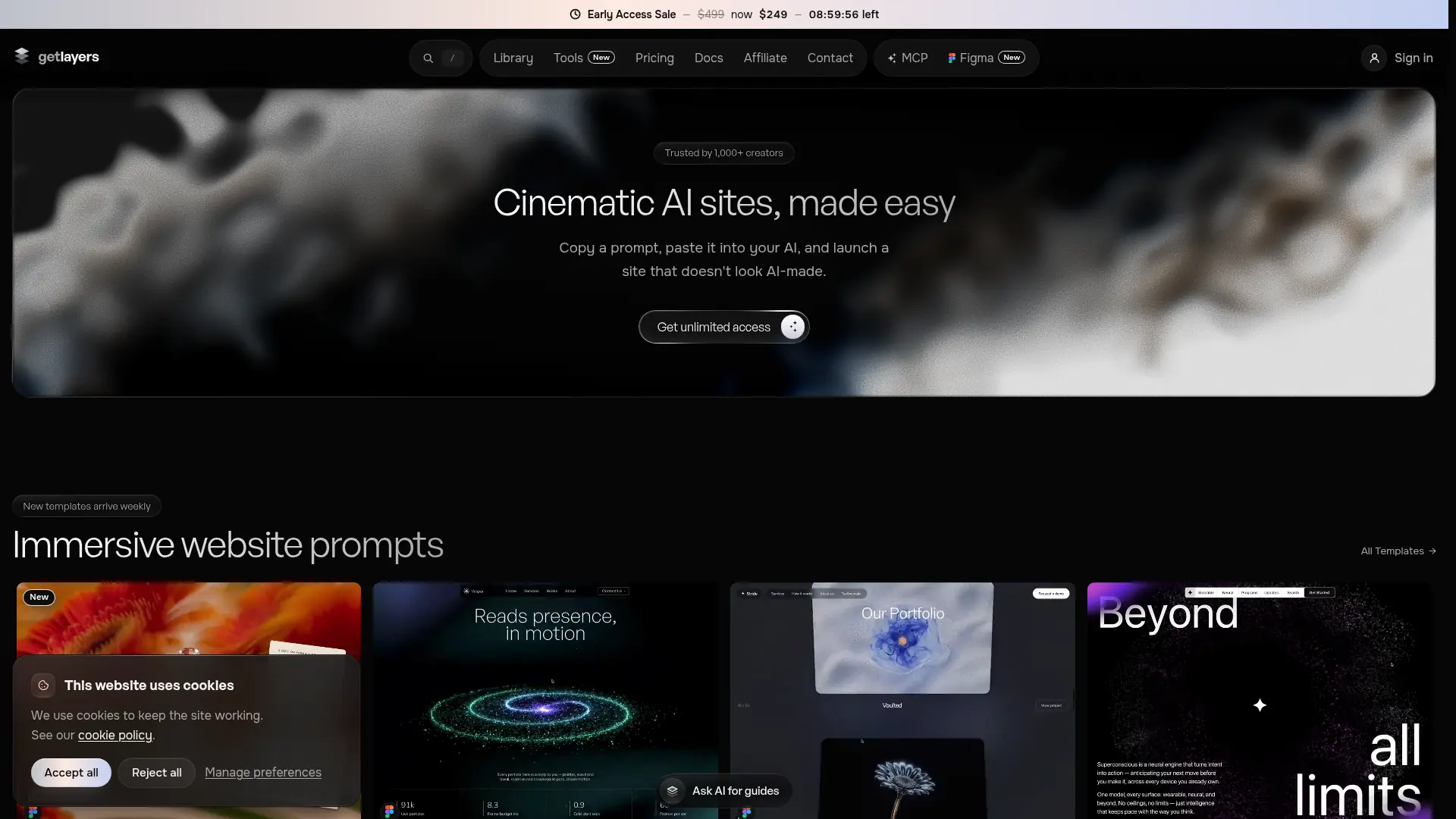
Give AI coding assistants designed website foundations, interactive effects, and reusable source files instead of starting every page from a blank prompt.

Framer
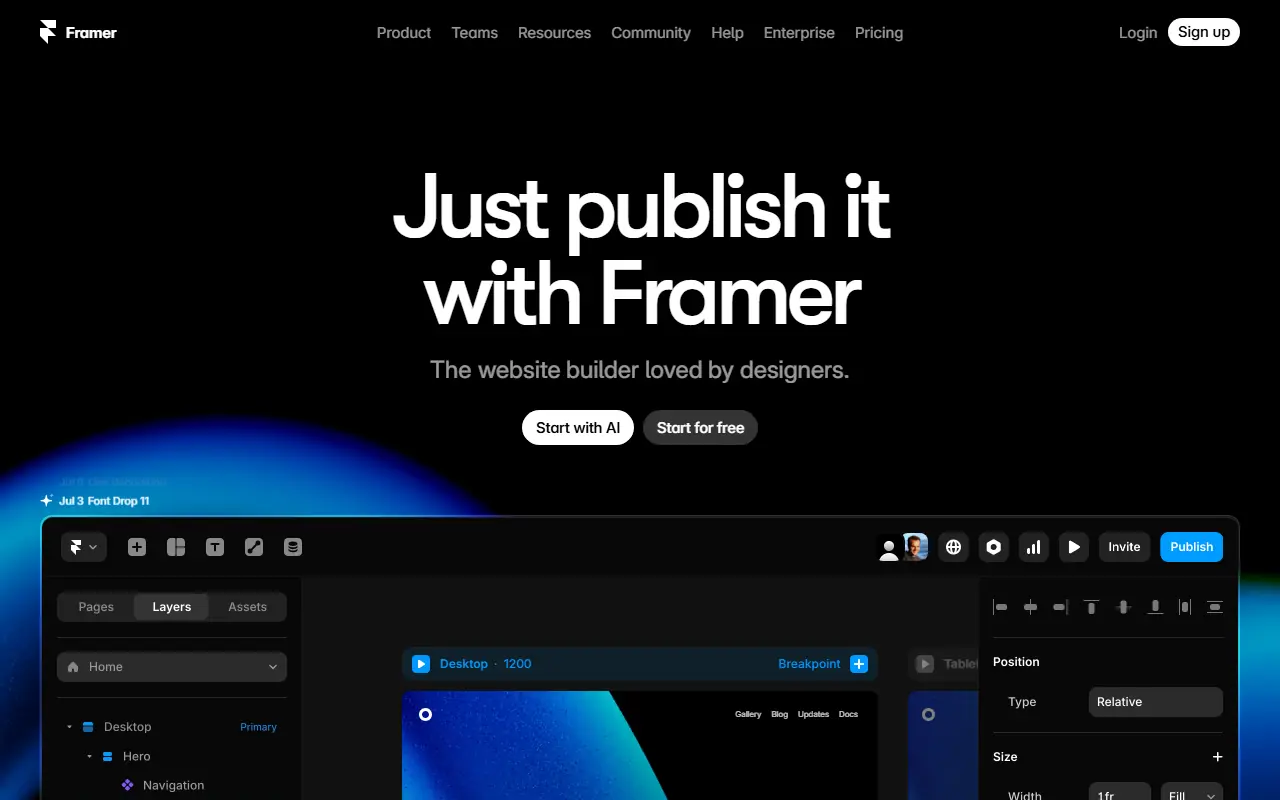
Framer is a web design and prototyping tool for creating interactive, visually stunning websites and applications.


Tencent Design Ardot
AI-powered design platform that turns ideas into high-fidelity UI designs and production-ready workflows faster.


MagicPath
Design and ship products faster with an AI canvas that connects humans, agents, prototypes, and code.