

Flux
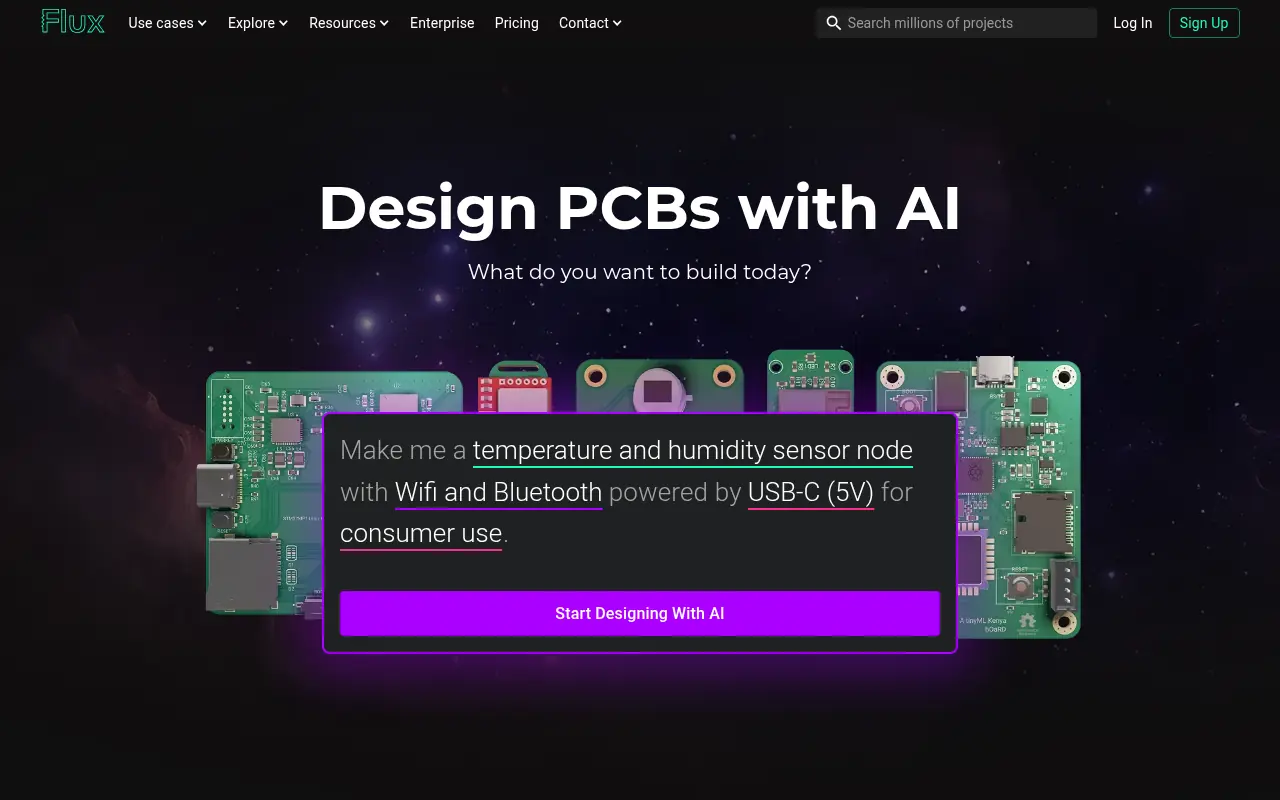
What is Flux?
Flux is a modern, browser-based hardware design platform that brings software development principles to electrical engineering. It features an integrated AI assistant, Flux Copilot, which helps engineers automate repetitive tasks, analyze datasheets, and troubleshoot circuit behavior. The platform supports real-time collaboration, allowing multiple users to work on schematics and PCB layouts simultaneously without version control conflicts. By integrating live component pricing, availability, and smart design rule checks, Flux aims to accelerate the hardware development lifecycle from concept to manufacturing.
How to use Flux?
To use Flux, sign up for an account and create a new project directly in your web browser without installing any software. You can start by describing your desired circuit to the Flux Copilot, which will generate a plan, source components, and help create your schematic. Use the intuitive drag-and-drop interface to lay out your PCB, collaborate with your team via shareable links, and leverage the AI to parse datasheets or run design rule checks before exporting your manufacturing files.
Flux's Core Features
Browser-based PCB design tool requiring no software installation or local hosting.
Real-time multiplayer collaboration with built-in version control and sharing permissions.
Built-in AI Copilot to automate schematic wiring, component selection, and layout.
Live component data integration providing real-time inventory, pricing, and alternative parts.
Automated design rule checks and manufacturability validation to prevent errors.
Direct project and component import capabilities from KiCad, Altium, and Cadence.
Context-aware AI that seamlessly extracts equations, pinouts, and parameters from datasheets.
Advanced troubleshooting capabilities for power distribution and signal integrity.
Flux's Use Cases
- #1
Designing multi-layer printed circuit boards (PCBs).
- #2
Collaborating on hardware projects in real-time with remote teams.
- #3
Using AI to parse complex component datasheets and extract equations.
- #4
Automating schematic generation and part wiring.
- #5
Checking live component inventory, alternatives, and pricing.
- #6
Troubleshooting and debugging complex circuit behavior.
- #7
Importing and updating existing KiCad, Altium, or Cadence projects.
- #8
Generating an instant Bill of Materials (BOM) for manufacturing.
Frequently Asked Questions
Analytics of Flux
Monthly Visits Trend: Jun 2025 - Aug 2026
Traffic Sources
AI Channel Traffic Trends
Top Regions
| Region | Traffic Share |
|---|---|
| United States | 38.03% |
| India | 6.98% |
| Germany | 3.62% |
| Australia | 2.78% |
| Canada | 2.61% |
Top Keywords
| Keyword | Traffic | CPC |
|---|---|---|
| flux | 311.2K | $0.99 |
| flux ai | 77.9K | $1.08 |
| flux ai pcb | 1.2K | -- |
| pcbway | 103.4K | $0.79 |
| fluxai | 2.1K | $1.47 |
Alternative of Flux
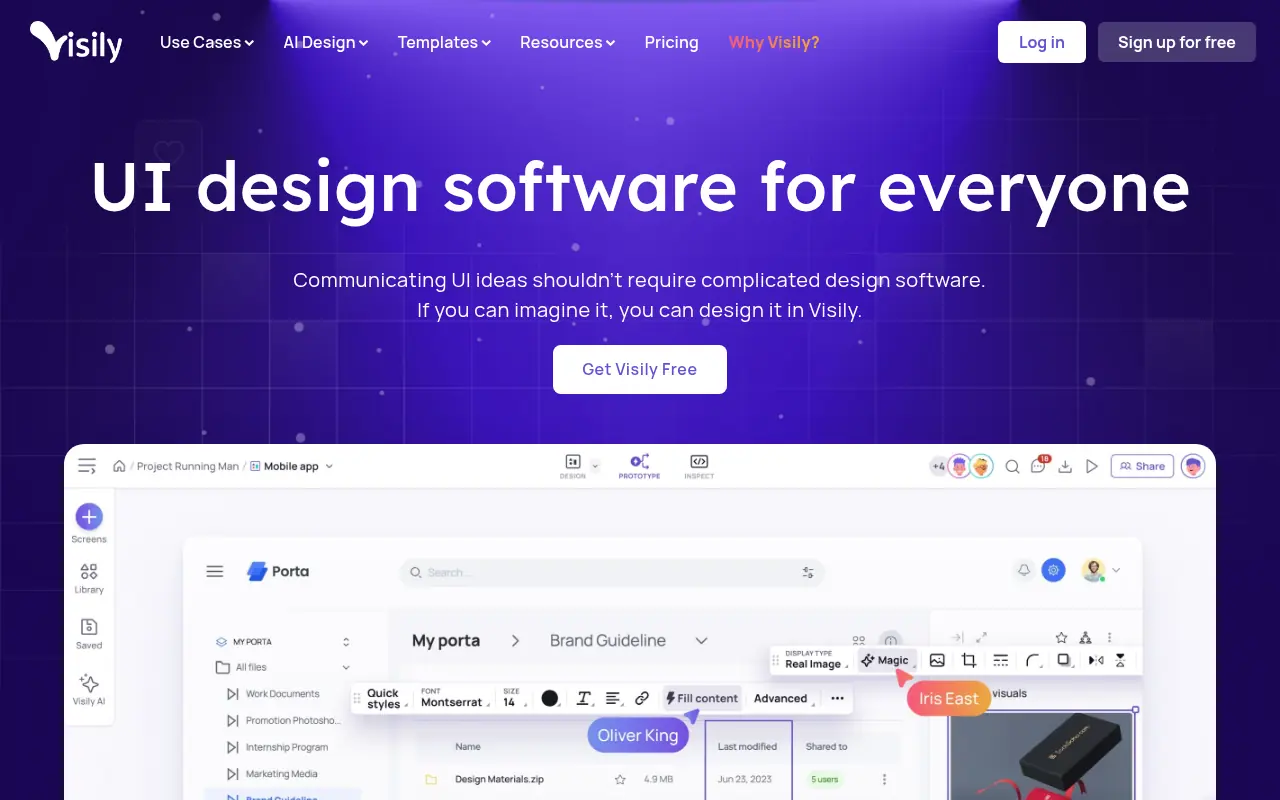

Visily
Visily is an AI-powered UI design platform for creating high-fidelity wireframes and prototypes quickly, tailored for non-designers and teams.
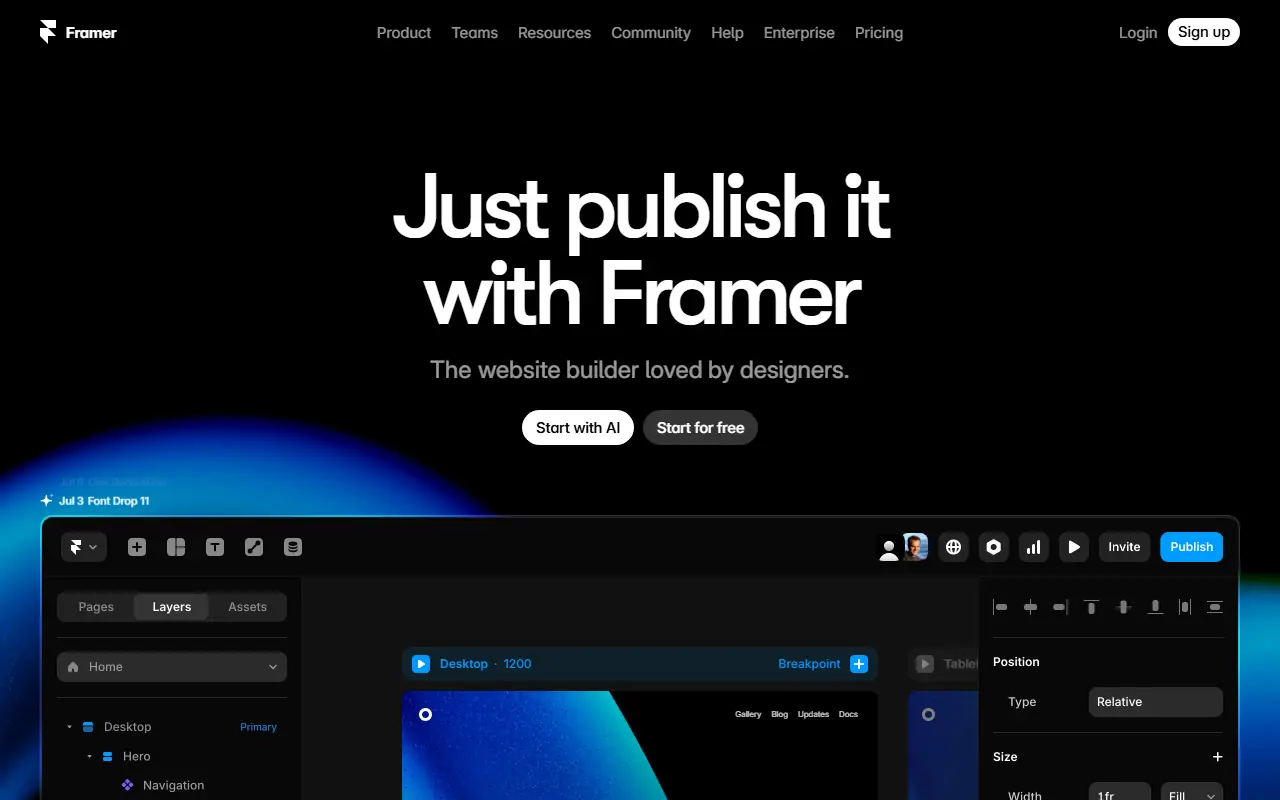

Framer
Framer is a web design and prototyping tool for creating interactive, visually stunning websites and applications.
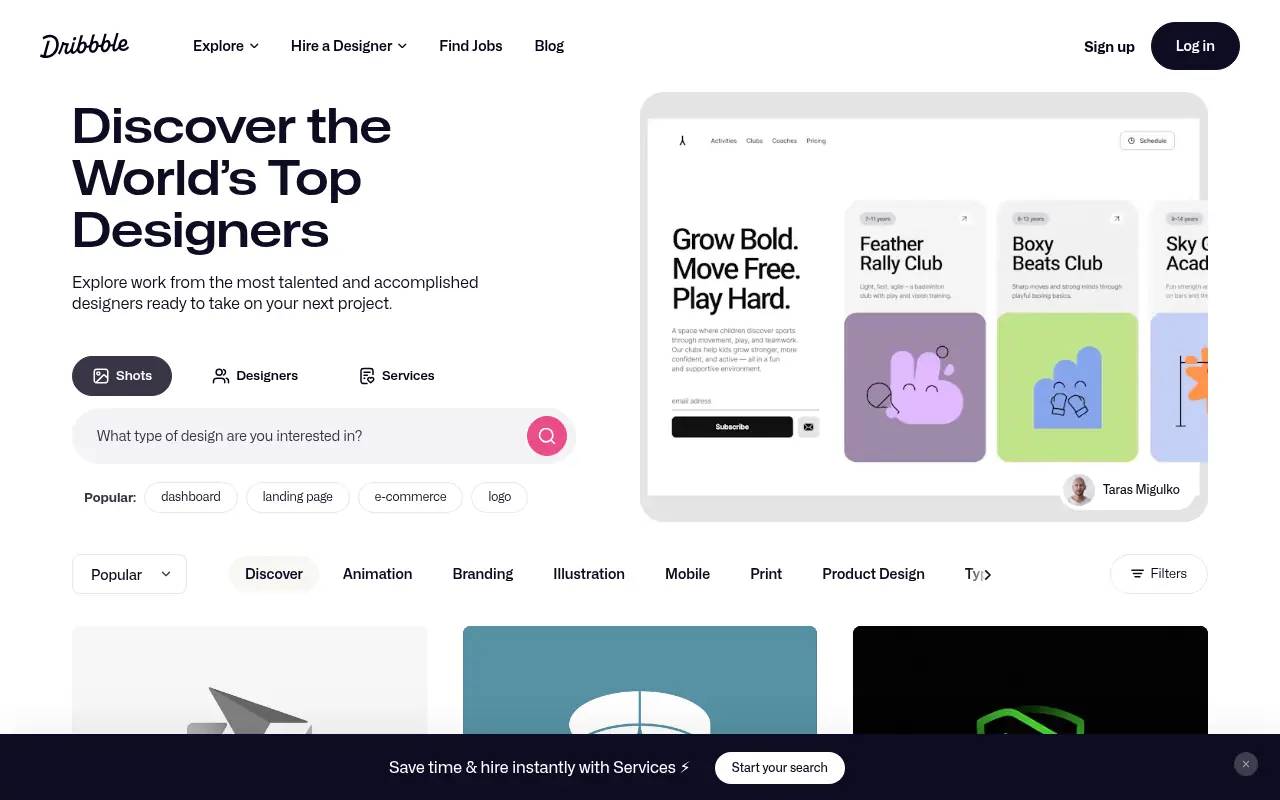

Dribbble
Dribbble is a community platform for designers to showcase their work, connect with peers, and find job opportunities.
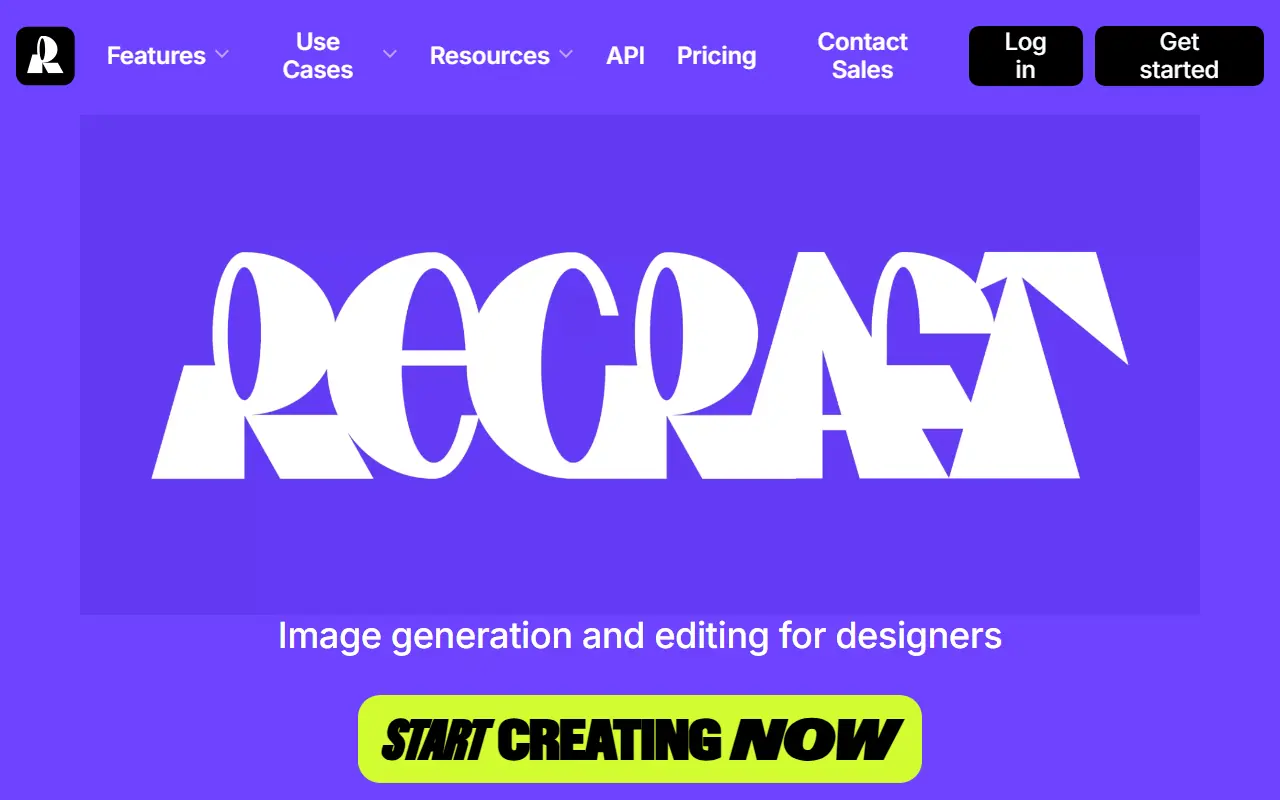

Recraft
Recraft is an AI-powered design platform for creating professional-grade graphics, illustrations, and digital art.


Leo AI
Leo AI is an engineering design copilot powered by a proprietary Large Mechanical Model that helps engineers accelerate product design, solve complex calculations, and streamline workflows within their existing CAD tools.


NovelAI
NovelAI is an AI-powered platform for generating creative writing and visual storytelling content.
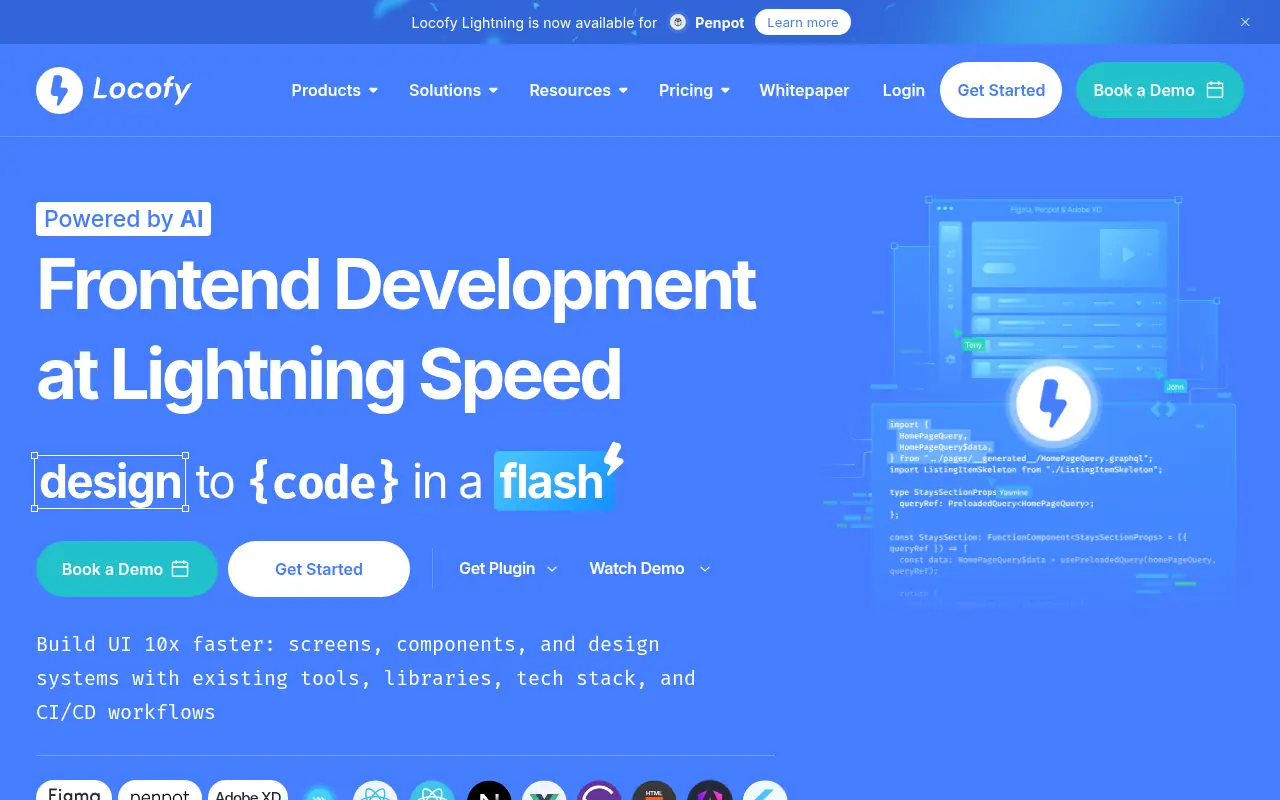

Locofy
Locofy.ai converts Figma and Adobe XD designs into production-ready frontend code, accelerating web and mobile app development.


mnml.ai
mnml.ai is an AI rendering platform that empowers architects and designers to instantly transform sketches and 3D models into photorealistic interior, exterior, and landscape visualizations.