

PhotoApp
What is PhotoApp?
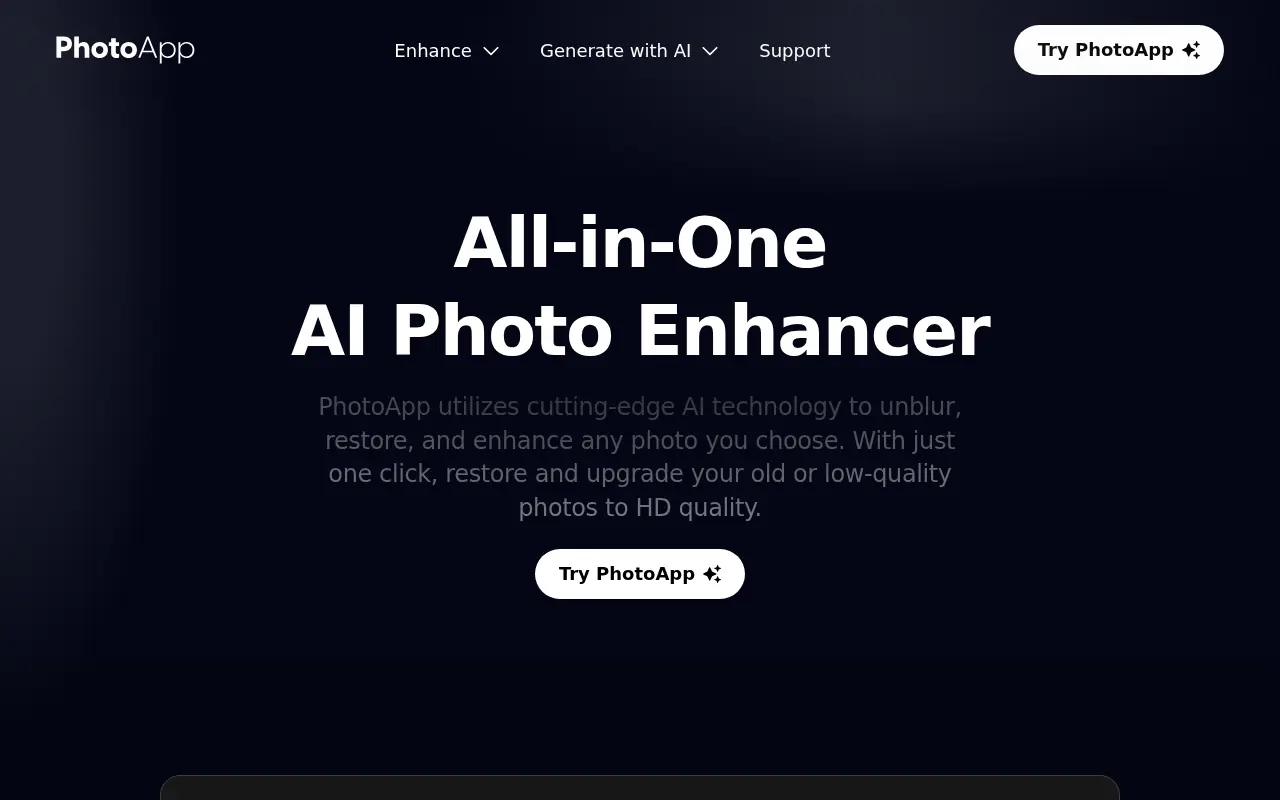
PhotoApp is an advanced AI photo editor designed to enhance, restore, and transform photos with minimal effort from the user. Its mission is to make professional-grade photo quality accessible to everyone, regardless of their editing expertise. The platform uses artificial intelligence to unblur, upscale, and colorize photos, revive old or damaged images, and even generate artistic avatars or realistic self-portraits in various styles. Users can easily remove unwanted objects, backgrounds, and fix image imperfections in seconds. The app serves anyone seeking improved photo quality—ranging from individuals preserving family memories to creators and professionals upgrading their social media presence—and offers a user-friendly mobile and web experience. Through continuous AI model improvement and new feature rollouts, PhotoApp ensures up-to-date performance and creative options for its global user base.
How to use PhotoApp?
To use PhotoApp effectively, start by downloading the mobile app or visiting the website, then simply upload any photo you wish to improve or edit. Select the desired enhancement or creative feature—such as unblurring, upscale, old photo restoration, object removal, or avatar creation—and let the AI process your image. Preview the results, make any final adjustments as needed, and save or share your newly enhanced photo. For advanced features like the AI Avatar, upload multiple selfies for accurate output, and explore additional effects like colorization, background removal, or artistic filters.
PhotoApp's Core Features
AI-powered photo enhancement for clarity and sharpness.
One-tap unblur and blurry photo correction.
Old photo restoration with HD upscaling.
Automatic colorization of black-and-white images.
Object and background removal in seconds.
AI avatar creation in various artistic styles.
Resolution upscaling up to 1000% for high-definition output.
Face enhancement to refine skin and facial details.
Cartoon and animation effects.
Continuous AI model improvement and feature updates.
User-friendly interface for fast processing.
Batch processing to enhance multiple photos efficiently.
PhotoApp's Use Cases
- #1
Enhancing old family photos to HD quality.
- #2
Restoring and colorizing faded or black-and-white images.
- #3
Unblurring out-of-focus portraits or group shots.
- #4
Removing unwanted objects or backgrounds from vacation photos.
- #5
Creating unique AI-generated avatars for social media profiles.
- #6
Upgrading photos for CVs or professional headshots.
- #7
Improving the quality of photos for online selling or product listings.
- #8
Animating photos or applying fun cartoon effects.
- #9
Visualizing different hairstyles, makeup, or outfits for personal style planning.
- #10
Generating engaging social media content with vivid, high-quality images.
Frequently Asked Questions
Analytics of PhotoApp
Monthly Visits Trend: Jun 2025 - Aug 2026
Traffic Sources
Top Regions
| Region | Traffic Share |
|---|---|
| United States | 17.14% |
| Mexico | 15.10% |
| Brazil | 14.60% |
| Colombia | 11.10% |
| Spain | 8.89% |
Top Keywords
| Keyword | Traffic | CPC |
|---|---|---|
| upscayl | 300.2K | $0.65 |
| remini | 134.0K | $0.24 |
| photo app | 3.3K | $0.63 |
| photoroom | 663.4K | $0.27 |
| mejorar calidad de imagen | 409.4K | $0.14 |
Alternative of PhotoApp
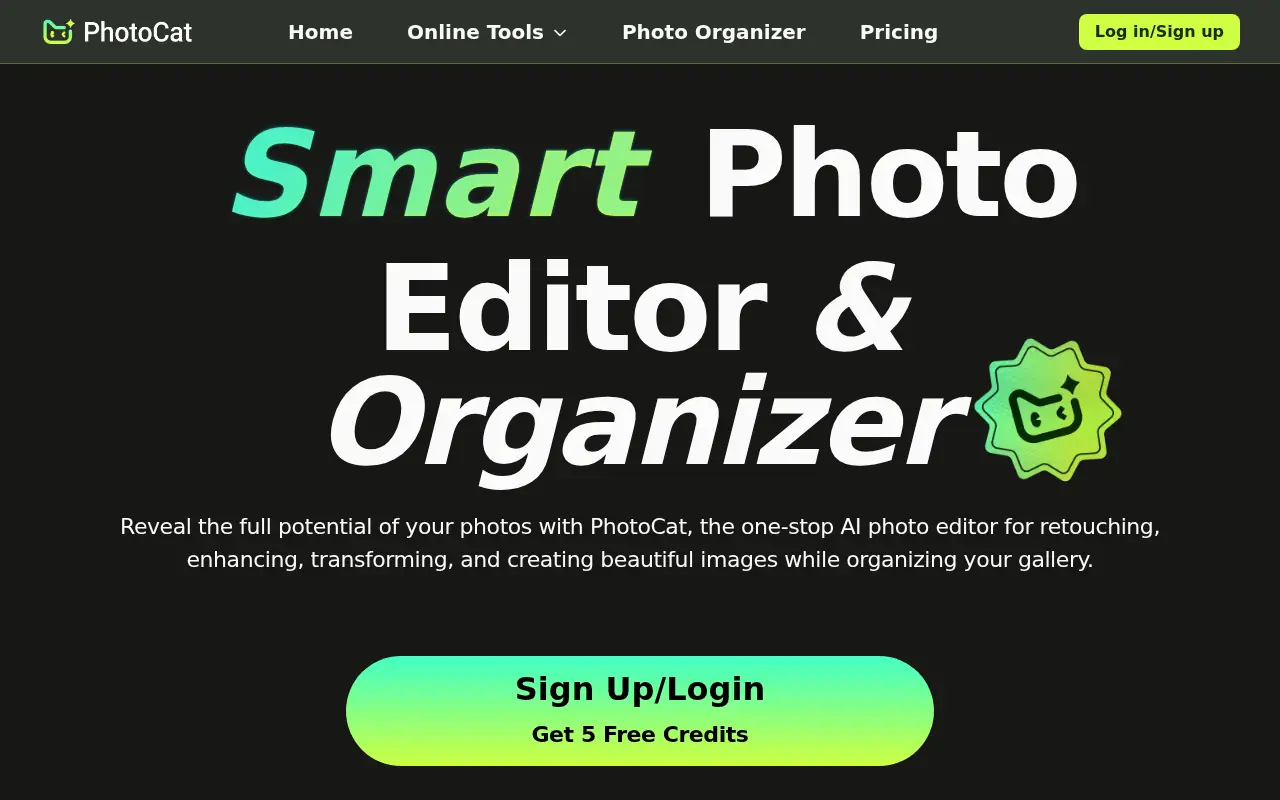

PhotoCat
PhotoCat is an AI-powered photo editing assistant and organizer that allows users to seamlessly retouch, enhance, transform, and manage their images using one-tap tools.


YouCam Online Editor
YouCam Online Editor is a comprehensive, browser-based AI suite for instant photo editing, video generation, and virtual beauty try-ons.
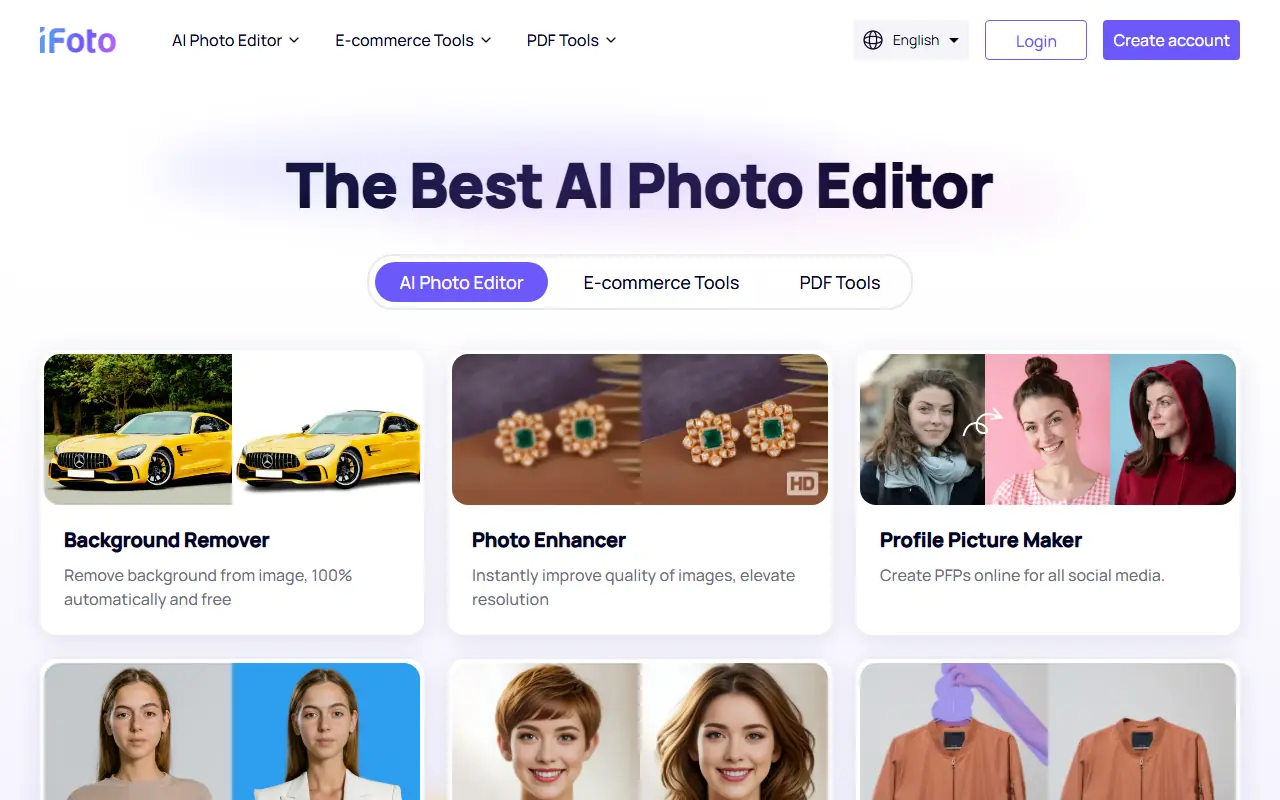

iFoto
iFoto is an AI-powered platform for enhancing and editing photos for personal and e-commerce use.
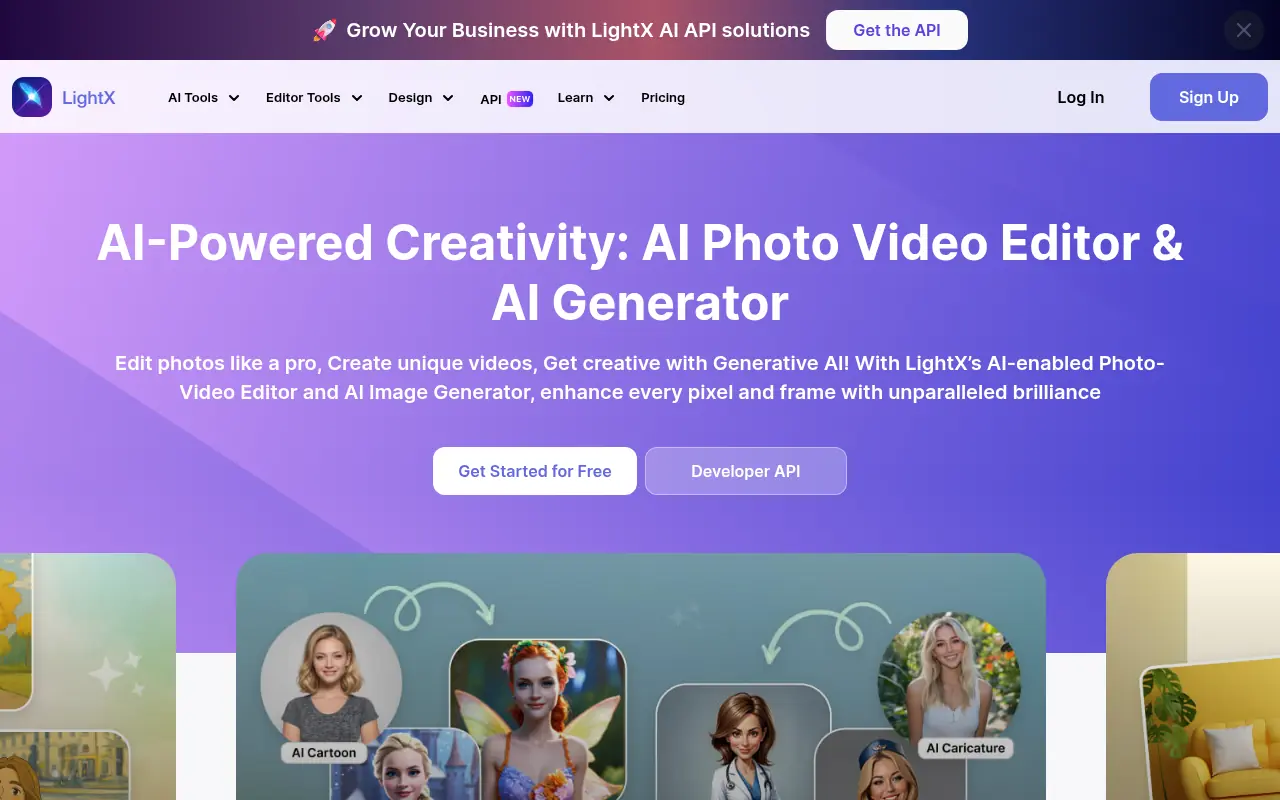

LightX Editor
LightX Editor is an AI-powered online photo editing platform that provides advanced tools for enhancing, manipulating, and creating stunning images effortlessly.
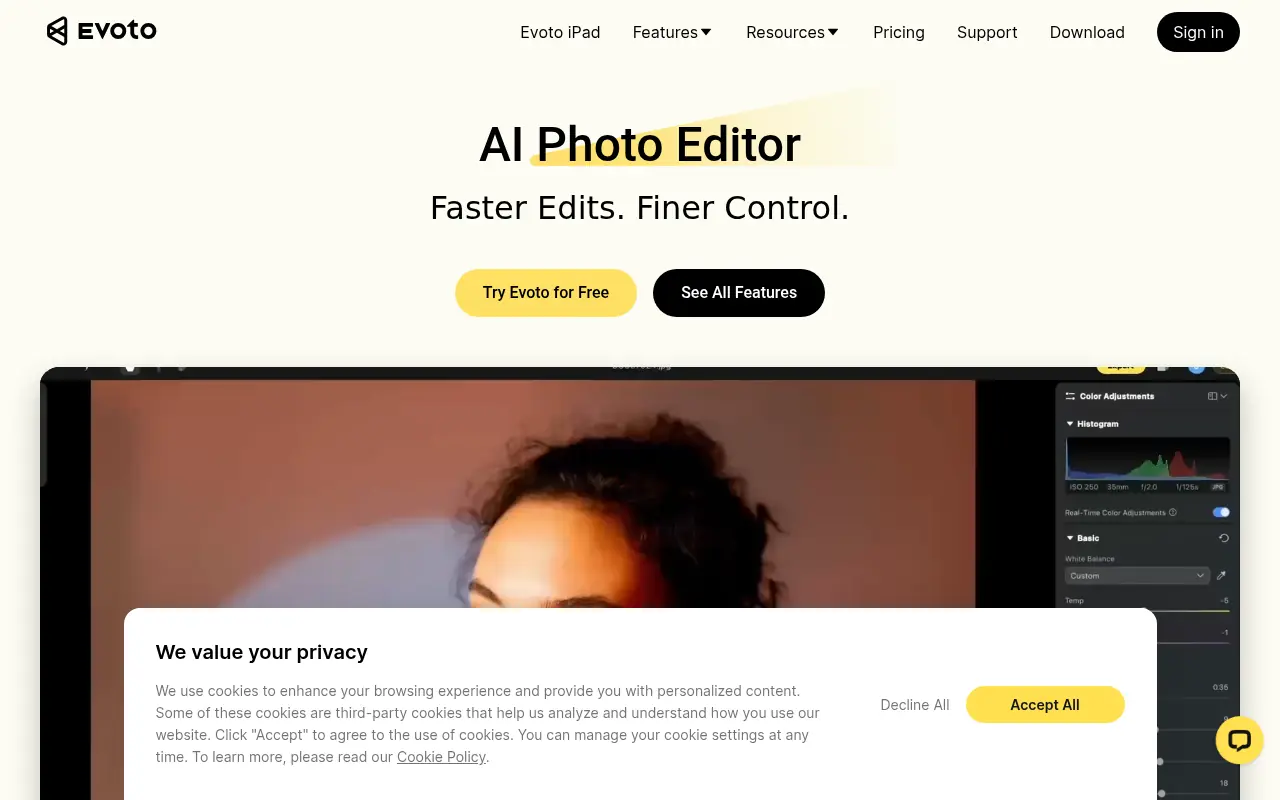

Evoto AI
Evoto AI provides advanced AI-powered photo editing and retouching tools to streamline photography workflows.
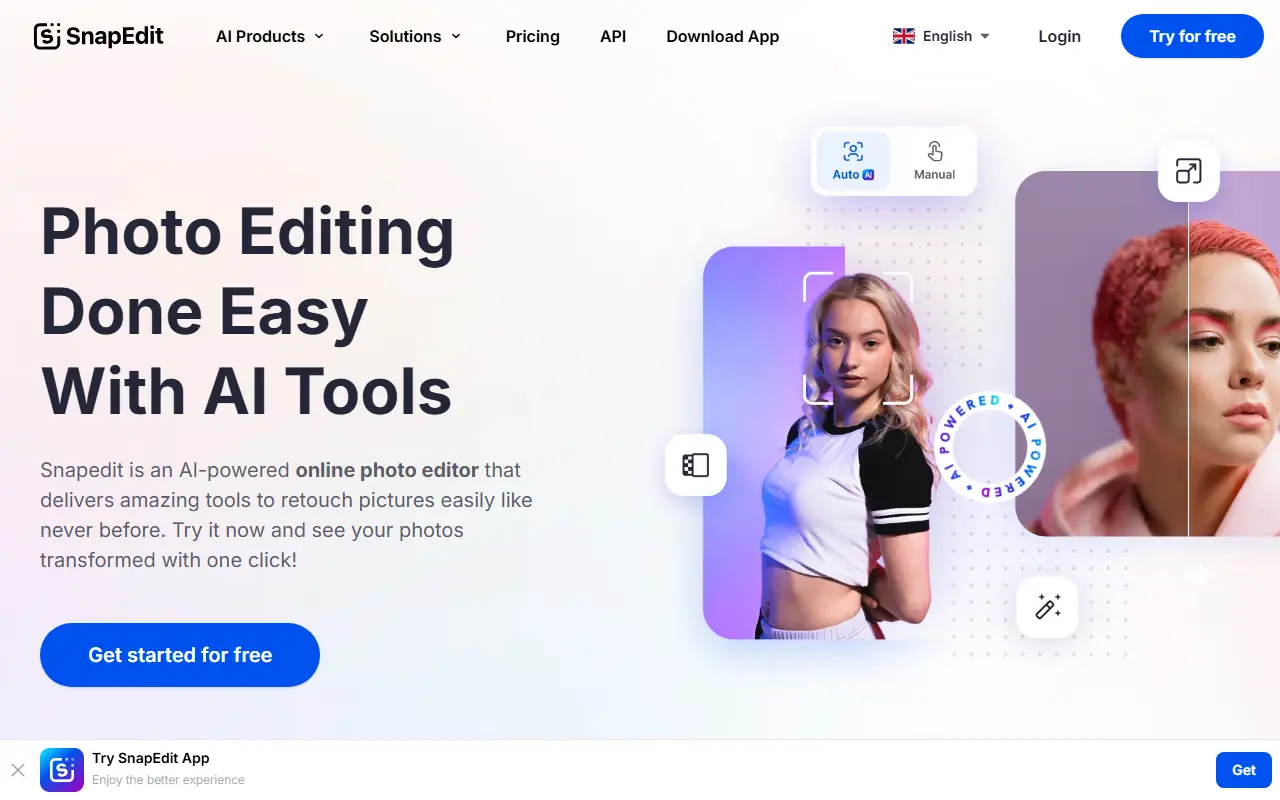

SnapEdit
SnapEdit is an AI-powered photo editing platform designed to simplify and enhance image editing for users of all skill levels.
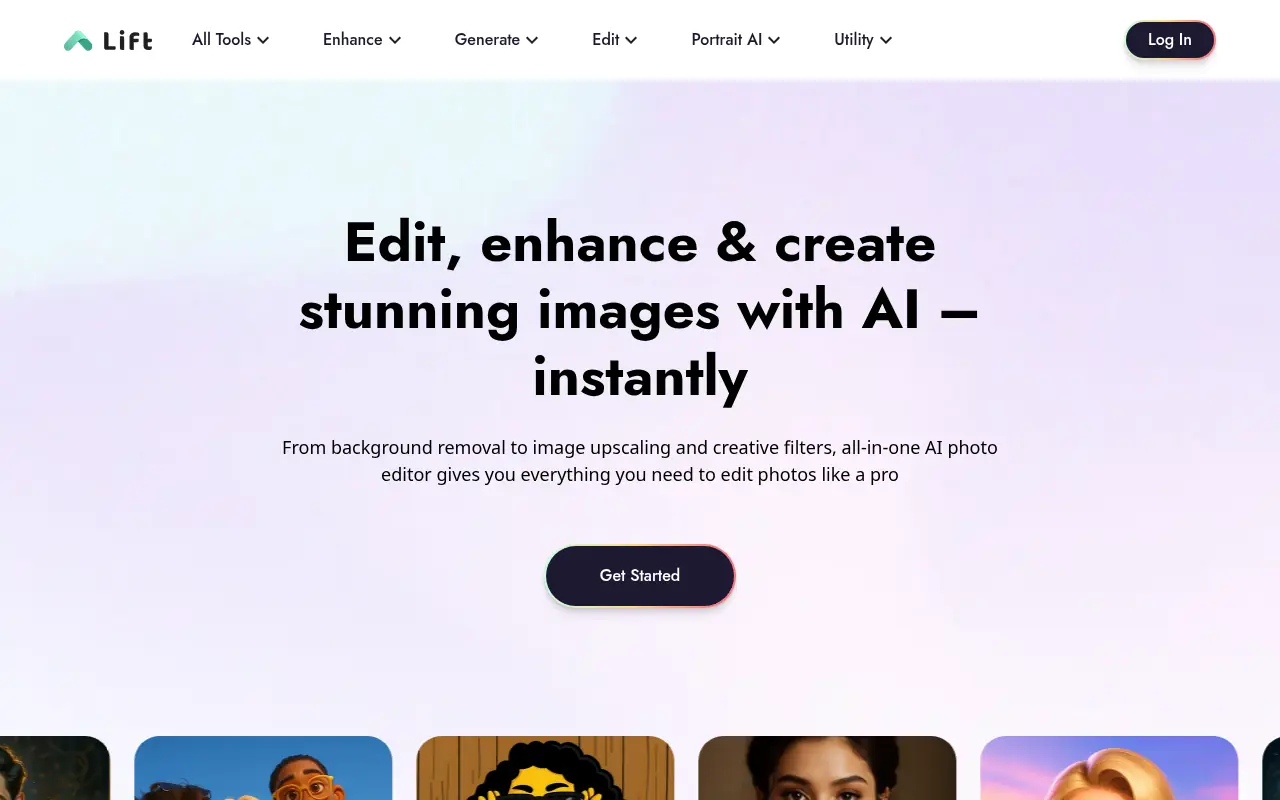

Lift
Lift is an all-in-one AI photo and video editing application that empowers creators to generate professional headshots, enhance images, and design engaging social media content in seconds.
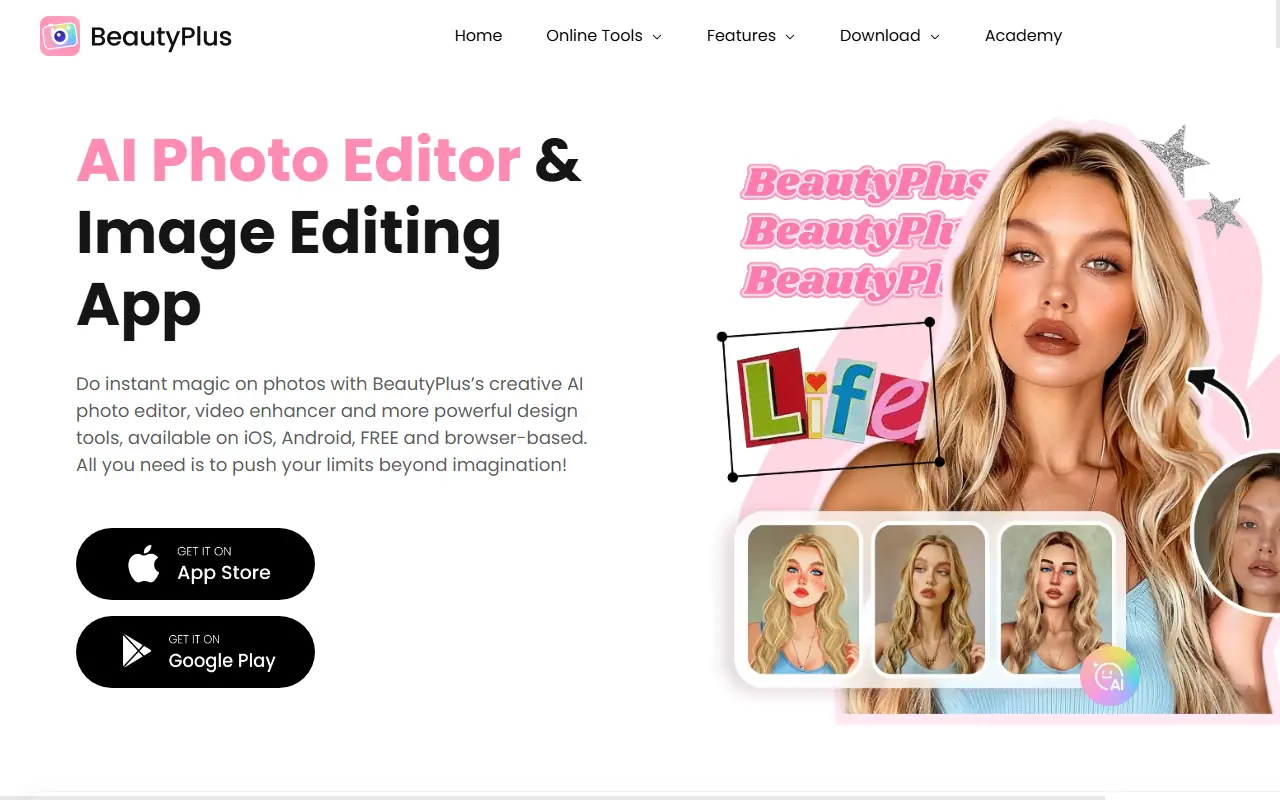

BeautyPlus
BeautyPlus is a free AI-powered photo and video editing platform offering creative tools for selfies, aesthetic filters, and professional-quality enhancements.