

Papersign
What is Papersign?
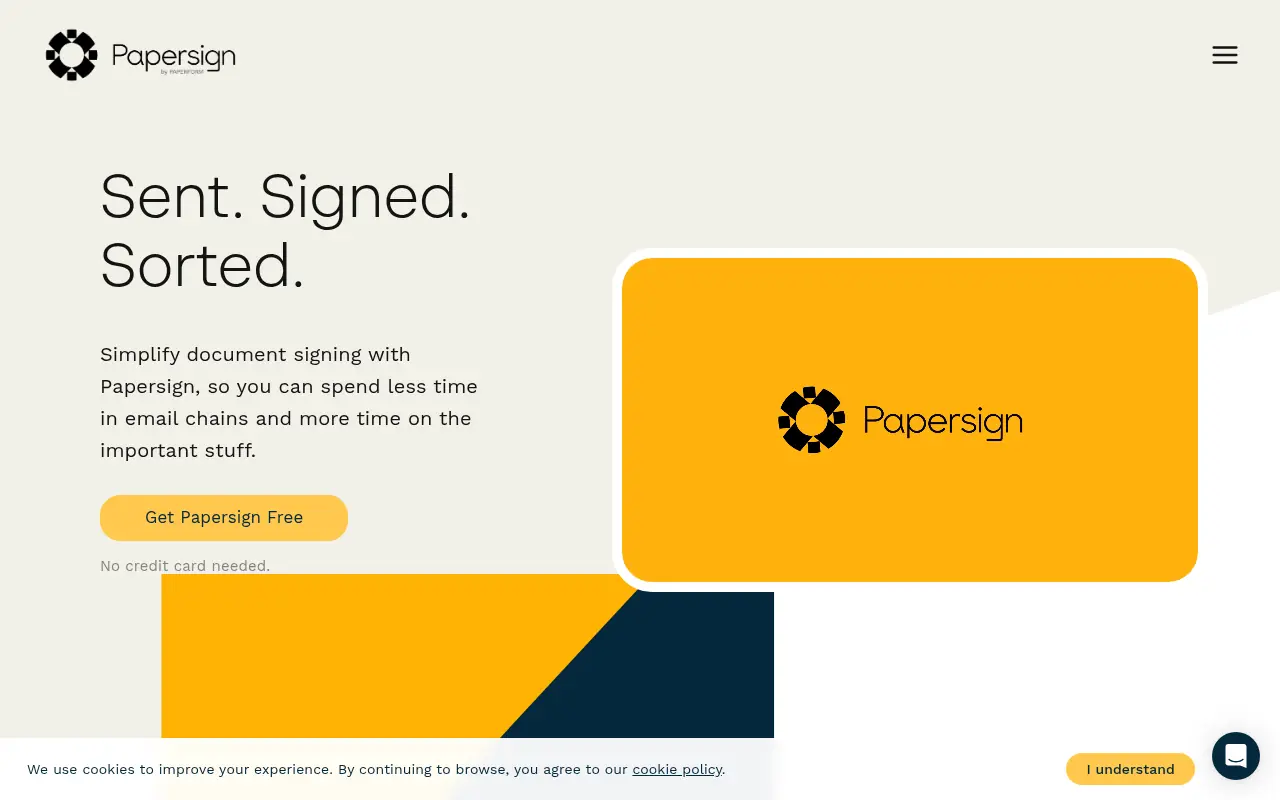
Papersign is an electronic signature platform developed by Paperform designed to simplify the document signing process. Its mission is to empower individuals and teams to create, customize, and sign documents securely without getting bogged down in complex workflows. Users can upload existing PDFs or build entirely new, branded documents directly within a powerful web-based editor. The platform ensures data safety by complying with rigorous international eSignature regulations such as the ESIGN Act, GDPR, and SOC 2 Type II. By seamlessly integrating with Paperform, it also allows businesses to automate signature requests and pre-fill document data, saving time and increasing overall productivity.
How to use Papersign?
To use Papersign, start by logging into the dashboard where you can either upload an existing PDF or create a document from scratch using the built-in editor. Add necessary text, insert custom branding, and drag and drop fillable fields (like signature, text, or date) onto the document. Assign these fields to your required signers and define a specific signing order if necessary. Once ready, hit send to dispatch the document; signers will receive an email link to complete their portion, and you can monitor real-time progress, automated reminders, and audit trails directly from your dashboard.
Papersign's Core Features
Native document builder to create or modify custom documents from scratch.
PDF markup allowing users to easily drag and drop signature fields onto uploaded files.
Custom branding capabilities to apply your brand's logos, fonts, and colors to documents.
Automated signing workflows supporting sequential, parallel, or group signing orders.
Real-time audit trails and instant notifications for active document status tracking.
Seamless integration with Paperform for dynamic pre-filling of document fields.
Enterprise-grade security that adheres to SOC 2 Type II, GDPR, ESIGN, and eIDAS compliance.
Reusable document templates to streamline repetitive contracting and agreement tasks.
Papersign's Use Cases
- #1
Creating and sending branded sales proposals and quotes.
- #2
Onboarding new employees with standardized HR agreements.
- #3
Securing digital signatures for real estate leases and documents.
- #4
Managing vendor and supplier agreements securely.
- #5
Automating non-disclosure agreement (NDA) processing.
Frequently Asked Questions
Analytics of Papersign
Monthly Visits Trend: Jun 2025 - Aug 2026
Traffic Sources
Top Regions
| Region | Traffic Share |
|---|---|
| United States | 11.81% |
| India | 6.17% |
| Nigeria | 4.96% |
| Pakistan | 4.83% |
| Bangladesh | 4.67% |
Top Keywords
| Keyword | Traffic | CPC |
|---|---|---|
| ai signature generator | 3.1K | $0.70 |
| signature generator | 91.5K | $0.94 |
| signature maker | 87.8K | $0.78 |
| name to signature generator | 770 | $0.84 |
| 室内设计 合同 英文 时间表 | 360 | -- |
Alternative of Papersign

SignatureGen.ai
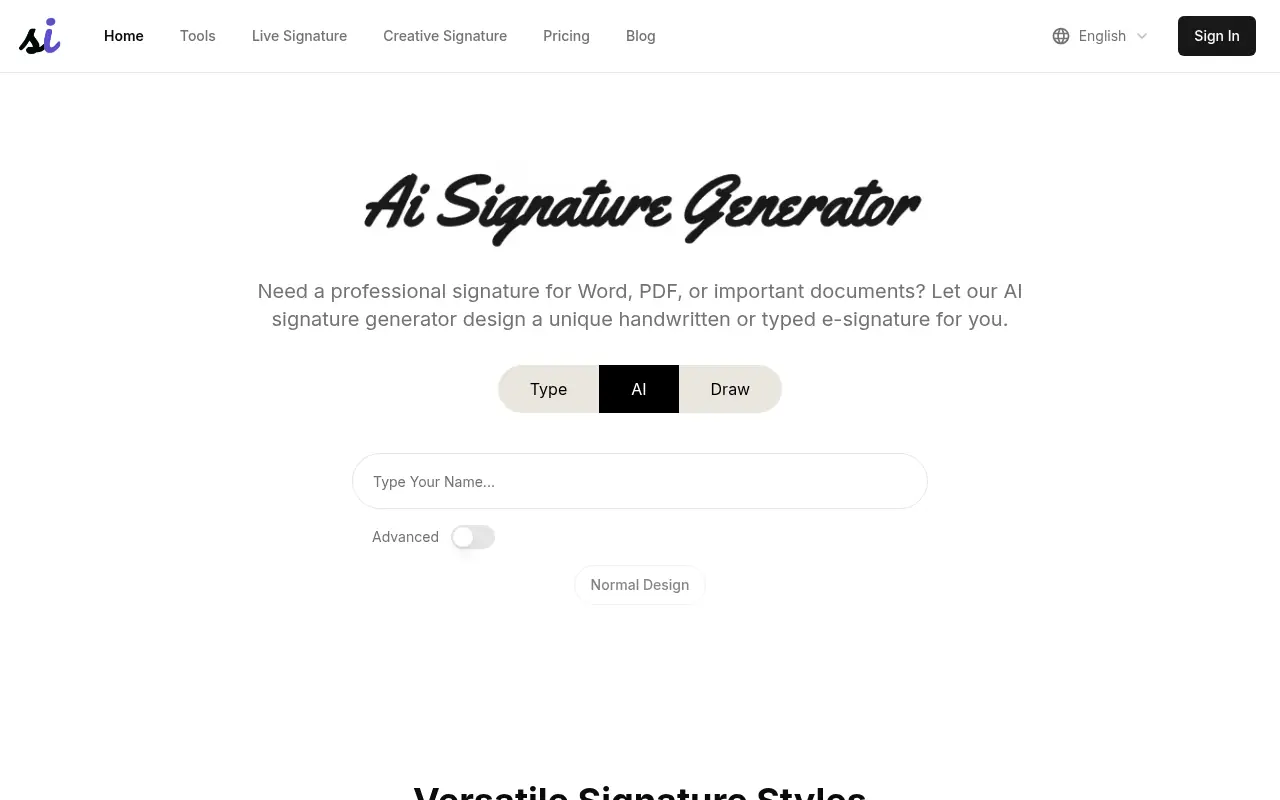
SignatureGen.ai is an AI-powered online tool that helps users create personalized and professional digital signatures for documents, emails, and branding.

Dropbox Sign
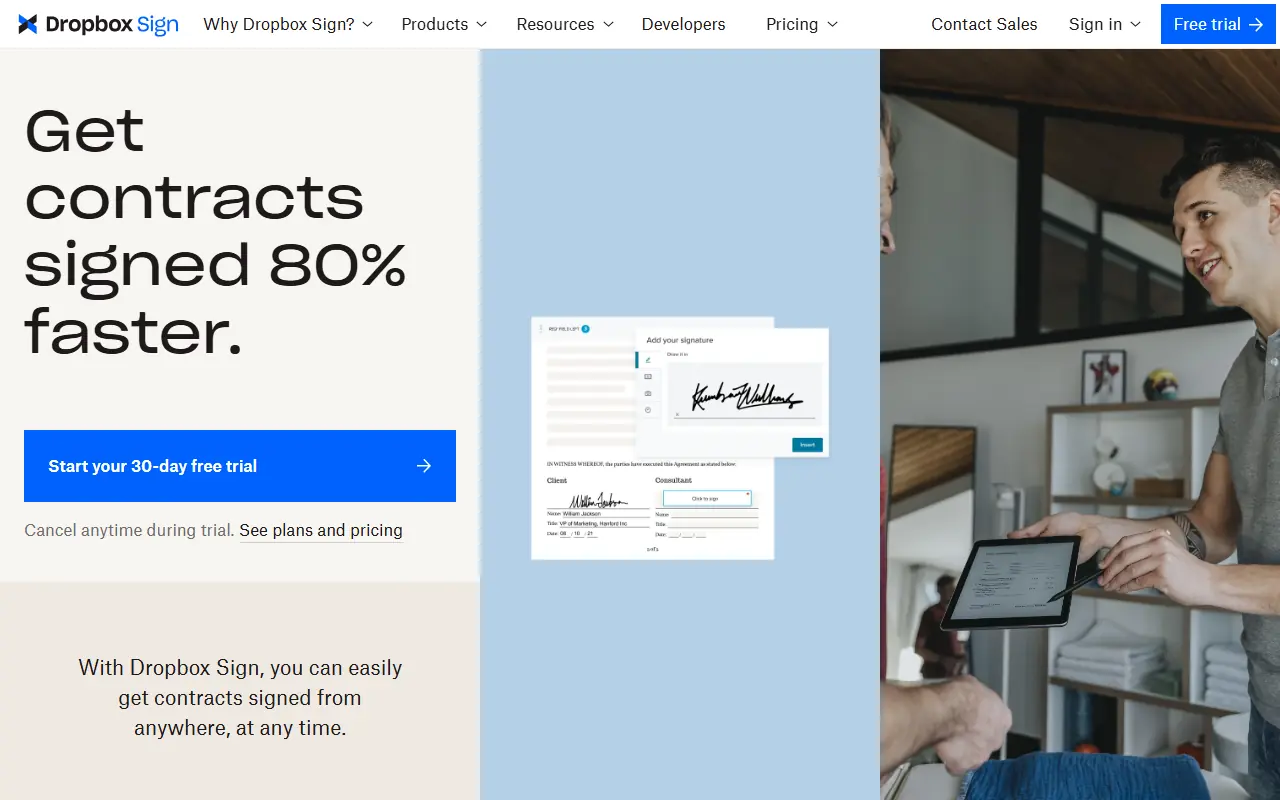
Dropbox Sign is a secure and intuitive e-signature platform that allows individuals and businesses to send, sign, and manage legally binding documents online.

Nanonets
Nanonets provides AI-driven document processing and workflow automation for businesses.
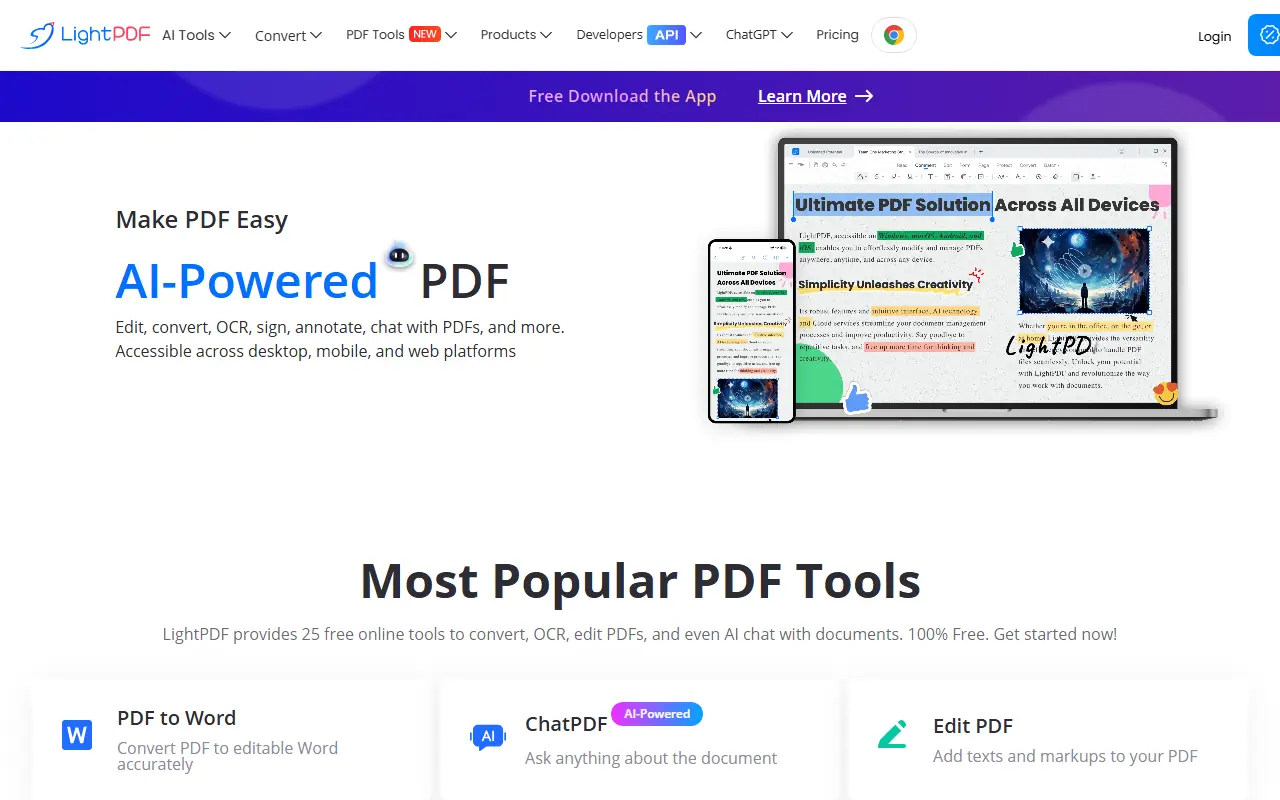

LightPDF
LightPDF provides an all-in-one platform for PDF editing, conversion, and management with AI-powered tools.
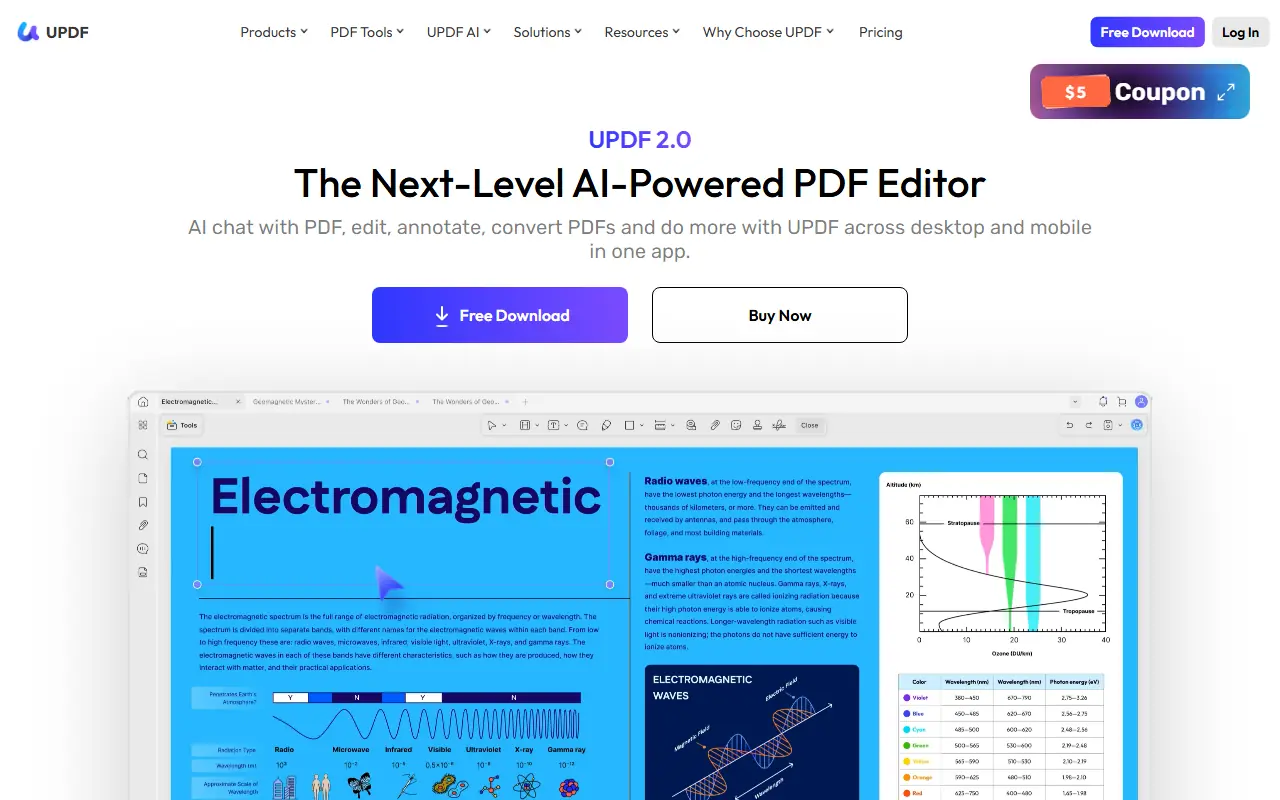

UPDF
UPDF is an AI-integrated PDF editor that simplifies editing, annotating, converting, and organizing PDF documents across multiple platforms.
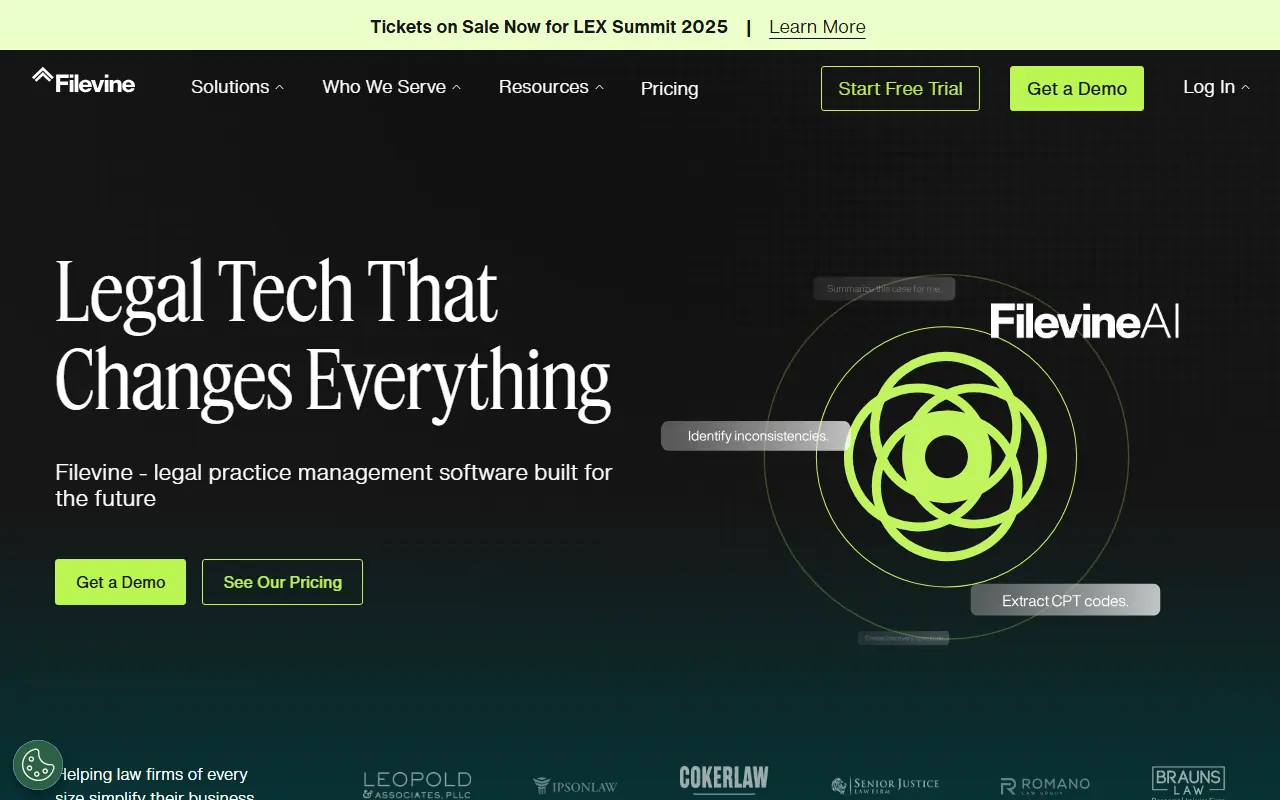

Filevine
Filevine provides AI-powered legal practice management software to streamline case management, document handling, and client communication for law firms.
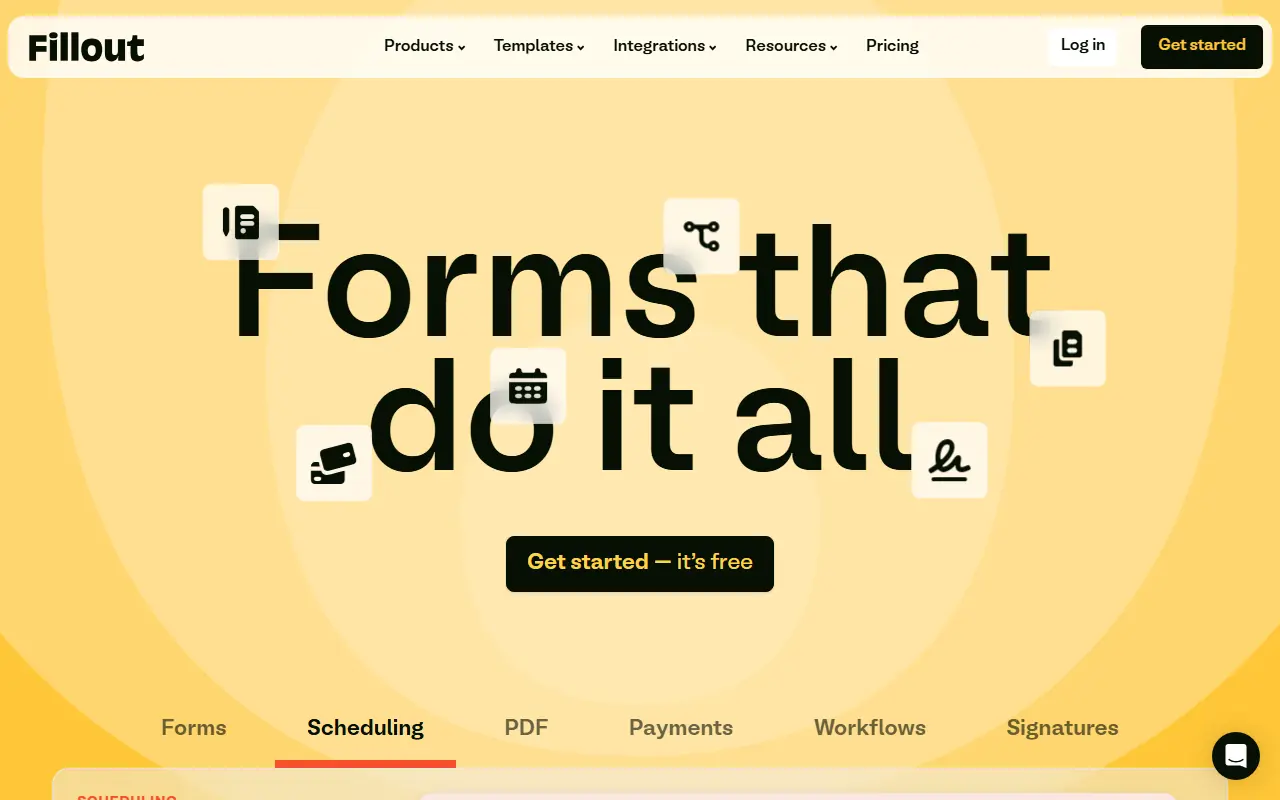

Fillout
Fillout is an advanced, AI-powered no-code platform that enables users to easily build highly customizable forms, surveys, quizzes, and automated workflows.


Ironclad
Ironclad is an AI-powered Contract Lifecycle Management (CLM) platform designed to automate and streamline enterprise contracting processes.