

Dropbox Sign
What is Dropbox Sign?
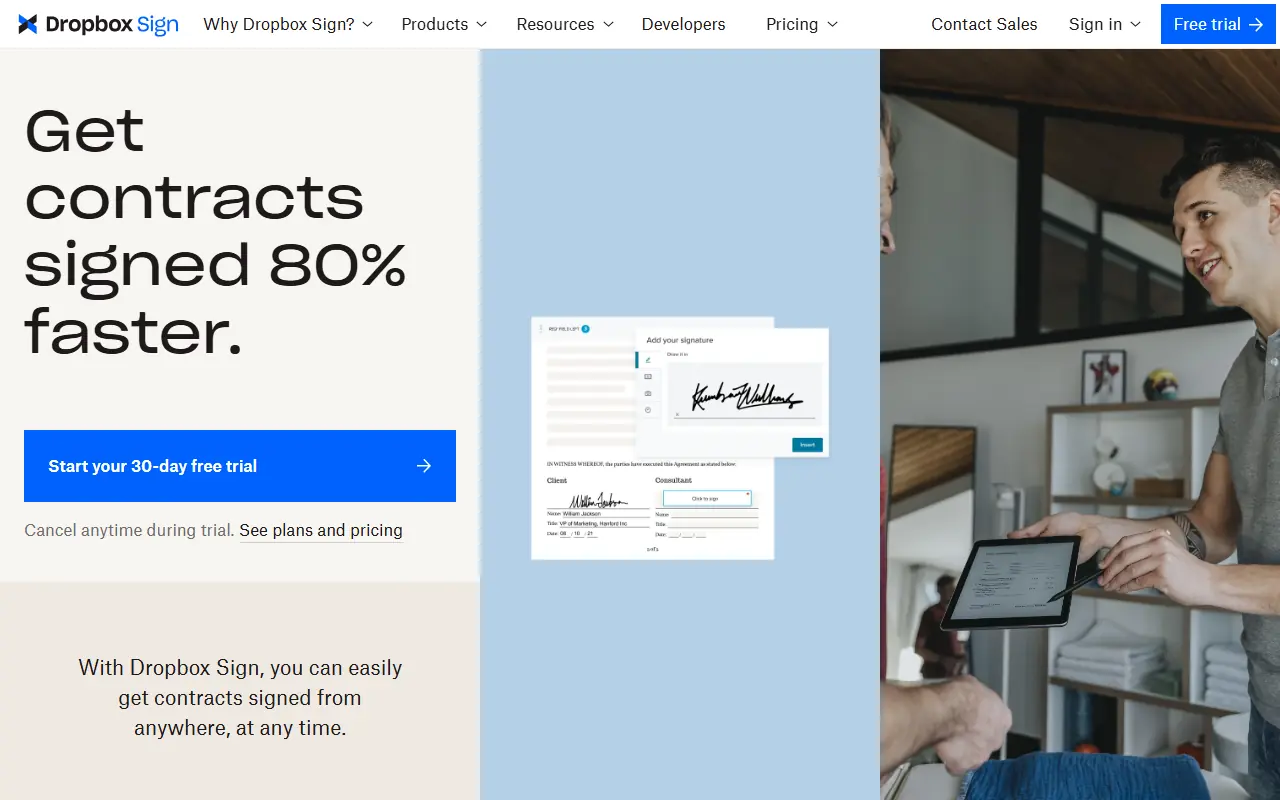
Dropbox Sign (formerly HelloSign) is a cloud-based electronic signature solution designed to simplify document workflows for users. Its mission is to make the process of signing contracts, agreements, and forms as seamless, fast, and secure as possible, eliminating the need for physical paperwork. It serves users by providing legally binding e-signatures, reusable document templates, and robust audit trails for compliance. By integrating directly into existing tools like Dropbox, Google Workspace, and Salesforce, or functioning via its standalone app and API, it helps teams streamline operations, close deals faster, and maintain strict data security.
How to use Dropbox Sign?
To use Dropbox Sign, start by uploading a document from your computer or a cloud storage service like Dropbox or Google Drive. Use the intuitive drag-and-drop editor to place signature boxes, text fields, or date markers exactly where recipients need to fill them out. Enter the email addresses of your signers and send the request; recipients will receive a secure link to review and sign the document on any device, and all parties will automatically receive a final, legally binding PDF along with a tamper-proof audit trail.
Dropbox Sign's Core Features
Send legally binding e-signatures compliant with ESIGN, eIDAS, GDPR, and SOC 2 Type II.
Create reusable document templates for frequently used forms to save time.
Track all document interactions with non-editable, time-stamped audit trails.
Apply data validation to signer fields to ensure accurate information collection.
Integrate seamlessly with platforms like Dropbox, Google Workspace, and Salesforce.
Collect necessary file attachments directly from signers during the signature request.
Embed the document preparation and signing experience natively into websites via the API.
Automate the follow-up process with automatic email reminders and notifications.
Dropbox Sign's Use Cases
- #1
Sending sales contracts and business proposals for quick client signatures.
- #2
Processing employee onboarding documents, W-4s, and HR forms remotely.
- #3
Signing and managing non-disclosure agreements (NDAs) securely.
- #4
Executing real estate lease agreements and property closing documents.
- #5
Embedding e-signature flows directly into custom web applications using the API.
- #6
Signing freelance contracts and statements of work without printing or scanning.
Frequently Asked Questions
Analytics of Dropbox Sign
Monthly Visits Trend: Apr 2025 - Aug 2026
Traffic Sources
AI Channel Traffic Trends
Top Regions
| Region | Traffic Share |
|---|---|
| United States | 58.06% |
| Canada | 6.20% |
| United Kingdom | 4.64% |
| Philippines | 3.08% |
| Germany | 2.38% |
Top Keywords
| Keyword | Traffic | CPC |
|---|---|---|
| dropbox sign | 80.1K | $7.30 |
| hellosign | 52.5K | $4.31 |
| hello sign | 15.3K | $4.13 |
| dropboxsign | 4.7K | $7.99 |
| assinatura digital | 192.9K | $0.60 |
Alternative of Dropbox Sign

Juro
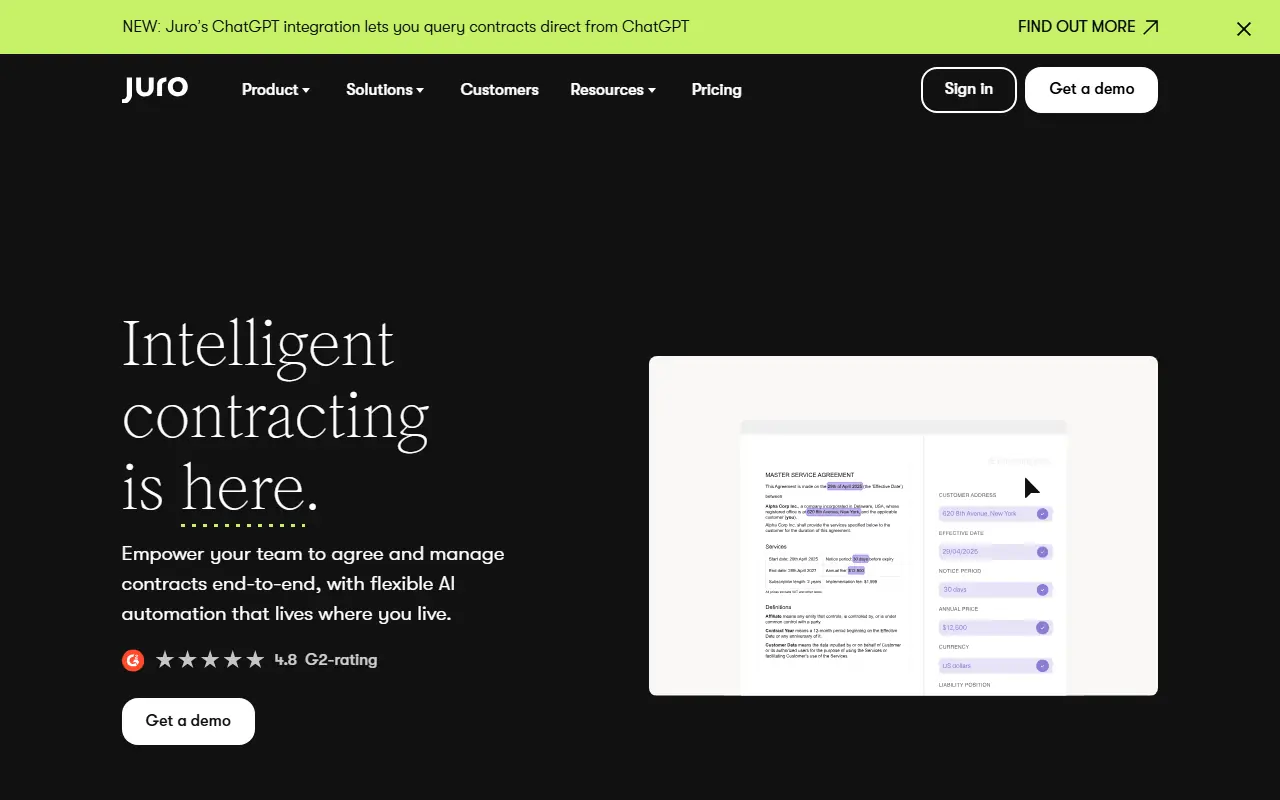
Juro is an AI-enabled contract automation platform that streamlines the entire contract lifecycle for legal and business teams.


Ironclad
Ironclad is an AI-powered Contract Lifecycle Management (CLM) platform designed to automate and streamline enterprise contracting processes.

Filevine
Filevine provides AI-powered legal practice management software to streamline case management, document handling, and client communication for law firms.

Papersign
Papersign is a fast, easy, and secure electronic signature solution by Paperform that simplifies creating, sending, and signing documents online.
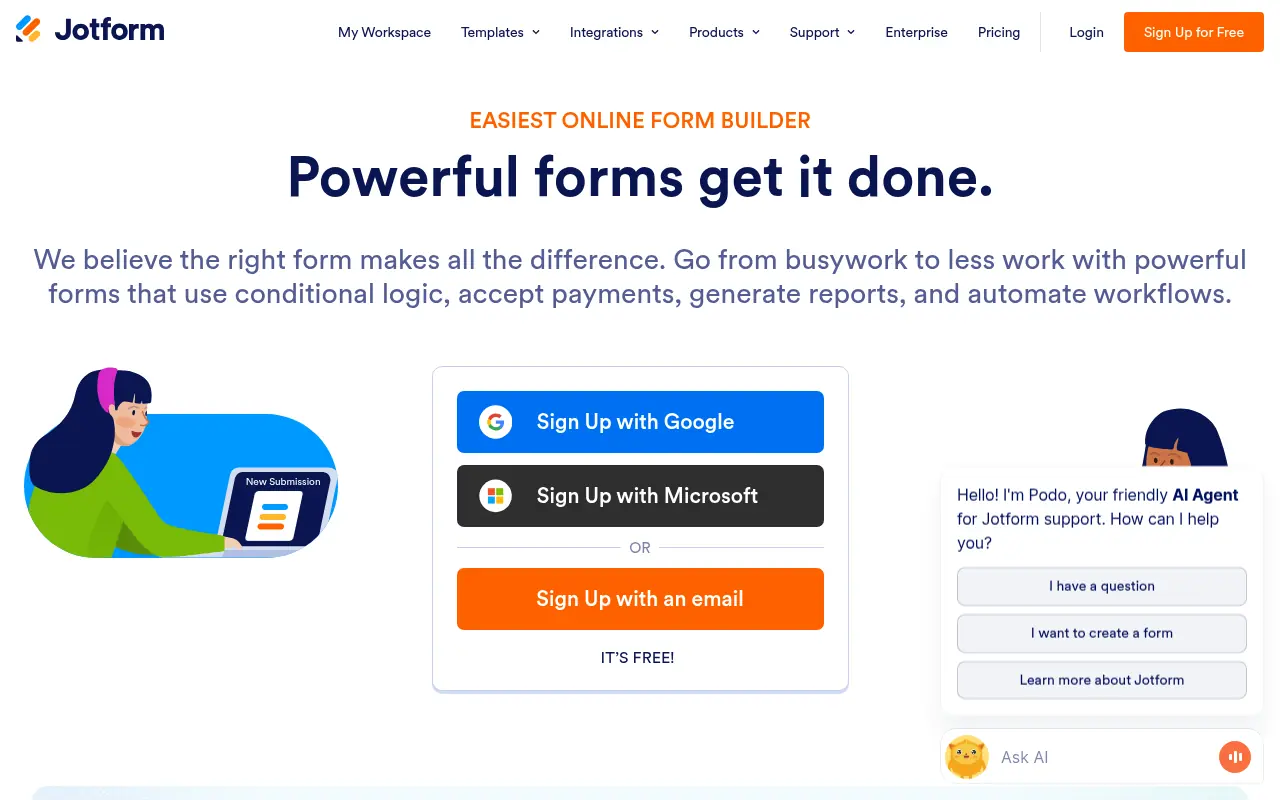

Jotform
Jotform is an online form builder that simplifies data collection, automation, and payment processing for businesses and individuals.
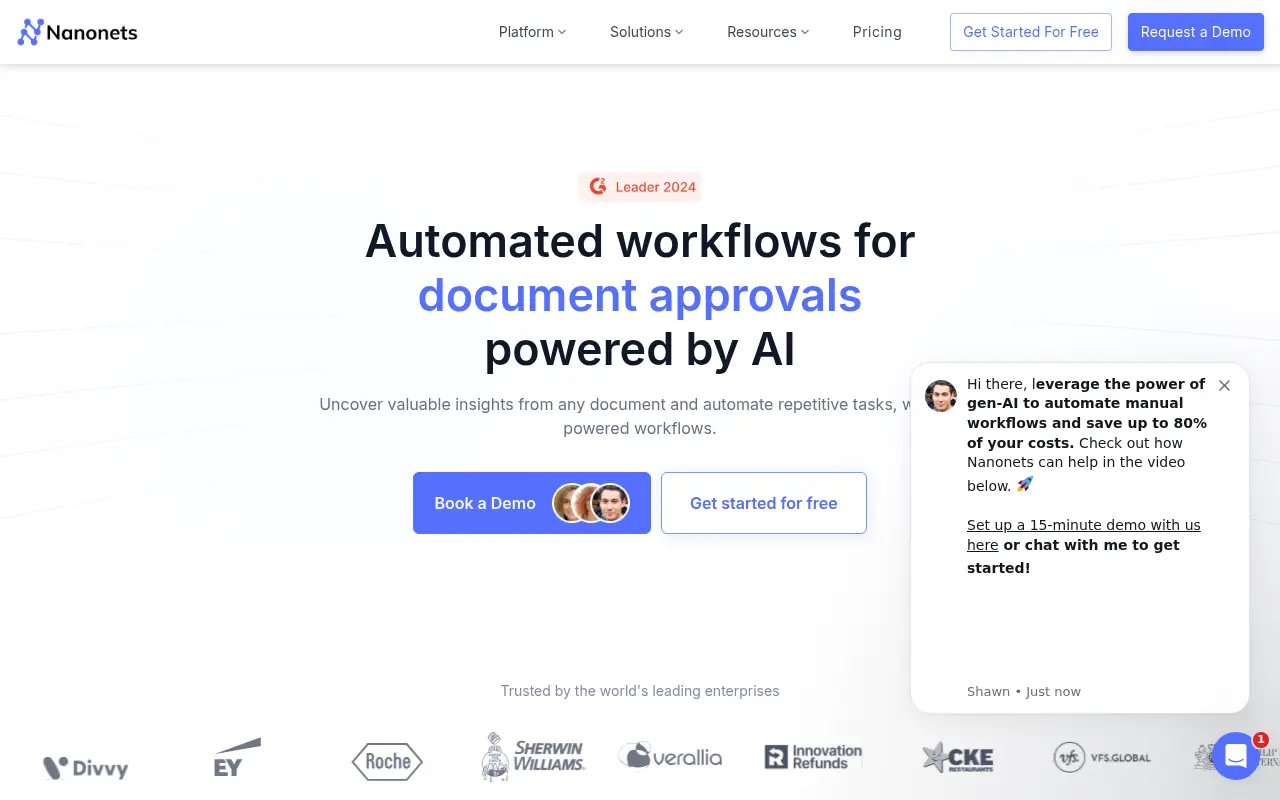

Nanonets
Nanonets provides AI-driven document processing and workflow automation for businesses.
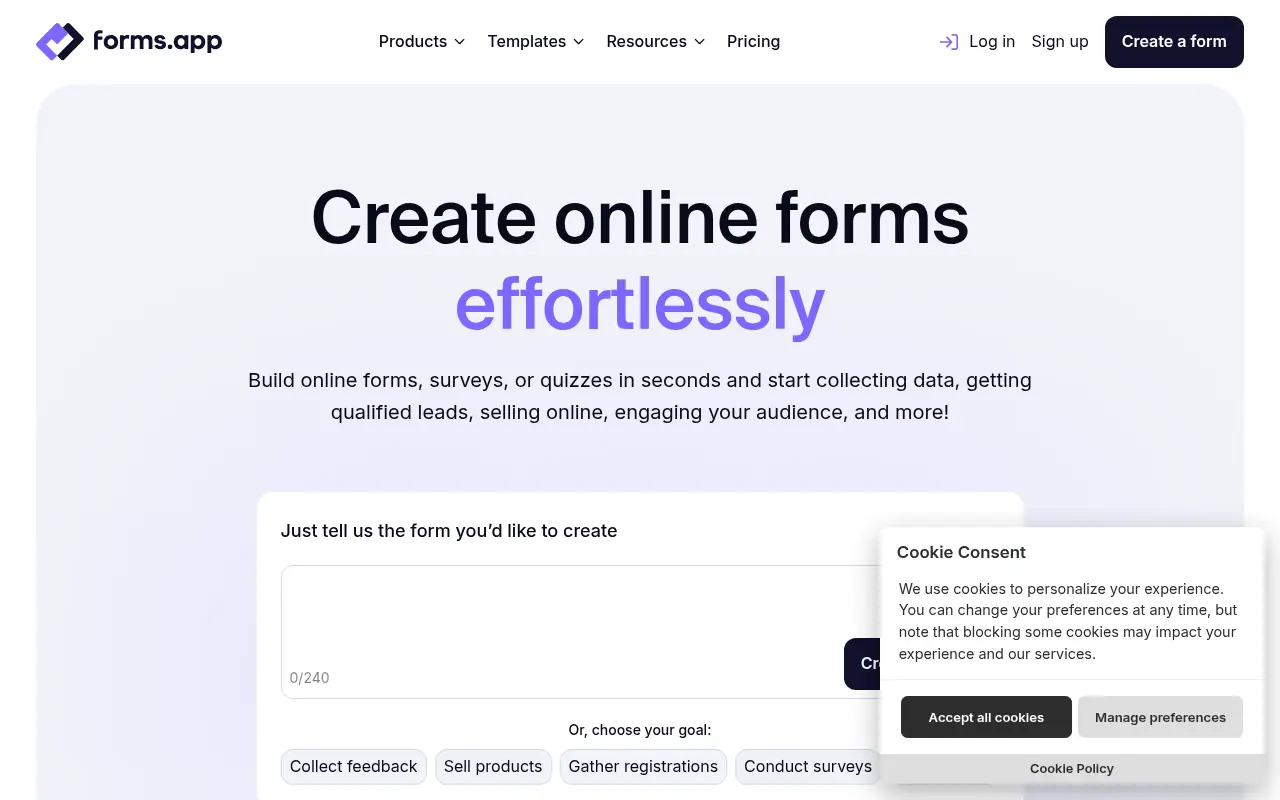

forms.app
forms.app is a user-friendly online form builder for creating and sharing forms, surveys, and quizzes to collect data effortlessly.
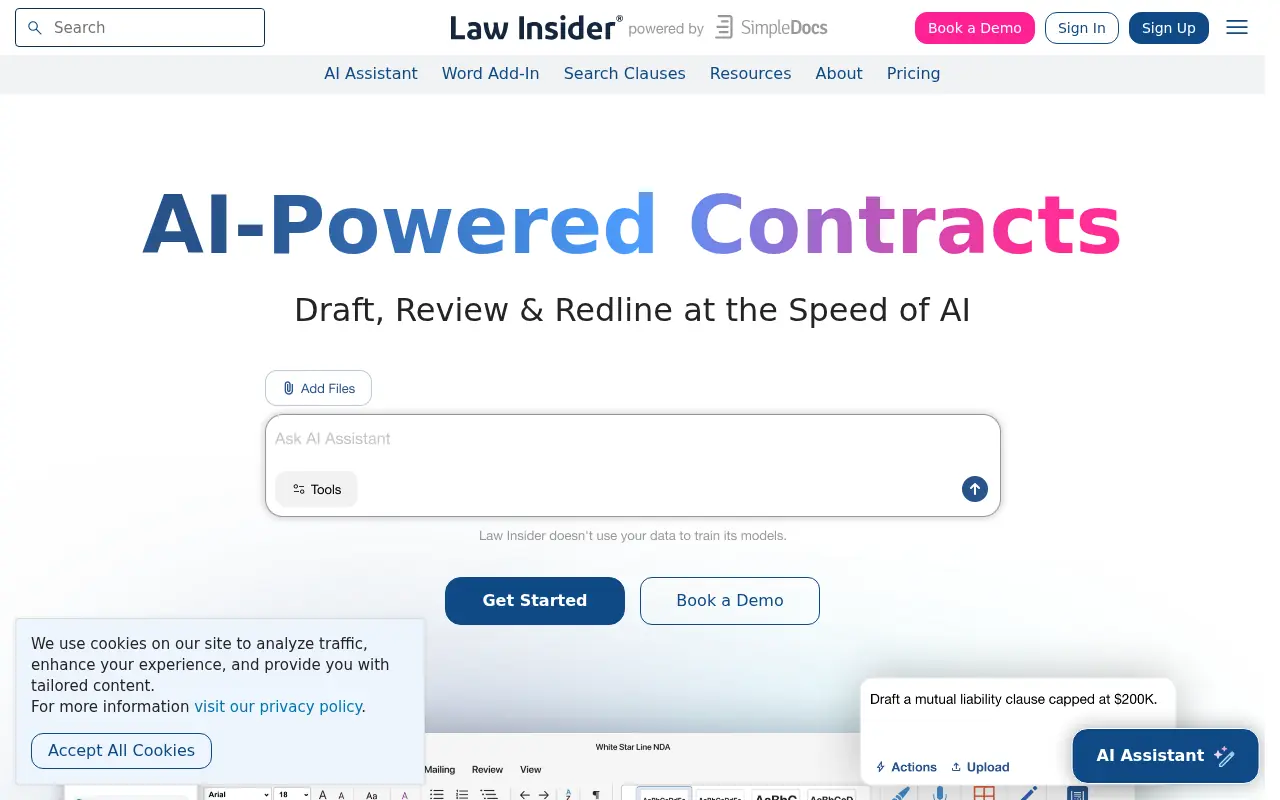

Law Insider
Law Insider is an AI-powered legal research platform offering a massive database of public contracts and intelligent tools for drafting, reviewing, and redlining legal documents.