

ON1

What is ON1?
ON1 is a photography software company best known for ON1 Photo RAW, an all-in-one application for browsing, organizing, developing, editing, retouching, and exporting photos. Its tools combine RAW processing, layers, effects, masking, AI-powered enhancements, and photo management for hobbyists, professionals, and commercial studios. ON1 Photo RAW 2026.4 supports standalone editing on Mac and Windows, while MAX editions add plugin support and Restore AI. The platform's main differentiator is a photographer-focused workflow that offers perpetual-license options alongside subscriptions, helping users avoid mandatory Adobe-style software rentals.
How to use ON1?
1. Download the ON1 Photo RAW 2026.4 trial or purchase a license and install the Mac or Windows application. 2. Browse an existing folder or add photos, then use RAW development, AI masks, layers, effects, and retouching tools to refine an image. 3. Export the finished photo in your preferred format or continue editing it through a supported plugin workflow.
ON1's Core Features
RAW Photo Processing: Develop camera RAW files with non-destructive controls for exposure, color, detail, and lens corrections.
Photo Organization: Browse folders without importing and use catalogs, albums, metadata, keywords, and search to locate images efficiently.
AI Masking: Automatically isolate subjects and backgrounds so users can apply targeted adjustments with fewer manual selections.
Layers and Compositing: Combine images, adjustments, textures, and effects for flexible creative edits without leaving the application.
Creative Effects: Apply and stack photographic filters, LUTs, textures, borders, and presets to create consistent visual styles.
Noise Reduction and Sharpening: Improve high-ISO or soft images with NoNoise AI and TackSharp AI while retaining important detail.
AI Image Upscaling: Enlarge photos for print or display using AI models designed to preserve texture, edges, and clarity.
Photo Restoration: Repair faded, scratched, dusty, blurred, or damaged photos with Restore AI in the MAX edition.
Plugin Integrations: Use ON1 tools with Photoshop, Lightroom Classic, Capture One, Affinity Photo, Corel applications, and Apple Photos.
Cloud Sync: Synchronize photos, edits, presets, and albums across supported computers and mobile devices through eligible subscription plans.
ON1's Use Cases
- #1
Landscape photographers replacing dull skies and improving local contrast with AI masking and Sky Swap AI
- #2
Wedding photographers batch-editing large collections with presets, culling tools, noise reduction, and synchronized adjustments
- #3
Portrait photographers retouching skin, eyes, teeth, and facial details without switching between multiple applications
- #4
Real estate photographers correcting perspective, balancing exposure, and preparing polished property images for listings
- #5
Wildlife photographers reducing high-ISO noise and sharpening distant subjects while preserving fine feather or fur detail
- #6
Print photographers enlarging RAW images for high-resolution output with AI-powered Resize tools
- #7
Family historians restoring scratched, faded, dusty, or damaged photographs with Restore AI
- #8
Adobe, Capture One, Affinity, Corel, or Apple Photos users adding ON1 plugins to an existing editing workflow
Frequently Asked Questions
Analytics of ON1
Monthly Visits Trend: Jun 2025 - Oct 2026
Traffic Sources
AI Channel Traffic Trends
Top Regions
| Region | Traffic Share |
|---|---|
| United States | 35.34% |
| France | 7.49% |
| Belgium | 6.52% |
| Germany | 4.75% |
| United Kingdom | 4.65% |
Top Keywords
| Keyword | Traffic | CPC |
|---|---|---|
| on1 photo raw | 8.0K | $2.42 |
| on1 | 7.4K | $2.38 |
| on 1 | 590 | -- |
| on1 photo raw 2026 | 1.3K | $3.34 |
| on1 effects 2026 | 800 | -- |
Alternative of ON1
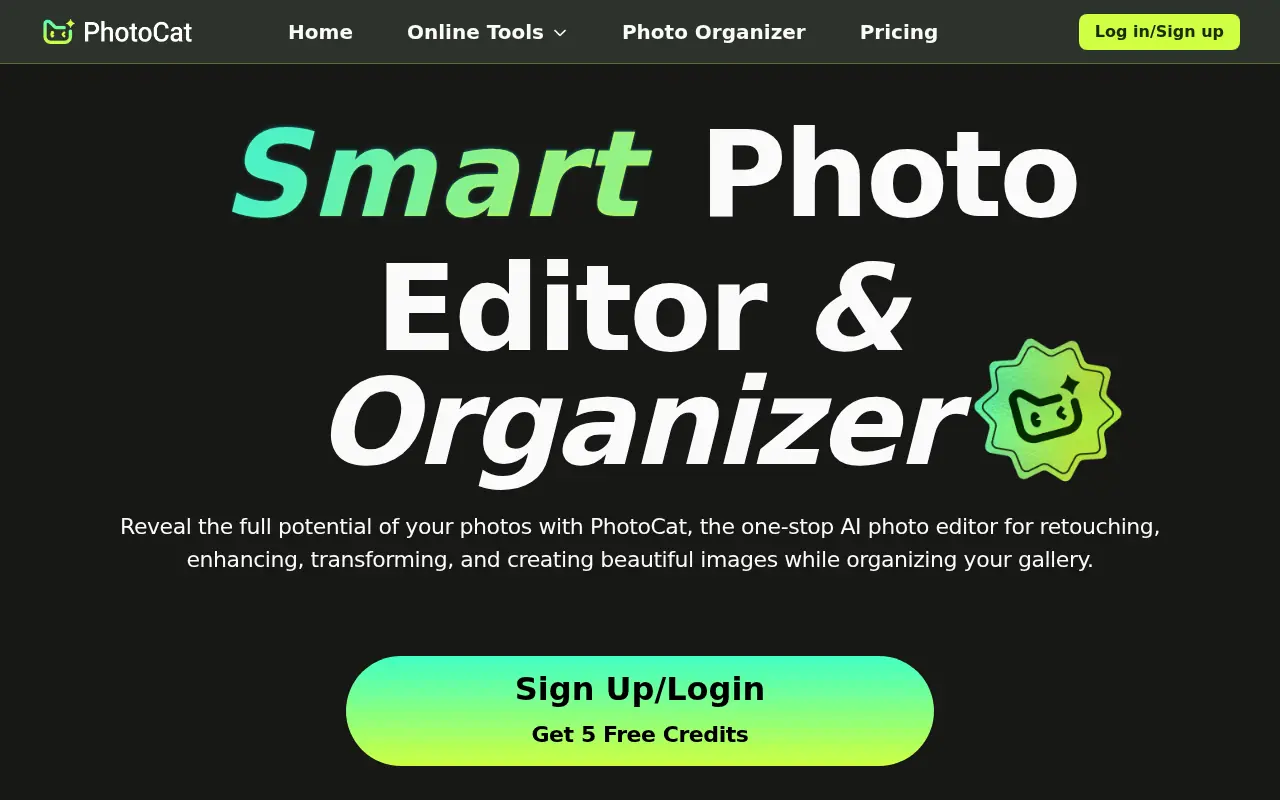

PhotoCat
PhotoCat is an AI-powered photo editing assistant and organizer that allows users to seamlessly retouch, enhance, transform, and manage their images using one-tap tools.


inPixio
inPixio is an AI-powered photo editing platform offering easy-to-use tools that enable users to create professional-quality visuals quickly and affordably.


AI Image Editor
AI Image Editor is an online platform that leverages artificial intelligence to provide advanced image editing tools for users to enhance, manipulate, and generate images effortlessly.


AILab Tools
AILab Tools is an advanced web-based platform offering AI-powered image editing, enhancement, and creative transformation features for personal and professional use.
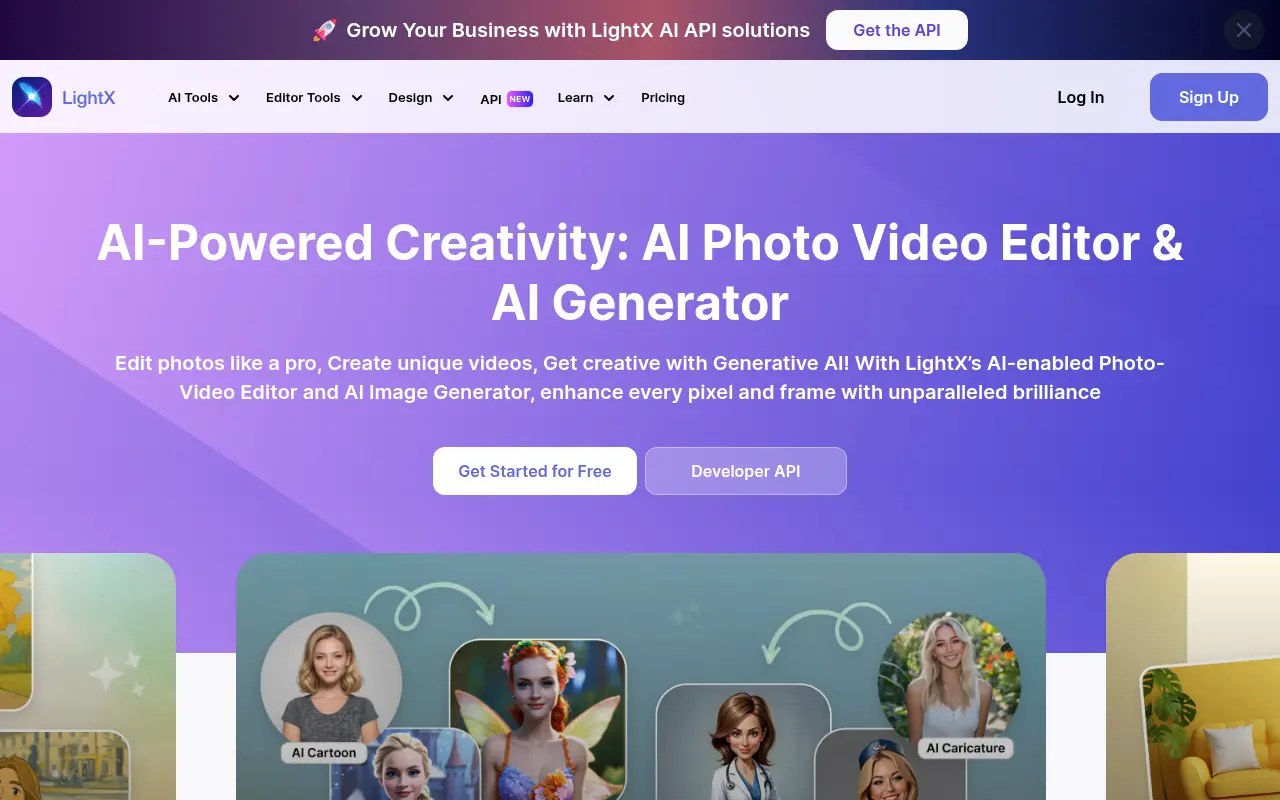

LightX Editor
LightX Editor is an AI-powered online photo editing platform that provides advanced tools for enhancing, manipulating, and creating stunning images effortlessly.


GoStudio.ai
Generate images and videos, restore old photos, and handle common visual edits through one AI studio.


PixelBin
PixelBin is an AI-powered platform for managing, optimizing, and transforming digital assets like images and videos for enhanced visual experiences.


PhotoKit
Edit, enhance, retouch, and batch-process images online without installing desktop software.