

Formswrite
What is Formswrite?
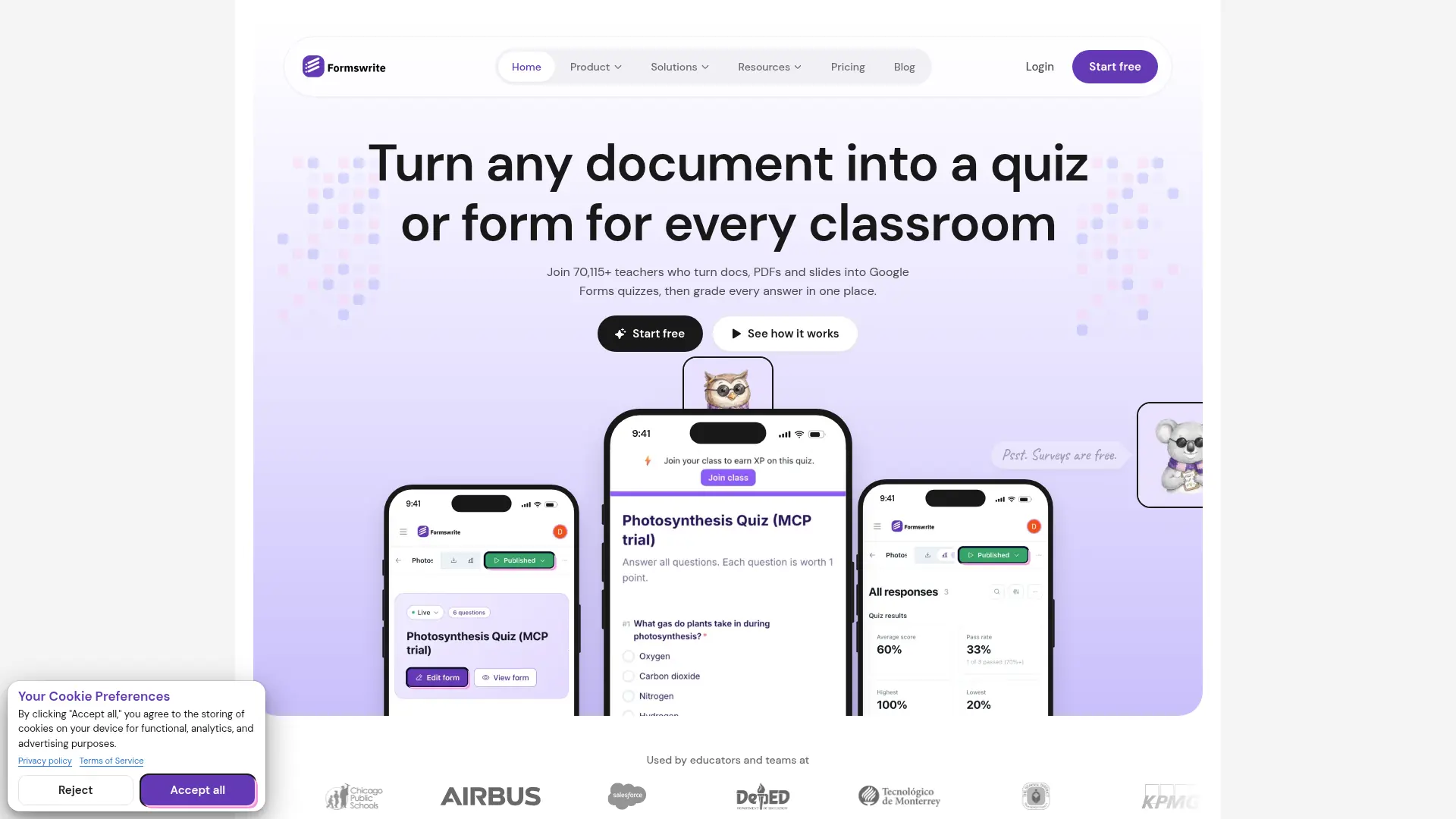
Formswrite helps teachers and trainers turn existing documents into digital assessments. It extracts questions from Word files, PDFs, and Google Docs and provides AI tools for creating or revising questions. Users can review the result before publishing a Formswrite form or exporting through a paid plan. Bulk conversion and learning-platform formats help reuse a question bank across classes and systems.
How to use Formswrite?
- Sign in to Formswrite and choose a document conversion workflow.
- Upload a supported document and review the extracted questions, answer keys, and question types.
- Edit the assessment and create a Formswrite form, or use a paid plan for Google Forms and other exports.
Formswrite's Core Features
Document Conversion: Extract editable questions from Word files, PDFs, and Google Docs.
AI Question Generation: Create additional assessment questions from source material.
Scanned Document OCR: Read questions from scanned PDFs.
Bulk Conversion: Process multiple Google Docs quizzes together.
Learning Platform Exports: Reuse assessments through supported paid export formats.
Conversational Editing: Revise questions through the AI editing workflow.
Teaching Resource Creation: Generate lesson plans and related materials through paid tools.
Formswrite's Use Cases
- #1
Teachers converting a Word test into a digital classroom assessment.
- #2
Tutors extracting questions from scanned worksheets.
- #3
Department leads converting multiple Google Docs quizzes in a batch.
- #4
Training teams adapting onboarding checklists into interactive forms.
- #5
Course authors reusing question banks across learning platforms.
Frequently Asked Questions
Analytics of Formswrite
Monthly Visits Trend: Oct 2025 - Oct 2026
Traffic Sources
AI Channel Traffic Trends
Top Regions
| Region | Traffic Share |
|---|---|
| Uganda | 24.55% |
| United States | 23.55% |
| Canada | 4.32% |
| Philippines | 3.91% |
| India | 3.01% |
Top Keywords
| Keyword | Traffic | CPC |
|---|---|---|
| google documents | 311.1K | $1.89 |
| google forms | 4.1M | $0.93 |
| google form maker | 21.7K | $1.21 |
| sheets | 5.4M | $2.68 |
| easygradecalculator | 1.4K | -- |
Alternative of Formswrite

Fillout
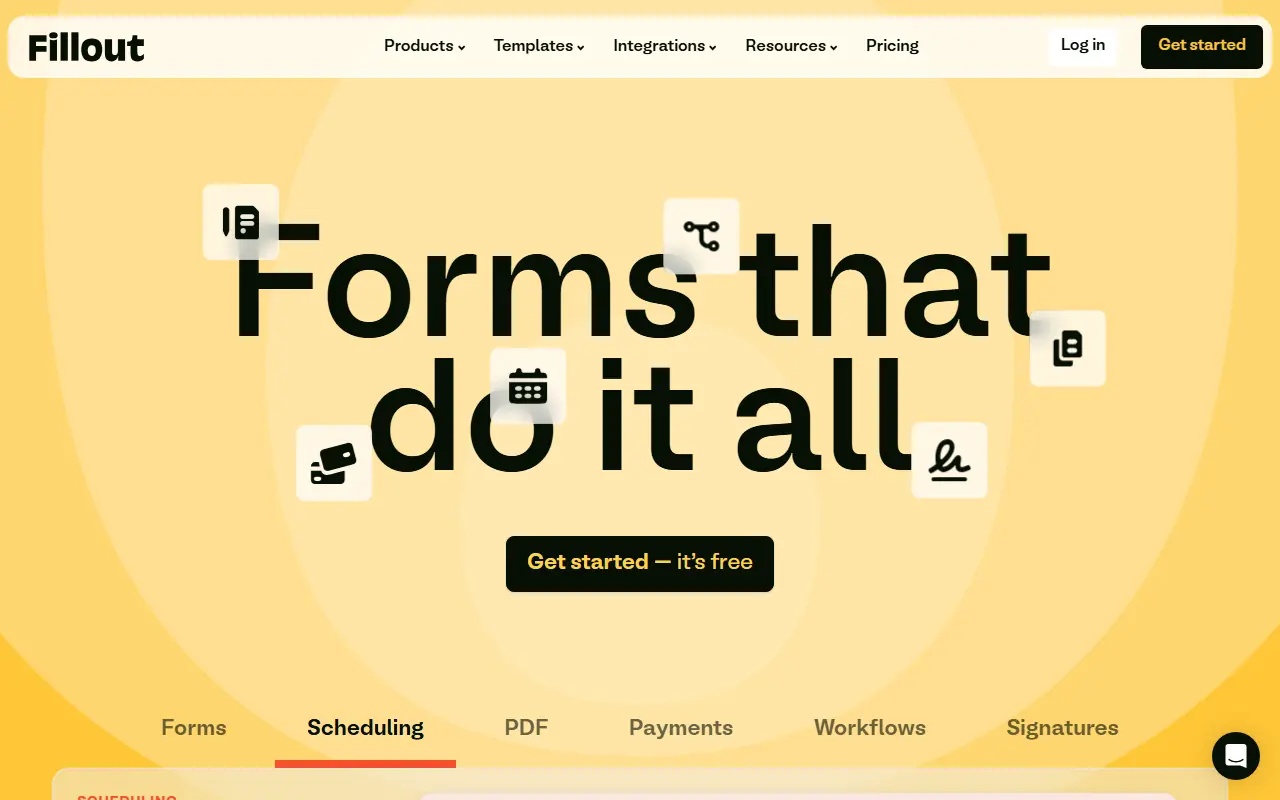
Fillout is an advanced, AI-powered no-code platform that enables users to easily build highly customizable forms, surveys, quizzes, and automated workflows.

Tally
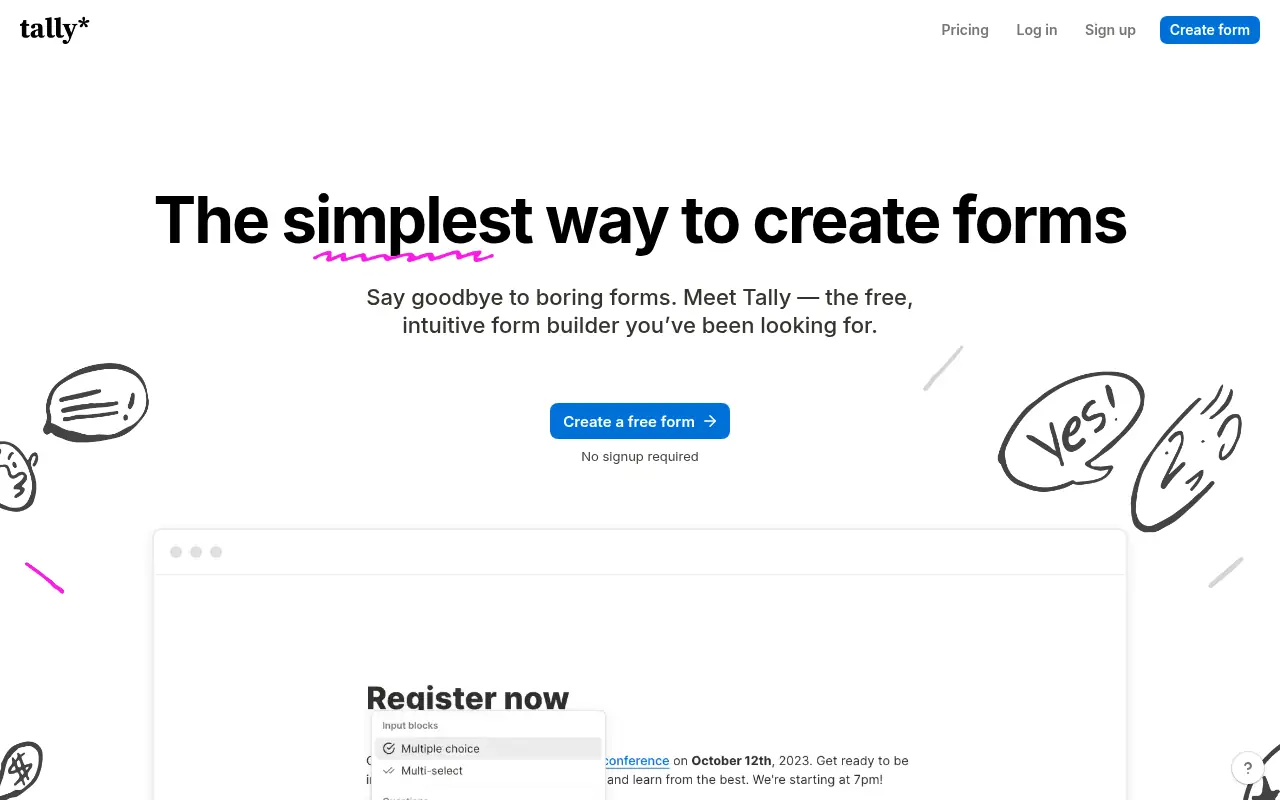
Tally is a free, intuitive no-code platform for creating and managing online forms, surveys, and quizzes.

Typeform
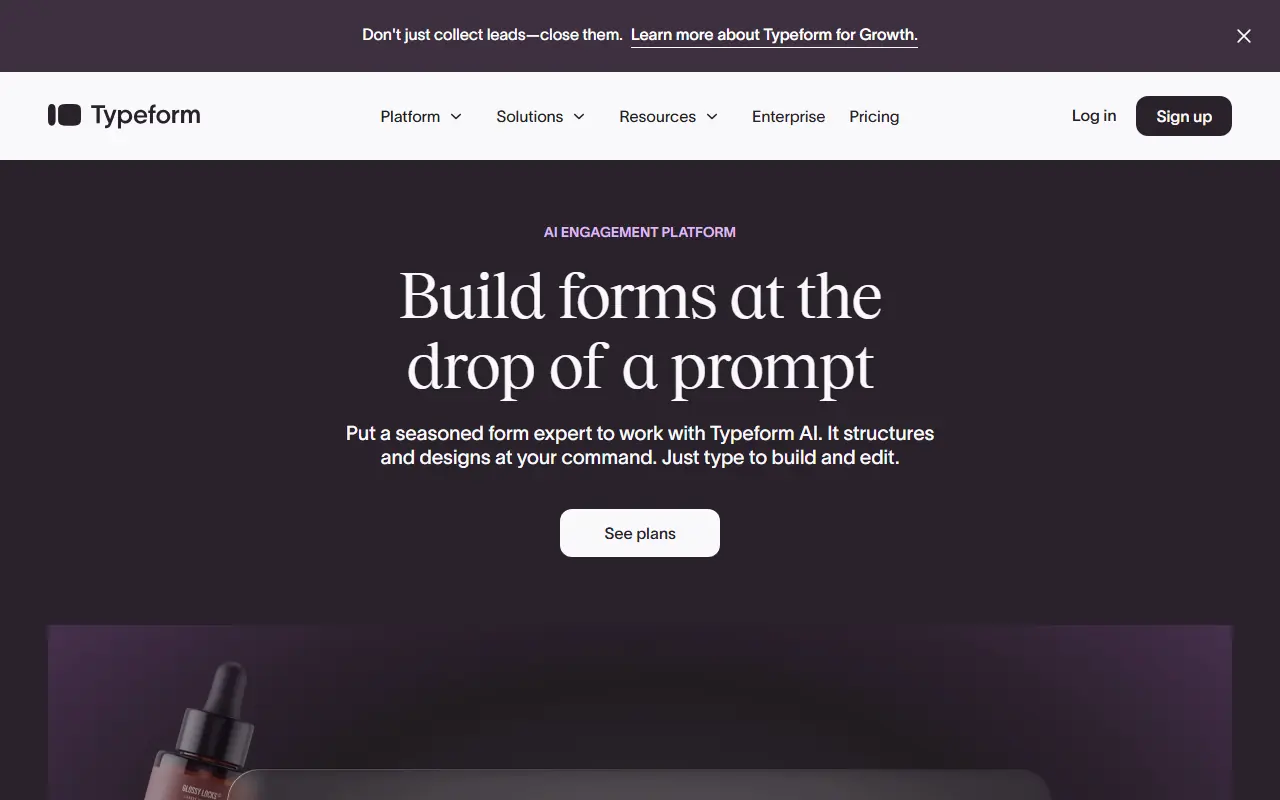
Typeform is an online software platform that specializes in creating interactive, conversation-like forms and surveys to boost user engagement and completion rates.
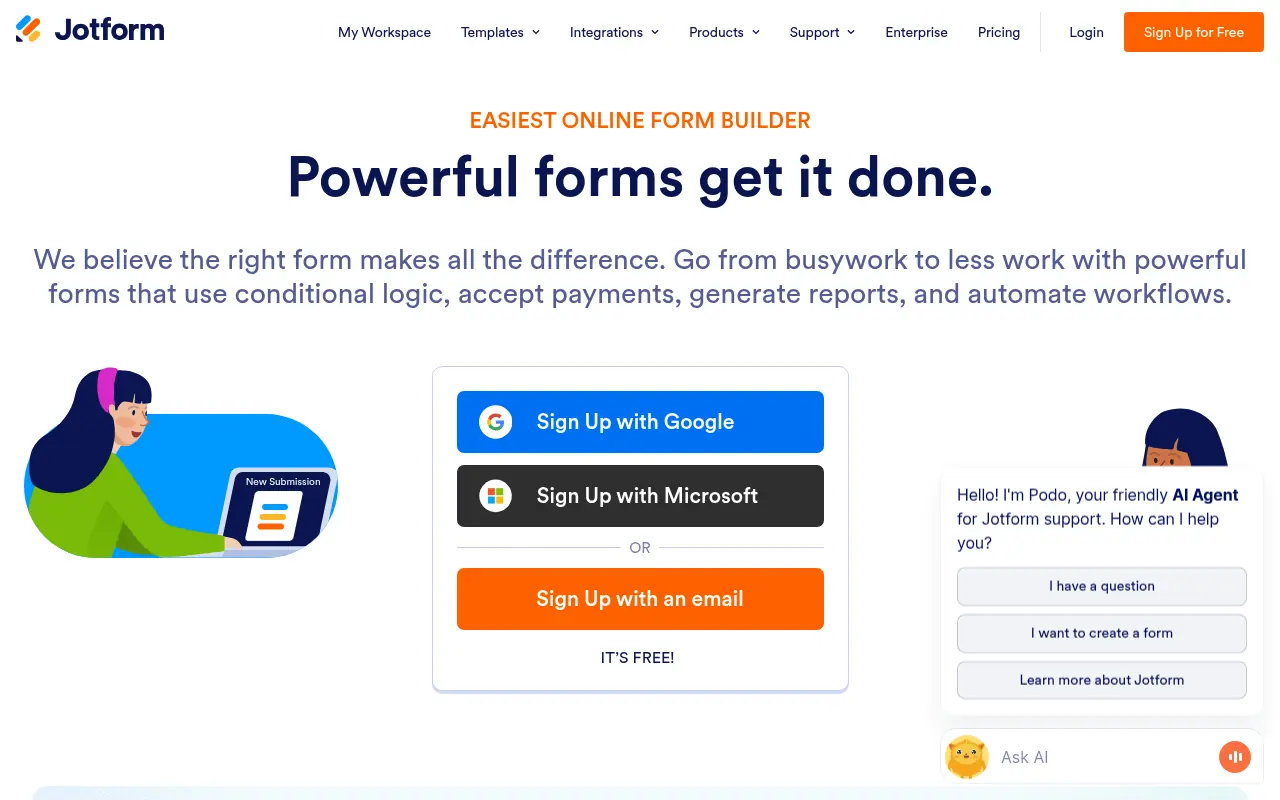

Jotform
Jotform is an online form builder that simplifies data collection, automation, and payment processing for businesses and individuals.
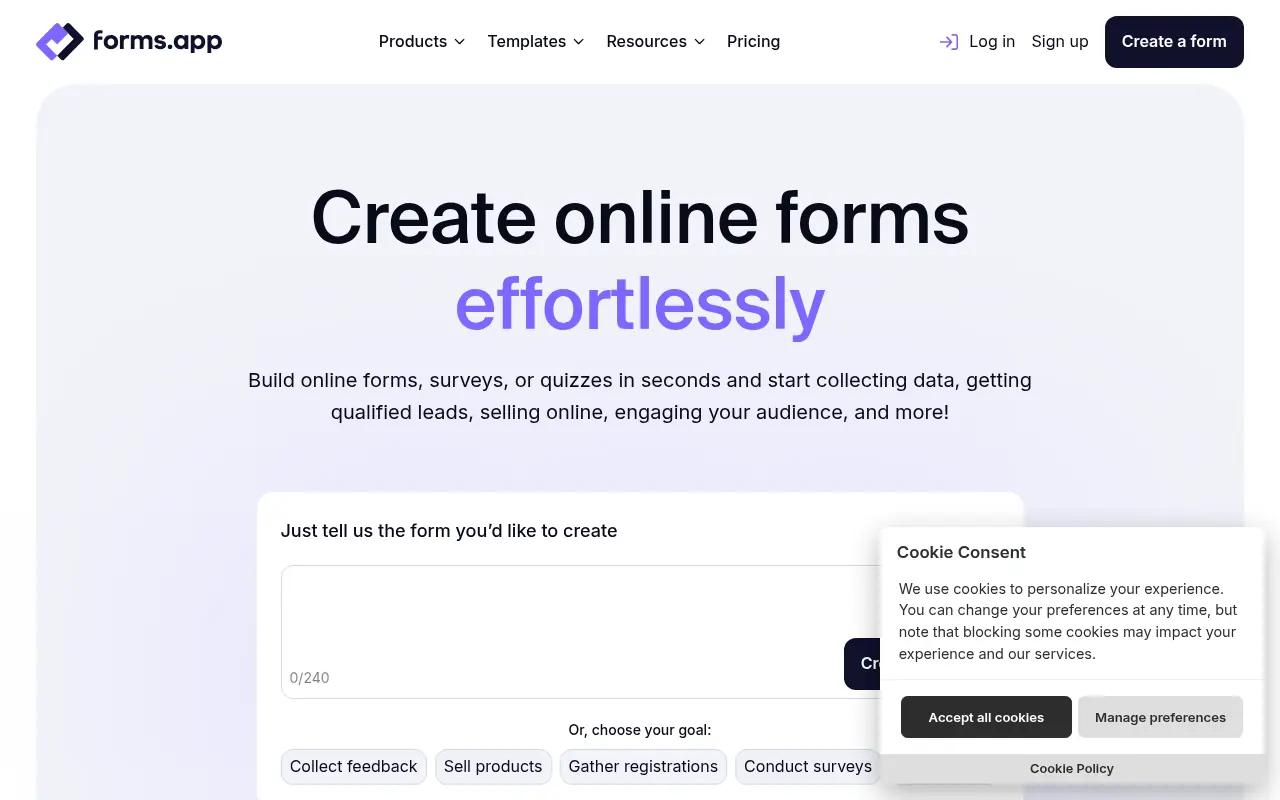

forms.app
forms.app is a user-friendly online form builder for creating and sharing forms, surveys, and quizzes to collect data effortlessly.
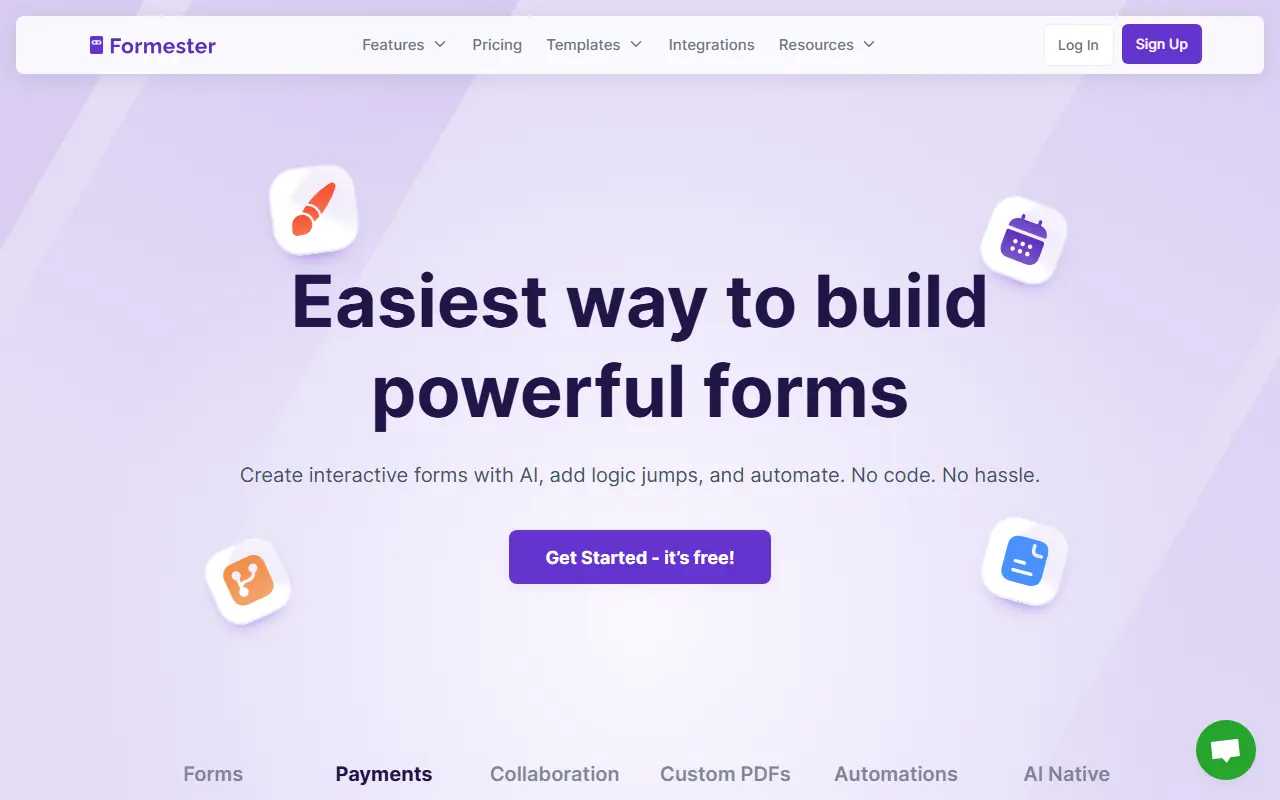

Formester
Formester is an AI-powered no-code form builder that enables users to easily create online forms, surveys, and quizzes for lead generation, automation, and data collection.


BlockSurvey
BlockSurvey is a privacy-focused, AI-powered platform for creating secure surveys and forms with end-to-end encryption.


FormHug
Create forms, surveys, and scored quizzes from a prompt, then manage responses, analytics, and follow-up workflows.