

Animoto

What is Animoto?
Animoto is an online video maker and editor for turning photos, video clips, text, music, and screen recordings into shareable videos. Its template-based workflow combines drag-and-drop editing with AI tools that can generate video structures from descriptions, scripts, or website URLs. The platform serves marketers, small businesses, educators, creators, and teams that need branded video content without complex production software. Users can customize layouts, text, colors, transitions, aspect ratios, music, voiceovers, and branding before exporting. A free plan supports ongoing video creation with limits such as Animoto watermarks and restricted sharing and download options, while paid plans add enhanced export, branding, media, and collaboration capabilities.
How to use Animoto?
1. Sign up for an Animoto account and choose a template, start from scratch, or select an AI creation option; 2. Add your photos, video clips, text, music, voiceover, branding, or website URL, then customize the generated scenes and design; 3. Export the finished video and share it through a link, email, embed, download, or supported social publishing workflow.
Animoto's Core Features
AI Video Creation: Generate a video structure from a description, script, uploaded images, or a website URL.
Customizable Templates: Start with professionally designed layouts and replace the media, text, colors, fonts, transitions, and music.
Drag-and-Drop Editor: Assemble photos, video clips, text, and design blocks in a visual timeline without advanced editing software.
Stock Media Library: Add licensed stock photos, video clips, and music to fill content gaps or support a campaign concept.
Voiceover Recording: Record or upload narration, then trim the track and adjust its volume within the video project.
Screen Recording: Capture a browser tab, window, or screen for tutorials, product demonstrations, and workplace explainers.
Brand Customization: Apply logos, brand colors, saved templates, fonts, and branded playback options on eligible plans.
Aspect Ratio Controls: Adapt video layouts for different publishing destinations by changing the project ratio.
Export and Sharing: Publish videos for download, link sharing, email delivery, website embedding, or social media workflows.
Team Workspace: Organize collaborative video creation with team members, roles, seats, permissions, and shared workspaces on eligible plans.
Animoto's Use Cases
- #1
Small business owners creating branded promotional videos for products, services, or seasonal campaigns
- #2
Social media managers producing short vertical videos from existing photos, clips, and marketing copy
- #3
Teachers and trainers building tutorial or explainer videos with screen recordings and voiceovers
- #4
Real estate professionals turning property photos and listing details into video tours
- #5
Photographers creating client presentations, portfolios, event recaps, or slideshow videos
- #6
Content marketers converting a website page or product description into a video draft with AI
- #7
Internal teams recording software walkthroughs, onboarding materials, and process explanations
Frequently Asked Questions
Analytics of Animoto
Monthly Visits Trend: Jun 2025 - Oct 2026
Traffic Sources
AI Channel Traffic Trends
Top Regions
| Region | Traffic Share |
|---|---|
| United States | 37.69% |
| India | 7.81% |
| Canada | 4.99% |
| Hong Kong | 3.73% |
| United Kingdom | 3.11% |
Top Keywords
| Keyword | Traffic | CPC |
|---|---|---|
| animoto | 12.3K | $2.06 |
| video trimmer | 92.8K | $0.67 |
| anamoto | 570 | $2.81 |
| break an audio file into two | 150 | -- |
| mkv to mp4 | 175.1K | $0.36 |
Alternative of Animoto
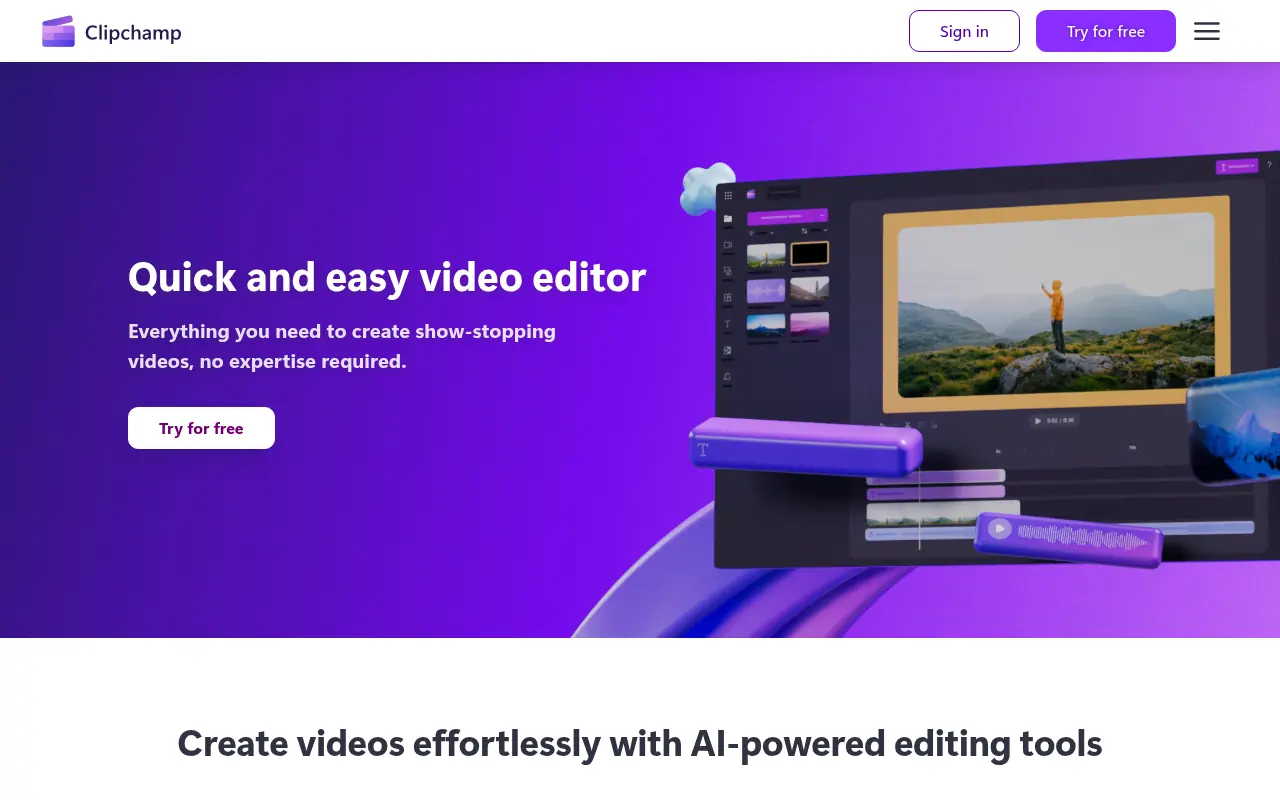

Clipchamp
Clipchamp is a user-friendly video editing platform for creating professional-quality videos.


InVideo
InVideo is an AI-powered video creation platform that simplifies professional-quality video production for users of all skill levels.
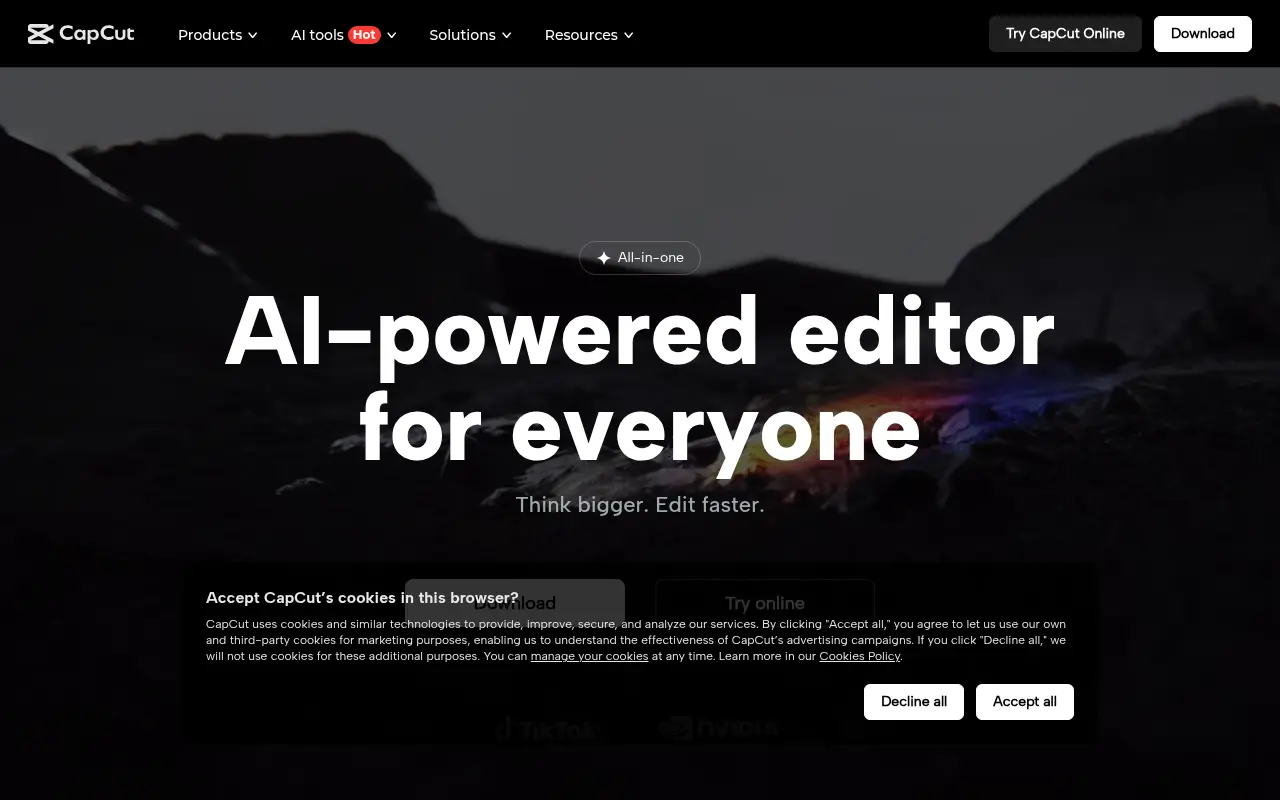

CapCut
CapCut is an AI-powered platform for easy video editing and graphic design across multiple devices.


VEED.IO
VEED.IO is an AI-powered online video editing platform that simplifies the creation and enhancement of professional-quality videos for creators and businesses.
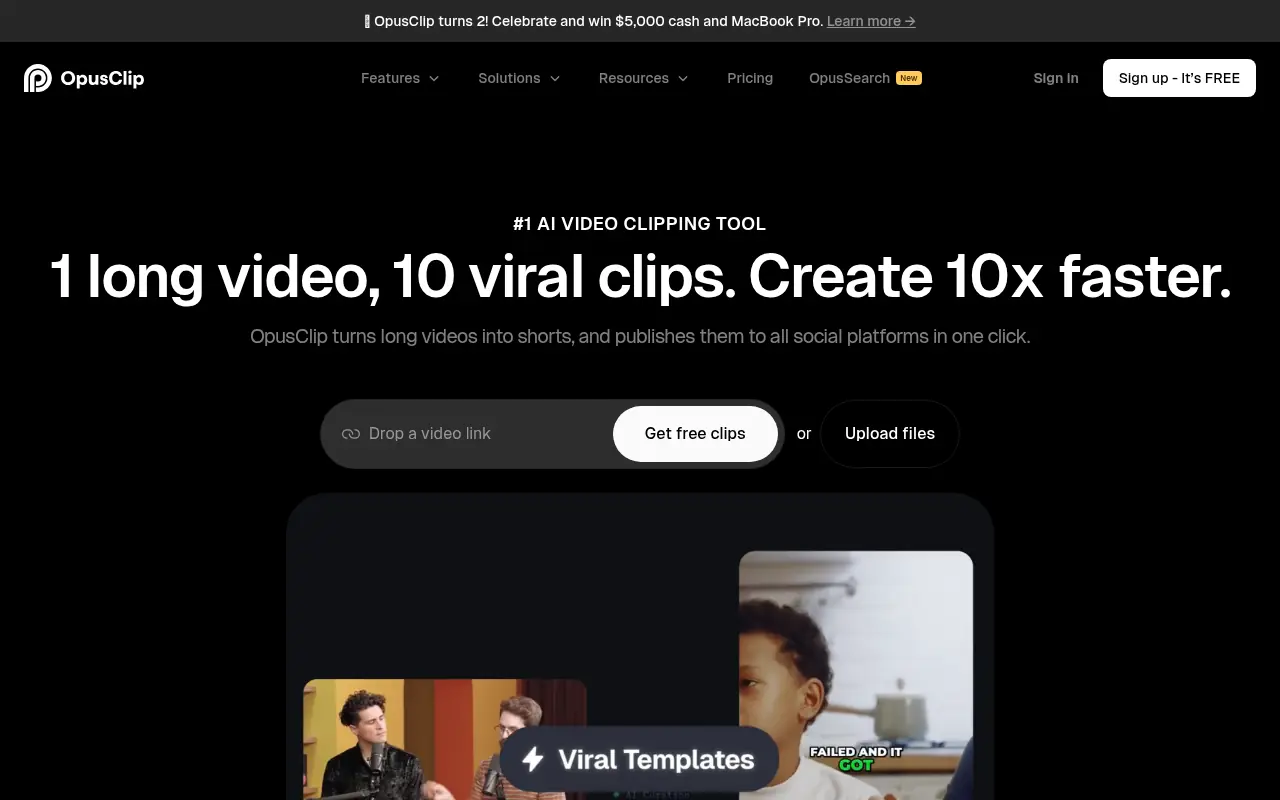

Opus Pro
Opus Pro is an AI-powered video editing platform designed to streamline content creation for creators and businesses.


Topview AI
Topview AI is an AI-powered video editor that transforms links or media assets into viral marketing videos with one click.


Quso.ai
Quso.ai is an all-in-one AI-powered platform for social media content creation, management, and analytics.
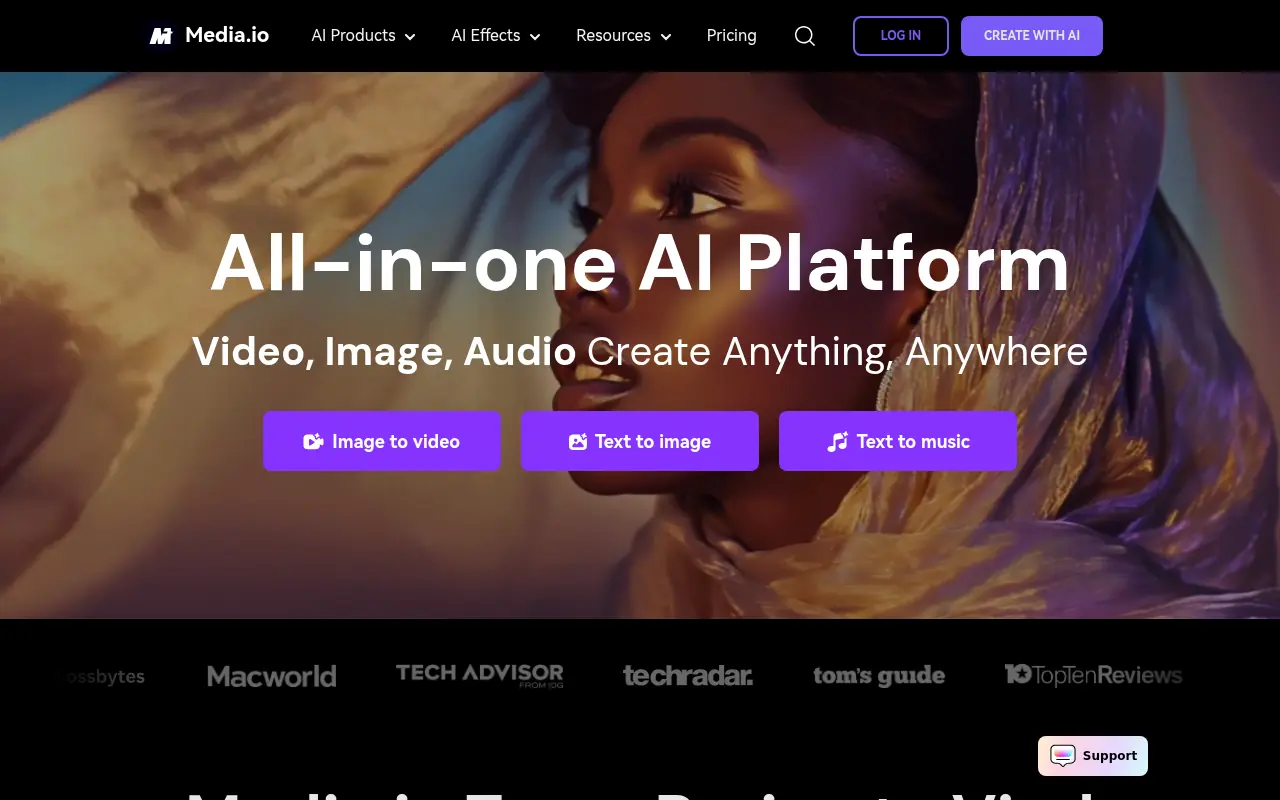

Media.io
Media.io is an online platform offering AI-powered tools for editing, converting, and enhancing audio, video, and image files directly in the browser.