

AIEnhancer
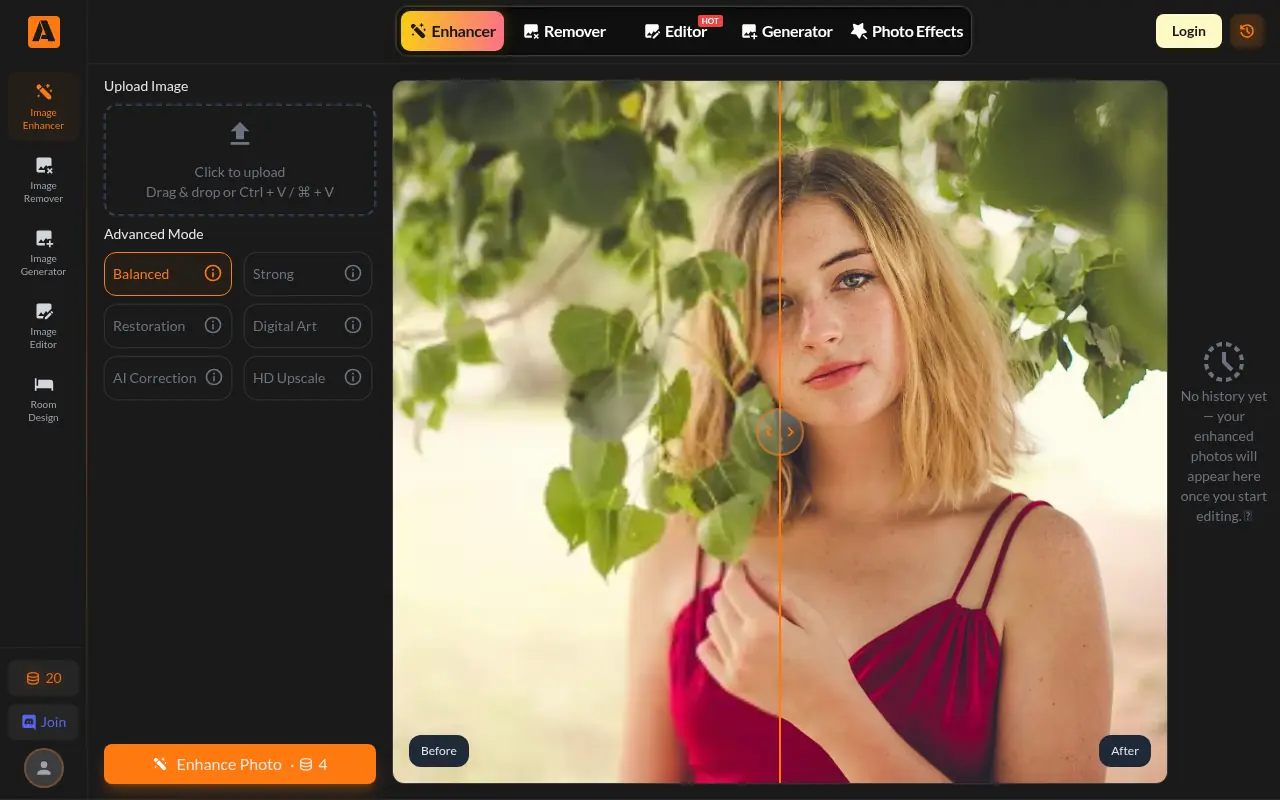
What is AIEnhancer?
AIEnhancer is a powerful, web-based platform that utilizes advanced artificial intelligence to improve photo quality. Its mission is to make professional-grade image enhancement accessible to everyone by removing barriers like cost and complex software learning curves. The tool automatically detects imperfections such as blur, noise, and low resolution, effectively reconstructing details to produce high-definition results. It is particularly adept at restoring old family photos, fixing blurry portraits, and refining AI-generated art. Users can access these features directly from their browser without creating an account.
How to use AIEnhancer?
To use AIEnhancer, simply visit the website and drag and drop your photo into the upload area or click to select a file from your device. Once the image is uploaded, the AI automatically processes it—you can often choose between different enhancement modes like 'Balanced,' 'Strong,' or 'Old Photo' depending on your needs. After a few seconds of processing, the tool presents a before-and-after comparison, allowing you to download the enhanced, high-resolution image immediately without needing to log in.
AIEnhancer's Core Features
Upscales images to high definition (often up to 4K) without quality loss.
Automatically removes blur and sharpens details in seconds.
Restores old photos by fixing scratches, fading, and tears.
Reduces image noise and grain for a cleaner, smoother look.
Enhances color vibrancy and lighting balance automatically.
Offers a specific 'Old Photo' mode for vintage restoration.
Includes an AI background remover for isolating subjects.
Requires no account registration or login to use.
Exports images without any watermarks.
Supports batch processing for editing multiple images at once.
AIEnhancer's Use Cases
- #1
Restoring faded or damaged vintage family photographs.
- #2
Upscaling small, low-resolution images for high-quality printing.
- #3
Sharpening blurry selfies or portraits taken in low light.
- #4
Refining AI-generated images by removing artifacts and noise.
- #5
Enhancing product photography for e-commerce listings.
- #6
Cleaning up social media images for a more professional look.
- #7
Removing backgrounds from images for design projects.
- #8
Improving clarity of text in scanned documents or screenshots.
Frequently Asked Questions
Analytics of AIEnhancer
Monthly Visits Trend: Jun 2025 - Aug 2026
Traffic Sources
AI Channel Traffic Trends
Top Regions
| Region | Traffic Share |
|---|---|
| Indonesia | 9.36% |
| United States | 7.13% |
| China | 5.89% |
| India | 5.79% |
| Germany | 5.41% |
Top Keywords
| Keyword | Traffic | CPC |
|---|---|---|
| ai enhancer | 31.0K | $0.39 |
| ai enhance image | 15.3K | $0.52 |
| aienhancer | 950 | $0.22 |
| ezenhancer | 2.9K | $1.98 |
| ai image enhancer free | 10.6K | $0.53 |
Alternative of AIEnhancer
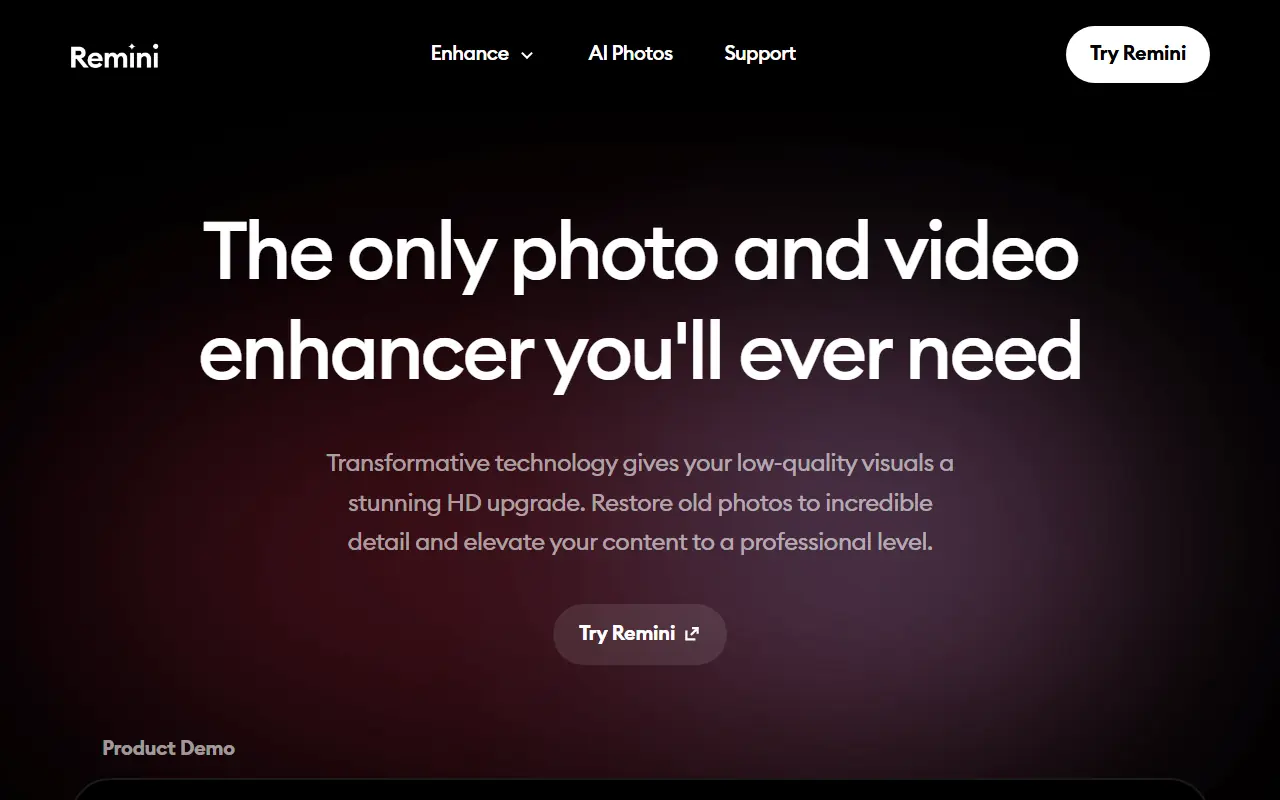

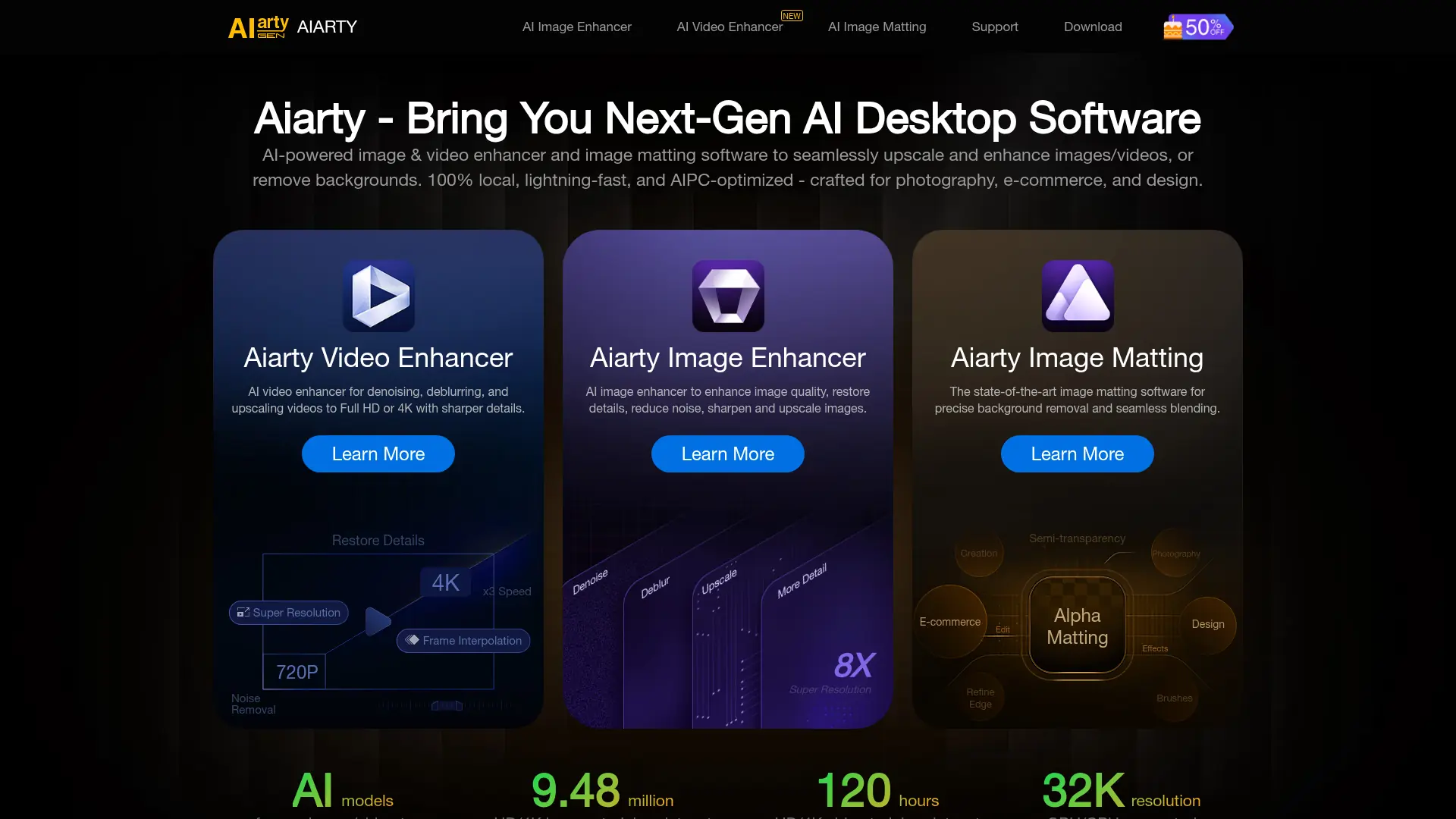

Aiarty
Upscale, denoise, and restore photos locally with Aiarty's AI models, delivering crisp, natural details up to 32K resolution without mandatory monthly subscription fees.
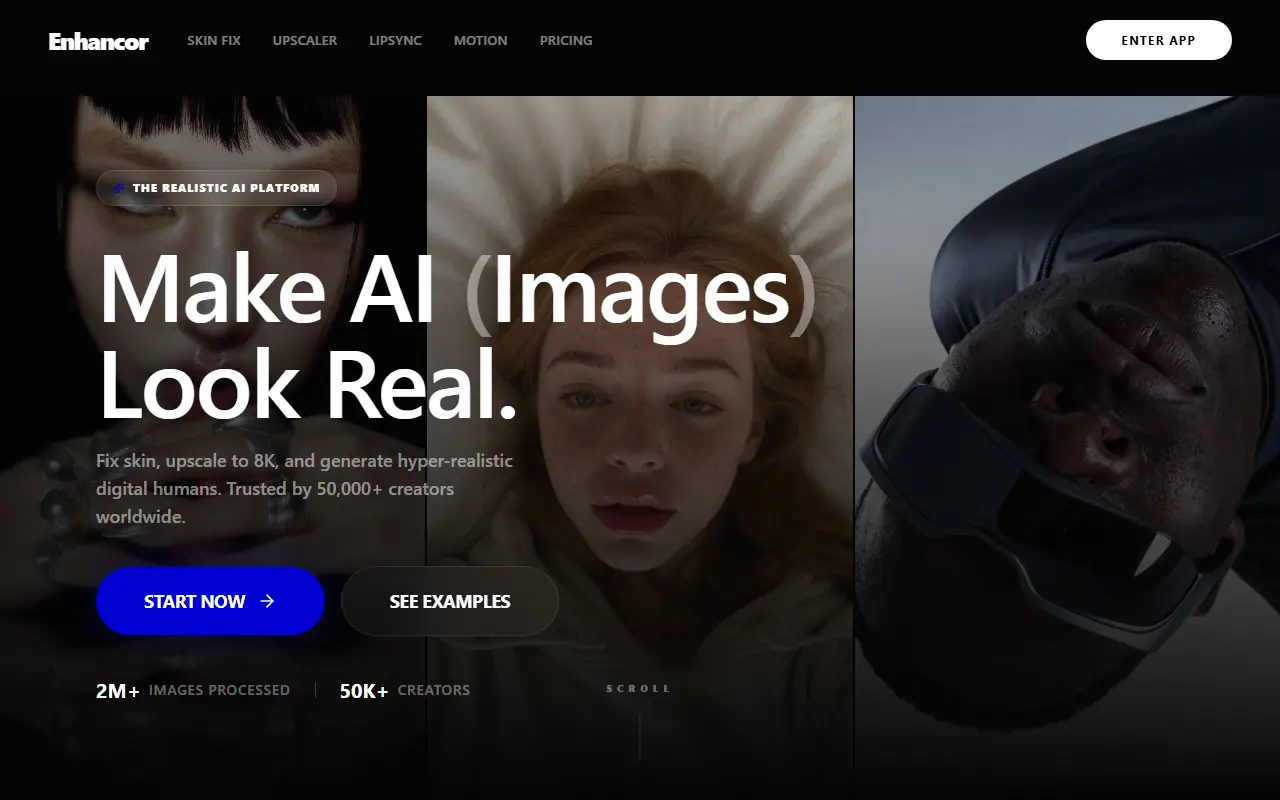

Enhancor
Enhancor is an advanced AI platform that transforms artificial, plastic-looking skin textures in AI-generated images into photorealistic, high-resolution human skin.

Topaz Labs
Topaz Labs offers AI-powered software for enhancing photo and video quality, catering to photographers, videographers, and creative professionals.

Upscale.media
Upscale.media is an AI-powered platform that enhances and upscales images to improve their quality and resolution.

ImageKit
ImageKit.io provides real-time image and video optimization, transformation, and delivery solutions for websites and apps.

Contrast
Contrast is an AI-powered platform for enhancing image contrast, analyzing visuals, and generating accessible designs for creative and professional use.

Astria.ai
Astria.ai is an AI platform that enables users to fine-tune Stable Diffusion models with their own images for generating custom, high-quality visuals tailored to specific needs.