

Tango
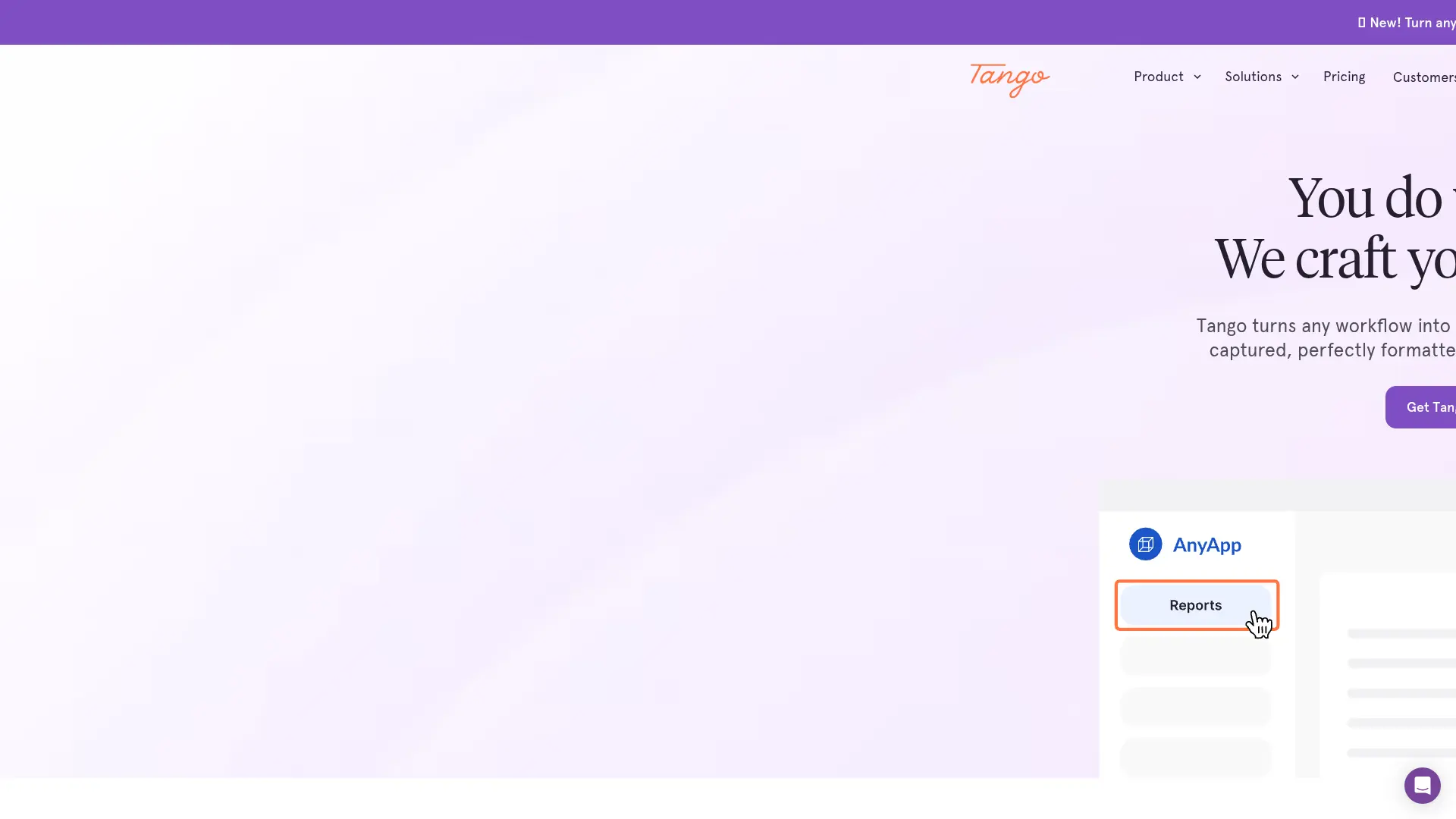
What is Tango?
Tango is a workflow documentation and digital adoption platform that records on-screen actions and converts them into shareable, step-by-step guides. Its browser extension captures clicks, screenshots, and contextual details while users complete a process, reducing the effort required to create SOPs and training materials. Teams can use Guide Me, embedded walkthroughs, analytics, and enterprise automation features to help employees complete work inside browser-based applications. Tango is designed for IT, operations, enablement, support, and training teams that need to standardize processes and reduce repetitive questions. Its main differentiator is a document-first approach that turns documented workflows into interactive guidance and, on eligible enterprise plans, supervised browser automations without requiring traditional API integrations.
How to use Tango?
1) Sign up for Tango and install its Chrome or Edge extension. 2) Open the web application you want to document, start a capture, and complete the process while Tango records the steps and screenshots. 3) Edit the generated workflow, then share it, embed it, export it, or use Guide Me to help others follow the process.
Tango's Core Features
Workflow Capture: Record clicks, screenshots, and process context automatically while completing a task.
AI Step Documentation: Turn captured actions into structured instructions with screenshots and annotations.
Guide Me: Provide interactive, on-screen guidance that helps users complete documented workflows correctly.
Browser and Desktop Capture: Document processes across supported web applications and desktop software such as Microsoft Office.
Sharing and Embedding: Publish workflows through links or embed them in knowledge bases, ticketing tools, chat systems, and learning platforms.
Workflow Editing: Refine instructions, headings, callouts, screenshots, and redactions before sharing documentation.
Adoption Analytics: Show which workflows users access and where they encounter difficulty during a process.
Browser Automation: Let eligible enterprise users run supervised automations for navigation, form filling, data extraction, and repetitive clicking.
Privacy Controls: Protect sensitive information with Live Blur, Secure Blur, permanent image redaction, encryption, and role-based permissions.
Tango's Use Cases
- #1
IT teams creating step-by-step software documentation for employee onboarding
- #2
Operations managers standardizing CRM, ERP, and HRIS procedures across departments
- #3
Customer success teams building interactive help guides for recurring support requests
- #4
Sales enablement teams documenting repeatable prospecting, quoting, and CRM update workflows
- #5
Training teams replacing lengthy screen recordings with searchable visual SOPs
- #6
Change management teams guiding employees through new software launches and process updates
- #7
Enterprise teams turning documented browser workflows into supervised automations for repetitive data entry
- #8
Knowledge managers embedding live walkthroughs into Notion, Confluence, Zendesk, LMS platforms, and internal portals
Frequently Asked Questions
Analytics of Tango
Monthly Visits Trend: Jun 2025 - Aug 2026
Traffic Sources
AI Channel Traffic Trends
Top Regions
| Region | Traffic Share |
|---|---|
| United States | 20.99% |
| Poland | 8.42% |
| Brazil | 4.34% |
| Canada | 3.57% |
| India | 3.29% |
Top Keywords
| Keyword | Traffic | CPC |
|---|---|---|
| tango | 195.8K | $1.05 |
| scribe | 149.0K | $3.61 |
| tango live | 22.2K | $1.22 |
| tabgo | 1.3K | $0.62 |
| tango app | 3.1K | $1.78 |
Alternative of Tango
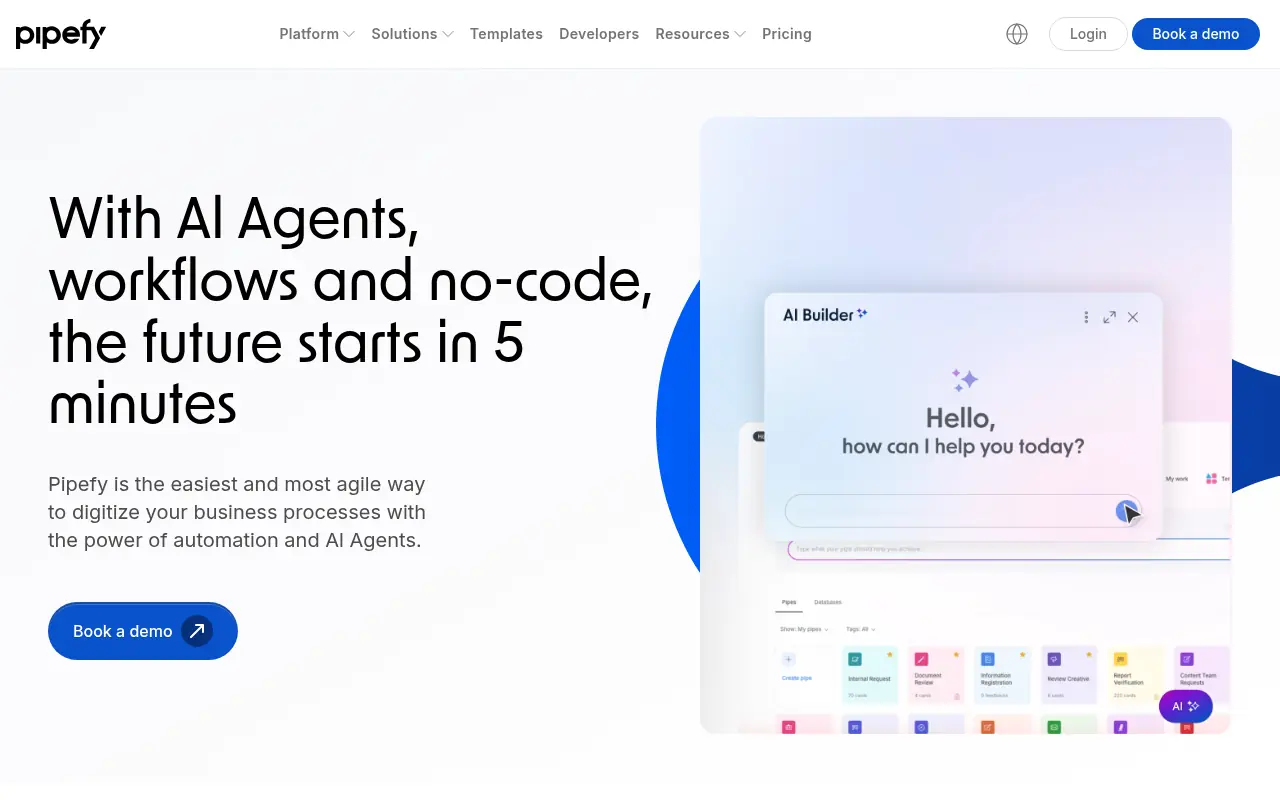

Pipefy
Pipefy is a no-code workflow management platform that enables businesses to automate, optimize, and manage processes across teams with powerful integration and AI features.
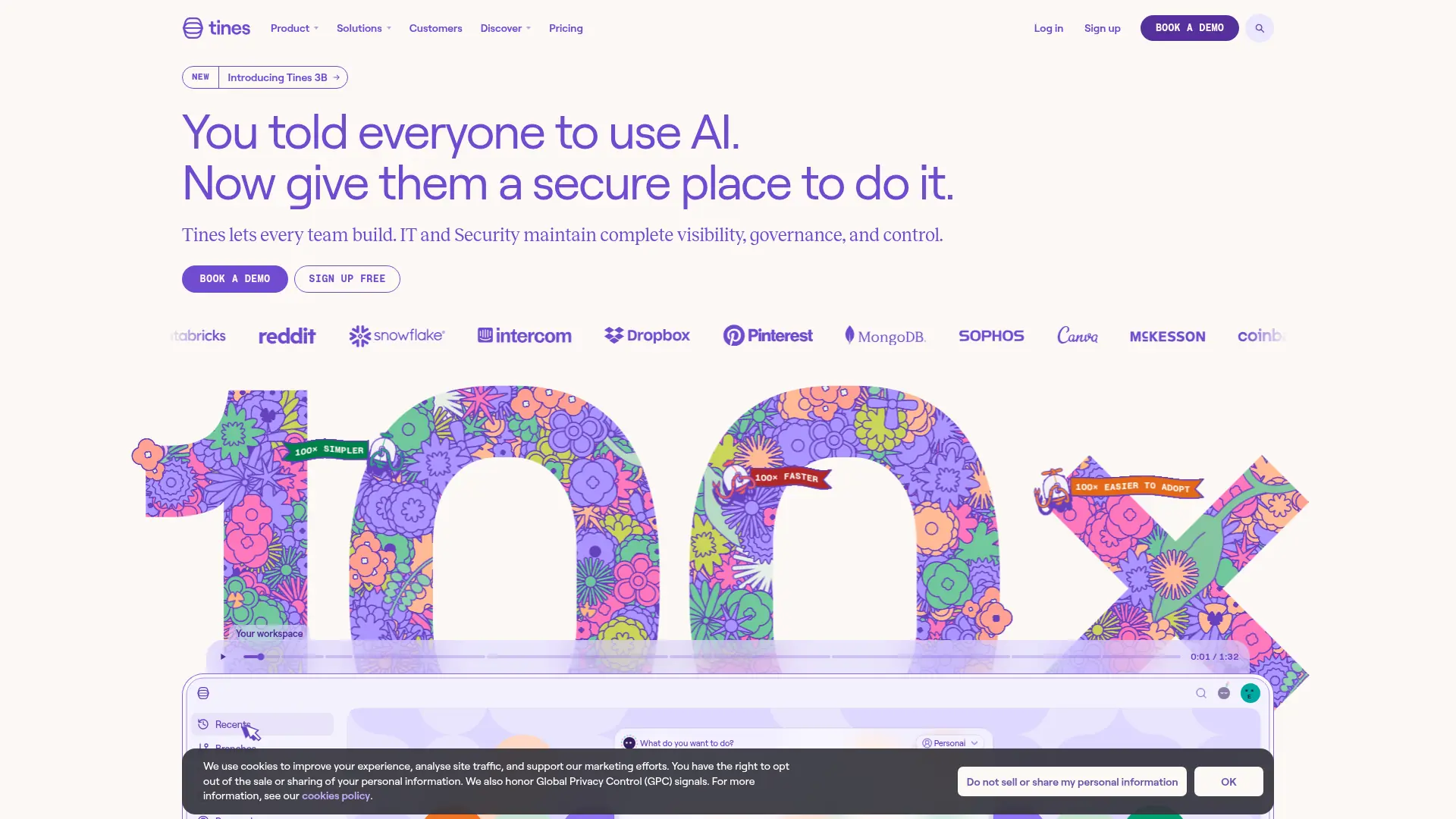

Tines
Securely build, run, and govern AI agents, applications, and automated workflows across security, IT, and business operations.
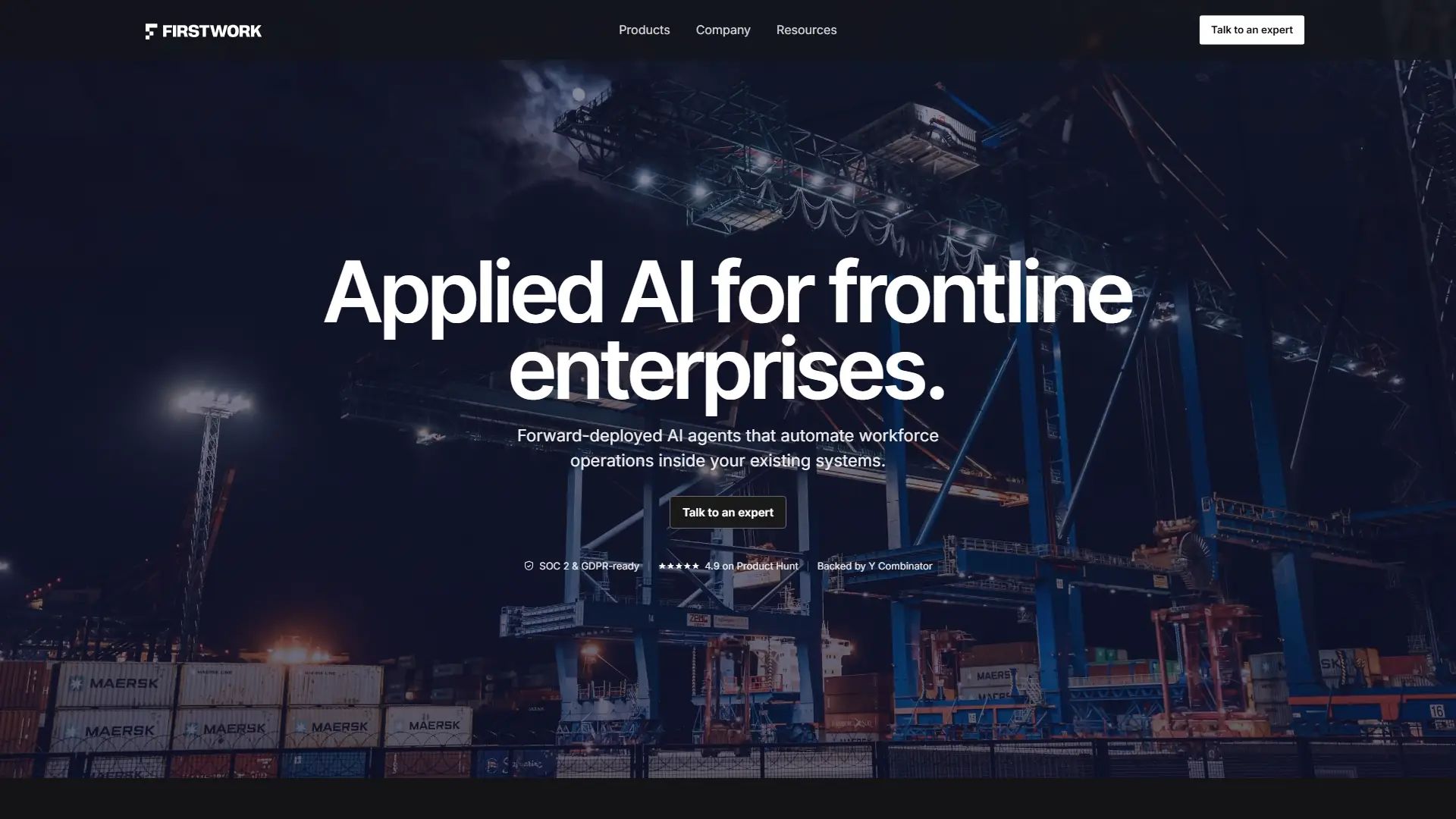

Firstwork
Deploy AI agents that automate frontline hiring, compliance, onboarding, and workforce readiness without replacing your existing systems.
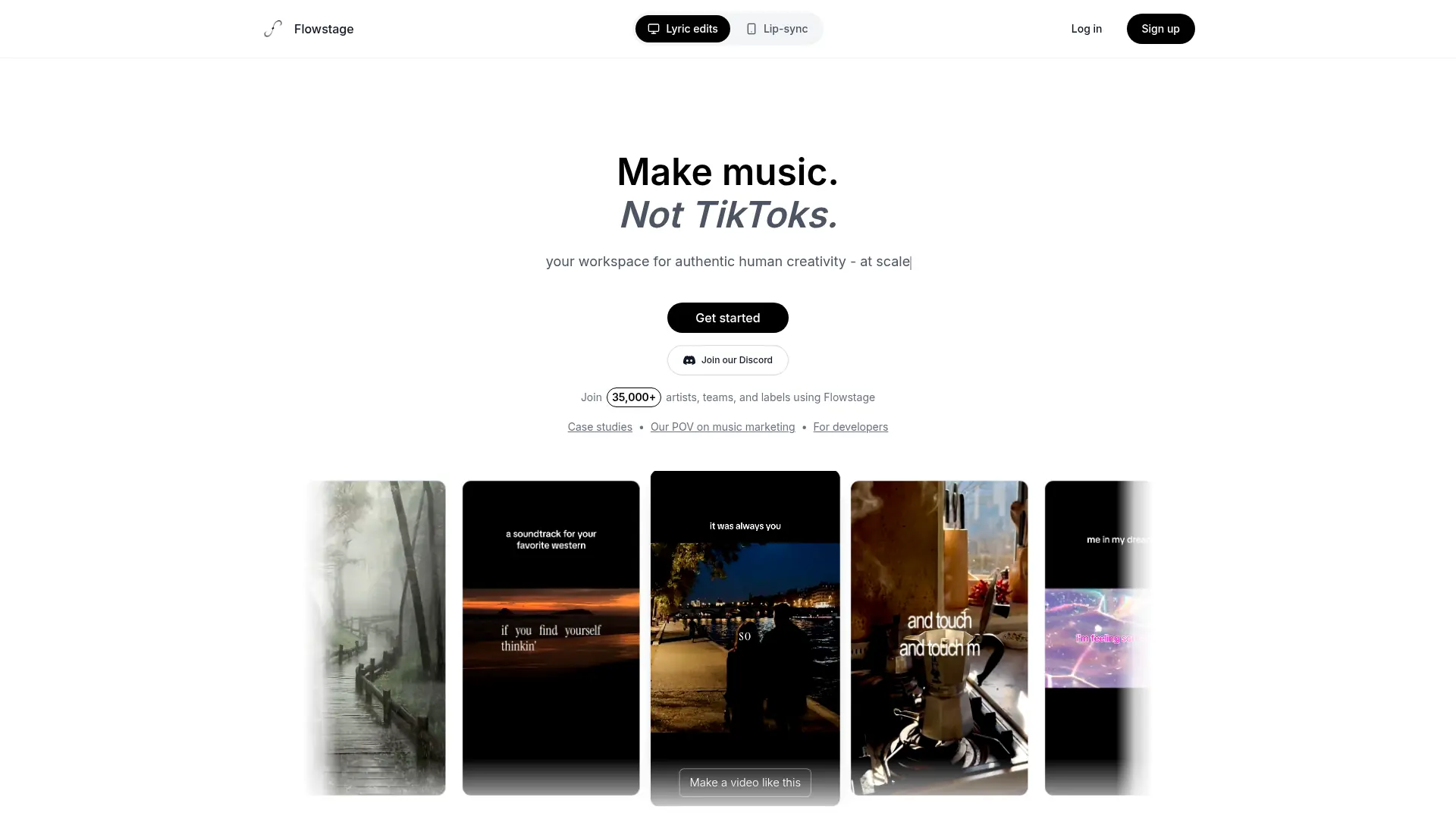

Flowstage
Flowstage accelerates productivity by connecting AI models into seamless visual pipelines, eliminating repetitive tasks and unlocking true operational efficiency for modern scaling teams.
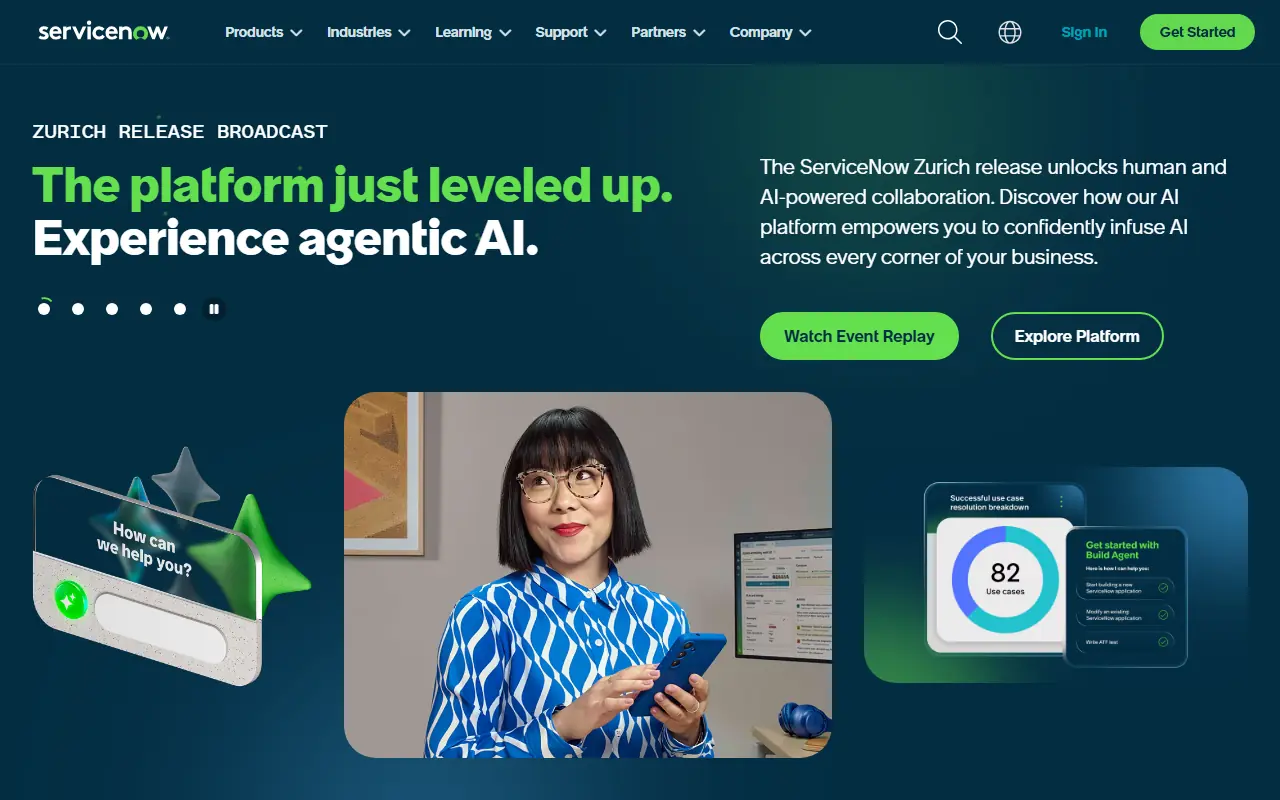

ServiceNow
ServiceNow is a cloud-based platform that provides digital workflows to automate and optimize enterprise operations across IT, customer service, and employee experiences.
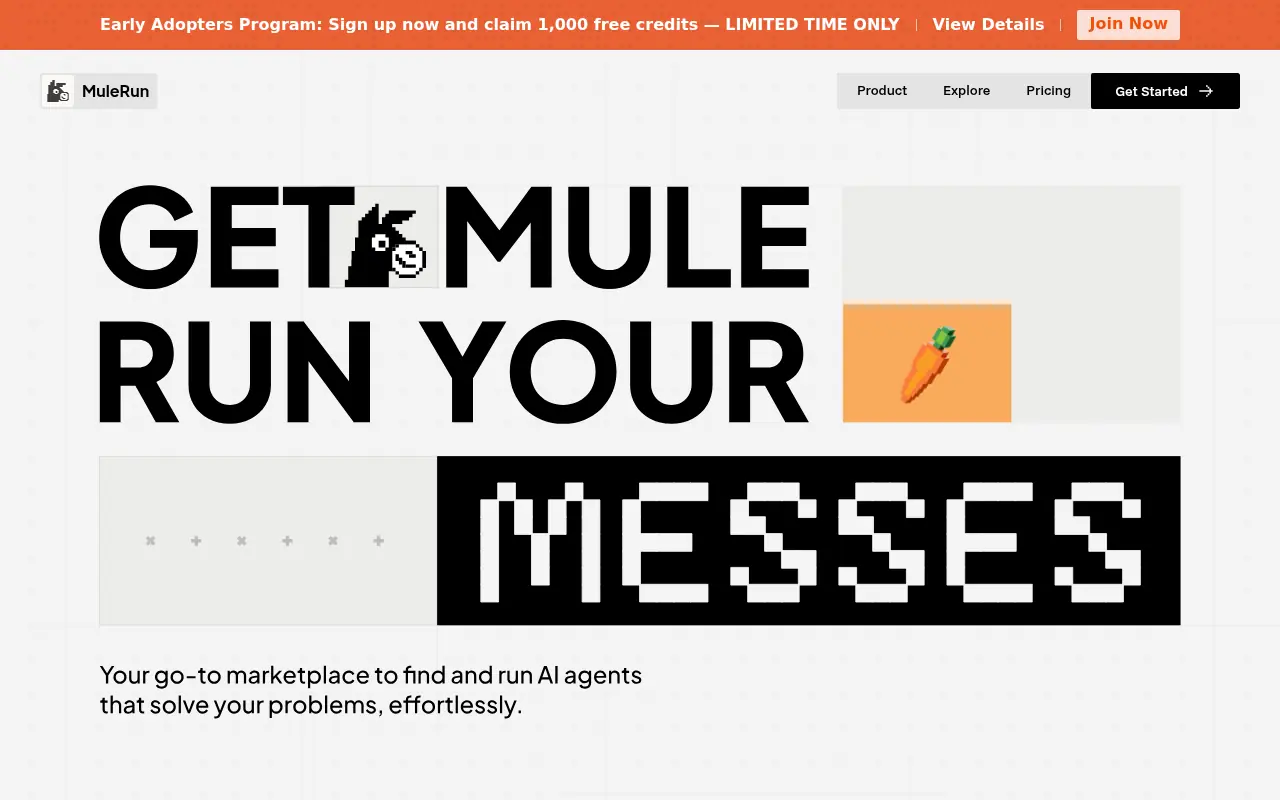

MuleRun
MuleRun is an AI-powered platform designed to automate business workflows and enhance productivity through intelligent task management.
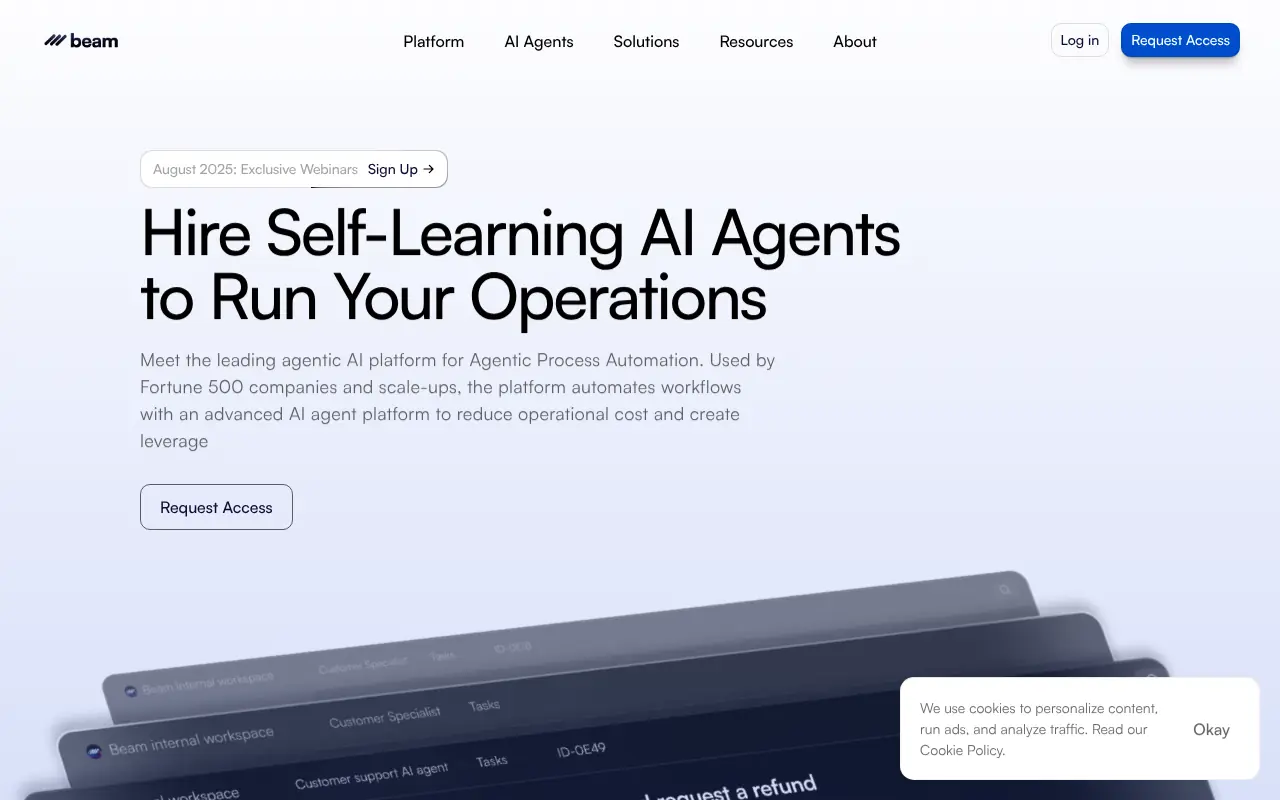

Beam AI
Beam AI is a leading platform for agentic process automation, offering advanced AI agents to automate workflows and enhance operational efficiency for businesses.
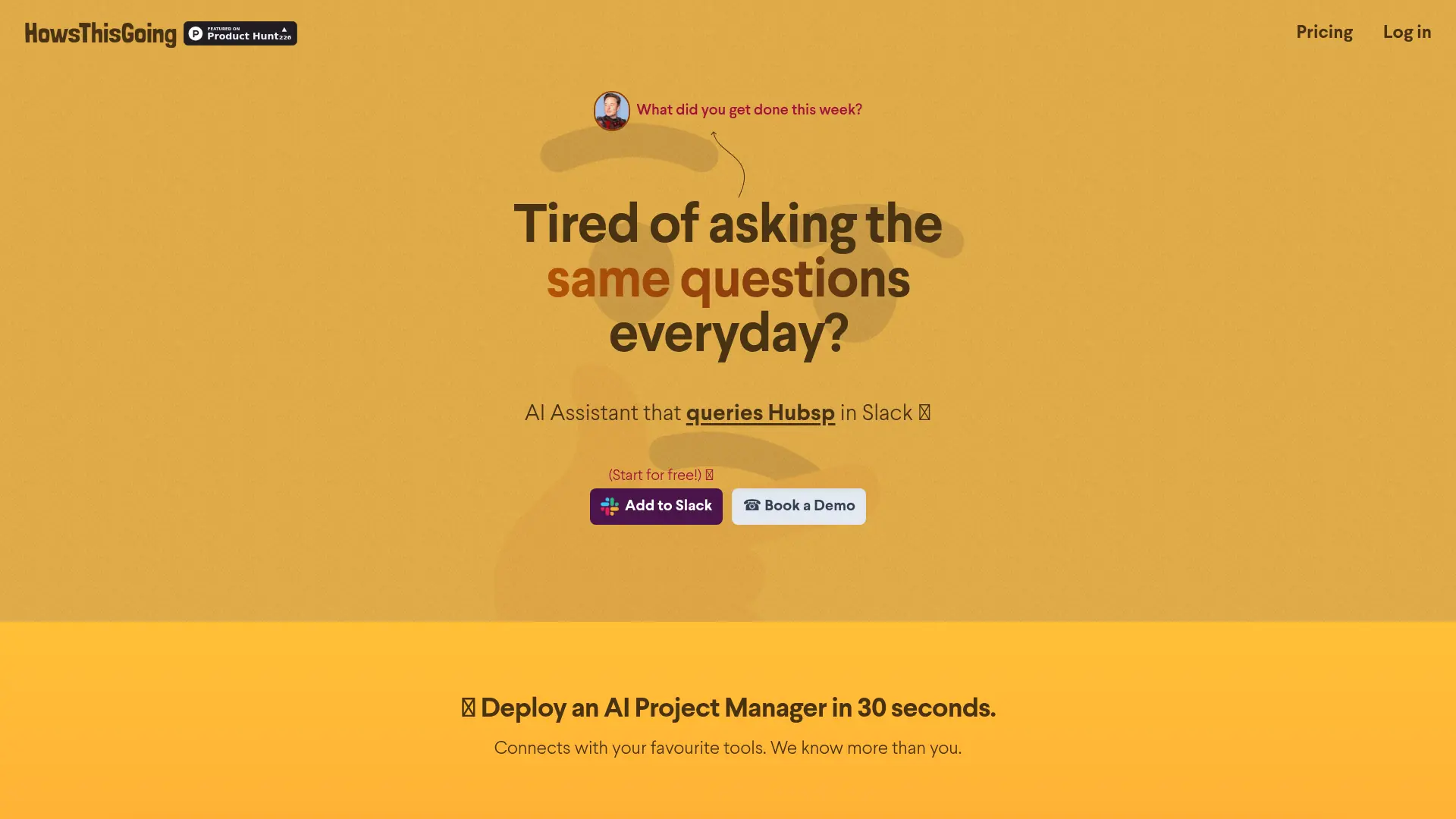

HowsThisGoing
Automate Slack standups, unify project updates, and surface blockers without adding more status meetings.