

Spell
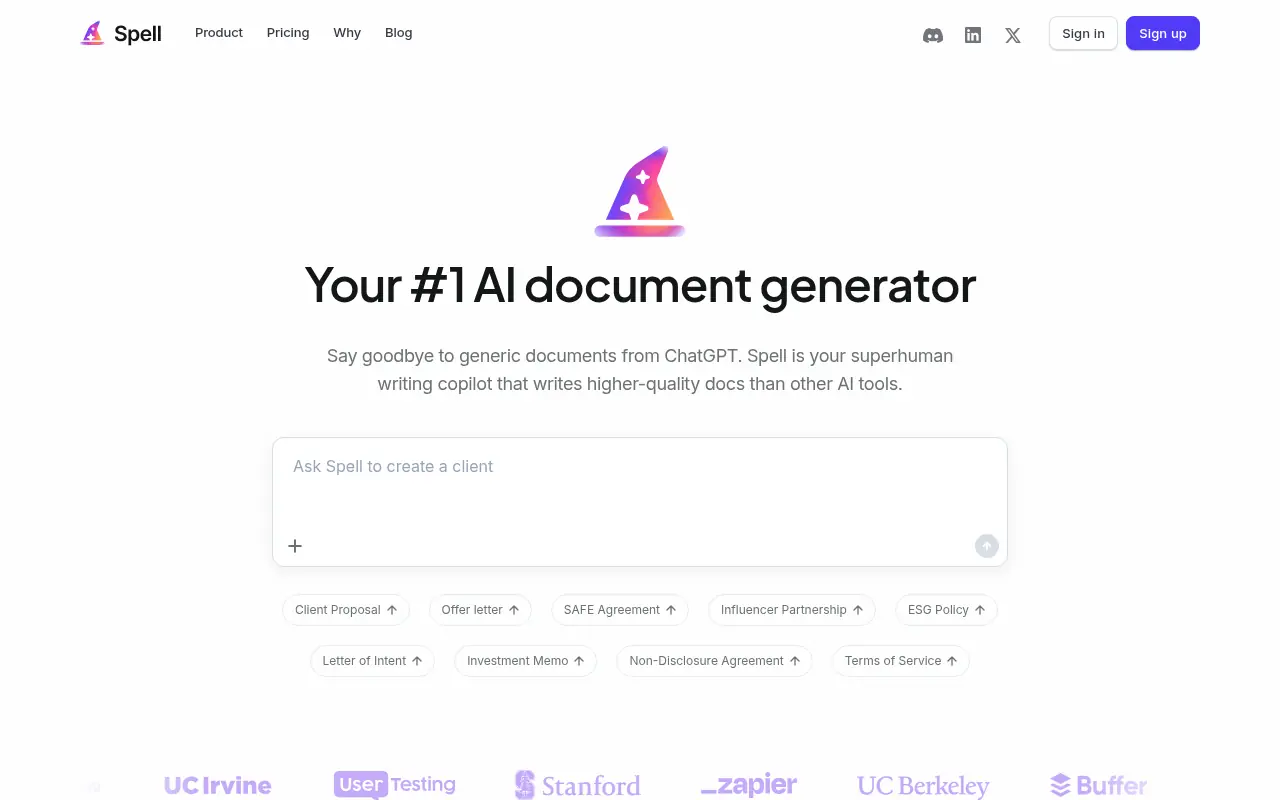
What is Spell?
Spell is an AI-first productivity and writing platform that uses autonomous agents and GPT‑4–powered tools to help users get knowledge work done faster.It lets you create first drafts in seconds, refine them with natural-language edits, and collaborate in real time with your team.The product focuses on delegating tasks to AI agents that can access the web, use plugins, and run complex workflows on your behalf.Users can launch many AI tasks in parallel, from writing multiple blog posts to handling research or summarization, without waiting for one job to finish before starting another.By combining prompt variables, reusable workflows, and collaboration features, Spell aims to make generative AI practical for everyday writing and knowledge work.
How to use Spell?
To use Spell effectively, sign up and create a workspace, then start a new document or task where you describe in natural language what you want the AI to do (for example, draft blog posts or research a topic).Configure one or more autonomous agents with web access or plugins if needed, add prompt variables or your own data, and launch the workflow so multiple GPT tasks can run in parallel.Review the generated outputs, use natural-language commands to edit or refine them, and collaborate with teammates in real time to comment, revise, and finalize content directly inside Spell.Save useful prompts and workflows so you can quickly reuse them for recurring writing or research tasks.
Spell's Core Features
Autonomous AI agents that can be delegated tasks and equipped with web access and plugins to achieve goals.
Parallel GPT task execution so you can run many AI jobs, such as multiple blog posts, at the same time.
AI-powered document writing that creates first drafts in seconds from simple natural-language instructions.
Natural-language editing that lets you revise and improve content by telling the AI how to change it.
Real-time collaboration so teams can work together on AI-assisted documents within the same workspace.
Prompt variables that allow you to inject ideas, data, or topics into reusable prompts for consistent output.
Generative AI tools powered by advanced GPT models to handle a wide range of writing and knowledge tasks.
Intuitive interface designed to make working with generative AI and agents accessible to non-technical users.
Support for running complex, multi-step workflows that combine research, drafting, and refinement.
History of runs and tasks, enabling users to revisit past AI outputs and iterations.
Spell's Use Cases
- #1
Drafting multiple blog posts or articles in parallel for a content marketing calendar.
- #2
Using autonomous agents to research a topic on the web and summarize key findings.
- #3
Creating first-draft documents, reports, or proposals that can be refined with natural-language edits.
- #4
Batch-generating social media copy or email copy variations for campaigns.
- #5
Collaborating with teammates on AI-assisted documents in real time.
- #6
Running parallel GPT tasks to test different angles or tones for the same piece of content.
- #7
Using prompt variables to personalize content for different audiences or products.
- #8
Outlining and expanding long-form content such as whitepapers or ebooks.
Frequently Asked Questions
Analytics of Spell
Monthly Visits Trend: Jun 2025 - Aug 2026
Traffic Sources
Top Regions
| Region | Traffic Share |
|---|---|
| United States | 87.03% |
| Canada | 8.69% |
| Philippines | 3.08% |
| India | 1.20% |
Top Keywords
| Keyword | Traffic | CPC |
|---|---|---|
| word header text on both sides | -- | -- |
| google docs fixed grid picture layout | -- | -- |
| why is my column too short in gdocs | -- | -- |
| turn off ai in google docs | -- | -- |
| how to get a dot in between words | -- | -- |
Alternative of Spell
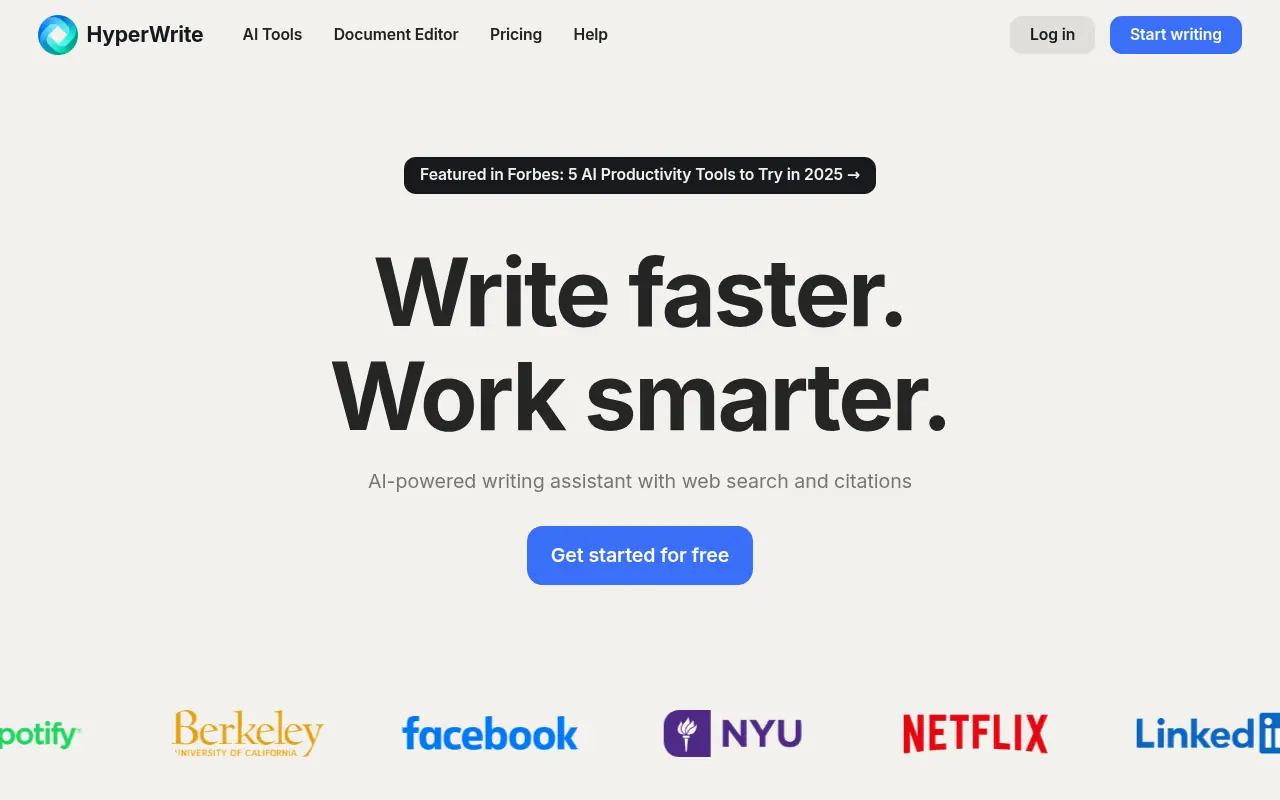

HyperWrite
HyperWrite is an AI-powered writing assistant that enhances productivity and creativity for content creation and communication.
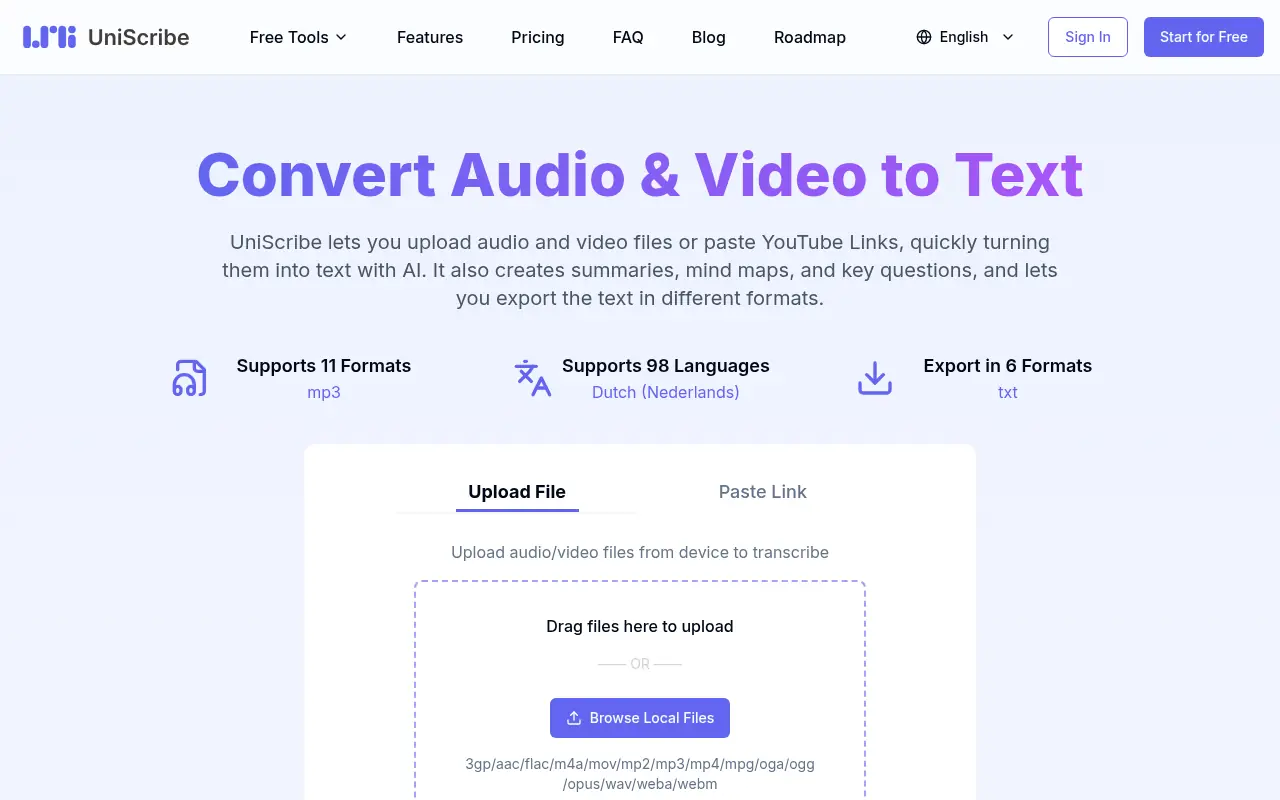

Uniscribe
Uniscribe is an AI-powered platform designed to assist students and professionals with academic writing, research, and content generation.
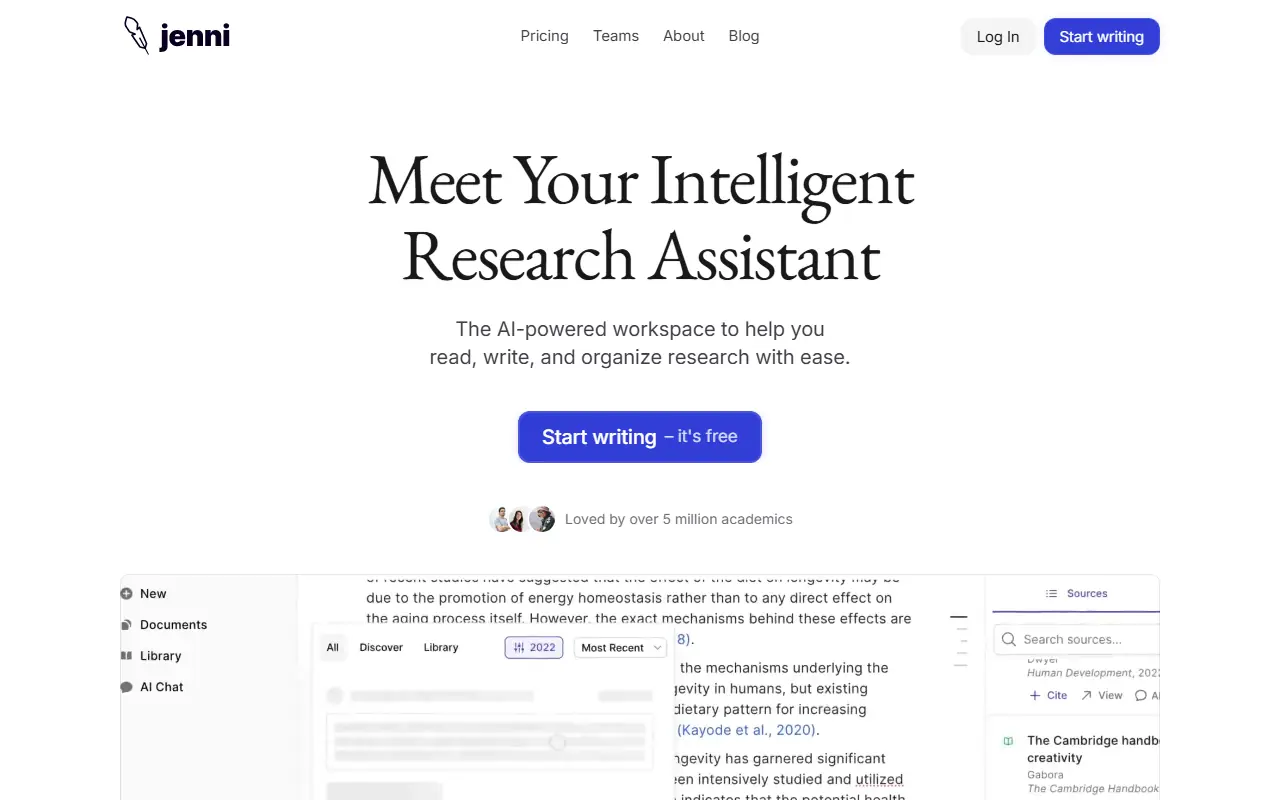

Jenni AI
Jenni AI is an AI-powered writing assistant designed to enhance academic and creative writing with real-time suggestions and citation tools.
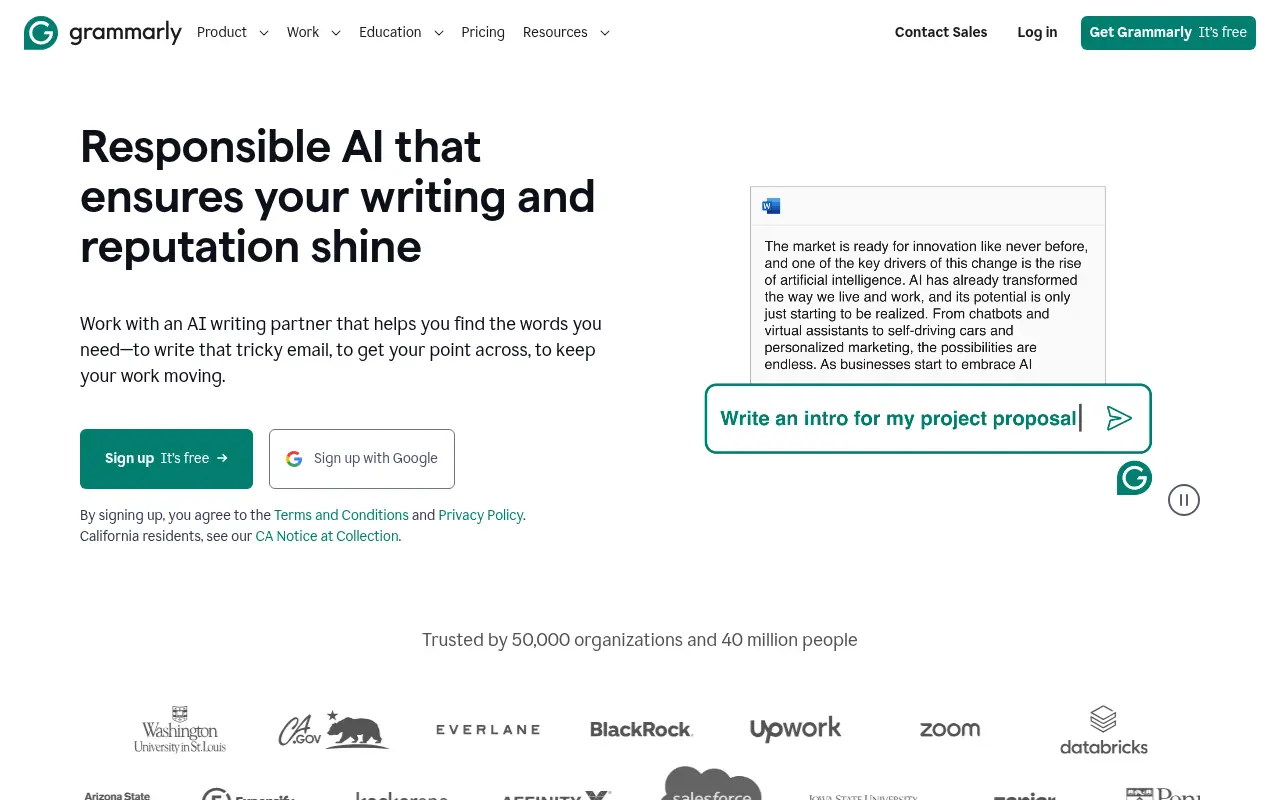

Grammarly
Grammarly is an AI-powered writing assistant that enhances writing quality through grammar, spelling, and style corrections across multiple platforms.
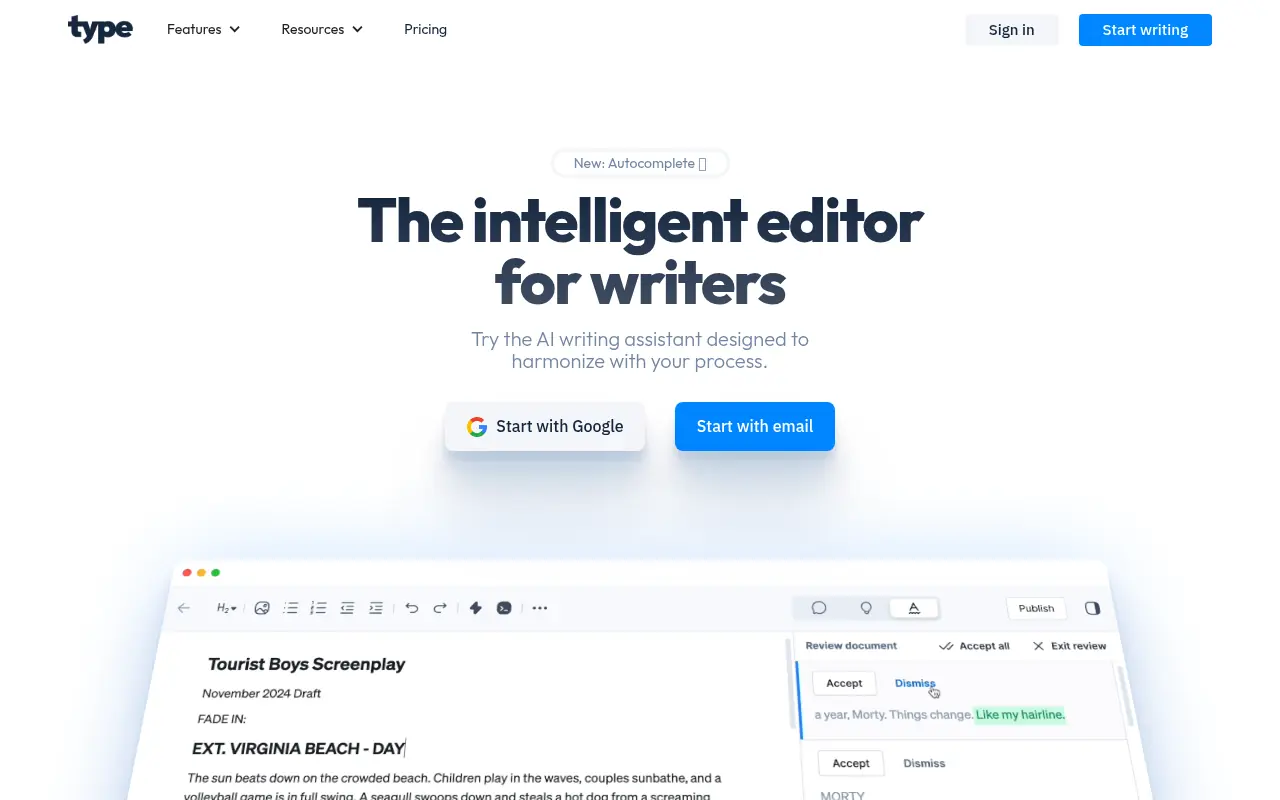

Type.ai
Type.ai is an AI-powered writing assistant that helps users generate, edit, and refine text content efficiently.

Editpad
Editpad is a comprehensive online text editor and AI writing suite designed to streamline content creation, editing, and plagiarism checking for writers and students.
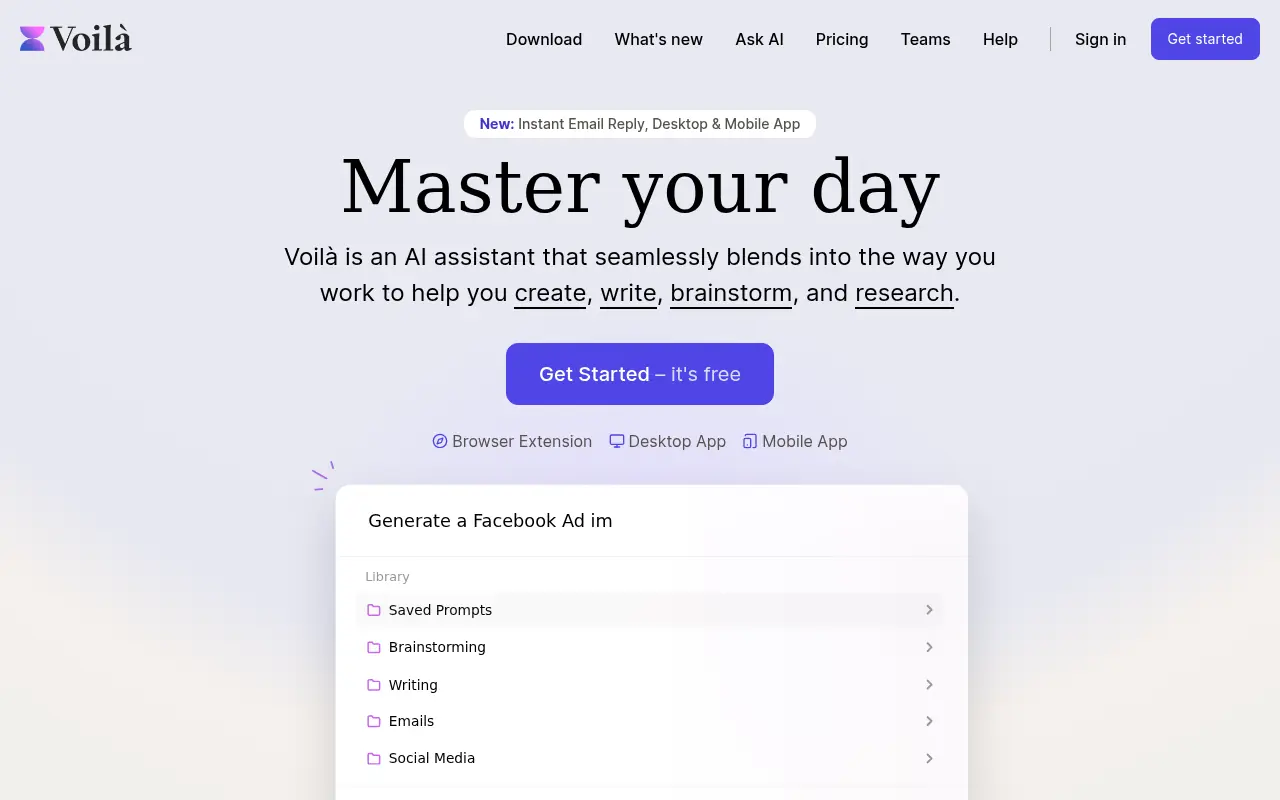

Voilà
Voilà is an AI-powered assistant that enhances productivity by offering tools for writing, brainstorming, and researching across various platforms.


Word Studio
Word Studio is an AI-powered platform offering a suite of writing tools to help users generate, edit, and optimize content efficiently.